Are your employees scanning malicious QR codes that bypass your current firewalls? With quishing attacks rising by nearly 600%, traditional email filters are no longer sufficient to protect sensitive company data. This guide explores the essential software and platforms you need to identify and block these hidden threats before they compromise your network.
Why Traditional Filters Fail to Spot QR Threats
Most legacy security systems are designed to scan text-based links and attachments, but QR code phishing (quishing) exploits a significant blind spot by hiding malicious intent inside a graphic. Because a QR code is an image rather than a string of text, simple filters often fail to “read” the destination URL hidden within the squares. Attackers frequently embed these codes into PDFs or Word documents, allowing them to slip past standard scanners that are not configured for deep image analysis.
Statistics highlight the severity of this vulnerability, with quishing now accounting for roughly 12% of all phishing incidents globally. These attacks are highly targeted; for instance, executives receive approximately 42 times more QR code attacks than the average employee due to their broader access to sensitive systems. For an organization, the consequences of a single oversight are steep, as the average data breach cost has climbed to $4.45M.
Secure Email Gateways with Image Recognition
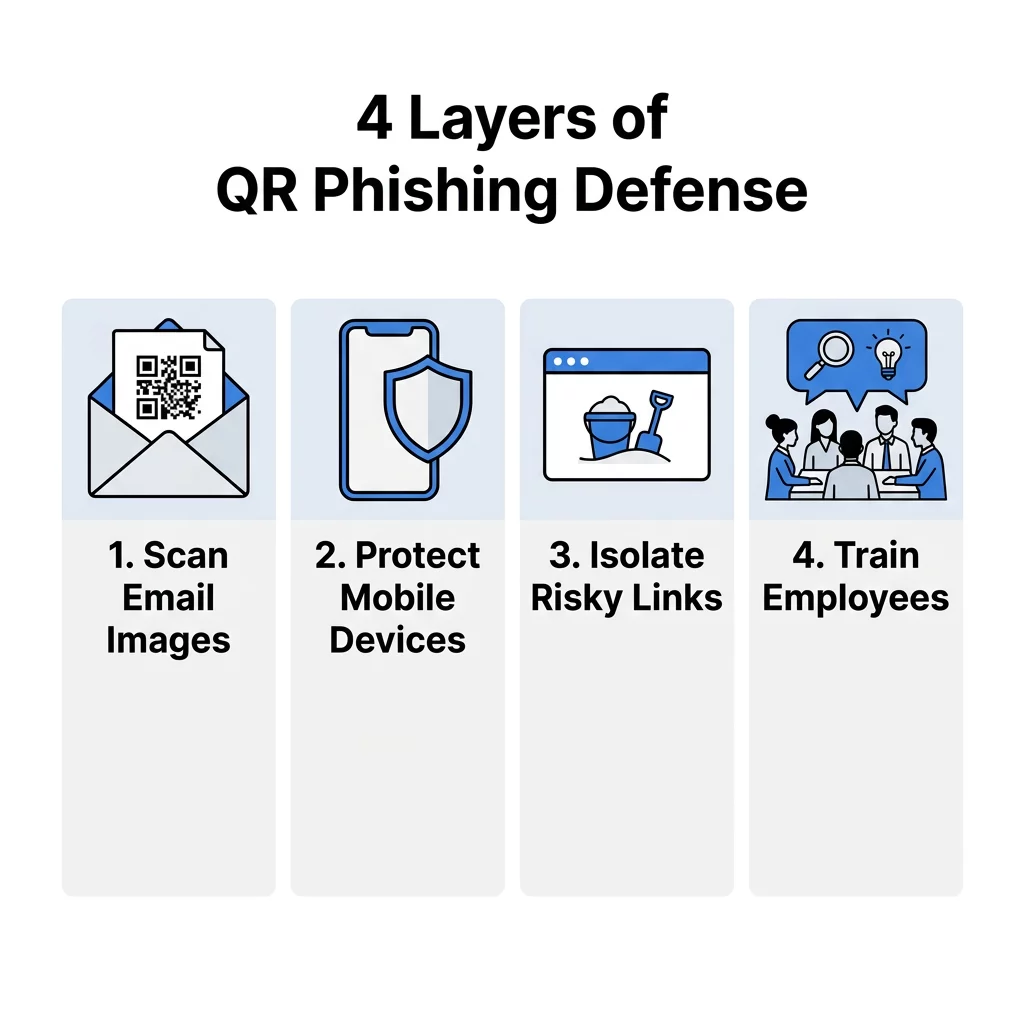
The first line of defense in a professional environment is a Secure Email Gateway (SEG) that utilizes advanced image processing and Optical Character Recognition (OCR). These tools act like a digital X-ray machine, extracting the QR code from an attachment and analyzing the destination URL before the email ever reaches the user’s inbox. Advanced platforms use behavioral AI to look for anomalies, such as a QR code appearing in an email that mimics a legitimate DocuSign or Microsoft login request.
By implementing pre-delivery blocking, these gateways prevent the user from ever interacting with the threat. Real-world data shows the effectiveness of this approach; for example, specialized email security tools have successfully blocked millions of daily quishing attempts that were specifically designed to harvest corporate credentials. This automated layer is essential because nearly 90% of quishing attacks focus on stealing login details to facilitate lateral movement within a network.
Need to verify a suspicious code? Use our Free QR Code Scanner with built-in Safe Scan features to preview and verify URLs before you visit them.
Mobile Threat Defense and DNS Layer Security
Because QR codes are primarily scanned using mobile devices, attackers often use them to bypass corporate desktop filters. Mobile Threat Defense (MTD) software is critical for protecting personal and company-issued devices that access business systems, particularly in remote or hybrid work environments. These solutions provide DNS-layer security, which intercepts the connection request the moment a scan occurs and blocks access if the destination is a known malicious domain.
Beyond simple blacklisting, MTD tools offer zero-day protection by identifying previously unseen links based on suspicious page structures or the presence of credential-harvesting forms. This is a vital safeguard for organizations that distribute QR codes for software or internal tools, as it ensures that employees remain protected even when they are off the corporate Wi-Fi.
Endpoint Protection and Browser Isolation
If a user manages to click a malicious link, endpoint protection acts as the final safety net. Tools that offer browser isolation are particularly effective against quishing because they open the URL in a virtualized, “sandboxed” environment. This keeps the session entirely separate from the local network, preventing malware from downloading directly onto the device and ensuring that sensitive data remains isolated from the browser.
To reduce the complexity of managing such isolated sessions and avoid potential security gaps, solutions like antidetect browsers can also be used to create and control separate browsing environments more efficiently, helping teams maintain clear boundaries between sessions without added operational overhead.
Furthermore, integrating identity verification tools can help detect and block unauthorized Multi-Factor Authentication (MFA) token theft. This is important because modern “Phishing-as-a-Service” platforms now use QR codes to intercept these tokens in real-time. By enforcing conditional access policies, security teams can ensure that even if a credential is leaked, the attacker cannot gain access without passing additional biometric or hardware-based checks.
Teams evaluating endpoint protection beyond traditional antivirus often pair those controls with modern Koi endpoint alternatives that add continuous runtime visibility and credential-theft detection, which helps catch quishing payloads that browser isolation alone may not intercept at the gateway.
Security Training and Phishing Simulations
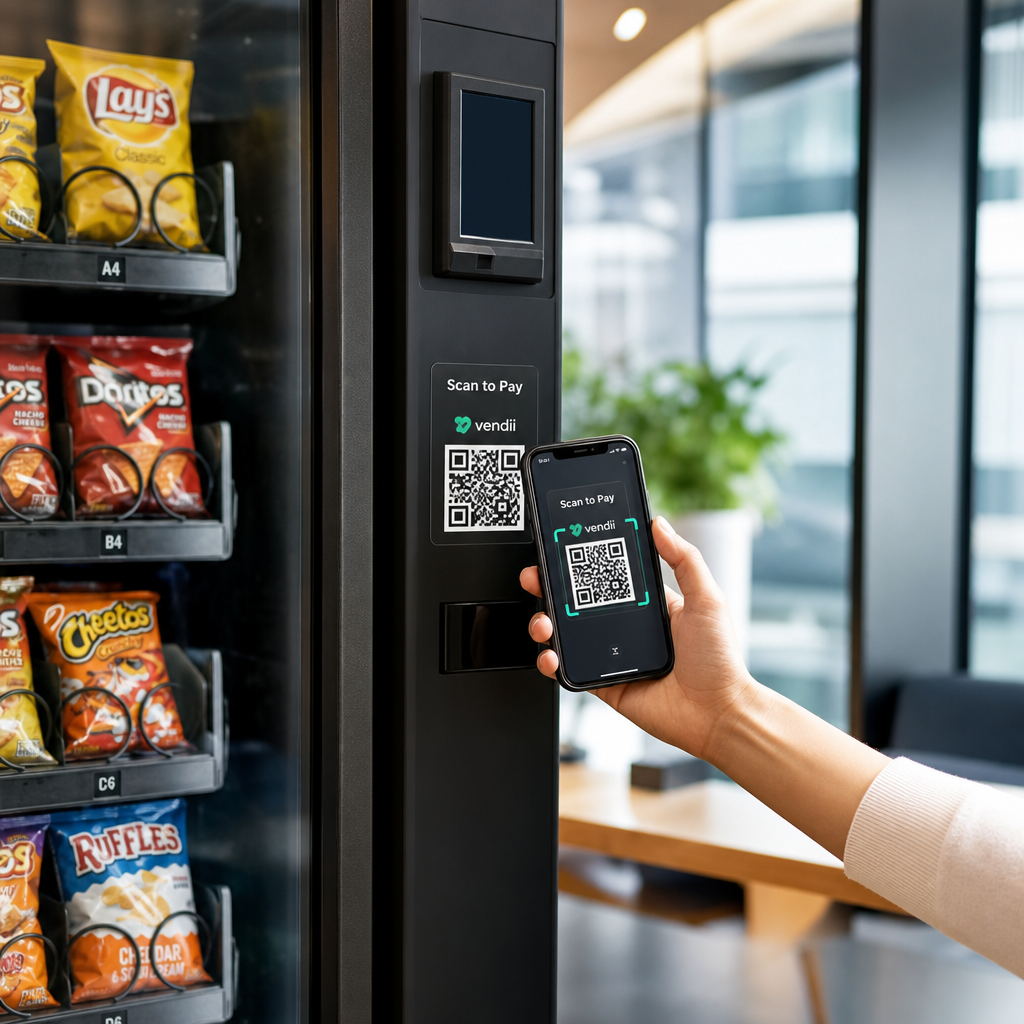
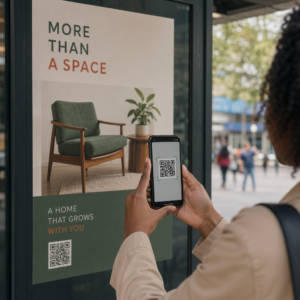
Technology alone cannot stop every threat; your employees must be trained to recognize the physical and digital signs of a scam. Security awareness platforms now include specialized quishing modules that teach users to inspect physical materials for signs of tampering. For example, a common tactic involves placing a fraudulent sticker over a legitimate QR code on a poster or payment terminal.
- Simulated quishing attacks allow IT teams to send “fake” phishing QR codes to staff to identify who may need additional training.
- Visual inspection training helps employees identify “malicious overlays” where a fraudulent code is placed over a genuine one.
- Internal reporting tools provide a streamlined way for staff to flag suspicious codes directly to the security operations center.
Proactive Defense with Dynamic Management Platforms
For businesses that generate their own codes, using a secure management platform is a proactive way to defend your brand. Adopting best practices for QR code security involves moving away from static codes, which are permanent and cannot be changed if they are compromised.
Dynamic QR codes are the preferred standard for professional use because they allow you to update or disable the destination URL instantly without reprinting any physical materials. They also provide real-time analytics, enabling you to monitor for “volume spikes” or scans from unexpected geographic locations – anomalies that often serve as early warning signs of a hijacked campaign. Some organizations further enhance security by using encrypted QR codes for internal authentication, ensuring that only users with the correct decryption keys can access the data.
Protect your brand assets. Use our Online Barcode Scanner to safely inspect the data structure of any code before interacting with its content.
FAQ
No, most native camera apps are designed for speed and only read the raw data to redirect you to a link. To remain safe in a professional context, you should use a dedicated scanner that offers a “secure preview” to check the URL against threat databases before the browser opens. Why are QR codes considered more dangerous than standard links? The primary danger is that QR codes are not human-readable. Unlike a text link where you can hover your mouse to see the destination, a QR code conceals its endpoint, making it much easier for attackers to lead users to fraudulent sites without raising immediate suspicion. How do dynamic QR codes improve business security? Dynamic codes offer centralized control, allowing you to track every scan and revoke access at any time. If a code is tampered with or used in an unauthorized manner, you can disable it remotely in seconds, which is a critical feature for maintaining secure QR code generation standards. Defending against quishing requires a multi-layered strategy that combines automated scanning with proactive management. Start by auditing your current email gateway to ensure it can process images, then deploy mobile protection for your workforce. To secure your own communications, visit Pageloot to create branded, trackable, and editable dynamic QR codes that provide the oversight you need to stay ahead of cyber threats.