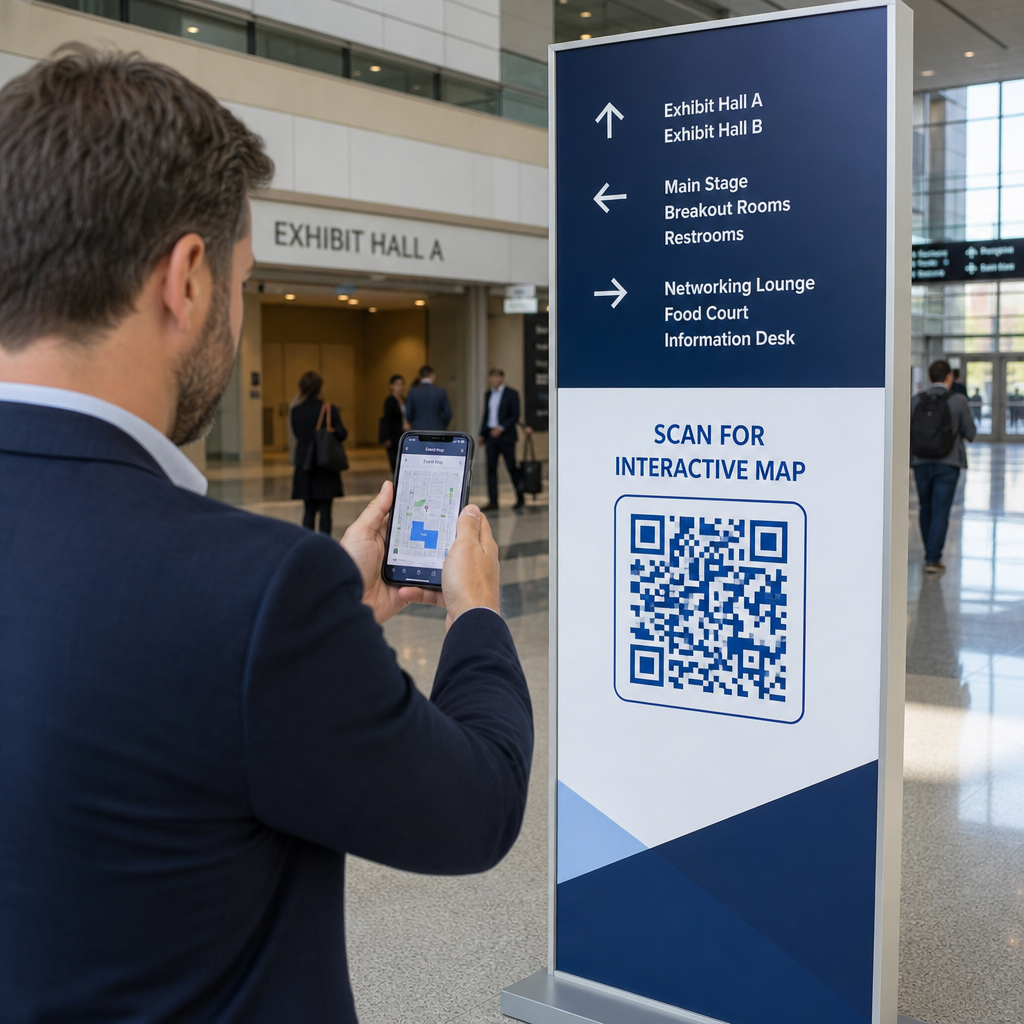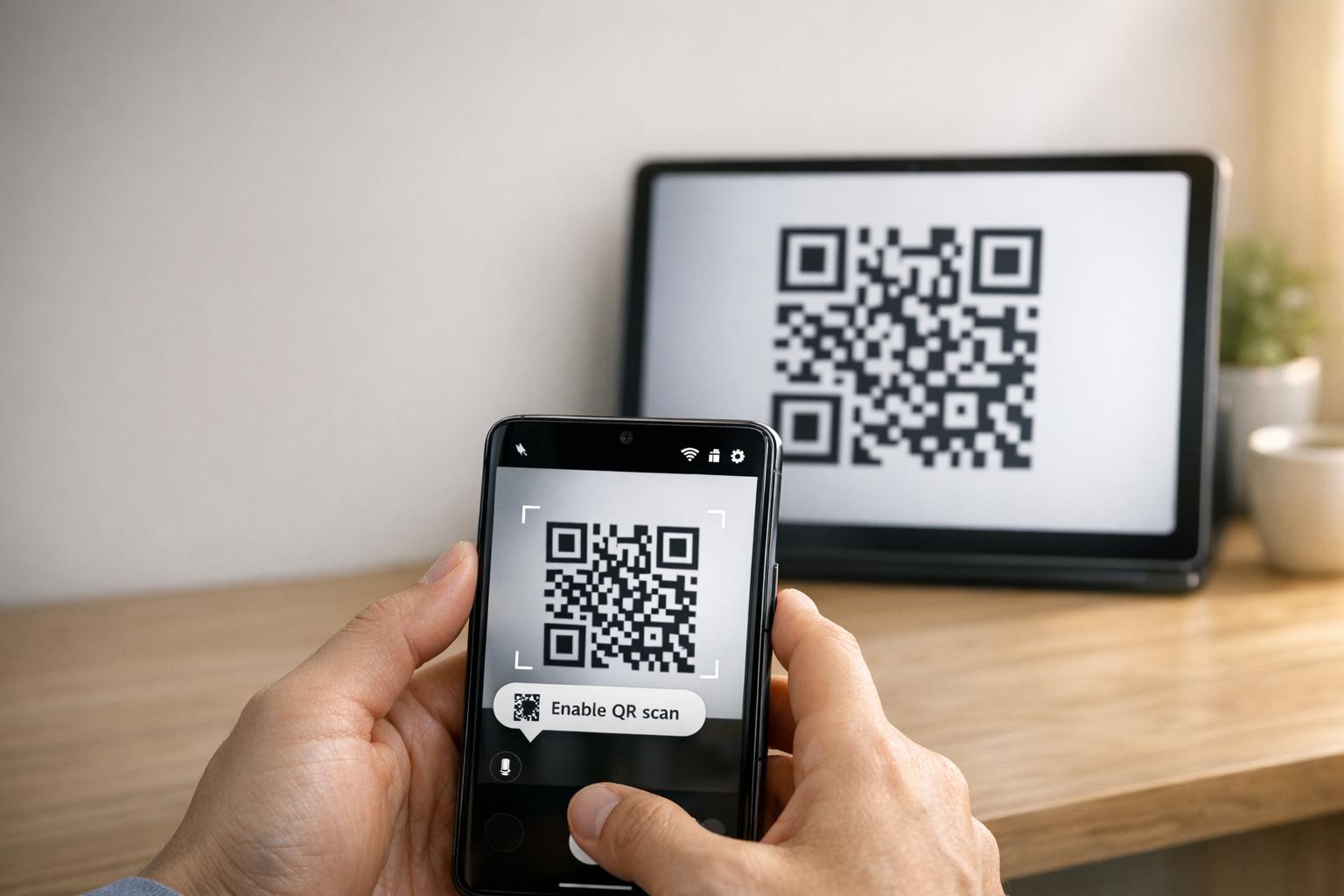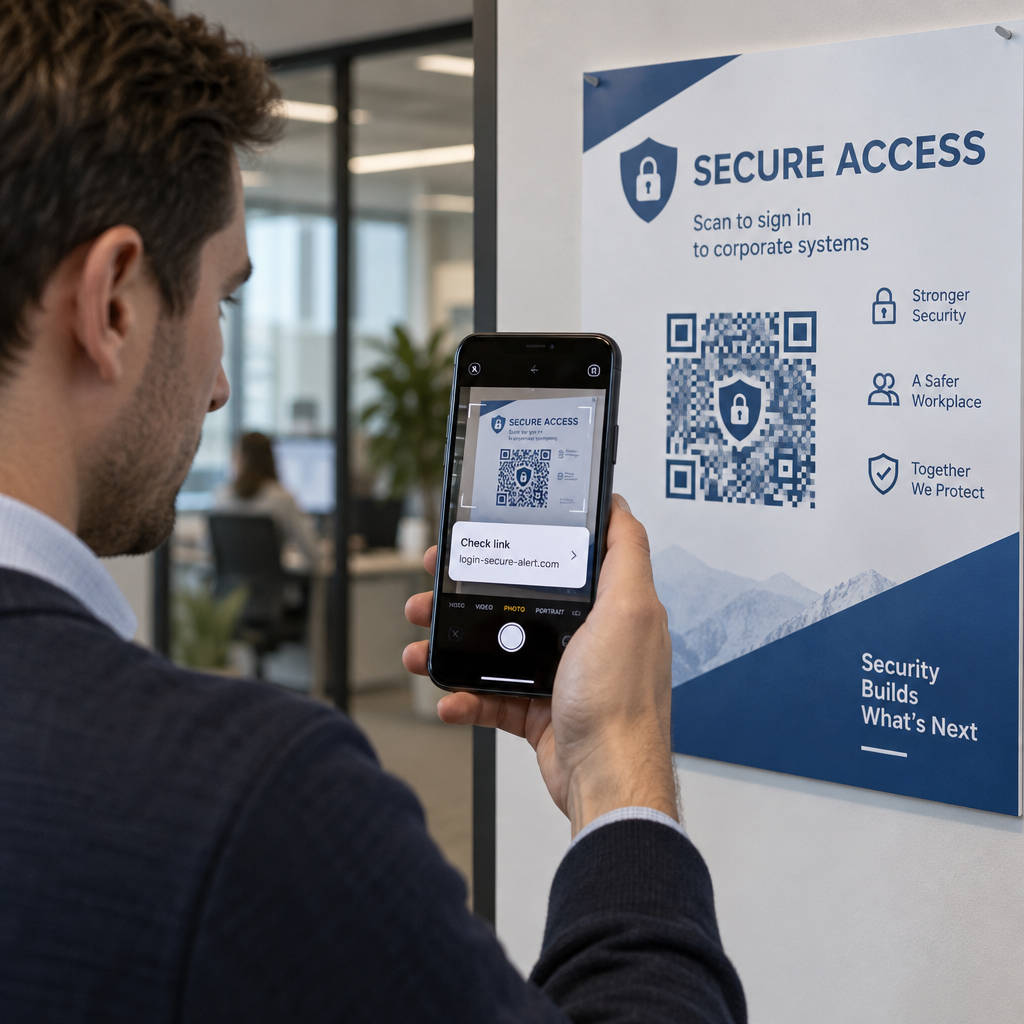
Is your organization protected against malicious QR code attacks? A single fraudulent scan can route users to credential-harvesting portals, install malware, or compromise corporate networks. This guide covers the primary vectors behind modern QR threats and outlines actionable strategies to defend your systems and campaigns.
Understanding the Landscape of QR Code Threats
QR codes serve as convenient shortcuts between physical spaces and digital destinations, but their technical design presents an inherent blind spot. Because the encoded matrix is not human-readable, a user cannot determine where the pattern leads simply by looking at it. Cybercriminals exploit this opacity to execute “quishing,” or QR code phishing.
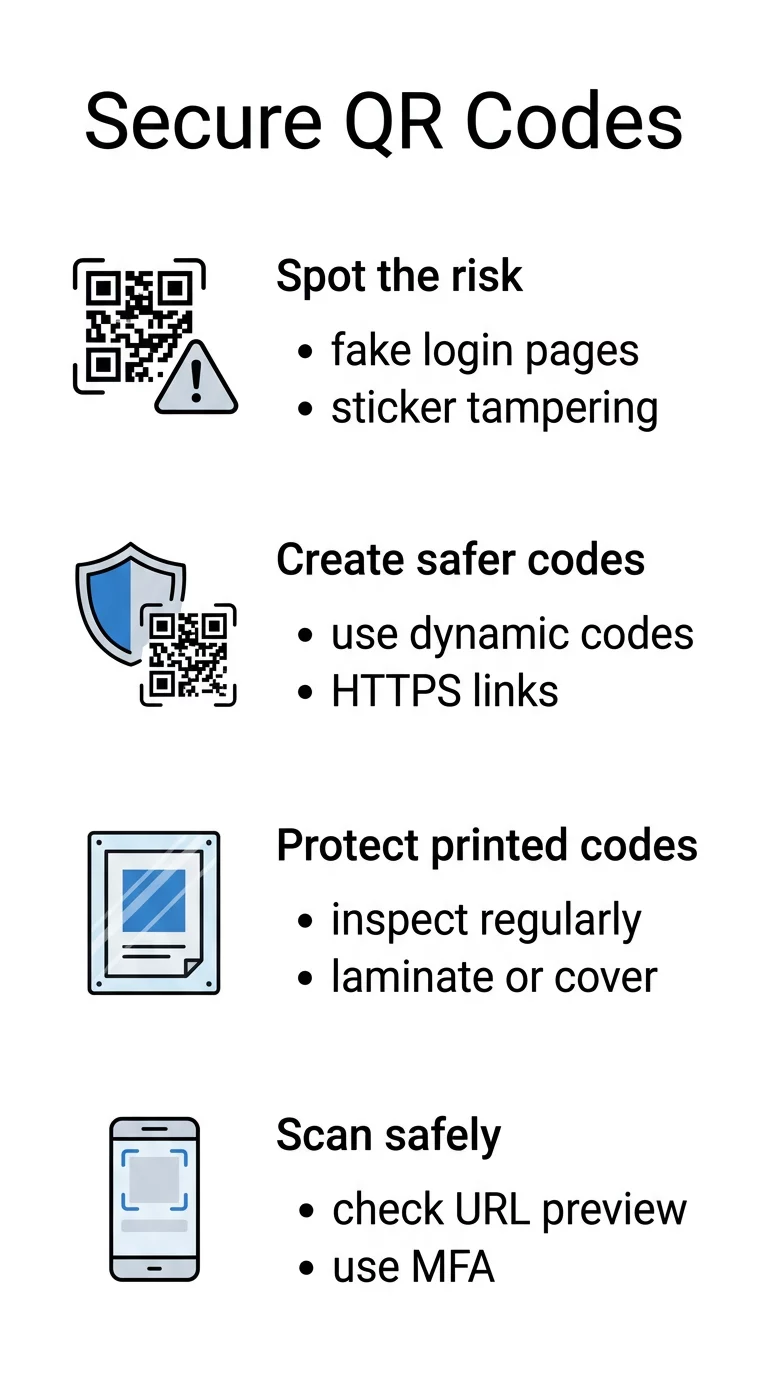
Attackers leverage mobile scanning habits to bypass traditional perimeter defenses. While desktop browsers typically deploy robust web-filtering extensions and endpoint protection, mobile devices often lack comparable safeguards. Furthermore, malicious actors frequently embed codes into PDFs or Word documents sent through email. Security filters often scan text content rather than embedded images, allowing deceptive links to land straight in employee inboxes. Understanding these QR code phishing business risks and fixes is the first step toward mitigating operational disruption.
Common Attack Vectors and Warning Signs
Defending your environment requires recognizing how attackers deliver malicious payloads. In addition to technical vulnerabilities, review the broader QR code privacy risks and how to avoid them when collecting scan telemetry. Common deployment schemes include:
- Phishing via deceptive logins: Fraudulent portals imitate enterprise platforms such as Microsoft 365 or banking portals to collect employee credentials.
- Physical sticker overlays: Adversaries place printed adhesive decals directly over authentic codes on parking meters, transit signs, and retail counters.
- Obfuscated malicious redirects: Attackers use URL shorteners or secondary redirect scripts to send users to sites hosting malware or drive-by downloads.
- Counterfeit payment systems: Tampered payment codes route customer transactions into an attacker’s account rather than the merchant’s payment processor.
- Embedded document quishing: Scammers distribute invoices or urgent corporate memos containing embedded codes to circumvent enterprise email gateways.
Before interacting with physical signage, users should learn how to spot fake QR codes by checking for misaligned edges, unusual textures, or mismatched branding.
Technical Strategies for Secure QR Code Generation
Organizations that publish QR codes must incorporate defensive controls during the creation process. Implementing secure QR code generation best practices prevents unauthorized tampering and maintains brand trust.
Prioritize Dynamic QR Codes
Static codes embed the destination URL directly into the pixel arrangement. Once printed, the destination cannot be altered; if the endpoint is compromised or misconfigured, the physical asset must be discarded. Dynamic QR codes route through an intermediate short link, giving administrators full control to update URLs or revoke access instantly. Dynamic platforms also log scan telemetry – such as timestamps, general locations, and device types – allowing security teams to detect anomalous traffic spikes.
Enforce Strict HTTPS and Encryption Standards
Always configure QR destinations to resolve over secure HTTPS connections verified by a trusted SSL/TLS certificate. Secure protocols protect data integrity in transit between the mobile browser and your servers. For campaigns containing proprietary files or restricted workflows, implement secondary access barriers such as password verification, access tokens, or single sign-on (SSO) authentication.
Apply Custom Branding and Design Presets
Generic black-and-white patterns are trivial for fraudsters to replicate and obscure with physical stickers. Generating customized codes featuring your official color palette, embedded corporate logo, and structured frame creates visual trust. A generic counterfeit sticker placed over a distinct, branded asset will look obvious to vigilant users.
Control and Protect Your Touchpoints Keep full control over your live campaigns by updating destinations instantly and disabling compromised links from a central dashboard. Create trackable, secure links with the Dynamic QR Code Generator today.
Safeguarding Physical QR Code Deployments
Physical asset security is just as crucial as digital protection. When deploying signage, product packaging, or outdoor advertisements, establish operational controls to deter tampering:
- Inspect print assets regularly: Establish inspection schedules for high-traffic areas to identify peeling stickers, damaged frames, or overlaid decals.
- Encase codes in protective housing: Mount public displays behind glass, acrylic frames, or tamper-evident laminates to prevent unauthorized physical alterations.
- Provide explicit contextual instructions: Print clear call-to-action text and specify the exact destination domain so users know what web address to anticipate.
- Deactivate obsolete materials: Retire campaigns that have run their course by archiving their redirect links and removing expired physical materials.
Scanning Hygiene and Organizational Defense
Training employees to interact safely with QR codes closes the gap between technical safeguards and human behavior.
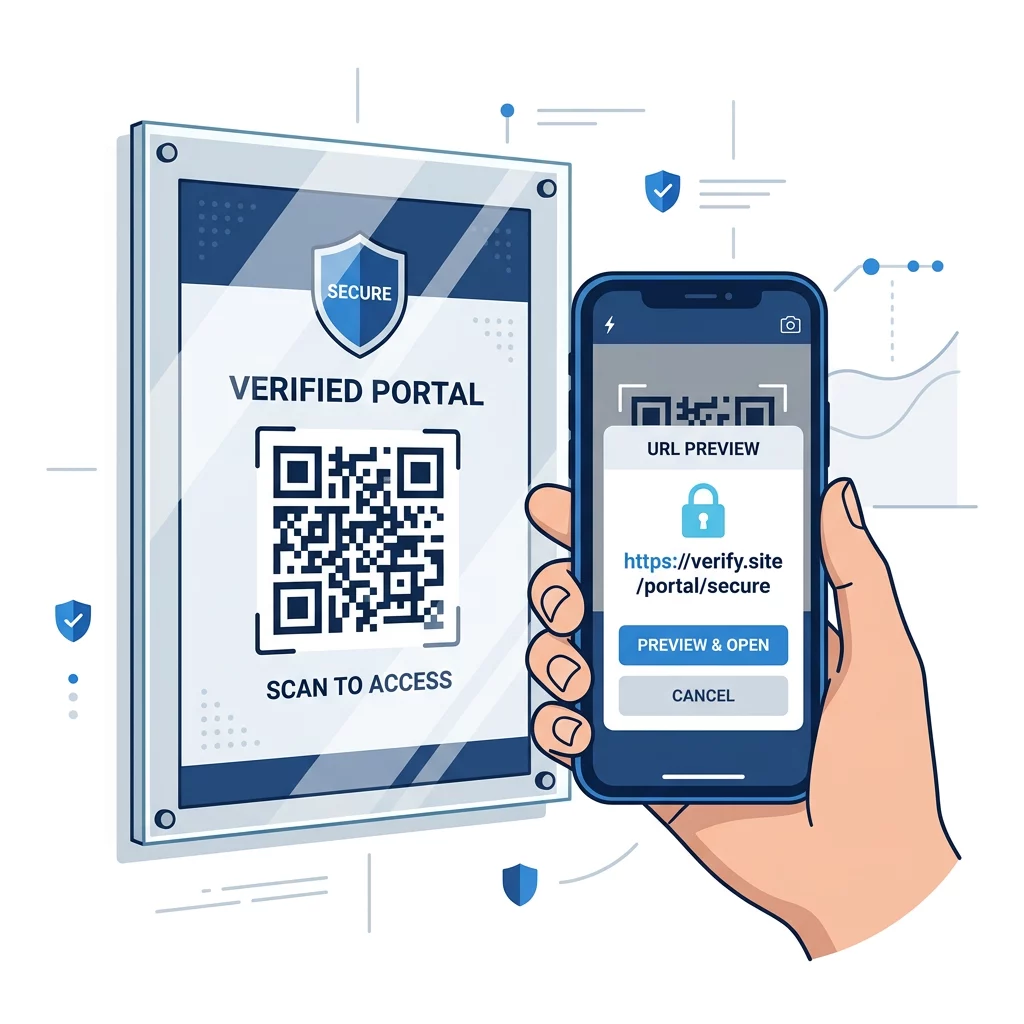
Smartphones display a link preview before opening the destination in a browser. Users must inspect this preview for deceptive tactics, such as misspelled domains, transposed letters, or illegitimate subdomains designed to mimic legitimate brands. When scanning unfamiliar codes, using a web-based QR code scanner or a tool with native verification prompts helps analyze the link before you load the page.
Organizations should also evaluate specialized tools to detect QR code phishing to screen inbound email attachments and monitor anomalous scan activity. Combining defensive scanning software with multi-factor authentication (MFA) ensures that even if an employee enters their credentials on a deceptive landing page, unauthorized access remains blocked.
To protect your brand and your audience, evaluate every touchpoint from creation to final scan. Implement dynamic links that give you immediate control over your destinations, monitor traffic patterns for anomalies, and reinforce secure scanning habits across your workforce.
Frequently Asked Questions
No. QR codes are neutral data carriers that encode text or URLs. The cyber threat stems entirely from the destination link embedded within the code, which can point to phishing pages, malicious files, or unauthorized payment systems.
Dynamic codes allow administrators to change the destination URL or deactivate the link at any time without reprinting the physical code. This provides a rapid kill-switch if a destination is compromised or flagged for malicious activity.
Close the browser immediately without entering personal details or downloading files. If you submitted passwords or sensitive data, change your credentials across all relevant accounts immediately and notify your IT security team.