Are your subcontractors still relying on phone calls, printed plans, and paper punch lists to stay coordinated? Miscommunication and poor project data account for nearly half of all rework on U.S. construction jobsites – costing the industry billions every year. QR codes give you a practical way to close those gaps, putting the right information in the right hands the moment it’s needed.
Here is a look at five concrete ways construction project managers can use QR codes to improve subcontractor communication – from punch list management to safety compliance.
Punch List Management and Task Updates
Paper punch lists slow everyone down. Updates take hours to reach the field, handwriting gets misread, and completed items get disputed without any documentation. Replacing them with QR codes creates a direct line between the job site and your project management system.
Place a QR code at each work zone or attach one to a work order. When a subcontractor scans it, they immediately see their current assigned tasks with any recent revisions already applied. They can mark items complete with a timestamp and photo, flag problems, and leave notes – all from their phone, without calling the office.
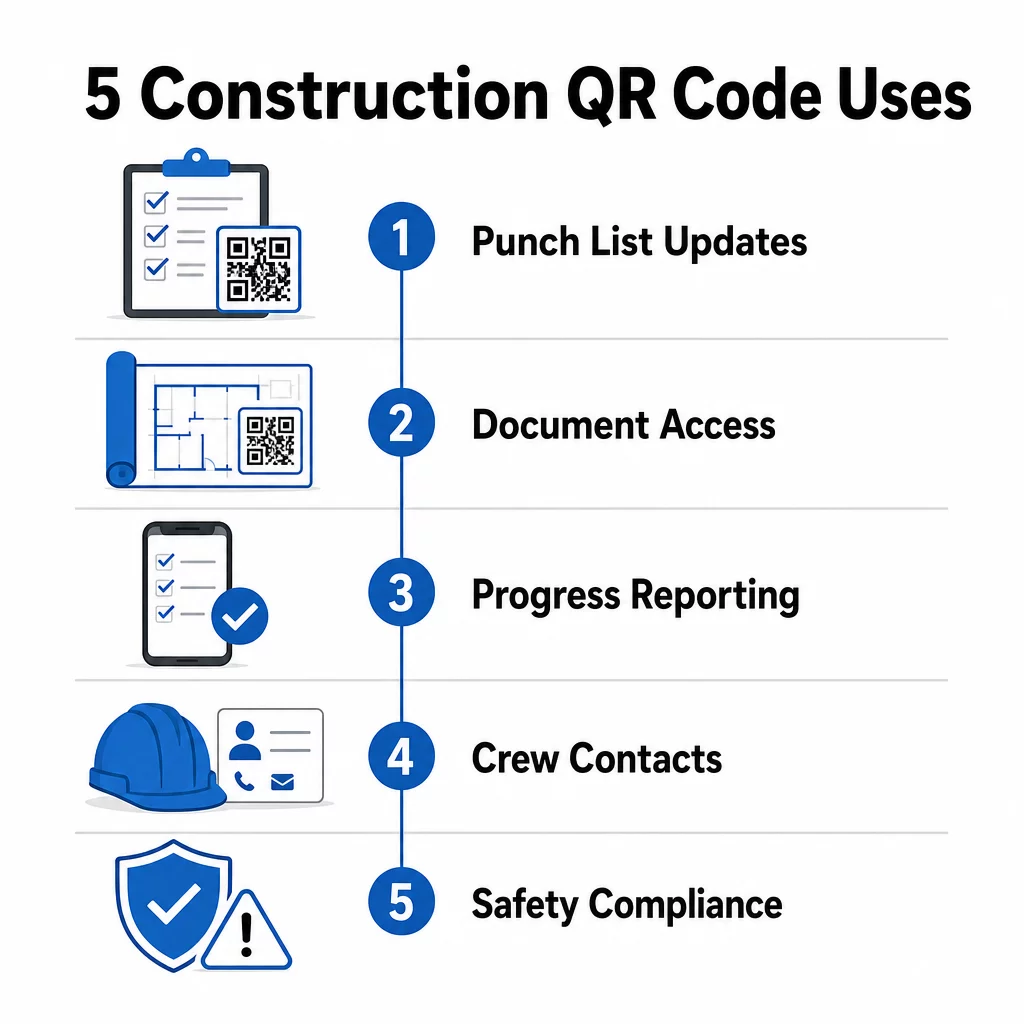
The key advantage is that dynamic QR codes update automatically. A code placed during foundation work can later display framing checklists, finishing tasks, or final inspection requirements. You update the linked content once, and every scan from that point forward reflects the change – no reprinting required.
For subcontractors juggling multiple job sites, QR codes also provide immediate access to project-specific instructions, material specs, and special requirements tied to each zone.
Keep Punch Lists Current Without Reprinting Use the Dynamic QR Code Generator to create codes that automatically reflect the latest task updates, so your subcontractors always work from current information.
Document Sharing and Instant Access
Construction projects generate enormous amounts of paperwork – blueprints, specifications, change orders, submittals, and safety protocols. When subcontractors are working from outdated drawings, mistakes happen. When they have to track down the latest version, time is lost.
Linking QR codes to cloud-hosted documents solves both problems. A subcontractor scans the code on a printed plan or site sign and immediately opens the most current version of that document on their phone – no login, no searching, no waiting.
The PDF QR Code Generator is particularly useful here. Upload your safety manuals, specification sheets, or detailed drawings as PDFs, generate a code, and place it wherever it’s relevant – on site signage, printed plans, or equipment. When architects revise drawings or project managers update specs, the linked content refreshes instantly. Every scan delivers the latest version without touching the physical code.
You can also generate QR codes that link directly to Google Docs for documents that need frequent collaborative editing, or use the link QR code generator to connect workers to any cloud-hosted resource.
For guidance on converting files of any type into scannable codes, see the file to QR code guide or learn more about generating QR codes for cloud files.
Progress Tracking and Reporting
Waiting for weekly check-ins to understand job site progress is a recipe for surprises. QR codes let subcontractors submit updates in real time, from the field, without extra apps or manual data entry.
Post QR codes at key work zones. When a subcontractor scans one, they can fill out a simple form covering completion percentage, material usage, or quality notes. Link those forms using the Google Form QR Code Generator so responses feed directly into a shared dashboard that supervisors can monitor across all active trades and locations.
Photo documentation integrates naturally into this workflow. A subcontractor scans the zone code, uploads before-and-after photos or progress shots, and those images are immediately attached to the relevant task record. This creates a timestamped visual record for quality control, dispute resolution, and billing verification.
Because QR codes use dynamic links, the forms they connect to can evolve with the project. A code used during site prep can later route to framing progress forms, then to systems inspection checklists – all without generating a new code or reprinting anything.
Tracking scan analytics gives project managers an additional layer of oversight. You can see which codes are being scanned, how often, and from which locations – helping you identify zones where reporting may be lagging and address bottlenecks before they affect the schedule.
Contact Information and Crew Coordination
On a busy job site, contact lists go out of date fast. People change roles, phone numbers get saved incorrectly, and shifts change without everyone getting the memo. QR codes make crew coordination significantly more reliable.
Subcontractors can add QR codes to their business cards or ID badges that, when scanned, instantly save their full contact details – name, company, direct line, email, and emergency contact – to the scanner’s phone. No manual entry means no transcription errors.
Dynamic contact codes are especially practical when personnel change during a project. Update the linked information once, and anyone who scans the code from that point forward gets the current details. For larger teams, post QR codes in job trailers or break rooms linking to live scheduling tools, so workers always see the current shift, meeting location, or crew assignment without waiting for a group text.
Explore how QR codes for construction can support crew coordination alongside other site management needs.
Safety Compliance and Access Control
OSHA’s construction standards require employers to run regular safety inspections, provide worker training, and maintain accessible hazard communication documentation including Safety Data Sheets and training records. Paper-based systems make this compliance burden harder than it needs to be.
QR codes placed at site entrances or work areas give subcontractors instant access to the current safety protocols relevant to that zone – hazard warnings, required PPE, and site-specific rules – without digging through binders or tracking down a supervisor. When OSHA regulations change or site conditions shift, you update the linked document once and every subsequent scan reflects the new information automatically.
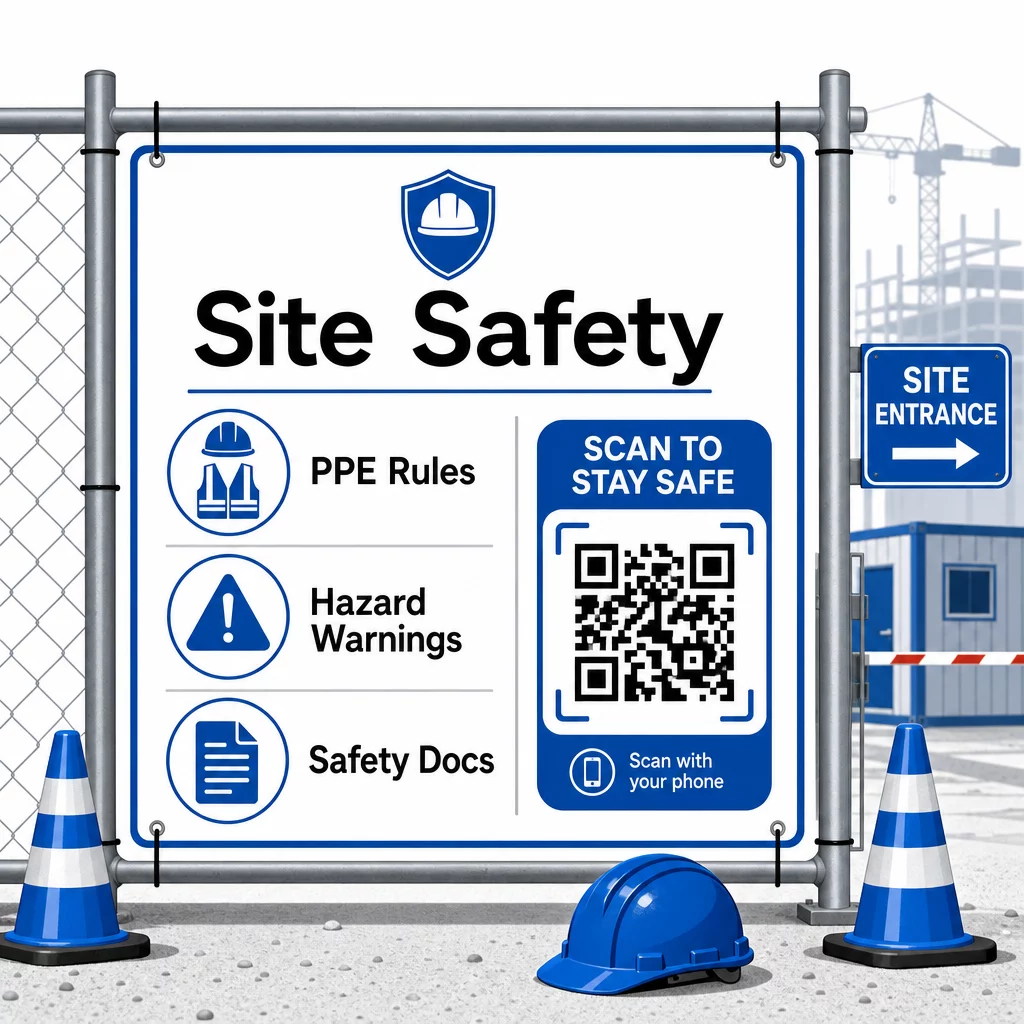
For access control, QR-enabled check-in systems can verify credentials, confirm completed safety training, and log entry digitally – eliminating the need for physical keys or manual sign-in sheets.
Training verification is equally straightforward. Subcontractors scan a code to display digital certificates of completed safety courses, making on-the-spot verification by supervisors fast and reliable.
For sensitive compliance documents, follow secure QR code generation best practices to restrict access to authorized personnel and maintain a digital log of who viewed the information and when. That audit trail is invaluable during inspections or incident investigations.
Analytics also contribute to safety management. You can track which protocols are accessed most frequently, identify areas where additional training may be needed, and confirm that workers have reviewed required briefings before starting work.
Digitize Your Safety Documentation Use the PDF QR Code Generator to link safety manuals, SDS sheets, and compliance documents to scannable codes – then update content instantly when regulations change.
Comparing QR Codes to Traditional Methods
The efficiency gains become clear when you look at each communication challenge side by side.
| Factor | Traditional Methods | QR Code Approach |
|---|---|---|
| Information delivery speed | Updates delayed by hours or days | Instant on scan |
| Document update process | Reprint and redistribute | Update linked content once |
| Access tracking | Manual, often incomplete | Automated scan analytics |
| Storage | Physical filing systems | Cloud-based, scalable |
| Weather resistance | Paper damaged in poor conditions | Digital files unaffected |
| Safety compliance records | Paper logs, easy to lose | Digital audit trail with timestamps |
The learning curve is minimal. Subcontractors already carry smartphones and know how to scan QR codes. Submitting a progress update or pulling up a blueprint becomes as fast as opening the camera.
For teams managing multiple subcontractors across different trades, creating distinct codes for each role – electricians get inspection forms, plumbers access plumbing checklists, site supervisors see crew scheduling – reduces confusion and ensures every worker reaches exactly what they need.
For placement and sizing guidance to ensure your codes scan reliably in field conditions, review the best practices for QR code readability.
If you are weighing whether to use static or dynamic codes for specific applications, the static vs. dynamic QR code comparison covers the key differences and when each type makes sense. For most construction communication use cases, dynamic codes are the right choice – they update without reprinting and provide the analytics needed to manage a complex, multi-trade jobsite.
Pageloot’s construction QR code solutions support the full range of these use cases, from safety documentation to blueprint sharing to crew coordination, with branding customization and a centralized dashboard for managing all your active codes.
Start implementing QR codes on your next project with Pageloot’s free QR code tools and give your subcontractors the instant access to information that keeps work moving.
Frequently Asked Questions
No. Any modern smartphone camera can scan a QR code without a dedicated app. Workers simply open their camera, point it at the code, and tap the notification that appears to open the linked content in their browser.
With dynamic QR codes, you update the linked content once in your dashboard and every subsequent scan automatically reflects the new version. The physical code itself does not change and does not need to be reprinted or replaced.
Dynamic QR codes linked to safety documentation create a digital record of what information was available on site and when it was last updated. Scan analytics show which protocols workers accessed and when, providing an audit trail that demonstrates active compliance efforts to inspectors.