首页 > 博客 > How to Use QR Codes for Subcontractor Communication
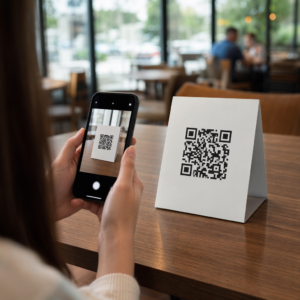
Scanning jobsite task code

How to Use QR Codes for Subcontractor Communication

Learn how to use QR codes to improve subcontractor communication. Streamline punch list management, document sharing, and safety compliance on the jobsite.
Updated on 6 月 10, 2026
目录

Are your subcontractors still relying on phone calls, printed plans, and paper punch lists to stay coordinated? Miscommunication and poor project data account for nearly half of all rework on U.S. construction jobsites – costing the industry billions every year. QR codes give you a practical way to close those gaps, putting the right information in the right hands the moment it’s needed.

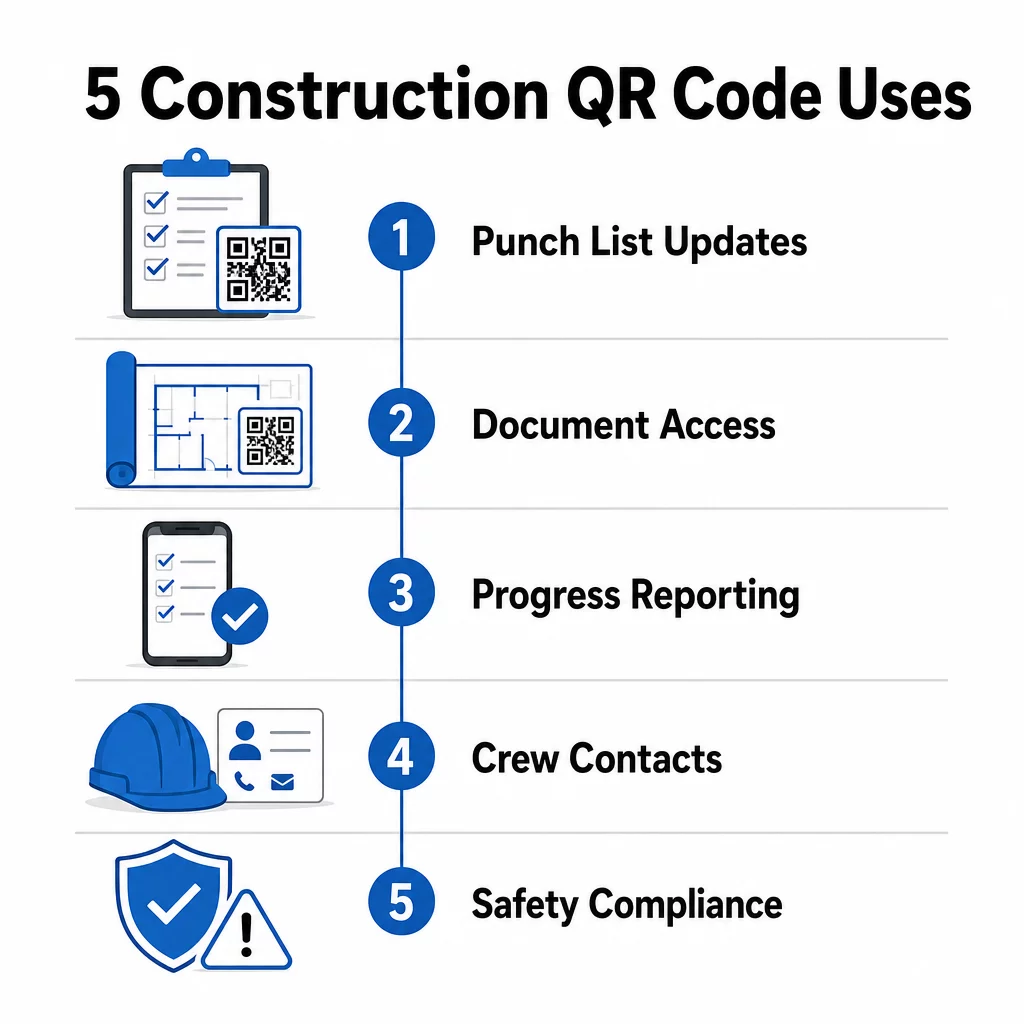
Here is a look at five concrete ways construction project managers can use QR codes to improve subcontractor communication – from punch list management to safety compliance.

Punch List Management and Task Updates

Paper punch lists slow everyone down. Updates take hours to reach the field, handwriting gets misread, and completed items get disputed without any documentation. Replacing them with QR codes creates a direct line between the job site and your project management system.

Place a QR code at each work zone or attach one to a work order. When a subcontractor scans it, they immediately see their current assigned tasks with any recent revisions already applied. They can mark items complete with a timestamp and photo, flag problems, and leave notes – all from their phone, without calling the office.

Construction QR uses

The key advantage is that 动态二维码 update automatically. A code placed during foundation work can later display framing checklists, finishing tasks, or final inspection requirements. You update the linked content once, and every scan from that point forward reflects the change – no reprinting required.

For subcontractors juggling multiple job sites, QR codes also provide immediate access to project-specific instructions, material specs, and special requirements tied to each zone.

Keep Punch Lists Current Without Reprinting 使用 动态二维码生成器 to create codes that automatically reflect the latest task updates, so your subcontractors always work from current information.

Document Sharing and Instant Access

Construction projects generate enormous amounts of paperwork – blueprints, specifications, change orders, submittals, and safety protocols. When subcontractors are working from outdated drawings, mistakes happen. When they have to track down the latest version, time is lost.

Linking QR codes to cloud-hosted documents solves both problems. A subcontractor scans the code on a printed plan or site sign and immediately opens the most current version of that document on their phone – no login, no searching, no waiting.

PDF QR 码生成器 is particularly useful here. Upload your safety manuals, specification sheets, or detailed drawings as PDFs, generate a code, and place it wherever it’s relevant – on site signage, printed plans, or equipment. When architects revise drawings or project managers update specs, the linked content refreshes instantly. Every scan delivers the latest version without touching the physical code.

You can also generate QR codes that link directly to 谷歌文档 for documents that need frequent collaborative editing, or use the 链接二维码生成器 to connect workers to any cloud-hosted resource.

For guidance on converting files of any type into scannable codes, see the file to QR code guide or learn more about generating QR codes for cloud files.

Progress Tracking and Reporting

Waiting for weekly check-ins to understand job site progress is a recipe for surprises. QR codes let subcontractors submit updates in real time, from the field, without extra apps or manual data entry.

Post QR codes at key work zones. When a subcontractor scans one, they can fill out a simple form covering completion percentage, material usage, or quality notes. Link those forms using the 谷歌表单 QR 代码生成器 so responses feed directly into a shared dashboard that supervisors can monitor across all active trades and locations.

Photo documentation integrates naturally into this workflow. A subcontractor scans the zone code, uploads before-and-after photos or progress shots, and those images are immediately attached to the relevant task record. This creates a timestamped visual record for quality control, dispute resolution, and billing verification.

Because QR codes use dynamic links, the forms they connect to can evolve with the project. A code used during site prep can later route to framing progress forms, then to systems inspection checklists – all without generating a new code or reprinting anything.

Tracking scan analytics gives project managers an additional layer of oversight. You can see which codes are being scanned, how often, and from which locations – helping you identify zones where reporting may be lagging and address bottlenecks before they affect the schedule.

Contact Information and Crew Coordination

On a busy job site, contact lists go out of date fast. People change roles, phone numbers get saved incorrectly, and shifts change without everyone getting the memo. QR codes make crew coordination significantly more reliable.

Subcontractors can add QR codes to their business cards or ID badges that, when scanned, instantly save their full contact details – name, company, direct line, email, and emergency contact – to the scanner’s phone. No manual entry means no transcription errors.

Dynamic contact codes are especially practical when personnel change during a project. Update the linked information once, and anyone who scans the code from that point forward gets the current details. For larger teams, post QR codes in job trailers or break rooms linking to live scheduling tools, so workers always see the current shift, meeting location, or crew assignment without waiting for a group text.

Explore how 施工二维码 can support crew coordination alongside other site management needs.

Safety Compliance and Access Control

OSHA’s construction standards require employers to run regular safety inspections, provide worker training, and maintain accessible hazard communication documentation including Safety Data Sheets and training records. Paper-based systems make this compliance burden harder than it needs to be.

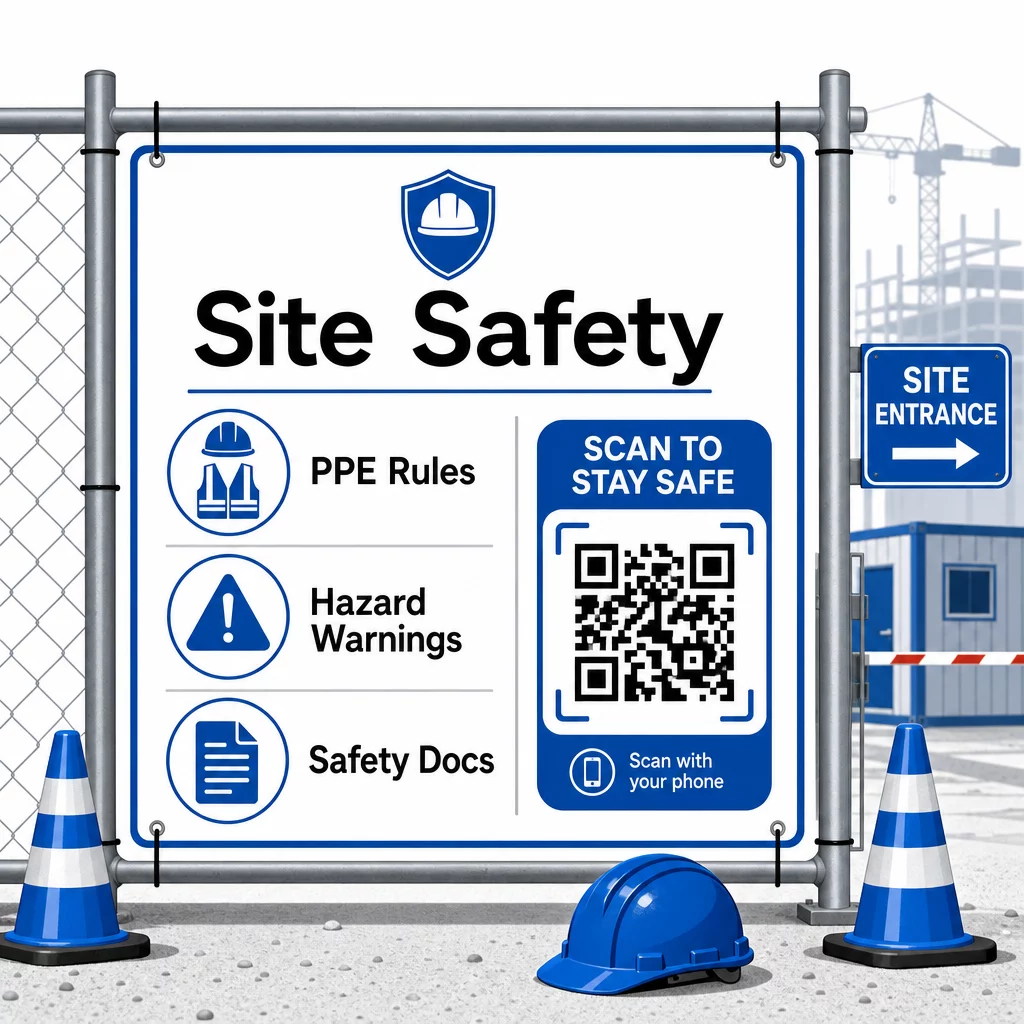
QR codes placed at site entrances or work areas give subcontractors instant access to the current safety protocols relevant to that zone – hazard warnings, required PPE, and site-specific rules – without digging through binders or tracking down a supervisor. When OSHA regulations change or site conditions shift, you update the linked document once and every subsequent scan reflects the new information automatically.

QR safety access

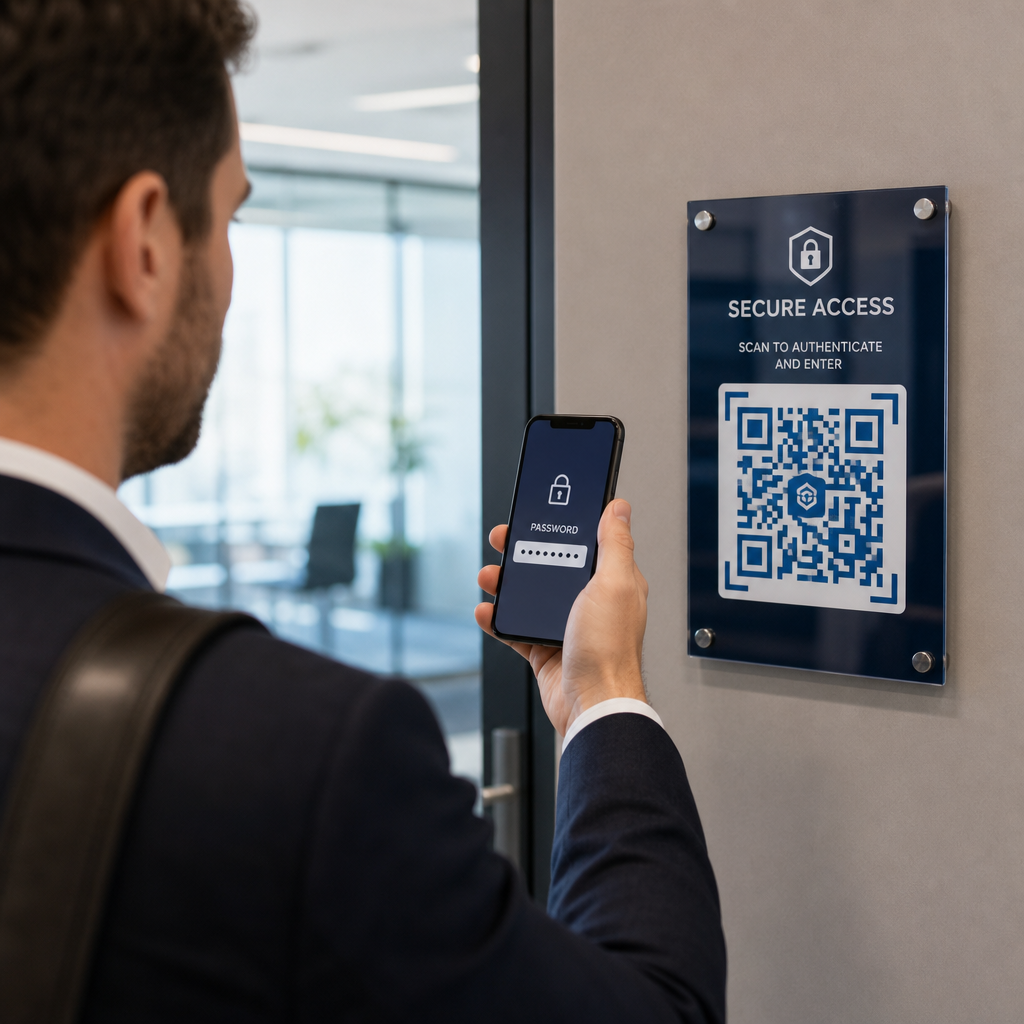
For access control, QR-enabled check-in systems can verify credentials, confirm completed safety training, and log entry digitally – eliminating the need for physical keys or manual sign-in sheets.

Training verification is equally straightforward. Subcontractors scan a code to display digital certificates of completed safety courses, making on-the-spot verification by supervisors fast and reliable.

For sensitive compliance documents, follow 安全二维码生成最佳实践 to restrict access to authorized personnel and maintain a digital log of who viewed the information and when. That audit trail is invaluable during inspections or incident investigations.

Analytics also contribute to safety management. You can track which protocols are accessed most frequently, identify areas where additional training may be needed, and confirm that workers have reviewed required briefings before starting work.

Digitize Your Safety Documentation 使用 PDF QR 码生成器 to link safety manuals, SDS sheets, and compliance documents to scannable codes – then update content instantly when regulations change.

Comparing QR Codes to Traditional Methods

The efficiency gains become clear when you look at each communication challenge side by side.

因素 传统方法 QR Code Approach
Information delivery speed Updates delayed by hours or days Instant on scan
Document update process Reprint and redistribute Update linked content once
Access tracking Manual, often incomplete Automated scan analytics
Storage Physical filing systems Cloud-based, scalable
Weather resistance Paper damaged in poor conditions Digital files unaffected
Safety compliance records Paper logs, easy to lose Digital audit trail with timestamps

The learning curve is minimal. Subcontractors already carry smartphones and know how to scan QR codes. Submitting a progress update or pulling up a blueprint becomes as fast as opening the camera.

For teams managing multiple subcontractors across different trades, creating distinct codes for each role – electricians get inspection forms, plumbers access plumbing checklists, site supervisors see crew scheduling – reduces confusion and ensures every worker reaches exactly what they need.

For placement and sizing guidance to ensure your codes scan reliably in field conditions, review the 二维码可读性的最佳实践.

If you are weighing whether to use static or dynamic codes for specific applications, the static vs. dynamic QR code comparison covers the key differences and when each type makes sense. For most construction communication use cases, dynamic codes are the right choice – they update without reprinting and provide the analytics needed to manage a complex, multi-trade jobsite.

Pageloot 的 construction QR code solutions support the full range of these use cases, from safety documentation to blueprint sharing to crew coordination, with branding customization and a centralized dashboard for managing all your active codes.

Start implementing QR codes on your next project with Pageloot’s free QR code tools and give your subcontractors the instant access to information that keeps work moving.

常见问题

Do subcontractors need a special app to scan construction QR codes?

No. Any modern smartphone camera can scan a QR code without a dedicated app. Workers simply open their camera, point it at the code, and tap the notification that appears to open the linked content in their browser.

What happens to my QR codes if the linked documents or forms need to be updated?

With dynamic QR codes, you update the linked content once in your dashboard and every subsequent scan automatically reflects the new version. The physical code itself does not change and does not need to be reprinted or replaced.

How can QR codes help demonstrate safety compliance during OSHA inspections?

Dynamic QR codes linked to safety documentation create a digital record of what information was available on site and when it was last updated. Scan analytics show which protocols workers accessed and when, providing an audit trail that demonstrates active compliance efforts to inspectors.

关于作者

Siim Kostabi 是 Pageloot 的内容主管,负责撰写关于我们创新型二维码生成器服务的文章。凭借五年多来在二维码领域积累的深厚专业知识,Siim 是该领域的专家。他致力于利用二维码技术简化和增强数字交互,并取得了显著的成果。.

类别
了解更多关于
扫描印刷的二维码广告
制作二维码 印刷媒体
QR QR码的#1解决方案

如果您需要在线创建QR码,则可以 制作二维码 就在这里免费!
Pageloot是 #1转到解决方案 创建和扫描QR码。

BL-0199

受到超过 20,000 个品牌的信赖,可获得更多销售、评论和关注者。

客户徽标
受到顶级品牌的信赖
评分为 4.8(共 5)

4.86 / 5 星评级

雨果·劳伦特
雨果·劳伦特
餐馆老板
有史以来最容易和最可靠的QR码生成器。PDF文件可以立即上传。我们的餐厅菜单现在是数字化的。
卢卡斯-詹森
卢卡斯-詹森
房地产开发商
这是一个很好的工具,二维码带你到你想要的地方。我们只使用位置二维码,但有许多有用的功能。
艾玛-莫雷蒂
艾玛-莫雷蒂
零售产品
易于使用和快速。它工作得很好,创造了一个完美的图像,所以员工可以下载我的vCard。
雨果·劳伦特
雨果·劳伦特
餐馆老板
有史以来最容易和最可靠的QR码生成器。PDF文件可以立即上传。我们的餐厅菜单现在是数字化的。
卢卡斯-詹森
卢卡斯-詹森
房地产开发商
这是一个很好的工具,二维码带你到你想要的地方。我们只使用位置二维码,但有许多有用的功能。
艾玛-莫雷蒂
艾玛-莫雷蒂
零售产品
易于使用和快速。它工作得很好,创造了一个完美的图像,所以员工可以下载我的vCard。
查看更多QR码
将一切转化为数字体验 不到3分钟。

免费试用 14 天。

无需信用卡。

首次购买可享受 30% 折扣

使用代码:

分享您的 MP3 文件

注册以创建 PDF QR 码

上传和显示你需要的一切。

  • 音频文件
  • 播客
  • 音乐

注册即可享 14 天免费试用。.
试用期结束后,二维码将失效。.

注册以创建音频 mp3 二维码

使用边框获得更多扫描

注册以向您的二维码添加更多框架

呼叫行动框架帮助您的客户与QR码轻松互动。试试吧!

注册即可享 14 天免费试用。.
试用期结束后,二维码将失效。.

注册以向您的二维码添加更多框架

使用形状添加更多样式

注册以创建更多形状

二维码不一定是方形的。试着改变它以适应你的品牌形象。

注册即可享 14 天免费试用。.
试用期结束后,二维码将失效。.

注册以创建更多形状

为您的二维码添加徽标

注册以将您的徽标添加到二维码中

通过在二维码上添加你的标志和品牌,使你的二维码脱颖而出。

注册即可享 14 天免费试用。.
试用期结束后,二维码将失效。.

注册以将您的徽标添加到二维码中

智能应用商店重定向

注册以创建应用商店二维码

将您的应用程序链接添加到我们的智能应用程序商店QR码。用户会根据他们的设备被重新定向。

注册即可享 14 天免费试用。.
试用期结束后,二维码将失效。.

注册以创建应用商店二维码

将图片上传到二维码

注册以创建图像二维码

轻松分享你的图像。在几秒钟内动态地改变任何图像。

注册即可享 14 天免费试用。.
试用期结束后,二维码将失效。.

注册以创建图像二维码

分享您的 PDF 文件

注册以创建 PDF QR 码

上传和显示你需要的一切。

  • 菜单和价格表
  • 使用说明
  • 任何文件

注册即可享 14 天免费试用。.
试用期结束后,二维码将失效。.

注册以创建 PDF QR 码

稍后编辑,无需打印

注册即可编辑您的二维码,无需再次打印

动态QR码让你改变你的QR码的内容,而不需要打印新的QR码。

注册即可享 14 天免费试用。.
试用期结束后,二维码将失效。.

注册即可编辑您的二维码,无需再次打印

何时?何地?追踪您的二维码扫描

注册以追踪您的二维码

发现你的哪些二维码收到了最多的扫描,以及什么最能让你的客户兴奋。

注册即可享 14 天免费试用。.
试用期结束后,二维码将失效。.

注册以追踪您的二维码

提供可打印文件

注册以创建 PDF 和 SVG 等矢量二维码

.EPS, .PDF, .SVG

想下载高清分辨率的QR码吗?获得矢量或像素格式,可随时打印。

注册即可享 14 天免费试用。.
试用期结束后,二维码将失效。.

注册以创建 PDF 和 SVG 等矢量二维码

请等待。您的二维码是 正在加载... 正在加载...

打造专属

注册以保存您的二维码以供日后使用

通过创建具有不同颜色、标识和行动呼吁框架的出色的QR码,获得更多的扫描。

注册即可享 14 天免费试用。.
试用期结束后,二维码将失效。.

注册以保存您的二维码以供日后使用