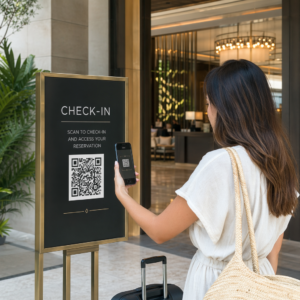
¿Sus subcontratistas siguen dependiendo de llamadas telefónicas, planos impresos y listas de verificación en papel para mantenerse coordinados? La falta de comunicación y los datos deficientes del proyecto representan casi la mitad de todo el retrabajo en las obras de construcción de EE. UU., lo que le cuesta a la industria miles de millones cada año. Los códigos QR le brindan una forma práctica de cerrar esas brechas, poniendo la información correcta en las manos adecuadas en el momento en que se necesita.
A continuación, se presentan cinco formas concretas en que los gerentes de proyectos de construcción pueden usar códigos QR para mejorar la comunicación con los subcontratistas, desde la gestión de listas de verificación hasta el cumplimiento de la seguridad.
Gestión de Listas de Verificación y Actualizaciones de Tareas
Las listas de verificación en papel ralentizan a todos. Las actualizaciones tardan horas en llegar al campo, la escritura a mano se malinterpreta y los elementos completados se disputan sin ninguna documentación. Reemplazarlas con códigos QR crea una línea directa entre el sitio de trabajo y su sistema de gestión de proyectos.
Coloque un código QR en cada zona de trabajo o adjúntelo a una orden de trabajo. Cuando un subcontratista lo escanea, ve inmediatamente sus tareas asignadas actuales con cualquier revisión reciente ya aplicada. Pueden marcar elementos como completados con una marca de tiempo y una foto, señalar problemas y dejar notas, todo desde su teléfono, sin llamar a la oficina.
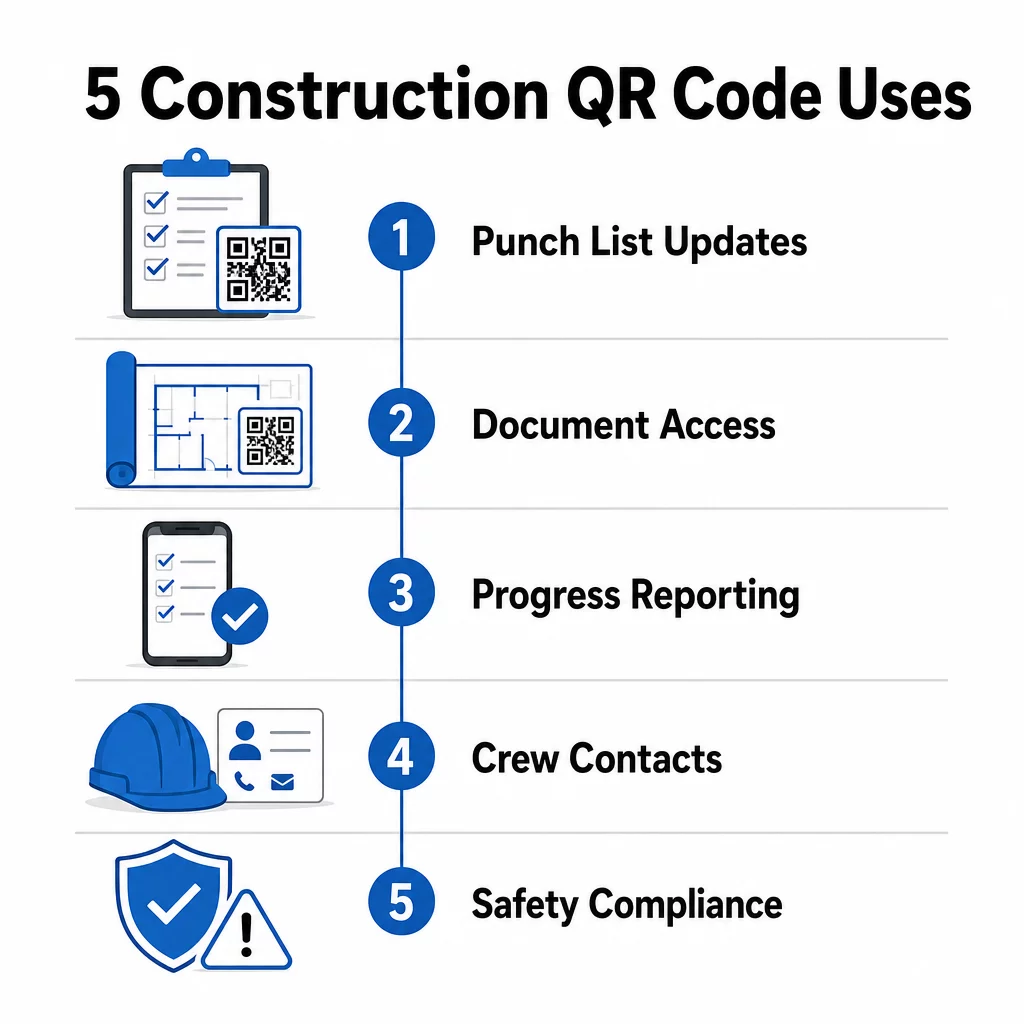
La ventaja clave es que códigos QR dinámicos se actualizan automáticamente. Un código colocado durante el trabajo de cimentación puede mostrar más tarde listas de verificación de enmarcado, tareas de acabado o requisitos de inspección final. Usted actualiza el contenido vinculado una vez, y cada escaneo a partir de ese momento refleja el cambio, sin necesidad de reimpresión.
Para los subcontratistas que manejan múltiples sitios de trabajo, los códigos QR también brindan acceso inmediato a instrucciones específicas del proyecto, especificaciones de materiales y requisitos especiales vinculados a cada zona.
Mantenga las Listas de Verificación Actualizadas Sin Reimprimir Use el Generador de códigos QR dinámicos para crear códigos que reflejen automáticamente las últimas actualizaciones de tareas, para que sus subcontratistas siempre trabajen con información actual.
Compartir Documentos y Acceso Instantáneo
Los proyectos de construcción generan enormes cantidades de papeleo: planos, especificaciones, órdenes de cambio, entregas y protocolos de seguridad. Cuando los subcontratistas trabajan con planos desactualizados, ocurren errores. Cuando tienen que buscar la última versión, se pierde tiempo.
Vincular códigos QR a documentos alojados en la nube resuelve ambos problemas. Un subcontratista escanea el código en un plano impreso o un letrero del sitio e inmediatamente abre la versión más actual de ese documento en su teléfono, sin iniciar sesión, sin buscar, sin esperar.
El Generador de código QR para PDF es particularmente útil aquí. Suba sus manuales de seguridad, hojas de especificaciones o dibujos detallados como PDF, genere un código y colóquelo donde sea relevante, en la señalización del sitio, planos impresos o equipos. Cuando los arquitectos revisan los dibujos o los gerentes de proyecto actualizan las especificaciones, el contenido vinculado se actualiza instantáneamente. Cada escaneo entrega la última versión sin tocar el código físico.
También puede generar códigos QR que enlacen directamente a Documentos de Google para documentos que necesitan edición colaborativa frecuente, o usar el generador de códigos QR de enlaces conectar a los trabajadores con cualquier recurso alojado en la nube.
Para obtener orientación sobre cómo convertir archivos de cualquier tipo en códigos escaneables, consulte la guía de archivo a código QR o aprenda más sobre generación de códigos QR para archivos en la nube.
Seguimiento e Informes de Progreso
Esperar a las revisiones semanales para comprender el progreso de la obra es una receta para las sorpresas. Los códigos QR permiten a los subcontratistas enviar actualizaciones en tiempo real, desde el campo, sin aplicaciones adicionales ni entrada manual de datos.
Publique códigos QR en zonas de trabajo clave. Cuando un subcontratista escanea uno, puede completar un formulario simple que cubra el porcentaje de finalización, el uso de materiales o notas de calidad. Vincule esos formularios usando el Generador de código QR para Google Forms para que las respuestas se alimenten directamente a un panel de control compartido que los supervisores pueden monitorear en todos los oficios y ubicaciones activas.
La documentación fotográfica se integra naturalmente en este flujo de trabajo. Un subcontratista escanea el código de zona, carga fotos de antes y después o tomas de progreso, y esas imágenes se adjuntan inmediatamente al registro de tarea relevante. Esto crea un registro visual con marca de tiempo para el control de calidad, la resolución de disputas y la verificación de facturación.
Debido a que los códigos QR utilizan enlaces dinámicos, los formularios a los que se conectan pueden evolucionar con el proyecto. Un código utilizado durante la preparación del sitio puede luego redirigir a formularios de progreso de enmarcado, luego a listas de verificación de inspección de sistemas, todo sin generar un nuevo código ni reimprimir nada.
Seguimiento de análisis de escaneo proporciona a los gerentes de proyecto una capa adicional de supervisión. Puede ver qué códigos se están escaneando, con qué frecuencia y desde qué ubicaciones, lo que le ayuda a identificar zonas donde los informes pueden estar rezagados y a abordar los cuellos de botella antes de que afecten el cronograma.
Información de Contacto y Coordinación de Equipos
En una obra concurrida, las listas de contactos quedan obsoletas rápidamente. Las personas cambian de rol, los números de teléfono se guardan incorrectamente y los turnos cambian sin que todos reciban el aviso. Los códigos QR hacen que la coordinación del equipo sea significativamente más confiable.
Los subcontratistas pueden añadir códigos QR a sus tarjetas de presentación o credenciales de identificación que, al ser escaneados, guardan instantáneamente sus datos de contacto completos – nombre, empresa, línea directa, correo electrónico y contacto de emergencia – en el teléfono del escáner. La ausencia de entrada manual significa la ausencia de errores de transcripción.
Los códigos de contacto dinámicos son especialmente prácticos cuando el personal cambia durante un proyecto. Actualice la información vinculada una vez, y cualquiera que escanee el código a partir de ese momento obtendrá los detalles actuales. Para equipos más grandes, coloque códigos QR en remolques de obra o salas de descanso que enlacen a herramientas de programación en vivo, para que los trabajadores siempre vean el turno actual, la ubicación de la reunión o la asignación de la cuadrilla sin esperar un mensaje de texto grupal.
Explore cómo Códigos QR para la construcción puede apoyar la coordinación de la cuadrilla junto con otras necesidades de gestión del sitio.
Cumplimiento de Seguridad y Control de Acceso
Las normas de construcción de OSHA exigen que los empleadores realicen inspecciones de seguridad regulares, proporcionen capacitación a los trabajadores y mantengan documentación de comunicación de peligros accesible, incluidas las Hojas de Datos de Seguridad y los registros de capacitación. Los sistemas basados en papel hacen que esta carga de cumplimiento sea más difícil de lo necesario.
Los códigos QR colocados en las entradas del sitio o áreas de trabajo dan a los subcontratistas acceso instantáneo a los protocolos de seguridad actuales relevantes para esa zona – advertencias de peligro, EPP requerido y reglas específicas del sitio – sin tener que buscar en carpetas o localizar a un supervisor. Cuando las regulaciones de OSHA cambian o las condiciones del sitio se modifican, usted actualiza el documento vinculado una vez y cada escaneo posterior refleja la nueva información automáticamente.
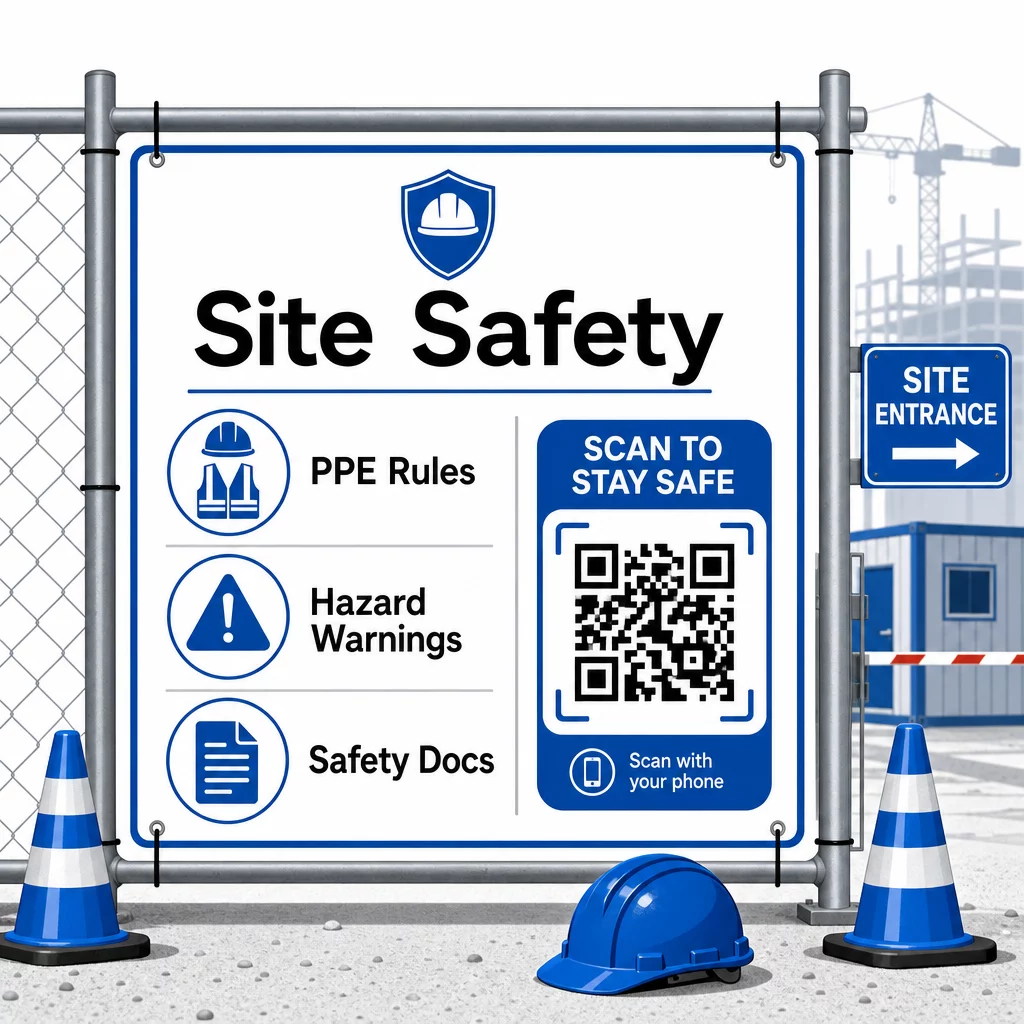
Para el control de acceso, los sistemas de registro con QR pueden verificar credenciales, confirmar la capacitación de seguridad completada y registrar la entrada digitalmente, eliminando la necesidad de llaves físicas o hojas de registro manuales.
La verificación de la capacitación es igualmente sencilla. Los subcontratistas escanean un código para mostrar certificados digitales de cursos de seguridad completados, lo que hace que la verificación in situ por parte de los supervisores sea rápida y fiable.
Para documentos de cumplimiento sensibles, siga mejores prácticas para la generación segura de códigos QR para restringir el acceso al personal autorizado y mantener un registro digital de quién vio la información y cuándo. Esa pista de auditoría es invaluable durante las inspecciones o investigaciones de incidentes.
Los análisis también contribuyen a la gestión de la seguridad. Puede rastrear qué protocolos se acceden con mayor frecuencia, identificar áreas donde puede ser necesaria capacitación adicional y confirmar que los trabajadores han revisado las instrucciones requeridas antes de comenzar el trabajo.
Digitalice su Documentación de Seguridad Use el Generador de código QR para PDF para vincular manuales de seguridad, hojas SDS y documentos de cumplimiento a códigos escaneables – luego actualice el contenido instantáneamente cuando cambien las regulaciones.
Comparando Códigos QR con Métodos Tradicionales
Las ganancias de eficiencia se hacen evidentes cuando se observa cada desafío de comunicación uno al lado del otro.
| Factor | Métodos tradicionales | Enfoque de Código QR |
|---|---|---|
| Velocidad de entrega de información | Actualizaciones retrasadas por horas o días | Escaneo instantáneo |
| Proceso de actualización de documentos | Reimprimir y redistribuir | Actualizar contenido vinculado una vez |
| Seguimiento de acceso | Manual, a menudo incompleto | Análisis de escaneo automatizado |
| Almacenamiento | Sistemas de archivo físicos | Basado en la nube, escalable |
| Resistencia a la intemperie | Papel dañado en malas condiciones | Archivos digitales no afectados |
| Registros de cumplimiento de seguridad | Registros en papel, fáciles de perder | Ruta de auditoría digital con marcas de tiempo |
La curva de aprendizaje es mínima. Los subcontratistas ya llevan teléfonos inteligentes y saben cómo escanear códigos QR. Enviar una actualización de progreso o consultar un plano se vuelve tan rápido como abrir la cámara.
Para equipos que gestionan múltiples subcontratistas de diferentes oficios, crear códigos distintos para cada rol – los electricistas obtienen formularios de inspección, los fontaneros acceden a listas de verificación de fontanería, los supervisores de obra ven la programación del equipo – reduce la confusión y asegura que cada trabajador acceda exactamente a lo que necesita.
Para obtener orientación sobre la ubicación y el tamaño para asegurar que sus códigos se escaneen de forma fiable en condiciones de campo, revise el las mejores prácticas para la legibilidad de los códigos QR.
Si está sopesando si usar códigos estáticos o dinámicos para aplicaciones específicas, el comparación de códigos QR estáticos vs. dinámicos cubre las diferencias clave y cuándo cada tipo tiene sentido. Para la mayoría de los casos de uso de comunicación en la construcción, los códigos dinámicos son la elección correcta – se actualizan sin necesidad de reimpresión y proporcionan los análisis necesarios para gestionar una obra compleja y con múltiples oficios.
De Pageloot soluciones de códigos QR para la construcción soportan toda la gama de estos casos de uso, desde la documentación de seguridad hasta el intercambio de planos y la coordinación del equipo, con personalización de marca y un panel de control centralizado para gestionar todos sus códigos activos.
Empiece a implementar códigos QR en su próximo proyecto con las herramientas gratuitas de códigos QR de Pageloot y dé a sus subcontratistas acceso instantáneo a la información que mantiene el trabajo en marcha.
Preguntas frecuentes
No. Cualquier cámara de smartphone moderno puede escanear un código QR sin una aplicación dedicada. Los trabajadores simplemente abren su cámara, la apuntan al código y tocan la notificación que aparece para abrir el contenido vinculado en su navegador.
Con códigos QR dinámicos, actualizas el contenido vinculado una vez en tu panel de control y cada escaneo posterior refleja automáticamente la nueva versión. El código físico en sí no cambia y no necesita ser reimpreso o reemplazado.
Los códigos QR dinámicos vinculados a la documentación de seguridad crean un registro digital de qué información estaba disponible en el sitio y cuándo fue la última vez que se actualizó. Los análisis de escaneo muestran a qué protocolos accedieron los trabajadores y cuándo, proporcionando una pista de auditoría que demuestra los esfuerzos de cumplimiento activo a los inspectores.