Are your subcontractors still relying on phone calls, printed plans, and paper punch lists to stay coordinated? Miscommunication and poor project data account for nearly half of all rework on U.S. construction jobsites – costing the industry billions every year. QR codes give you a practical way to close those gaps, putting the right information in the right hands the moment it’s needed.
Here is a look at five concrete ways construction project managers can use QR codes to improve subcontractor communication – from punch list management to safety compliance.
Punch List Management and Task Updates
Paper punch lists slow everyone down. Updates take hours to reach the field, handwriting gets misread, and completed items get disputed without any documentation. Replacing them with QR codes creates a direct line between the job site and your project management system.
Place a QR code at each work zone or attach one to a work order. When a subcontractor scans it, they immediately see their current assigned tasks with any recent revisions already applied. They can mark items complete with a timestamp and photo, flag problems, and leave notes – all from their phone, without calling the office.
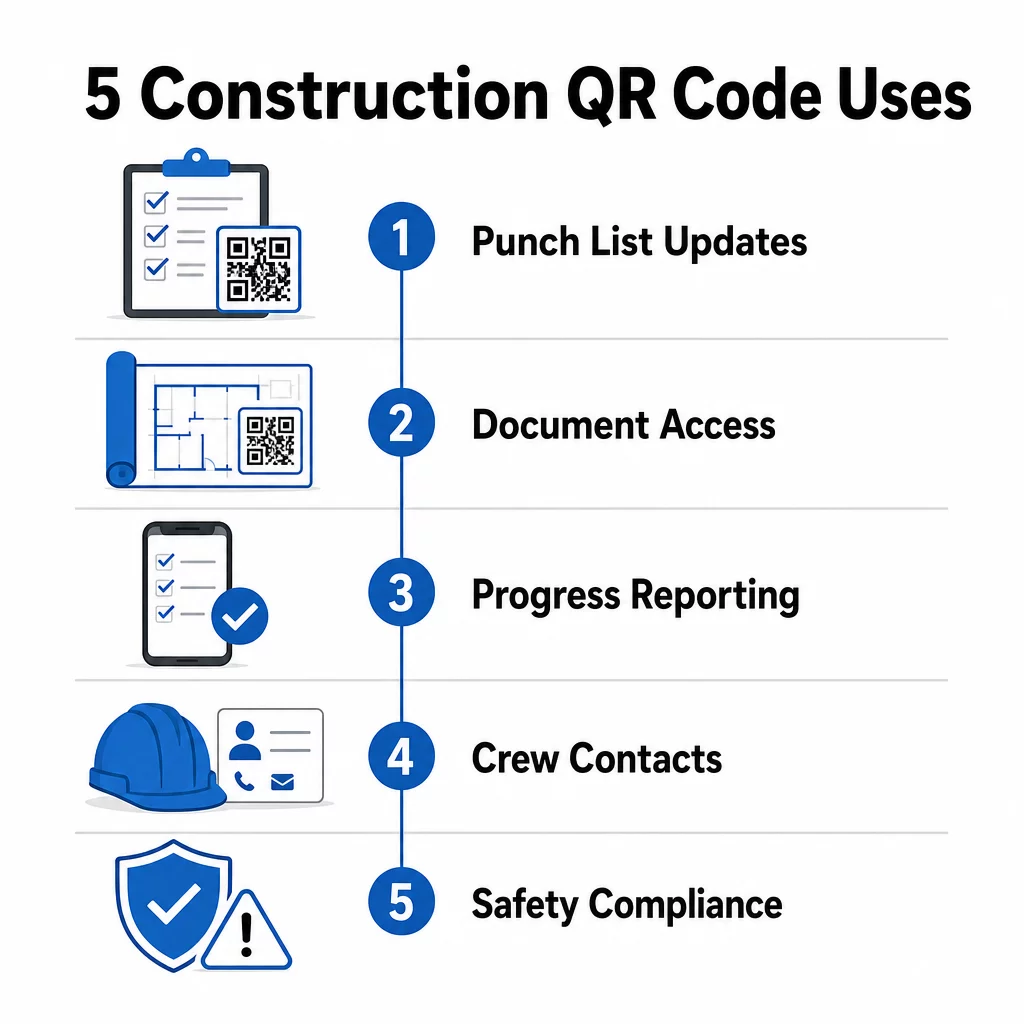
The key advantage is that dünaamilised QR-koodid update automatically. A code placed during foundation work can later display framing checklists, finishing tasks, or final inspection requirements. You update the linked content once, and every scan from that point forward reflects the change – no reprinting required.
For subcontractors juggling multiple job sites, QR codes also provide immediate access to project-specific instructions, material specs, and special requirements tied to each zone.
Keep Punch Lists Current Without Reprinting Kasuta Dünaamilise QR koodi generaator to create codes that automatically reflect the latest task updates, so your subcontractors always work from current information.
Document Sharing and Instant Access
Construction projects generate enormous amounts of paperwork – blueprints, specifications, change orders, submittals, and safety protocols. When subcontractors are working from outdated drawings, mistakes happen. When they have to track down the latest version, time is lost.
Linking QR codes to cloud-hosted documents solves both problems. A subcontractor scans the code on a printed plan or site sign and immediately opens the most current version of that document on their phone – no login, no searching, no waiting.
See PDF QR-koodi generaator is particularly useful here. Upload your safety manuals, specification sheets, or detailed drawings as PDFs, generate a code, and place it wherever it’s relevant – on site signage, printed plans, or equipment. When architects revise drawings or project managers update specs, the linked content refreshes instantly. Every scan delivers the latest version without touching the physical code.
You can also generate QR codes that link directly to Google Docs for documents that need frequent collaborative editing, or use the lingi QR-koodi generaator ühendada töötajaid mis tahes pilvepõhise ressursiga.
Juhiste saamiseks mis tahes tüüpi failide skannitavateks koodideks teisendamise kohta vaadake failist QR-koodi juhendit või lisateavet QR-koodide loomise kohta pilvefailidele.
Edusammude jälgimine ja aruandlus
Iganädalaste kontrollide ootamine, et mõista tööplatsi edusamme, on retsept üllatusteks. QR-koodid võimaldavad alltöövõtjatel esitada värskendusi reaalajas, otse väljalt, ilma lisarakenduste või käsitsi andmesisestuseta.
Postitage QR-koodid olulistesse tööpiirkondadesse. Kui alltöövõtja skannib ühe, saab ta täita lihtsa vormi, mis hõlmab valmimise protsenti, materjalikasutust või kvaliteedimärkmeid. Linkige need vormid kasutades Google vorm: QR-koodi generaator nii et vastused suunatakse otse jagatud armatuurlauale, mida juhendajad saavad jälgida kõigi aktiivsete ametite ja asukohtade lõikes.
Fotodokumentatsioon integreerub loomulikult sellesse töövoogu. Alltöövõtja skannib tsoonikoodi, laadib üles enne ja pärast fotosid või edusammude pilte ning need pildid lisatakse koheselt vastavale ülesande kirjele. See loob ajatempliga visuaalse kirje kvaliteedikontrolliks, vaidluste lahendamiseks ja arvelduse kontrollimiseks.
Kuna QR-koodid kasutavad dünaamilisi linke, saavad vormid, millega nad ühenduvad, projektiga koos areneda. Ehitusplatsi ettevalmistamise ajal kasutatud kood võib hiljem suunata karkassi edusammude vormidele, seejärel süsteemide kontrollnimekirjadele – seda kõike ilma uut koodi loomata või midagi uuesti printimata.
Skannimisanalüütika jälgimine annab projektijuhtidele täiendava järelevalvekihi. Näete, milliseid koode skannitakse, kui tihti ja millistest asukohtadest – aidates teil tuvastada piirkondi, kus aruandlus võib maha jääda, ja lahendada kitsaskohad enne, kui need ajakava mõjutavad.
Kontaktandmed ja meeskonna koordineerimine
Kiirel tööplatsil aeguvad kontaktiloendid kiiresti. Inimesed vahetavad rolle, telefoninumbrid salvestatakse valesti ja vahetused muutuvad ilma, et kõik sellest teada saaksid. QR-koodid muudavad meeskonna koordineerimise oluliselt usaldusväärsemaks.
Alltöövõtjad saavad lisada QR-koode oma visiitkaartidele või ID-märkidele, mis skannimisel salvestavad koheselt nende täielikud kontaktandmed – nimi, ettevõte, otse number, e-post ja hädaabikontakt – skanneri telefoni. Käsitsi sisestamise puudumine tähendab transkriptsioonivigade puudumist.
Dünaamilised kontaktkoodid on eriti praktilised, kui projekti käigus personal vahetub. Uuendage lingitud teavet üks kord ja igaüks, kes koodi sellest hetkest alates skannib, saab praegused andmed. Suuremate meeskondade puhul postitage QR-koodid töötreileritesse või puhkeruumidesse, mis lingivad reaalajas ajastustööriistadele, nii et töötajad näevad alati praegust vahetust, kohtumise asukohta või meeskonna ülesannet, ilma et peaksid ootama grupiteksti.
Uurige, kuidas QR-koodid ehitusele saab toetada meeskonna koordineerimist koos teiste objektihalduse vajadustega.
Ohutusnõuete täitmine ja juurdepääsu kontroll
OSHA ehitusstandardid nõuavad tööandjatelt regulaarsete ohutuskontrollide läbiviimist, töötajate koolitamist ja juurdepääsetava ohuolukorra teavitamise dokumentatsiooni, sealhulgas ohutuskaardid ja koolitusprotokollid, säilitamist. Paberipõhised süsteemid muudavad selle vastavuse koormuse raskemaks, kui see peaks olema.
Objektide sissepääsudele või tööpiirkondadesse paigutatud QR-koodid annavad alltöövõtjatele kohese juurdepääsu selle tsooni jaoks asjakohastele kehtivatele ohutusprotokollidele – ohuhoiatused, nõutavad isikukaitsevahendid ja objektispetsiifilised reeglid – ilma kaustades tuhnimata või juhendajat otsimata. Kui OSHA eeskirjad muutuvad või objekti tingimused nihkuvad, uuendate lingitud dokumenti üks kord ja iga järgnev skaneerimine kajastab uut teavet automaatselt.
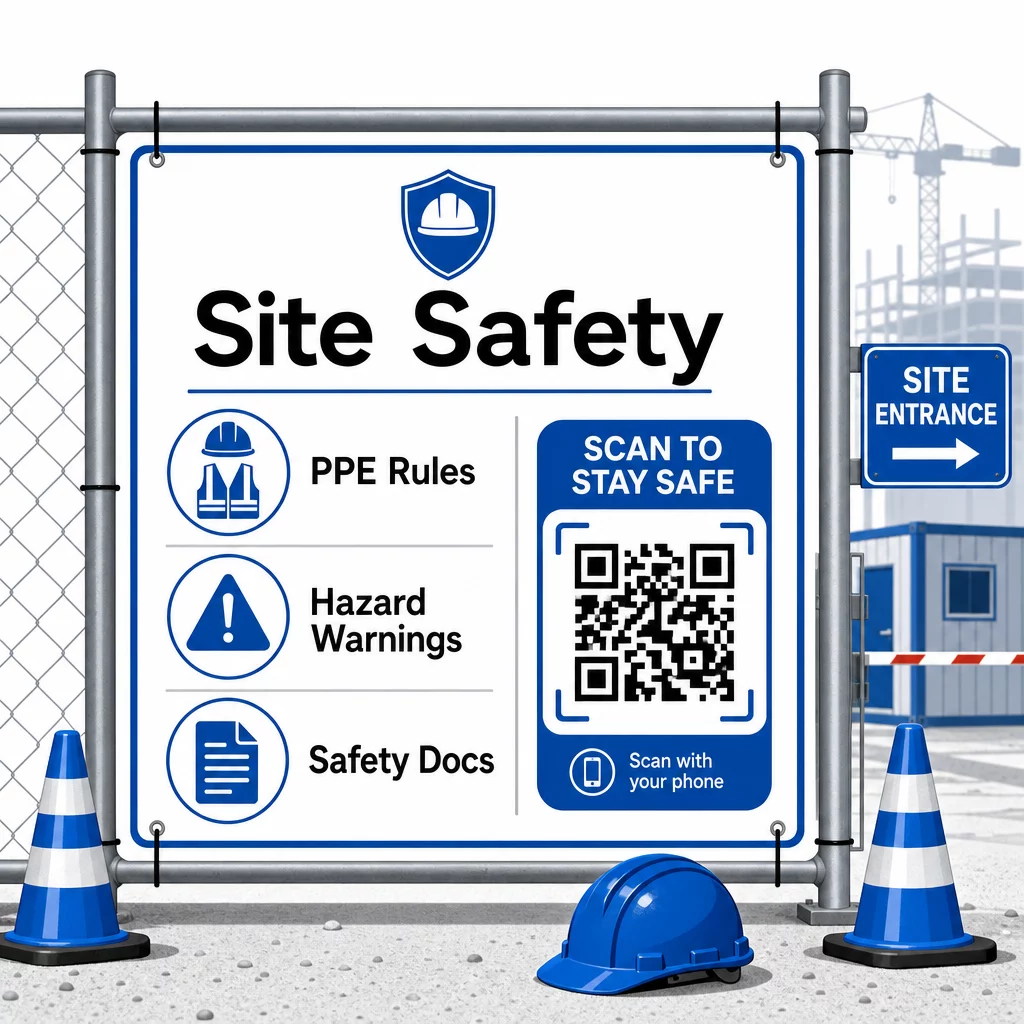
Juurdepääsu kontrollimiseks saavad QR-koodiga sisseregistreerimissüsteemid kontrollida volitusi, kinnitada läbitud ohutuskoolitust ja logida sissepääsu digitaalselt – kaotades vajaduse füüsiliste võtmete või käsitsi sisselogimislehtede järele.
Koolituse kontrollimine on samuti lihtne. Alltöövõtjad skannivad koodi, et kuvada läbitud ohutuskursuste digitaalseid sertifikaate, muutes juhendajate kohapealse kontrolli kiireks ja usaldusväärseks.
Tundlike vastavusdokumentide puhul järgige turvalise QR-koodi loomise parimad tavad juurdepääsu piiramiseks volitatud personalile ja digitaalse logi pidamiseks selle kohta, kes teavet vaatas ja millal. See auditeerimisjälg on hindamatu kontrollide või intsidentide uurimise ajal.
Analüütika aitab samuti kaasa ohutusjuhtimisele. Saate jälgida, millistele protokollidele kõige sagedamini juurde pääsetakse, tuvastada valdkondi, kus võib vaja minna lisakoolitust, ja kinnitada, et töötajad on enne töö alustamist nõutud briifingud üle vaadanud.
Digiteerige oma ohutusdokumentatsioon Kasuta PDF QR-koodi generaator ohutusjuhendite, ohutuskaartide ja vastavusdokumentide linkimiseks skannitavate koodidega – seejärel värskendage sisu koheselt, kui eeskirjad muutuvad.
QR-koodide võrdlemine traditsiooniliste meetoditega
Tõhususe kasv muutub selgeks, kui vaadata iga kommunikatsiooniprobleemi kõrvuti.
| Tegur | Traditsioonilised meetodid | QR-koodi lähenemine |
|---|---|---|
| Teabe edastamise kiirus | Uuendused viibivad tundide või päevade võrra | Kohene skaneerimine |
| Dokumendi uuendamise protsess | Uuesti printimine ja levitamine | Uuenda lingitud sisu üks kord |
| Juurdepääsu jälgimine | Käsitsi, sageli puudulik | Automatiseeritud skaneerimise analüütika |
| Salvestus | Füüsilised arhiveerimissüsteemid | Pilvepõhine, skaleeritav |
| Ilmastikukindlus | Paber kahjustub halbades tingimustes | Digitaalsed failid puutumata |
| Ohutusnõuete täitmise andmed | Paberlogid, kergesti kaotatavad | Digitaalne auditi jälg ajatemplitega |
Õppimiskõver on minimaalne. Alltöövõtjad kannavad juba nutitelefone ja teavad, kuidas QR-koode skannida. Edusammude värskenduse esitamine või joonise avamine on sama kiire kui kaamera avamine.
Meeskondadele, kes juhivad mitut alltöövõtjat erinevatel erialadel, vähendab segadust ja tagab, et iga töötaja jõuab täpselt selleni, mida ta vajab, luues iga rolli jaoks eraldi koodid – elektrikud saavad ülevaatusvormid, torulukksepad pääsevad ligi torustiku kontrollnimekirjadele, objektijuhid näevad meeskonna ajakava.
Paigutuse ja suuruse juhiste saamiseks, et teie koodid skanniksid välistingimustes usaldusväärselt, vaadake QR-koodi loetavuse parimaid tavasid.
Kui kaalute, kas kasutada konkreetsete rakenduste jaoks staatilisi või dünaamilisi koode, siis staatiliste vs. dünaamiliste QR-koodide võrdlus käsitleb peamisi erinevusi ja seda, millal kumbki tüüp on mõistlik. Enamiku ehituskommunikatsiooni kasutusjuhtude puhul on dünaamilised koodid õige valik – need uuenevad ilma uuesti printimata ja pakuvad analüütikat, mis on vajalik keeruka, mitme erialaga ehitusplatsi haldamiseks.
Pagelooti ehituse QR-koodi lahendused toetavad kõiki neid kasutusjuhtumeid, alates ohutusdokumentatsioonist kuni jooniste jagamise ja meeskonna koordineerimiseni, koos brändingu kohandamise ja tsentraliseeritud armatuurlauaga kõigi teie aktiivsete koodide haldamiseks.
Alustage QR-koodide rakendamist oma järgmises projektis koos Pagelooti tasuta QR-koodi tööriistadega ja andke oma alltöövõtjatele kohene juurdepääs teabele, mis hoiab töö käigus.
Korduma kippuvad küsimused
Ei. Iga kaasaegne nutitelefoni kaamera suudab QR-koodi skannida ilma spetsiaalse rakenduseta. Töötajad lihtsalt avavad oma kaamera, suunavad selle koodile ja puudutavad ilmuvat teavitust, et avada lingitud sisu oma brauseris.
Dünaamiliste QR-koodidega uuendate lingitud sisu oma juhtpaneelil vaid korra ja iga järgnev skaneerimine kajastab automaatselt uut versiooni. Füüsiline kood ise ei muutu ja seda ei pea uuesti printima ega asendama.
Dünaamilised QR-koodid, mis on lingitud ohutusdokumentatsiooniga, loovad digitaalse registri sellest, milline teave oli kohapeal saadaval ja millal seda viimati uuendati. Skaneerimisanalüütika näitab, millistele protokollidele töötajad ligi pääsesid ja millal, pakkudes auditijälge, mis demonstreerib inspektoritele aktiivseid vastavuspüüdlusi.