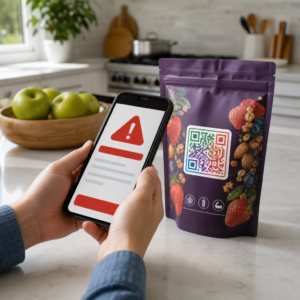
Are you sharing sensitive documents or exclusive content through QR codes, but worried about unauthorized access? When physical codes appear in public areas, anyone can scan them to view confidential files or internal landing pages. Adding password protection to your destination links and files ensures only authorized users access your content.
Can a QR Code Itself Be Password Protected?
Standard static QR codes cannot store passwords inside their pixel patterns. A static code simply translates plain text or a fixed web link into a scannable graphic, meaning any smartphone reader decodes the exact same endpoint data immediately upon scanning.
To secure access, password protection must take place either at the redirect level or at the target destination. You can achieve this using two main approaches:
- Redirect-level protection: Using a dynamic QR code generator to intercept the scan and require password authentication before redirecting visitors to the target resource.
- Destination-level protection: Securing the host environment or protecting the file directly (such as creating a password-gated document) before linking it.
Both methods prevent unauthorized users from viewing confidential resources, even if your physical QR code is displayed in a public location.
Key Methods to Secure QR Code Content
Choosing the right implementation depends on whether you are securing a website link, an internal document, or temporary event content.
Dynamic QR Code Access Controls
Dynamic QR codes rely on a short redirect link rather than hardcoding the final URL into the image. This short link allows you to manage security settings on the platform hosting the code. You can enable password requirements, update the destination link at any time, or revoke access entirely without reprinting your physical materials.
Password-Protected File Uploads
If you are sharing files directly, you can password-protect the file prior to converting it into a scannable graphic. When using a PDF QR code generator, you can upload an encrypted PDF or host your document on a secure platform requiring authentication. Users who scan the code reach the document viewer but must enter the correct credentials to open and read the file.
Expiration Dates and Usage Limits
Access control extends beyond passwords. You can combine credential requirements with rules like calendar expirations or maximum scan counts. Setting these parameters ensures that once an offer or internal meeting concludes, the link automatically deactivates. Learn more about controlling content lifecycles in our guide on how to set expiration dates for QR codes.
Secure Your Digital Content Today Protect your sensitive files and restricted links with flexible access controls by creating codes with our dynamic QR code generator.
How to Set Up a Password-Protected QR Code Step-by-Step
Follow these steps to create a password-gated access flow for your business or marketing materials:
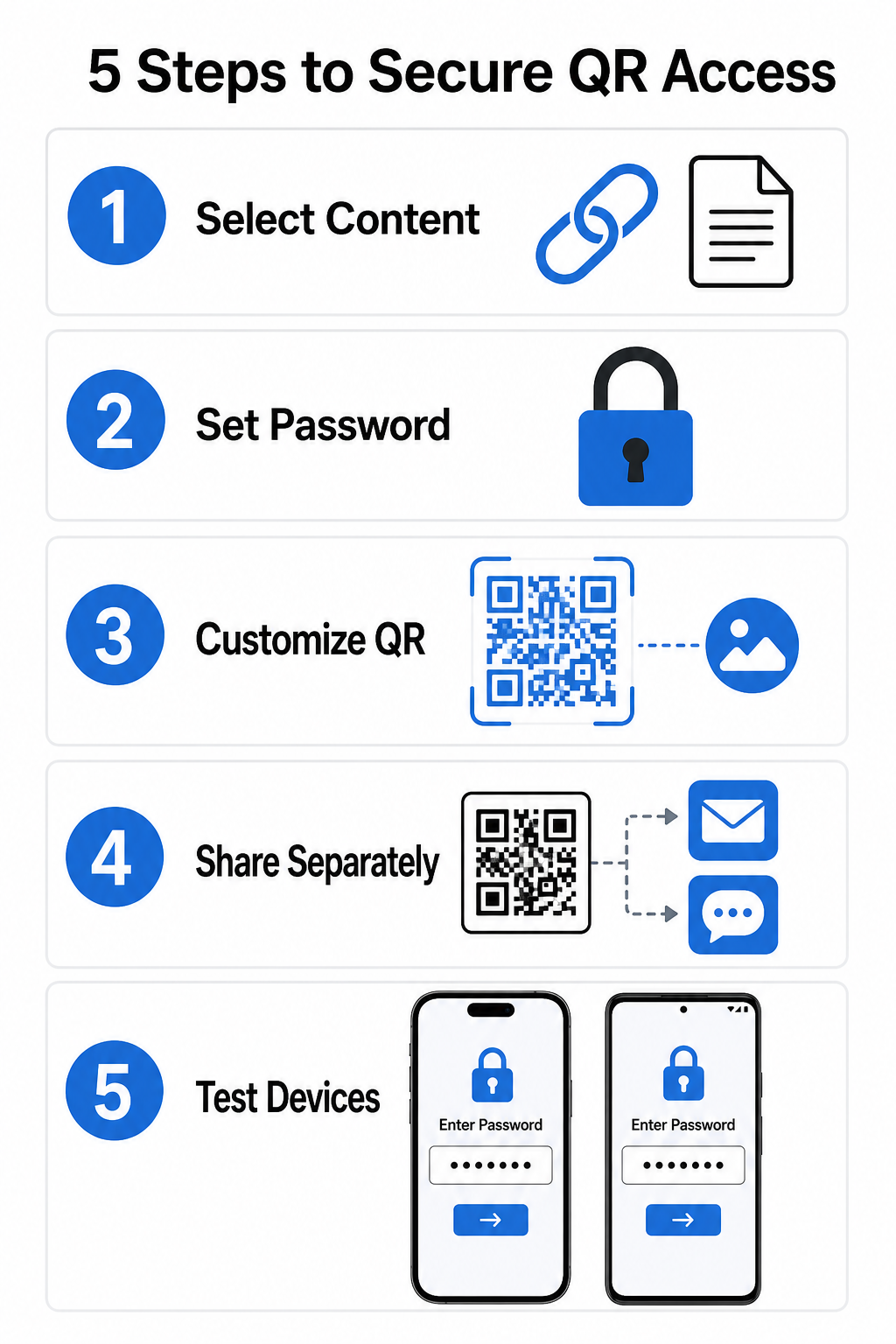
- Select your content type: Choose the format you want to share, such as a website URL using a link QR code generator or a document file.
- Configure access security: Enable password requirements in your dynamic management dashboard or apply password protection directly to your target file before uploading.
- Customize the visual design: Add brand colors, custom frames, and an official logo using a flexible QR code generator to build user trust and reduce fraud risks.
- Distribute credentials separately: Share the password with authorized users through a separate channel, such as email confirmation, welcome packets, or direct messages, rather than placing it near the code.
- Test across multiple devices: Scan the code using both iOS and Android camera apps to confirm that the password prompt triggers correctly before printing or publishing.
Best Practices for Secure QR Code Deployment
Implementing access protection requires following cybersecurity standards to prevent data leaks and unauthorized scans:
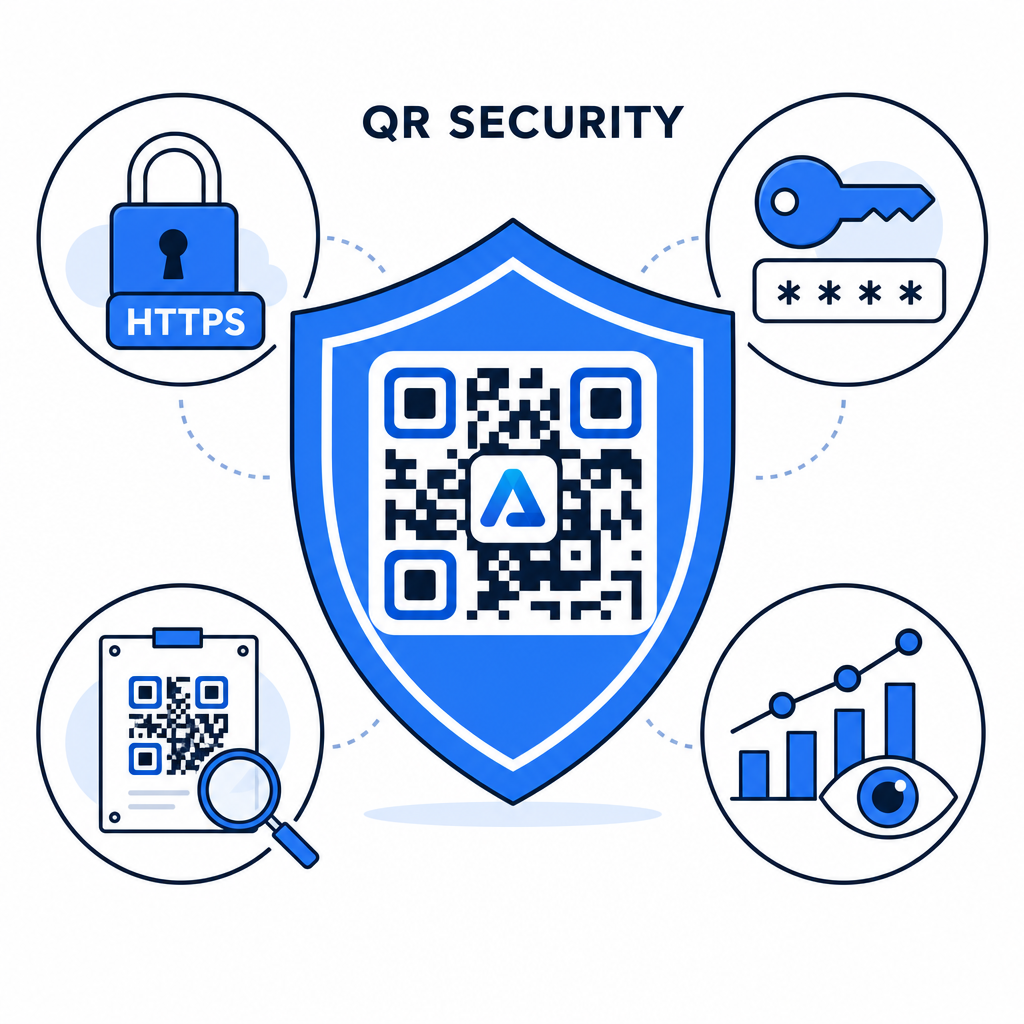
- Use strong password standards: Require passwords to be at least 15 characters long for single-factor protection to prevent automated guessing attempts.
- Require HTTPS endpoints: Ensure the destination server uses SSL encryption to protect data in transit. You can read more about how encryption secures QR code data for deeper security insights.
- Inspect physical displays regularly: Routinely monitor printed touchpoints in public areas to ensure physical codes have not been altered or covered by unauthorized overlays, mitigating key QR code privacy risks.
- Monitor access analytics: Track scan frequency, locations, and user agent data in your management dashboard to identify suspicious traffic patterns or unauthorized access attempts.
Manage and Protect Your Files Effortlessly Convert your confidential manuals and documents into trackable, secure digital links with our PDF QR code generator.
Secure Your Touchpoints with Password Access Controls
Pairing physical QR touchpoints with digital access controls provides a seamless user experience while keeping proprietary documents, internal forms, and exclusive marketing assets private. By deploying dynamic codes with password prompts, encrypted endpoints, and proactive monitoring, you maintain complete authority over your shared content.
Explore our comprehensive guide on secure QR code generation best practices to implement end-to-end security across your print and digital touchpoints today.
Frequently Asked Questions
No. Static QR codes encode fixed data directly into the pattern and cannot trigger password prompts. To restrict access, use a dynamic QR code platform or secure the destination page or file itself.
Send passwords through a separate communication channel, such as an email confirmation, SMS, event badge, or secure onboarding packet. Never print the password next to the physical QR code.
Dynamic QR codes allow you to update destination links, security settings, or password access rules directly from your dashboard at any time without reprinting physical materials.