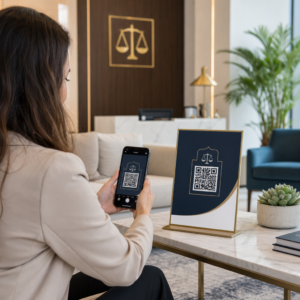
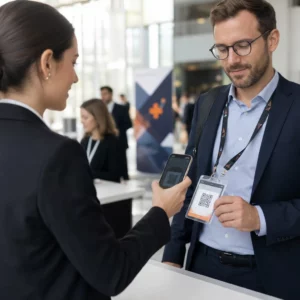
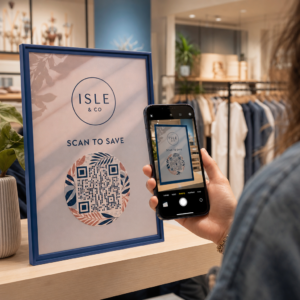
Kas jagate QR-koodide kaudu tundlikke dokumente või eksklusiivset sisu, kuid muretsete volitamata juurdepääsu pärast? Kui füüsilised koodid ilmuvad avalikesse kohtadesse, saab igaüks neid skannida konfidentsiaalsete failide või sisemiste sihtlehtede vaatamiseks. Paroolikaitse lisamine teie sihtlinkidele ja failidele tagab, et teie sisule pääsevad ligi ainult volitatud kasutajad.
Kas QR-kood ise saab olla parooliga kaitstud?
Standardsetel staatilistel QR-koodidel ei saa parooli hoida oma pikslite mustris. Staatiline kood tõlgib lihtsalt tavalise teksti või fikseeritud veebilingi skannitavaks graafikaks, mis tähendab, et iga nutitelefoni lugeja dekodeerib skannimisel koheselt täpselt sama lõpp-punkti andme.
Juurdepääsu kaitsmiseks peab paroolikaitse toimuma kas ümbersuunamise tasandil või sihtkohas. Seda saab saavutada kahe peamise lähenemisviisi abil:
- Ümbersuunamise tasandi kaitse: Kasutades Dünaamilise QR koodi generaator skannimise peatamiseks ja parooliga autentimise nõudmiseks enne külastajate suunamist sihtressursile.
- Sihtkoha tasandi kaitse: Hostkeskkonna kaitsmine või faili otsene kaitsmine (näiteks parooliga kaitstud dokumendi loomine) enne selle linkimist.
Mõlemad meetodid takistavad volitamata kasutajatel konfidentsiaalsete ressursside vaatamist, isegi kui teie füüsiline QR-kood on kuvatud avalikus kohas.
Peamised meetodid QR-koodi sisu kaitsmiseks
Õige lahenduse valik sõltub sellest, kas kaitsete veebisaidi linki, sisemist dokumenti või ajutist sündmuse sisu.
Dünaamilise QR-koodi juurdepääsu kontrollid
Dünaamilised QR-koodid tuginevad lühikesele ümbersuunamise lingile, mitte lõpliku URL-i kõvakodeerimisele pildile. See lühike link võimaldab teil hallata turvaseadeid koodi majutaval platvormil. Saate lubada paroolinõudeid, värskendada sihtlinki igal ajal või tühistada juurdepääsu täielikult ilma füüsilisi materjale uuesti printimata.
Parooliga kaitstud failide üleslaadimised
Kui jagate faile otse, saate faili parooliga kaitsta enne selle skannitavaks graafikaks teisendamist. Kasutades PDF QR-koodi generaator, saate üles laadida krüpteeritud PDF-i või majutada oma dokumendi turvalisel platvormil, mis nõuab autentimist. Kasutajad, kes koodi skaneerivad, jõuavad dokumendivaaturisse, kuid peavad faili avamiseks ja lugemiseks sisestama õiged mandaadid.
Aegumiskuupäevad ja kasutuspiirangud
Juurdepääsukontroll ulatub kaugemale paroolidest. Saate kombineerida mandaatide nõudeid reeglitega, nagu kalendripõhised aegumised või maksimaalsed skaneeringute arvud. Nende parameetrite seadistamine tagab, et kui pakkumine või sisemine koosolek lõpeb, deaktiveerub link automaatselt. Lisateavet sisu elutsüklite kontrollimise kohta leiate meie juhendist kuidas määrata QR-koodidele aegumiskuupäevi.
Turva oma digitaalne sisu juba täna Kaitske oma tundlikke faile ja piiratud linke paindlike juurdepääsukontrollidega, luues koode meie Dünaamilise QR koodi generaator.
Kuidas seadistada parooliga kaitstud QR-koodi samm-sammult
Järgige neid samme, et luua parooliga kaitstud juurdepääsuvoog oma äri- või turundusmaterjalidele:
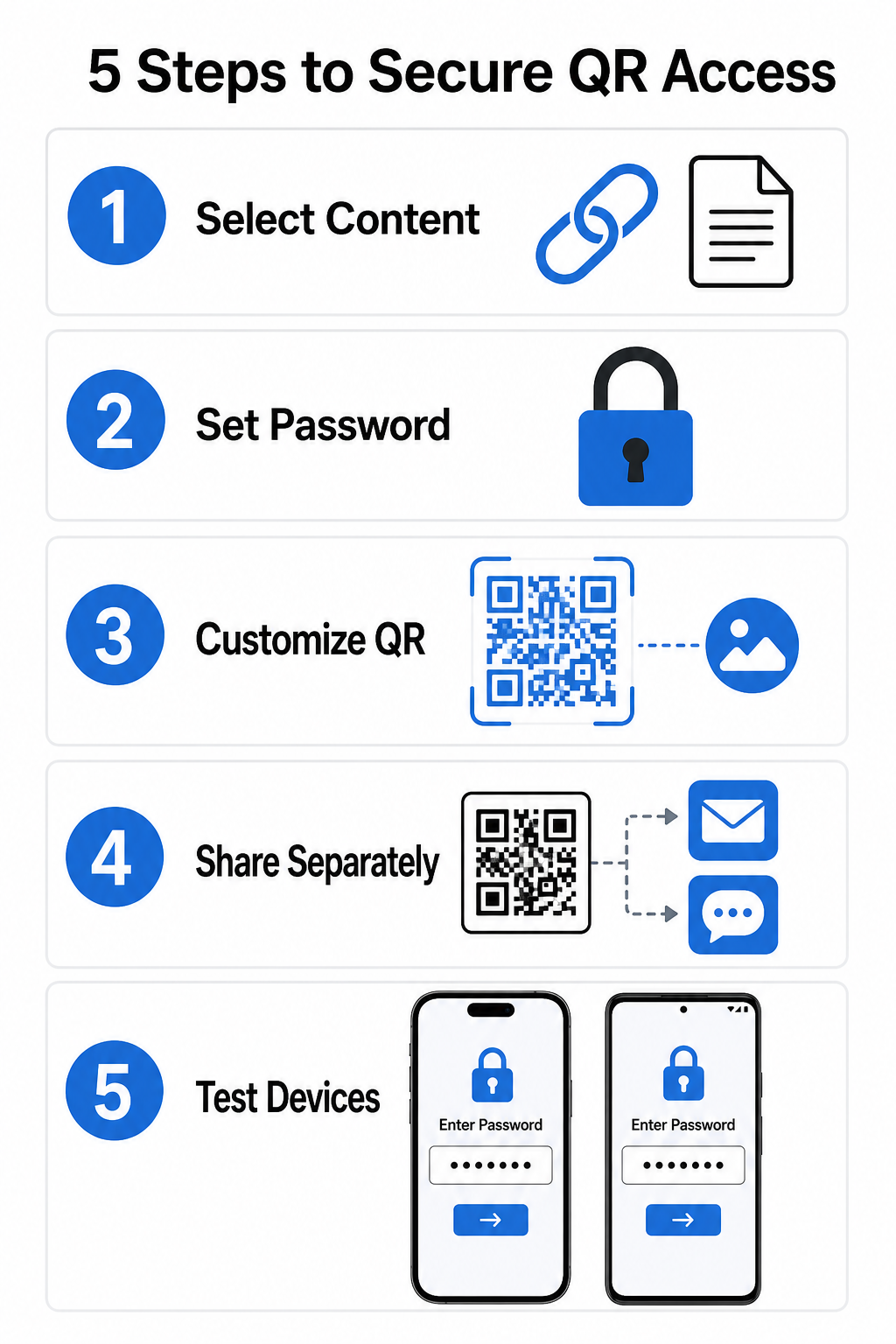
- Vali oma sisutüüp: Valige vorming, mida soovite jagada, näiteks veebisaidi URL, kasutades lingi QR-koodi generaator või dokumendifaili.
- Konfigureeri juurdepääsuturve: Lubage paroolinõuded oma dünaamilises halduspaneelis või rakendage paroolikaitse otse oma sihtfailile enne üleslaadimist.
- Kohanda visuaalset kujundust: Lisage brändivärvid, kohandatud raamid ja ametlik logo, kasutades paindlikku QR-koodi generaator , et suurendada kasutajate usaldust ja vähendada pettuse riske.
- Levita mandaate eraldi: Jagage parooli volitatud kasutajatega eraldi kanali kaudu, näiteks e-posti kinnituse, tervituspakettide või otseteavituste kaudu, selle asemel et paigutada see koodi lähedale.
- Testige mitme seadmega: Skaneerige koodi nii iOS-i kui ka Androidi kaamerarakenduste abil, et veenduda parooli küsimise korrektse käivitumises enne printimist või avaldamist.
Parimad praktikad turvalise QR-koodi juurutamisel
Juurdepääsukaitse rakendamine eeldab küberjulgeoleku standardite järgimist, et vältida andmelekkeid ja volitamata skaneeringuid:
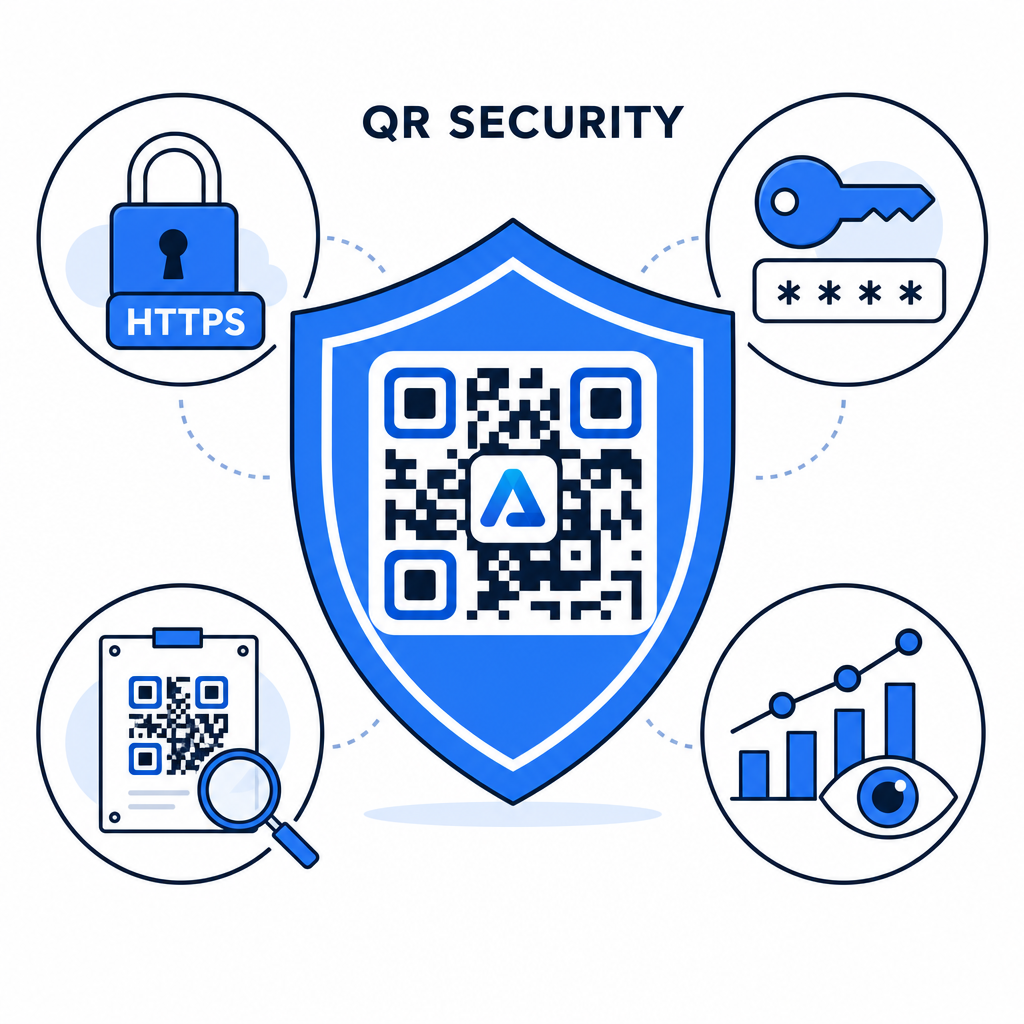
- Kasutage tugevaid paroolistandardeid: Nõudke paroolide pikkuseks vähemalt 15 märki ühekordse kaitse tagamiseks, et vältida automatiseeritud äraarvamiskatseid.
- Nõudke HTTPS-i lõpp-punkte: Veenduge, et sihtserver kasutab SSL-krüpteerimist andmete edastamise kaitsmiseks. Saate lugeda lähemalt selle kohta, kuidas krüpteerimine QR-koodi andmeid kaitseb sügavama turvalisuse ülevaate saamiseks.
- Kontrollige füüsilisi kuvamisi regulaarselt: Jälgige rutiinselt trükitud puutepunkte avalikes kohtades, et tagada, et füüsilisi koode pole muudetud ega kaetud volitamata kihtidega, leevendades võtme- QR-koodi privaatsusriske.
- Jälgige juurdepääsuanalüüsi: Jälgige skannimissagedust, asukohti ja kasutajaagendi andmeid oma halduspaneelil, et tuvastada kahtlaseid liikluse mustreid või volitamata juurdepääsukatseid.
Hallake ja kaitske oma faile vaevata Teisendage oma konfidentsiaalsed juhendid ja dokumendid jälgitavateks, turvalisteks digitaalseteks linkideks meie PDF QR-koodi generaator.
Kaitske oma puutepunkte parooliga juurdepääsukontrollidega
Füüsiliste QR-puutepunktide sidumine digitaalsete juurdepääsukontrollidega pakub sujuvat kasutajakogemust, hoides samal ajal patenteeritud dokumendid, sisevormid ja eksklusiivsed turundusmaterjalid privaatsena. Kasutades dünaamilisi koode parooliviipadega, krüpteeritud lõpp-punkte ja ennetavat jälgimist, säilitate täieliku volituse oma jagatud sisu üle.
Tutvu meie põhjaliku juhendiga teemal turvalise QR-koodi loomise parimad tavad et rakendada täielikku turvalisust oma trüki- ja digitaalsetes puutepunktides juba täna.
Korduma kippuvad küsimused
Ei. Staatilised QR-koodid kodeerivad fikseeritud andmed otse mustrisse ega saa käivitada parooliviipasid. Juurdepääsu piiramiseks kasutage dünaamilist QR-koodi platvormi või kaitske sihtlehte või faili ennast.
Saatke paroolid eraldi suhtluskanali kaudu, näiteks e-posti kinnituse, SMS-i, ürituse märgi või turvalise sisseelamise paketi kaudu. Ärge kunagi printige parooli füüsilise QR-koodi kõrvale.
Dünaamilised QR-koodid võimaldavad teil otse oma armatuurlaualt igal ajal värskendada sihtkoha linke, turvaseadeid või parooli juurdepääsueeskirju, ilma et peaksite füüsilisi materjale uuesti printima.