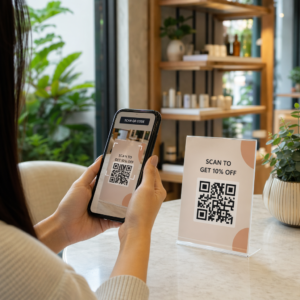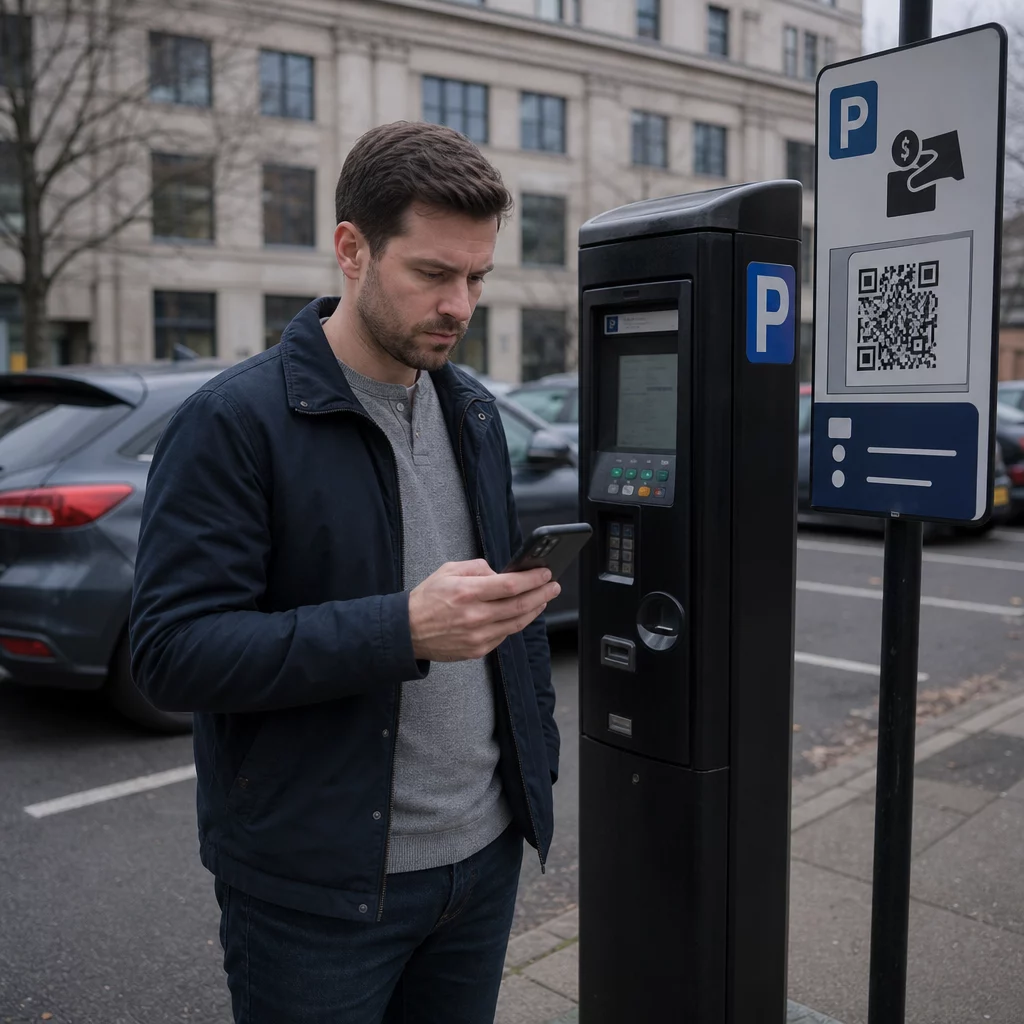
Are you sure that QR code on the parking meter is legitimate? Fake QR code stickers placed on parking machines and signage are stealing card details from thousands of UK drivers – and the scams are spreading fast. This guide explains exactly how these scams work, what warning signs to look for, and the practical steps you can take to protect yourself.
How the UK Parking QR Code Scam Works
The fraud technique is known as “quishing” – a portmanteau of QR code and phishing. Criminals print fake QR code stickers and place them directly over, or alongside, legitimate signage on parking ticket machines, car park barriers, and payment signs. According to a Freedom of Information survey, 123 of 373 UK local authorities reported that their car parks had been targeted in a single year, with Sheffield Council alone reporting that all 370 of its parking ticket machines had been affected.
When a driver scans the fake code, they are redirected to a convincing but fraudulent website that mimics a real parking payment platform. The site typically displays familiar branding – logos, colors, and layouts copied from legitimate services such as PayByPhone – to create an illusion of authenticity. Once victims enter their payment card details, criminals capture that information and use it to make unauthorized withdrawals.
The scam does not stop at a single stolen payment. Reports describe a recurring pattern in which an initial small “parking” charge is followed by larger recurring withdrawals billed as bogus online subscriptions. Action Fraud received nearly 800 QR fraud reports in the 12 months up to April 2025, with total losses of approximately £3.5 million.
Drivers face a double risk: not only is their financial information handed directly to scammers, but because they have not paid through official channels, they may also receive a legitimate Penalty Charge Notice for non-payment.
Which Areas and Locations Have Been Targeted
Parking QR code scams have been reported in towns and cities across the UK, including York, London’s Royal Borough of Kensington and Chelsea, Dorset’s West Bay area, and many more. The City of York Council confirmed that multiple car parks were affected – Castle, Nunnery Lane, St George’s Field, Bootham Row, Monk Bar, Marygate, Union Terrace, and Bishopthorpe Road among them, with some victims reporting individual losses of up to £400.
Beyond council-run car parks, scammers have also targeted over 20 UK hospital car parks. Anywhere that drivers face time pressure and rely on quick payment methods is considered a potential target.
Warning Signs of a Fake Parking QR Code
Knowing what to look for is your first line of defense. Watch for these red flags before you scan anything:
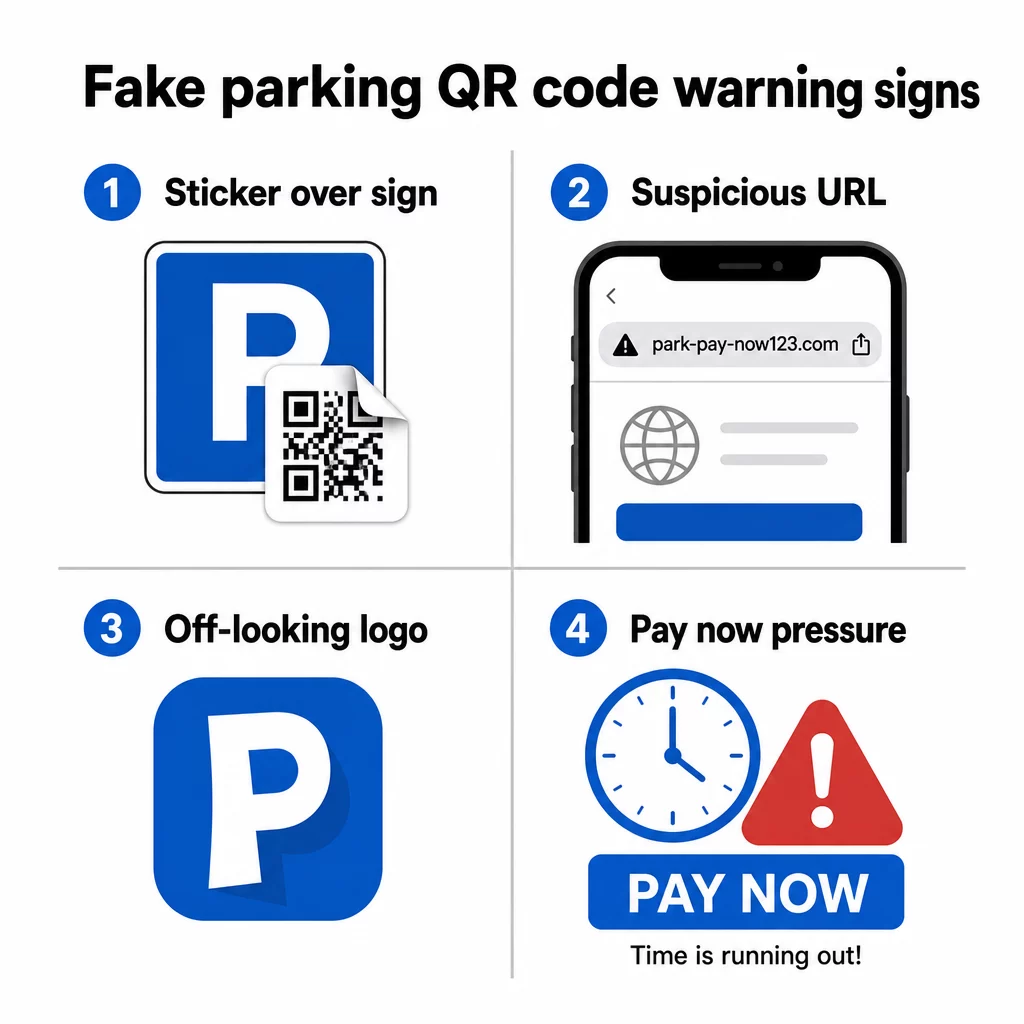
- A QR code sticker placed over existing signage – legitimate parking operators install signage professionally; an overlapping sticker is a strong indicator of tampering
- QR codes on councils or operators that don’t use them – Kensington and Chelsea Council, Dorset Council, and many others have explicitly stated their parking systems do not use QR codes at all; any QR code in those locations leads to scammers
- Logos that look slightly off – fraudulent stickers often copy branding from services like PayByPhone, but the quality of printing or the logo proportions may be inconsistent
- A URL that doesn’t match the official service – before opening any link, preview the destination address; legitimate parking services use recognizable, official domains (and official council pages always contain “gov.uk”)
- Requests for payment through an unfamiliar website – if the site you land on asks for card details but the URL does not match the app or service you were expecting, close it immediately
John Wilmot, chief executive of car lease comparison website LeaseLoco, put it plainly: “A lot of these scams will urge you to quickly pay a fee to avoid facing bigger fines. When we see something like this, we often rush to get the payment done rather than stopping and checking the legitimacy of the message or letter.”
That urgency is manufactured. Taking 30 seconds to check before you scan is enough to avoid most of these attacks.
How to Pay for Parking Safely
The safest approach is to avoid scanning QR codes at parking machines altogether, and multiple UK councils and consumer organisations now recommend exactly that.
- Download the official parking app before you need it – apps like RingGo and PayByPhone are the intended payment method for most UK car parks; set them up at home so you are not rushed at the machine
- Pay by phone, text, or PayPoint – most councils offer multiple payment options; use an official method that does not require scanning an on-site code
- Type the URL directly – if a payment website is printed on the signage as text, type it into your browser manually rather than relying on a QR code to redirect you
- Check for physical tampering – run your finger over the signage; a raised sticker edge is a sign something has been placed over the original surface
- Preview the URL before following it – your phone’s built-in camera app will show you the destination address before you open it; if anything looks suspicious, do not proceed
- Use your phone’s built-in camera rather than a third-party scanning app – separate QR code scanner apps can increase the risk of malware or misleading redirects
Scan QR Codes More Safely Unsure whether a QR code is legitimate before you scan it? Use the free online QR code scanner to decode a code from an uploaded image and inspect the destination URL before visiting it.
What to Do If You Have Already Scanned a Fake Code
If you entered card details on a site reached via a suspicious QR code, act quickly:
- Contact your bank immediately – report the transaction as fraud and request a new card; most UK banks will refund unauthorized payments when reported promptly
- Report to Action Fraud – the UK’s national fraud reporting service (actionfraud.police.uk) handles QR code and online payment fraud
- Report to the National Cyber Security Centre – suspicious scam websites can be reported at report.ncsc.gov.uk
- Tell the council or parking operator – inform your local council so they can remove fake stickers and warn other drivers; you should also report it to the police
- Check your statements – monitor your account over the following weeks for any recurring charges from unfamiliar subscription services
The Fake Parking Fine Text Scam
A related scam involves text messages or emails claiming that drivers have received an unpaid parking fine, with a link or QR code leading to a fake payment site. Rugby Borough Council has warned residents about messages of this kind, which mimic official government communications but are hosted on unrelated domains.
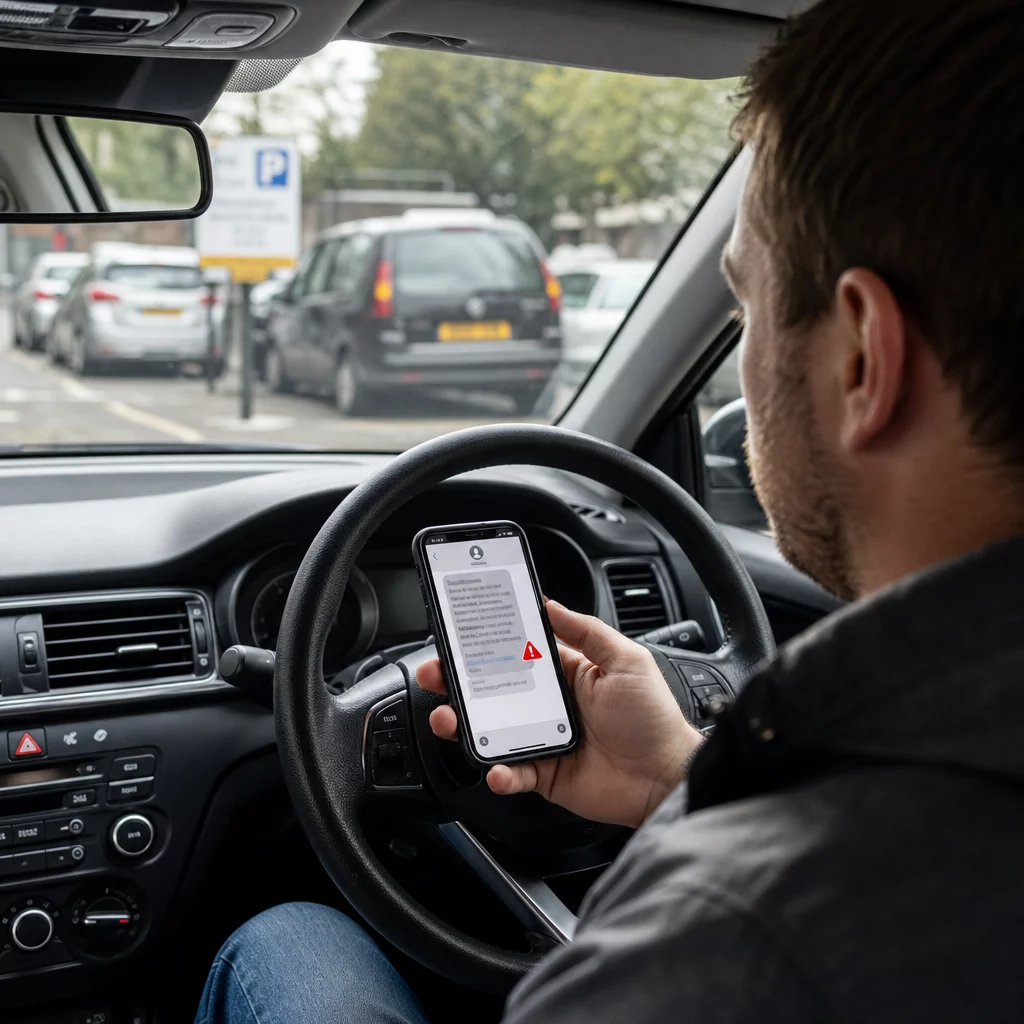
The City of York Council and other authorities have confirmed that legitimate Penalty Charge Notices are never issued by text message. Official PCNs are either affixed to the vehicle, handed to the driver in person, or sent by post to the registered vehicle owner. Any text demanding immediate payment of a parking fine should be treated as fraudulent until verified through official channels. If in doubt, contact your local council’s parking department directly using the number listed on their official website.
Why These Scams Are Hard to Spot
Part of what makes parking QR code fraud so effective is that QR code payment risks are not obvious at a glance. Unlike a suspicious email where you can hover over a link, a QR code gives you no visible information about its destination until after you have scanned it. Research cited by Pageloot shows that nearly 2% of all scanned QR codes are malicious, and quishing made up 51% of all phishing attacks in 2023.
Fraudsters exploit this opacity deliberately. The cloned websites they build are often visually identical to legitimate services, with the only difference being the domain name – something most people do not check carefully when they are in a hurry to pay for parking before their time runs out.
Understanding QR code privacy risks more broadly can help you develop better scanning habits in everyday situations, not just at parking machines.
What Legitimate Businesses Do Differently
It is worth understanding what trustworthy QR code deployments look like, so you can spot the contrast when something is off. Legitimate businesses and councils that use QR codes for payments or information:
- Use professionally printed signage, not hand-applied stickers
- Link to domains that match their official website or a well-known, named payment provider
- Do not pressure you to scan a QR code as the only payment option
- Provide clearly visible alternative payment methods alongside any QR code
Organisations that deploy QR codes responsibly also use dynamic QR codes rather than static ones. Dynamic codes can be updated, monitored for unusual activity, and deactivated immediately if tampering is detected – something static sticker codes cannot do. If you are a business deploying QR codes in public spaces, understanding best practices for QR code security is essential to protect your customers.
Protect Your Business Customers From QR Fraud If your business uses QR codes on signage, menus, or payment points, dynamic codes let you monitor scan activity and deactivate compromised codes instantly. Learn more about how to protect your business from QR code scams and explore the Pageloot QR code generator to create secure, trackable codes your customers can trust.
Staying Safe at the Parking Machine
The core rule is straightforward: do not scan QR codes at parking machines. Use the official app, call the number on the sign, or pay at a PayPoint. If you do scan a code anywhere in public, always preview the destination URL in your phone’s camera before tapping through, check for physical tampering, and trust your instincts if anything looks wrong.
Taking a moment to verify before you pay can prevent losses that, in some cases, have reached hundreds of pounds – and protect your card details from being used in repeated fraudulent charges long after the original incident.
Frequently Asked Questions
Look for stickers that appear to have been applied over existing signage, misaligned or low-quality printed logos, and any code that appears on equipment belonging to a council or operator that does not officially use QR codes for payment. Before scanning anything, use your phone’s native camera to preview the destination URL – if the address does not match the official parking service, do not proceed.
Contact your bank immediately to report fraud and request a card replacement. File a report with Action Fraud (actionfraud.police.uk) and report the scam website to the National Cyber Security Centre at report.ncsc.gov.uk. Also notify your local council so the fake sticker can be removed. Monitor your bank statements closely over the following weeks for unexpected subscription charges.
The safest approach recommended by multiple UK councils and consumer organisations is to avoid using QR codes at parking machines entirely and instead pay via the official parking app, phone, or text payment service. If you do use a QR code, always verify the destination URL before completing any payment, and check the signage carefully for signs of tampering.