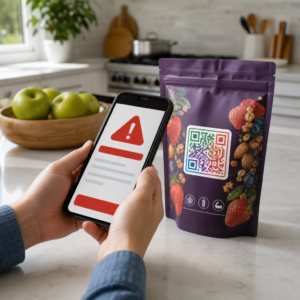
Deelt u gevoelige documenten of exclusieve inhoud via QR-codes, maar maakt u zich zorgen over ongeautoriseerde toegang? Wanneer fysieke codes in openbare ruimtes verschijnen, kan iedereen ze scannen om vertrouwelijke bestanden of interne landingspagina's te bekijken. Het toevoegen van wachtwoordbeveiliging aan uw doellinks en bestanden zorgt ervoor dat alleen geautoriseerde gebruikers toegang hebben tot uw inhoud.
Kan een QR-code zelf met een wachtwoord worden beveiligd?
Standaard statische QR-codes kunnen geen wachtwoorden opslaan in hun pixelpatronen. Een statische code vertaalt eenvoudigweg platte tekst of een vaste weblink naar een scanbare afbeelding, wat betekent dat elke smartphonelezer onmiddellijk na het scannen dezelfde eindpuntgegevens decodeert.
Om de toegang te beveiligen, moet wachtwoordbeveiliging plaatsvinden op het omleidingsniveau of op de doelbestemming. U kunt dit bereiken met behulp van twee belangrijke benaderingen:
- Beveiliging op omleidingsniveau: Gebruikmakend van een Dynamische QR code generator om de scan te onderscheppen en wachtwoordauthenticatie te vereisen voordat bezoekers worden omgeleid naar de doelbron.
- Beveiliging op bestemmingsniveau: Het beveiligen van de hostomgeving of het direct beveiligen van het bestand (zoals het maken van een met een wachtwoord beveiligd document) voordat het wordt gekoppeld.
Beide methoden voorkomen dat onbevoegde gebruikers vertrouwelijke bronnen bekijken, zelfs als uw fysieke QR-code op een openbare locatie wordt weergegeven.
Belangrijke methoden om QR-code-inhoud te beveiligen
Het kiezen van de juiste implementatie hangt af van of u een websitelink, een intern document of tijdelijke evenementinhoud beveiligt.
Toegangscontroles voor dynamische QR-codes
Dynamische QR-codes vertrouwen op een korte omleidingslink in plaats van de uiteindelijke URL rechtstreeks in de afbeelding te coderen. Deze korte link stelt u in staat om beveiligingsinstellingen te beheren op het platform dat de code host. U kunt wachtwoordvereisten inschakelen, de doellink op elk moment bijwerken of de toegang volledig intrekken zonder uw fysieke materialen opnieuw af te drukken.
Met wachtwoord beveiligde bestandsuploads
Als u bestanden rechtstreeks deelt, kunt u het bestand met een wachtwoord beveiligen voordat u het converteert naar een scanbare afbeelding. Bij gebruik van een PDF naar QR code maken, kunt u een versleutelde PDF uploaden of uw document hosten op een beveiligd platform dat authenticatie vereist. Gebruikers die de code scannen, bereiken de documentviewer, maar moeten de juiste inloggegevens invoeren om het bestand te openen en te lezen.
Vervaldatums en Gebruikslimieten
Toegangscontrole gaat verder dan wachtwoorden. U kunt inloggegevens combineren met regels zoals kalendervervaldatums of maximale scanlimieten. Het instellen van deze parameters zorgt ervoor dat zodra een aanbieding of interne vergadering is afgelopen, de link automatisch deactiveert. Leer meer over het beheren van contentlevenscycli in onze gids over hoe vervaldatums in te stellen voor QR-codes.
Beveilig Vandaag Nog Uw Digitale Content Bescherm uw gevoelige bestanden en beperkte links met flexibele toegangscontroles door codes te maken met onze Dynamische QR code generator.
Hoe u stap voor stap een met wachtwoord beveiligde QR-code instelt
Volg deze stappen om een met wachtwoord beveiligde toegangsstroom te creëren voor uw zakelijke of marketingmaterialen:
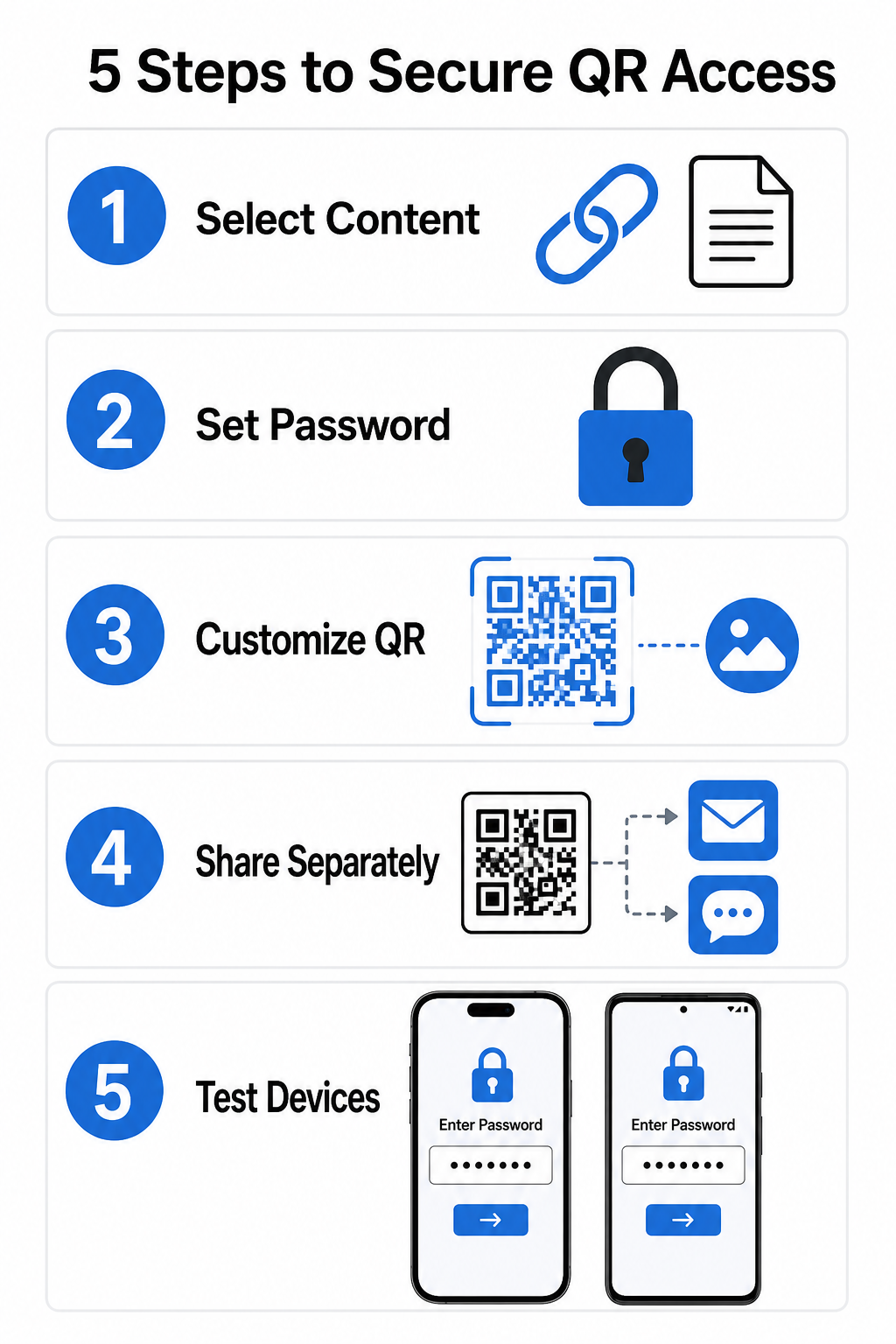
- Selecteer uw contenttype: Kies het formaat dat u wilt delen, zoals een website-URL met behulp van een link QR-codegenerator of een documentbestand.
- Configureer toegangsbeveiliging: Schakel wachtwoordvereisten in uw dynamische managementdashboard in of pas wachtwoordbeveiliging rechtstreeks toe op uw doelfile voordat u deze uploadt.
- Pas het visuele ontwerp aan: Voeg merkkleuren, aangepaste kaders en een officieel logo toe met behulp van een flexibele QR-codegenerator om gebruikersvertrouwen op te bouwen en frauderisico's te verminderen.
- Verdeel inloggegevens apart: Deel het wachtwoord met geautoriseerde gebruikers via een apart kanaal, zoals e-mailbevestiging, welkomstpakketten of directe berichten, in plaats van het in de buurt van de code te plaatsen.
- Test op meerdere apparaten: Scan de code met zowel iOS- als Android-camera-apps om te bevestigen dat de wachtwoordprompt correct wordt geactiveerd voordat u afdrukt of publiceert.
Beste praktijken voor veilige QR-code implementatie
Het implementeren van toegangsbeveiliging vereist het volgen van cybersecuritynormen om datalekken en ongeautoriseerde scans te voorkomen:
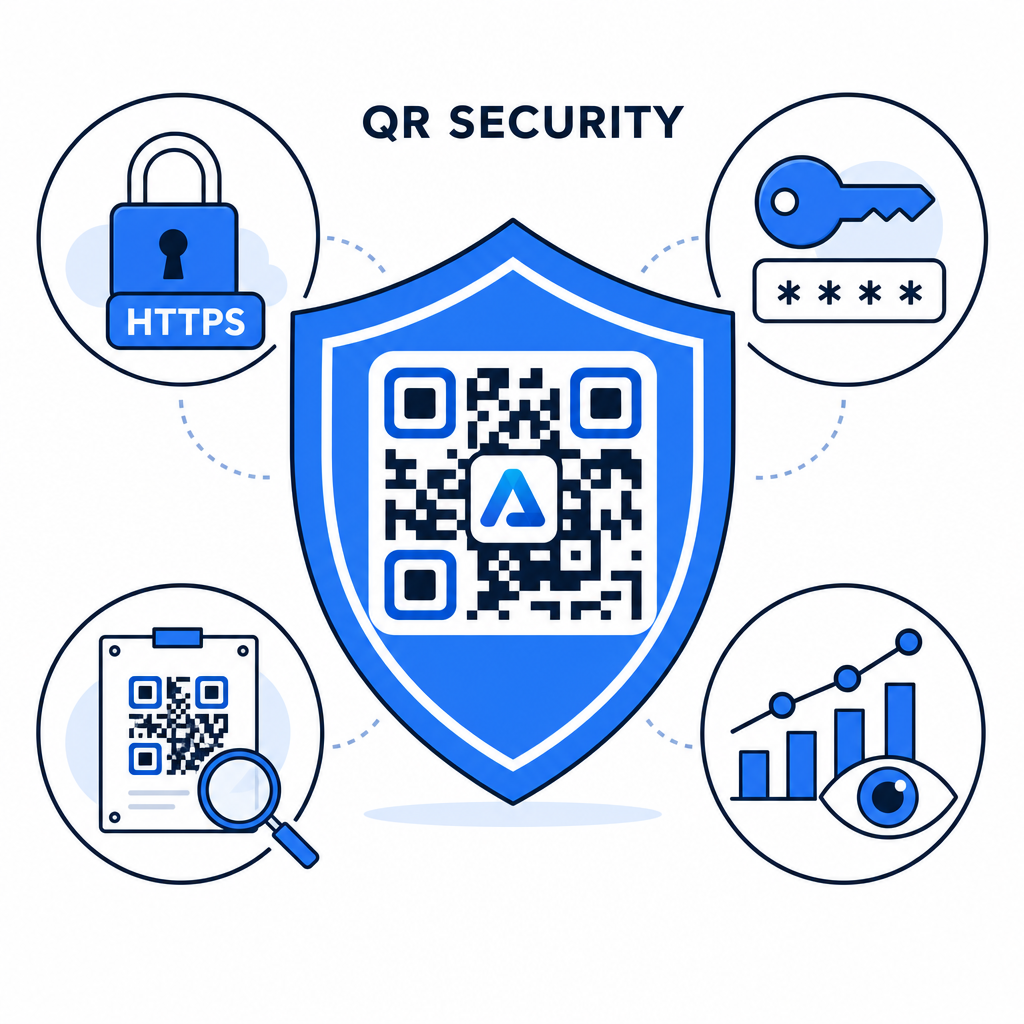
- Gebruik sterke wachtwoordstandaarden: Vereis dat wachtwoorden minstens 15 tekens lang zijn voor eenmalige authenticatie om geautomatiseerde gokpogingen te voorkomen.
- Vereis HTTPS-eindpunten: Zorg ervoor dat de doelserver SSL-versleuteling gebruikt om gegevens tijdens de overdracht te beschermen. U kunt meer lezen over hoe versleuteling QR-codegegevens beveiligt voor diepgaandere beveiligingsinzichten.
- Inspecteer fysieke displays regelmatig: Controleer regelmatig geprinte contactpunten in openbare ruimtes om ervoor te zorgen dat fysieke codes niet zijn gewijzigd of bedekt door ongeautoriseerde overlays, waardoor belangrijke privacyrisico's van QR-codes.
- Bewaak toegangsanalyses: Volg scanfrequentie, locaties en gebruikersagentgegevens in uw managementdashboard om verdachte verkeerspatronen of ongeautoriseerde toegangspogingen te identificeren.
Beheer en bescherm uw bestanden moeiteloos Zet uw vertrouwelijke handleidingen en documenten om in traceerbare, veilige digitale links met onze PDF naar QR code maken.
Beveilig uw contactpunten met wachtwoordtoegangscontroles
Het koppelen van fysieke QR-contactpunten aan digitale toegangscontroles biedt een naadloze gebruikerservaring, terwijl bedrijfseigen documenten, interne formulieren en exclusieve marketingmiddelen privé blijven. Door dynamische codes met wachtwoordprompts, versleutelde eindpunten en proactieve monitoring in te zetten, behoudt u volledige controle over uw gedeelde inhoud.
Ontdek onze uitgebreide gids over beste praktijken voor veilige QR-codegeneratie om vandaag nog end-to-end beveiliging te implementeren voor al uw print- en digitale contactpunten.
Veelgestelde vragen
Nee. Statische QR-codes coderen vaste gegevens rechtstreeks in het patroon en kunnen geen wachtwoordprompts activeren. Om de toegang te beperken, gebruikt u een dynamisch QR-codeplatform of beveiligt u de bestemmingspagina of het bestand zelf.
Verstuur wachtwoorden via een apart communicatiekanaal, zoals een e-mailbevestiging, sms, evenementbadge of een veilig onboardingpakket. Print het wachtwoord nooit naast de fysieke QR-code.
Dynamische QR-codes stellen u in staat om bestemmingslinks, beveiligingsinstellingen of regels voor wachtwoordtoegang op elk gewenst moment direct vanuit uw dashboard te wijzigen, zonder fysieke materialen opnieuw af te drukken.