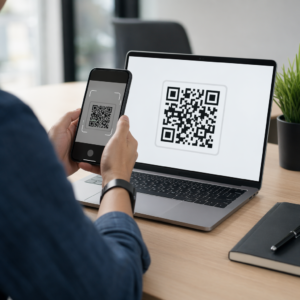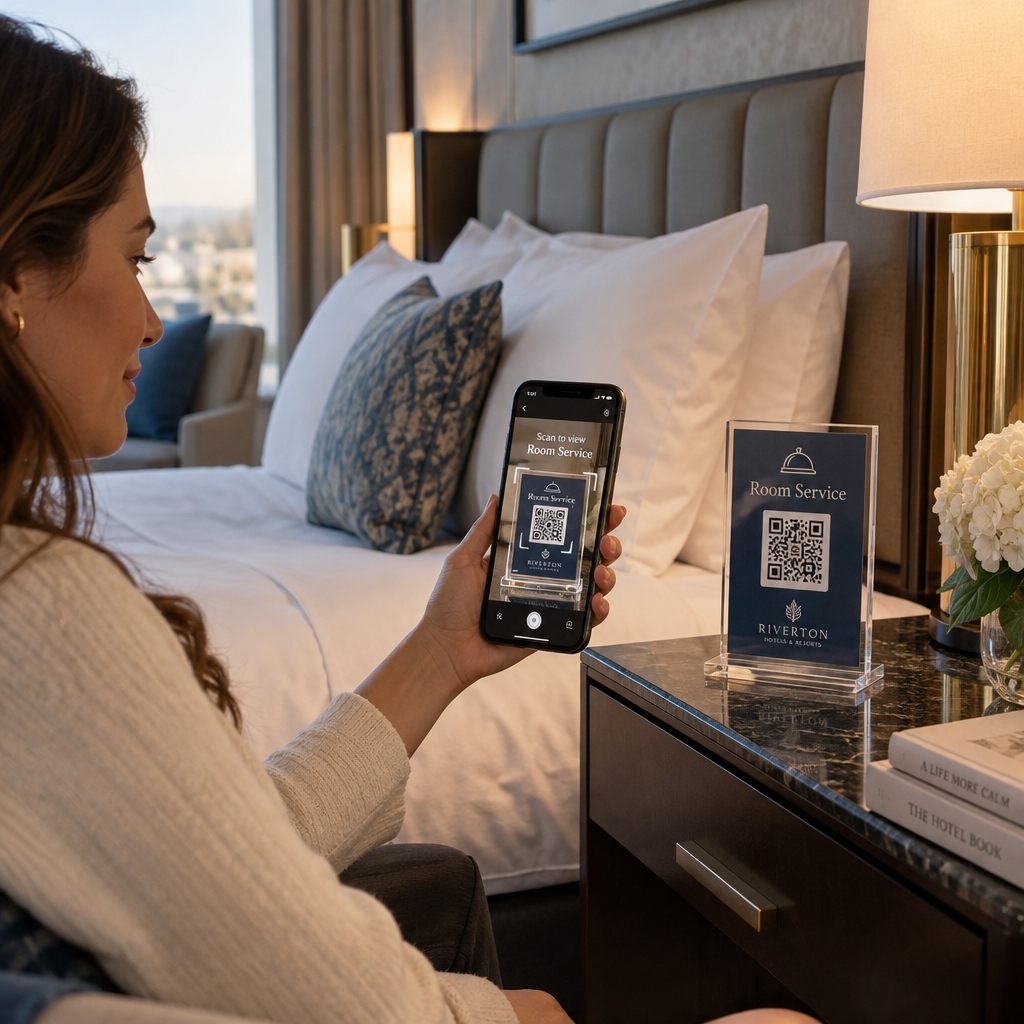
Are your front desk staff overwhelmed by routine guest calls for basic room information and services? Long hold times frustrate guests and stretch your property operations thin during peak arrival hours. Implementing in-room QR codes lets guests instantly access Wi-Fi, menus, and support from their own devices while streamlining property operations.
Why Hotel Rooms Need Contactless Guest Touchpoints
Guest communication has shifted toward self-directed digital interactions. When travelers arrive in their rooms, they want immediate access to essential amenities without navigating a phone directory or flipping through printed binders. Placing scannable touchpoints directly in guest quarters bridges physical hospitality with digital speed.
Properties that deploy digital directories and mobile menus frequently record a 20% to 30% increase in room service and upsell revenue. Instead of waiting on hold to inquire about dining hours, guests can view high-resolution food photos, customize their selections, and place orders directly. Implementing QR codes for hotels and resorts eliminates recurring printing expenses, allowing management to revise pricing, seasonal offerings, and resort schedules on demand.
Practical Applications for In-Room QR Codes
Modernizing guest interactions requires targeting the routine tasks that create friction for guests and unnecessary labor for staff. Across hospitality and other industry sectors, scannable codes remove administrative bottlenecks.
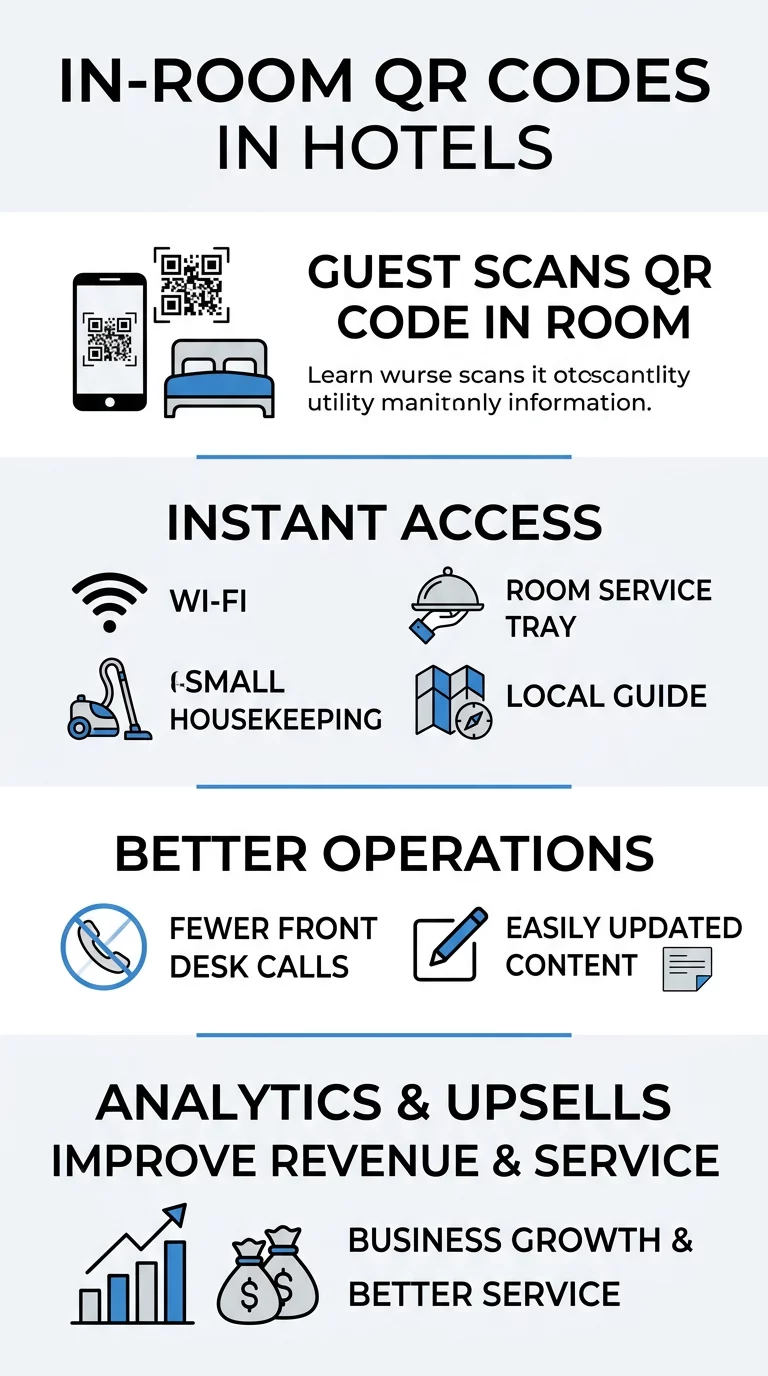
- Connecting instantly to guest Wi-Fi: Connect guests to property internet without manual password typing by using a dedicated WiFi QR code generator. Showing guests how to connect to Wi-Fi with a QR code eliminates common typographical errors and reduces calls to tech support.
- Browsing digital dining menus: Present current room service pricing, seasonal dishes, and daily specials with a menu QR code generator that updates without reprinting paper inserts.
- Consolidating concierge amenities: Direct visitors to a single mobile landing page with a multi-QR code generator linking to spa bookings, pool hours, and front-desk contacts.
- Submitting housekeeping requests: Route towel deliveries, room cleaning schedules, and maintenance tickets directly to internal departments through mobile-friendly forms.
- Recommending local attractions: Guide guests toward verified neighborhood dining, museums, and transportation options with curated digital maps.
- Collecting verified guest reviews: Invite satisfied visitors to leave direct feedback on public review platforms before check-out to boost your property’s online reputation.
Upgrade Your In-Room Guest Experience Want to connect guests with dining, Wi-Fi, and concierge services from their smartphones? Create trackable digital touchpoints with the Dynamic QR Code Generator to optimize your property operations.
Strategic Placement and Technical Readability Standards
Placement and technical design determine whether guests adopt your digital tools. If a code fails to scan immediately or sits in an awkward spot, guests will revert to calling the front desk.
Strategic Physical Placement
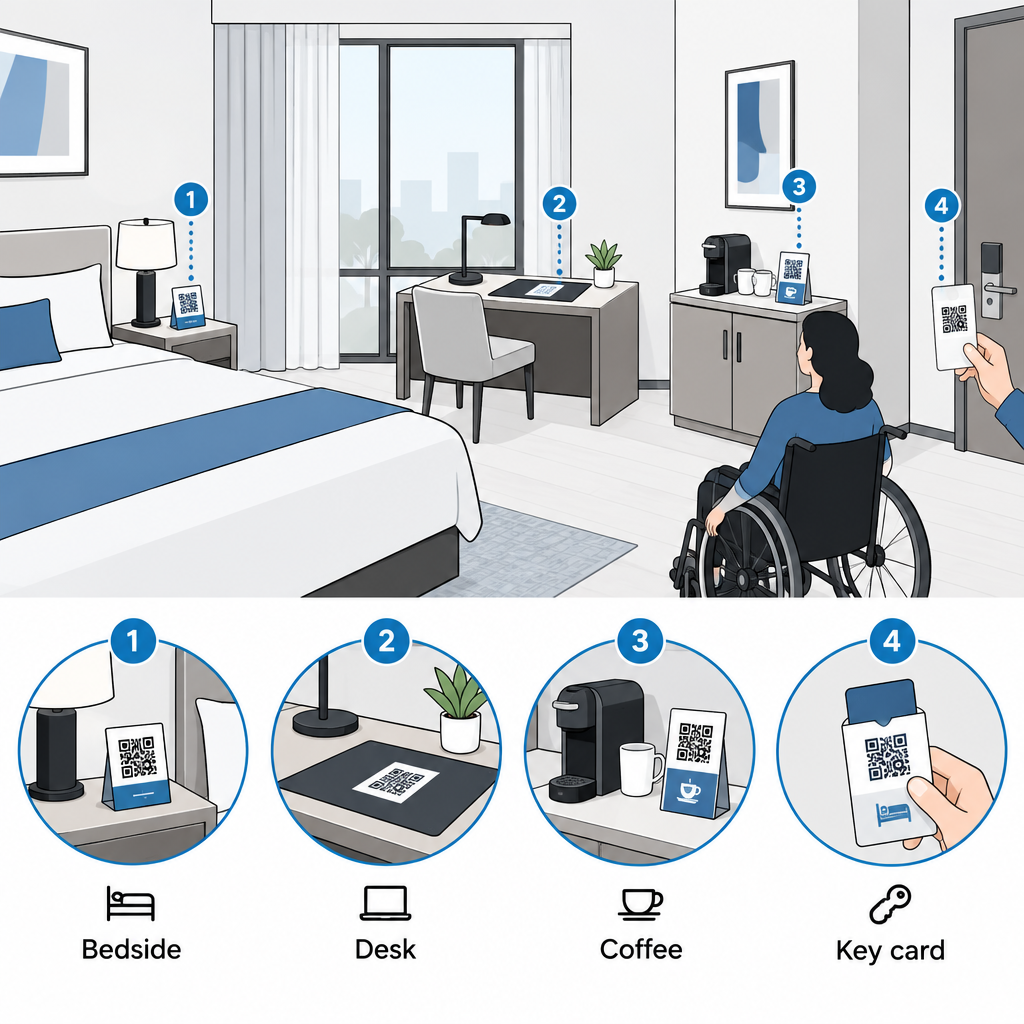
Position codes in high-visibility locations where guests naturally place their personal belongings or search for information. Ideal locations include bedside nightstands, desk blotters, coffee stations, and key card sleeves. When mounting codes on walls or entryway panels, follow the QR code placement guide by keeping signage at eye level, roughly 3.5 to 5.5 feet from the floor. This positioning accommodates both seated and standing guests, including wheelchair users, ensuring equal accessibility under standard public accommodation requirements.
Technical Design Requirements
Adhering to strict production standards guarantees that older smartphones and dimly lit environments do not interfere with scannability. Refer to QR code readability best practices when preparing print files:
- Sizing for scanning distance: Maintain at least 0.8 x 0.8 inches (2 x 2 cm) for close-range desk tents, and scale up at a 10:1 viewing-distance-to-width ratio for wall signs.
- Preserving adequate quiet zones: Keep a blank border at least four modules wide around the perimeter so smartphone cameras distinguish the code from background artwork.
- Maximizing color contrast: Use dark modules against a crisp, light background to achieve at least a 4.5:1 contrast ratio for reliable detection in low-light rooms.
- Adding clear calls to action: Frame the code with explicit instructional copy that tells guests what will happen when they scan.
- Providing non-digital alternatives: Print direct front desk phone extensions or readable web URLs adjacent to the code for guests who prefer traditional assistance.
Streamlining Hotel Operations with Real-Time Analytics
Deploying dynamic codes gives hotel management clear visibility into guest behavior. Unlike static designs that hard-code a single URL, dynamic codes route through editable links that track scan metrics and support real-time destination updates.
Analyzing scan frequency, peak hours, and device types helps department managers forecast labor demands. If in-room dining scans surge between 7:00 AM and 8:30 AM, kitchen managers can adjust breakfast prep staffing accordingly. Similarly, low scan rates on certain room amenities indicate that signage placement needs adjustment or promotional copy requires refinement.
Dynamic codes also safeguard operations when operational details change. If your restaurant modifies its operating hours, seasonal menus rotate, or concierge links change, your team can update the destination link inside the management console. The physical collateral in every guest room remains functional, avoiding costly reprints and outdated information.
Deploying comprehensive hotel QR code solutions modernizes daily hospitality workflows, reduces staff labor, and provides guests with an effortless, self-directed stay. Begin designing and tracking your dynamic in-room codes with Pageloot to elevate guest satisfaction across your entire property.
Frequently Asked Questions
For close-range scans on nightstands, desks, or door key cards, print QR codes at a minimum size of 0.8 x 0.8 inches (2 x 2 cm). If the code is mounted on an entryway wall or door where guests scan from further away, follow the 10:1 distance-to-size ratio.
Yes, if you use dynamic QR codes. Dynamic codes route through an editable short URL, allowing your staff to update menus, maintenance request forms, or event calendars in the dashboard without replacing printed room collateral. Note that Wi-Fi network QR codes are static and require a new print if your network SSID or password changes.
Protect your guests by directing all codes to HTTPS-encrypted destinations and placing your official property branding alongside the code. Staff should also routinely inspect physical room signs for tampering, such as unauthorized overlay stickers, and always provide printed alternatives like phone extensions or plain URLs.