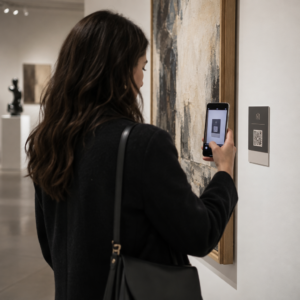
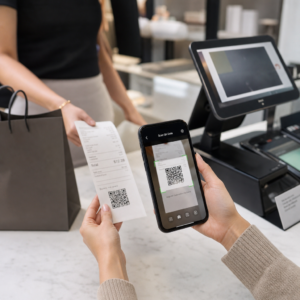
QR kodları aracılığıyla hassas belgeler veya özel içerik paylaşıyor, ancak yetkisiz erişim konusunda endişeleniyor musunuz? Fiziksel kodlar halka açık alanlarda göründüğünde, herkes bunları tarayarak gizli dosyalara veya dahili açılış sayfalarına erişebilir. Hedef bağlantılarınıza ve dosyalarınıza parola koruması eklemek, içeriğinize yalnızca yetkili kullanıcıların erişmesini sağlar.
Bir QR Kodu Kendi Başına Parola Korumalı Olabilir mi?
Standart statik QR kodları, piksel desenlerinde parola depolayamaz. Statik bir kod, düz metni veya sabit bir web bağlantısını taranabilir bir grafiğe dönüştürür; bu da herhangi bir akıllı telefon okuyucusunun tarama anında aynı hedef veri noktasını çözdüğü anlamına gelir.
Erişimi güvenli hale getirmek için parola koruması ya yönlendirme seviyesinde ya da hedef konumda gerçekleşmelidir. Bunu iki ana yaklaşımla sağlayabilirsiniz:
- Yönlendirme seviyesinde koruma: Bir Dinamik QR Kod Oluşturucu taramayı yakalamak ve ziyaretçileri hedef kaynağa yönlendirmeden önce parola doğrulaması istemek için.
- Hedef seviyesinde koruma: Ana bilgisayar ortamını güvenli hale getirmek veya dosyayı doğrudan korumak (parola korumalı bir belge oluşturmak gibi) bağlantı vermeden önce.
Her iki yöntem de, fiziksel QR kodunuz halka açık bir yerde gösterilse bile yetkisiz kullanıcıların gizli kaynakları görüntülemesini engeller.
QR Kodu İçeriğini Güvenli Hale Getirmenin Temel Yöntemleri
Doğru uygulamanın seçimi, bir web sitesi bağlantısını, dahili bir belgeyi veya geçici etkinlik içeriğini güvenli hale getirip getirmediğinize bağlıdır.
Dinamik QR Kodu Erişim Kontrolleri
Dinamik QR kodları, nihai URL'yi doğrudan görüntüye kodlamak yerine kısa bir yönlendirme bağlantısına dayanır. Bu kısa bağlantı, kodu barındıran platformda güvenlik ayarlarını yönetmenizi sağlar. Fiziksel materyallerinizi yeniden basmanıza gerek kalmadan parola gereksinimlerini etkinleştirebilir, hedef bağlantısını istediğiniz zaman güncelleyebilir veya erişimi tamamen iptal edebilirsiniz.
Parola Korumalı Dosya Yüklemeleri
Dosyaları doğrudan paylaşıyorsanız, taranabilir bir grafiğe dönüştürmeden önce dosyayı parola ile koruyabilirsiniz. Bir PDF QR Kod Oluşturucukullanırken, şifreli bir PDF yükleyebilir veya belgenizi kimlik doğrulama gerektiren güvenli bir platformda barındırabilirsiniz. Kodu tarayan kullanıcılar belge görüntüleyiciye ulaşır ancak dosyayı açmak ve okumak için doğru kimlik bilgilerini girmelidir.
Son Kullanma Tarihleri ve Kullanım Limitleri
Erişim kontrolü parolaların ötesine geçer. Kimlik bilgisi gereksinimlerini takvim son kullanma tarihleri veya maksimum tarama sayıları gibi kurallarla birleştirebilirsiniz. Bu parametreleri ayarlamak, bir teklif veya dahili toplantı sona erdiğinde bağlantının otomatik olarak devre dışı kalmasını sağlar. İçerik yaşam döngülerini kontrol etme hakkında daha fazla bilgiyi rehberimizde bulabilirsiniz: QR kodları için son kullanma tarihleri nasıl ayarlanır.
Dijital İçeriğinizi Bugün Güvenli Hale Getirin Hassas dosyalarınızı ve kısıtlı bağlantılarınızı, esnek erişim kontrolleriyle korumak için kodlarımızı kullanarak oluşturabilirsiniz. Dinamik QR Kod Oluşturucu.
Parola Korumalı Bir QR Kodu Adım Adım Nasıl Kurulur
İşletmeniz veya pazarlama materyalleriniz için parola korumalı bir erişim akışı oluşturmak üzere şu adımları izleyin:
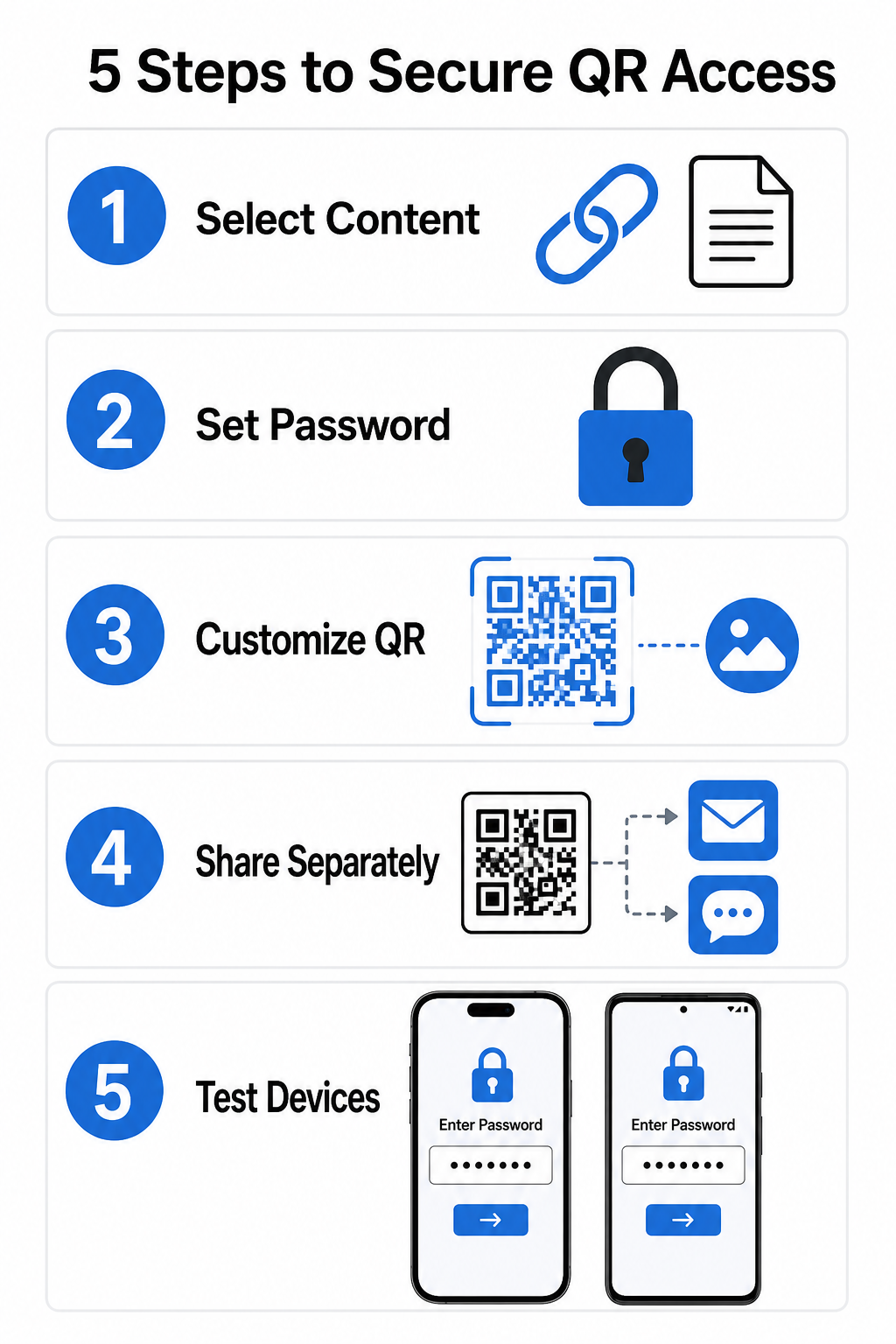
- İçerik türünüzü seçin: Paylaşmak istediğiniz formatı seçin, örneğin bir web sitesi URL'si kullanarak bir bağlantı QR kod oluşturucunuzun veya bir belge dosyası.
- Erişim güvenliğini yapılandırın: Dinamik yönetim panonuzda parola gereksinimlerini etkinleştirin veya hedef dosyanıza yüklemeden önce doğrudan parola koruması uygulayın.
- Görsel tasarımı özelleştirin: Esnek bir kullanarak marka renkleri, özel çerçeveler ve resmi bir logo ekleyin. QR kod oluşturucu kullanıcı güvenini artırmak ve dolandırıcılık risklerini azaltmak için.
- Kimlik bilgilerini ayrı olarak dağıtın: Parolayı, kodun yanına yerleştirmek yerine e-posta onayı, hoş geldin paketleri veya doğrudan mesajlar gibi ayrı bir kanal aracılığıyla yetkili kullanıcılarla paylaşın.
- Birden fazla cihazda test edin: Yazdırmadan veya yayımlamadan önce parola isteminin doğru şekilde tetiklendiğini doğrulamak için kodu hem iOS hem de Android kamera uygulamalarını kullanarak tarayın.
Güvenli QR Kodu Dağıtımı için En İyi Uygulamalar
Erişim korumasını uygulamak, veri sızıntılarını ve yetkisiz taramaları önlemek için siber güvenlik standartlarına uymayı gerektirir:
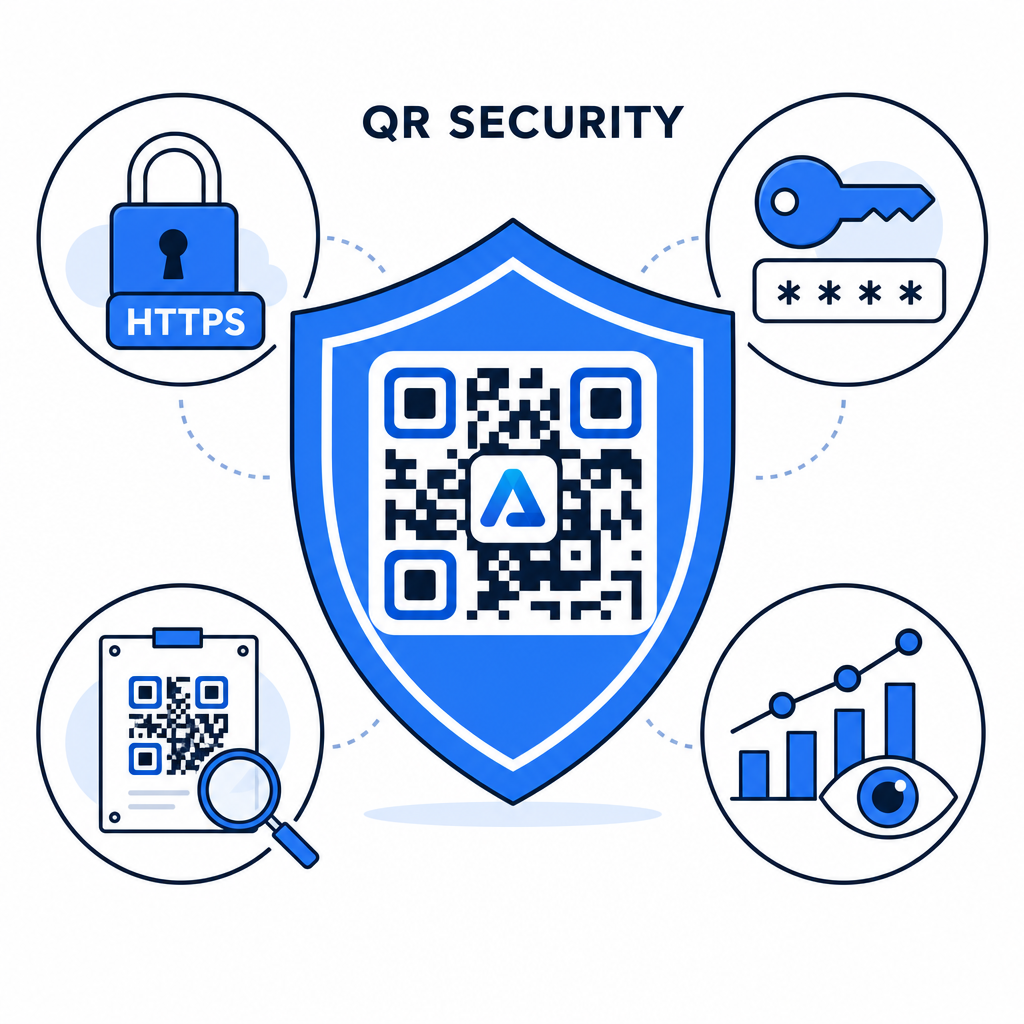
- Güçlü parola standartları kullanın: Otomatik tahmin denemelerini önlemek için tek faktörlü koruma için parolaların en az 15 karakter uzunluğunda olmasını zorunlu kılın.
- HTTPS uç noktaları gerektirin: Hedef sunucunun aktarımdaki verileri korumak için SSL şifrelemesi kullandığından emin olun. Hakkında daha fazla bilgi edinebilirsiniz: şifrelemenin QR kodu verilerini nasıl güvence altına aldığı daha derin güvenlik bilgileri için.
- Fiziksel ekranları düzenli olarak kontrol edin: Genel alanlardaki basılı temas noktalarını düzenli olarak izleyerek fiziksel kodların yetkisiz kaplamalarla değiştirilmediğinden veya kapatılmadığından emin olun, temel QR kodu gizlilik riskleri.
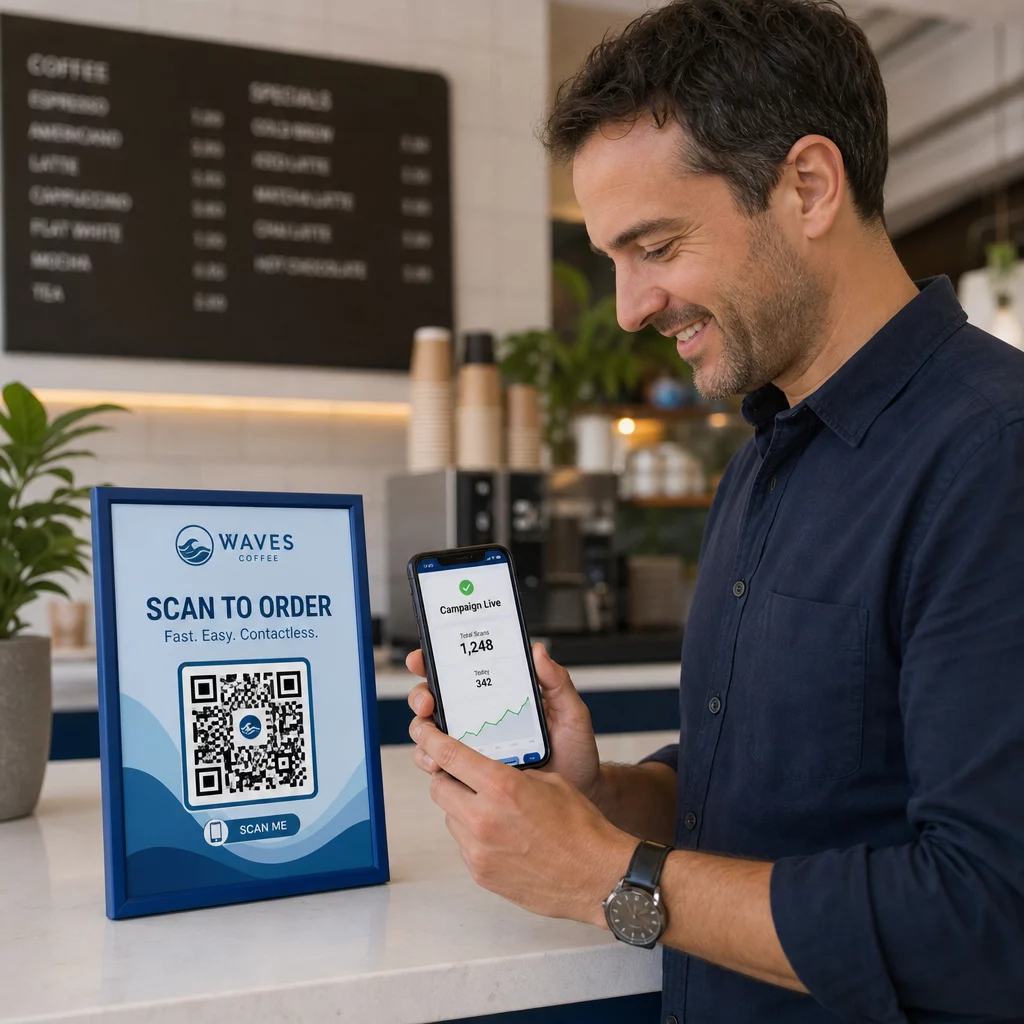
- Erişim analizlerini izleyin: Yönetim panonuzda tarama sıklığını, konumları ve kullanıcı aracısı verilerini takip ederek şüpheli trafik modellerini veya yetkisiz erişim denemelerini belirleyin.
Dosyalarınızı Zahmetsizce Yönetin ve Koruyun Gizli kılavuzlarınızı ve belgelerinizi, izlenebilir, güvenli dijital bağlantılara dönüştürün. PDF QR Kod Oluşturucu.
Temas Noktalarınızı Parola Erişim Kontrolleriyle Güvenceye Alın
Fiziksel QR temas noktalarını dijital erişim kontrolleriyle eşleştirmek, tescilli belgeleri, dahili formları ve özel pazarlama varlıklarını gizli tutarken sorunsuz bir kullanıcı deneyimi sağlar. Parola istemleri, şifreli uç noktalar ve proaktif izleme ile dinamik kodlar dağıtarak, paylaşılan içeriğiniz üzerinde tam yetkiyi sürdürürsünüz.
Kapsamlı rehberimizi keşfedin: güvenli QR kodu oluşturma en iyi uygulamaları bugün baskılı ve dijital temas noktalarınızda uçtan uca güvenlik uygulamak için.
Sıkça sorulan sorular
Hayır. Statik QR kodları, sabit verileri doğrudan desene kodlar ve parola istemlerini tetikleyemez. Erişimi kısıtlamak için dinamik bir QR kod platformu kullanın veya hedef sayfayı veya dosyayı kendiniz güvenli hale getirin.
Şifreleri, e-posta onayı, SMS, etkinlik rozeti veya güvenli bir işe alım paketi gibi ayrı bir iletişim kanalından gönderin. Şifreyi asla fiziksel QR kodunun yanına yazdırmayın.
Dinamik QR kodları, fiziksel materyalleri yeniden bastırmanıza gerek kalmadan, varış bağlantılarını, güvenlik ayarlarını veya parola erişim kurallarını istediğiniz zaman doğrudan kontrol panelinizden güncellemenize olanak tanır.