Are your QR code campaigns gathering more customer data than you actually need? Inadvertently collecting personal IP addresses or location details can damage consumer trust and trigger severe regulatory penalties. By adopting key data minimization techniques, you can design privacy-conscious QR codes that deliver actionable analytics while protecting user data.
How Static and Dynamic QR Codes Process Data
To design a privacy-first marketing campaign, you must first understand how different QR code architectures process user information.
Static QR codes embed information directly into the matrix pattern itself. When a user scans a static code containing plain text or a direct link, no intermediary server processes the initial scan. Creation tools like a text QR code generator generate immediate, offline triggers that open an application or web page locally. Because no tracking server is involved during the scanning process, static codes collect zero personal data, making them inherently privacy-friendly. However, static codes cannot be updated after printing and offer no performance analytics.
Dynamic QR codes function differently by encoding a short redirect link that routes scans through an analytics server before forwarding users to the final destination page. During this redirection, the server automatically logs technical metadata, such as:
- User IP addresses that approximate geographic location
- Device specifications, including operating system and browser version
- Precise timestamps and dates for each scan event
- Aggregate scan frequency and unique visitor metrics
While this architecture enables content updates without reprinting, understanding what data dynamic QR codes collect is essential when evaluating static vs dynamic QR codes for your customer touchpoints.
Core Principles of Data Minimization for Marketers
Data minimization requires businesses to restrict the collection and retention of personal information to what is strictly necessary for a specific, disclosed purpose. Regulatory standards such as the California Consumer Privacy Act (CCPA) and the NIST Privacy Framework explicitly instruct organizations to align data processing with reasonable consumer expectations.
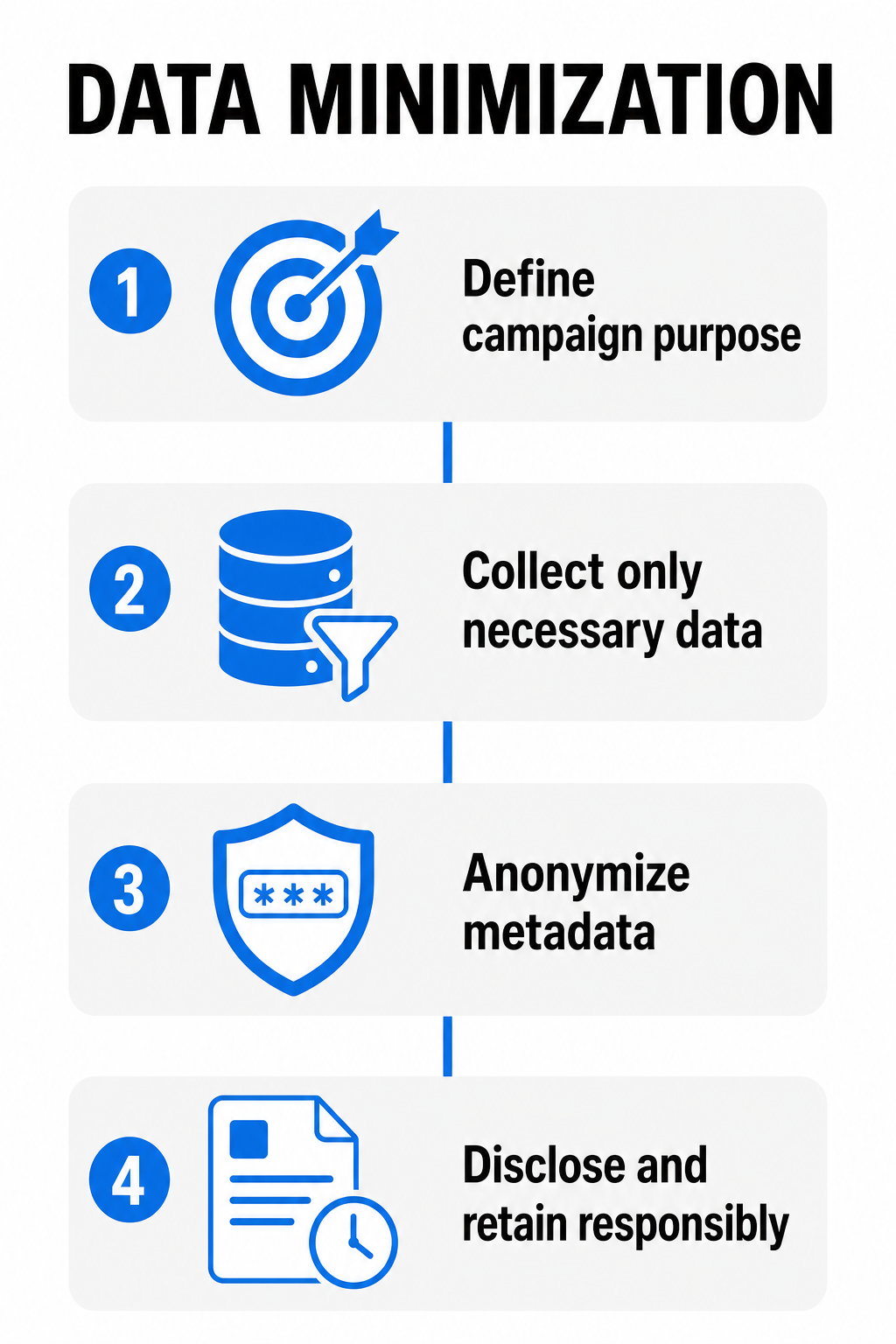
When applying data minimization to physical QR campaigns, structure your technical workflow around three core principles:
- Define clear campaign purposes: Establish precisely why you need scan data before publishing a code. If your objective is simply displaying a digital PDF menu, avoid requesting precise GPS coordinates or tracking return scans across sessions.
- Reduce redundant data collection: Adjust your analytics settings to disable precise IP tracking or device fingerprinting if high-level daily scan totals provide sufficient marketing feedback.
- Anonymize technical metadata at ingest: Process IP addresses and technical identifiers immediately using masking or hashing techniques so scan activity cannot be linked back to individual users. Review proven anonymization methods for QR code data to secure your analytics pipeline.
Adopting these core concepts helps ensure your marketing materials align with broader QR code privacy laws and key regulations.
Step-by-Step Guidelines for Minimal-Data QR Flows
Designing a privacy-conscious campaign requires planning both the physical print artwork and the digital user journey. Follow this operational checklist to create a secure, transparent scanning experience.
Step 1: Place a Clear Notice Near the Physical Code
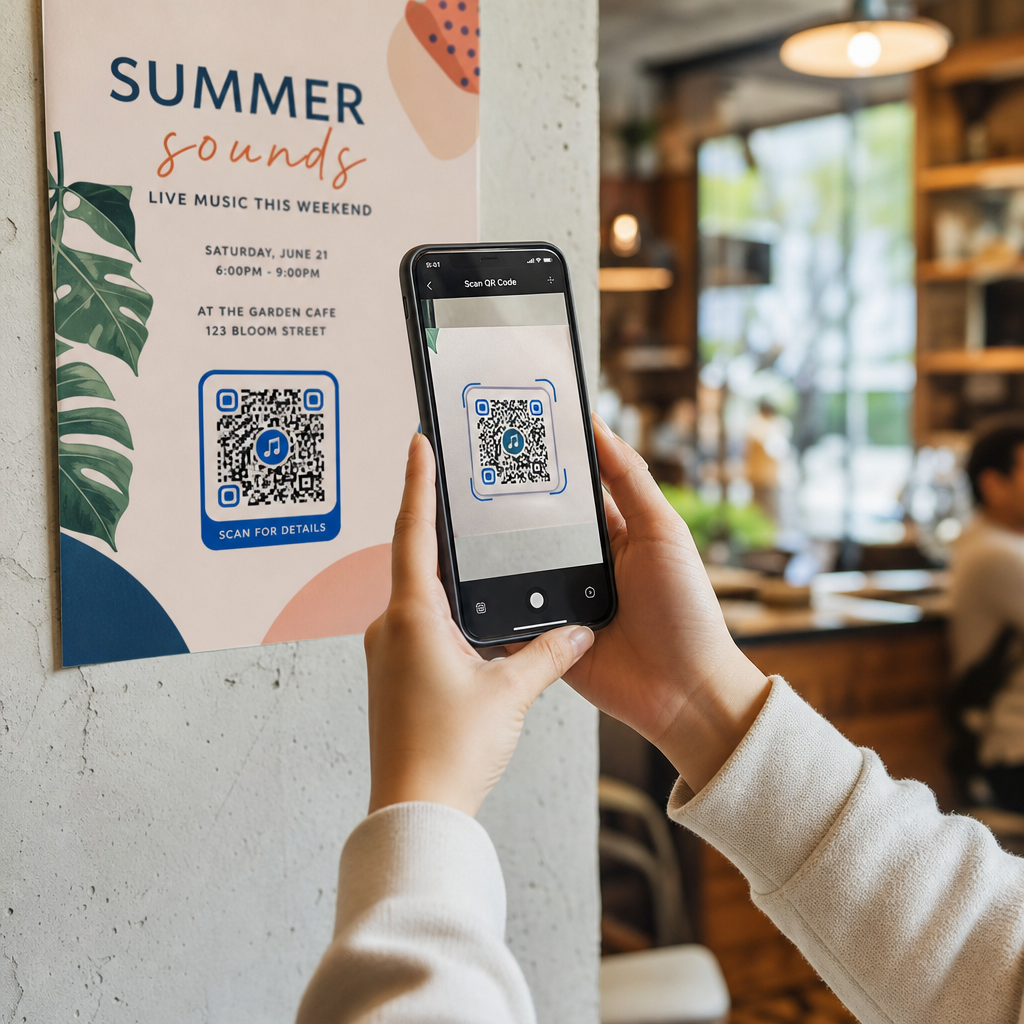
Never force users to guess what happens when they scan your print materials. Place a brief, visible notice directly beneath or alongside the QR code graphic on your packaging, signage, or flyers.
Printing plain text such as “Scan to view our digital catalog. No personal data or location tracked” establishes immediate transparency and sets clear user expectations before a smartphone camera ever scans the code.
Step 2: Use Privacy-Conscious Short URLs
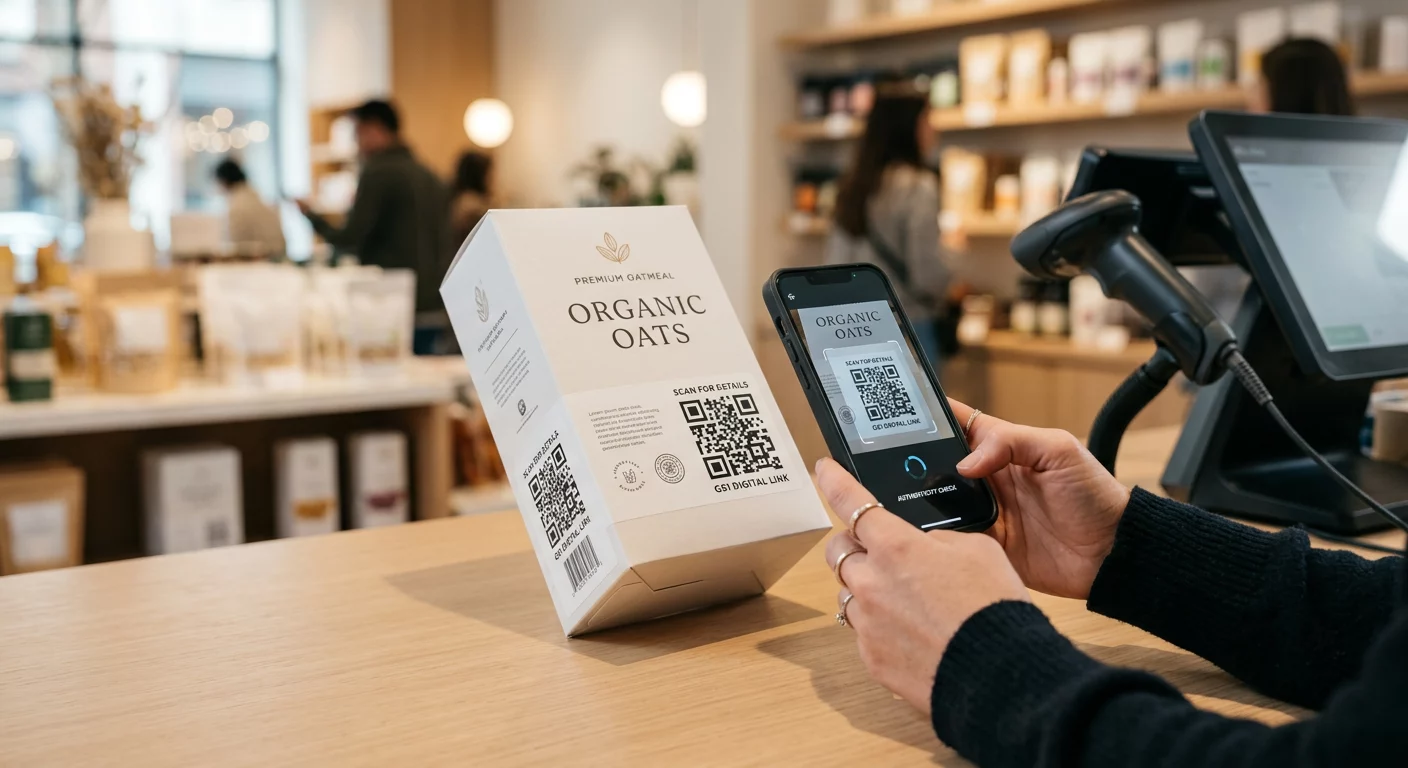
If your campaign requires dynamic links for content updates, use custom, branded short domains rather than generic tracking links. Branded short URLs allow users to preview the exact destination domain on their smartphone screens before tapping through to the browser. This visual verification reduces user hesitation regarding QR code privacy risks and untrusted redirects.
Step 3: Implement Explicit Opt-Ins for Sensitive Content
If your destination landing page requires precise geolocation (such as directing a customer to the nearest retail branch) or personal details, request express affirmative consent after the user reaches the landing page. Never attempt to gather precise location coordinates automatically upon scan redirection, and avoid deceptive user interfaces or dark patterns that obscure opt-out options.
Design Secure, Flexible QR Campaigns Looking for an editable QR code solution with built-in privacy controls and customizable analytics? Use the Dynamic QR Code Generator to manage content updates while keeping scan data secure.
Managing Data Retention and Access Controls
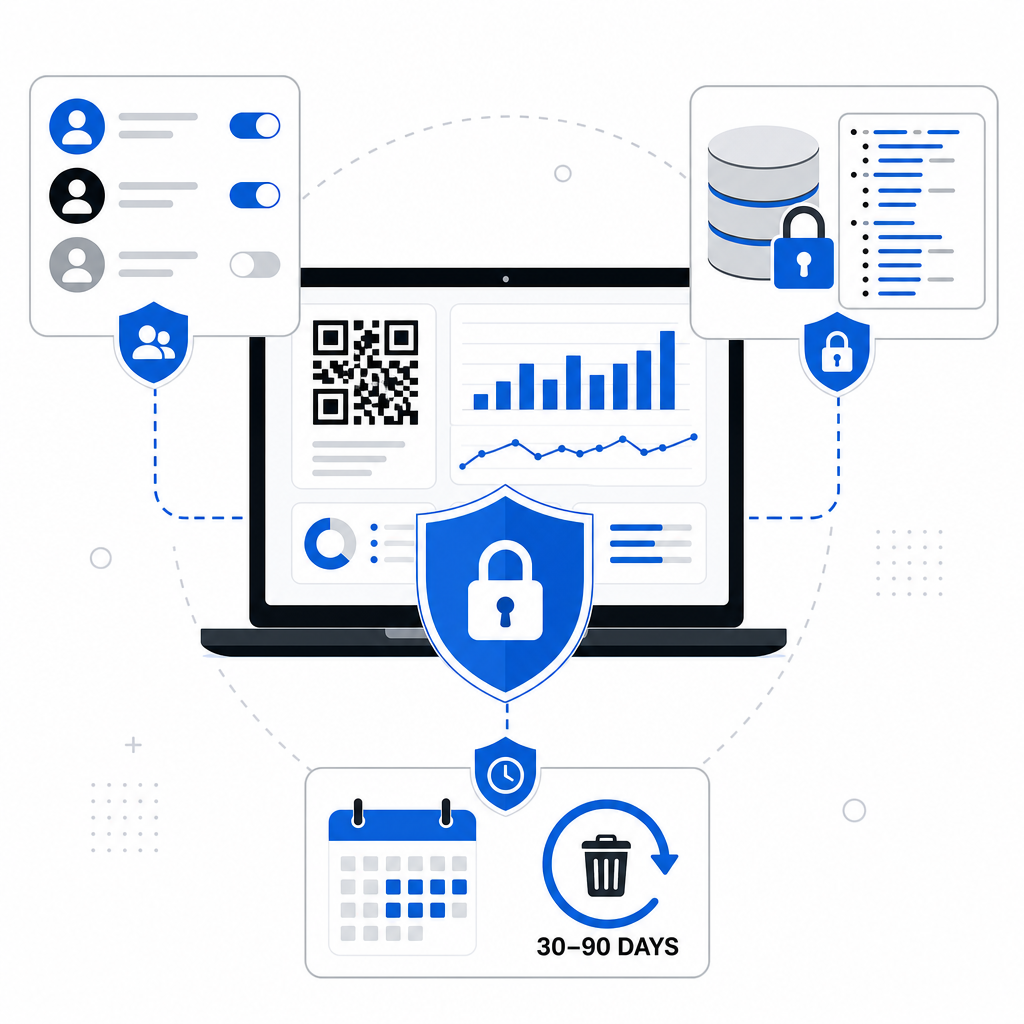
Collecting minimal data is only the first half of privacy protection; storing scan records safely is equally essential. To safeguard consumer privacy over time, establish operational guardrails for your scan logs and analytics dashboards.
| Management Area | Recommended Privacy Action | Business Benefit |
|---|---|---|
| Data Retention | Set automatic deletion schedules for raw scan logs after 30 or 90 days. | Minimizes regulatory liability under CCPA and GDPR. |
| Access Control | Restrict analytics dashboard access based on specific team roles. | Prevents internal data misuse and unauthorized data exports. |
| Data Encryption | Encrypt scan links and server logs in transit using HTTPS and at rest. | Meets industry security standards and prevents log interception. |
Establishing clear data retention rules for QR analytics prevents your team from accumulating legacy IP logs long after a campaign concludes. Following secure QR code generation best practices also prevents unauthorized code tampering or physical sticker overlays on your printed assets.
By combining static codes for fixed text, anonymized metrics for dynamic links, and clear physical disclosures, your business can deliver smooth offline-to-online experiences while keeping user privacy protected. Explore our versatile QR code generator to build your next transparent, privacy-conscious campaign.
Frequently Asked Questions
Scanning a basic QR code does not automatically expose your name, phone number, or email address. However, dynamic QR codes automatically receive technical metadata – such as your IP address, device type, and browser – when your phone requests the redirect page.
Yes, static QR codes are inherently safer for user privacy because they embed data directly into the image pattern without using redirect servers. Because scan requests do not route through an analytics platform, static codes do not log device metadata or track user activity.
Businesses can aggregate total scan counts and daily engagement trends while disabling detailed IP address logging and precise GPS tracking. Using pseudonymized metrics and automatic data deletion schedules lets marketers measure campaign performance without profiling individual users.