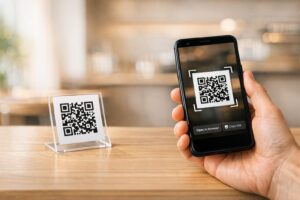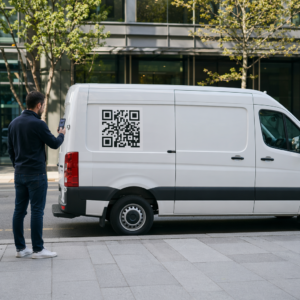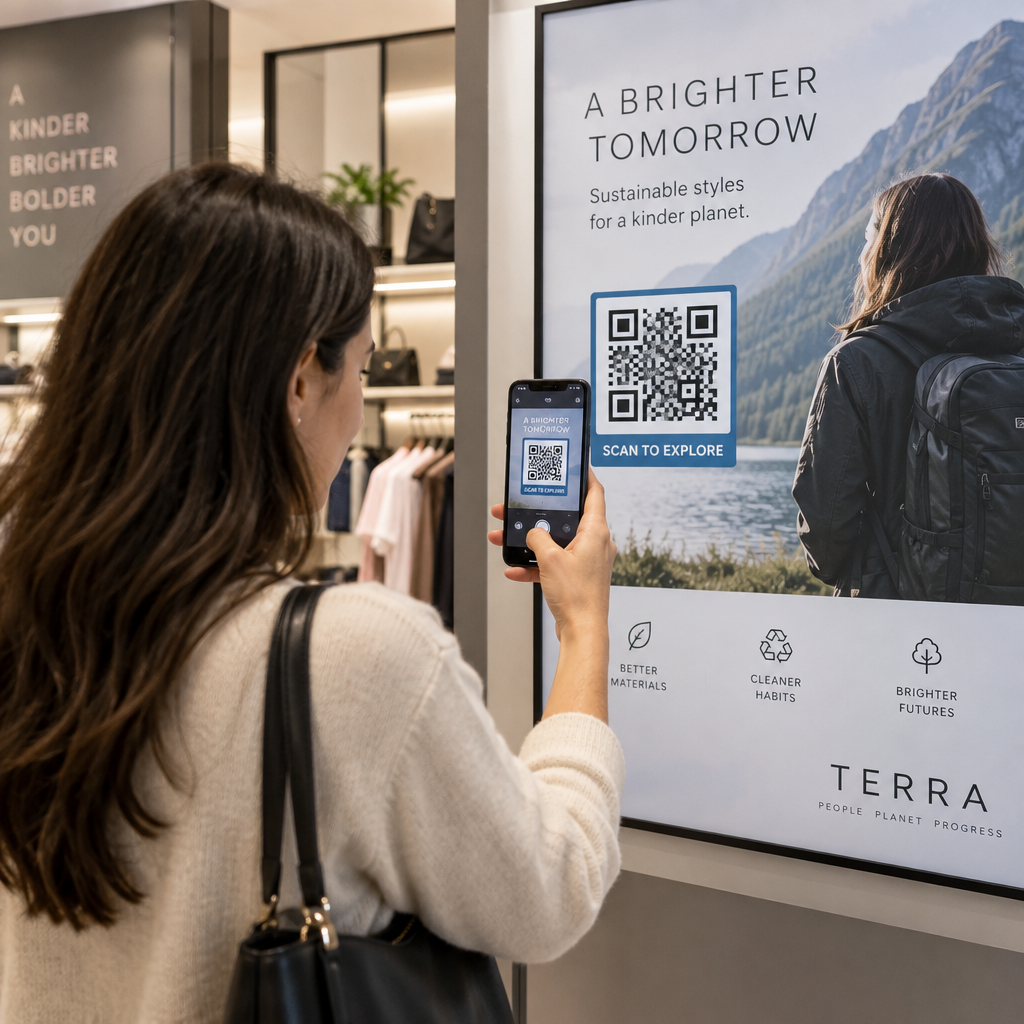
Have you ever launched a print marketing campaign only to discover your customers cannot scan the QR code? A code printed too small or out of focus causes customer frustration and wastes marketing budget. This guide outlines the essential dimensions, scanning distance formulas, and material considerations you need to ensure every printed QR code scans effortlessly.
The Scanning Distance Formula: The 10:1 Ratio
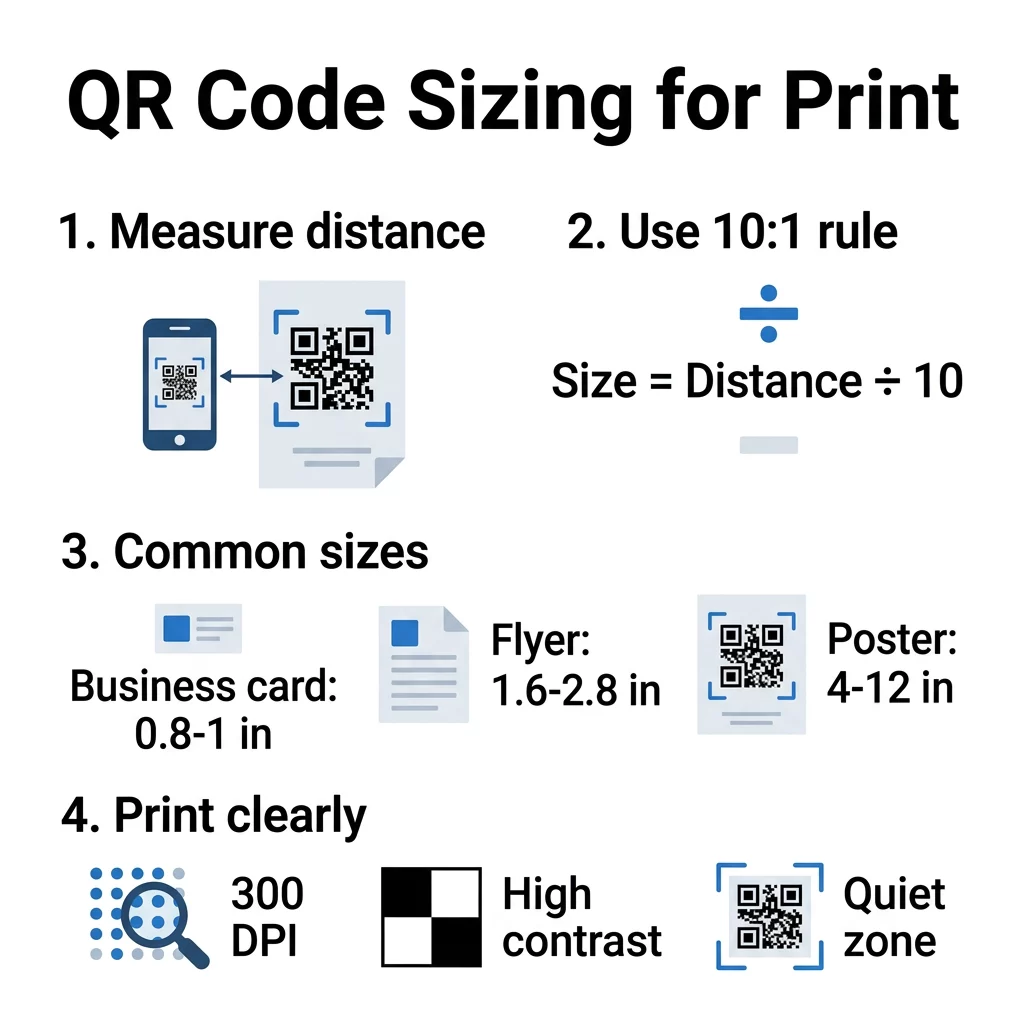
The single most critical variable when sizing a QR code is the expected scanning distance. In print production, the standard rule of thumb is a 10:1 distance-to-size ratio. This guideline means the width of your QR code should equal roughly one-tenth of the distance between the user’s smartphone camera and the printed surface.
Following a clear QR Code size guide establishes a dependable baseline across varied media. If someone scans a handheld piece from 10 inches away, the code should be at least 1 inch wide. If you design event signage intended for viewing from 5 feet (60 inches) away, your code should measure at least 6 inches across. Maintaining this proportion ensures the camera lens can resolve the individual modules, which are the small black and white squares forming the matrix. How physical scale influences camera recognition is detailed in our overview on how QR code size impacts visibility.
Sizing Guidelines Across Common Print Collateral
Different physical formats imply specific viewing habits, which dictate baseline dimensions. While consumer cameras have improved, standardizing your artwork prevents scan failures on older devices or under dim lighting.
| Print Material | Standard Dimensions | Typical Scan Distance | Recommended QR Size |
|---|---|---|---|
| Business Cards | 3.5 × 2.0 in | 6 to 10 in | 0.8 × 0.8 in (2 × 2 cm) |
| Postcards & Mailers | 6.0 × 4.0 in | 10 to 14 in | 1.0 × 1.0 in (2.5 × 2.5 cm) |
| Flyers & Brochures | 8.5 × 11.0 in | 12 to 20 in | 1.2 × 1.2 to 2.0 × 2.0 in |
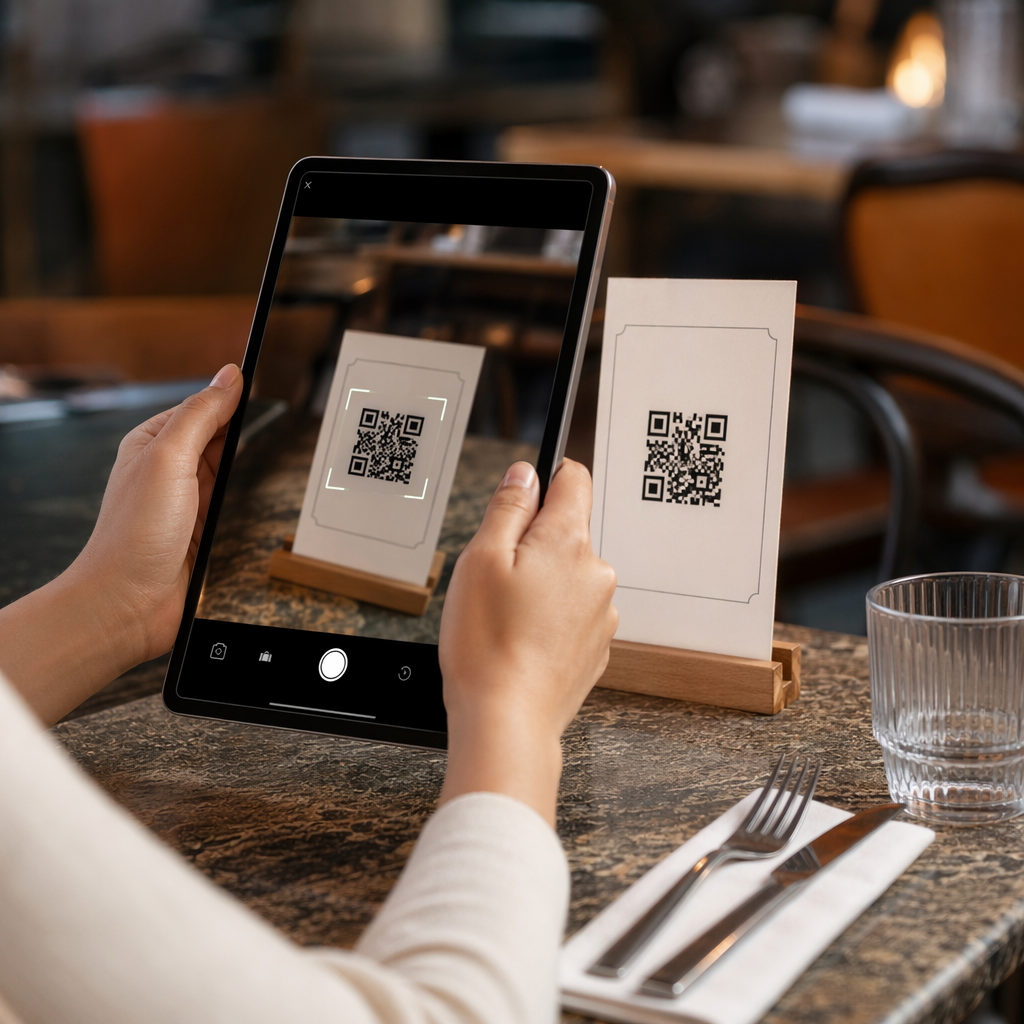
| Table Tents & Menus | 4.0 × 6.0 in | 12 to 18 in | 1.2 × 1.2 to 1.5 × 1.5 in |
| Window Decals & Posters | 18.0 × 24.0 in | 3 to 6 ft | 3.5 × 3.5 to 6.0 × 6.0 in |
| Large Signage & Banners | 48.0 × 96.0 in | 10 to 20 ft | 12.0 × 12.0 to 24.0 × 24.0 in |
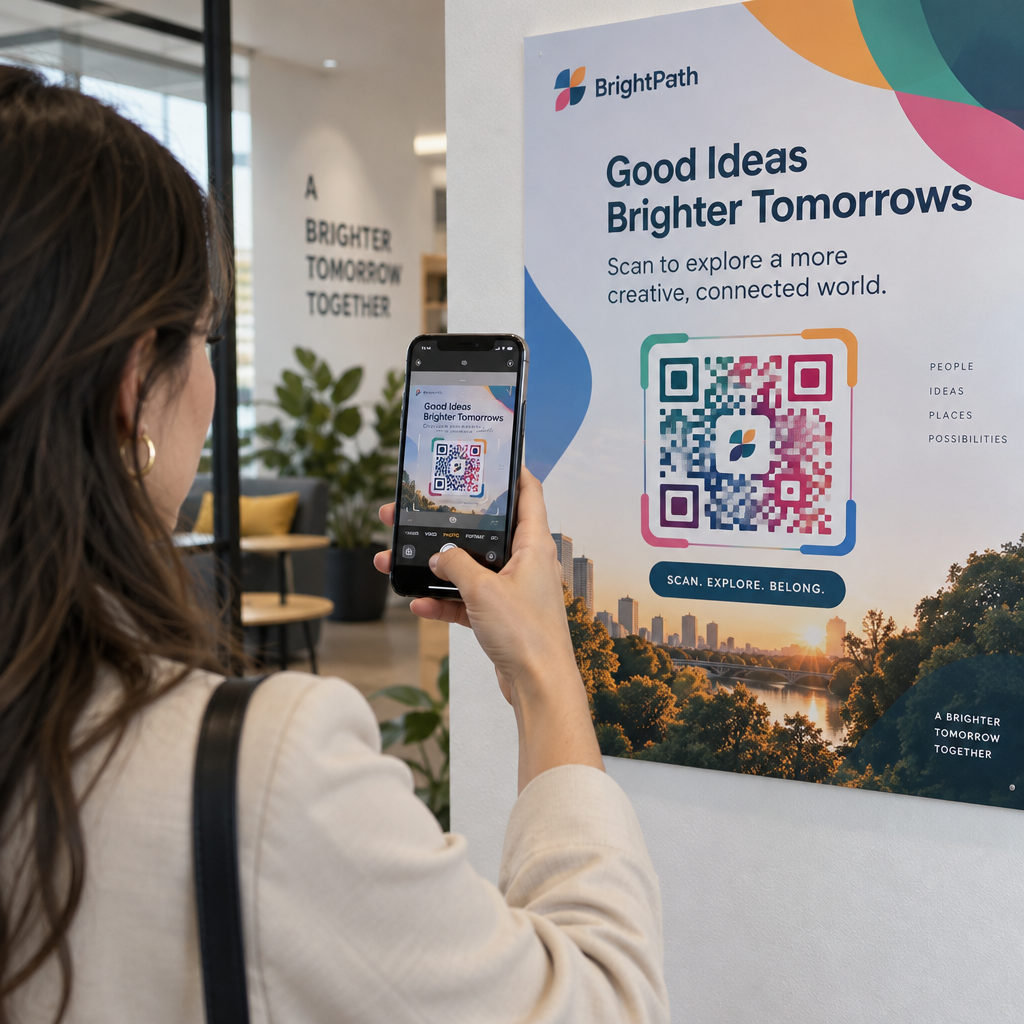
For pocket-sized media, 0.8 × 0.8 inches (2 × 2 cm) represents a practical minimum, with 0.6 × 0.6 inches serving as the absolute cut-off under pristine print conditions. You can read more about compact layouts in our guide to the best QR code sizes for business cards. When designing display media such as QR codes on posters, account for foot traffic patterns and position the symbol at chest-to-eye level.
How Data Density and Error Correction Affect Dimensions
Physical dimensions cannot be separated from the volume of data stored in the code. A QR code storing an extensive alphanumeric URL requires a denser grid structure than a code storing a brief link. As data density increases, the grid shifts toward higher version numbers (ranging from Version 1 at 21 × 21 modules up to Version 40 at 177 × 177 modules), forcing individual modules to shrink.
To understand these structural thresholds, review how to understand QR code data limits before locking in your graphic layout. Embedding complex raw URLs packs tiny dots tightly together, demanding larger overall dimensions so cameras can distinguish each module.
Error correction also dictates visual density. The QR algorithm uses Reed–Solomon error correction across four levels (L, M, Q, H) to reconstruct damaged or obscured data. Level L recovers up to 7% of missing data, while Level H recovers up to 30%. When you add custom brand elements or center a company logo, you must apply higher error correction. Because extra recovery data increases module density, you must scale the physical print size up by 15% to 20% to retain quick scanning. Learn more about balancing robustness and density in our guide on how error correction works in editable QR codes.
Simplify Your Code Density and Update Links Anytime Dense data grids reduce readability on small print materials. Use our Dynamic QR Code Generator to keep your code pattern clean, redirect to any landing page, and track your scan analytics in real time.
Technical Specifications for Flawless Printing
Proper sizing requires clean execution during prepress and production. Follow these technical standards to ensure your code scans on the first attempt:
- Output files in scalable vector formats like SVG, EPS, or print-ready PDF rather than raster images to preserve crisp module edges.
- Maintain a minimum resolution of 300 to 600 DPI if working with raster assets to avoid blurry pixel transitions.
- Provide a quiet zone measuring at least four modules wide on all four sides, keeping it entirely free of graphics, text, and borders.
- Maintain a contrast ratio of at least 4:1 between dark modules and light backgrounds, favoring dark foreground colors on white surfaces.
- Position codes on flat, non-reflective surfaces to minimize glare and distortion.
For detailed production workflows and export options, explore our comprehensive guide on best practices for QR code readability.
Substrates, Distortion, and Physical Proofing
The material receiving the ink plays an active role in how the code performs. Research on how printing techniques impact QR code scannability shows that absorbent surfaces like corrugated cardboard, fabric, or uncoated newsprint cause ink bleed. This spread expands dark modules into the light spaces, altering module geometry. Offset or digital printing onto smooth, matte paper stocks provides the sharpest edge definition.
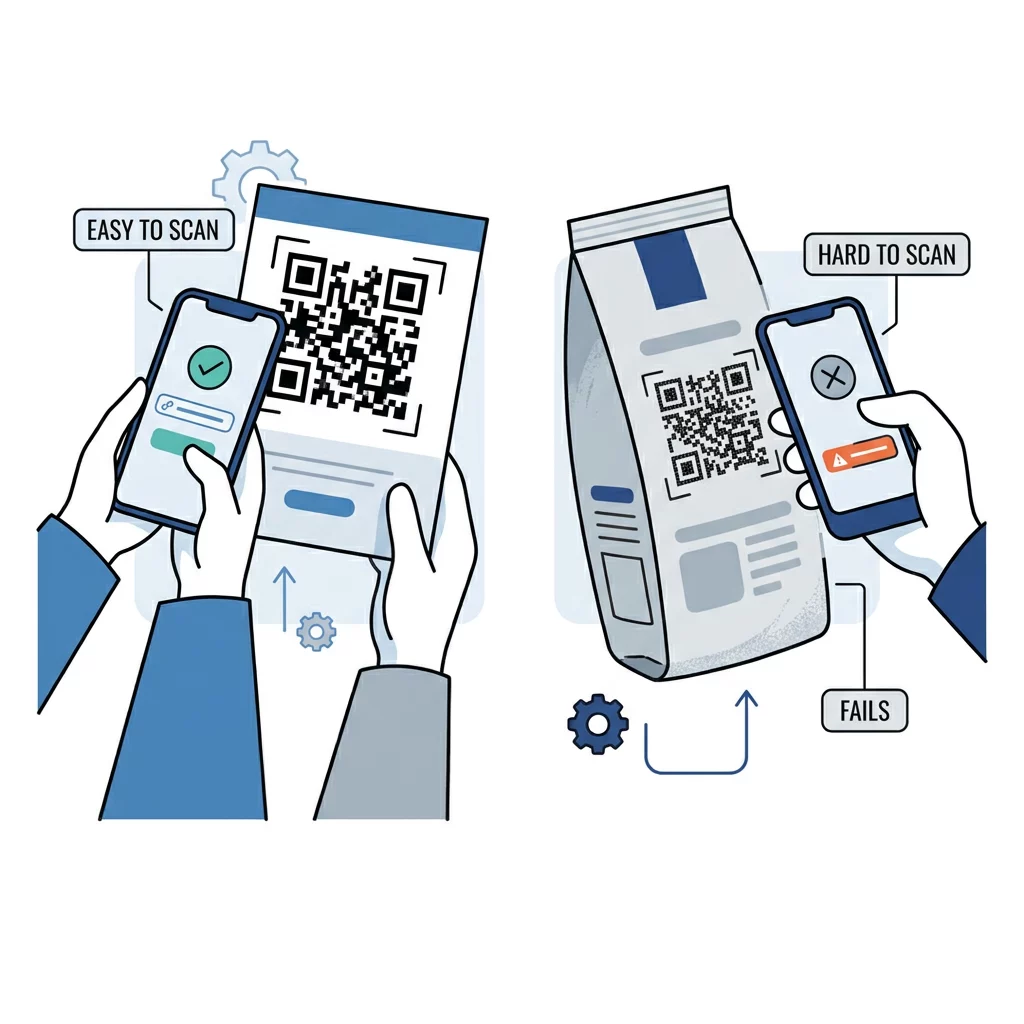
Substrate curvature also distorts the square geometry. When placing a QR code onto bottles, cans, or flexible pouches, the camera cannot view the entire symbol along a single plane. Compensate by expanding the code size by approximately 20% and placing the code along the flattest available surface axis.
Never release a design straight to press without validating a physical sample. Follow established steps to test a QR code before printing, outputting a 1:1 proof on the intended paper stock. You can evaluate scan speed under varying light levels using our free QR code scanner alongside standard smartphone cameras.
Pairing the 10:1 scanning ratio with vector exports and dynamic short URLs ensures your physical marketing materials deliver reliable digital connections. When you are ready to prepare print-ready assets with customized frames and high contrast, build your files with our QR code generator to launch your campaign with confidence.
Frequently Asked Questions
The recommended minimum size for handheld print items is 0.8 × 0.8 inches (2 × 2 cm). While specialized barcode imagers can read codes as small as 0.4 inches in ideal studio lighting, consumer smartphones require at least 0.8 inches to account for varying camera hardware and ambient shadows.
Dynamic QR codes embed a short redirect URL instead of lengthy destination URLs or raw text. This keeps the total module count low and the individual blocks larger, allowing you to print the code at smaller dimensions without sacrificing scanning reliability.
Yes. Placing a logo over the center obscures part of the pattern, requiring higher error correction (Level Q or H) to restore the hidden data. This increases the total number of modules in the grid, so you should enlarge the overall print footprint by 15% to 20% to keep modules easy to read.