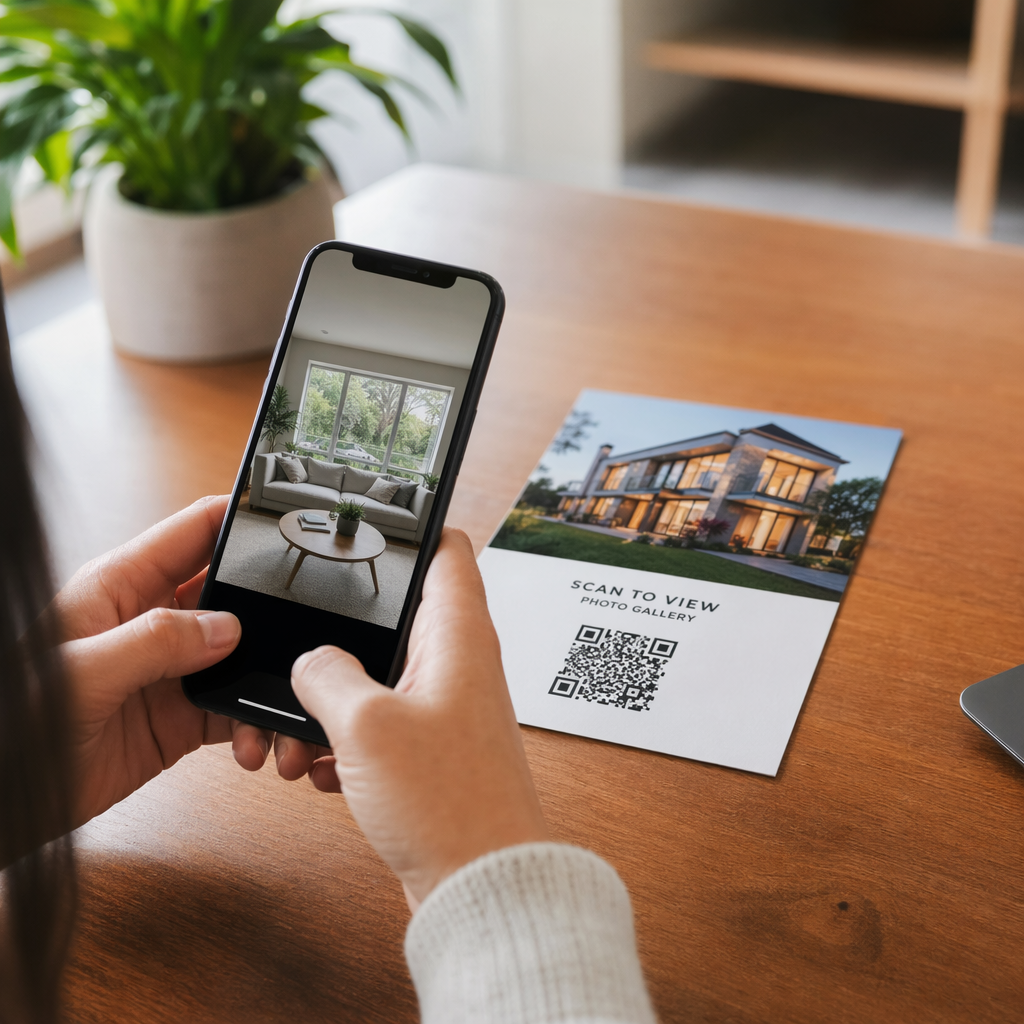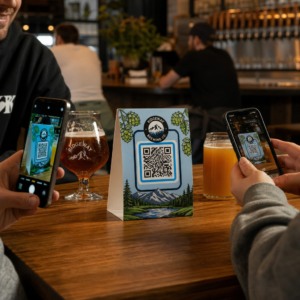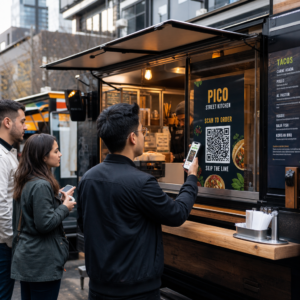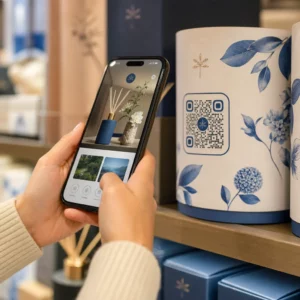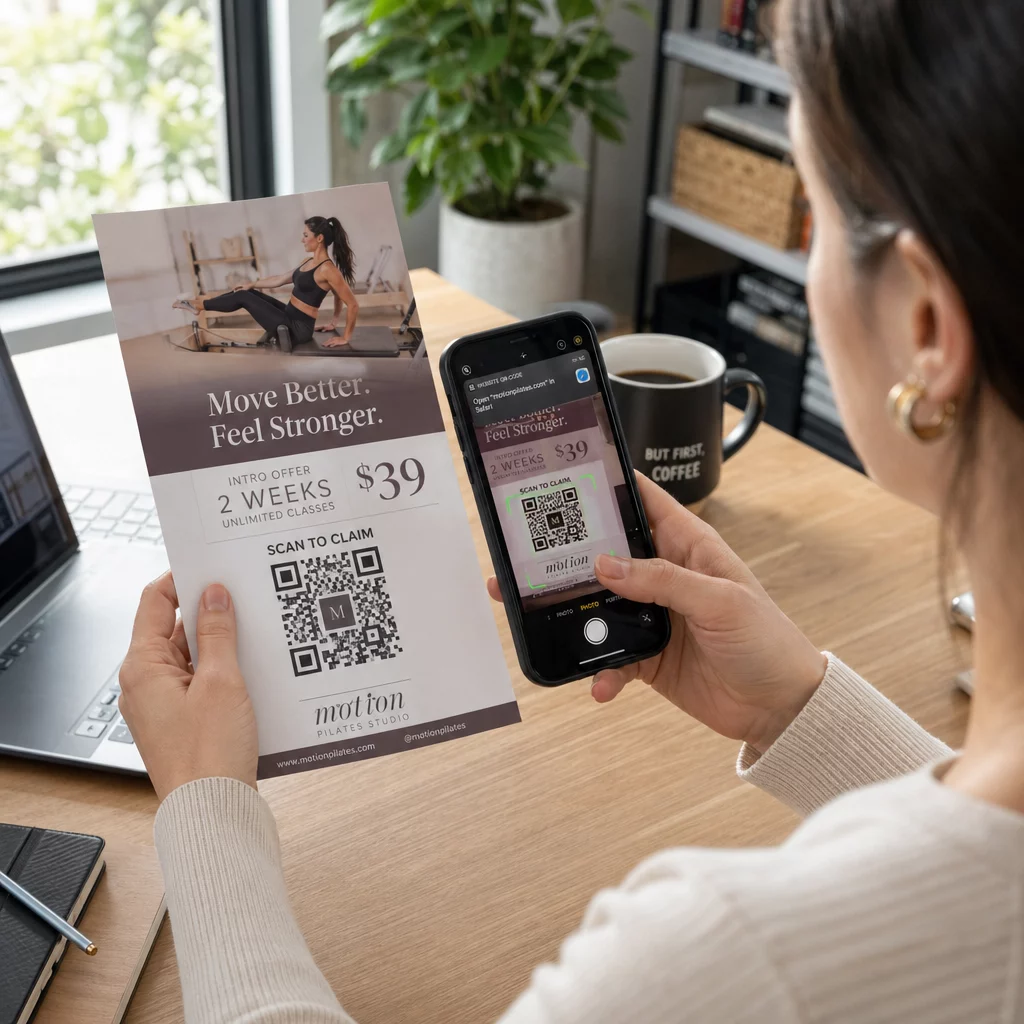
Flaieri QR-kood on teie trükitud flaieril olev kood, mis avab veebilehe, vormi või faili, kui lugeja seda skannib. Selle loomiseks looge kood teenuses QR-koodi generaator, laadige see alla SVG või PDF-vormingus, asetage see oma kujundusesse vähemalt 0,8 tolli (2 cm) laiuselt selge valge äärisega ja lisage selle kõrvale lühike üleskutse tegutsemiseks. Testige seda kahe telefoniga enne printimist. Sammu, suurused ja paigutuse reeglid leiate allpool.
Miks QR-koodid kuuluvad flaieritele
Flaieril on vähe ruumi. Kui proovite sinna mahutada iga toote detaili või ürituse ajakava, muutub kujundus ülerahvastatuks ja raskesti loetavaks. QR-kood annab lugejatele ühe puudutusega ligipääsu digitaalsele menüüle, registreerimisvormile, kupongile või täielikule kataloogile, samal ajal kui flaier jääb puhtaks. Nii see ongi QR-koodid ühendavad trüki- ja digitaalturunduse: flaier saab tähelepanu ja skaneerimine viib lugeja järgmisse etappi.
QR-kood võimaldab teil mõõta ka trükitud kampaaniat. Dünaamilise koodiga näete, millal, kus ja millisel seadmel iga skaneerimine toimus, nii et teate, millised flaierid ja asukohad inimesi ligi tõmbavad.
Staatilised vs. dünaamilised QR-koodid: millist peaksite kasutama?
Valige tüüp enne flaieri kujundamist. Staatilised ja dünaamilised QR-koodid käituvad pärast printimist erinevalt.
Staatilised QR-koodid salvestavad sihtkoha otse mustrisse. Sihtkohta ei saa pärast printimist muuta ja kood ei aegu kunagi. Staatiline on piisav, kui link ei muutu, näiteks Wi-Fi sisselogimine või püsiv veebileht, ja kui te ei vaja skaneerimiste arvu.
Dünaamilised QR-koodid viitavad lühikesele ümbersuunamislingile, mida haldate kontol. Saate sihtkohta muuta pärast flaierite levitamist, ilma uuesti printimata. Kui reklaamite iganädalast üritust, vahetate registreerimislehe igal nädalal. Dünaamilised koodid sisaldavad ka vähem andmeid, nii et muster on lihtsam ja sageli skaneeritav ka kehvas valguses.
Flaierite puhul, mis on kasutusel mitmes kohas või rohkem kui ühe nädala jooksul, on dünaamiline tavaliselt seda väärt, sest saate QR-koodi jälgimine skaneerimiste arvu, asukohtade ja seadmetega. Dünaamiliste koodidega kaasneb 14-päevane tasuta prooviperiood ja plaanid on loetletud Pagelooti hinnakirjalehel. Skaneerimiste arv on piiramatu ja plaanidel kehtib 30-päevane raha tagasi garantii. Dünaamiline kood lakkab töötamast, kui kuu- või aastaplaan lõpeb, seega hoidke plaan aktiivsena seni, kuni flaier on ringluses.
Kuidas teha flaieri QR-koodi 5 sammuga
QR-koodi flaierile lisamiseks järgige neid samme:
- Valige, mida kood avab. Valige üks sihtkoht, mis töötab telefonis: veebisaidi URL, üks PDF-dokumendi, a Google Formsvõi a vCardi kontaktilehe. Kasutage sisu sobitavat generaatorit.
- Genereeri ja kohanda. Ava QR-koodi generaator ja kleepige oma link. Kui soovite oma brändi koodile, kasutage seda. QR-koodi generaator logoga. Hoidke logo väike ja värvid tumedad heledal taustal.
- Laadige alla printimiseks. Laadige alla SVG või PDF, kui need on saadaval, sest vektorfailid jäävad igas suuruses teravaks. Kui teil on ainult PNG, laadige see alla suures suuruses (generaatori liugur ulatub kuni 2000 pikslini) ja ärge suurendage seda oma paigutuses.
- Asetage see oma disainitarkvarasse. Importige fail Canvasse, Adobe Illustratorisse või muusse küljendusrakendusse. Määrake suurus, jätke selle ümber valge äär ja lisage oma üleskutse tegevusele selle kõrvale.
- Testi enne printimist. Printige üks koopia lõplikus suuruses. Skaneerige seda iPhone'i ja Android-telefoniga, tavalises toavalguses, kauguselt, kust lugeja flaierit hoiab.
Loo oma kohandatud QR-kood Valmis lisama oma järgmisele flaierile bränditud, jälgitava QR-koodi? Kasuta QR-koodi generaator logoga koodi kujundamiseks, mis vastab sinu brändi identiteedile.
Disainistandardid usaldusväärseks skaneerimiseks
Hästi kujundatud flaier ebaõnnestub siiski, kui koodi on raske skaneerida. Järgige QR-koodi suuruse juhiseid trükimaterjalide jaoks ja kontrollige neid kolme punkti.
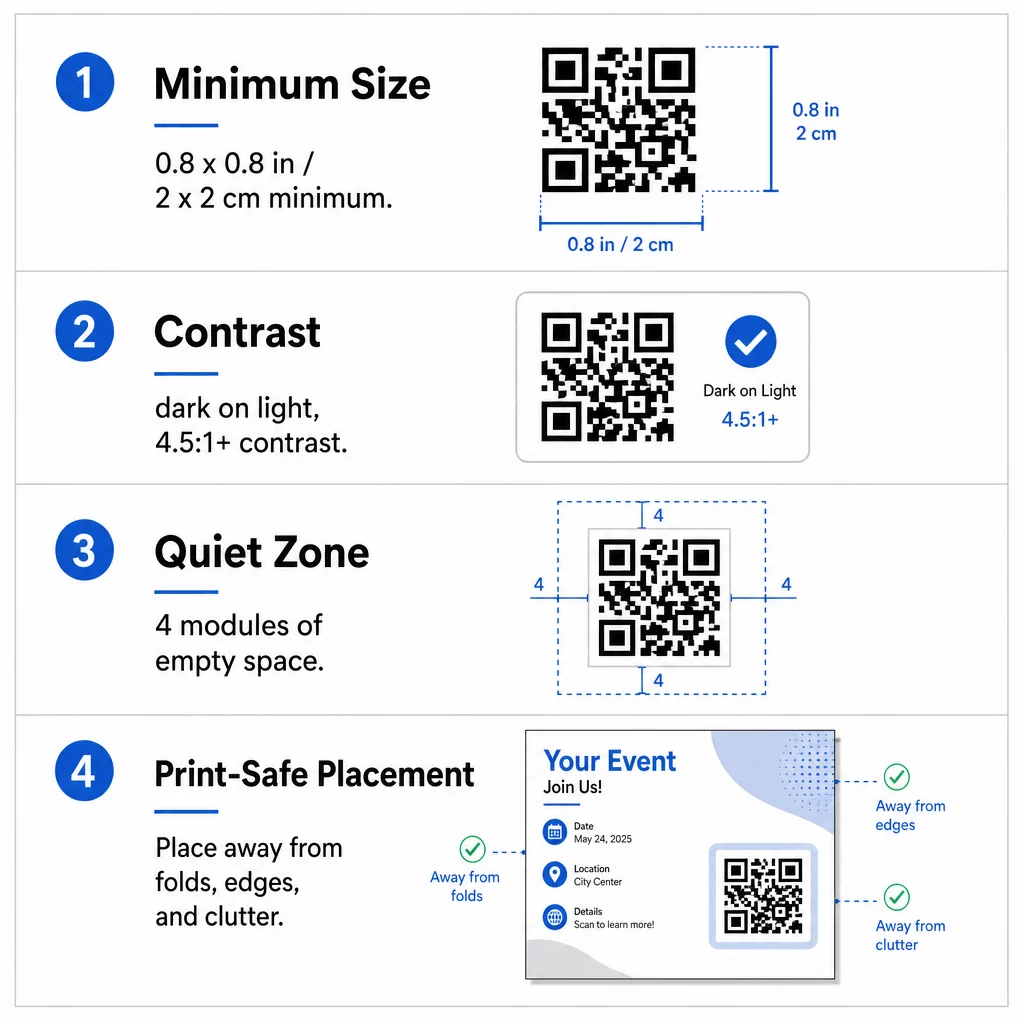
Suurus: Käes hoitaval flaieril (A5, A4 või USA Letter) tehke kood vähemalt 0,8 × 0,8 tolli (2 × 2 cm). Suurem kood, umbes 1 kuni 1,5 tolli, on lihtsam skaneerida ja võtab vähe ruumi. Flaierite puhul, mida inimesed skaneerivad kaugemalt, kasutage seda 10:1 reeglit: üks toll koodi laiust iga kümne tolli skaneerimiskauguse kohta. Seinal oleva flaieri, mida skaneeritakse 20 tolli kauguselt, kood peab olema vähemalt 2 tolli lai.
Kontrast: Kasutage tumedaid mooduleid heledal taustal. Üks kontrastsussuhte vähemalt 4.5:1 on soovitatav usaldusväärseks skaneerimiseks ja 7:1 või kõrgem on parem. Ärge pöörake värve tagurpidi (hele kood tumedal taustal) ja ärge asetage koodi fotole.
Vaikne tsoon: Jätke selge äär vähemalt neli moodulit (väikesed ruudud) kõigil neljal küljel. Tekst, jooned või pildid selle piiri sees võivad takistada skannerit koodi leidmast.
Strateegiline paigutus ja selge üleskutse tegevusele (CTA) kirjutamine
Koodi asukoht ja selle kõrval olev tekst mõjutavad skannimiste arvu. QR-koodide paigutus turunduses järgib mõnda praktilist reeglit.
A4 või A5 flaieril on head kohad alumine parem nurk, alumine keskel või otse põhipakkumise all. Vältige neid kohti:
- Voldikud, kortsud ja kumerad servad, mis mustrit moonutavad
- Läikiv või tekstureeritud paber, kus pimestamine või tera vähendab kontrasti
- Kohad, kus muud disainielemendid vaikse tsooni täis pressivad
- Flaieri tagakülg, mida inimesed ei pruugi kunagi ümber pöörata
Üks kood harva käivitab tegevuse. Lisage üleskutse tegevusele (CTA) mis ütleb, mida lugeja saab: “Skanni 20% allahindluse saamiseks”, “Skanni, et vastata kutsele”, “Skanni menüü vaatamiseks”. Lisage lühike vihje, näiteks “Suunake oma telefoni kaamera koodile” lugejatele, kes on QR-koodidega uued. Asetage CTA otse koodi kohale või kõrvale. Need QR-koodi loetavuse parimaid tavasid aitavad kõiki vanuserühmi. Samuti veenduge, et leht, mille kood avab, oleks mobiilisõbralik ja laadiks kiiresti.
Flaieri toimivuse jälgimine ja analüüsimine
Et näha, millised flaierid töötavad, andke igale jaotuskanalile oma kood või oma UTM-parameetreid. Näiteks kasutage ühte koodi messi jaoks ja teist kaupluseleti jaoks. Google Analytics näitab seejärel liiklust flaieri kohta, et saaksite võrrelda kohti.
Dünaamilise koodiga saate ka jälgida QR-koodi skaneeringuid reaalajas jälgida aega, asukohta ja seadme tüüpi. Kui üks piirkond toimib halvasti, muutke selle koodi sihtkohta asjakohasema kohaliku pakkumise vastu. Trükitud flaier jääb samaks.
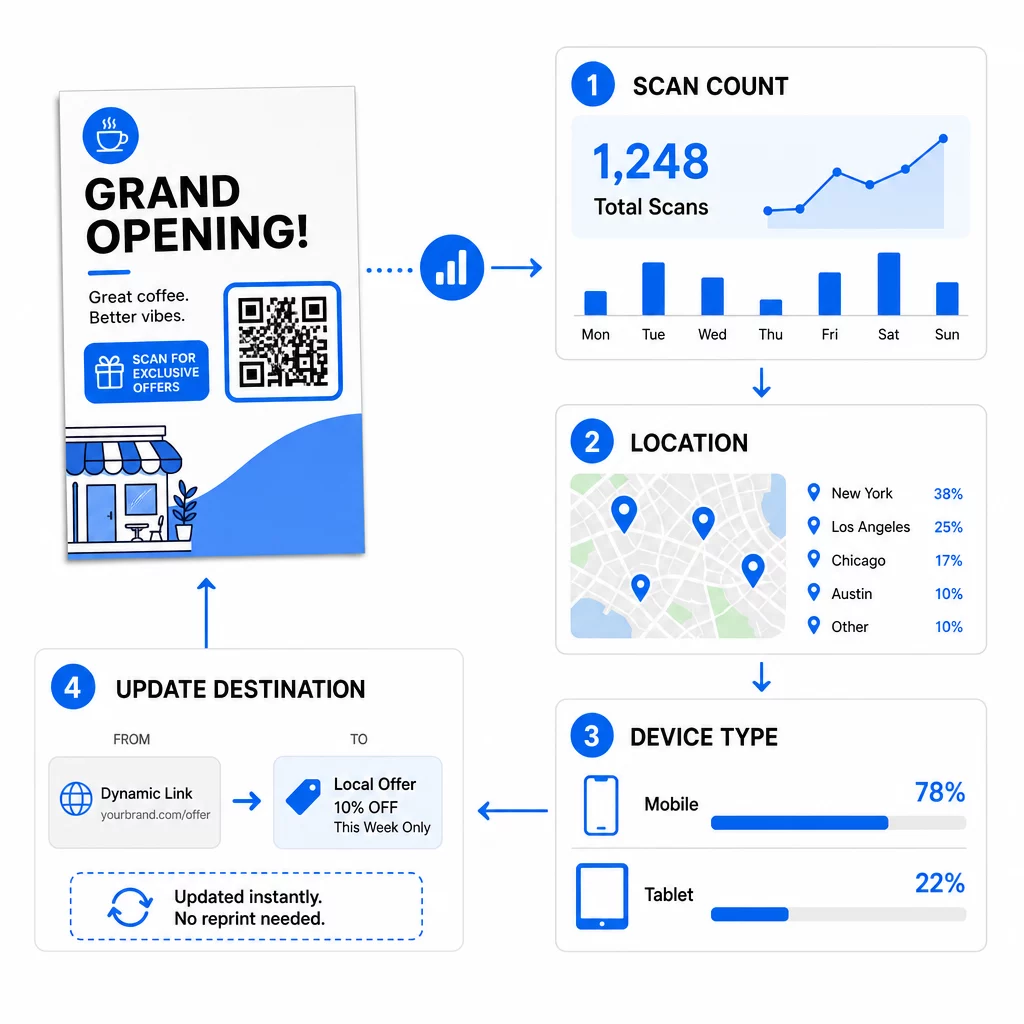
Jälgige oma kampaania toimivust Kas soovite näha, millised flaierid toovad kõige rohkem liiklust? Kasutage QR-koodi generaator luua dünaamilisi, jälgitavaid koode ja näha skannimisandmeid oma armatuurlaual.
QR-kood flaieril ei skanni? Kontrollige neid
- Liiga väike: Alla 0,8 tolli (2 cm) puhul paljud telefonid ebaõnnestuvad. Suurendage koodi.
- Madal kontrast või pööratud värvid: Kasutage tumedat koodi heledal taustal.
- Valge ääris puudub: Taastage neljamooduline vaikne tsoon.
- Udune print: Väike PNG, mis on venitatud, prindib uduselt. Kasutage SVG-d, PDF-i või suuremat PNG-d.
- Liiga palju andmeid: Väga pikk sihtkoha link loob tiheda mustri. Kasutage lühikest linki või dünaamilist koodi.
- Katkine sihtkoht: Avage link ise. Kustutatud leht või aegunud dünaamiline kood annab skannimisvea, isegi kui kood on korras.
QR-koodi lisamine flaierile võtab vaid paar minutit ja annab teile mõõdetava tulemuse. Valige õige kooditüüp, järgige suuruse ja kontrasti reegleid, asetage kood kohta, kus inimesed seda näevad, ja kirjutage selge üleskutse (CTA).
Korduma kippuvad küsimused
Tavalise käes hoitava flaieri puhul peaks QR-kood olema vähemalt 0,8 × 0,8 tolli (2 × 2 cm). Kui flaier on mõeldud skaneerimiseks kaugemalt, rakenda suhet 10:1: tee kood ühe tolli laiuseks iga kümne eeldatava skaneerimiskauguse tolli kohta.
Jah, kuid ainult siis, kui kasutasite dünaamilist QR-koodi. Dünaamilised koodid suunavad läbi lühikese ümbersuunamise URL-i, mida saate oma juhtpaneelilt igal ajal uuendada. Staatilised koodid manustavad sihtkoha otse mustrisse ja neid ei saa pärast printimist muuta.
Dünaamilised QR-koodid sisaldavad analüütika armatuurlauda, mis näitab skannimiste koguarvu, unikaalseid kasutajaid, geograafilisi asukohti ja ajapõhist kaasatust. Saate ka lisada UTM-parameetreid oma siht-URL-ile, et jälgida neid interaktsioone otse Google Analyticsis.
SVG või PDF, sest vektorfailid jäävad teravaks igas printimissuuruses. Kui kasutate PNG-d, laadige alla suur pilt ja ärge suurendage seda oma kujunduses.
Staatilised QR-koodid ei aegu kunagi. Dünaamilised koodid lakka töötamast, kui nende loomiseks kasutatud kuu- või aastaplaan lõpeb, seega hoidke plaan aktiivsena seni, kuni flaier on ringluses.