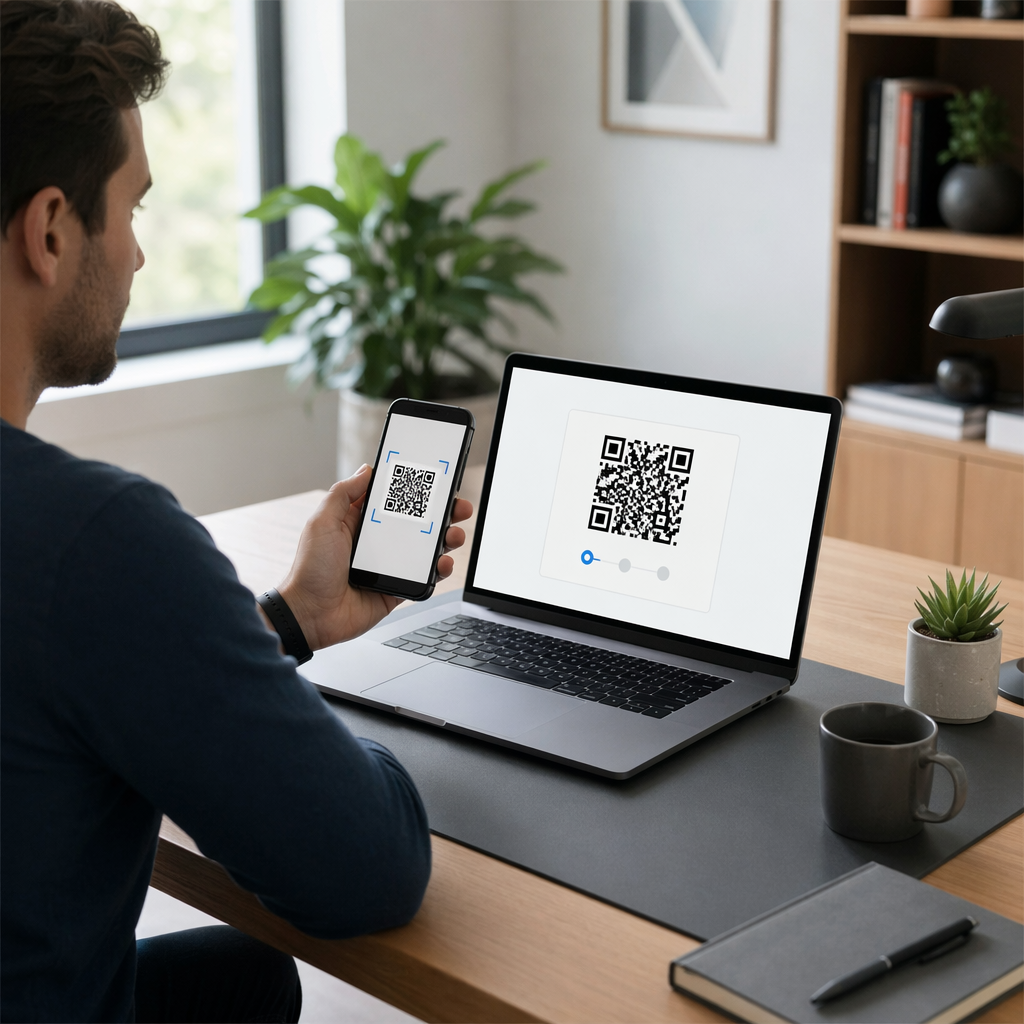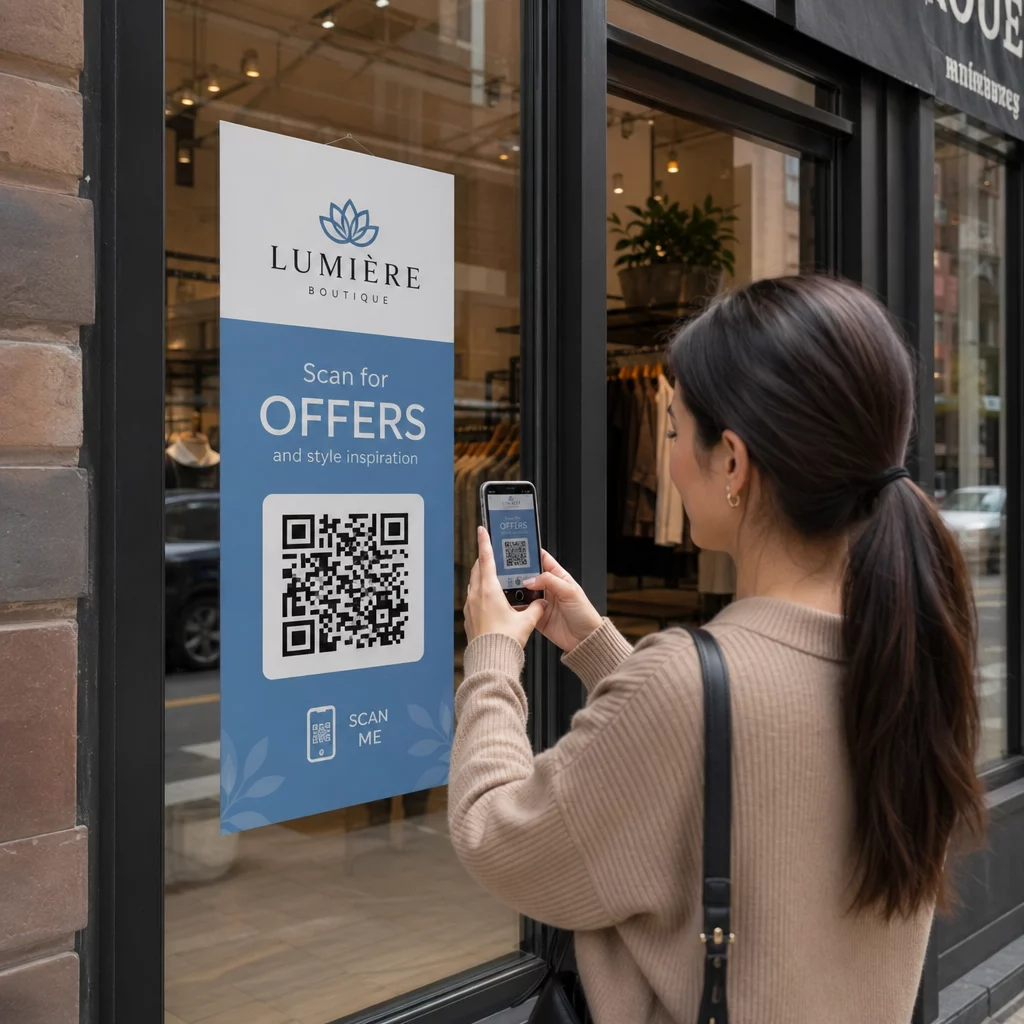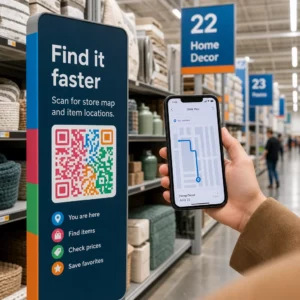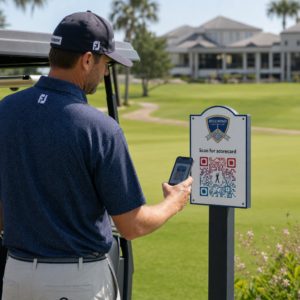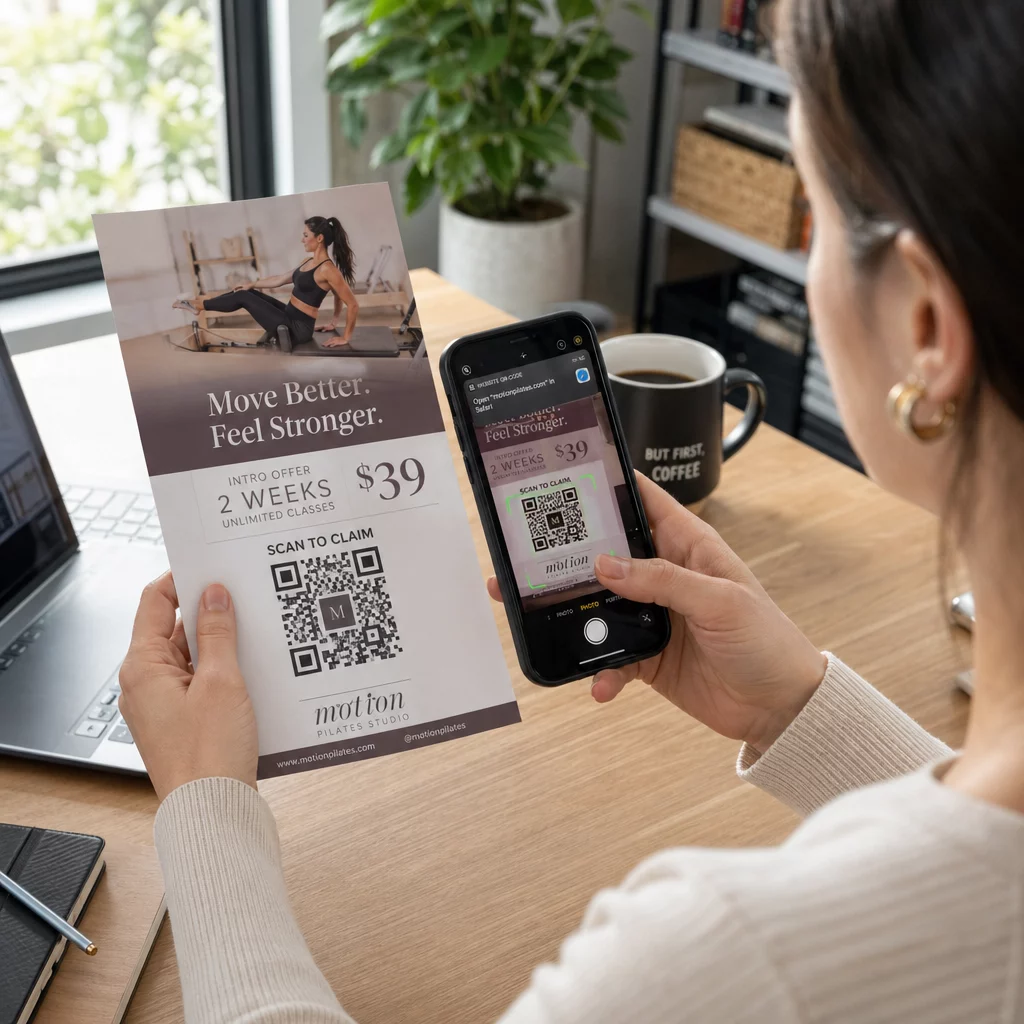
Skrejlapes QR kods ir kods uz jūsu drukātās skrejlapes, kas atver tīmekļa lapu, veidlapu vai failu, kad lasītājs to skenē. Lai izveidotu, izveidojiet kodu QR kodu ģenerators, lejupielādējiet to kā SVG vai PDF, ievietojiet to savā izkārtojumā vismaz 0,8 collas (2 cm) platumā ar skaidru baltu apmali un pievienojiet īsu aicinājumu uz darbību tam blakus. Pirms drukāšanas pārbaudiet to ar diviem tālruņiem. Soļi, izmēri un izvietošanas noteikumi ir zemāk.
Kāpēc QR kodiem ir vieta uz skrejlapām
Skrejlapā ir maz vietas. Ja mēģināt tajā ievietot katru produkta detaļu vai pasākuma grafiku, dizains kļūst pārpildīts un grūti lasāms. QR kods dod lasītājiem piekļuvi ar vienu pieskārienu digitālajai ēdienkartei, reģistrācijas veidlapai, kuponam vai pilnam katalogam, kamēr skrejlapa paliek tīra. Tā tas arī darbojas: QR kodi savieno drukāto un digitālo mārketingu: skrejlapa piesaista uzmanību, un skenēšana virza lasītāju uz nākamo soli.
QR kods ļauj arī izmērīt drukātu kampaņu. Ar dinamisku kodu varat redzēt, kad, kur un uz kādas ierīces notika katra skenēšana, tādējādi zinot, kuras skrejlapas un atrašanās vietas piesaista cilvēkus.
Statiski pret Dinamiski QR kodi: Kuru izmantot?
Izvēlieties veidu pirms skrejlapa dizainēšanas. Statiski un dinamiski QR kodi uzvedas atšķirīgi pēc drukāšanas.
Statiskie QR kodi saglabā galamērķi tieši kodā. Galamērķi nevar mainīt pēc drukāšanas, un kods nekad nebeidzas. Statisks ir pietiekams, ja saite nemainīsies, piemēram, Wi-Fi pieteikšanās vai pastāvīga tīmekļa vietnes lapa, un ja jums nav nepieciešami skenēšanas dati.
Dinamiskie QR kodi norāda uz īsu novirzīšanas saiti, ko pārvaldāt kontā. Galamērķi var mainīt pēc skrejlapu izplatīšanas, bez atkārtotas drukāšanas. Ja reklamējat iknedēļas pasākumu, katru nedēļu maināt reģistrācijas lapu. Dinamiskie kodi satur arī mazāk datu, tāpēc to raksts ir vienkāršāks un bieži vien vieglāk skenējams sliktā apgaismojumā.
Skrejlapām, kas tiek izplatītas vairākās vietās vai ilgāk par vienu nedēļu, dinamiskais parasti ir tā vērts, jo jūs saņemat QR koda izsekošana ar skenēšanas skaitu, atrašanās vietām un ierīcēm. Dinamiskajiem kodiem ir 14 dienu bezmaksas izmēģinājums, un plāni ir norādīti vietnē Pageloot cenu lapā. Skenēšana ir neierobežota, un plāniem ir 30 dienu naudas atgriešanas garantija. Dinamisks kods pārstāj darboties, kad beidzas mēneša vai gada plāns, tāpēc saglabājiet plānu aktīvu, kamēr buklets ir apritē.
Kā izveidot bukleta QR kodu 5 soļos
Veiciet šīs darbības, lai pievienotu QR kodu bukletam:
- Izvēlieties, ko kods atver. Izvēlieties vienu galamērķi, kas darbojas tālrunī: vietnes URL, PDF dokuments, a Google Formsvai vCard kontaktlapa. Izmantojiet ģeneratoru, kas atbilst saturam.
- Ģenerējiet un pielāgojiet. Atveriet QR kodu ģenerators un ielīmējiet savu saiti. Ja vēlaties savu zīmolu uz koda, izmantojiet QR koda ģenerators ar logotipu. Saglabājiet logotipu mazu un krāsas tumšas uz gaiša fona.
- Lejupielādēt drukāšanai. Lejupielādējiet SVG vai PDF, ja pieejams, jo vektoru faili saglabā asumu jebkurā izmērā. Ja jums ir tikai PNG, lejupielādējiet to lielā izmērā (ģeneratora slīdnis iet līdz 2000 px) un nepaplašiniet to savā izkārtojumā.
- Ievietojiet to savā dizaina rīkā. Importējiet failu programmā Canva, Adobe Illustrator vai citā izkārtojuma lietojumprogrammā. Iestatiet izmēru, atstājiet baltu apmali ap to un blakus tam novietojiet savu aicinājumu uz darbību.
- Pārbaudiet pirms drukāšanas. Izdrukājiet vienu eksemplāru galīgajā izmērā. Skenējiet to ar iPhone un Android tālruni, normālā telpas apgaismojumā, no attāluma, no kura lasītājs turēs bukletu.
Izveidojiet savu pielāgoto QR kodu Gatavs pievienot zīmolotu, izsekojamu QR kodu savam nākamajam skrejlapai? Izmantojiet QR koda ģenerators ar logotipu , lai izveidotu kodu, kas atbilst jūsu zīmola identitātei.
Dizaina standarti uzticamai skenēšanai
Labi izstrādāts buklets joprojām neizdodas, ja kodu ir grūti skenēt. Ievērojiet QR koda izmēru vadlīnijas drukātiem materiāliem un pārbaudiet šos trīs punktus.
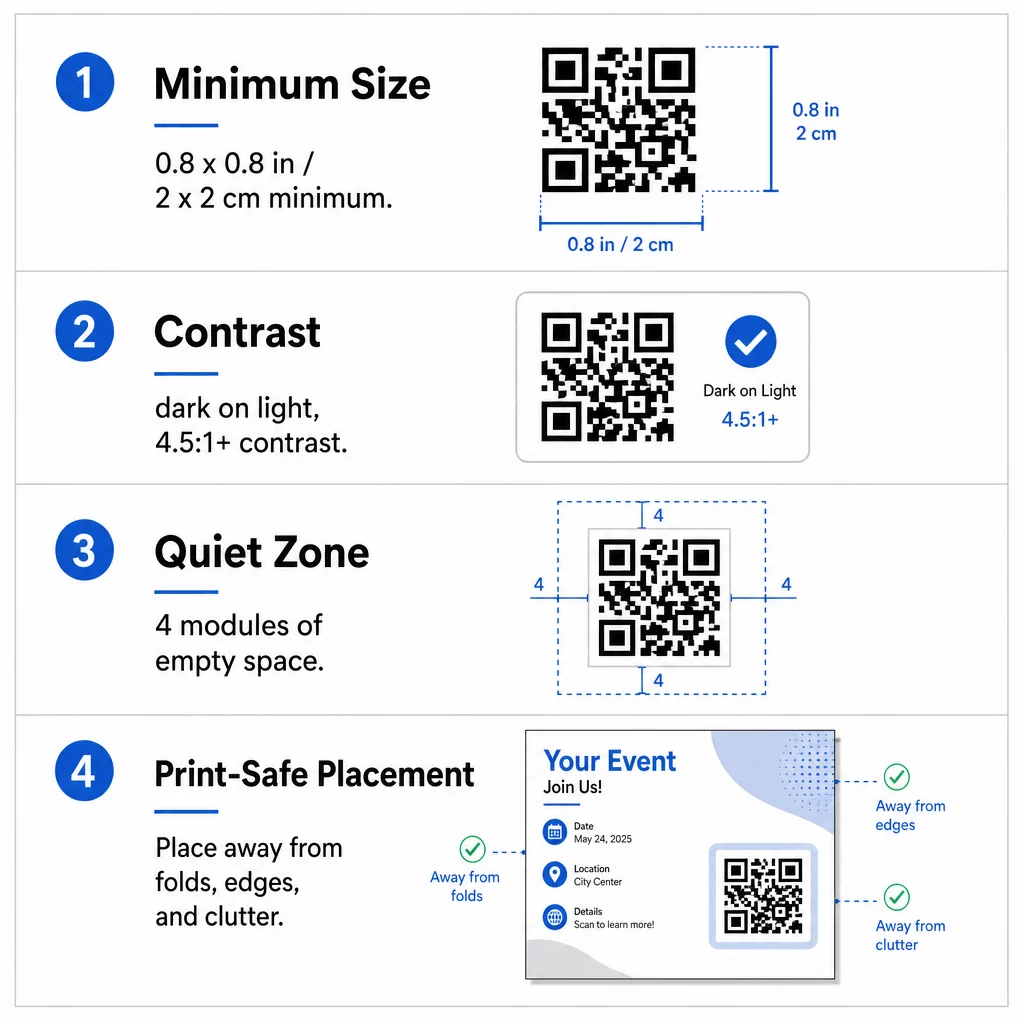
Izmērs: Uz rokas bukleta (A5, A4 vai US Letter) izveidojiet kodu vismaz 0,8 × 0,8 collas (2 × 2 cm). Lielāks kods, aptuveni no 1 līdz 1,5 collām, ir vieglāk skenējams un aizņem maz vietas. Bukletiem, kurus cilvēki skenē no attālākas vietas, izmantojiet 10:1 likumu: viena collas koda platuma uz katrām desmit collām skenēšanas attāluma. Bukletam uz sienas, kas skenēts no 20 collu attāluma, nepieciešams kods vismaz 2 collu platumā.
Kontrasts: Izmantojiet tumšus moduļus uz gaiša fona. kontrasta attiecība vismaz 4.5:1 ir ieteicama uzticamai skenēšanai, un 7:1 vai augstāks ir labāks. Neapgrieziet krāsas (gaišs kods uz tumša fona) un nenovietojiet kodu uz fotoattēla.
Klusā zona: Atstājiet skaidru apmali vismaz četrus moduļus (mazos kvadrātus) visās četrās pusēs. Teksts, līnijas vai attēli šīs apmales iekšpusē var traucēt skenerim atrast kodu.
Stratēģiska izvietošana un skaidra aicinājuma uz darbību (CTA) rakstīšana
Gan tas, kur jūs novietojat kodu, gan tas, ko jūs rakstāt blakus, ietekmē skenēšanas reižu skaitu. QR kodu izvietošana mārketingā ievēro dažus praktiskus noteikumus.
Uz A4 vai A5 skrejlapas labas vietas ir apakšējā labajā stūrī, apakšējā centrā vai tieši zem galvenā piedāvājuma. Izvairieties no šīm vietām:
- Salocījumi, ieloces un izliektas malas, kas deformē rakstu
- Spīdīgs vai teksturēts papīrs, kur atspīdums vai graudainība samazina kontrastu
- Vietas, kur citi dizaina elementi aizņem kluso zonu
- Skrejlapas aizmugure, ko cilvēki var nekad neapgriezt
Pats kods reti mudina rīkoties. Pievienojiet aicinājumu uz darbību (CTA) kas norāda, ko lasītājs iegūs: “Skenēt, lai saņemtu 20% atlaidi”, “Skenēt, lai apstiprinātu dalību”, “Skenēt, lai apskatītu ēdienkarti”. Pievienojiet īsu padomu, piemēram, “Pavērsiet tālruņa kameru pret kodu”, lasītājiem, kuriem QR kodi ir jauni. Novietojiet CTA tieši virs koda vai blakus tam. Tie labāko praksi QR kodu lasāmībā palīdz visām vecuma grupām. Tāpat pārliecinieties, ka lapa, ko kods atver, ir pielāgota mobilajām ierīcēm un ātri ielādējas.
Skrejlapu veiktspējas izsekošana un analīze
Lai redzētu, kuras skrejlapas darbojas, katram izplatīšanas kanālam piešķiriet savu kodu vai savu UTM parametrus. Piemēram, izmantojiet vienu kodu tirdzniecības izstādei un citu veikala kasei. Google Analytics pēc tam parāda datplūsmu uz katru skrejlapu, lai jūs varētu salīdzināt vietas.
Ar dinamisku kodu jūs varat arī izsekot QR kodu skenēšanai reāllaikā un redzēt laiku, atrašanās vietu un ierīces veidu. Ja kāda joma darbojas slikti, mainiet šī koda galamērķi uz atbilstošāku vietējo piedāvājumu. Izdrukātā skrejlapa paliek nemainīga.
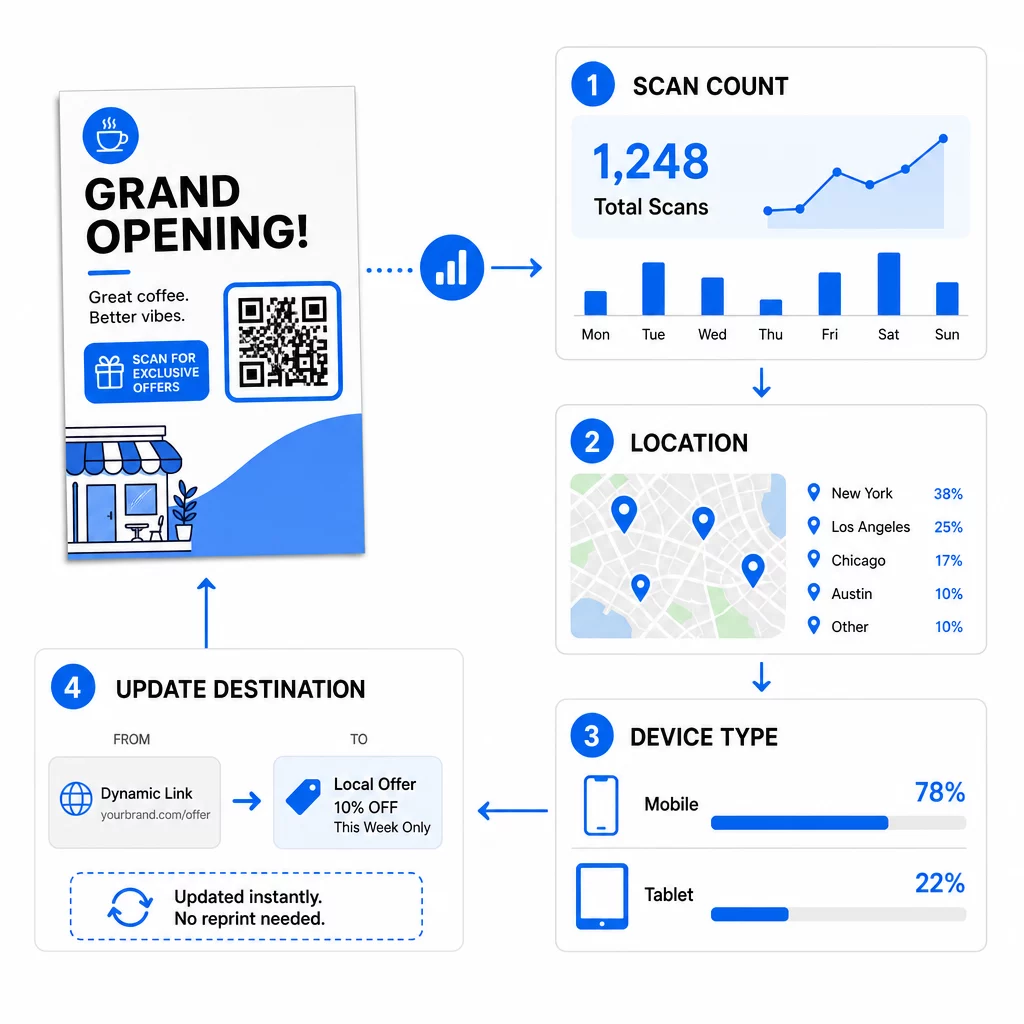
Pārraugiet savas kampaņas veiktspēju Vēlaties redzēt, kuras skrejlapas rada vislielāko datplūsmu? Izmantojiet QR kodu ģenerators lai izveidotu dinamiskus, izsekojamus kodus un skenēšanas datus redzētu savā informācijas panelī.
QR kods uz skrejlapas neskenējas? Pārbaudiet šos
- Pārāk mazs: Zem 0,8 collām (2 cm) daudzi tālruņi nespēj nolasīt. Palieliniet kodu.
- Zems kontrasts vai apgrieztas krāsas: Izmantojiet tumšu kodu uz gaiša fona.
- Nav baltas apmales: Atjaunojiet četru moduļu kluso zonu.
- Izplūdis druka: Mazs PNG attēls, kas tika izstiepts, drukājas izplūdis. Izmantojiet SVG vai PDF, vai lielāku PNG.
- Pārāk daudz datu: Ļoti gara galamērķa saite veido blīvu rakstu. Izmantojiet īsu saiti vai dinamisku kodu.
- Bojāts galamērķis: Atveriet saiti pats. Dzēsta lapa vai beidzies dinamiskais kods rada skenēšanas kļūdu pat tad, ja kods ir pareizs.
QR koda pievienošana skrejlapai aizņem dažas minūtes un sniedz jums izmērāmu rezultātu. Izvēlieties pareizo koda veidu, ievērojiet izmēra un kontrasta noteikumus, novietojiet kodu tur, kur cilvēki to redzēs, un uzrakstiet skaidru aicinājumu uz darbību (CTA).
Biežāk uzdotie jautājumi
Standarta rokas skrejlapai QR kodam jābūt vismaz 0,8 × 0,8 collas (2 × 2 cm). Ja skrejlapa paredzēta skenēšanai no attāluma, piemērojiet attiecību 10:1: izveidojiet kodu vienu collu platu uz katrām desmit paredzētā skenēšanas attāluma collām.
Jā, bet tikai tad, ja izmantojāt dinamisku QR kodu. Dinamiskie kodi novirza caur īsu novirzīšanas URL, ko jūs varat atjaunināt no sava vadības paneļa jebkurā laikā. Statiskie kodi iegulst galamērķi tieši rakstā un nevar tikt mainīti pēc drukāšanas.
Dinamiskie QR kodi ietver analīzes informācijas paneli, kas parāda kopējo skenējumu skaitu, unikālos lietotājus, ģeogrāfiskās atrašanās vietas un laika gaitā balstītu iesaisti. Varat arī pievienot UTM parametrus savam galamērķa URL, lai izsekotu šīs mijiedarbības tieši pakalpojumā Google Analytics.
SVG vai PDF, jo vektorgrafikas faili paliek asi jebkurā drukas izmērā. Ja izmantojat PNG, lejupielādējiet lielu un nepalieliniet to savā maketā.
Statiskie QR kodi nekad nebeidzas. Dinamiskie kodi pārstāj darboties, kad beidzas ikmēneša vai gada plāns, kas tos izveidoja, tāpēc saglabājiet plānu aktīvu, kamēr buklets ir apritē.