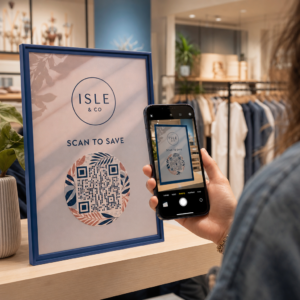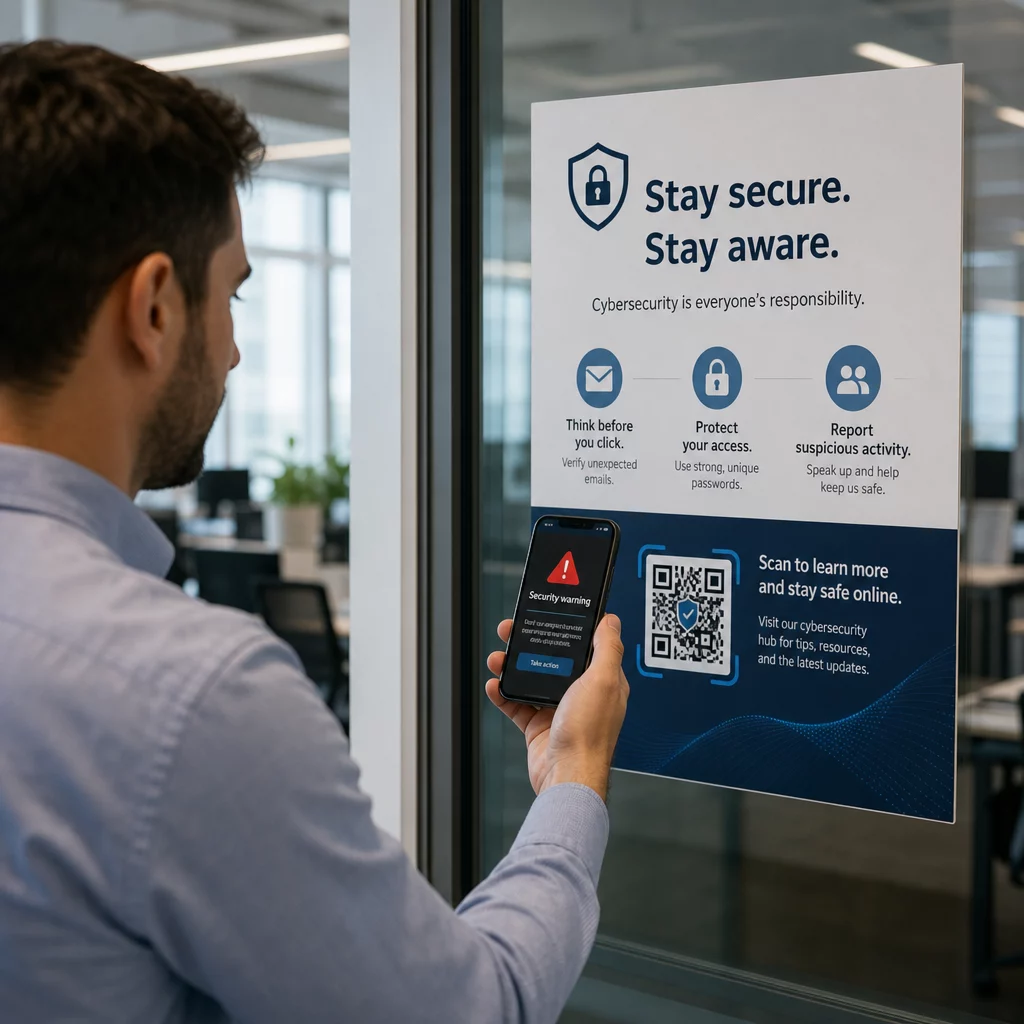
Are QR codes putting your business at risk? Fraudulent QR codes are an increasingly common tool for cybercriminals targeting companies of every size – and most employees don’t know how to spot them. This guide explains how QR code scams work, what warning signs to look for, and the specific steps your business can take to stay protected.
Why QR Code Scams Are a Growing Business Threat
QR codes have become a routine part of doing business – payments, menus, marketing materials, event check-ins, and more. That familiarity is exactly what makes them attractive to criminals.
This type of attack is known as quishing (QR code phishing). Scammers create or tamper with QR codes to redirect people to fraudulent websites designed to steal login credentials, payment details, or other sensitive data – or to silently install malware on their device.
The scale is significant. Between May and July 2023, a QR code phishing campaign targeting Microsoft credentials grew by more than 2,400%. Analysis of trends between Q4 2023 and Q1 2024 found a 433% increase in references to QR code phishing. Executives are particularly at risk, receiving 42 times more QR code attacks than other employees because of their broader access to company resources.
No industry is immune. Energy, manufacturing, insurance, technology, and financial services have all been targeted in documented campaigns. A single employee scanning the wrong code can open the door to credential theft, financial fraud, or a full network breach.
How QR Code Scams Target Businesses
Understanding the methods criminals use is the first step toward building an effective defense. Quishing attacks generally follow one of several patterns:
Phishing emails with embedded QR codes. Attackers send emails containing QR codes that direct recipients to convincing fake login pages – often mimicking Microsoft 365, banking portals, or internal systems. Because the malicious link is hidden inside an image rather than typed as text, many email security filters fail to catch it.
Physical code replacement. Criminals print fraudulent QR code stickers and place them over legitimate codes on signage, payment terminals, menus, parking meters, or product packaging. Victims scan what appears to be an official code and are redirected to a fake site. In Austin, Texas, police discovered 29 fake QR codes placed on city parking meters. In York, UK, fake QR codes on parking signage redirected drivers to cloned payment sites, with some victims losing up to £400.
Unsolicited packages and mail. The United States Postal Inspection Service warns that scammers send unexpected packages containing small gifts alongside QR codes, asking recipients to scan the code to “register” the item. Scanning leads to a spoofed site requesting personal or financial details.
Impersonation of trusted organizations. Attackers disguise themselves as government agencies, banks, delivery services, or other well-known companies to create urgency and lower the target’s guard before the QR code is scanned.
Warning Signs of a Fraudulent QR Code
There is no reliable visual difference in the QR pattern itself that consistently distinguishes a malicious code from a legitimate one. Instead, your team needs to evaluate the context and behavior around the code. Train employees to treat the following as red flags:
- Signs of physical tampering: The code appears as a sticker, is taped on, looks scratched or pixelated, is misaligned, or is clearly placed over another printed code.
- No clear context or branding: The code appears on a random surface, has no explanation of its purpose, or lacks consistent branding from the organization it claims to represent.
- Urgent or high-pressure language: Surrounding text demands immediate action, payment, or login without a clear legitimate reason.
- Branding inconsistencies: Misspellings, mismatched logos, unusual colors, or a design that doesn’t match the organization’s normal look.
- A suspicious preview URL: After scanning, the URL shown doesn’t match the expected domain, is shortened, is misspelled, or lacks HTTPS (no padlock icon in the browser).
- Unexpected requests for sensitive information: The page asks for passwords, payment details, or personal data without a clear, expected reason.
- Unsolicited delivery: The QR code arrived in an email, text message, or package you weren’t expecting – particularly with a message urging you to act fast.
For a deeper look at identifying compromised codes, the guide to best practices for QR code security in cyber defense covers detection and incident response in detail.
How to Protect Your Business: A Practical Checklist
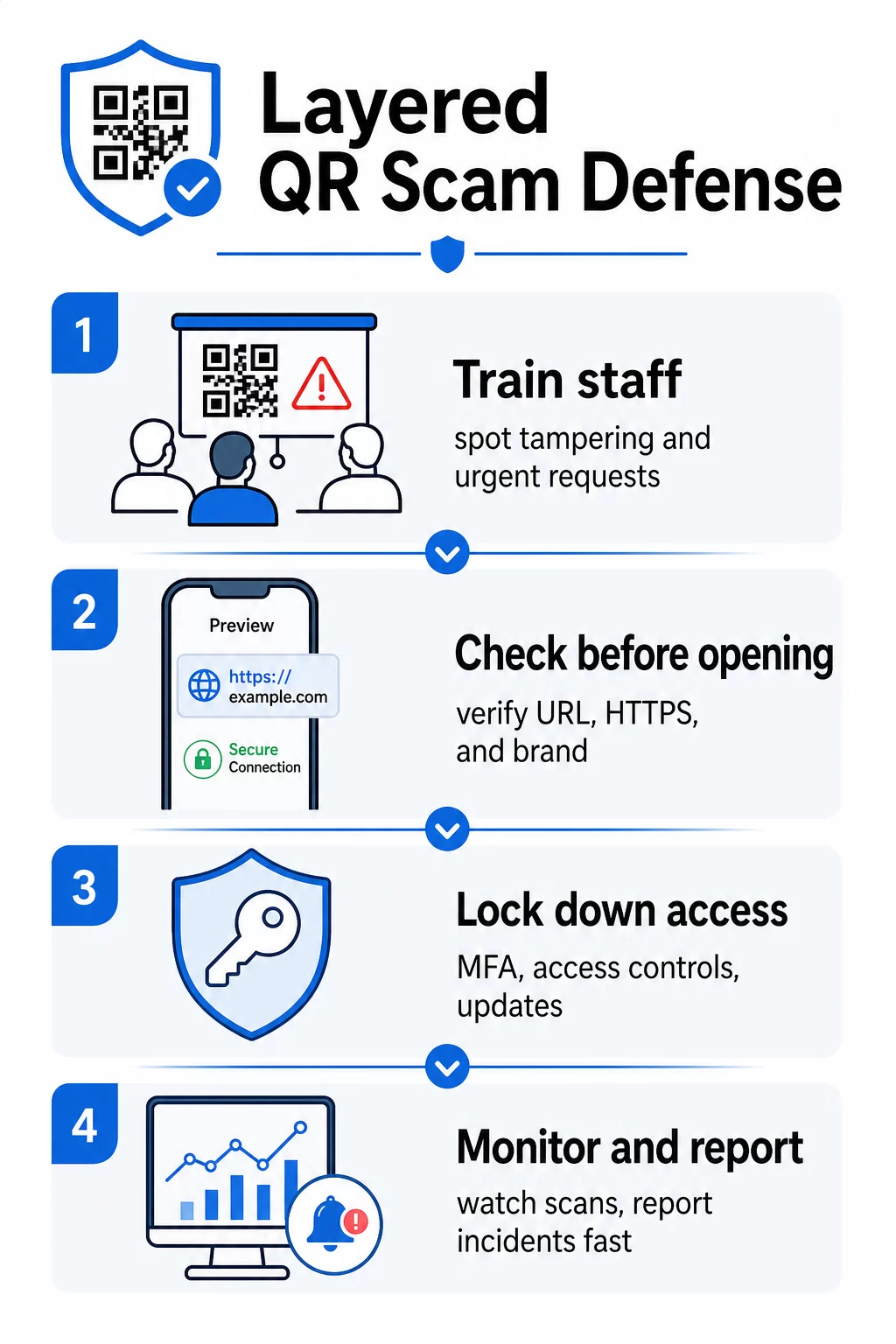
Protecting your organization from QR code scams requires layered defenses – no single measure is enough on its own. The FBI recommends a multi-layered strategy that combines employee education, technical controls, strong authentication, and continuous monitoring.
Train Employees to Recognize Quishing
Human error remains the most exploited vulnerability in QR code attacks. Regular, practical training should cover:
- Never scanning QR codes from unexpected emails, text messages, packages, or flyers – even if they appear to come from a trusted source
- Always previewing the URL before opening it after scanning, and checking for misspellings, mismatched domains, or missing HTTPS
- Physically inspecting QR codes in the workplace for signs of tampering, especially on payment terminals, signage, or printed materials
- Verifying the source of a QR code through a separate, trusted channel before entering any credentials or payment information
- Reporting any suspicious QR codes immediately through a clear internal escalation process
The FBI specifically recommends establishing formal internal protocols for reporting suspicious codes so incidents can be quickly escalated and addressed.
Implement Strong Authentication and Access Controls
Credentials stolen through quishing attacks can only cause serious damage if they grant unchecked access. The FBI and cybersecurity authorities recommend:
- Requiring phishing-resistant multi-factor authentication (MFA) for all remote access and sensitive systems
- Applying role-based access controls so employees can only reach systems and data relevant to their role
- Considering a zero-trust strategy that continuously verifies access requests rather than granting blanket network trust
Keep Systems and Software Updated
Technical safeguards reduce the attack surface available to criminals. Ensure your organization maintains:
- Up-to-date operating systems, antivirus software, and security patches on all devices
- Active spam and web filters on email and network systems
- Strong password requirements across all accounts
The FTC advises updating phone operating systems specifically to protect against QR code-delivered malware.
Secure the QR Codes Your Business Creates and Deploys
Your own QR codes can become vectors for fraud if they are not properly managed. Taking control of your codes is one of the most direct ways to protect both your customers and your reputation.
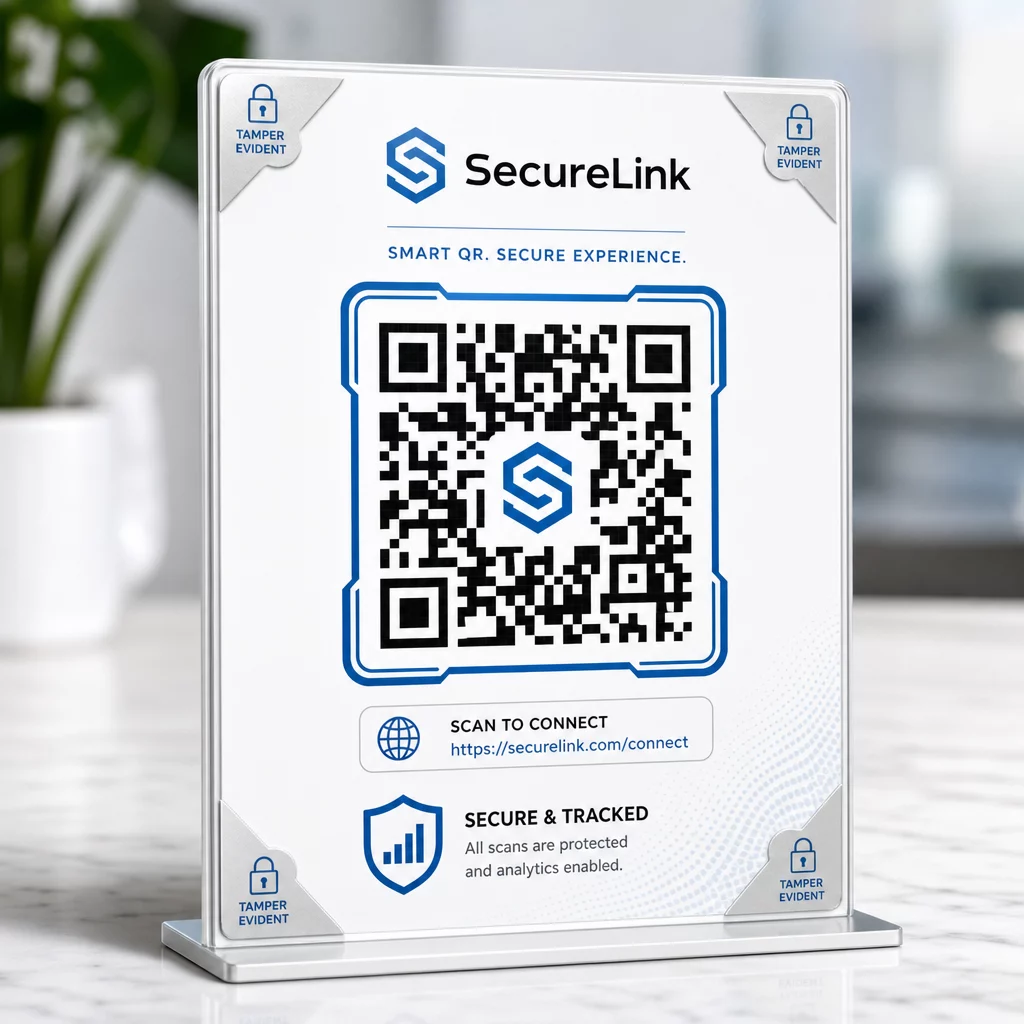
Use dynamic QR codes instead of static ones. Unlike static codes, dynamic QR codes can be edited, monitored, and deactivated after they are printed. If a code is tampered with or redirected to a malicious destination, you can update or disable it without reprinting anything. Static codes, by contrast, are permanent – if the destination is compromised, there is no way to correct it.
Apply custom branding to every code. Codes with your logo, brand colors, and visual identity are significantly harder for criminals to convincingly replicate. Branded codes also give customers and employees a visual reference point – if a code doesn’t look right, it stands out. This is a core recommendation from secure QR code generation best practices.
Always link to HTTPS destinations. Ensure every QR code you publish leads to a site with a valid SSL certificate. Avoid HTTP destinations for any code used in payments, login flows, or data collection.
Monitor scan activity for anomalies. Real-time analytics let you spot unusual patterns – sudden scan volume spikes, geographic anomalies, or unexpected device types – that may indicate a code has been compromised or replaced. QR code tracking tools can alert you to these signals before significant damage is done.
Physically inspect deployed codes regularly. Schedule routine checks of any QR codes displayed in public-facing locations. Photograph each code when it is first placed so you have a reference to compare against. Look for signs of overlay stickers, misalignment, or tampering.
Protect Your Codes With Real-Time Monitoring Want to detect suspicious scan activity before it becomes a serious problem? Use the Dynamic QR Code Generator to create editable, trackable codes with built-in analytics – and update or disable any code instantly if something looks wrong.
Protect Your Customers at the Point of Scan
If your business displays QR codes for payments, menus, or customer-facing interactions, take steps to help customers verify they are scanning a legitimate code:
- Display clear instructions near every code explaining what it leads to and what information customers will be asked to provide
- Add visible branding and a domain name so customers can verify the destination before interacting
- Provide an alternative method to access the same information (a direct URL, a printed menu, etc.) so customers are never forced to scan if they are uncertain
- Post visible notices encouraging customers to report suspicious codes to your team
For more on reducing QR code risks in payment contexts, including industry-specific guidance for retail and e-commerce, see the dedicated payment security guide.
When an Incident Happens: What to Do
If an employee or customer reports a potentially compromised QR code, act immediately:
- Disable or update the affected dynamic QR code so it no longer directs to the malicious destination
- Document the incident and preserve evidence for investigation
- Notify affected parties so they can monitor accounts and change passwords
- Report the incident to relevant authorities – the FBI’s Internet Crime Complaint Center (IC3) for business-related cyber fraud, and the FTC for consumer-focused scams
- Review your other deployed codes to check for similar tampering
Having an incident response plan in place before something goes wrong is far less costly than improvising under pressure.
Frequently Asked Questions
Quishing is phishing that uses QR codes instead of text-based links to direct victims to malicious websites. Because the malicious URL is embedded in an image, it often bypasses email security filters that would normally catch suspicious links in plain text. The outcome is the same – stolen credentials, payment details, or malware installation – but the delivery method makes it harder for both automated tools and users to detect.
Look for physical signs such as stickers placed over existing codes, misalignment, scratches, or pixelation. Check the surrounding context – does the code have clear branding that matches the organization? Does the preview URL after scanning match the expected domain and use HTTPS? Be especially suspicious of codes accompanied by urgent language or in unusual locations without a clear explanation. There is no visual difference in the QR pattern itself that reliably signals malicious intent, so context is everything.
Dynamic QR codes can be edited, monitored, and deactivated after they are printed – so if a code is compromised, you can update or disable it immediately without reprinting. They also provide real-time scan analytics, allowing you to detect anomalous activity like unexpected geographic scans or sudden volume spikes. Static QR codes have a fixed destination that cannot be changed, meaning any compromise requires creating and redeploying an entirely new code with no way to recover what was already distributed.