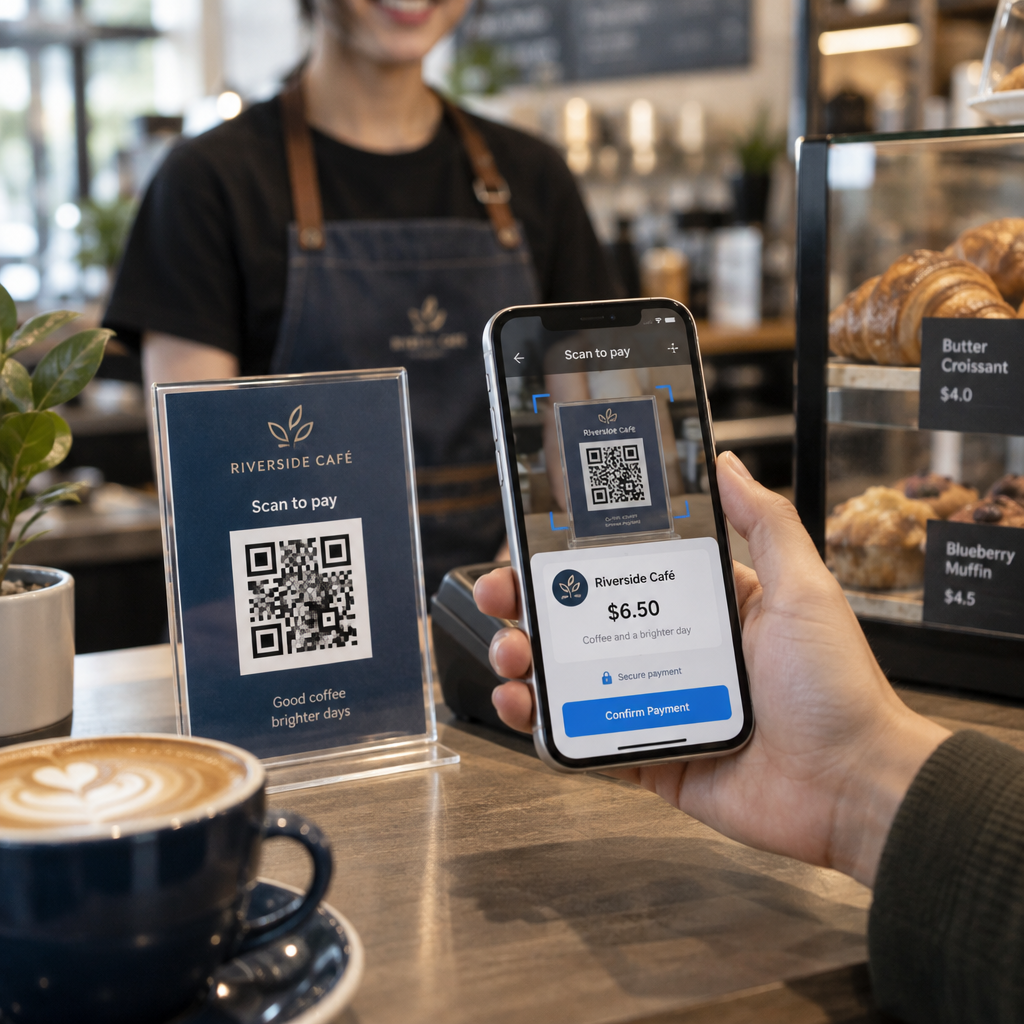
Are you worried that scanning a simple QR code could compromise your financial data? As these payments become a global standard, scammers use tampered codes to redirect funds and steal identities. This guide explores common threats and provides practical steps for businesses and consumers to secure every transaction.
Common QR Code Payment Fraud Tactics
While QR codes are essentially visual shortcuts to web destinations, their visual format conceals where they lead until scanned. Cybercriminals take advantage of this blind spot through several deceptive techniques:
- Counterfeiting physical codes with adhesive overlays on parking meters, gas pumps, restaurant tables, and transit stations to direct payments to unauthorized accounts.
- Distributing QR code phishing risks through unexpected emails, fake invoices, or delivery notifications that lead to spoofed payment portals.
- Impersonating utility providers or government agencies by demanding urgent payments through QR codes, peer-to-peer apps, or physical cryptocurrency ATMs.
- Embedding drive-by download links that prompt users to install malicious configuration profiles or malware designed to intercept banking sessions.
- Harvesting credentials by designing clone pages of popular payment gateways like PayPal or Venmo to capture login details alongside funds.
When evaluating QR codes for payments, understanding the underlying mechanics helps spot anomalies before approving any transfer.
Understanding Consumer Liability and Protections
Federal payment protections in the United States do not establish a unique legal category solely for QR codes. Instead, liability rules depend on the underlying funding mechanism tied to your transaction:
| Funding Method | Primary Regulation | Consumer Liability Limit | Key Exception or Condition |
|---|---|---|---|
| Credit Card | Truth in Lending Act / Regulation Z | Capped at $50 for unauthorized use | Billing error protections help when paid goods are never delivered |
| Debit Card / Bank Transfer | Electronic Fund Transfer Act / Regulation E | $0 to unlimited depending on reporting speed | Liability caps rise if reported after 2 business days or after 60 days of statement |
| Mobile Payment App Balance | Regulation E (covered accounts) | Handled under electronic transfer rules | Requires timely reporting of unauthorized account access |
| Cryptocurrency / Direct Wire | Irreversible transfer networks | Generally no liability recovery | Scams involving authorized transfers rarely offer chargebacks |
If you authorize a transaction yourself after being deceived by a fraudulent sticker or spoofed bill, statutory reimbursement protections for unauthorized transfers may not apply. This makes pre-payment verification essential.
Essential Security Steps for Consumers
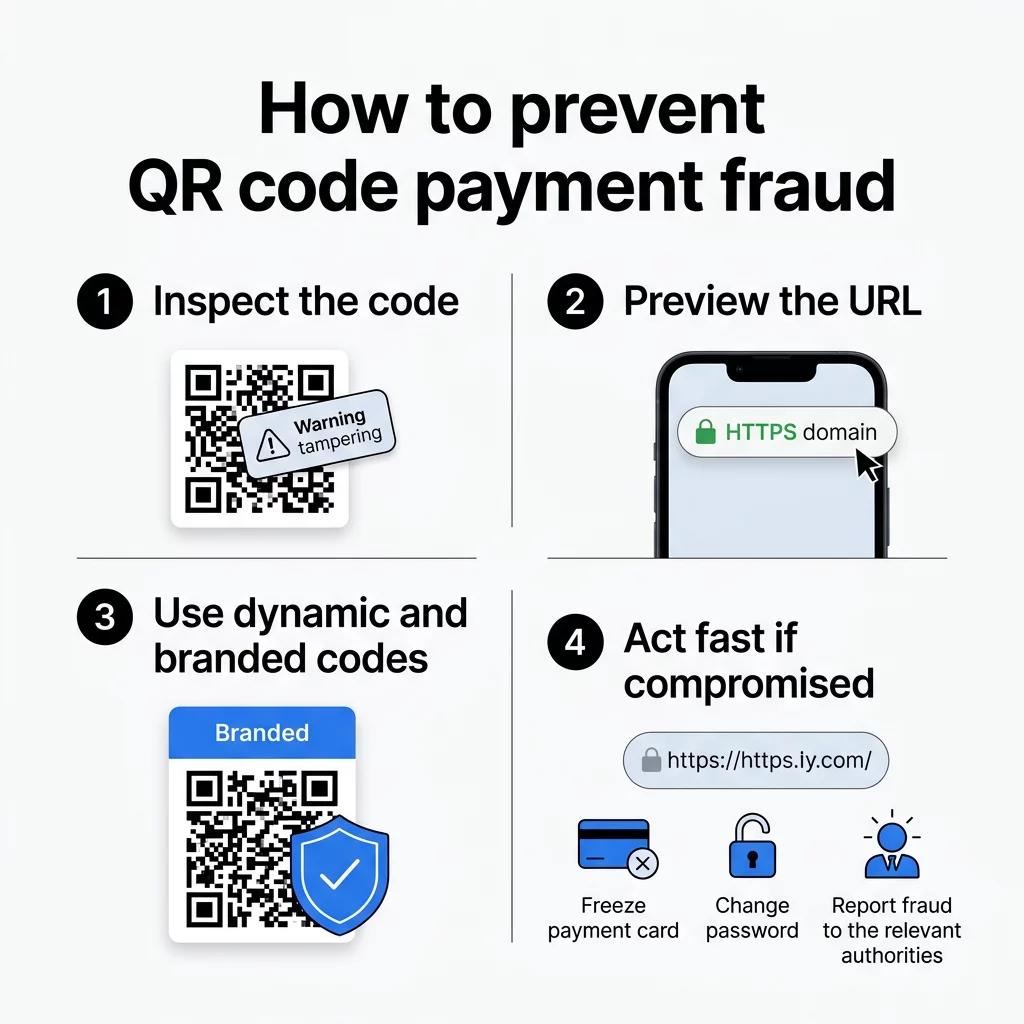
Adopting a cautious routine before and during checkout helps eliminate the majority of scanning threats:
- Inspect the physical code for physical overlays, peeling corners, or mismatched print materials before activating your smartphone camera.
- Preview the complete web address before opening it to confirm the true host domain, watching for deceptive subdomains like `brandname.com.attacker-site.com`.
- Avoid scanning payment codes sent in unsolicited text messages, unexpected package slips, or urgent utility shut-off warnings.
- Use your phone’s native camera or a secure free QR code scanner rather than installing unverified third-party scanner apps that may contain spyware.
- Enter known official web addresses manually into your browser when paying recurring service bills instead of following print codes.
- Protect accounts by enabling multi-factor authentication on every financial profile and reviewing bank activity regularly.
For a deeper look into the digital breadcrumbs collected during scans, review our guide on QR code privacy risks and how to manage them.
How Businesses Can Secure Payment Flows
Merchants must secure both physical signage and digital infrastructure to maintain consumer trust and protect revenue streams. Modern payment architectures leverage both security and speed advantages to keep transactions frictionless and defended against fraud.
Deploy Trackable, Secure Dynamic Codes Protect your checkout touchpoints with remote deactivation and scan monitoring. Create your dynamic payment codes with the dynamic QR code generator to maintain complete control over every destination.
Businesses should implement these operational safeguards across all point-of-sale touchpoints:
- Deploy dynamic QR codes rather than static ones so destination links can be edited, audited, or instantly disabled if suspicious scans occur.
- Add distinct visual branding, including company logos, customized shapes, and branded frames, making generic counterfeit stickers visibly obvious to patrons.
- Audit physical payment stations daily to confirm that no rogue stickers have been placed over genuine checkout materials.
- Restrict point-of-sale terminal configurations to authorized personnel and enforce multi-factor authentication across all merchant management portals.
- Follow established compliance guidelines outlined in our PCI-DSS compliance guide to protect cardholder information across every transfer.
- Route digital invoices through established tools like a dedicated PayPal QR code generator to keep transaction flows within verified platforms.
Incident Response: What to Do If Compromised
When fraud occurs, immediate containment reduces financial loss and prevents subsequent identity theft.
Steps for Consumers
- Contact your card issuer or banking institution immediately to freeze impacted accounts and dispute fraudulent charges.
- Update passwords across every online banking account, especially if you reused the credentials entered on the malicious page.
- Check your smartphone settings for unknown configuration profiles or recently downloaded files, removing any unrecognized entries.
- Report the scam to the Federal Trade Commission at ReportFraud.ftc.gov and file a complaint with the FBI’s Internet Crime Complaint Center (IC3).
Steps for Merchants
- Isolate and remove the compromised physical signage or deactivate the destination URL within your management dashboard.
- Check access logs to determine how many patrons interacted with the tampered location.
- Re-authenticate all merchant software accounts and inspect connected payment gateway integrations for unauthorized API keys.
- Notify affected customers promptly with clear instructions on how to secure their payment accounts.
Building a Resilient Payment Experience
QR code payments offer unmatched convenience for mobile commerce, but their open format requires deliberate defenses. Consumers protect their balances by learning how to spot fake QR codes and verifying URLs before authorizing payments. Merchants safeguard their brand by implementing dynamic, branded codes backed by continuous monitoring. Review your current checkout touchpoints today to ensure every code you deploy or scan remains verified and secure.
Frequently Asked Questions
Yes. Malicious QR codes can direct your mobile browser to sites that launch automatic downloads or prompt you to install malicious configuration profiles that expose device data.
Inspect the signage for raised sticker edges, misaligned borders, or blurred graphics, and always verify that the URL displayed by your camera preview matches the actual business domain.
Dynamic QR codes route through editable redirect URLs, allowing merchants to monitor scan activity in real time and instantly update or disable destinations if tampering is detected.