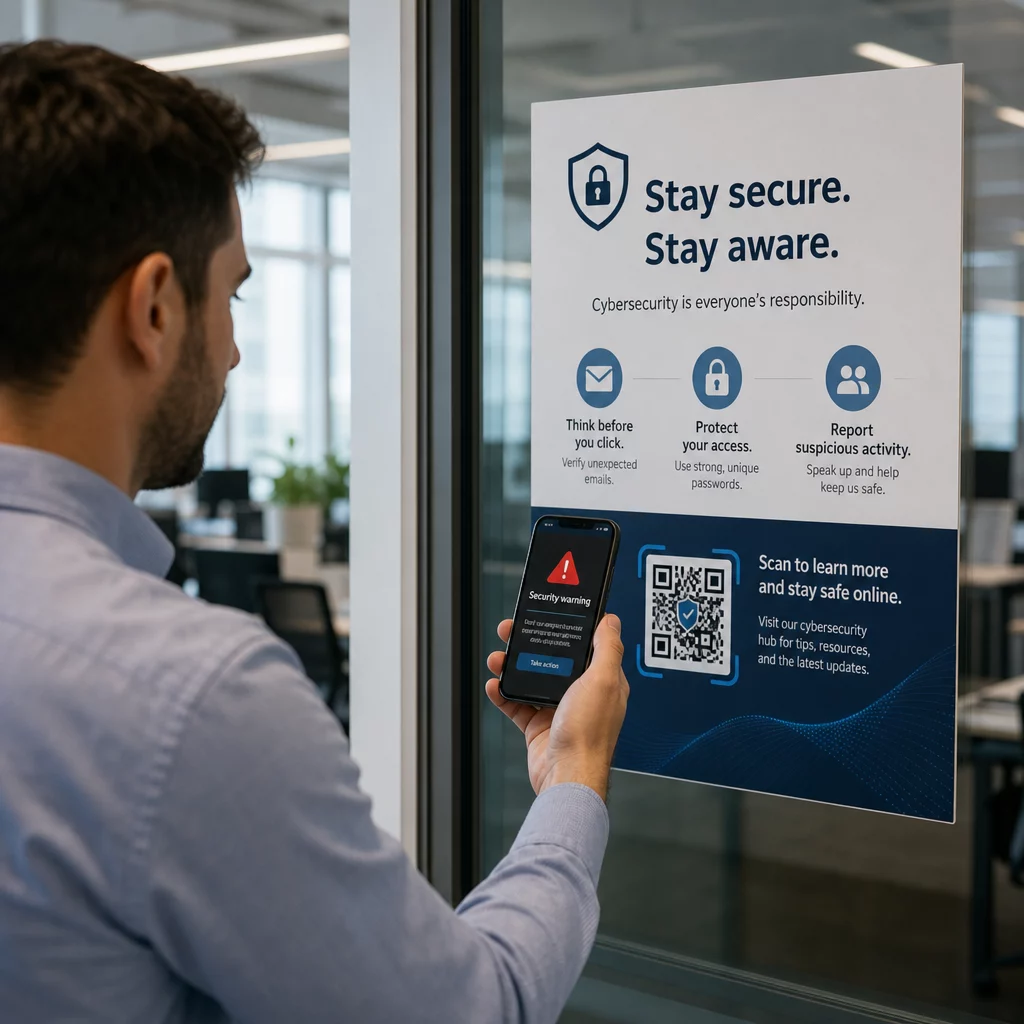
Zijn QR-codes een risico voor uw bedrijf? Frauduleuze QR-codes zijn een steeds vaker voorkomend hulpmiddel voor cybercriminelen die bedrijven van elke omvang aanvallen – en de meeste werknemers weten niet hoe ze deze moeten herkennen. Deze gids legt uit hoe QR-codefraude werkt, naar welke waarschuwingssignalen u moet zoeken en welke specifieke stappen uw bedrijf kan nemen om beschermd te blijven.
Waarom QR-codefraude een groeiende bedrijfsdreiging is
QR-codes zijn een routineonderdeel geworden van zakendoen – betalingen, menu's, marketingmaterialen, evenementcheck-ins en meer. Die bekendheid is precies wat ze aantrekkelijk maakt voor criminelen.
Dit type aanval staat bekend als quishing (QR-code phishing). Oplichters maken of manipuleren QR-codes om mensen om te leiden naar frauduleuze websites die zijn ontworpen om inloggegevens, betalingsgegevens of andere gevoelige gegevens te stelen – of om stilletjes malware op hun apparaat te installeren.
De omvang is aanzienlijk. Tussen mei en juli 2023 groeide een QR-code phishingcampagne gericht op Microsoft-inloggegevens met meer dan 2.400%. Analyse van trends tussen Q4 2023 en Q1 2024 toonde een toename van 433% in verwijzingen naar QR-code phishing. Leidinggevenden lopen bijzonder risico, zij ontvangen 42 keer meer QR-codeaanvallen dan andere werknemers vanwege hun bredere toegang tot bedrijfsbronnen.
Geen enkele sector is immuun. Energie, productie, verzekeringen, technologie en financiële diensten zijn allemaal het doelwit geweest in gedocumenteerde campagnes. Eén enkele werknemer die de verkeerde code scant, kan de deur openen naar diefstal van inloggegevens, financiële fraude of een volledige netwerkinbreuk.
Hoe QR-codefraude bedrijven aanvalt
Het begrijpen van de methoden die criminelen gebruiken, is de eerste stap naar het opbouwen van een effectieve verdediging. Quishing-aanvallen volgen over het algemeen een van de volgende patronen:
Phishing-e-mails met ingebedde QR-codes. Aanvallers sturen e-mails met QR-codes die ontvangers doorverwijzen naar overtuigende nep-inlogpagina's – vaak Microsoft 365, bankportalen of interne systemen nabootsend. Omdat de kwaadaardige link verborgen is in een afbeelding in plaats van als tekst getypt, slagen veel e-mailbeveiligingsfilters er niet in deze te detecteren.
Fysieke codevervanging. Criminelen printen frauduleuze QR-codestickers en plaatsen deze over legitieme codes op bewegwijzering, betaalterminals, menu's, parkeermeters of productverpakkingen. Slachtoffers scannen wat een officiële code lijkt te zijn en worden omgeleid naar een nepsite. In Austin, Texas, ontdekte de politie 29 nep-QR-codes op stadsparkeermeters. In York, VK, leidden nep-QR-codes op parkeerborden bestuurders om naar gekloonde betaalsites, waarbij sommige slachtoffers tot £400 verloren.
Ongevraagde pakketten en post. De United States Postal Inspection Service waarschuwt dat oplichters onverwachte pakketten versturen met kleine cadeautjes en QR-codes, waarbij ontvangers wordt gevraagd de code te scannen om het item te “registreren”. Scannen leidt naar een nagemaakte site die om persoonlijke of financiële gegevens vraagt.
Nabootsing van vertrouwde organisaties. Aanvallers vermommen zich als overheidsinstanties, banken, bezorgdiensten of andere bekende bedrijven om urgentie te creëren en de waakzaamheid van het doelwit te verminderen voordat de QR-code wordt gescand.
Waarschuwingssignalen van een frauduleuze QR-code
Er is geen betrouwbaar visueel verschil in het QR-patroon zelf dat consistent een kwaadaardige code onderscheidt van een legitieme. In plaats daarvan moet uw team de context en het gedrag rond de code evalueren. Train medewerkers om het volgende als rode vlaggen te beschouwen:
- Tekenen van fysieke manipulatie: De code verschijnt als een sticker, is opgeplakt, ziet er bekrast of gepixelde uit, is verkeerd uitgelijnd, of is duidelijk over een andere gedrukte code geplaatst.
- Geen duidelijke context of branding: De code verschijnt op een willekeurig oppervlak, heeft geen uitleg over het doel, of mist consistente branding van de organisatie die het beweert te vertegenwoordigen.
- Dringende of druk uitoefenende taal: Omringende tekst eist onmiddellijke actie, betaling of login zonder een duidelijke legitieme reden.
- Branding-inconsistenties: Spelfouten, niet-overeenkomende logo's, ongebruikelijke kleuren, of een ontwerp dat niet overeenkomt met de normale uitstraling van de organisatie.
- Een verdachte preview-URL: Na het scannen komt de getoonde URL niet overeen met het verwachte domein, is deze verkort, is deze verkeerd gespeld, of ontbreekt HTTPS (geen hangslotpictogram in de browser).
- Onverwachte verzoeken om gevoelige informatie: De pagina vraagt om wachtwoorden, betalingsgegevens of persoonlijke gegevens zonder een duidelijke, verwachte reden.
- Ongevraagde levering: De QR-code arriveerde in een e-mail, sms-bericht of pakket dat u niet verwachtte – vooral met een bericht dat u aanspoorde snel te handelen.
Voor een diepere blik op het identificeren van gecompromitteerde codes, de gids voor best practices voor QR-codebeveiliging in cyberdefensie behandelt detectie en incidentrespons in detail.
Hoe u uw bedrijf kunt beschermen: een praktische checklist
Het beschermen van uw organisatie tegen QR-codefraude vereist gelaagde verdedigingen – geen enkele maatregel is op zichzelf voldoende. De FBI beveelt een meerlaagse strategie aan die werknemerseducatie, technische controles, sterke authenticatie en continue monitoring combineert.
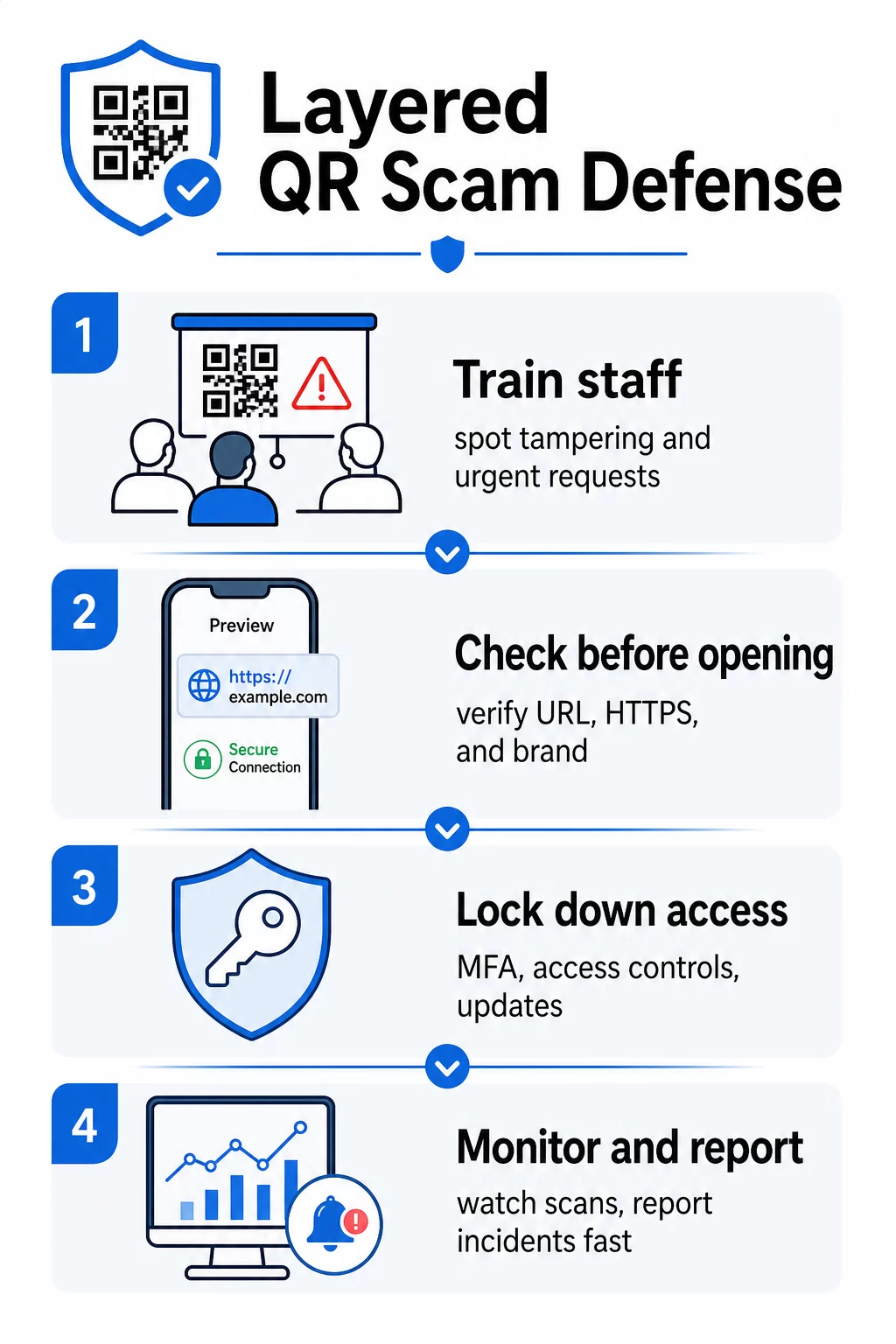
Train werknemers om quishing te herkennen
Menselijke fouten blijven de meest uitgebuit kwetsbaarheid bij QR-codeaanvallen. Regelmatige, praktische training moet het volgende omvatten:
- Scan nooit QR-codes uit onverwachte e-mails, sms-berichten, pakketten of flyers – zelfs als ze van een vertrouwde bron lijken te komen
- Bekijk altijd de URL voordat u deze opent na het scannen, en controleer op spelfouten, niet-overeenkomende domeinen of ontbrekende HTTPS
- Inspecteer QR-codes op de werkplek fysiek op tekenen van manipulatie, vooral op betaalterminals, bewegwijzering of gedrukt materiaal
- Verifieer de bron van een QR-code via een apart, vertrouwd kanaal voordat u inloggegevens of betalingsinformatie invoert
- Meld verdachte QR-codes onmiddellijk via een duidelijk intern escalatieproces
De FBI beveelt specifiek aan om formele interne protocollen op te stellen voor het melden van verdachte codes, zodat incidenten snel kunnen worden geëscaleerd en aangepakt.
Implementeer Sterke Authenticatie en Toegangscontroles
Inloggegevens die zijn gestolen via quishing-aanvallen kunnen alleen ernstige schade veroorzaken als ze ongecontroleerde toegang verlenen. De FBI en cyberbeveiligingsautoriteiten bevelen aan:
- Vereisen van phishing-resistente multi-factor authenticatie (MFA) voor alle externe toegang en gevoelige systemen
- Het toepassen van rolgebaseerde toegangscontroles, zodat werknemers alleen systemen en gegevens kunnen bereiken die relevant zijn voor hun rol
- Het overwegen van een zero-trust strategie die toegangsverzoeken continu verifieert in plaats van blindelings netwerkvertrouwen te verlenen
Houd Systemen en Software Up-to-date
Technische beveiligingsmaatregelen verminderen het aanvalsoppervlak dat beschikbaar is voor criminelen. Zorg ervoor dat uw organisatie het volgende handhaaft:
- Up-to-date besturingssystemen, antivirussoftware en beveiligingspatches op alle apparaten
- Actieve spam- en webfilters op e-mail- en netwerksystemen
- Sterke wachtwoordvereisten voor alle accounts
De FTC adviseert om de besturingssystemen van telefoons specifiek bij te werken ter bescherming tegen via QR-codes geleverde malware.
Beveilig de QR-codes die uw bedrijf creëert en implementeert
Uw eigen QR-codes kunnen vectoren voor fraude worden als ze niet correct worden beheerd. Het nemen van controle over uw codes is een van de meest directe manieren om zowel uw klanten als uw reputatie te beschermen.
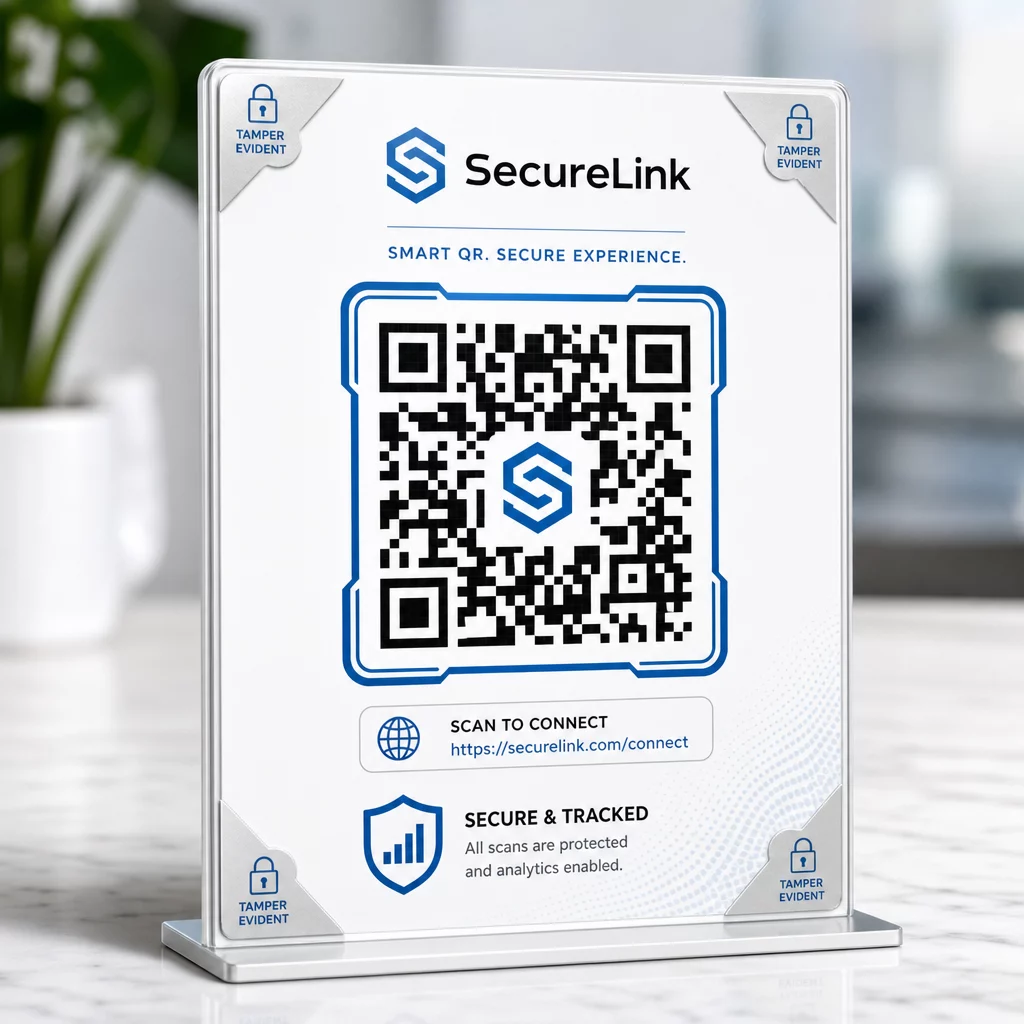
Gebruik dynamische QR-codes in plaats van statische. In tegenstelling tot statische codes, dynamische QR-codes kunnen ze worden bewerkt, gemonitord en gedeactiveerd nadat ze zijn afgedrukt. Als een code is gemanipuleerd of omgeleid naar een kwaadaardige bestemming, kunt u deze bijwerken of uitschakelen zonder iets opnieuw af te drukken. Statische codes zijn daarentegen permanent – als de bestemming is gecompromitteerd, is er geen manier om dit te corrigeren.
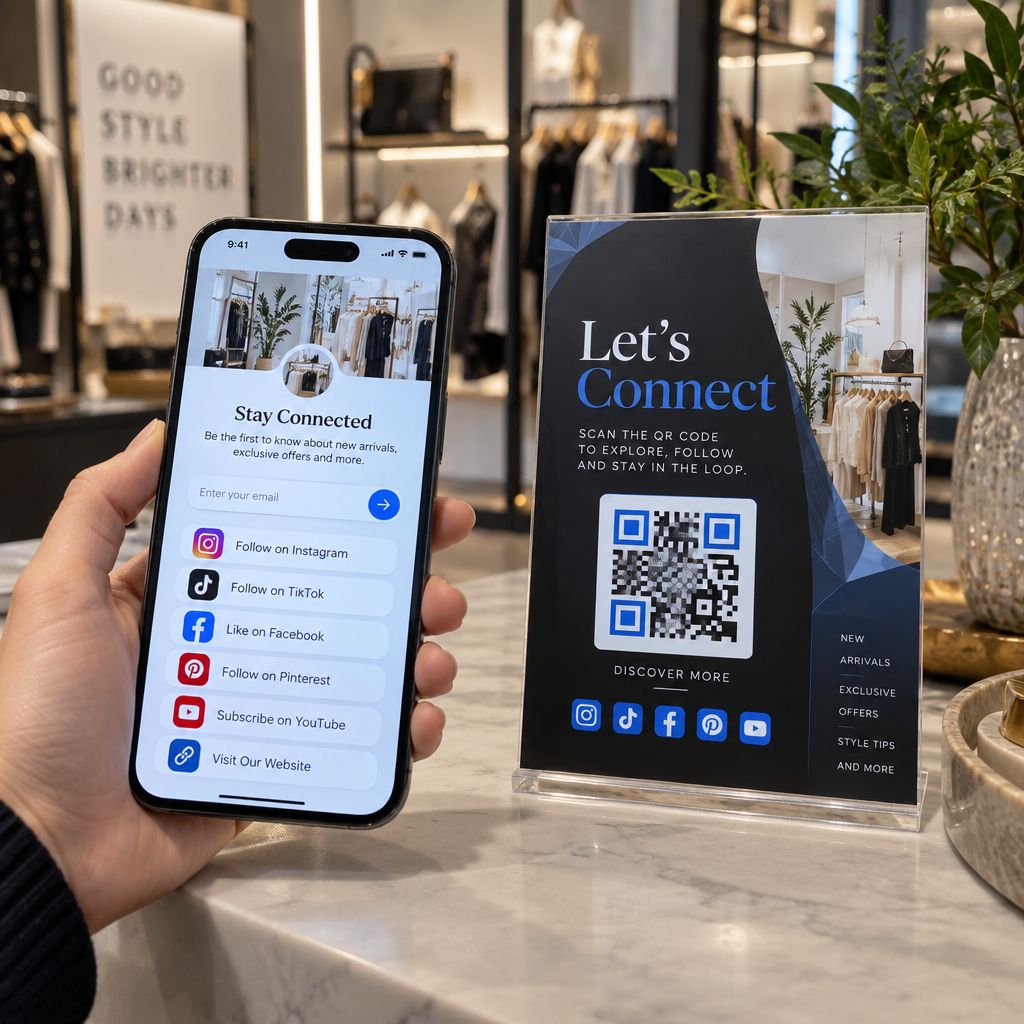
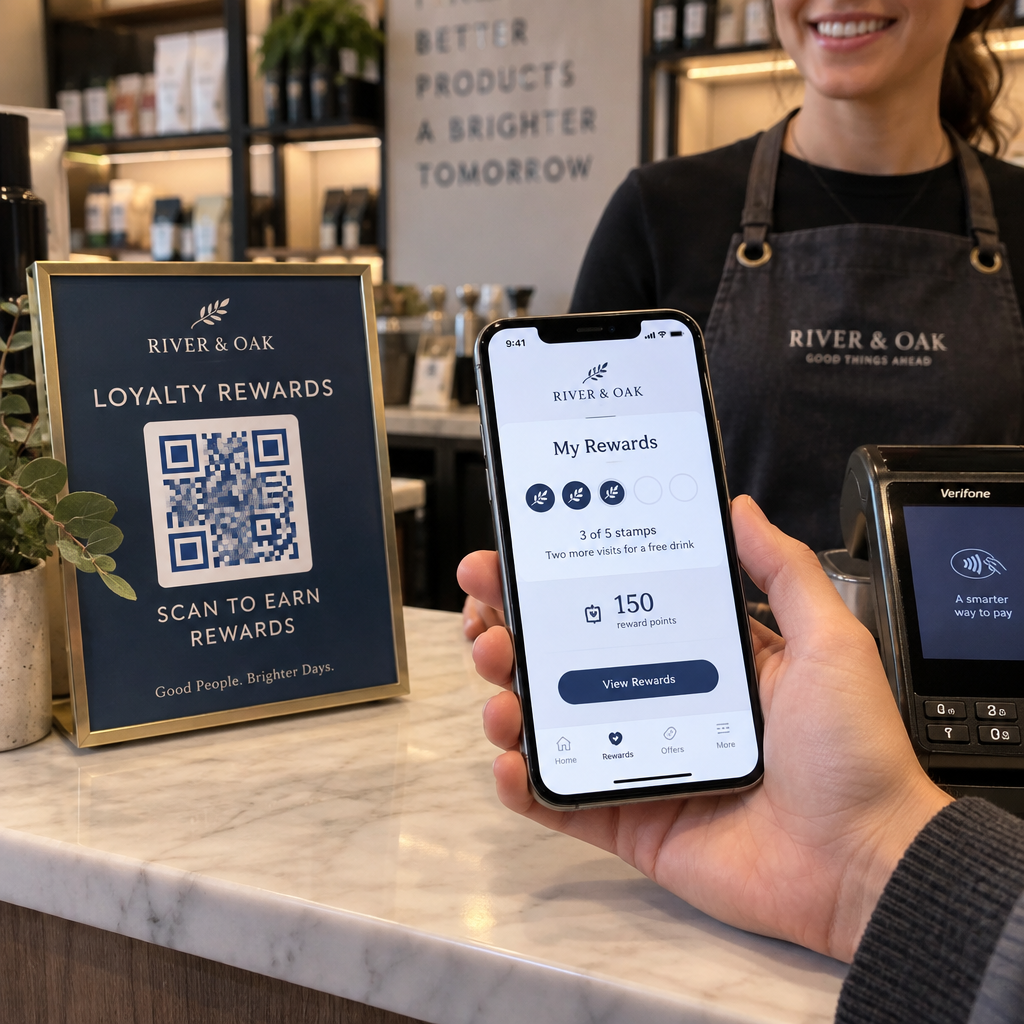
Pas aangepaste branding toe op elke code. Codes met uw logo, merkkleuren en visuele identiteit zijn aanzienlijk moeilijker voor criminelen om overtuigend na te maken. Branded codes geven klanten en medewerkers ook een visueel referentiepunt – als een code er niet goed uitziet, valt het op. Dit is een kernaanbeveling van beste praktijken voor veilige QR-codegeneratie.
Link altijd naar HTTPS-bestemmingen. Zorg ervoor dat elke QR-code die u publiceert, leidt naar een site met een geldig SSL-certificaat. Vermijd HTTP-bestemmingen voor codes die worden gebruikt bij betalingen, inlogprocessen of gegevensverzameling.
Monitor scanactiviteit op afwijkingen. Realtime analyses laten u ongebruikelijke patronen opmerken – plotselinge pieken in scanvolume, geografische afwijkingen of onverwachte apparaattypen – die kunnen duiden op een gecompromitteerde of vervangen code. QR-code trackingtools kan u waarschuwen voor deze signalen voordat er aanzienlijke schade is aangericht.
Inspecteer geplaatste codes regelmatig fysiek. Plan routinecontroles van alle QR-codes die op openbare plaatsen worden weergegeven. Fotografeer elke code wanneer deze voor het eerst wordt geplaatst, zodat u een referentie heeft om mee te vergelijken. Let op tekenen van overlay-stickers, verkeerde uitlijning of manipulatie.
Bescherm uw codes met realtime monitoring Wilt u verdachte scanactiviteit detecteren voordat het een serieus probleem wordt? Gebruik de Dynamische QR code generator om bewerkbare, traceerbare codes met ingebouwde analyses te maken – en werk elke code direct bij of schakel deze uit als er iets mis lijkt te zijn.
Bescherm uw klanten op het scanpunt
Als uw bedrijf QR-codes weergeeft voor betalingen, menu's of klantgerichte interacties, neem dan maatregelen om klanten te helpen verifiëren dat ze een legitieme code scannen:
- Toon duidelijke instructies bij elke code, waarin wordt uitgelegd waartoe deze leidt en welke informatie klanten zullen moeten verstrekken
- Voeg zichtbare branding en een domeinnaam toe, zodat klanten de bestemming kunnen verifiëren voordat ze interacteren
- Bied een alternatieve methode om toegang te krijgen tot dezelfde informatie (een directe URL, een geprint menu, enz.) zodat klanten nooit gedwongen worden te scannen als ze onzeker zijn
- Plaats zichtbare mededelingen die klanten aanmoedigen om verdachte codes te melden bij uw team
Voor meer informatie over het verminderen van QR-coderisico's in betaalcontexten, inclusief branchespecifieke richtlijnen voor detailhandel en e-commerce, zie de speciale gids voor betalingsbeveiliging.
Wanneer een incident plaatsvindt: Wat te doen
Als een werknemer of klant een potentieel gecompromitteerde QR-code meldt, handel dan onmiddellijk:
- Schakel de getroffen dynamische QR-code uit of werk deze bij, zodat deze niet langer naar de kwaadaardige bestemming leidt
- Documenteer het incident en bewaar bewijsmateriaal voor onderzoek
- Breng getroffen partijen op de hoogte, zodat zij accounts kunnen controleren en wachtwoorden kunnen wijzigen
- Meld het incident aan de relevante autoriteiten – het Internet Crime Complaint Center (IC3) van de FBI voor bedrijfsgerelateerde cyberfraude, en de FTC voor op consumenten gerichte oplichting
- Controleer uw andere geïmplementeerde codes op vergelijkbare manipulatie
Het hebben van een incidentresponsplan voordat er iets misgaat, is veel minder kostbaar dan improviseren onder druk.
Veelgestelde vragen
Quishing is phishing dat QR-codes gebruikt in plaats van tekstgebaseerde links om slachtoffers naar kwaadaardige websites te leiden. Omdat de kwaadaardige URL is ingebed in een afbeelding, omzeilt deze vaak e-mailbeveiligingsfilters die normaal gesproken verdachte links in platte tekst zouden detecteren. De uitkomst is hetzelfde – gestolen inloggegevens, betalingsgegevens of installatie van malware – maar de leveringsmethode maakt het moeilijker voor zowel geautomatiseerde tools als gebruikers om te detecteren.
Let op fysieke tekenen zoals stickers die over bestaande codes zijn geplakt, verkeerde uitlijning, krassen of pixelatie. Controleer de omringende context – heeft de code duidelijke branding die overeenkomt met de organisatie? Komt de preview-URL na het scannen overeen met het verwachte domein en gebruikt deze HTTPS? Wees vooral achterdochtig bij codes die vergezeld gaan van urgente taal of op ongebruikelijke locaties zonder duidelijke verklaring. Er is geen visueel verschil in het QR-patroon zelf dat betrouwbaar kwaadaardige intenties signaleert, dus context is alles.
Dynamische QR-codes kunnen worden bewerkt, gemonitord en gedeactiveerd nadat ze zijn afgedrukt – dus als een code gecompromitteerd is, kunt u deze onmiddellijk bijwerken of uitschakelen zonder opnieuw af te drukken. Ze bieden ook real-time scananalyses, waardoor u afwijkende activiteiten kunt detecteren, zoals onverwachte geografische scans of plotselinge volumepieken. Statische QR-codes hebben een vaste bestemming die niet kan worden gewijzigd, wat betekent dat elke compromittering het creëren en opnieuw implementeren van een volledig nieuwe code vereist, zonder enige mogelijkheid om te herstellen wat al was verspreid.