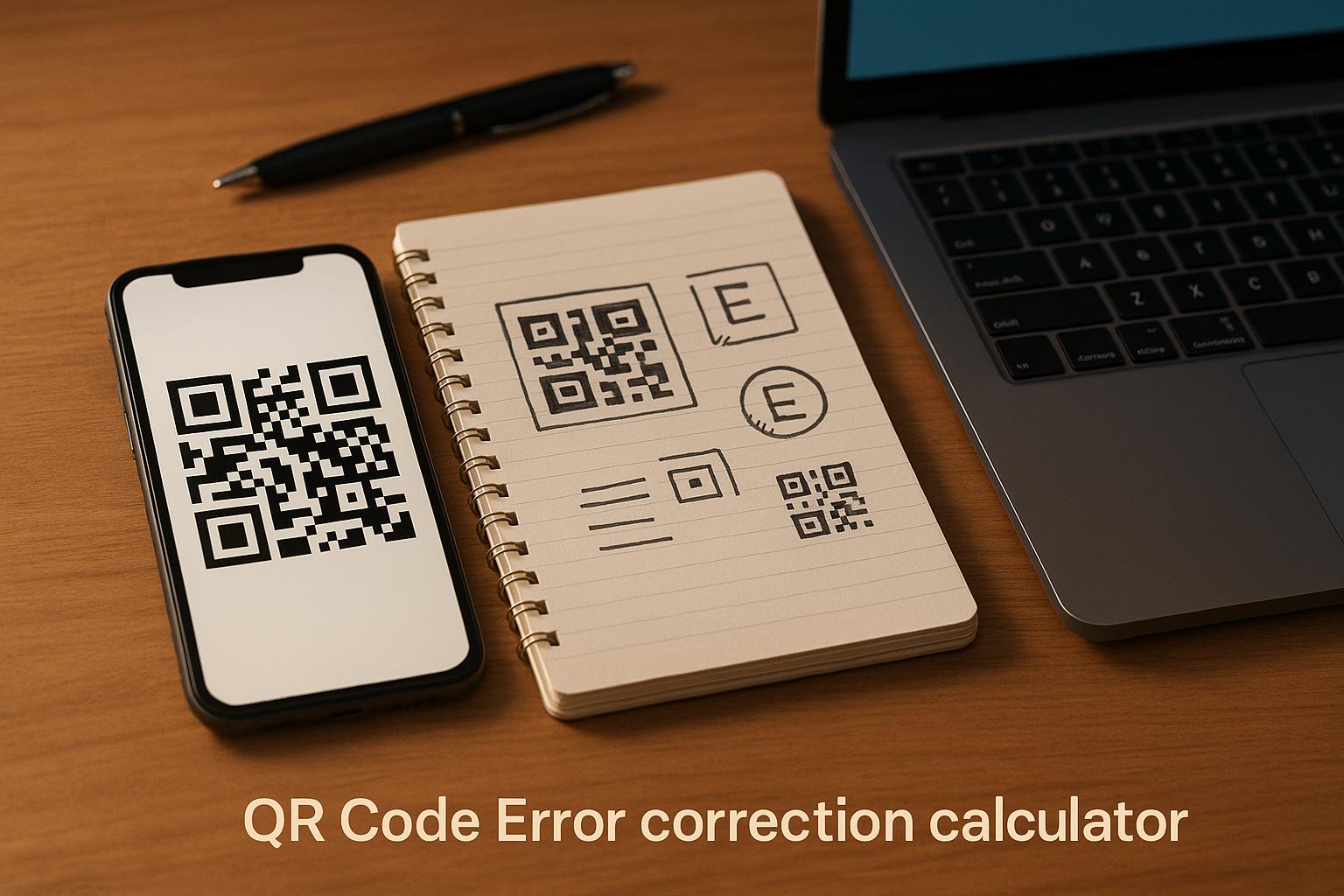
Optimize Your QR Codes with Our Error Correction Calculator
Creating a QR code that works flawlessly in any situation can be tricky. Whether you’re designing one for a product label, a business card, or a digital campaign, ensuring it scans correctly is crucial. That’s where a tool to determine the right error correction level comes in handy. Our free calculator helps you balance data capacity and durability by analyzing factors like data type, scanning environment, and the importance of your information.
Why Error Correction Matters
QR codes aren’t just black-and-white squares; they’re built with layers of protection to handle real-world wear and tear. Maybe your code will be printed on a poster exposed to rain, or perhaps it’s a critical link on a medical form. Picking the appropriate resilience level—whether L for minimal protection or H for maximum durability—can make all the difference. Without the right setting, you risk unreadable codes and frustrated users. Our tool simplifies this by offering a tailored suggestion, so you don’t have to guess what works best.
Make Every Scan Count
Don’t let a damaged or unreadable QR code derail your efforts. With just a few clicks, you can find the perfect setting to keep your data safe and accessible. Try our calculator today and take control of your QR code performance!
FAQs
What do QR code error correction levels mean?
QR codes have four error correction levels—L, M, Q, and H—that determine how much damage they can withstand while still being scannable. L handles up to 7% damage, M up to 15%, Q up to 25%, and H up to 30%. Basically, the higher the level, the more redundancy is built into the code, so even if part of it gets scratched or smudged, a scanner can still read it. Choosing the right level depends on where and how your QR code will be used.
Why does data integrity matter for QR codes?
Data integrity is all about making sure the information in your QR code stays accurate and scannable, no matter what. If integrity is a high priority—like for a payment link or critical business info—you’ll want a higher error correction level to protect against damage. Our tool weighs this factor heavily, so if you tell us integrity is key, we’ll lean toward a safer option like Q or H to keep your data secure.
Can I use a low error correction level to save space?
Yes, you can, but it’s a trade-off. Lower levels like L (7% damage resistance) store more data in a smaller QR code because they use less space for error correction. However, they’re riskier in tough scanning conditions—think outdoor posters or worn-out labels. If your QR code will be in a clean, controlled environment, L might work fine. Otherwise, let our calculator guide you to a safer choice based on your specific needs.