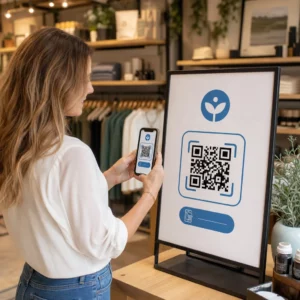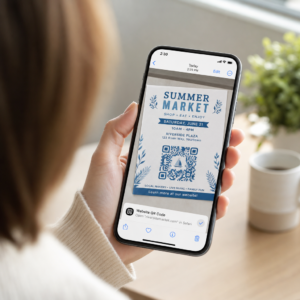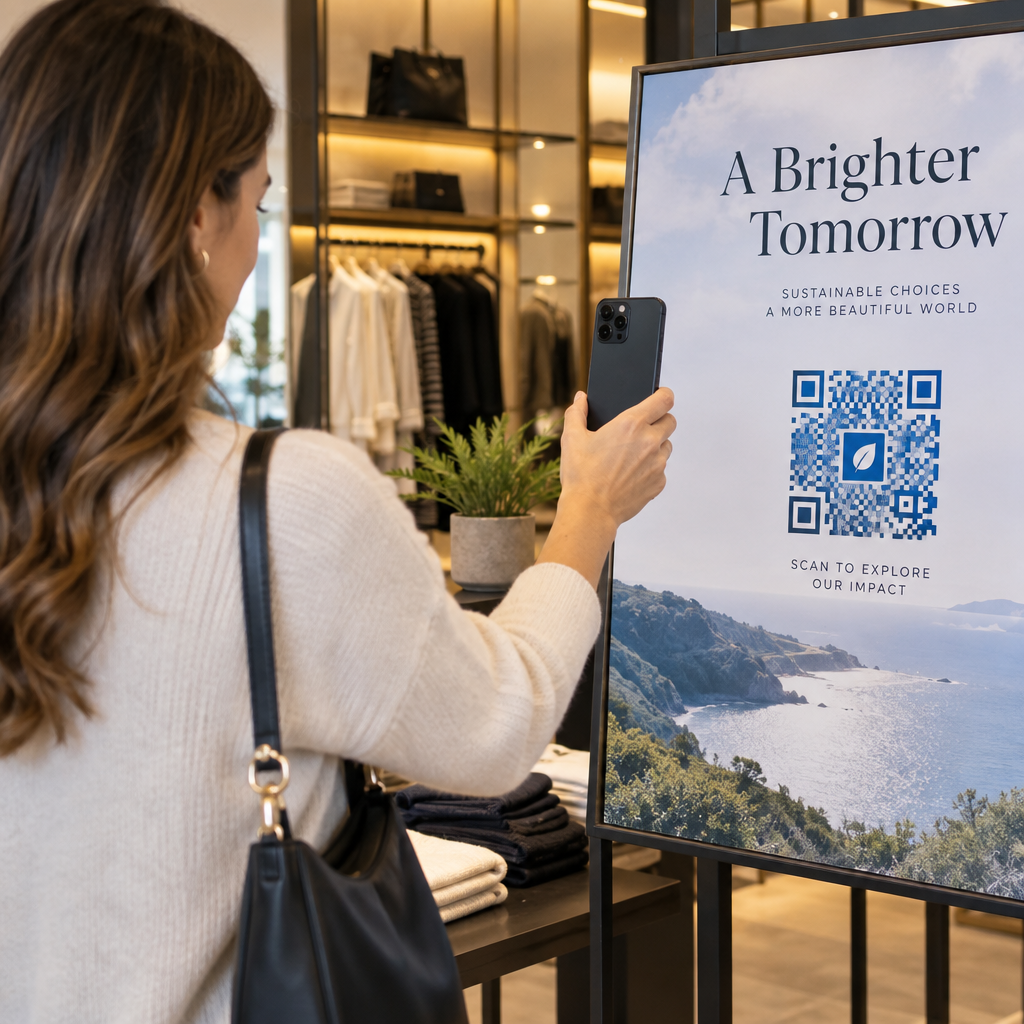
Are your standard black-and-white QR codes failing to engage your customers? Generic codes often blend into busy surroundings, causing missed marketing opportunities and disappointing scan rates. Learn how to combine visual AI prompts with functional design standards to produce branded codes that look distinct and scan reliably every time.
Why Visual Design Drives Higher Engagement
For years, QR codes were viewed strictly as functional barcodes, but thoughtful aesthetics directly impact user interaction. Branded codes with logos can boost scan rates by 30% to 70% compared to generic designs because consumers associate visual polish with credibility and brand security. When creating a branded QR code, using an AI logo maker can help develop a consistent logo that fits naturally into the code’s visual identity. If a code looks like an intentional part of your visual identity, users feel confident pointing their phone camera at it.
Beyond basic aesthetic appeal, using artificial intelligence to stylize codes provides concrete operational benefits. Research shows how AI enhances QR code marketing by balancing artistic modifications with pattern reconstruction, which can increase scanning accuracy by roughly 25%. Applying thoughtful palette choices also pays off, as proper QR code color contrast and custom colors can lift user engagement by up to 18%.
Technical Rules for Scannable AI Codes
Stylizing a QR code involves modifying individual pixels and module shapes, which introduces reading errors if you ignore technical boundaries. Scanners depend on clear geometric markers to decode the embedded destination. Adhering to recognized ISO standards ensures your artistic choices do not break functionality:
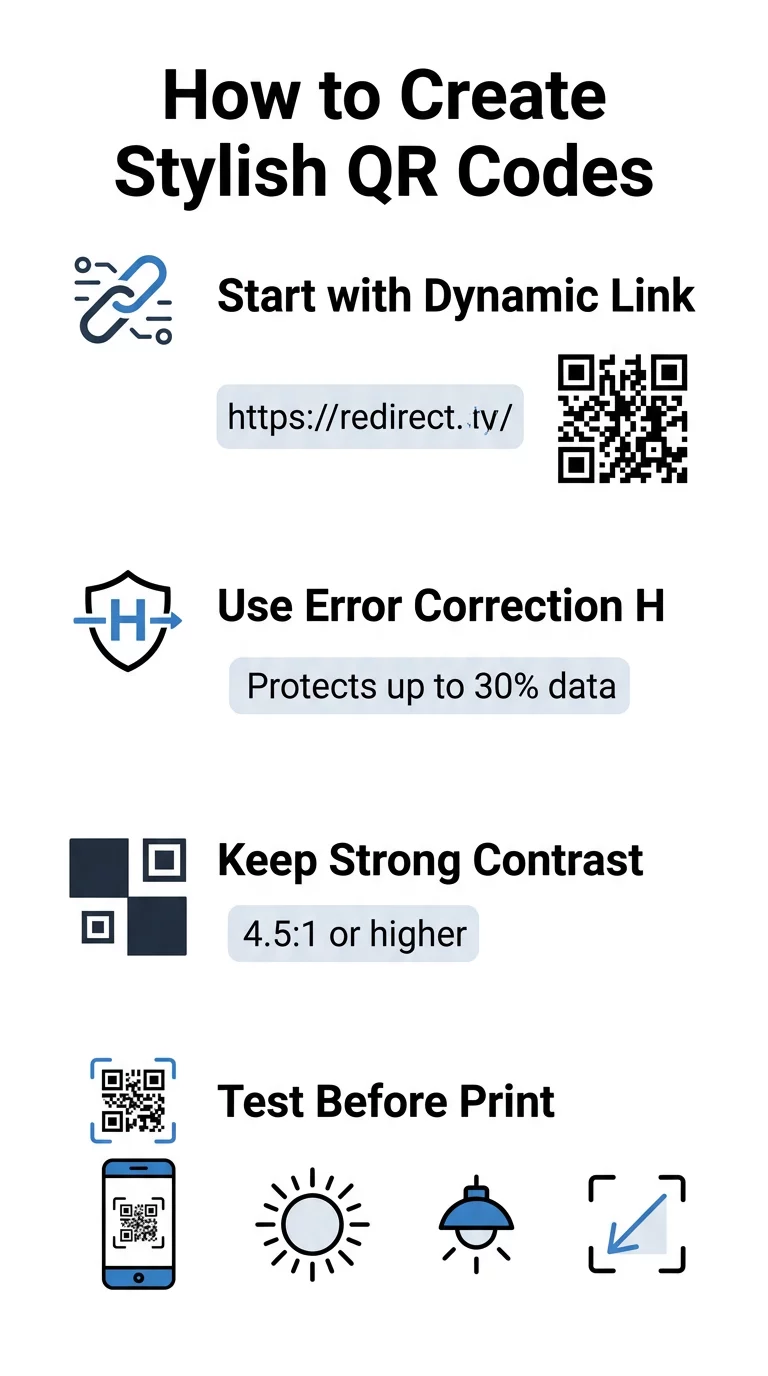
- Set error correction to Level H: Understanding how error correction works is essential for artistic designs. Level H (High) allows a code to restore up to 30% of missing or obscured data, providing the buffer needed to blend AI textures or overlay logos.
- Protect the finder patterns: The three position-detection squares in the corners use a distinct 1:1:3:1:1 width ratio. Scanners rely on these markers to detect orientation from any angle, so they must remain clearly defined and unobscured.
- Maintain strong color contrast: QR readers measure the difference in light reflectance between dark modules and light spaces. Aim for a contrast ratio of at least 4.5:1, keeping dark patterns against crisp, light backgrounds while avoiding inverted color palettes.
- Preserve the quiet zone: Always maintain an unobstructed margin at least four modules wide on all four sides of the code. This empty border isolates the data matrix from nearby text, artwork, or packaging graphics.
- Follow sizing formulas: For hand-held items like flyers or business cards, keep codes at least 0.8 x 0.8 inches (2 x 2 cm). As highlighted in our QR code design tips, you should add roughly 0.3 inches in dimension for every foot of distance between the user and the code.
Upgrade Your Brand Visuals Instantly Want to combine creative flair with dependable scan performance? Use the Pageloot QR code generator with logo to customize colors, add your brand icon, and access dynamic tracking tools today.
Practical Workflow for Blending AI and QR Codes
Creating a stylish, machine-readable asset requires moving step-by-step from raw data to artistic generation. Skipping directly to image filters without preparing the foundational matrix frequently results in unreadable artwork.
- Generate a clean base code: Start inside a standard QR code generator to enter your URL and select Level H error correction. Generating this clean digital matrix establishes the exact grid that your AI model will stylize.
- Craft precise AI prompts: Input your base code into an image generation model using descriptive prompt parameters. Specify clear subjects, architectural styles, lighting conditions, or color palettes, and avoid abstract prompts that bleed dark and light modules together.
- Preserve critical anchors: Keep the prompt guidance weight balanced so the tool does not alter the three corner finder patterns or distort the module grid beyond recognition.
- Integrate centered brand marks: Incorporate an icon or brand mark in the center of the design, ensuring it occupies no more than 20% to 30% of the total area, following standard custom QR code guidelines.
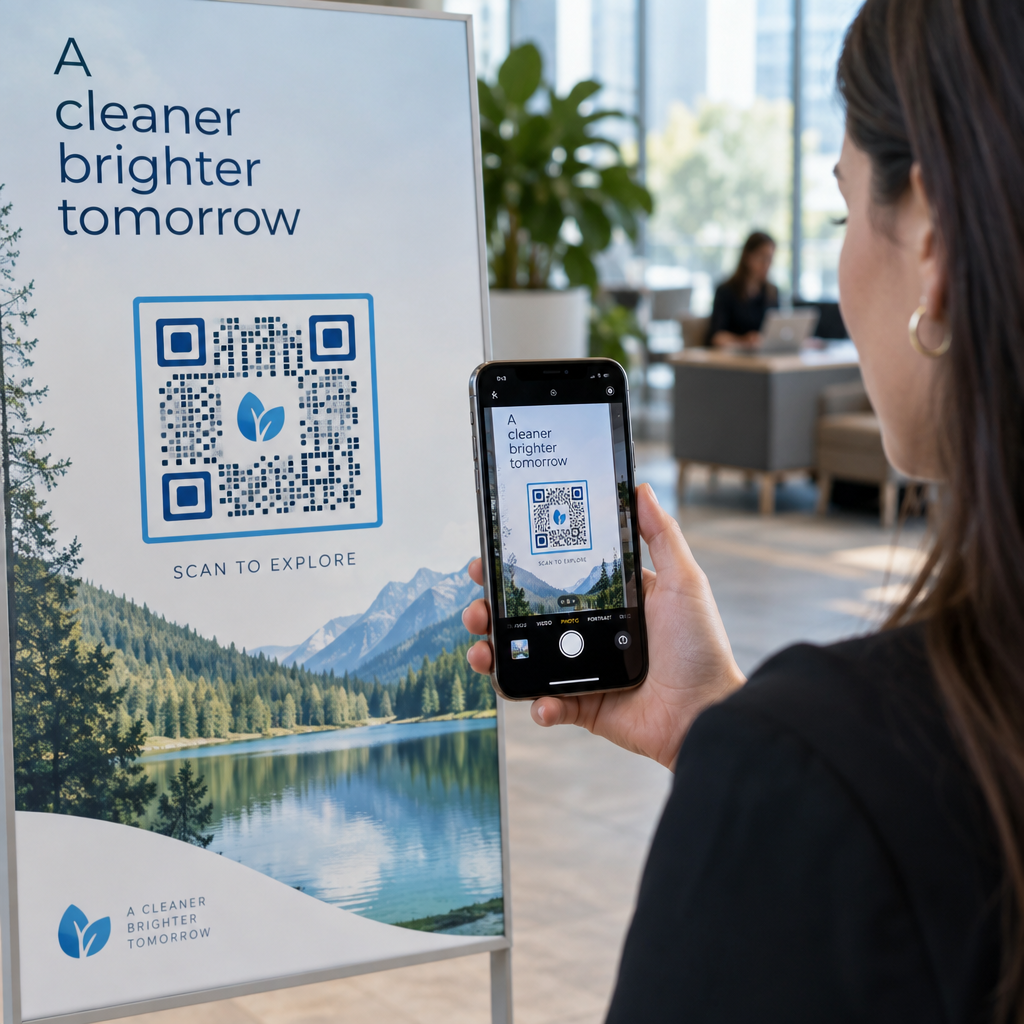
- Add an outer call-to-action frame: Surround your completed artwork with a defined border and action phrase such as “Scan to Explore” so users immediately understand where the code leads.
Why Dynamic QR Codes Support Better Visuals
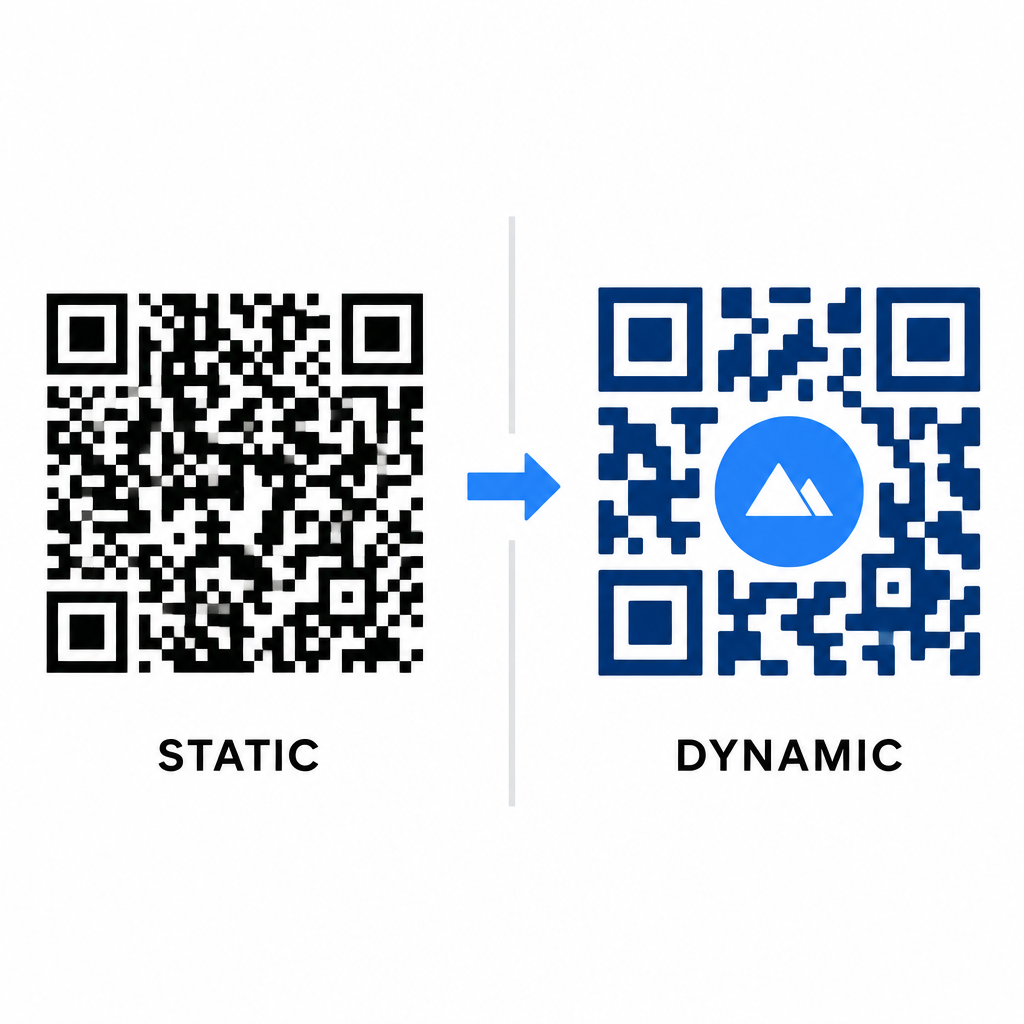
Data density directly impacts how much artistic freedom you have. Static QR codes encode the entire destination URL into the physical pattern. If your link is long, the generator must produce a dense matrix of tiny modules, leaving very little room for AI illustration or logo integration without causing scan failures.
Dynamic codes overcome this bottleneck by storing a short redirect URL on a central server. This keeps the physical grid spacious and the modules large, making it far easier for camera lenses to read stylized shapes. Exploring real-world examples of branded QR codes shows that dynamic setups also let you update destinations after printing while accessing full QR code features such as device tracking, scan locations, and engagement analytics.
Testing and Validating Your Designs
Never send an AI-stylized QR code to print without validating it across diverse hardware and environmental settings. AI models can introduce subtle artifacts that pass on one premium camera but fail on standard devices.
- Test multiple mobile devices: Scan the code using both iOS and Android native camera apps, along with older third-party scanning applications to confirm universal compatibility.
- Evaluate varied lighting conditions: Check readability under harsh direct sunlight, under indoor office bulbs, and in dim environments to ensure shadows do not break contrast.
- Scan from natural angles: Point your device from 45-degree angles and typical consumer distances rather than exclusively testing flat, head-on scans.
- Confirm print materials: Test physical proofs on your planned paper stock, as glossy laminates, textured cardboards, or fabrics can create reflections that distort AI artwork.
Deploying Functional Art for Your Brand
Transforming generic codes into stylish brand assets allows you to capture customer attention without sacrificing utility. By starting with dynamic short links, locking in Level H error correction, preserving the quiet zone, and maintaining strict contrast ratios, you create visually striking designs that decode effortlessly.
Start customizing your digital touchpoints today using Pageloot’s generation and tracking suite to deliver memorable, scan-ready experiences across all your marketing campaigns.
Frequently Asked Questions
You should avoid inverted color schemes because many smartphone sensors fail to decode light patterns on dark surfaces. Stick to dark foreground modules placed on white or light backgrounds to guarantee consistent scanning.
Level H allows the QR code to recover up to 30% of lost or obscured data. This built-in redundancy provides the safety buffer required to blend AI textures or embed centered logos without losing data integrity.
They will scan reliably on modern smartphones if you keep the corner finder patterns distinct, preserve the quiet zone, and maintain strong contrast. Always test your artwork across multiple phone models before launching your campaign.