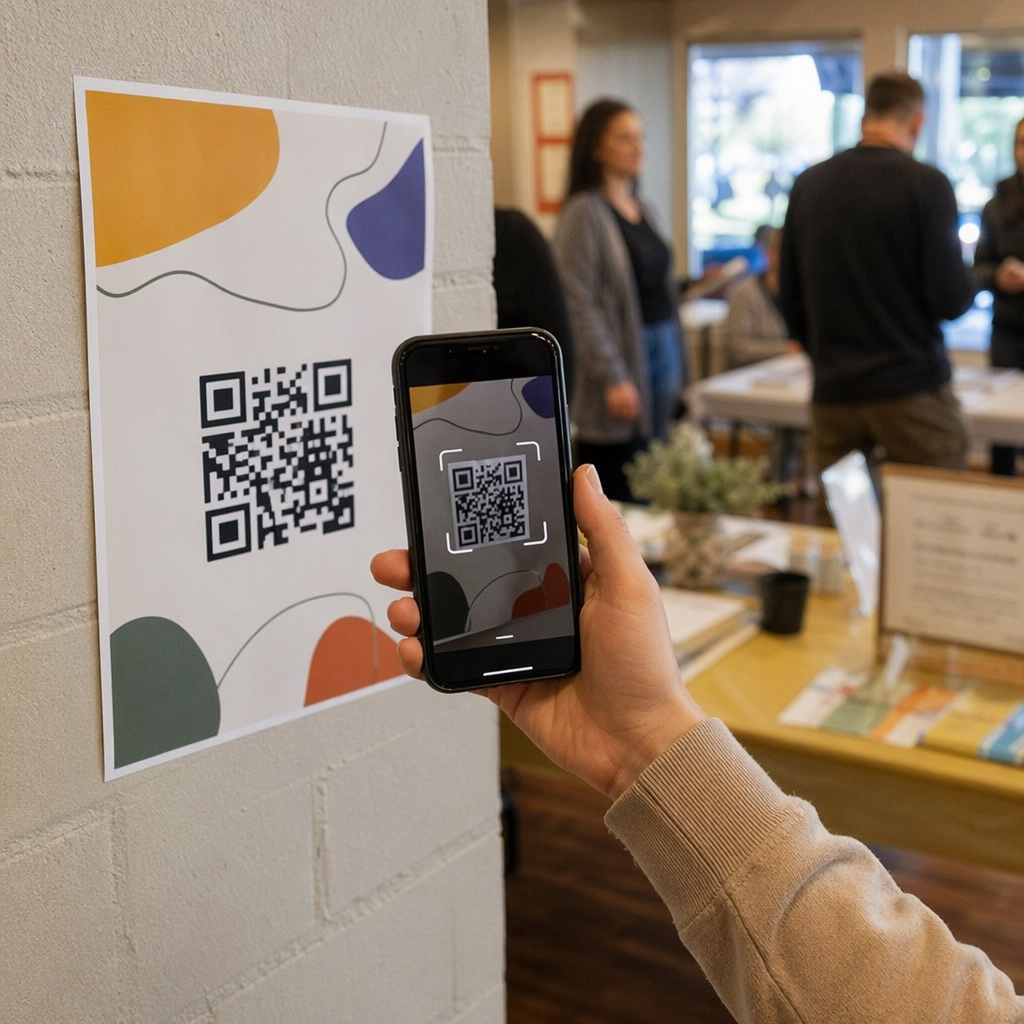
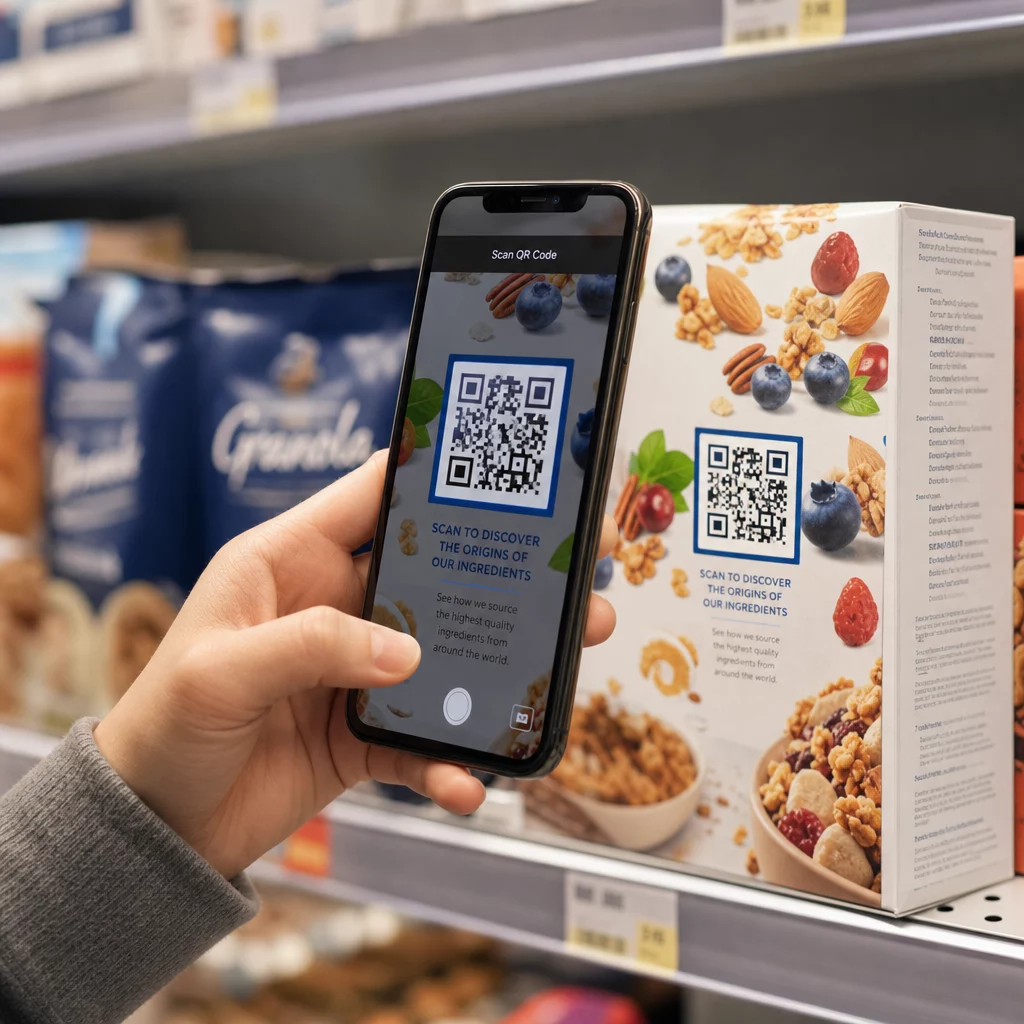
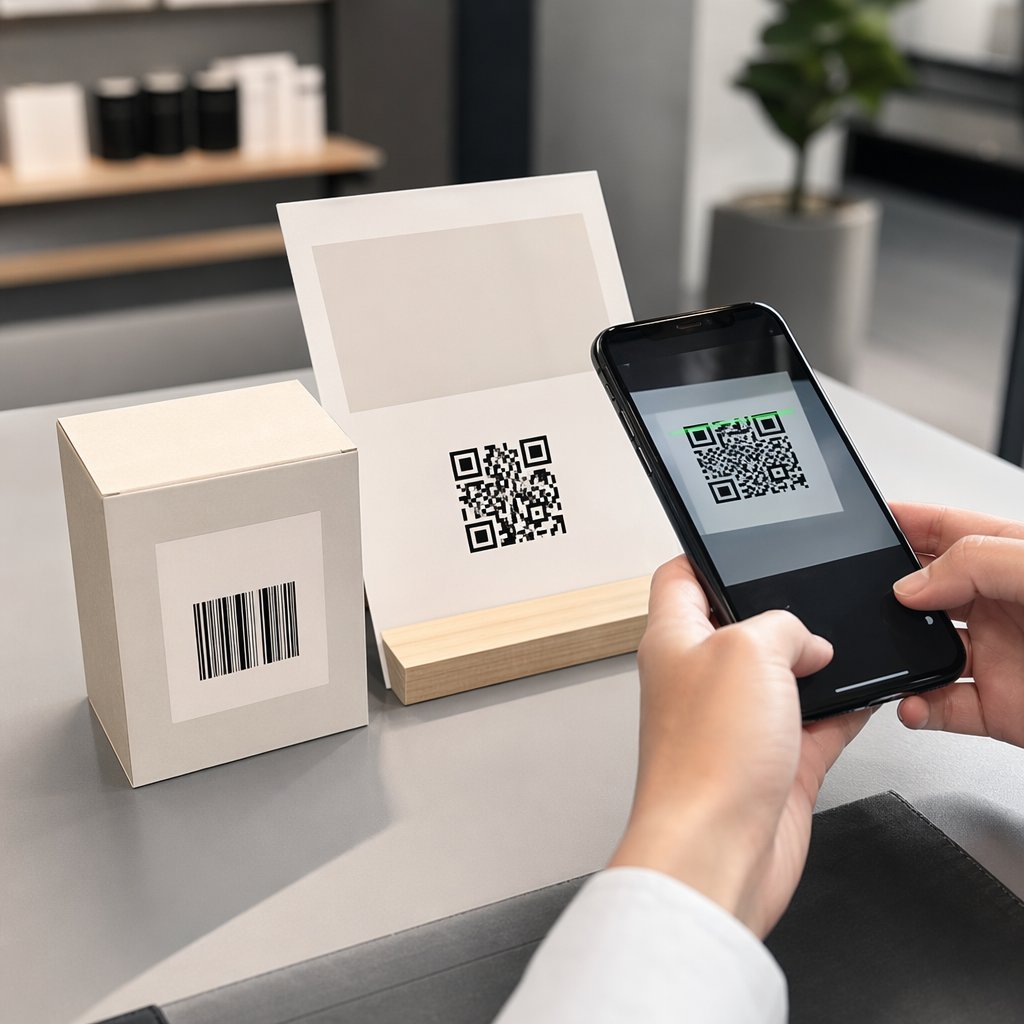
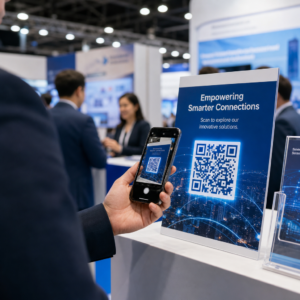
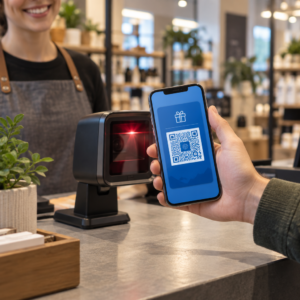
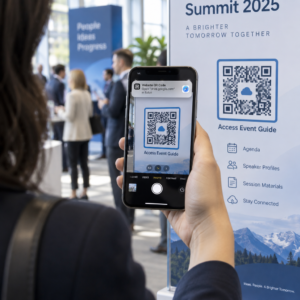
Vai jūsu standarta melnbaltie QR kodi nespēj piesaistīt jūsu klientus? Vispārīgi kodi bieži vien saplūst ar apkārtējo vidi, radot garām palaistas mārketinga iespējas un vilšanos skenēšanas rādītājos. Uzziniet, kā apvienot vizuālās AI uzvednes ar funkcionālajiem dizaina standartiem, lai radītu zīmola kodus, kas izskatās atšķirīgi un katru reizi skenējas uzticami.
Kāpēc vizuālais dizains veicina lielāku iesaisti
Gadiem ilgi QR kodi tika uzskatīti tikai par funkcionāliem svītrkodu, taču pārdomāta estētika tieši ietekmē lietotāju mijiedarbību. Zīmola kodi ar logotipiem var palielināt skenēšanas rādītājus par 30% līdz 70% salīdzinājumā ar vispārīgiem dizainiem, jo patērētāji vizuālo apdari saista ar uzticamību un zīmola drošību. Veidojot zīmola QR kodu, izmantojot AI logotipu veidotājs var palīdzēt izstrādāt konsekventu logotipu, kas dabiski iekļaujas koda vizuālajā identitātē. Ja kods izskatās kā apzināta jūsu vizuālās identitātes daļa, lietotāji jūtas pārliecināti, virzot savu tālruņa kameru uz to.
Papildus pamata estētiskajai pievilcībai, mākslīgā intelekta izmantošana kodu stilizēšanai nodrošina konkrētus operatīvos ieguvumus. Pētījumi liecina kā AI uzlabo QR kodu mārketingu līdzsvarojot mākslinieciskas modifikācijas ar rakstu rekonstrukciju, kas var palielināt skenēšanas precizitāti par aptuveni 25%. Arī pārdomātu krāsu paletes izvēle atmaksājas, jo pareiza QR koda krāsu kontrastu un pielāgotas krāsas var palielināt lietotāju iesaisti līdz pat 18%.
Tehniskie noteikumi skenējamiem AI kodiem
QR koda stilizēšana ietver atsevišķu pikseļu un moduļu formu modificēšanu, kas rada lasīšanas kļūdas, ja ignorējat tehniskās robežas. Skenētāji ir atkarīgi no skaidrām ģeometriskām atzīmēm, lai atšifrētu iegulto galamērķi. Ievērojot atzītos ISO standartus, jūsu mākslinieciskās izvēles netraucēs funkcionalitātei:
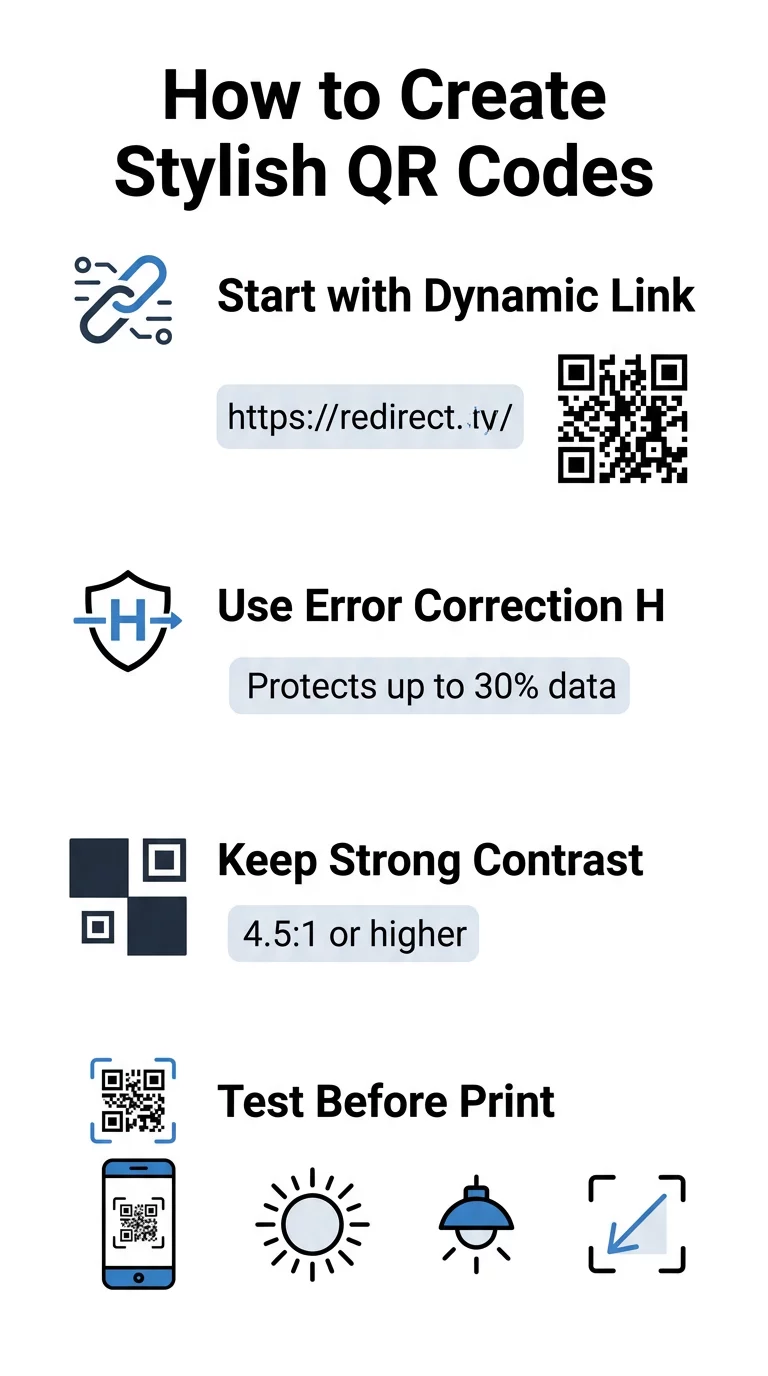
- Iestatiet kļūdu korekciju uz H līmeni: Izpratne kā darbojas kļūdu labošana ir būtiska mākslinieciskiem dizainiem. H līmenis (augsts) ļauj kodam atjaunot līdz pat 30% trūkstošo vai aizsegtās datu, nodrošinot nepieciešamo buferi, lai sajauktu AI tekstūras vai pārklātu logotipus.
- Aizsargājiet meklētāja modeļus: Trīs pozīcijas noteikšanas kvadrāti stūros izmanto atšķirīgu platuma attiecību 1:1:3:1:1. Skeneri paļaujas uz šiem marķieriem, lai noteiktu orientāciju no jebkura leņķa, tāpēc tiem jāpaliek skaidri definētiem un neaizsegtām.
- Uzturiet spēcīgu krāsu kontrastu: QR lasītāji mēra gaismas atstarošanās atšķirību starp tumšajiem moduļiem un gaišajām vietām. Centieties sasniegt vismaz 4.5:1 kontrasta attiecību, saglabājot tumšus modeļus uz spilgtiem, gaišiem foniem un izvairoties no apgrieztām krāsu paletēm.
- Saglabājiet kluso zonu: Vienmēr uzturiet neaizsegtu vismaz četrus moduļus platu apmali visās četrās koda pusēs. Šī tukšā apmale izolē datu matricu no tuvumā esošā teksta, mākslas darbiem vai iepakojuma grafikas.
- Ievērojiet izmēru formulas: Rokā turamiem priekšmetiem, piemēram, skrejlapām vai vizītkartēm, kodiem jābūt vismaz 0.8 x 0.8 collas (2 x 2 cm) lieliem. Kā norādīts mūsu QR kodu dizaina padomi, jums jāpievieno aptuveni 0.3 collas izmērā par katru attāluma pēdu starp lietotāju un kodu.
Uzlabojiet sava zīmola vizuālo tēlu uzreiz Vai vēlaties apvienot radošumu ar uzticamu skenēšanas veiktspēju? Izmantojiet Pageloot QR koda ģeneratoru ar logotipu lai pielāgotu krāsas, pievienotu savu zīmola ikonu un piekļūtu dinamiskajiem izsekošanas rīkiem jau šodien.
Praktiska darba plūsma AI un QR kodu apvienošanai
Stilīga, mašīnlasāma līdzekļa izveide prasa soli pa solim pārvietoties no neapstrādātiem datiem uz māksliniecisku ģenerēšanu. Tieša pāreja pie attēlu filtriem, nesagatavojot pamata matricu, bieži noved pie nelasāmiem mākslas darbiem.
- Ģenerējiet tīru bāzes kodu: Sāciet standarta QR kodu ģenerators lai ievadītu savu URL un izvēlētos H līmeņa kļūdu labošanu. Šīs tīrās digitālās matricas ģenerēšana nosaka precīzu režģi, ko jūsu AI modelis stilizēs.
- Izveidojiet precīzus AI pamudinājumus: Ievadiet savu bāzes kodu attēlu ģenerēšanas modelī, izmantojot aprakstošus uzvedņu parametrus. Norādiet skaidrus tēmas, arhitektūras stilus, apgaismojuma apstākļus vai krāsu paletes un izvairieties no abstraktām uzvednēm, kas sapludina tumšos un gaišos moduļus kopā.
- Saglabājiet kritiskos pieturas punktus: Saglabājiet uzvednes norādījumu svara līdzsvaru, lai rīks nemainītu trīs stūru meklētāja modeļus un neizkropļotu moduļu režģi līdz nepazīšanai.
- Integrējiet centrētus zīmola apzīmējumus: Iekļaujiet ikonu vai zīmola apzīmējumu dizaina centrā, nodrošinot, ka tas aizņem ne vairāk kā 20% līdz 30% no kopējās platības, ievērojot standarta pielāgots QR kods vadlīnijas.
- Pievienojiet ārēju aicinājuma uz darbību rāmi: Apņemiet pabeigto mākslas darbu ar noteiktu apmali un darbības frāzi, piemēram, “Skenējiet, lai izpētītu”, lai lietotāji nekavējoties saprastu, kurp ved kods.
Kāpēc dinamiskie QR kodi atbalsta labāku vizuālo attēlošanu
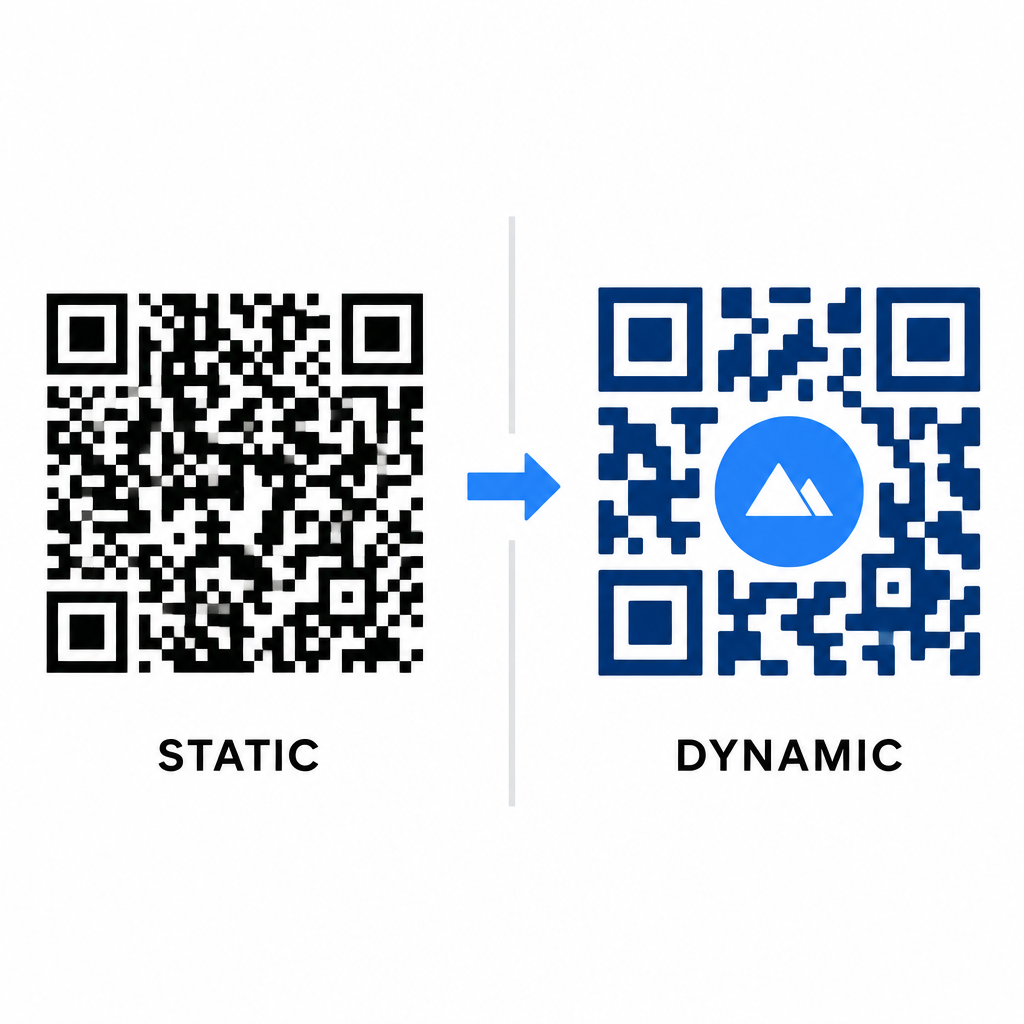
Datu blīvums tieši ietekmē jūsu māksliniecisko brīvību. Statiskie QR kodi visu galamērķa URL iekodē fiziskajā modelī. Ja jūsu saite ir gara, ģeneratoram ir jārada blīva mazu moduļu matrica, atstājot ļoti maz vietas AI ilustrācijām vai logotipu integrācijai, neradot skenēšanas kļūmes.
Dinamiskie kodi pārvar šo sašaurinājumu, glabājot īsu novirzīšanas URL centrālajā serverī. Tas saglabā fizisko režģi plašu un moduļus lielus, tādējādi kameras objektīviem ir daudz vieglāk nolasīt stilizētas formas. Izpētot reālās pasaules zīmolotu QR kodu piemēri liecina, ka dinamiskās iestatīšanas ļauj arī atjaunināt galamērķus pēc drukāšanas, vienlaikus piekļūstot pilnām QR koda funkcijas funkcijām, piemēram, ierīču izsekošanai, skenēšanas atrašanās vietām un iesaistes analīzei.
Dizainu testēšana un apstiprināšana
Nekad nesūtiet ar AI stilizētu QR kodu drukāšanai, iepriekš to neapstiprinot dažādās aparatūras un vides iestatījumos. AI modeļi var ieviest smalkus defektus, kas tiek nolasīti ar vienu augstākās klases kameru, bet neizdodas ar standarta ierīcēm.
- Pārbaudiet vairākas mobilās ierīces: Skenējiet kodu, izmantojot gan iOS, gan Android iebūvētās kameras lietotnes, kā arī vecākas trešo pušu skenēšanas lietojumprogrammas, lai apstiprinātu universālu savietojamību.
- Novērtējiet dažādus apgaismojuma apstākļus: Pārbaudiet lasāmību spēcīgā tiešā saules gaismā, iekštelpu biroja apgaismojumā un vājā apgaismojumā, lai nodrošinātu, ka ēnas nesalauž kontrastu.
- Skenējiet no dabīgiem leņķiem: Vērsiet ierīci 45 grādu leņķī un no tipiskiem patērētāju attālumiem, nevis tikai testējot plakanas, tiešas skenēšanas.
- Pārbaudiet drukas materiālus: Testējiet fiziskus paraugus uz plānotā papīra veida, jo spīdīgas laminācijas, teksturēts kartons vai audumi var radīt atspulgus, kas izkropļo AI mākslas darbus.
Funkcionālas mākslas izmantošana jūsu zīmolam
Vispārīgu kodu pārveidošana par stilīgiem zīmola aktīviem ļauj piesaistīt klientu uzmanību, neupurējot lietderību. Sākot ar dinamiskiem īsajiem saitēm, nodrošinot H līmeņa kļūdu korekciju, saglabājot kluso zonu un uzturot stingras kontrasta attiecības, jūs radāt vizuāli pārsteidzošus dizainus, kas atšifrējas bez piepūles.
Sāciet pielāgot savus digitālos saskares punktus jau šodien, izmantojot Pageloot's ģenerēšanas un izsekošanas rīku komplektu, lai nodrošinātu neaizmirstamas, skenēšanai gatavas pieredzes visās jūsu mārketinga kampaņās.
Biežāk uzdotie jautājumi
Jums vajadzētu izvairīties no apgrieztām krāsu shēmām, jo daudzi viedtālruņu sensori nespēj atšifrēt gaismas rakstus uz tumšām virsmām. Izmantojiet tumšus priekšplāna moduļus, kas novietoti uz baltiem vai gaišiem foniem, lai nodrošinātu konsekventu skenēšanu.
H līmenis ļauj QR kodam atjaunot līdz pat 30% zaudētu vai aizsegtu datu. Šī iebūvētā pārmērība nodrošina drošības buferi, kas nepieciešams, lai sajauktu AI tekstūras vai ievietotu centrētus logotipus, nezaudējot datu integritāti.
Tie droši skenēsies mūsdienu viedtālruņos, ja saglabāsiet stūra atpazīšanas rakstus skaidri redzamus, saglabāsiet kluso zonu un uzturēsiet spēcīgu kontrastu. Vienmēr pārbaudiet savu mākslas darbu ar vairākiem tālruņu modeļiem pirms kampaņas uzsākšanas.