
Are your QR code campaigns generating scans but not meaningful results? Without intelligent design, personalization, and tracking, QR codes become missed opportunities. This page explains how AI transforms QR code marketing into a measurable, high-performing channel.
What AI Actually Changes About QR Codes
Traditional QR codes are static: one design, one destination, no data. AI changes all three. It enables codes that adapt their destination based on context, designs that align with brand identity without sacrificing scannability, and analytics that reveal not just how many people scanned, but when, where, and what they did next.
The practical result is significant. AI-optimized QR codes achieve 25–40% higher scan rates compared to standard designs, and scanning accuracy has improved by 25% thanks to AI-driven image processing that compensates for distortions, poor lighting, and damaged surfaces.
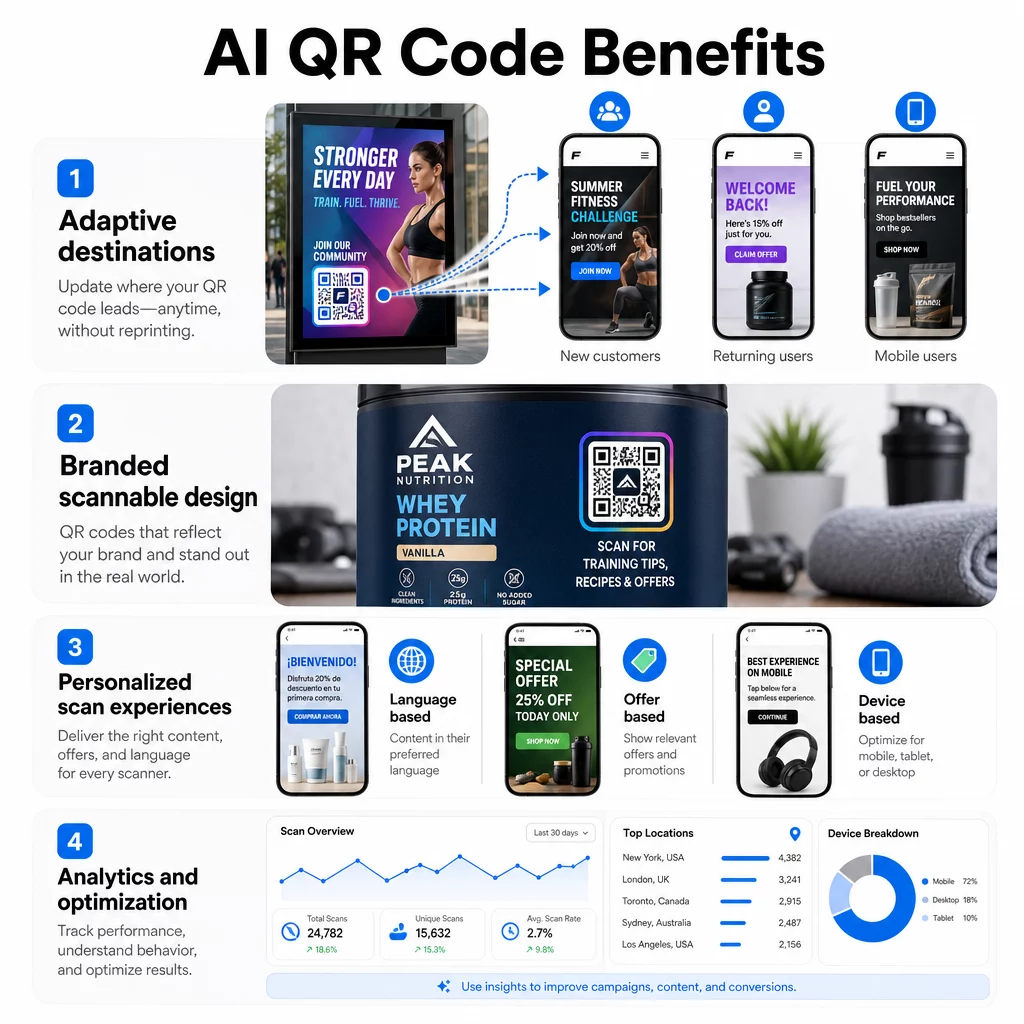
Here is how each capability works in practice.
Dynamic QR Codes That Adapt to Context
A dynamic QR code encodes a short redirect link rather than a fixed destination. That redirect can be updated at any time without changing or reprinting the physical code. AI extends this further by enabling the destination to shift based on contextual signals: the user’s location, device type, time of day, language settings, or past interactions.
Consider a restaurant that uses a single QR code on every table. In the morning it routes to a breakfast menu, at lunch it surfaces daily specials, and at dinner it highlights featured dishes and wine pairings. The same printed code, updated automatically, with no reprint required.
This kind of real-time adaptation makes QR codes far more relevant to the person scanning them. And relevance drives engagement – businesses using AI-driven personalization consistently report conversion lifts compared with generic approaches.
Create QR Codes That Update Without Reprinting Use the Dynamic QR Code Generator to build codes you can update, track, and optimize from a single dashboard.
AI-Assisted QR Code Design and Branding
Standard QR codes are functional but visually generic. AI-powered design tools solve this by integrating brand colors, logos, and visual elements into the code pattern itself while automatically adjusting contrast, element sizing, and placement to keep the code reliably scannable.
Pageloot’s QR code templates let you start from a professional design and customize it to match your brand identity across every campaign. For best results, maintain a minimum contrast ratio of 4:1 between the code’s data pattern and its background – 4.5:1 is the preferred standard. Keep the logo or image to no more than 30% of the code area, and always test on multiple devices before deploying.
You can also pair AI-designed codes with QR code frames that include a call-to-action, which gives people a reason to scan and meaningfully increases interaction rates. Well-designed, branded QR codes don’t just look better – they reinforce trust and signal that something worth scanning is on the other side.
Learn more about creating stylish, high-click QR codes with AI for a step-by-step approach to combining design and scannability.
Personalization at Scale
The core value of AI in QR code marketing is its ability to deliver individualized experiences to a large audience without manual effort. Each scan carries contextual data – device type, location, time – that AI can use to route users to content matched to their situation.
Practical applications include:
- Redirecting users to a nearby store location based on scan geography
- Serving content in the user’s local language detected from device settings
- Showing different offers to new versus returning visitors
- Adjusting landing page layouts based on iOS versus Android device type
This approach mirrors what the broader research shows about AI personalization: organizations using it typically see 15–25% increases in conversion rates compared with generic messaging, and returns on marketing spend that far exceed non-personalized campaigns.
For a deeper look at how to collect and act on first-party scan data, see QR codes for data-driven personalization.
One important consideration: consumers engage more readily with personalization when data practices are transparent. Place a brief notice near the QR code or on the landing page explaining what data is being collected and how it is used. This is also required under GDPR and CCPA in applicable markets.
Analytics That Turn Scans Into Decisions
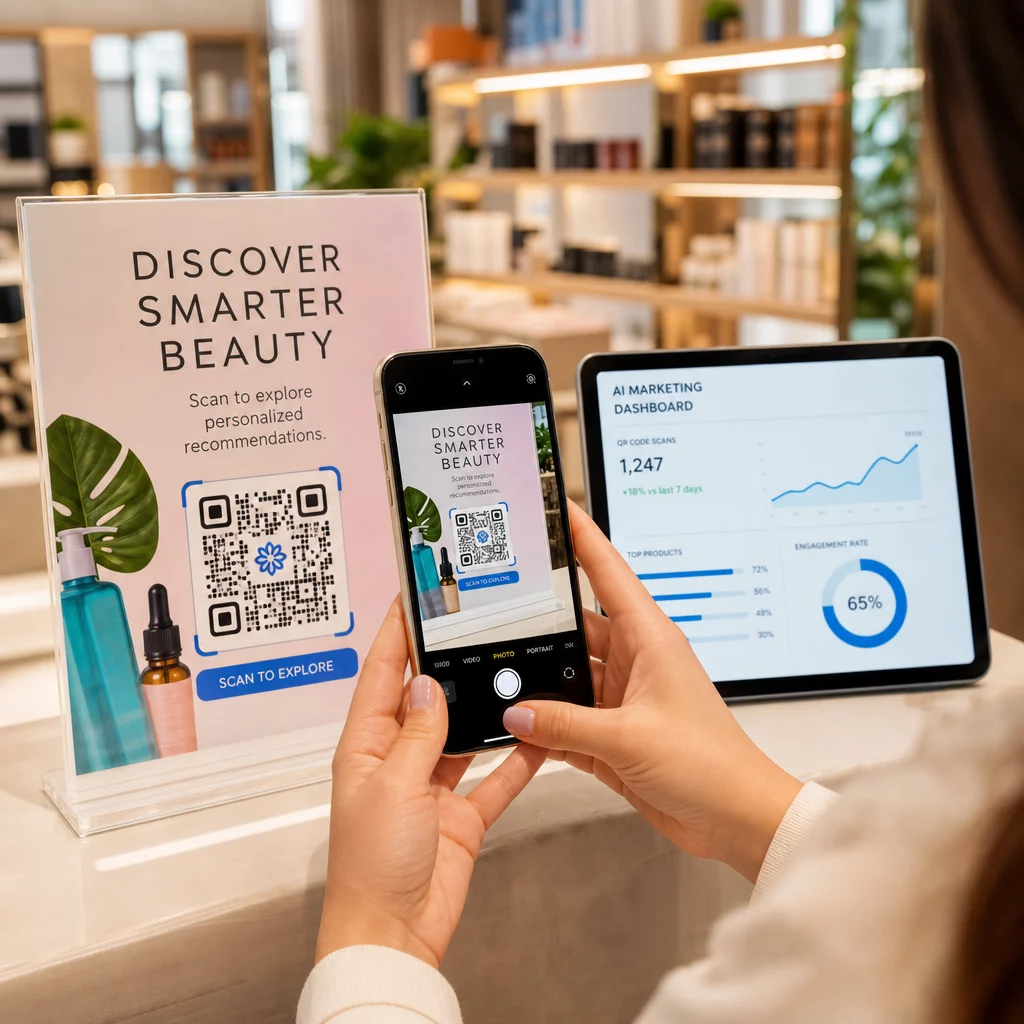
Every scan of a dynamic QR code generates data. The question is whether your platform turns that data into something actionable. Pageloot’s analytics dashboard captures:
- Total and unique scan counts over time
- Geographic breakdown by country, city, and region
- Device type (iOS, Android, desktop)
- Time and date patterns showing when engagement peaks
- Placement performance comparing flyers, packaging, signage, and other surfaces
This data shifts QR code campaigns from “set and forget” to continuously optimized. A retail business that discovers most scans happen on Android devices can prioritize Android app optimization. A brand that sees scan spikes near specific locations can double down on placement there.
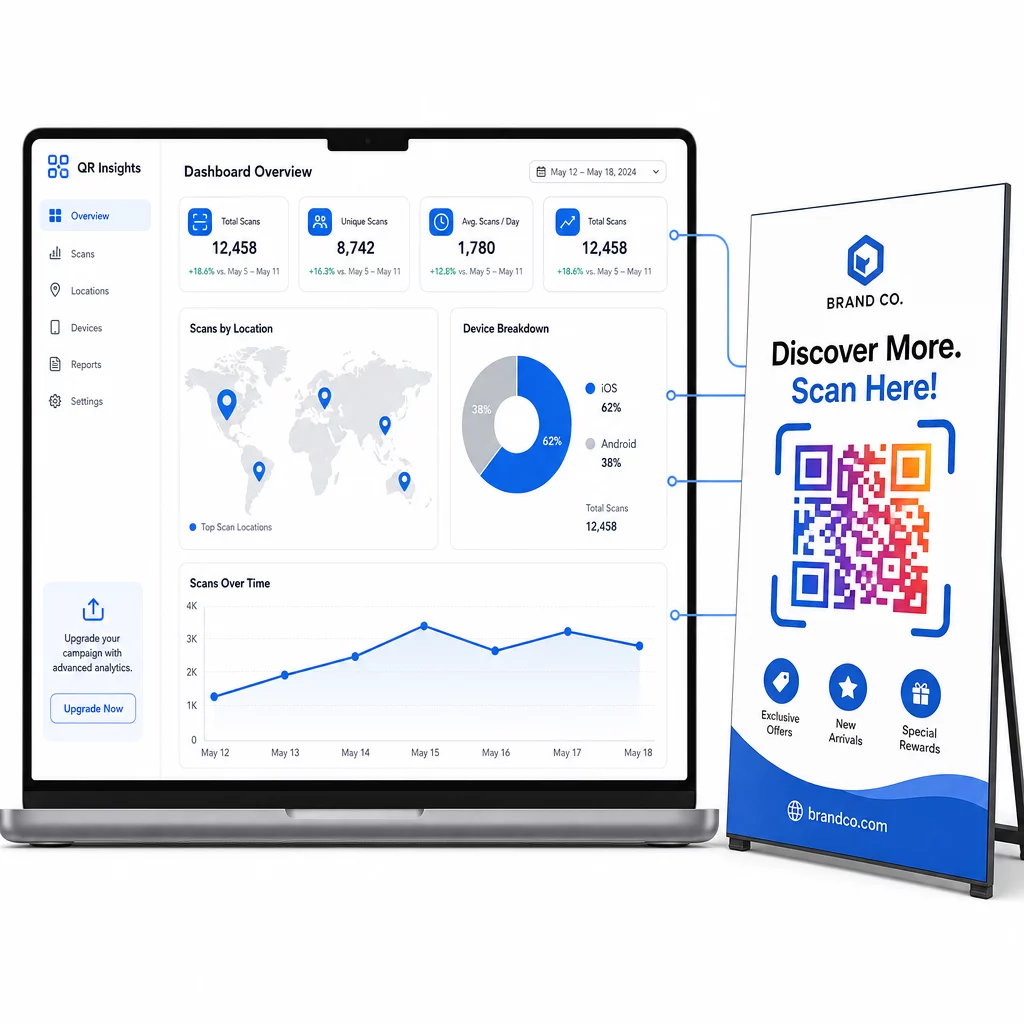
Adding UTM parameters to the URL encoded in your QR code extends this further by feeding scan-attributed traffic directly into Google Analytics, where you can connect scans to conversions, revenue, and downstream behavior.
See Where and When Your Codes Get Scanned Pageloot Analytics provides real-time scan data across locations, devices, and placements so you can optimize every campaign element.
For a full walkthrough of setting up and interpreting these metrics, see the guide to QR code analytics dashboards and the guide to tracking QR codes.
A/B Testing and Continuous Optimization
AI analytics create the foundation for structured testing. Rather than guessing which QR code design, placement, or call-to-action performs best, you can run controlled tests and let the data decide.
Dynamic QR codes are particularly well-suited for A/B testing because you can update the destination without reprinting. Test one variable at a time – design style, CTA copy, landing page layout, or scan incentive – and measure the impact on scan rates and post-scan conversions.
For example, a cosmetics brand that tested a branded QR code design against a standard black-and-white version found the branded version drove 40% more scans and longer session times, leading to a nationwide rollout. That kind of insight is only possible when you have reliable analytics feeding into an iterative process.
The guide to A/B testing QR code campaigns covers how to structure these tests, what variables to prioritize, and how to interpret results.
Practical Applications Across Industries
AI-enhanced QR codes are finding traction across industries where connecting physical touchpoints to digital experiences creates measurable value:
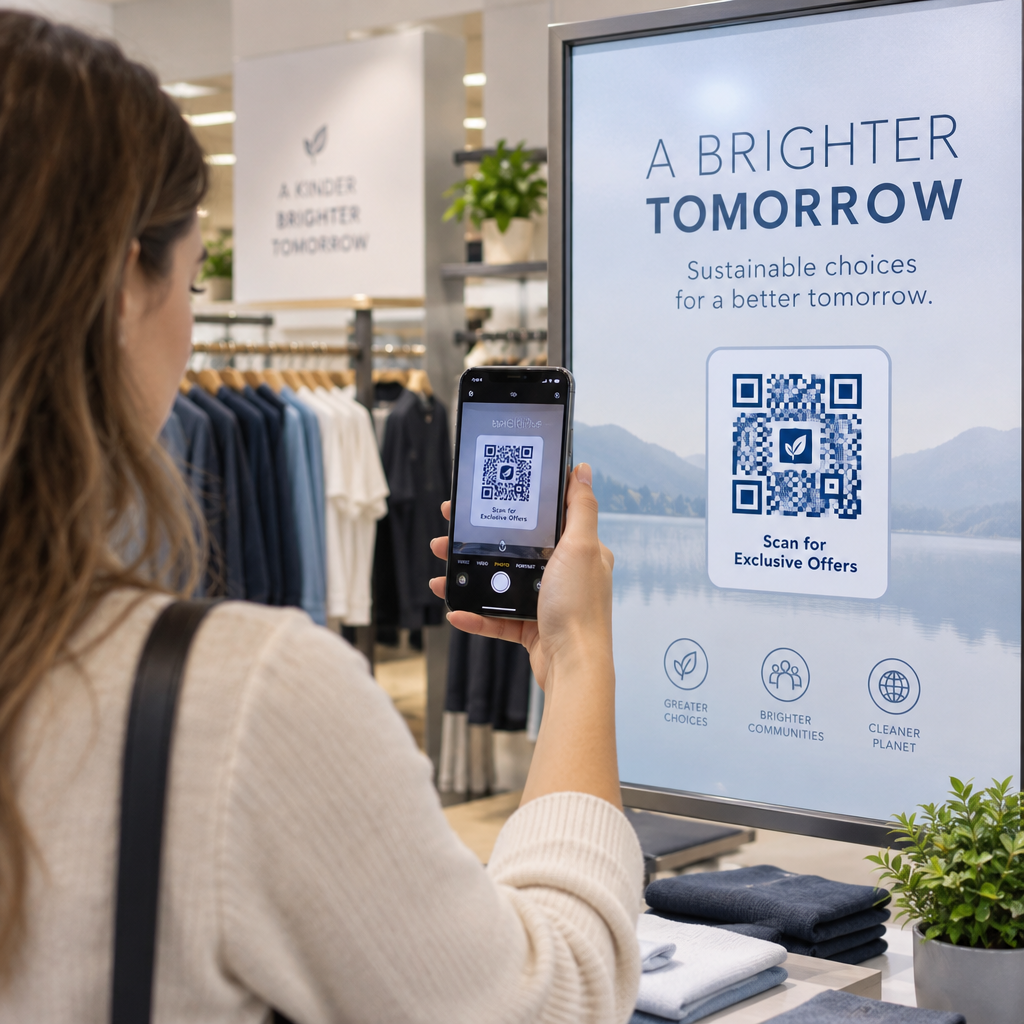
- Retail: Dynamic pricing, personalized product recommendations, and loyalty program integration triggered by a single scan
- Restaurants and cafes: Menus that update in real time without reprinting, with scan analytics showing peak engagement periods
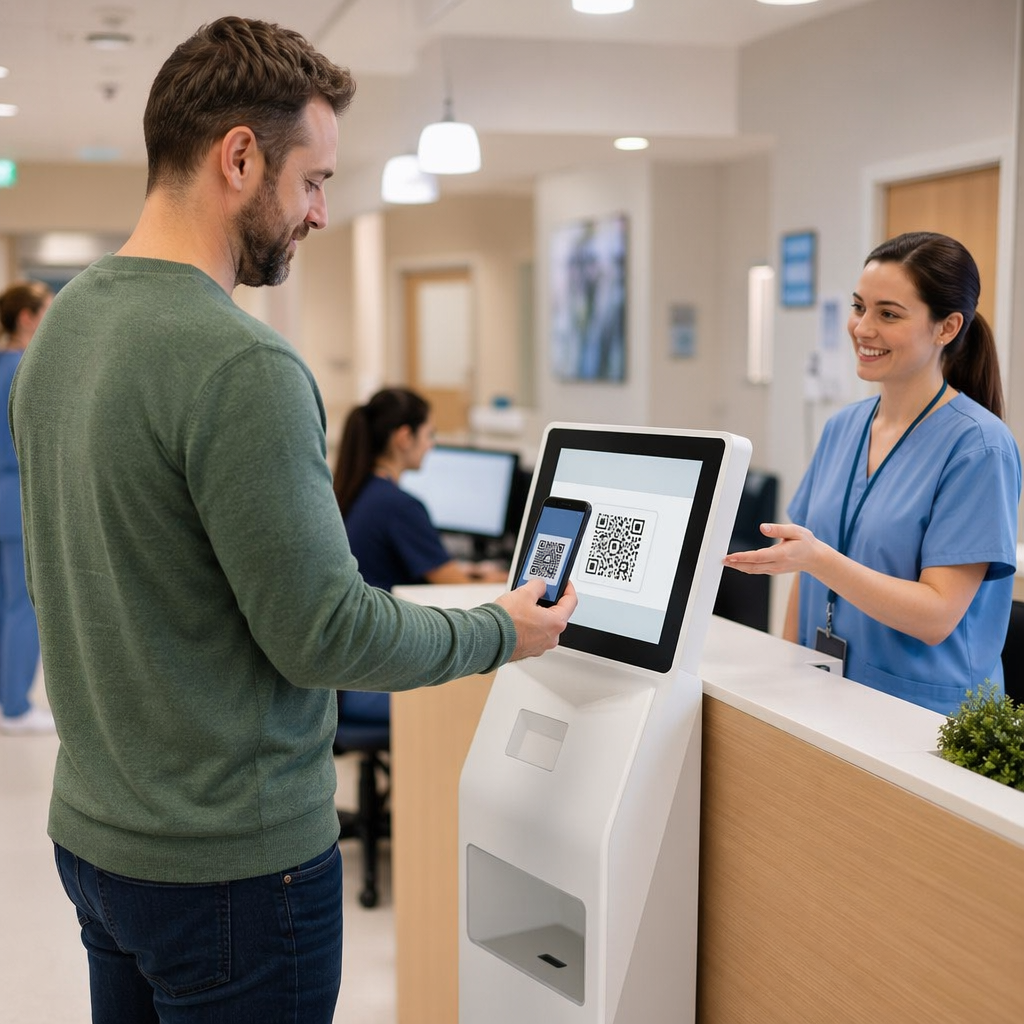
- Healthcare: Instant access to device manuals, patient instructions, and care team communication via QR codes on rooms or equipment
- Events: Streamlined check-ins paired with location-based analytics that reveal crowd movement patterns
- Marketing agencies: Client-facing scan reports, UTM-tagged campaigns, and white-label QR management tools that demonstrate ROI clearly
With 99.5 million U.S. smartphone users projected to scan QR codes by 2025, the infrastructure for QR-driven engagement is already in place. The competitive advantage now lies in how intelligently those codes are built, personalized, and measured.
Automation and Scale
For teams managing multiple campaigns or clients, manually creating and updating individual QR codes becomes a bottleneck. AI-assisted automation solves this by connecting QR code generation to data sources and workflows. Platforms that support API integration or tools like Zapier can trigger QR code creation, destination updates, and reporting automatically based on campaign events.
Pageloot’s automation capabilities allow teams to maintain consistent branding across hundreds of codes, apply design templates at scale, and push destination updates without touching each code individually. The guide to automating QR code customization outlines the setup process in detail.
For agencies managing QR campaigns across multiple clients, the Pageloot Agency platform adds role-based permissions, shareable client reports with real-time scan data, and white-label options so your brand – not Pageloot’s – is what clients see.
Emerging Technology Integrations
The next wave of QR code capability involves integration with augmented reality, IoT, and blockchain. Brands like Nike use QR codes to trigger AR product experiences. Luxury goods companies embed blockchain-verified codes to confirm product authenticity. Food producers use QR codes to surface supply chain data, showing consumers the journey from origin to shelf.
AI plays a role here too – improving fraud detection in QR payment flows, identifying suspicious scan patterns that may indicate phishing, and adapting content delivery as these richer experiences become more accessible. Explore Pageloot’s full feature set for current and emerging capabilities.
Frequently Asked Questions
A static QR code encodes a fixed destination directly into the pattern. It cannot be updated after printing, and it does not support scan tracking. A dynamic QR code encodes a short redirect link that can be changed at any time without reprinting the physical code. Dynamic codes also log scan events, capturing data like time, location, and device type that you can use to measure and optimize campaign performance.
When someone scans a dynamic QR code, the platform collects contextual signals – device type, location, time of day, and in some cases prior interaction history. AI uses these signals to route the user to content matched to their situation, such as a language-specific landing page, a location-based offer, or a product recommendation based on past behavior. This happens automatically at the redirect level, so no manual segmentation is required for each scan.
Start with total scans and unique scans to gauge reach and repeat engagement. Layer in geographic data to identify high-performing placements, device type to optimize your landing page experience, and time-of-day patterns to understand peak engagement windows. Connect UTM parameters to Google Analytics to track what happens after the scan – page visits, conversions, and revenue attributed to each QR code placement.