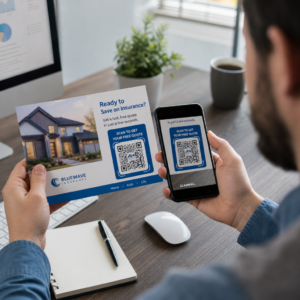
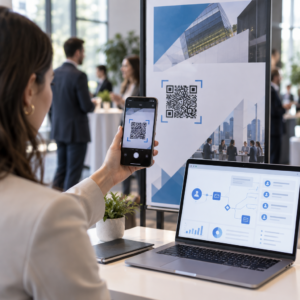
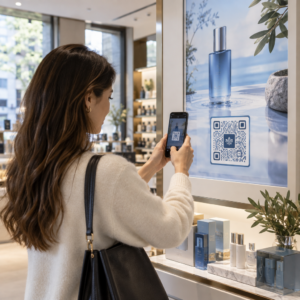
I tuoi codici QR standard in bianco e nero non riescono a coinvolgere i tuoi clienti? I codici generici spesso si fondono con ambienti affollati, causando opportunità di marketing perse e tassi di scansione deludenti. Scopri come combinare prompt visivi dell'IA con standard di design funzionali per produrre codici brandizzati che appaiono distinti e scansionano in modo affidabile ogni volta.
Perché il design visivo favorisce un maggiore coinvolgimento
Per anni, i codici QR sono stati visti strettamente come codici a barre funzionali, ma un'estetica ponderata influisce direttamente sull'interazione dell'utente. I codici brandizzati con loghi possono aumentare i tassi di scansione dal 30% al 70% rispetto ai design generici perché i consumatori associano la cura visiva alla credibilità e alla sicurezza del marchio. Quando si crea un codice QR brandizzato, l'uso di un creatore di loghi AI può aiutare a sviluppare un logo coerente che si integri naturalmente nell'identità visiva del codice. Se un codice appare come una parte intenzionale della tua identità visiva, gli utenti si sentono sicuri a puntarvi la fotocamera del telefono.
Oltre al fascino estetico di base, l'uso dell'intelligenza artificiale per stilizzare i codici offre benefici operativi concreti. La ricerca mostra come l'IA migliora il marketing dei codici QR bilanciando le modifiche artistiche con la ricostruzione del pattern, il che può aumentare la precisione di scansione di circa il 25%. Anche l'applicazione di scelte cromatiche ponderate ripaga, poiché colori appropriati il contrasto cromatico del codice QR e personalizzati possono aumentare il coinvolgimento dell'utente fino al 18%.
Regole Tecniche per Codici AI Scansionabili
Stilizzare un codice QR comporta la modifica di singoli pixel e forme dei moduli, il che introduce errori di lettura se si ignorano i limiti tecnici. Gli scanner dipendono da marcatori geometrici chiari per decodificare la destinazione incorporata. L'adesione agli standard ISO riconosciuti garantisce che le tue scelte artistiche non compromettano la funzionalità:
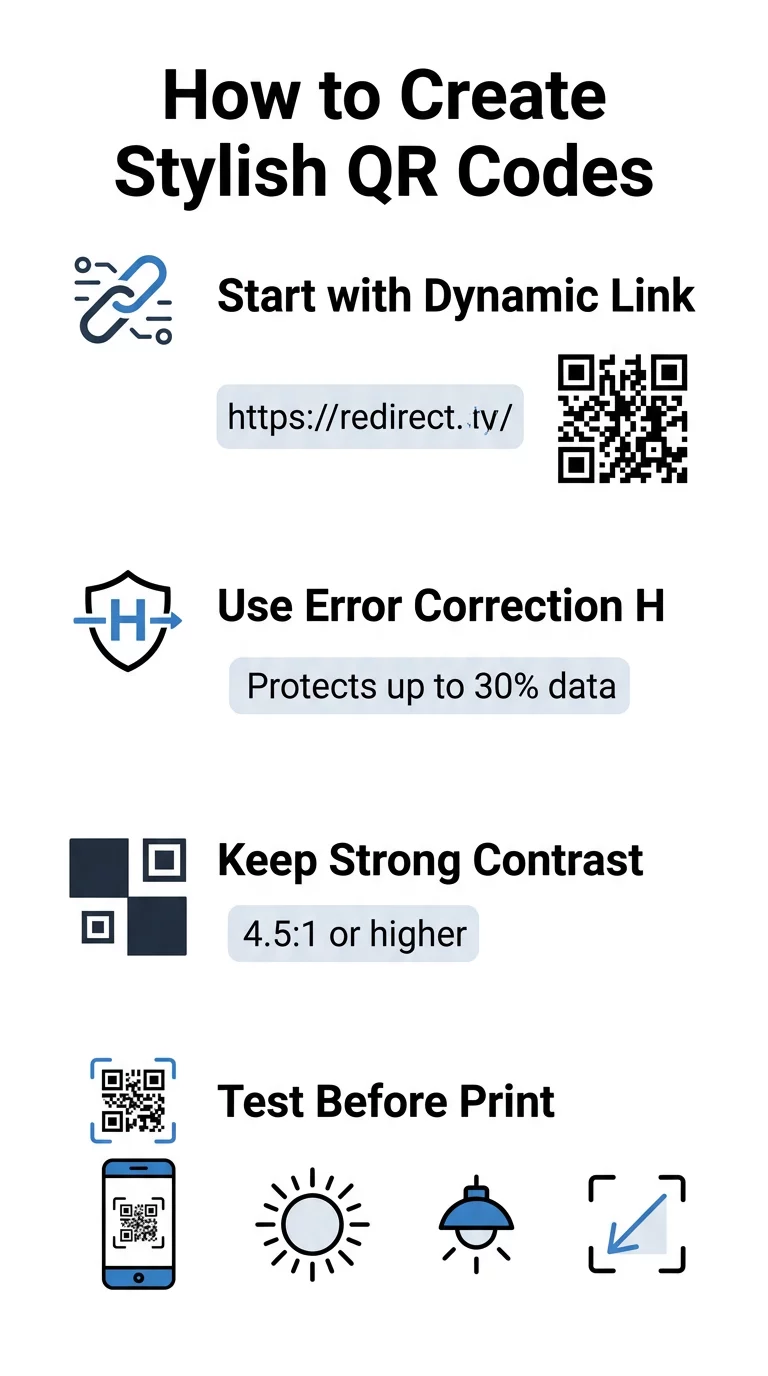
- Imposta la correzione degli errori al Livello H: Comprendere come funziona la correzione degli errori è essenziale per i design artistici. Il Livello H (Alto) consente a un codice di ripristinare fino al 30% dei dati mancanti o oscurati, fornendo il buffer necessario per sfumare texture AI o sovrapporre loghi.
- Proteggi i motivi di rilevamento: I tre quadrati di rilevamento della posizione negli angoli utilizzano un distinto rapporto di larghezza 1:1:3:1:1. Gli scanner si affidano a questi marcatori per rilevare l'orientamento da qualsiasi angolazione, quindi devono rimanere chiaramente definiti e non oscurati.
- Mantieni un forte contrasto cromatico: I lettori QR misurano la differenza di riflettanza della luce tra i moduli scuri e gli spazi chiari. Punta a un rapporto di contrasto di almeno 4,5:1, mantenendo i motivi scuri su sfondi chiari e nitidi, evitando palette di colori invertite.
- Preserva la zona tranquilla: Mantieni sempre un margine non ostruito di almeno quattro moduli di larghezza su tutti e quattro i lati del codice. Questo bordo vuoto isola la matrice dati da testo, opere d'arte o grafici di imballaggio vicini.
- Segui le formule di dimensionamento: Per oggetti portatili come volantini o biglietti da visita, mantieni i codici di almeno 0,8 x 0,8 pollici (2 x 2 cm). Come evidenziato nel nostro Consigli per il design dei codici QR, dovresti aggiungere circa 0,3 pollici alle dimensioni per ogni piede di distanza tra l'utente e il codice.
Migliora l'aspetto del tuo brand istantaneamente Vuoi combinare estro creativo con prestazioni di scansione affidabili? Usa il generatore di codici QR Pageloot con logo per personalizzare i colori, aggiungere l'icona del tuo brand e accedere oggi stesso agli strumenti di tracciamento dinamico.
Flusso di lavoro pratico per la fusione di AI e codici QR
Creare un asset elegante e leggibile dalla macchina richiede di procedere passo dopo passo dai dati grezzi alla generazione artistica. Saltare direttamente ai filtri immagine senza preparare la matrice fondamentale spesso comporta opere d'arte illeggibili.
- Genera un codice base pulito: Inizia all'interno di uno standard generatore di codici QR per inserire il tuo URL e selezionare la correzione degli errori di Livello H. La generazione di questa matrice digitale pulita stabilisce la griglia esatta che il tuo modello AI stilizzerà.
- Crea prompt AI precisi: Inserisci il tuo codice base in un modello di generazione di immagini utilizzando parametri di prompt descrittivi. Specifica soggetti chiari, stili architettonici, condizioni di illuminazione o palette di colori ed evita prompt astratti che mescolano moduli scuri e chiari.
- Preserva gli ancoraggi critici: Mantieni il peso della guida del prompt bilanciato in modo che lo strumento non alteri i tre schemi di ricerca degli angoli o distorca la griglia dei moduli oltre il riconoscimento.
- Integra marchi centrati: Incorpora un'icona o un marchio al centro del design, assicurandoti che non occupi più del 20% al 30% dell'area totale, seguendo le codice QR personalizzato linee guida standard.
- Aggiungi una cornice esterna di invito all'azione: Circonda la tua opera d'arte completata con un bordo definito e una frase d'azione come “Scansiona per Esplorare” in modo che gli utenti capiscano immediatamente dove porta il codice.
Perché i codici QR dinamici supportano una migliore resa visiva
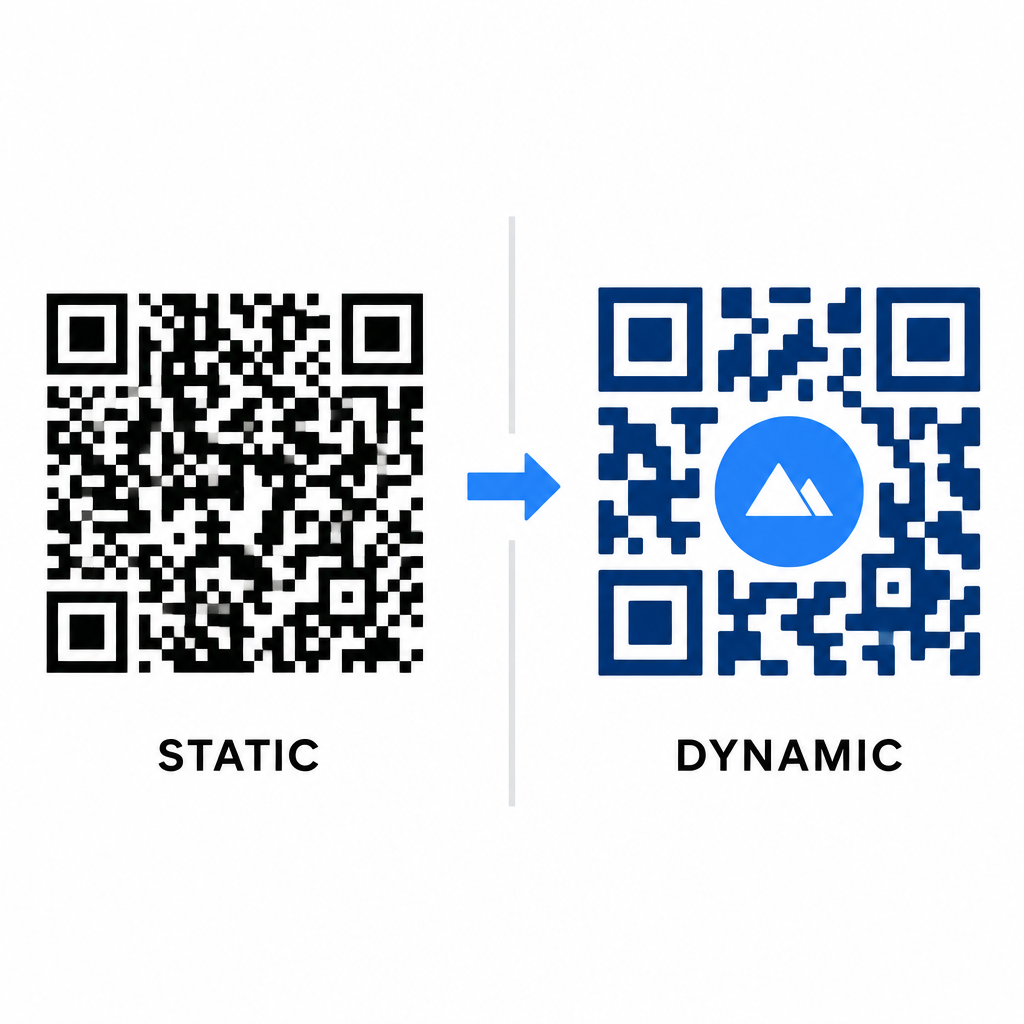
La densità dei dati influisce direttamente sulla libertà artistica che hai. I codici QR statici codificano l'intero URL di destinazione nel modello fisico. Se il tuo link è lungo, il generatore deve produrre una matrice densa di moduli minuscoli, lasciando pochissimo spazio per l'illustrazione AI o l'integrazione del logo senza causare errori di scansione.
I codici dinamici superano questo collo di bottiglia memorizzando un URL di reindirizzamento breve su un server centrale. Ciò mantiene la griglia fisica spaziosa e i moduli grandi, rendendo molto più facile per gli obiettivi delle fotocamere leggere forme stilizzate. Esplorare il mondo reale esempi reali di codici QR brandizzati mostra che le configurazioni dinamiche ti permettono anche di aggiornare le destinazioni dopo la stampa, accedendo al contempo a funzionalità complete Caratteristiche del codice QR come il tracciamento dei dispositivi, le posizioni di scansione e le analisi dell'engagement.
Test e convalida dei tuoi design
Non inviare mai un codice QR stilizzato con AI per la stampa senza prima convalidarlo su hardware e impostazioni ambientali diverse. I modelli AI possono introdurre sottili artefatti che passano su una fotocamera premium ma falliscono su dispositivi standard.
- Testa più dispositivi mobili: Scansiona il codice utilizzando sia le app fotocamera native di iOS e Android, sia applicazioni di scansione di terze parti più vecchie per confermare la compatibilità universale.
- Valuta diverse condizioni di illuminazione: Controlla la leggibilità sotto la forte luce solare diretta, sotto le lampadine da ufficio interne e in ambienti fiocchi per assicurarti che le ombre non compromettano il contrasto.
- Scansiona da angolazioni naturali: Punta il tuo dispositivo da angolazioni di 45 gradi e distanze tipiche del consumatore, piuttosto che testare esclusivamente scansioni piatte e frontali.
- Conferma i materiali di stampa: Prova le bozze fisiche sulla carta che intendi usare, poiché laminati lucidi, cartoncini testurizzati o tessuti possono creare riflessi che distorcono la grafica AI.
Implementare Arte Funzionale per il Tuo Brand
Trasformare i codici generici in eleganti risorse di brand ti permette di catturare l'attenzione del cliente senza sacrificare l'utilità. Partendo da link brevi dinamici, bloccando la correzione degli errori di Livello H, preservando la zona di silenzio e mantenendo rapporti di contrasto rigorosi, crei design visivamente accattivanti che si decodificano senza sforzo.
Inizia a personalizzare i tuoi touchpoint digitali oggi stesso utilizzando la suite di generazione e tracciamento di Pageloot per offrire esperienze memorabili e pronte per la scansione in tutte le tue campagne di marketing.
Domande frequenti
Dovresti evitare schemi di colori invertiti perché molti sensori degli smartphone non riescono a decodificare i modelli di luce su superfici scure. Attieniti a moduli in primo piano scuri posizionati su sfondi bianchi o chiari per garantire una scansione coerente.
Il Livello H consente al codice QR di recuperare fino al 30% dei dati persi o oscurati. Questa ridondanza integrata fornisce il margine di sicurezza necessario per fondere texture AI o incorporare loghi centrati senza perdere l'integrità dei dati.
Saranno scansionati in modo affidabile sui moderni smartphone se mantieni distinti i modelli dei rilevatori d'angolo, preservi la zona di silenzio e mantieni un forte contrasto. Testa sempre la tua grafica su più modelli di telefono prima di lanciare la tua campagna.