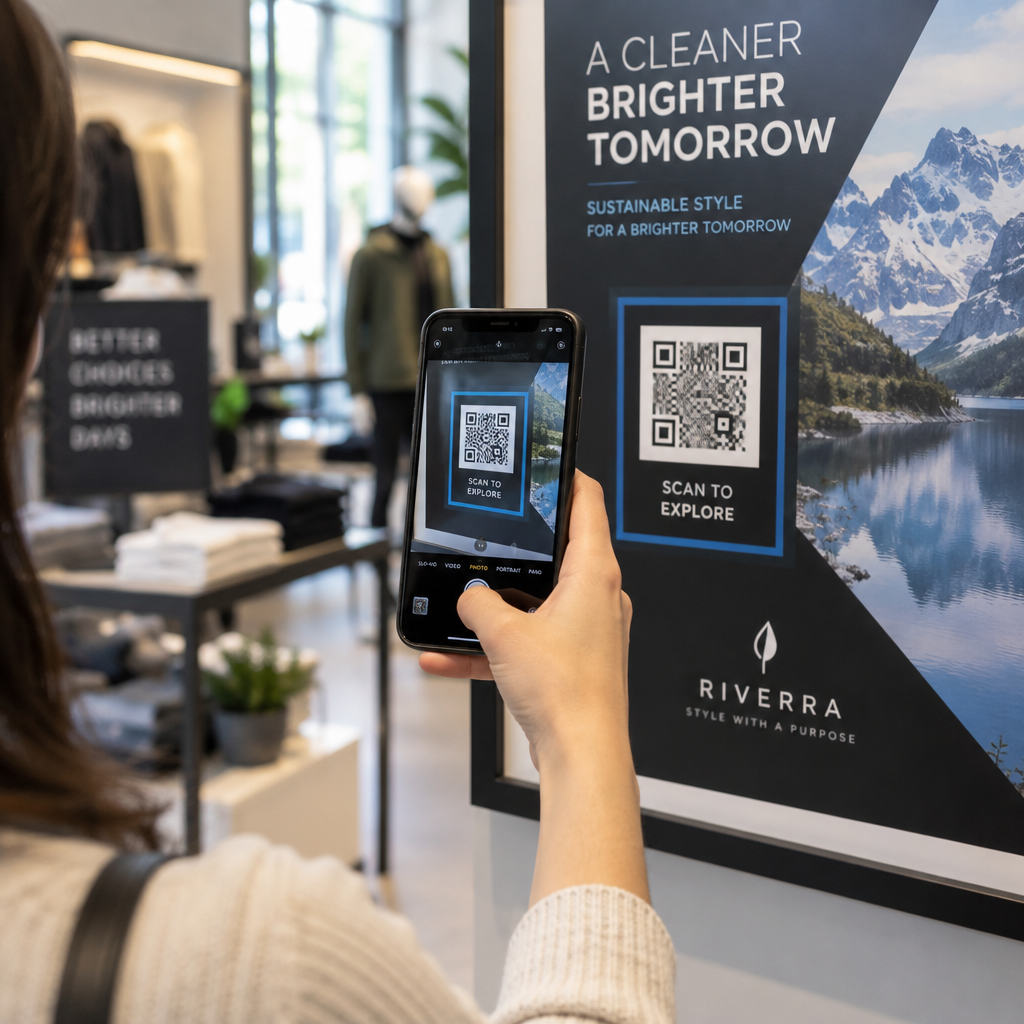
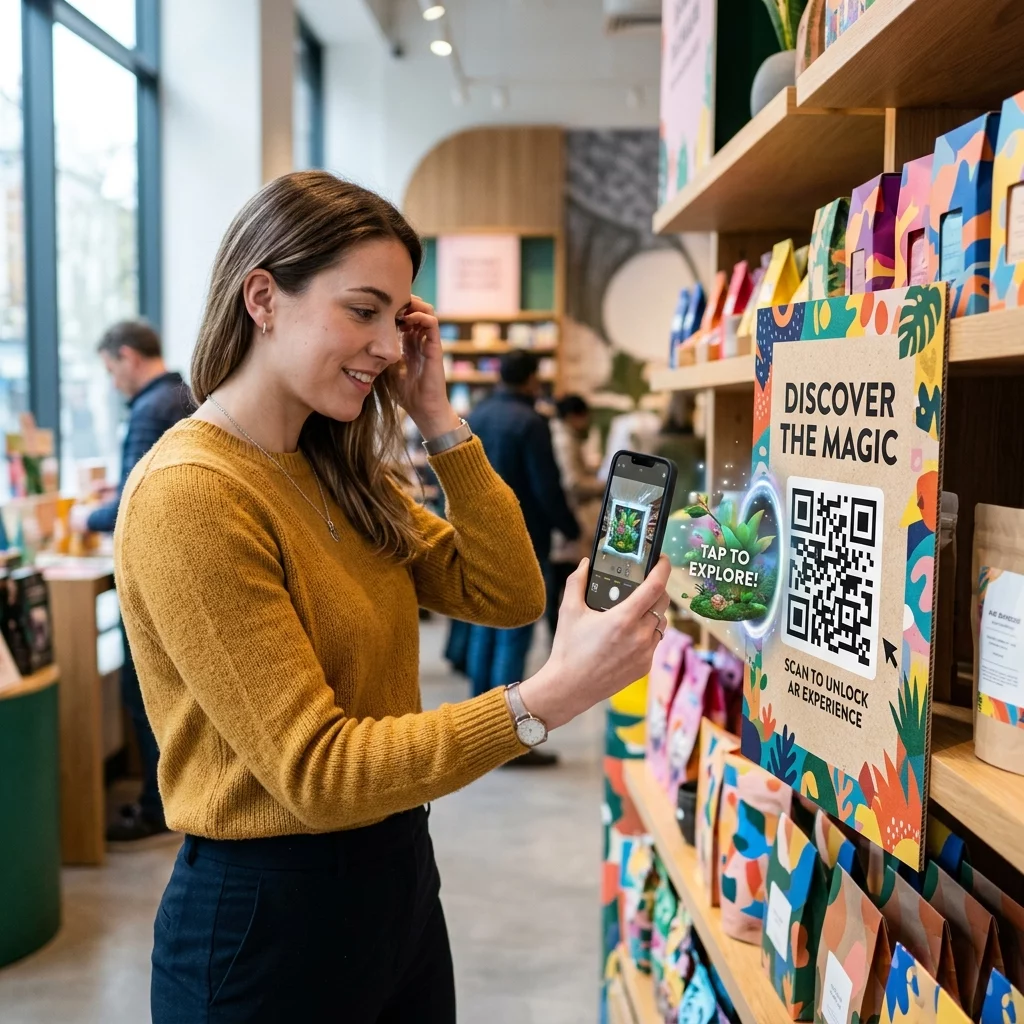
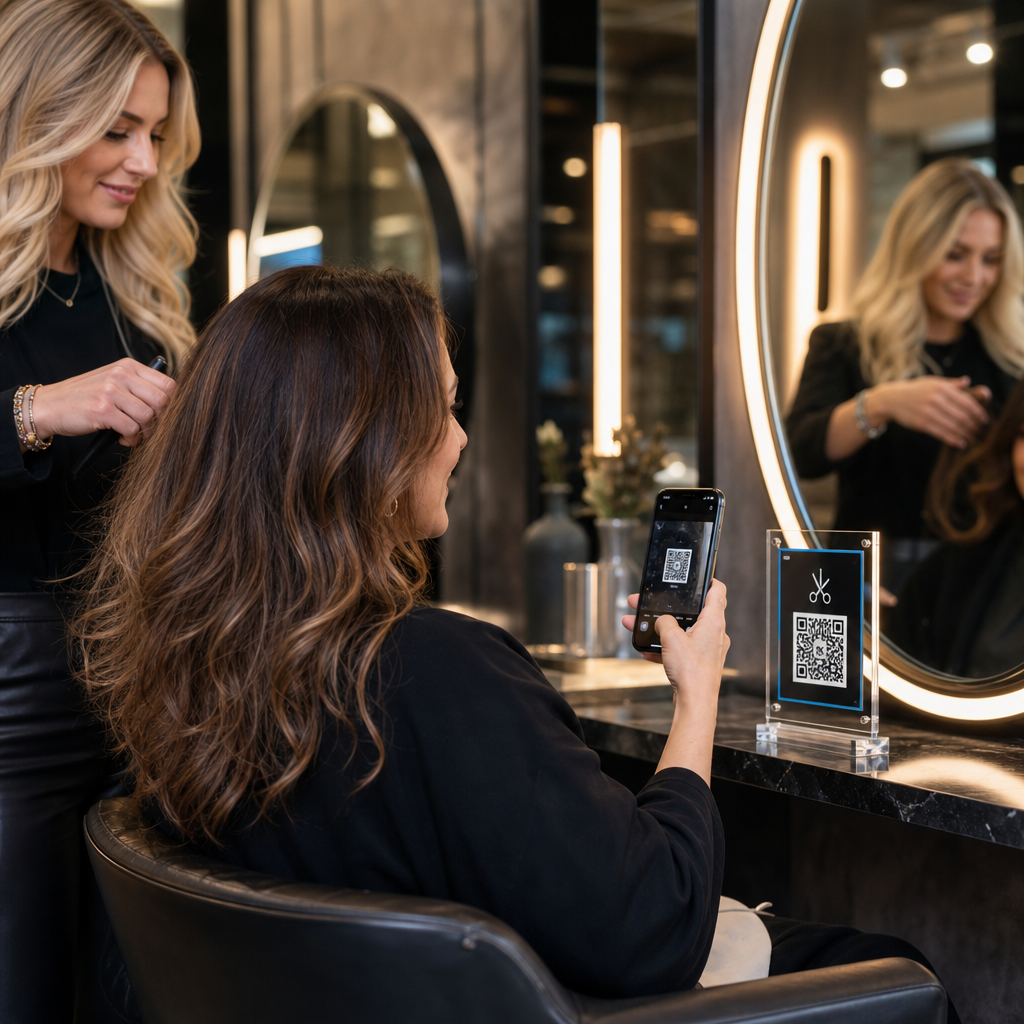
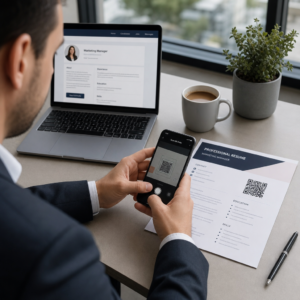
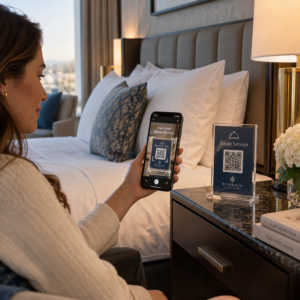
Schaffen es Ihre Standard-Schwarz-Weiß-QR-Codes nicht, Ihre Kunden anzusprechen? Generische Codes gehen oft in einer geschäftigen Umgebung unter, was zu verpassten Marketingchancen und enttäuschenden Scan-Raten führt. Erfahren Sie, wie Sie visuelle KI-Prompts mit funktionalen Designstandards kombinieren können, um Marken-Codes zu erstellen, die unverwechselbar aussehen und jedes Mal zuverlässig scannen.
Warum visuelles Design zu höherer Interaktion führt
Jahrelang wurden QR-Codes streng als funktionale Barcodes betrachtet, doch eine durchdachte Ästhetik wirkt sich direkt auf die Benutzerinteraktion aus. Marken-Codes mit Logos können die Scan-Raten im Vergleich zu generischen Designs um 30 % bis 70 % steigern, da Verbraucher visuelle Perfektion mit Glaubwürdigkeit und Markensicherheit verbinden. Beim Erstellen eines Marken-QR-Codes kann die Verwendung eines KI-Logo-Erstellers dabei helfen, ein konsistentes Logo zu entwickeln, das sich natürlich in die visuelle Identität des Codes einfügt. Wenn ein Code wie ein bewusster Teil Ihrer visuellen Identität aussieht, fühlen sich Benutzer sicher, ihre Telefonkamera darauf zu richten.
Über die grundlegende ästhetische Anziehungskraft hinaus bietet die Verwendung künstlicher Intelligenz zur Stilisierung von Codes konkrete betriebliche Vorteile. Forschungsergebnisse zeigen, wie KI das QR-Code-Marketing verbessert indem künstlerische Modifikationen mit der Musterrekonstruktion in Einklang gebracht werden, was die Scan-Genauigkeit um etwa 25 % erhöhen kann. Auch die Anwendung durchdachter Farbwahl zahlt sich aus, da die richtigen QR-Code-Farbkontrasts und benutzerdefinierten Farben die Benutzerbindung um bis zu 18 % steigern können.
Technische Regeln für scanbare KI-Codes
Das Stilisieren eines QR-Codes beinhaltet die Modifikation einzelner Pixel und Modulformen, was zu Lesefehlern führt, wenn technische Grenzen ignoriert werden. Scanner sind auf klare geometrische Marker angewiesen, um das eingebettete Ziel zu dekodieren. Die Einhaltung anerkannter ISO-Standards stellt sicher, dass Ihre künstlerischen Entscheidungen die Funktionalität nicht beeinträchtigen:
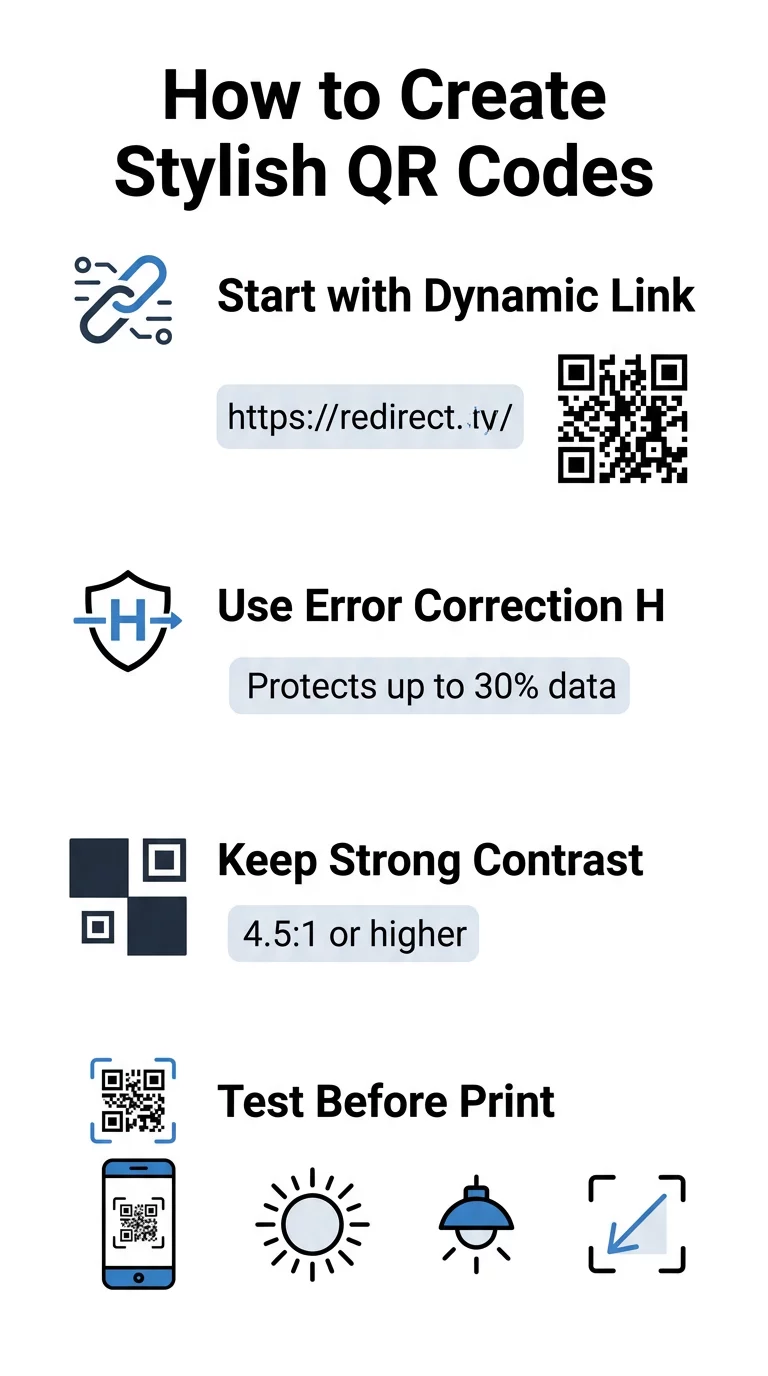
- Fehlerkorrektur auf Stufe H einstellen: Das Verständnis wie Fehlerkorrektur funktioniert ist für künstlerische Designs unerlässlich. Stufe H (Hoch) ermöglicht es einem Code, bis zu 30 % fehlender oder verdeckter Daten wiederherzustellen, was den Puffer bietet, der zum Einblenden von KI-Texturen oder zum Überlagern von Logos erforderlich ist.
- Schutz der Suchmuster: Die drei Positionserkennungsquadrate in den Ecken verwenden ein deutliches Breitenverhältnis von 1:1:3:1:1. Scanner verlassen sich auf diese Markierungen, um die Ausrichtung aus jedem Winkel zu erkennen, daher müssen sie klar definiert und unversehrt bleiben.
- Starker Farbkontrast beibehalten: QR-Lesegeräte messen den Unterschied in der Lichtreflexion zwischen dunklen Modulen und hellen Bereichen. Streben Sie ein Kontrastverhältnis von mindestens 4,5:1 an, wobei dunkle Muster auf knackigen, hellen Hintergründen platziert werden und umgekehrte Farbpaletten vermieden werden.
- Ruhezone bewahren: Halten Sie stets einen freien Rand von mindestens vier Modulen Breite an allen vier Seiten des Codes ein. Dieser leere Rand isoliert die Datenmatrix von benachbarten Texten, Grafiken oder Verpackungsdesigns.
- Größenformeln befolgen: Für Handheld-Artikel wie Flyer oder Visitenkarten sollten die Codes mindestens 0,8 x 0,8 Zoll (2 x 2 cm) groß sein. QR-Code-Design-Tipps, sollten Sie für jeden Fuß Abstand zwischen dem Benutzer und dem Code etwa 0,3 Zoll in der Dimension hinzufügen.
Verbessern Sie Ihre Marken-Visuals sofort Möchten Sie kreatives Flair mit zuverlässiger Scanleistung verbinden? Nutzen Sie den Pageloot QR-Code-Generator mit Logo , um Farben anzupassen, Ihr Markenlogo hinzuzufügen und auf dynamische Tracking-Tools zuzugreifen.
Praktischer Workflow zur Kombination von KI und QR-Codes
Das Erstellen eines stilvollen, maschinenlesbaren Assets erfordert einen schrittweisen Übergang von Rohdaten zur künstlerischen Generierung. Das direkte Springen zu Bildfiltern, ohne die grundlegende Matrix vorzubereiten, führt häufig zu unlesbaren Kunstwerken.
- Einen sauberen Basiscode generieren: Beginnen Sie in einem Standard- QR-Code-Generator , um Ihre URL einzugeben und die Fehlerkorrekturstufe H auszuwählen. Das Generieren dieser sauberen digitalen Matrix legt das genaue Raster fest, das Ihr KI-Modell stilisieren wird.
- Präzise KI-Prompts erstellen: Geben Sie Ihren Basiscode in ein Bildgenerierungsmodell ein, indem Sie beschreibende Prompt-Parameter verwenden. Spezifizieren Sie klare Motive, architektonische Stile, Lichtverhältnisse oder Farbpaletten und vermeiden Sie abstrakte Prompts, die dunkle und helle Module miteinander verschmelzen lassen.
- Kritische Anker bewahren: Halten Sie das Gewicht der Prompt-Führung ausgewogen, damit das Tool die drei Ecksuchmuster nicht verändert oder das Modulraster bis zur Unkenntlichkeit verzerrt.
- Zentrierte Markenzeichen integrieren: Integrieren Sie ein Icon oder Markenzeichen in der Mitte des Designs und stellen Sie sicher, dass es nicht mehr als 20 % bis 30 % der Gesamtfläche einnimmt, gemäß den Standard- benutzerdefinierter QR-Code Richtlinien.
- Einen äußeren Call-to-Action-Rahmen hinzufügen: Umgeben Sie Ihr fertiges Kunstwerk mit einem definierten Rahmen und einem Aufruf zum Handeln wie „Scannen zum Erkunden“, damit Benutzer sofort verstehen, wohin der Code führt.
Warum dynamische QR-Codes bessere visuelle Elemente unterstützen
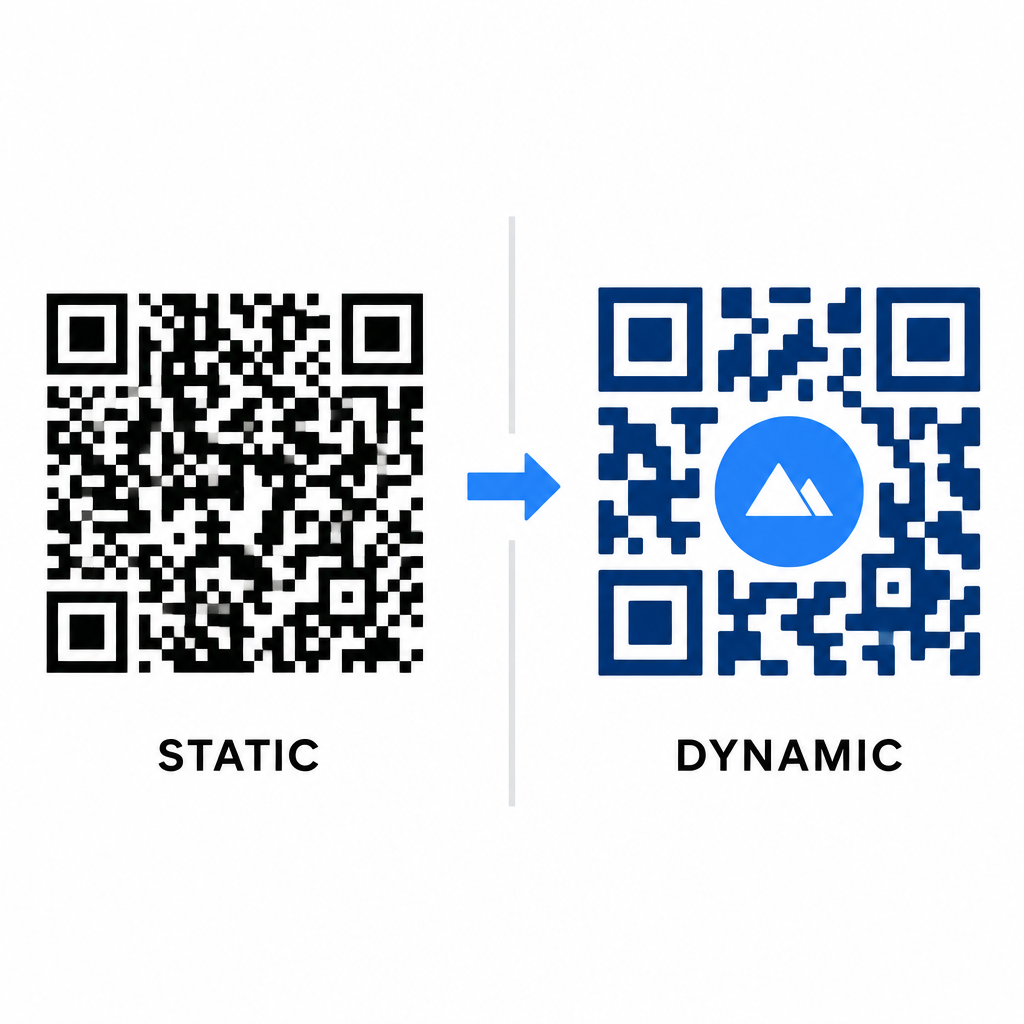
Die Datendichte wirkt sich direkt auf den Grad Ihrer künstlerischen Freiheit aus. Statische QR-Codes kodieren die gesamte Ziel-URL in das physische Muster. Wenn Ihr Link lang ist, muss der Generator eine dichte Matrix winziger Module erzeugen, was sehr wenig Raum für KI-Illustrationen oder die Integration von Logos lässt, ohne Scanfehler zu verursachen.
Dynamische Codes überwinden diesen Engpass, indem sie eine kurze Weiterleitungs-URL auf einem zentralen Server speichern. Dadurch bleibt das physische Raster geräumig und die Module groß, was es für Kameraobjektive wesentlich einfacher macht, stilisierte Formen zu lesen. Die Erforschung realer Beispiele für gebrandete QR-Codes zeigt, dass dynamische Setups es Ihnen auch ermöglichen, Ziele nach dem Drucken zu aktualisieren, während Sie vollen Zugriff auf QR-Code-Funktionen wie Geräte-Tracking, Scan-Standorte und Engagement-Analysen haben.
Testen und Validieren Ihrer Designs
Senden Sie niemals einen KI-stilisierten QR-Code zum Drucken, ohne ihn über verschiedene Hardware- und Umgebungsbedingungen hinweg zu validieren. KI-Modelle können subtile Artefakte einführen, die bei einer Premium-Kamera funktionieren, aber bei Standardgeräten fehlschlagen.
- Testen Sie mehrere mobile Geräte: Scannen Sie den Code sowohl mit nativen Kamera-Apps von iOS und Android als auch mit älteren Drittanbieter-Scan-Anwendungen, um die universelle Kompatibilität zu bestätigen.
- Bewerten Sie unterschiedliche Lichtverhältnisse: Überprüfen Sie die Lesbarkeit bei grellem direkten Sonnenlicht, unter Bürolampen in Innenräumen und in dunklen Umgebungen, um sicherzustellen, dass Schatten den Kontrast nicht beeinträchtigen.
- Scannen Sie aus natürlichen Winkeln: Richten Sie Ihr Gerät aus einem 45-Grad-Winkel und aus typischen Verbraucherentfernungen aus, anstatt ausschließlich flache, direkte Scans zu testen.
- Druckmaterialien bestätigen: Testen Sie physische Muster auf Ihrem geplanten Papiervorrat, da glänzende Laminierungen, strukturierte Kartons oder Stoffe Reflexionen erzeugen können, die KI-Grafiken verzerren.
Funktionale Kunst für Ihre Marke einsetzen
Die Umwandlung generischer Codes in stilvolle Marken-Assets ermöglicht es Ihnen, die Aufmerksamkeit der Kunden zu gewinnen, ohne die Nützlichkeit zu opfern. Indem Sie mit dynamischen Kurzlinks beginnen, die Fehlerkorrektur auf Stufe H festlegen, die Ruhezone beibehalten und strenge Kontrastverhältnisse einhalten, schaffen Sie visuell ansprechende Designs, die mühelos dekodiert werden können.
Beginnen Sie noch heute mit der Anpassung Ihrer digitalen Touchpoints, indem Sie die Generierungs- und Tracking-Suite von Pageloot nutzen, um unvergessliche, scan-bereite Erlebnisse für all Ihre Marketingkampagnen zu liefern.
Häufig gestellte Fragen
Sie sollten umgekehrte Farbschemata vermeiden, da viele Smartphone-Sensoren Lichtmuster auf dunklen Oberflächen nicht dekodieren können. Bleiben Sie bei dunklen Vordergrundmodulen, die auf weißen oder hellen Hintergründen platziert sind, um ein konsistentes Scannen zu gewährleisten.
Stufe H ermöglicht es dem QR-Code, bis zu 30 % verlorener oder verdeckter Daten wiederherzustellen. Diese integrierte Redundanz bietet den Sicherheitspuffer, der erforderlich ist, um KI-Texturen zu überlagern oder zentrierte Logos einzubetten, ohne die Datenintegrität zu verlieren.
Sie lassen sich zuverlässig auf modernen Smartphones scannen, wenn Sie die Ecksuchmuster deutlich halten, die Ruhezone bewahren und einen starken Kontrast aufrechterhalten. Testen Sie Ihre Gestaltung immer auf mehreren Telefonmodellen, bevor Sie Ihre Kampagne starten.