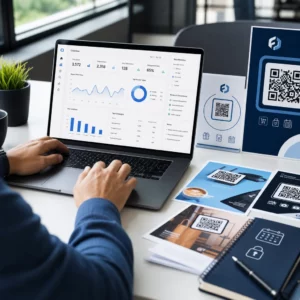
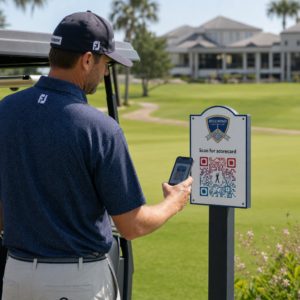
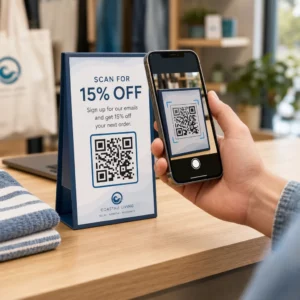
Ваши стандартные черно-белые QR-коды не привлекают клиентов? Обычные коды часто теряются на фоне оживленной обстановки, что приводит к упущенным маркетинговым возможностям и разочаровывающе низким показателям сканирования. Узнайте, как сочетать визуальные подсказки ИИ с функциональными стандартами дизайна для создания фирменных кодов, которые выглядят уникально и надежно сканируются каждый раз.
Почему визуальный дизайн способствует более высокому вовлечению
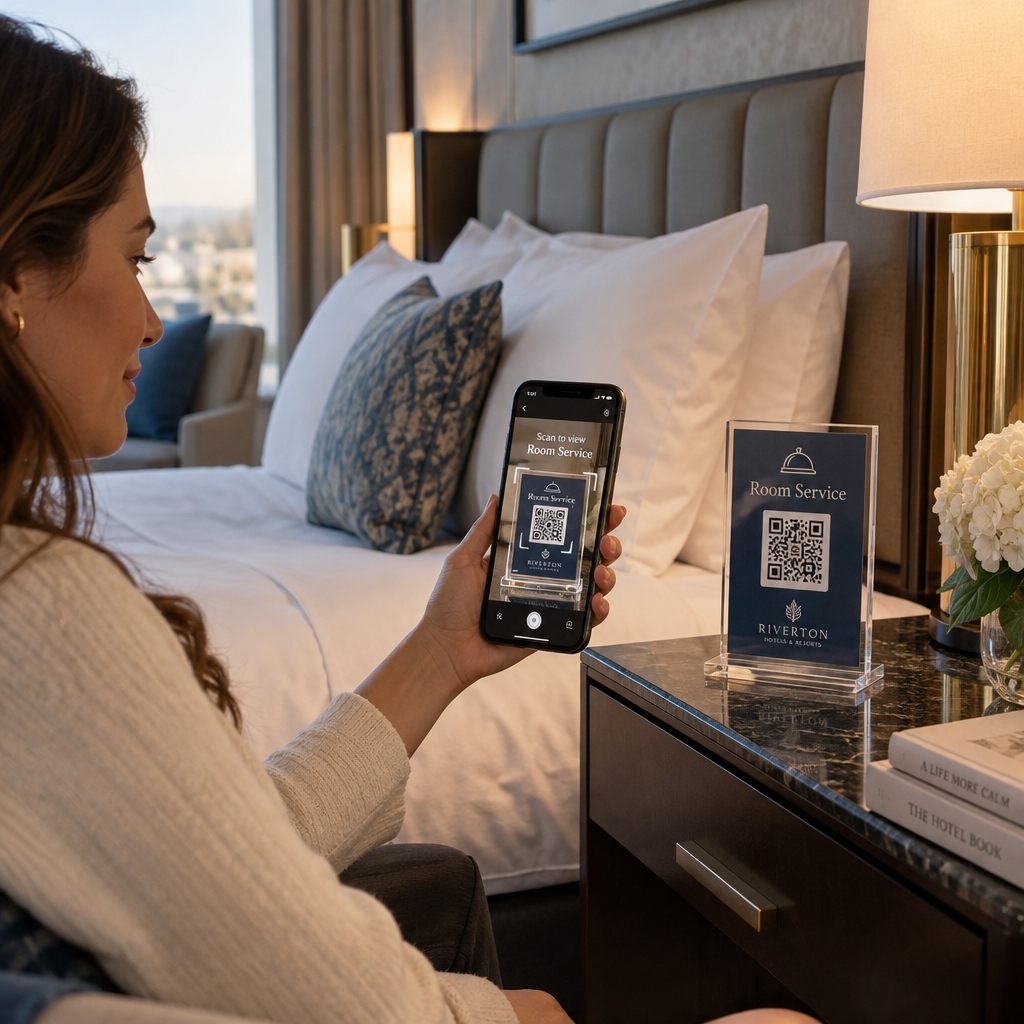
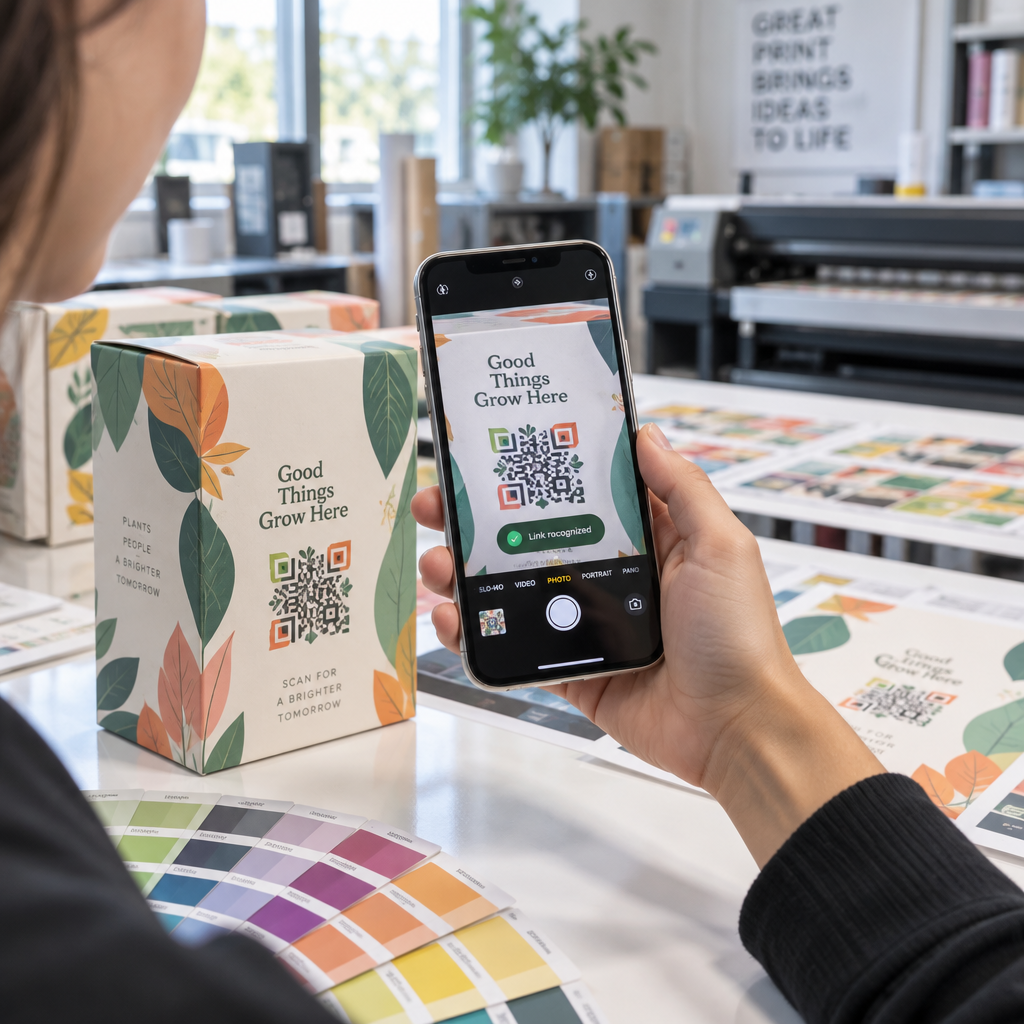
В течение многих лет QR-коды рассматривались исключительно как функциональные штрихкоды, однако продуманная эстетика напрямую влияет на взаимодействие с пользователем. Брендированные коды с логотипами могут увеличить показатели сканирования на 30–70% по сравнению с обычными дизайнами, потому что потребители связывают визуальную отполированность с доверием и безопасностью бренда. При создании брендированного QR-кода использование генератор логотипов ИИ может помочь разработать последовательный логотип, который естественно впишется в визуальную айдентику кода. Если код выглядит как преднамеренная часть вашей визуальной айдентики, пользователи чувствуют себя уверенно, наводя на него камеру своего телефона.
Помимо базовой эстетической привлекательности, использование искусственного интеллекта для стилизации кодов обеспечивает конкретные операционные преимущества. Исследования показывают, как ИИ улучшает маркетинг QR-кодов путем сбалансированного сочетания художественных модификаций с реконструкцией паттерна, что может увеличить точность сканирования примерно на 25%. Продуманный выбор палитры также окупается, так как правильные цветового контраста QR-кода и пользовательские цвета могут повысить вовлеченность пользователей до 18%.
Технические правила для сканируемых кодов ИИ
Стилизация QR-кода включает изменение отдельных пикселей и форм модулей, что приводит к ошибкам считывания, если игнорировать технические ограничения. Сканеры зависят от четких геометрических маркеров для декодирования встроенного назначения. Соблюдение признанных стандартов ISO гарантирует, что ваши художественные решения не нарушат функциональность:
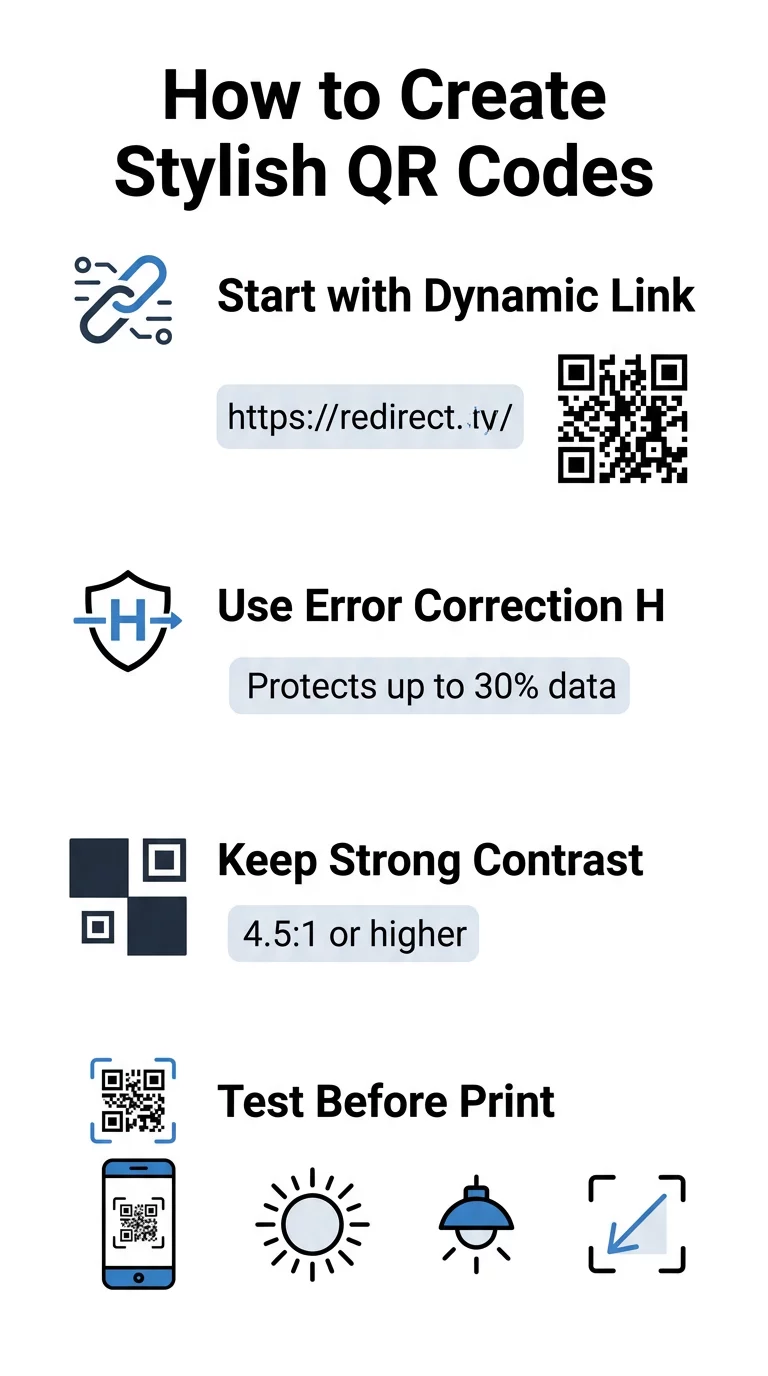
- Установите коррекцию ошибок на уровень H: Понимание как работает коррекция ошибок является существенным для художественных дизайнов. Уровень H (высокий) позволяет коду восстанавливать до 30% недостающих или скрытых данных, обеспечивая буфер, необходимый для смешивания текстур ИИ или наложения логотипов.
- Защитите поисковые шаблоны: Три квадрата для определения положения по углам используют отчетливое соотношение ширины 1:1:3:1:1. Сканеры полагаются на эти маркеры для определения ориентации с любого угла, поэтому они должны оставаться четко определенными и незамутненными.
- Поддерживайте сильный цветовой контраст: Считыватели QR-кодов измеряют разницу в отражении света между темными модулями и светлыми областями. Стремитесь к коэффициенту контрастности не менее 4.5:1, сохраняя темные узоры на четких, светлых фонах, избегая при этом инвертированных цветовых палитр.
- Сохраняйте тихую зону: Всегда поддерживайте свободный отступ шириной не менее четырех модулей со всех четырех сторон кода. Эта пустая граница изолирует матрицу данных от близлежащего текста, изображений или графики упаковки.
- Соблюдайте формулы размера: Для переносных предметов, таких как листовки или визитные карточки, сохраняйте коды размером не менее 0.8 x 0.8 дюйма (2 x 2 см). Как подчеркивается в нашем Советы по дизайну QR-кодов, вам следует добавлять примерно 0.3 дюйма к размеру на каждый фут расстояния между пользователем и кодом.
Мгновенно обновите визуальные эффекты вашего бренда Хотите совместить творческий подход с надежной производительностью сканирования? Используйте генератора QR-кодов Pageloot с логотипом чтобы настроить цвета, добавить значок вашего бренда и получить доступ к инструментам динамического отслеживания уже сегодня.
Практический рабочий процесс для объединения ИИ и QR-кодов
Создание стильного, машиночитаемого актива требует поэтапного перехода от необработанных данных к художественной генерации. Прямой переход к фильтрам изображений без подготовки базовой матрицы часто приводит к нечитаемым изображениям.
- Сгенерируйте чистый базовый код: Начните внутри стандартного генератор QR-кодов чтобы ввести ваш URL и выбрать коррекцию ошибок уровня H. Генерация этой чистой цифровой матрицы устанавливает точную сетку, которую ваша модель ИИ будет стилизовать.
- Создавайте точные подсказки для ИИ: Введите ваш базовый код в модель генерации изображений, используя описательные параметры подсказок. Укажите четкие объекты, архитектурные стили, условия освещения или цветовые палитры, и избегайте абстрактных подсказок, которые смешивают темные и светлые модули.
- Сохраняйте критические якоря: Поддерживайте сбалансированный вес указаний для инструмента, чтобы он не изменял три угловых паттерна или не искажал сетку модулей до неузнаваемости.
- Интегрируйте центрированные фирменные знаки: Включите иконку или фирменный знак в центр дизайна, убедившись, что он занимает не более 20-30% от общей площади, согласно стандартным пользовательский QR-код рекомендациям.
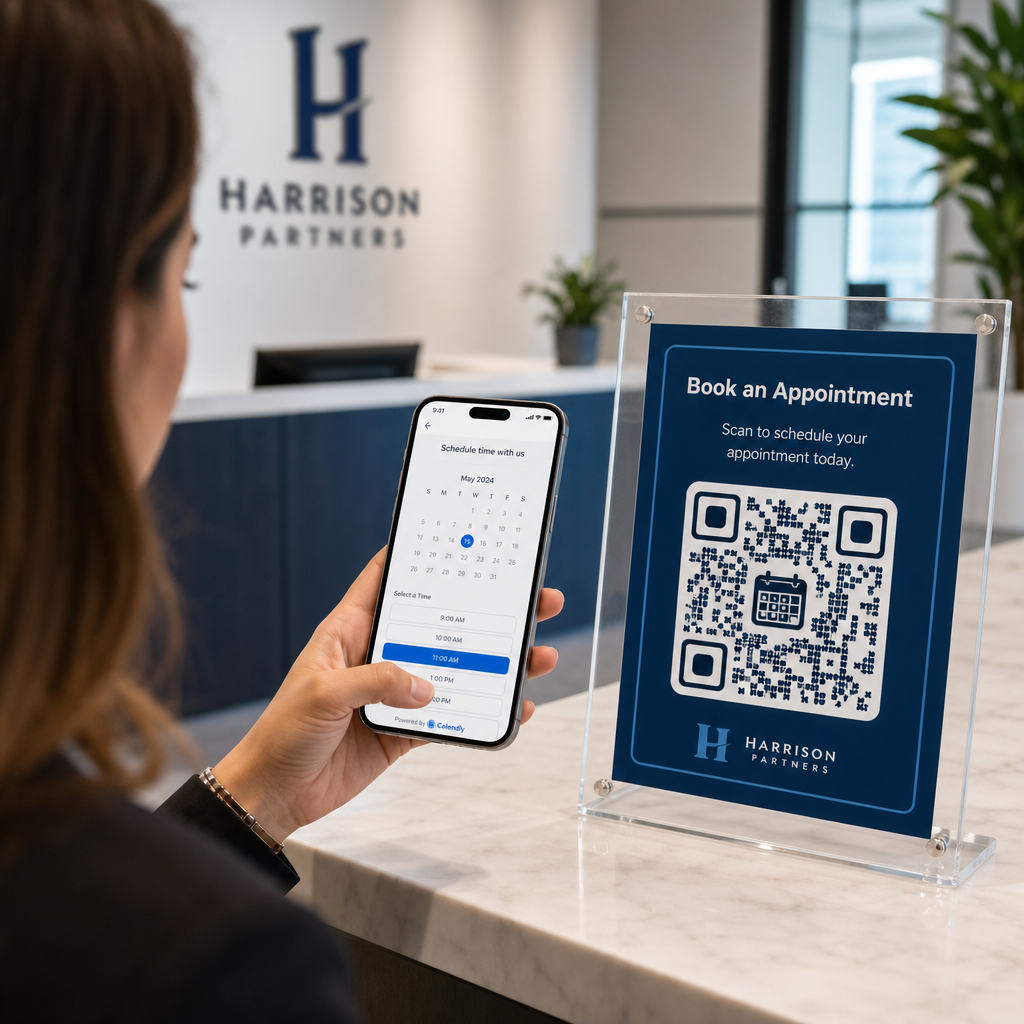
- Добавьте внешнюю рамку призыва к действию: Окружите ваше завершенное произведение определенной рамкой и фразой-призывом к действию, такой как «Сканируйте, чтобы исследовать», чтобы пользователи сразу поняли, куда ведет код.
Почему динамические QR-коды обеспечивают лучшую визуализацию
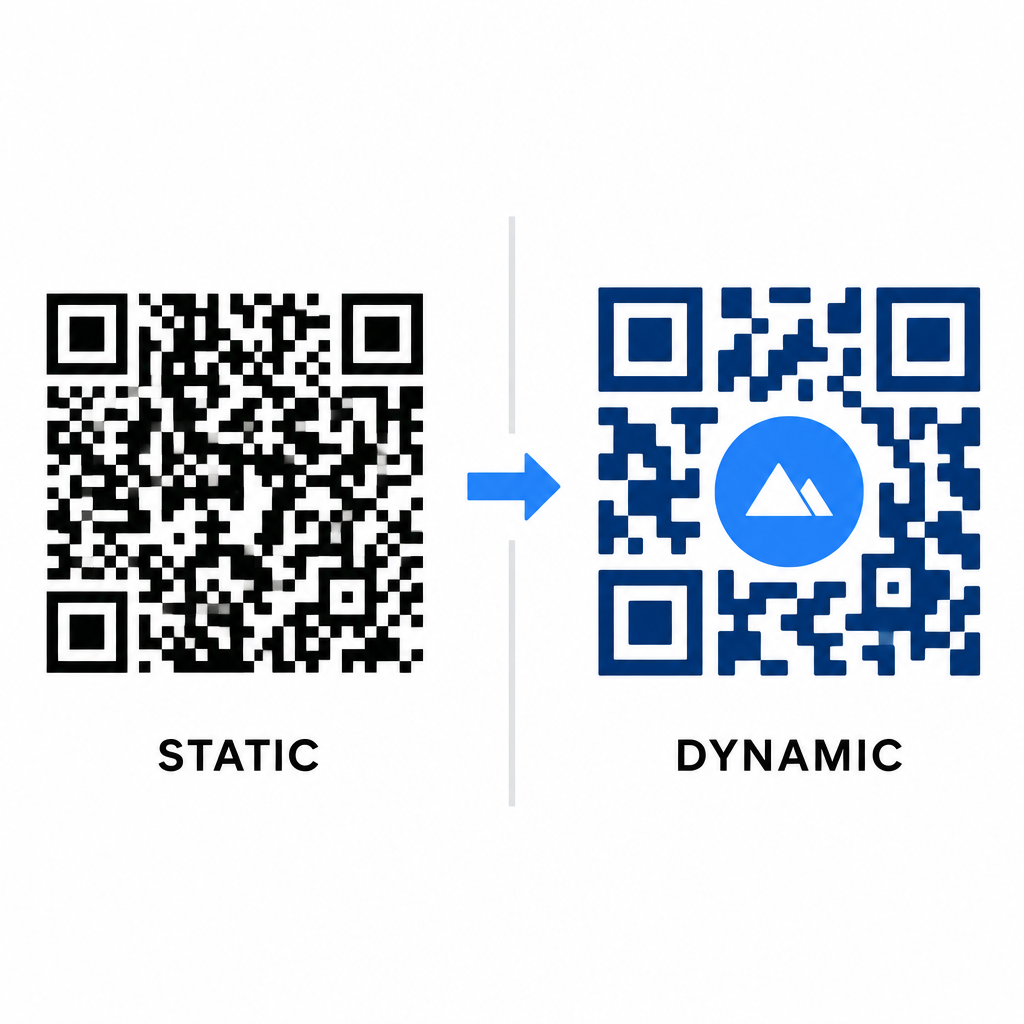
Плотность данных напрямую влияет на объем вашей художественной свободы. Статические QR-коды кодируют весь целевой URL в физический паттерн. Если ваша ссылка длинная, генератор должен создавать плотную матрицу крошечных модулей, оставляя очень мало места для AI-иллюстрации или интеграции логотипа без возникновения сбоев сканирования.
Динамические коды преодолевают это узкое место, храня короткий URL-перенаправления на центральном сервере. Это делает физическую сетку просторной, а модули большими, значительно облегчая чтение стилизованных форм объективами камер. Изучение реальных примеров брендированных QR-кодов примеров показывает, что динамические настройки также позволяют обновлять адреса после печати при доступе к полным Функции QR-кода данным, таким как отслеживание устройств, местоположения сканирования и аналитика вовлеченности.
Тестирование и проверка ваших дизайнов
Никогда не отправляйте стилизованный ИИ QR-код в печать без проверки его на различном оборудовании и в различных условиях окружающей среды. Модели ИИ могут вносить тонкие артефакты, которые проходят на одной премиальной камере, но не работают на стандартных устройствах.
- Тестируйте на нескольких мобильных устройствах: Сканируйте код с помощью нативных приложений камер iOS и Android, а также с помощью старых сторонних приложений для сканирования, чтобы подтвердить универсальную совместимость.
- Оценивайте различные условия освещения: Проверьте читаемость при ярком прямом солнечном свете, под офисными лампами в помещении и в условиях тусклого освещения, чтобы убедиться, что тени не нарушают контраст.
- Сканируйте под естественными углами: Направляйте ваше устройство под углом 45 градусов и с типичных потребительских расстояний, а не только тестируйте плоские сканирования «в лоб».
- Проверьте печатные материалы: Тестируйте физические образцы на вашей запланированной бумажной основе, так как глянцевые ламинаты, текстурированный картон или ткани могут создавать блики, искажающие изображения, сгенерированные ИИ.
Развертывание функционального искусства для вашего бренда
Преобразование обычных кодов в стильные активы бренда позволяет привлекать внимание клиентов без ущерба для функциональности. Начиная с динамических коротких ссылок, фиксируя коррекцию ошибок уровня H, сохраняя тихую зону и поддерживая строгие коэффициенты контрастности, вы создаете визуально яркие дизайны, которые легко декодируются.
Начните настраивать свои цифровые точки контакта уже сегодня, используя пакет для генерации и отслеживания от Pageloot, чтобы создавать запоминающиеся, готовые к сканированию впечатления во всех ваших маркетинговых кампаниях.
Часто задаваемые вопросы
Вам следует избегать инвертированных цветовых схем, поскольку многие датчики смартфонов не могут декодировать световые паттерны на темных поверхностях. Придерживайтесь темных модулей переднего плана, размещенных на белом или светлом фоне, чтобы гарантировать стабильное сканирование.
Уровень H позволяет QR-коду восстановить до 30% потерянных или затемненных данных. Эта встроенная избыточность обеспечивает запас прочности, необходимый для смешивания ИИ-текстур или встраивания центрированных логотипов без потери целостности данных.
Они будут надежно сканироваться на современных смартфонах, если вы сохраните четкость угловых поисковых шаблонов, сохраните тихую зону и поддержите сильный контраст. Всегда тестируйте свои изображения на нескольких моделях телефонов перед запуском кампании.