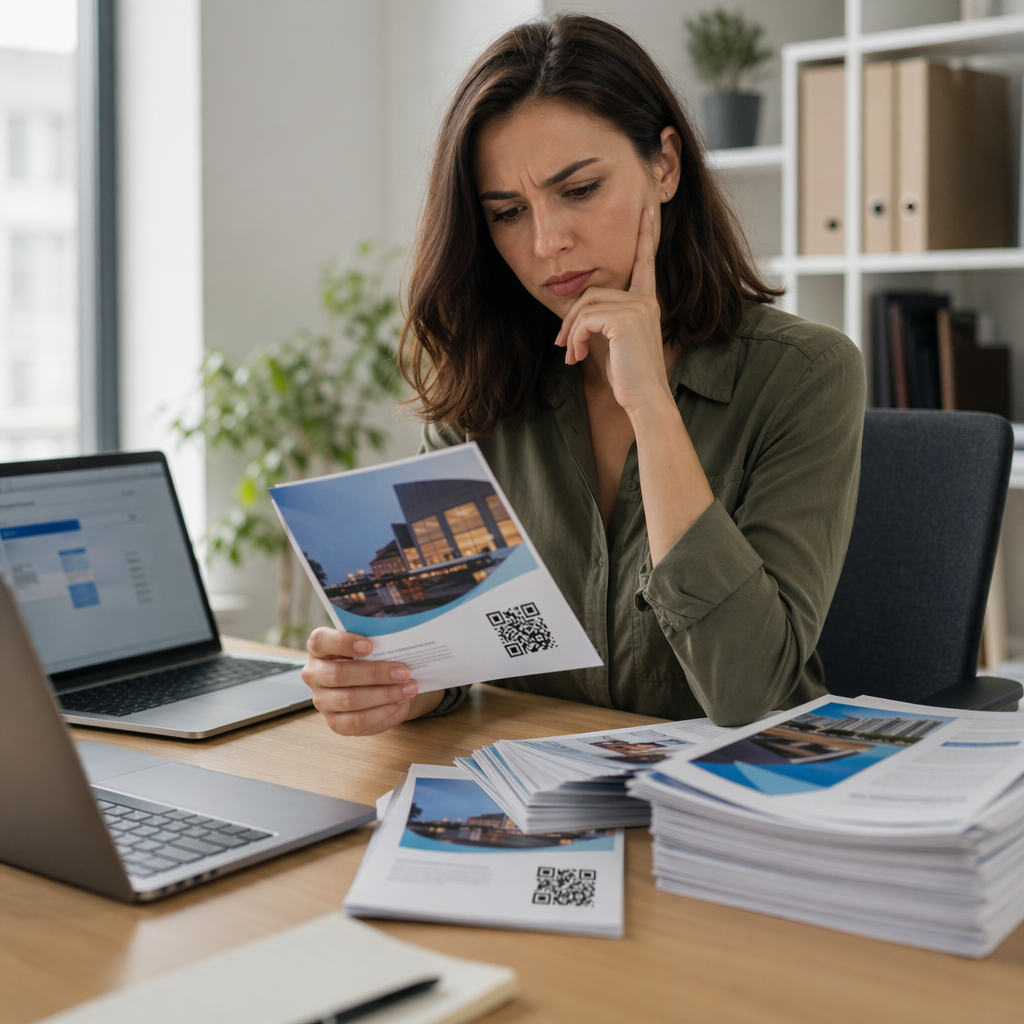
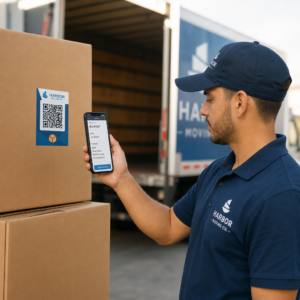
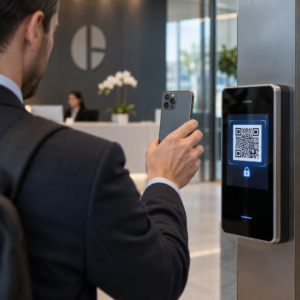
Ne uspijevaju li vaši standardni crno-bijeli QR kodovi privući vaše kupce? Generički kodovi često se stapaju s užurbanim okruženjem, što dovodi do propuštenih marketinških prilika i razočaravajućih stopa skeniranja. Saznajte kako kombinirati vizualne AI upute s funkcionalnim standardima dizajna kako biste proizveli brendirane kodove koji izgledaju prepoznatljivo i svaki put se pouzdano skeniraju.
Zašto vizualni dizajn potiče veći angažman
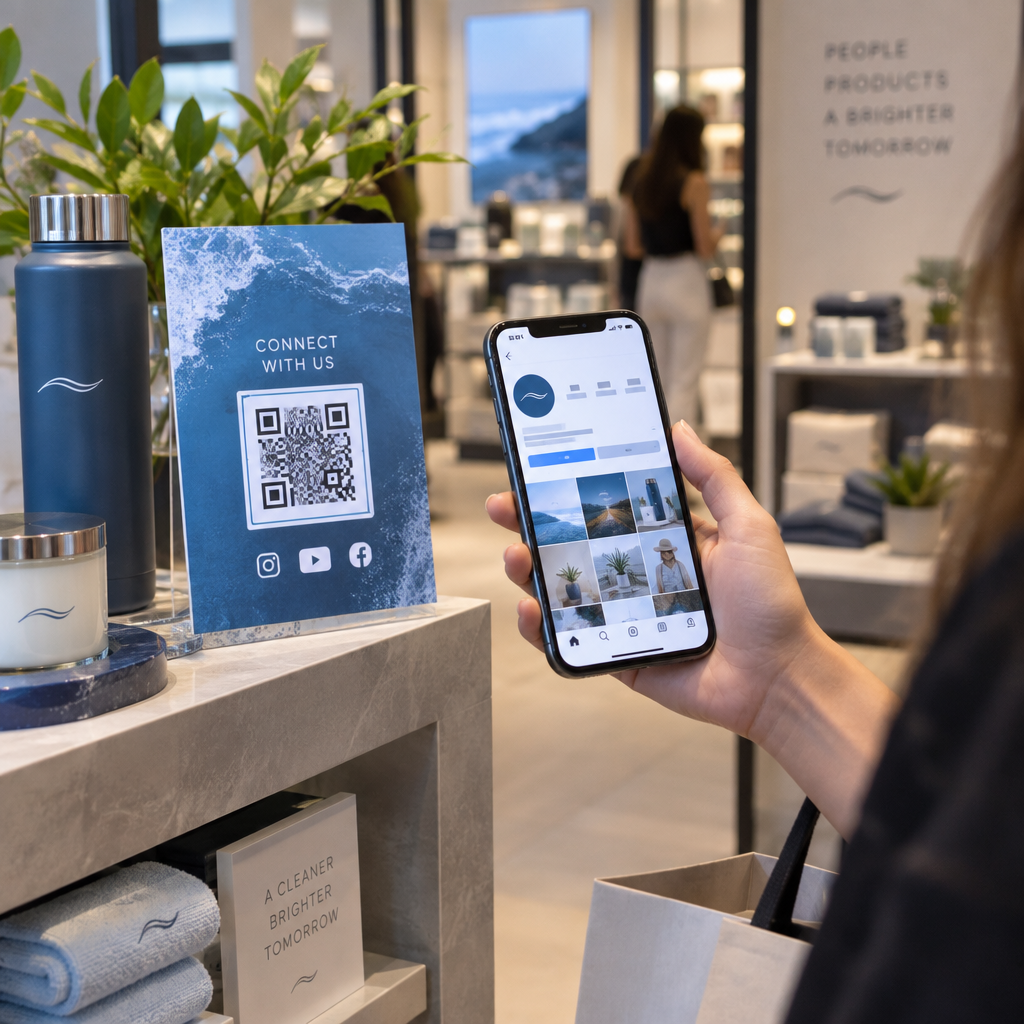
Godinama su QR kodovi promatrani isključivo kao funkcionalni bar kodovi, ali promišljena estetika izravno utječe na interakciju korisnika. Brendirani kodovi s logotipima mogu povećati stope skeniranja za 30% do 70% u usporedbi s generičkim dizajnom jer potrošači vizualnu dotjeranost povezuju s vjerodostojnošću i sigurnošću marke. Prilikom izrade brendiranog QR koda, korištenje AI alata za izradu logotipa može pomoći u razvoju dosljednog logotipa koji se prirodno uklapa u vizualni identitet koda. Ako kod izgleda kao namjerni dio vašeg vizualnog identiteta, korisnici se osjećaju samopouzdano usmjeravajući kameru svog telefona prema njemu.
Osim osnovne estetske privlačnosti, korištenje umjetne inteligencije za stiliziranje kodova pruža konkretne operativne prednosti. Istraživanja pokazuju kako AI poboljšava marketing QR kodova balansiranjem umjetničkih modifikacija s rekonstrukcijom uzoraka, što može povećati točnost skeniranja za otprilike 25%. Primjena promišljenih izbora palete također se isplati, budući da pravilne kontrasta boja QR koda i prilagođene boje mogu podići angažman korisnika za do 18%.
Tehnička pravila za skenabilne AI kodove
Stiliziranje QR koda uključuje modificiranje pojedinačnih piksela i oblika modula, što dovodi do pogrešaka pri čitanju ako zanemarite tehničke granice. Skeneri ovise o jasnim geometrijskim oznakama za dekodiranje ugrađene destinacije. Pridržavanje priznatih ISO standarda osigurava da vaši umjetnički izbori ne naruše funkcionalnost:
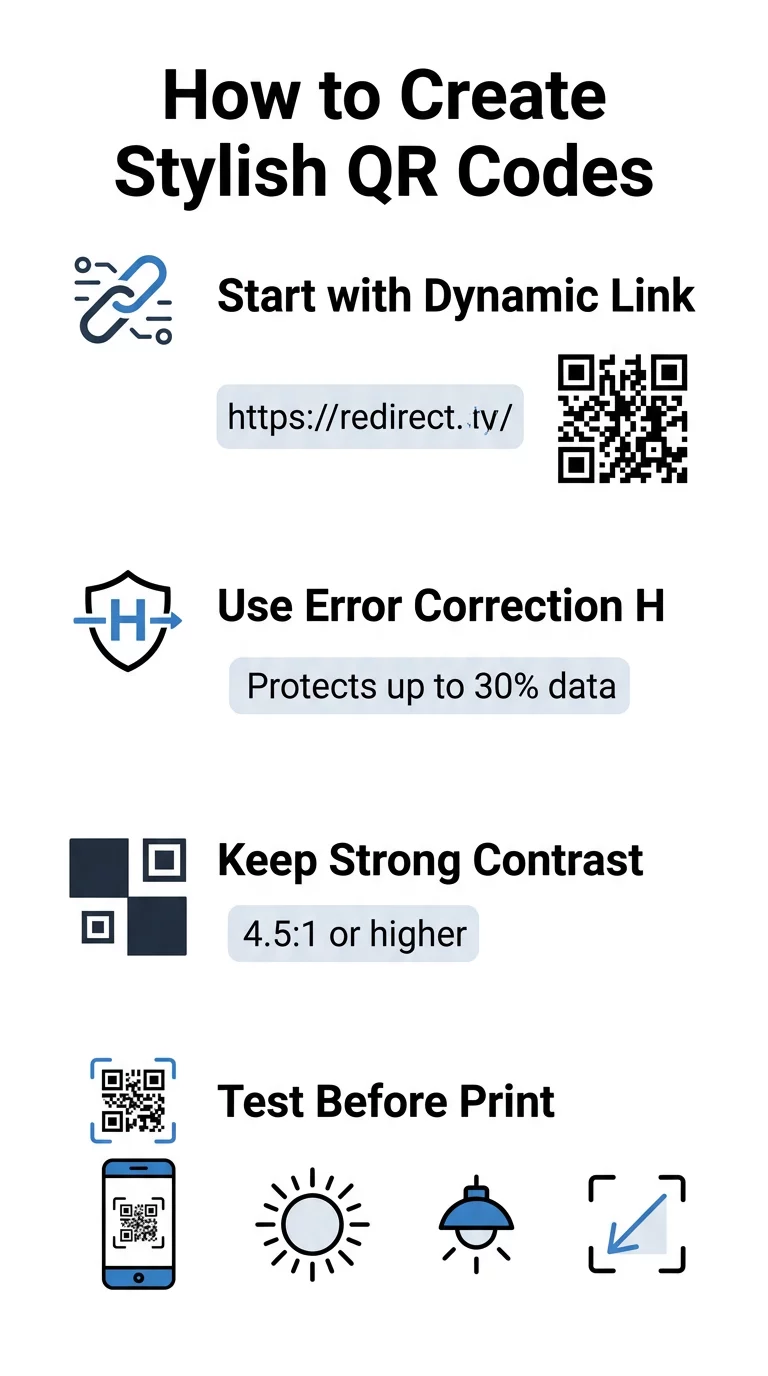
- Postavite ispravak pogreške na razinu H: Razumijevanje kako funkcionira ispravljanje pogrešaka je ključno za umjetničke dizajne. Razina H (visoka) omogućuje kodu da obnovi do 30% nedostajućih ili zaklonjenih podataka, pružajući potrebnu zaštitu za spajanje AI tekstura ili preklapanje logotipa.
- Zaštitite uzorke za prepoznavanje: Tri kvadrata za detekciju položaja u kutovima koriste poseban omjer širine 1:1:3:1:1. Skeneri se oslanjaju na ove markere kako bi otkrili orijentaciju iz bilo kojeg kuta, stoga moraju ostati jasno definirani i neometani.
- Održavajte snažan kontrast boja: QR čitači mjere razliku u refleksiji svjetlosti između tamnih modula i svijetlih prostora. Ciljajte na omjer kontrasta od najmanje 4,5:1, držeći tamne uzorke na oštrim, svijetlim pozadinama, izbjegavajući obrnute palete boja.
- Sačuvajte tihu zonu: Uvijek održavajte nesmetanu marginu širine najmanje četiri modula sa sve četiri strane koda. Ova prazna granica izolira podatkovnu matricu od obližnjeg teksta, umjetničkih djela ili grafike pakiranja.
- Slijedite formule za dimenzioniranje: Za ručne predmete poput letaka ili posjetnica, držite kodove veličine najmanje 0,8 x 0,8 inča (2 x 2 cm). Kao što je istaknuto u našem Savjeti za dizajn QR kodova, trebali biste dodati otprilike 0,3 inča u dimenziju za svaki stopu udaljenosti između korisnika i koda.
Odmah nadogradite vizualni identitet svog brenda Želite kombinirati kreativni štih s pouzdanim performansama skeniranja? Koristite Pageloot QR generatora koda s logotipom za prilagodbu boja, dodavanje ikone vašeg brenda i pristup alatima za dinamičko praćenje već danas.
Praktičan radni proces za kombiniranje AI i QR kodova
Stvaranje elegantne, strojno čitljive imovine zahtijeva postupni prijelaz od sirovih podataka do umjetničke generacije. Izravno preskakanje na filtre slike bez pripreme temeljne matrice često rezultira nečitljivim umjetničkim djelima.
- Generirajte čisti osnovni kod: Započnite unutar standardnog generator QR kodova kako biste unijeli svoj URL i odabrali ispravak pogrešaka razine H. Generiranje ove čiste digitalne matrice uspostavlja točnu mrežu koju će vaš AI model stilizirati.
- Kreirajte precizne AI upute: Unesite svoj osnovni kod u model za generiranje slika koristeći opisne parametre upita. Navedite jasne teme, arhitektonske stilove, uvjete osvjetljenja ili palete boja, i izbjegavajte apstraktne upute koje spajaju tamne i svijetle module.
- Očuvajte kritične sidrišne točke: Održavajte uravnoteženu težinu vodstva upita tako da alat ne mijenja uzorke tražila u tri kuta niti izobličuje rešetku modula do neprepoznatljivosti.
- Integrirajte centrirane oznake brenda: Uključite ikonu ili oznaku brenda u središte dizajna, pazeći da zauzima najviše 20% do 30% ukupne površine, slijedeći standardne prilagođeni QR kôd smjernice.
- Dodajte vanjski okvir s pozivom na akciju: Okružite svoje dovršeno umjetničko djelo definiranim okvirom i frazom za akciju poput “Skenirajte za istraživanje” kako bi korisnici odmah shvatili kamo vodi kod.
Zašto dinamički QR kodovi podržavaju bolje vizuale
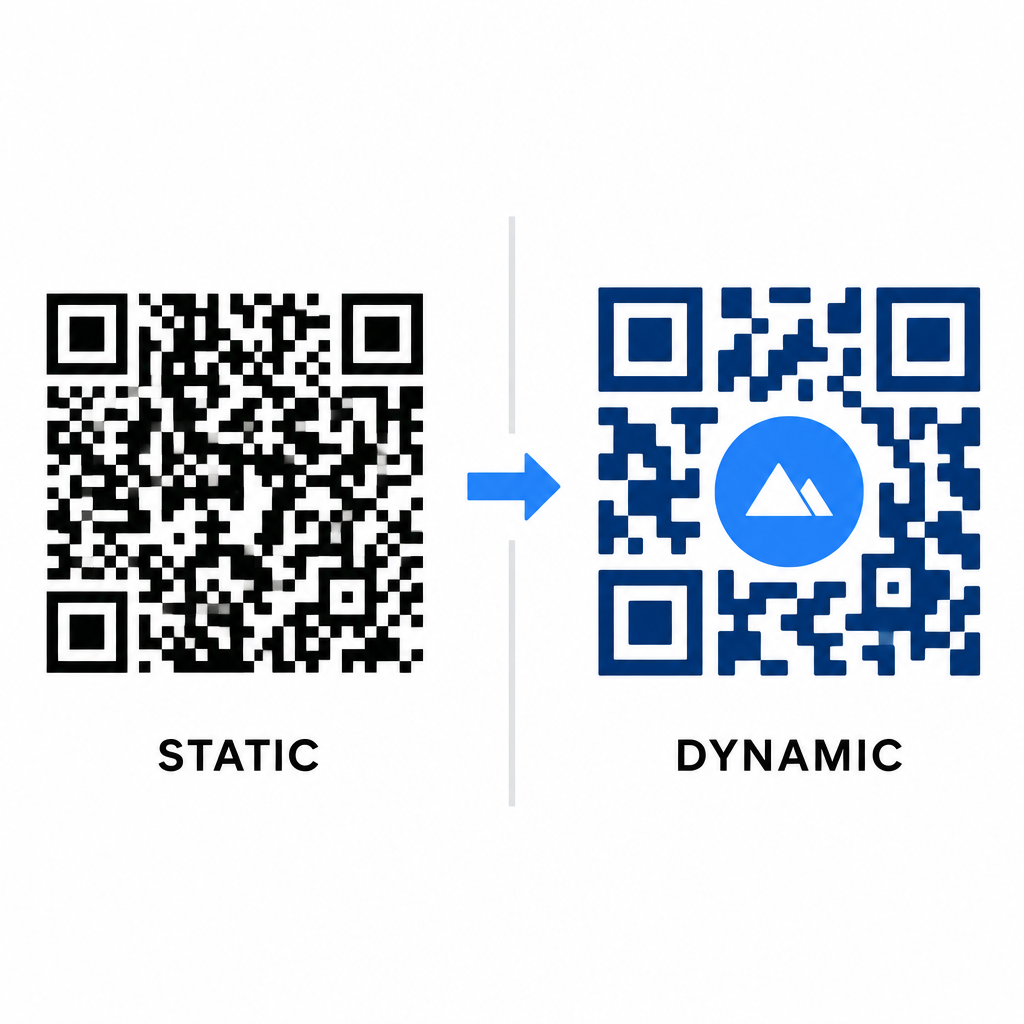
Gustoća podataka izravno utječe na to koliko umjetničke slobode imate. Statički QR kodovi cijeli URL odredišta kodiraju u fizički uzorak. Ako je vaša poveznica dugačka, generator mora proizvesti gustu matricu sitnih modula, ostavljajući vrlo malo prostora za AI ilustraciju ili integraciju logotipa bez izazivanja pogrešaka pri skeniranju.
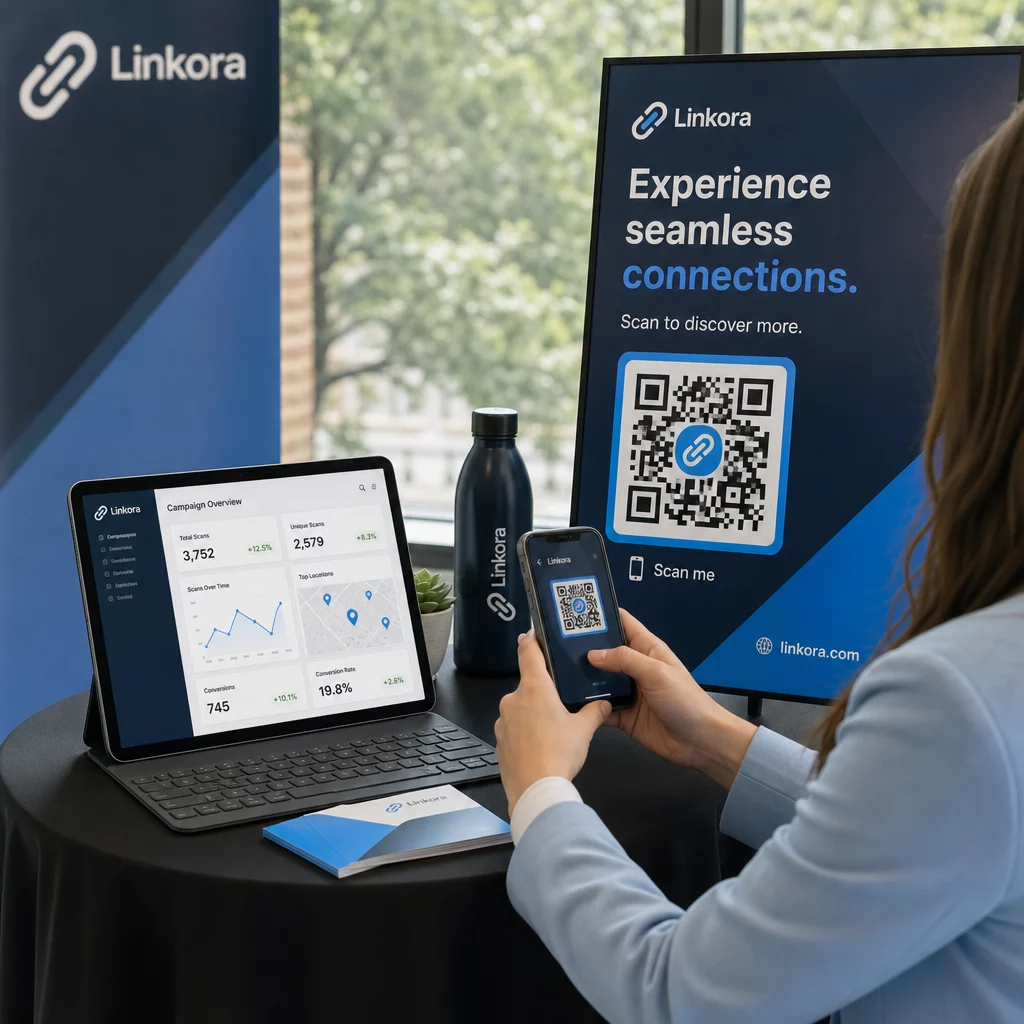
Dinamički kodovi prevladavaju ovo usko grlo pohranjivanjem kratkog URL-a za preusmjeravanje na centralnom poslužitelju. To održava fizičku mrežu prostranom, a module velikima, što znatno olakšava lećama kamere čitanje stiliziranih oblika. Istraživanje stvarnog svijeta primjera brendiranih QR kodova pokazuje da dinamičke postavke također omogućuju ažuriranje odredišta nakon ispisa uz pristup potpunim Značajke QR koda kao što su praćenje uređaja, lokacije skeniranja i analitika angažmana.
Testiranje i validacija vaših dizajna
Nikada ne šaljite QR kod stiliziran AI-jem na ispis bez prethodne validacije na različitim hardverskim i okolišnim postavkama. AI modeli mogu uvesti suptilne artefakte koji prolaze na jednoj premium kameri, ali ne uspijevaju na standardnim uređajima.
- Testirajte više mobilnih uređaja: Skenirajte kod koristeći nativne aplikacije za kameru iOS-a i Androida, kao i starije aplikacije za skeniranje trećih strana kako biste potvrdili univerzalnu kompatibilnost.
- Procijenite različite uvjete osvjetljenja: Provjerite čitljivost pod jakim izravnim suncem, pod unutarnjim uredskim žaruljama i u prigušenim okruženjima kako biste osigurali da sjene ne naruše kontrast.
- Skenirajte iz prirodnih kutova: Usmjerite svoj uređaj pod kutom od 45 stupnjeva i s tipičnih udaljenosti korisnika, umjesto da isključivo testirate ravna, izravna skeniranja.
- Potvrdite tiskane materijale: Testirajte fizičke uzorke na predviđenom papiru, jer sjajne laminate, teksturirani kartoni ili tkanine mogu stvarati odbljeske koji iskrivljuju AI umjetnička djela.
Primjena funkcionalne umjetnosti za vaš brend
Pretvaranje generičkih kodova u elegantna sredstva brenda omogućuje vam privlačenje pažnje kupaca bez žrtvovanja korisnosti. Počevši s dinamičnim kratkim poveznicama, zaključavanjem korekcije pogrešaka razine H, očuvanjem mirne zone i održavanjem strogih omjera kontrasta, stvarate vizualno upečatljive dizajne koji se bez napora dekodiraju.
Započnite prilagođavanje svojih digitalnih dodirnih točaka već danas koristeći Pagelootov paket za generiranje i praćenje kako biste pružili nezaboravna iskustva spremna za skeniranje u svim vašim marketinškim kampanjama.
Često postavljana pitanja
Trebali biste izbjegavati obrnute sheme boja jer mnogi senzori pametnih telefona ne uspijevaju dekodirati svjetlosne uzorke na tamnim površinama. Držite se tamnih prednjih modula postavljenih na bijele ili svijetle pozadine kako biste osigurali dosljedno skeniranje.
Razina H omogućuje QR kodu da oporavi do 30% izgubljenih ili zaklonjenih podataka. Ova ugrađena redundantnost pruža sigurnosni međuspremnik potreban za spajanje AI tekstura ili umetanje centriranih logotipa bez gubitka integriteta podataka.
Skenirat će se pouzdano na modernim pametnim telefonima ako zadržite prepoznatljive kutne obrasce za pronalaženje, sačuvate mirnu zonu i održavate snažan kontrast. Uvijek testirajte svoj dizajn na više modela telefona prije pokretanja kampanje.