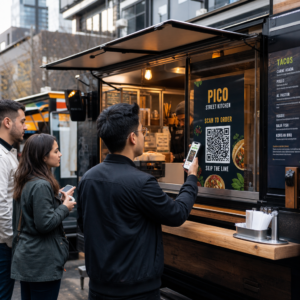
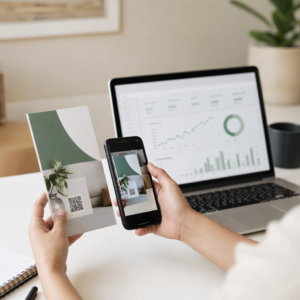
Czy Twoje standardowe, czarno-białe kody QR nie angażują klientów? Ogólne kody często wtapiają się w ruchliwe otoczenie, co prowadzi do utraconych okazji marketingowych i rozczarowujących wskaźników skanowania. Dowiedz się, jak połączyć wizualne podpowiedzi AI z funkcjonalnymi standardami projektowymi, aby tworzyć markowe kody, które wyglądają wyraźnie i niezawodnie skanują się za każdym razem.
Dlaczego projekt wizualny napędza większe zaangażowanie
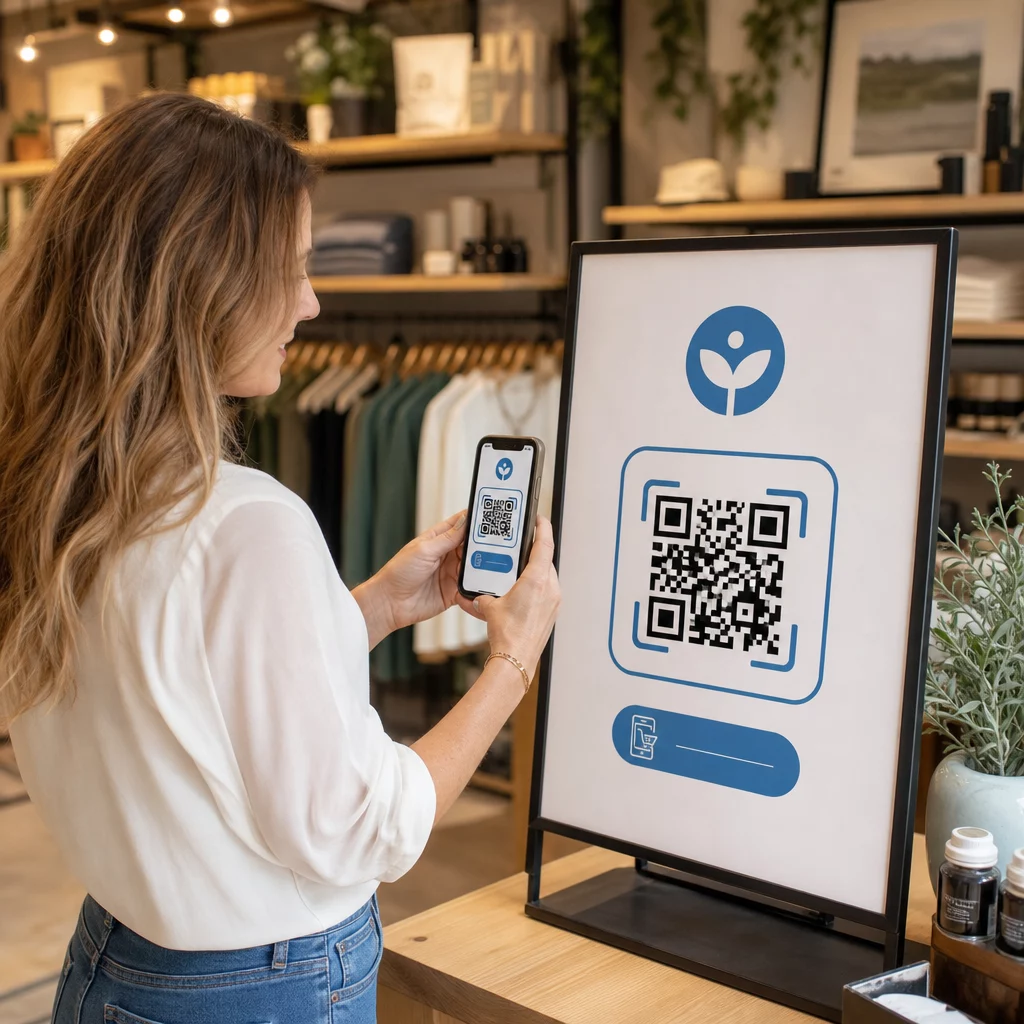
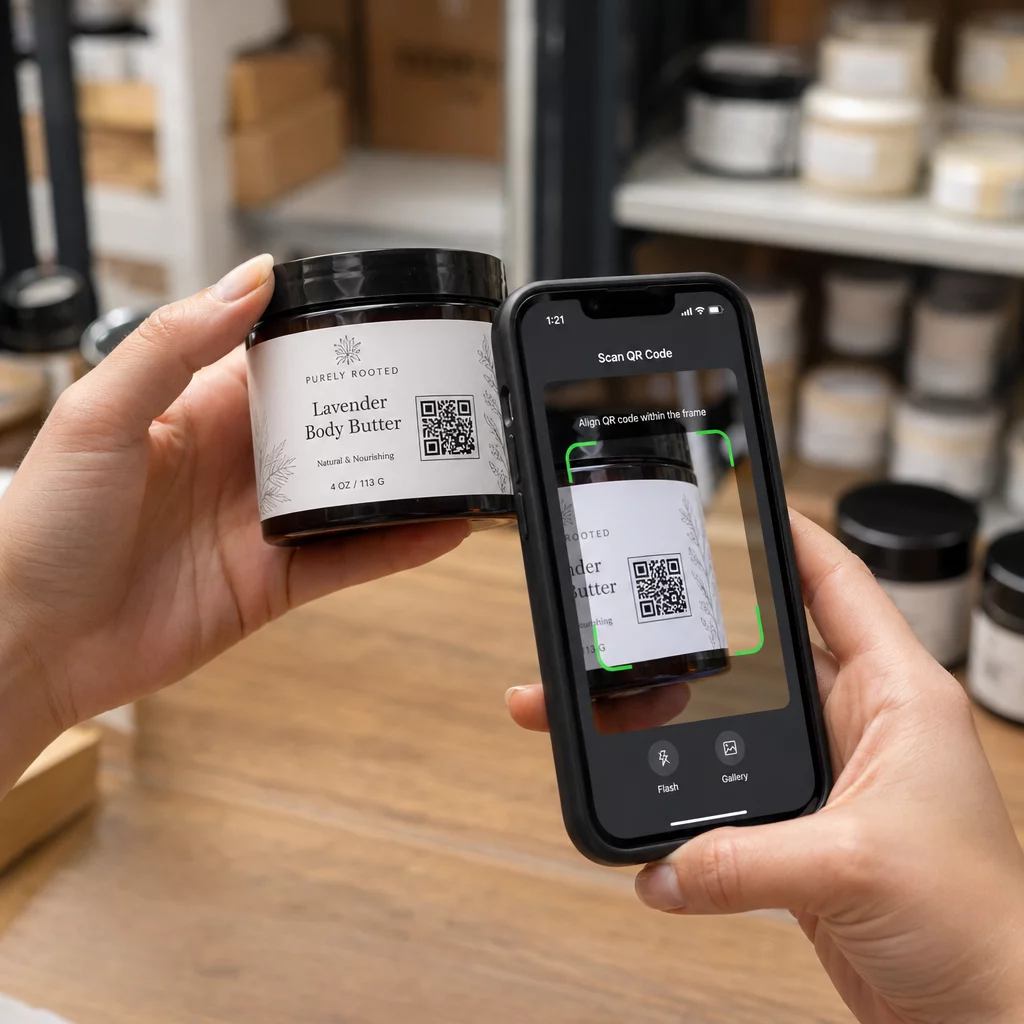
Przez lata kody QR były postrzegane wyłącznie jako funkcjonalne kody kreskowe, ale przemyślana estetyka bezpośrednio wpływa na interakcję użytkownika. Markowe kody z logo mogą zwiększyć wskaźniki skanowania o 30% do 70% w porównaniu do ogólnych projektów, ponieważ konsumenci kojarzą wizualne dopracowanie z wiarygodnością i bezpieczeństwem marki. Tworząc markowy kod QR, użycie kreatora logo AI może pomóc w stworzeniu spójnego logo, które naturalnie wpasuje się w wizualną tożsamość kodu. Jeśli kod wygląda jak zamierzona część Twojej tożsamości wizualnej, użytkownicy czują się pewnie, kierując na niego aparat swojego telefonu.
Poza podstawowym estetycznym wyglądem, użycie sztucznej inteligencji do stylizacji kodów zapewnia konkretne korzyści operacyjne. Badania pokazują jak AI usprawnia marketing z wykorzystaniem kodów QR poprzez równoważenie modyfikacji artystycznych z rekonstrukcją wzorów, co może zwiększyć dokładność skanowania o około 25%. Przemyślany dobór palety kolorów również się opłaca, ponieważ odpowiednie kontrastu kolorów kodu QR i niestandardowe kolory mogą zwiększyć zaangażowanie użytkowników nawet o 18%.
Zasady Techniczne dla Skanowalnych Kodów AI
Stylizacja kodu QR polega na modyfikowaniu pojedynczych pikseli i kształtów modułów, co wprowadza błędy odczytu, jeśli zignoruje się granice techniczne. Skanery polegają na wyraźnych znacznikach geometrycznych, aby dekodować osadzone miejsce docelowe. Przestrzeganie uznanych standardów ISO gwarantuje, że Twoje artystyczne wybory nie naruszą funkcjonalności:
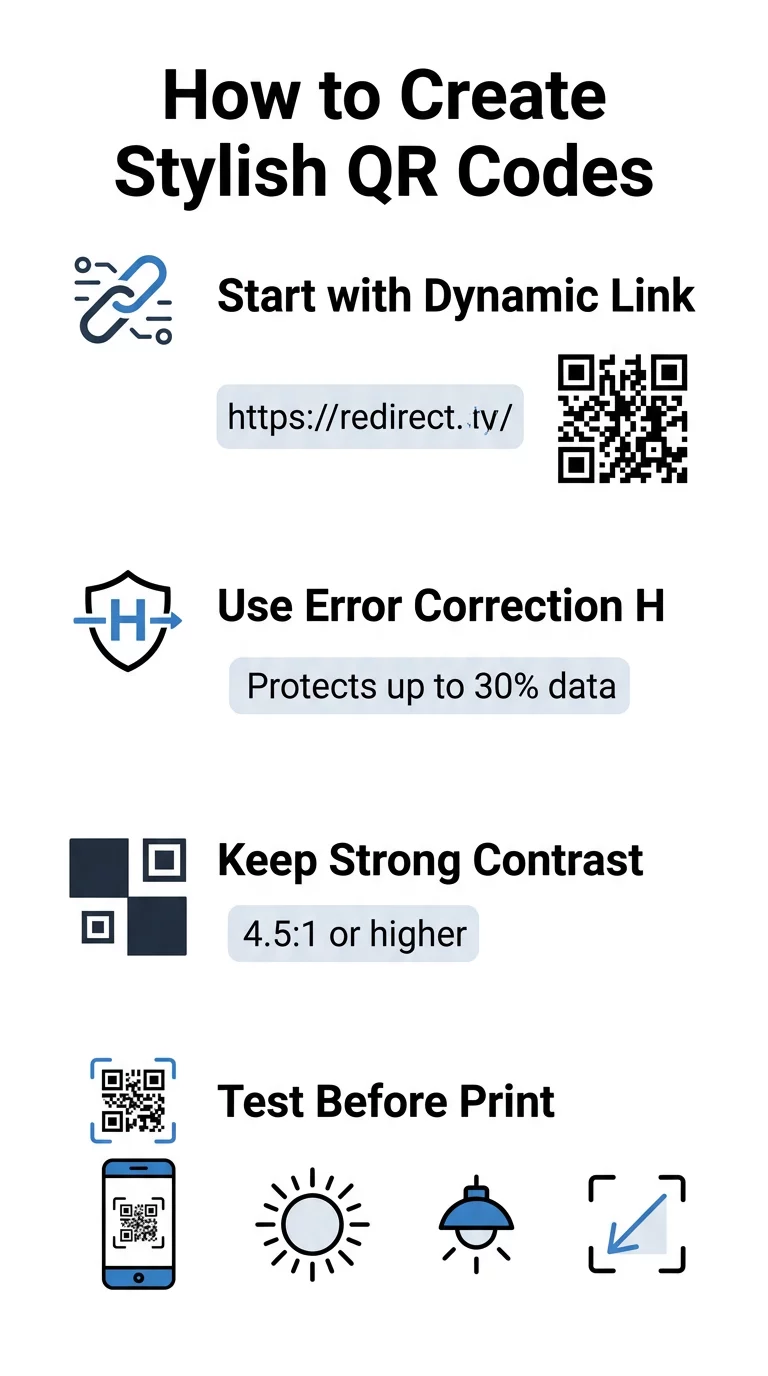
- Ustaw korekcję błędów na Poziom H: Zrozumienie jak działa korekcja błędów jest kluczowe dla artystycznych projektów. Poziom H (Wysoki) umożliwia kodowi przywrócenie do 30% brakujących lub zasłoniętych danych, zapewniając bufor potrzebny do łączenia tekstur AI lub nakładania logo.
- Chroń wzory wyszukiwania: Trzy kwadraty wykrywające pozycję w rogach wykorzystują wyraźny współczynnik szerokości 1:1:3:1:1. Skanery polegają na tych znacznikach do wykrywania orientacji z dowolnego kąta, więc muszą pozostać jasno zdefiniowane i niezakłócone.
- Zachowaj silny kontrast kolorów: Czytniki QR mierzą różnicę w odbiciu światła między ciemnymi modułami a jasnymi przestrzeniami. Dąż do współczynnika kontrastu co najmniej 4,5:1, utrzymując ciemne wzory na wyraźnych, jasnych tłach i unikając odwróconych palet kolorów.
- Zachowaj strefę ciszy: Zawsze utrzymuj niezakłócony margines o szerokości co najmniej czterech modułów ze wszystkich czterech stron kodu. Ta pusta ramka izoluje matrycę danych od pobliskiego tekstu, grafik lub elementów opakowania.
- Przestrzegaj wzorów rozmiarów: W przypadku przedmiotów trzymanych w ręku, takich jak ulotki lub wizytówki, kody powinny mieć co najmniej 0,8 x 0,8 cala (2 x 2 cm). Jak podkreślono w naszym Wskazówki dotyczące projektowania kodów QR, należy dodać około 0,3 cala do wymiaru na każdą stopę odległości między użytkownikiem a kodem.
Błyskawicznie Ulepsz Wizualizacje Swojej Marki Chcesz połączyć kreatywny styl z niezawodną wydajnością skanowania? Użyj generatora kodów QR Pageloot z logo aby dostosować kolory, dodać ikonę swojej marki i uzyskać dostęp do dynamicznych narzędzi śledzenia już dziś.
Praktyczny Przepływ Pracy dla Łączenia AI i Kodów QR
Tworzenie stylowego, czytelnego dla maszyny zasobu wymaga przechodzenia krok po kroku od surowych danych do artystycznego generowania. Pomijanie bezpośrednio filtrów obrazu bez przygotowania podstawowej matrycy często skutkuje nieczytelną grafiką.
- Wygeneruj czysty kod bazowy: Zacznij w standardowym generator kodów QR aby wprowadzić swój adres URL i wybrać korekcję błędów poziomu H. Wygenerowanie tej czystej cyfrowej matrycy ustanawia dokładną siatkę, którą Twój model AI stylizuje.
- Twórz precyzyjne podpowiedzi AI: Wprowadź swój kod bazowy do modelu generowania obrazów, używając opisowych parametrów podpowiedzi. Określ jasne tematy, style architektoniczne, warunki oświetleniowe lub palety kolorów i unikaj abstrakcyjnych podpowiedzi, które łączą ciemne i jasne moduły.
- Zachowaj krytyczne punkty zakotwiczenia: Utrzymuj wyważoną wagę wskazówek, aby narzędzie nie zmieniało trzech wzorców wyszukiwania narożników ani nie zniekształcało siatki modułów nie do poznania.
- Zintegruj wyśrodkowane znaki firmowe: Wprowadź ikonę lub znak firmowy w centrum projektu, upewniając się, że zajmuje on nie więcej niż 20% do 30% całkowitej powierzchni, zgodnie ze standardowymi niestandardowy kod QR wytycznymi.
- Dodaj zewnętrzną ramkę wezwania do działania: Otocz ukończoną grafikę zdefiniowaną ramką i frazą akcji, taką jak „Skanuj, aby odkryć”, aby użytkownicy natychmiast zrozumieli, dokąd prowadzi kod.
Dlaczego dynamiczne kody QR obsługują lepsze wizualizacje
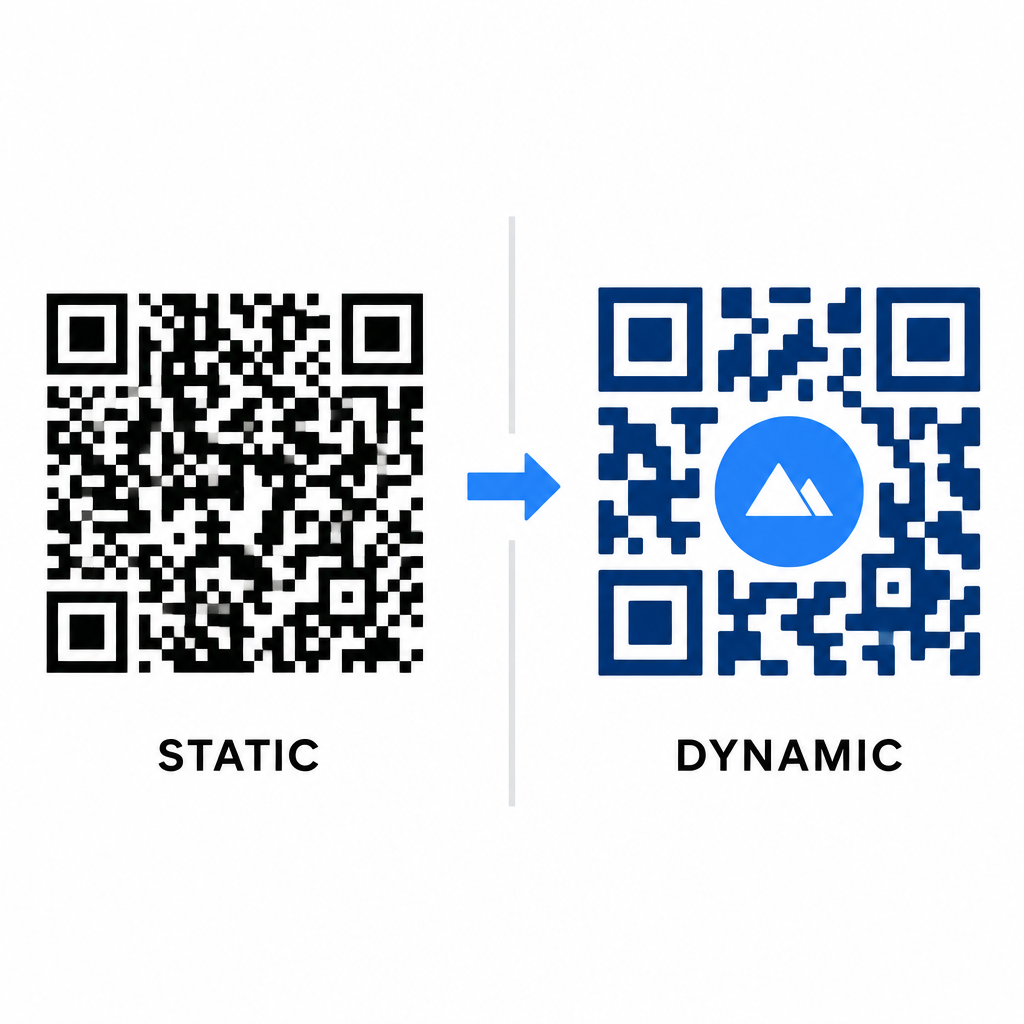
Gęstość danych bezpośrednio wpływa na zakres swobody artystycznej. Statyczne kody QR kodują cały docelowy adres URL w fizycznym wzorze. Jeśli Twój link jest długi, generator musi wytworzyć gęstą matrycę małych modułów, pozostawiając bardzo mało miejsca na ilustracje AI lub integrację logo bez powodowania błędów skanowania.
Kody dynamiczne pokonują to wąskie gardło, przechowując krótki adres URL przekierowania na centralnym serwerze. Dzięki temu fizyczna siatka pozostaje przestronna, a moduły duże, co znacznie ułatwia obiektywom aparatów odczytywanie stylizowanych kształtów. Badanie rzeczywistych przykładów markowych kodów QR pokazuje, że dynamiczne konfiguracje pozwalają również aktualizować miejsca docelowe po wydrukowaniu, jednocześnie zapewniając pełny dostęp do Funkcje kodu QR takich jak śledzenie urządzeń, lokalizacje skanowania i analityka zaangażowania.
Testowanie i walidacja Twoich projektów
Nigdy nie wysyłaj stylizowanego przez AI kodu QR do druku bez walidacji go na różnorodnym sprzęcie i w różnych warunkach środowiskowych. Modele AI mogą wprowadzać subtelne artefakty, które przechodzą na jednej kamerze premium, ale zawodzą na standardowych urządzeniach.
- Przetestuj wiele urządzeń mobilnych: Zeskanuj kod za pomocą natywnych aplikacji aparatu iOS i Android, a także starszych aplikacji skanujących innych firm, aby potwierdzić uniwersalną kompatybilność.
- Oceń różnorodne warunki oświetleniowe: Sprawdź czytelność w ostrym, bezpośrednim świetle słonecznym, pod wewnętrznymi żarówkami biurowymi i w słabych środowiskach, aby upewnić się, że cienie nie zakłócają kontrastu.
- Skanuj pod naturalnymi kątami: Skieruj urządzenie pod kątem 45 stopni i z typowej odległości konsumenta, zamiast testować wyłącznie płaskie skany na wprost.
- Potwierdź materiały do druku: Testuj fizyczne próbki na planowanym papierze, ponieważ błyszczące laminaty, teksturowane kartony lub tkaniny mogą tworzyć odbicia, które zniekształcają grafikę AI.
Wdrażanie sztuki funkcjonalnej dla Twojej marki
Przekształcanie ogólnych kodów w stylowe elementy marki pozwala przyciągnąć uwagę klienta bez poświęcania użyteczności. Zaczynając od dynamicznych krótkich linków, blokując korekcję błędów na poziomie H, zachowując strefę ciszy i utrzymując ścisłe współczynniki kontrastu, tworzysz uderzające wizualnie projekty, które dekodują się bez wysiłku.
Rozpocznij dostosowywanie swoich cyfrowych punktów styku już dziś, korzystając z pakietu do generowania i śledzenia Pageloot, aby dostarczać niezapomniane, gotowe do skanowania doświadczenia we wszystkich swoich kampaniach marketingowych.
Najczęściej zadawane pytania
Powinieneś unikać odwróconych schematów kolorów, ponieważ wiele czujników smartfonów nie jest w stanie dekodować wzorców światła na ciemnych powierzchniach. Trzymaj się ciemnych modułów pierwszego planu umieszczonych na białym lub jasnym tle, aby zagwarantować spójne skanowanie.
Poziom H umożliwia kodowi QR odzyskanie do 30% utraconych lub zasłoniętych danych. Ta wbudowana redundancja zapewnia bufor bezpieczeństwa wymagany do łączenia tekstur AI lub osadzania wyśrodkowanych logotypów bez utraty integralności danych.
Będą skanować się niezawodnie na nowoczesnych smartfonach, jeśli zachowasz wyraźne wzorce znaczników narożnych, utrzymasz strefę ciszy i zapewnisz silny kontrast. Zawsze testuj swoją grafikę na różnych modelach telefonów przed uruchomieniem kampanii.