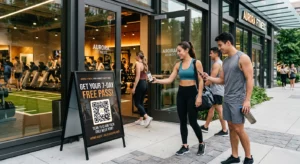
Nedarí sa vašim štandardným čiernobielym QR kódom zaujať vašich zákazníkov? Generické kódy často splývajú s rušným prostredím, čo vedie k zmeškaným marketingovým príležitostiam a sklamujúcim mieram skenovania. Zistite, ako skombinovať vizuálne AI podnety s funkčnými dizajnovými štandardmi a vytvoriť značkové kódy, ktoré vyzerajú jedinečne a spoľahlivo sa skenujú zakaždým.
Prečo vizuálny dizajn vedie k vyššej angažovanosti
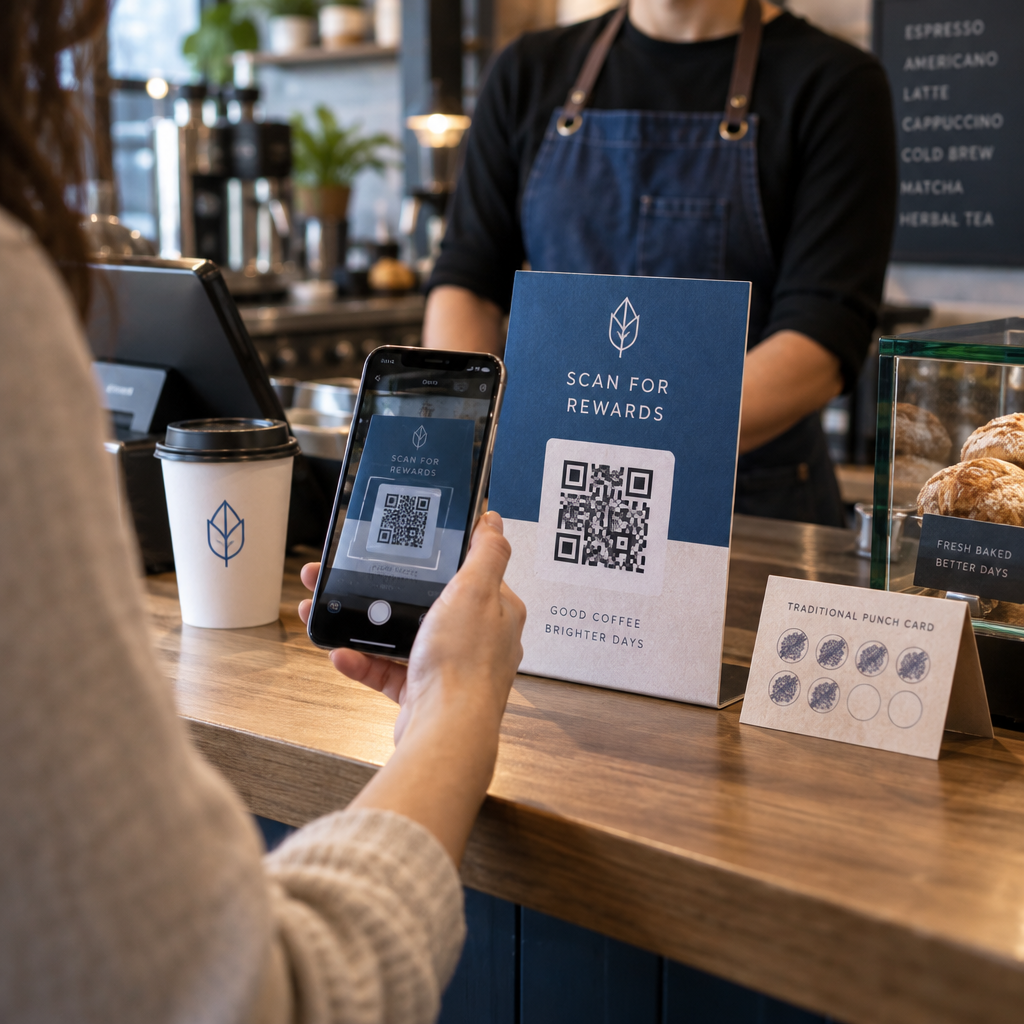
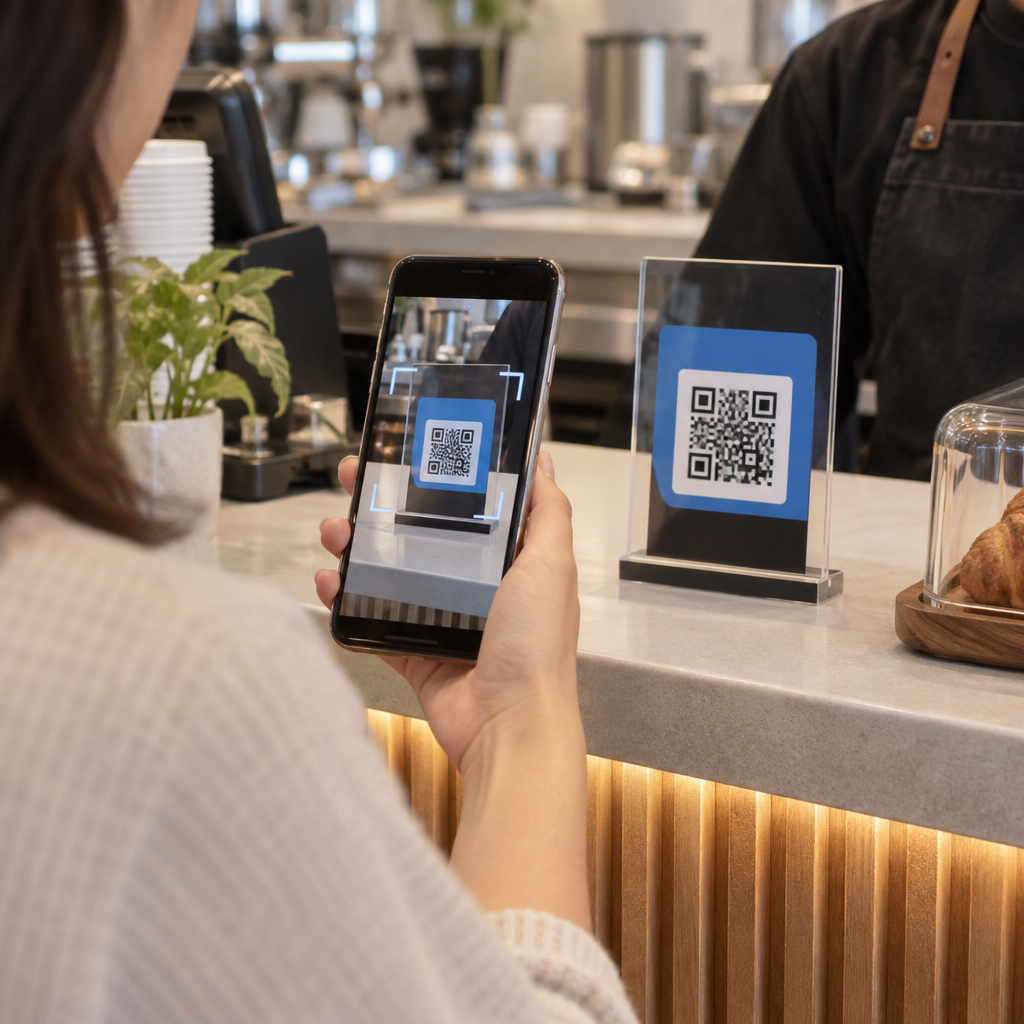
Po roky boli QR kódy vnímané výlučne ako funkčné čiarové kódy, no premyslená estetika priamo ovplyvňuje interakciu používateľov. Značkové kódy s logami môžu zvýšiť mieru skenovania o 30 % až 70 % v porovnaní s generickými návrhmi, pretože spotrebitelia spájajú vizuálnu úpravu s dôveryhodnosťou a bezpečnosťou značky. Pri vytváraní značkového QR kódu, použitie nástroja na tvorbu AI loga môže pomôcť vyvinúť konzistentné logo, ktoré prirodzene zapadne do vizuálnej identity kódu. Ak kód vyzerá ako zámerná súčasť vašej vizuálnej identity, používatelia sa cítia iste, keď naň namieria fotoaparát svojho telefónu.
Okrem základnej estetickej príťažlivosti, použitie umelej inteligencie na štylizáciu kódov prináša konkrétne prevádzkové výhody. Výskum ukazuje ako AI zlepšuje marketing QR kódov vyvážením umeleckých úprav s rekonštrukciou vzoru, čo môže zvýšiť presnosť skenovania o približne 25 %. Použitie premyslených farebných paliet sa tiež vypláca, pretože správne farebného kontrastu QR kódu a vlastné farby môžu zvýšiť zapojenie používateľov až o 18 %.
Technické pravidlá pre skenovateľné AI kódy
Štylizácia QR kódu zahŕňa úpravu jednotlivých pixelov a tvarov modulov, čo zavádza chyby čítania, ak ignorujete technické hranice. Skenery závisia od jasných geometrických značiek na dekódovanie vloženého cieľa. Dodržiavanie uznávaných noriem ISO zaručuje, že vaše umelecké voľby nenarušia funkčnosť:
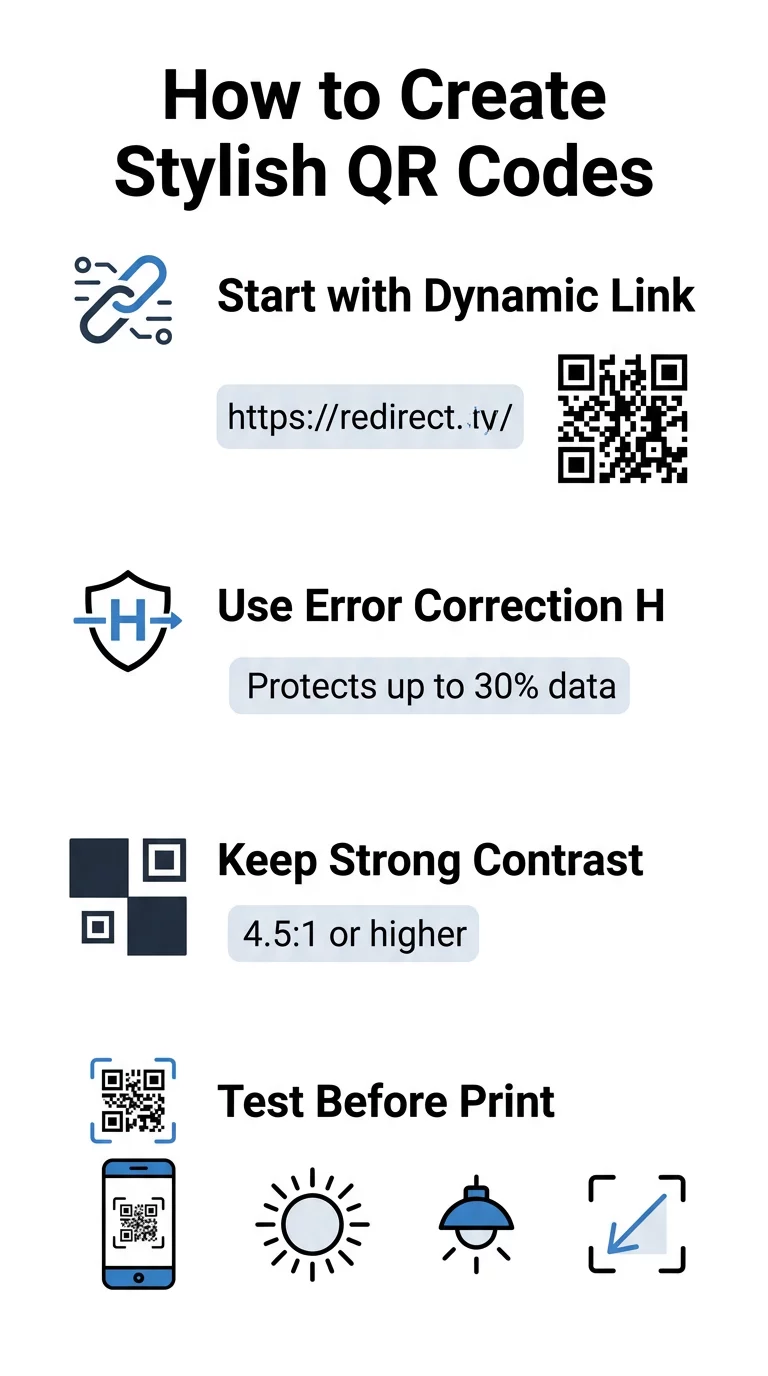
- Nastavte opravu chýb na úroveň H: Pochopenie ako funguje korekcia chýb je nevyhnutné pre umelecké návrhy. Úroveň H (Vysoká) umožňuje kódu obnoviť až 30 % chýbajúcich alebo zakrytých údajov, čo poskytuje potrebný priestor na zmiešanie textúr AI alebo prekrytie log.
- Chráňte vzory vyhľadávačov: Tri štvorce na detekciu polohy v rohoch používajú odlišný pomer šírky 1:1:3:1:1. Skenery sa spoliehajú na tieto značky na detekciu orientácie z akéhokoľvek uhla, takže musia zostať jasne definované a neprekryté.
- Udržujte silný farebný kontrast: Čítačky QR kódov merajú rozdiel v odrazivosti svetla medzi tmavými modulmi a svetlými priestormi. Snažte sa o kontrastný pomer aspoň 4,5:1, pričom udržujte tmavé vzory na jasnom, svetlom pozadí a vyhýbajte sa invertovaným farebným paletám.
- Zachovajte tichú zónu: Vždy udržujte nerušený okraj široký aspoň štyri moduly na všetkých štyroch stranách kódu. Tento prázdny okraj izoluje dátovú maticu od okolitého textu, umeleckých diel alebo grafiky obalov.
- Dodržujte vzorce pre veľkosť: Pre ručné predmety, ako sú letáky alebo vizitky, udržujte kódy s rozmermi aspoň 0,8 x 0,8 palca (2 x 2 cm). Ako je zdôraznené v našom Tipy na dizajn QR kódov, mali by ste pridať približne 0,3 palca na rozmer pre každý stopu vzdialenosti medzi používateľom a kódom.
Okamžite vylepšite vizuály vašej značky Chcete skombinovať kreatívny talent so spoľahlivým výkonom skenovania? Použite generátora QR kódov Pageloot s logom na prispôsobenie farieb, pridanie ikony vašej značky a prístup k nástrojom dynamického sledovania ešte dnes.
Praktický pracovný postup pre kombinovanie AI a QR kódov
Vytvorenie štýlového, strojom čitateľného aktíva si vyžaduje postupný prechod od surových dát k umeleckej generácii. Priame preskočenie na obrazové filtre bez prípravy základnej matice často vedie k nečitateľným umeleckým dielam.
- Vygenerujte čistý základný kód: Začnite v štandardnom generátor QR kódov na zadanie vašej URL a výber korekcie chýb úrovne H. Vygenerovaním tejto čistej digitálnej matice sa vytvorí presná mriežka, ktorú váš model AI štylizuje.
- Vytvorte presné výzvy AI: Zadajte svoj základný kód do modelu generovania obrázkov pomocou popisných parametrov výzvy. Zadajte jasné témy, architektonické štýly, svetelné podmienky alebo farebné palety a vyhnite sa abstraktným výzvam, ktoré spájajú tmavé a svetlé moduly.
- Zachovajte kritické kotvy: Udržujte váhu navádzania výzvy vyváženú, aby nástroj nemenil vzory troch rohových hľadačov ani neskresľoval mriežku modulov do takej miery, že by bola nerozoznateľná.
- Integrujte centrované značky: Začleňte ikonu alebo značku do stredu dizajnu, pričom dbajte na to, aby nezaberala viac ako 20% až 30% celkovej plochy, podľa štandardných vlastný QR kód pokynov.
- Pridajte vonkajší rám výzvy na akciu: Obklopte svoje dokončené umelecké dielo definovaným okrajom a akčnou frázou ako „Skenovať a objavovať“, aby používatelia okamžite pochopili, kam kód vedie.
Prečo dynamické QR kódy podporujú lepšiu vizualizáciu
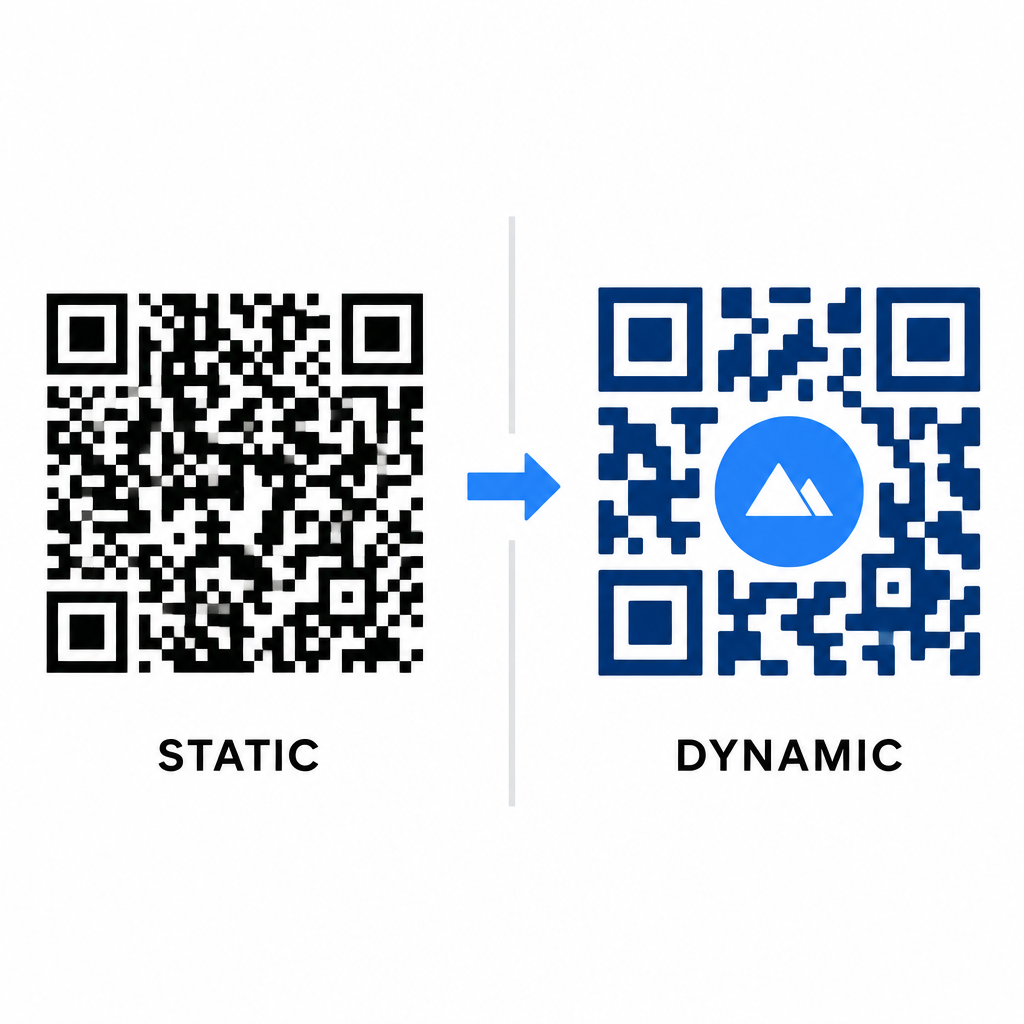
Hustota dát priamo ovplyvňuje mieru vašej umeleckej slobody. Statické QR kódy kódujú celú cieľovú URL adresu do fyzického vzoru. Ak je váš odkaz dlhý, generátor musí vytvoriť hustú maticu malých modulov, čo zanecháva veľmi málo priestoru pre AI ilustráciu alebo integráciu loga bez toho, aby to spôsobilo zlyhanie skenovania.
Dynamické kódy prekonávajú toto úzke miesto uložením krátkej presmerovanej URL adresy na centrálnom serveri. Tým sa fyzická mriežka udržuje priestranná a moduly veľké, čo výrazne uľahčuje čítanie štylizovaných tvarov objektívmi fotoaparátov. Skúmanie reálnych príkladov značkových QR kódov ukazuje, že dynamické nastavenia vám tiež umožňujú aktualizovať ciele po vytlačení a zároveň pristupovať k plným Funkcie QR kódu ako je sledovanie zariadení, miesta skenovania a analýza zapojenia.
Testovanie a validácia vašich návrhov
Nikdy neposielajte QR kód štylizovaný pomocou AI do tlače bez toho, aby ste ho overili na rôznom hardvéri a v rôznych prostrediach. Modely AI môžu zaviesť jemné artefakty, ktoré prejdú na jednej prémiových kamerách, ale zlyhajú na štandardných zariadeniach.
- Testujte na viacerých mobilných zariadeniach: Naskenujte kód pomocou natívnych aplikácií pre fotoaparáty iOS aj Android, spolu so staršími aplikáciami na skenovanie tretích strán, aby ste potvrdili univerzálnu kompatibilitu.
- Vyhodnoťte rôzne svetelné podmienky: Skontrolujte čitateľnosť pod ostrým priamym slnečným svetlom, pod interiérovými kancelárskymi žiarovkami a v slabom prostredí, aby ste sa uistili, že tiene nenarúšajú kontrast.
- Skenujte z prirodzených uhlov: Nasmerujte svoje zariadenie pod 45-stupňovým uhlom a z typických vzdialeností spotrebiteľa, namiesto toho, aby ste testovali výlučne ploché, priame skenovanie.
- Potvrďte tlačové materiály: Otestujte fyzické vzorky na plánovanom type papiera, pretože lesklé lamináty, textúrované kartóny alebo látky môžu vytvárať odrazy, ktoré skresľujú grafiku AI.
Nasadenie funkčného umenia pre vašu značku
Premena generických kódov na štýlové aktíva značky vám umožní upútať pozornosť zákazníkov bez obetovania užitočnosti. Začatím s dynamickými krátkymi odkazmi, zabezpečením korekcie chýb úrovne H, zachovaním tichej zóny a udržiavaním prísnych kontrastných pomerov vytvoríte vizuálne pôsobivé návrhy, ktoré sa dekódujú bez námahy.
Začnite prispôsobovať svoje digitálne kontaktné body ešte dnes pomocou sady na generovanie a sledovanie od Pageloot, aby ste poskytovali nezabudnuteľné, pripravené na skenovanie zážitky vo všetkých vašich marketingových kampaniach.
Často kladené otázky
Mali by ste sa vyhnúť obráteným farebným schémam, pretože mnoho senzorov smartfónov nedokáže dekódovať svetelné vzory na tmavých povrchoch. Držte sa tmavých popredných modulov umiestnených na bielych alebo svetlých pozadiach, aby ste zaručili konzistentné skenovanie.
Úroveň H umožňuje QR kódu obnoviť až 30% stratených alebo zakrytých dát. Táto vstavaná redundancia poskytuje bezpečnostnú rezervu potrebnú na spájanie AI textúr alebo vkladanie centrovaných log bez straty integrity dát.
Budú spoľahlivo skenovateľné na moderných smartfónoch, ak zachováte rohové vyhľadávacie vzory zreteľné, zachováte tichú zónu a zachováte silný kontrast. Vždy otestujte svoje dielo na viacerých modeloch telefónov pred spustením vašej kampane.