Struggling to keep track of your growing inventory or preparing products for retail shelves? Manual tracking leads to costly human errors and slows down your checkout process. This guide explains how to generate, format, and print scannable barcodes to streamline your business operations and inventory management.
Understanding Barcode Basics and Benefits
A barcode is a visual representation of data in a machine-readable form, typically consisting of parallel lines and spaces of varying widths. When you use a scanner, it translates these patterns into numbers and characters in milliseconds, providing a level of speed and reliability that manual entry cannot match. While barcodes are traditional one-dimensional codes, you might also consider the barcode vs QR code debate for your business; QR codes offer higher data capacity and better damage tolerance, but standard barcodes remain the industry standard for retail and internal asset tracking.
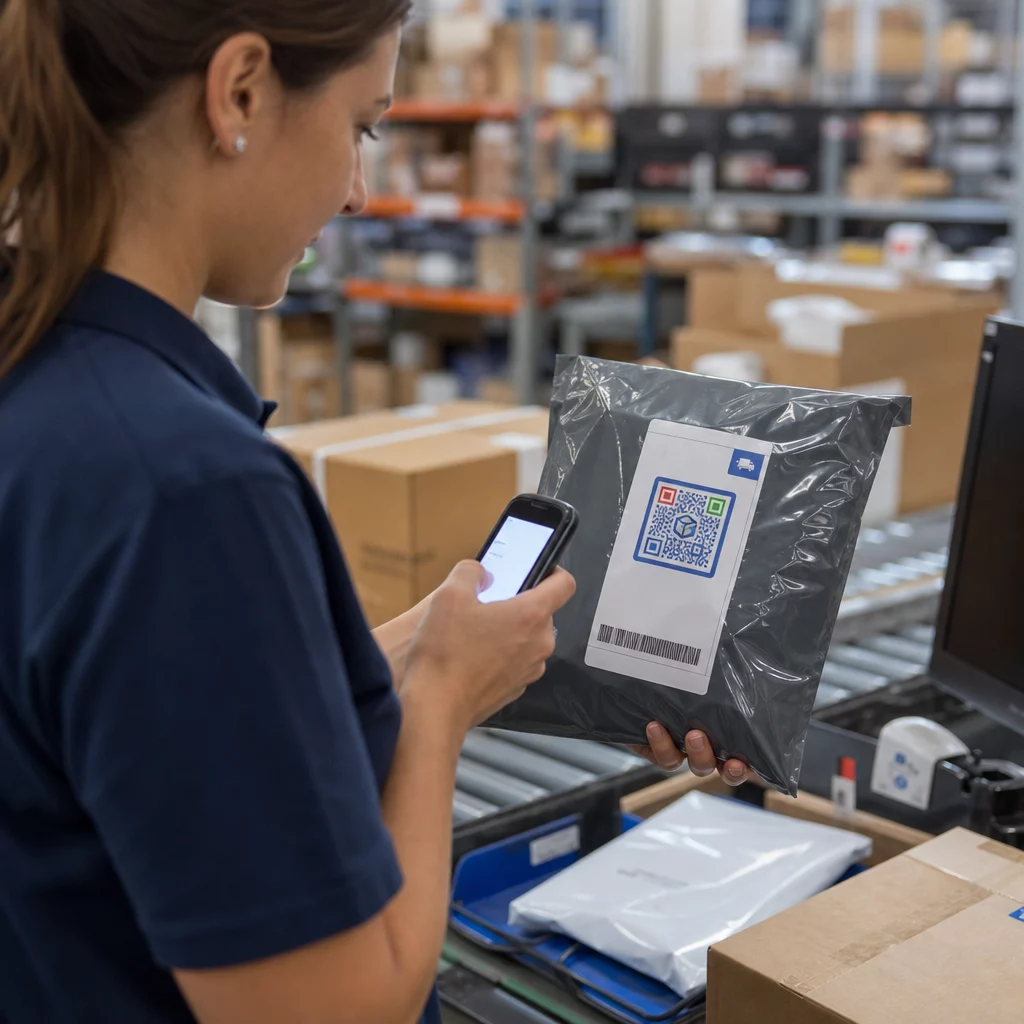
Implementing a barcode system reduces the risk of human error, which is especially critical when you are making shipping label barcodes that must withstand the rigors of transit. By digitizing your inventory, you gain real-time visibility into stock levels, helping you avoid shortages or expensive overstocking.
Designing Barcodes for Optimal Scannability
The foundation of a functional barcode is contrast. Scanners generally use red light to read codes, meaning the device identifies the difference between light-reflecting spaces and light-absorbing bars. For the most reliable results, you should use black bars on a white background. While you can use other light colors like yellow, orange, or red for the background, the bars themselves must remain dark to ensure the scanner can distinguish the pattern.
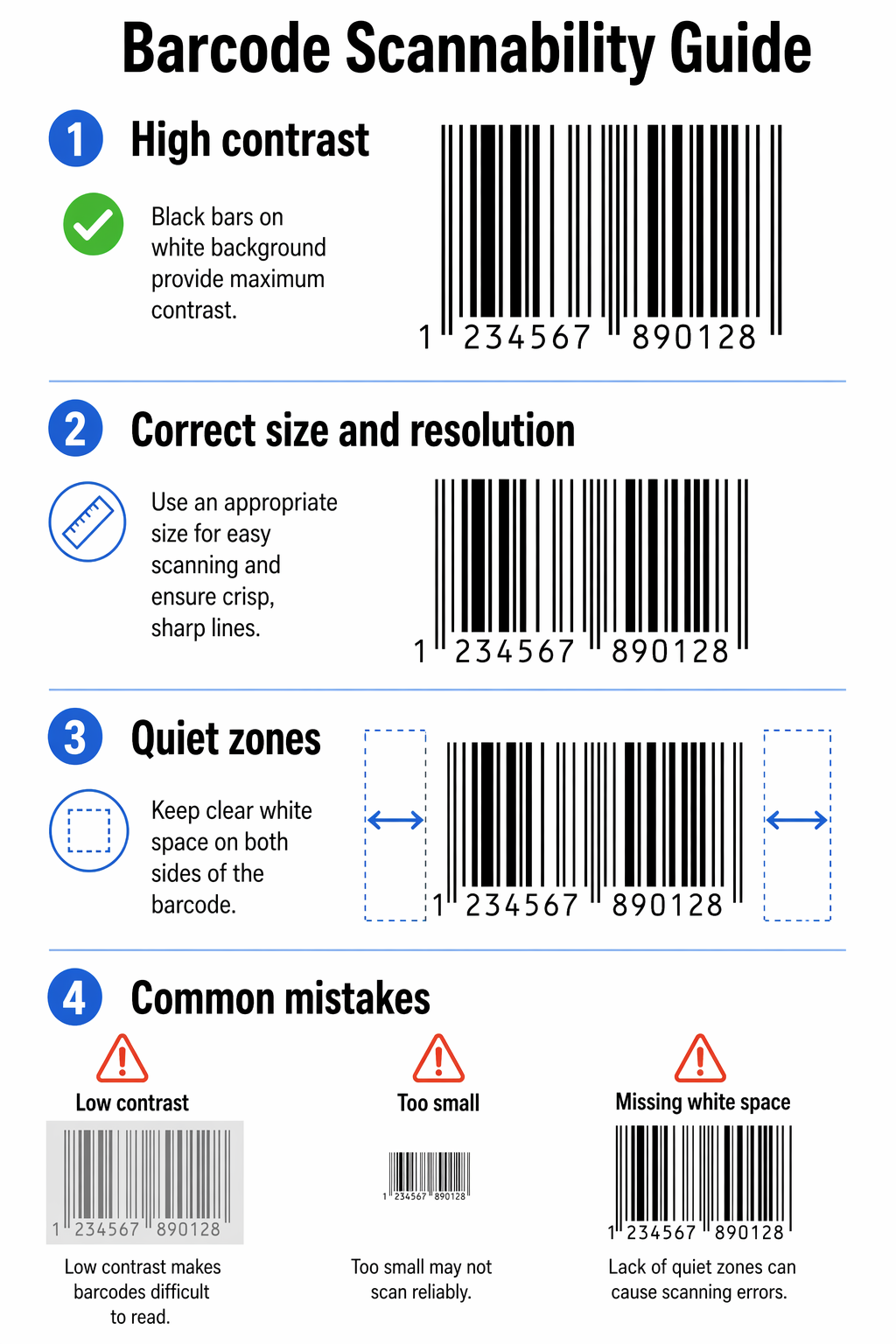
Size and resolution also dictate whether a code will scan on the first try. For standard retail barcodes like UPC-A or EAN-13, the practical minimum magnification is 80% of the standard size, though you can scale them up to 200% for larger packaging. If a barcode is too small, the scanner may fail to resolve the individual lines, while a code that is too large may not fit within the scanner’s field of view.
Every barcode requires a “quiet zone,” which is the empty white space surrounding the code that tells the scanner where the data begins and ends. For a UPC-A barcode, you must maintain a quiet zone on both the left and right sides that is at least nine times the width of the narrowest bar. EAN-13 codes have slightly different requirements, needing a quiet zone of 11 times the narrowest bar width on the left and seven times on the right. Failing to provide this space is one of the most common causes of unreadable labels.
Choosing Your Barcode Orientation
The way you place a barcode on your product affects how easily it can be read by different hardware. You can choose between two primary orientations:
- The picket fence orientation places the bars parallel to the movement of the label through the printer, often resulting in cleaner edges and higher print quality.
- The ladder orientation places the bars perpendicular to the print direction, which is often preferred for cylindrical objects like bottles or cans to prevent the curve of the surface from distorting the scan.
When you scan a barcode online or with a handheld device, the orientation should allow the laser or camera to capture the entire width of the code in a single pass. Vertical placement is generally easier for staff to scan quickly during high-volume inventory checks.
How to Generate Your Barcode
The first step in the generation process is identifying the correct numbering system for your needs. Most retail products require a Universal Product Code (UPC) or an EAN number, which you can obtain officially through GS1 to ensure global uniqueness. For internal tracking or warehouse management, you might use Stock Keeping Unit (SKU) numbers that you define yourself.
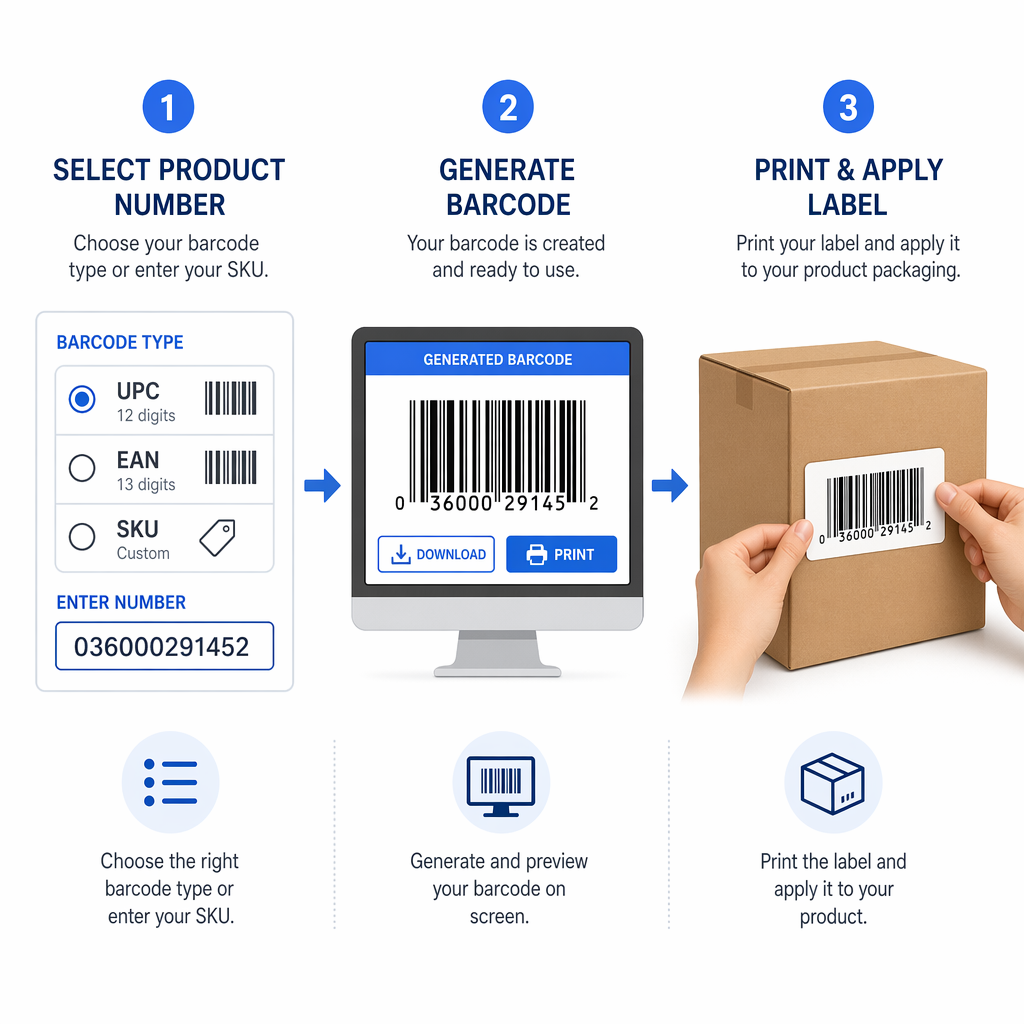
Once you have your numbers, you can use a barcode generator to convert that text into a digital image. Many businesses use online tools to create these images quickly for product labels. If you are selling through specific platforms, you must follow their unique requirements, such as the specific standards for Amazon FBA barcode labels.
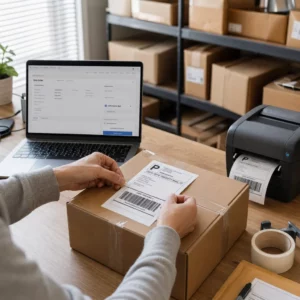
After generating the digital file, you must choose the right media for printing. While standard paper works for some applications, adhesive labels are the most popular and cost-effective choice for retail. For more specialized environments, you might use tags or even wristbands. Thermal printers are typically used for label rolls because they produce durable, high-contrast images that do not smudge easily.
Verify Your Codes Instantly Ensure your new barcodes are perfectly readable before you print thousands of labels. Use the Online Barcode Scanner to test your designs across different devices and ensure they are ready for the retail floor.
Troubleshooting Common Scanning Issues
Even with a high-quality generator, environmental factors can render a barcode unreadable. Moisture, extreme temperature changes, or physical abrasion during shipping can damage the face stock of the label. To prevent these issues, ensure your labels are made of durable material suited for your specific storage conditions.
Inconsistency in print quality is another frequent hurdle. If your printer head is dirty or the ink is low, the bars may appear faded or streaky, which disrupts the pattern the scanner is trying to read. Regular maintenance of your hardware and frequent testing of printed batches can help you catch these errors before the products reach the customer. To better understand how to prevent these failures, it helps to learn how a barcode scanner works and the light-reflection principles it relies on to interpret data.
Frequently Asked Questions
No. You must maintain high contrast between the bars and the background. Black bars on a white background are the safest choice. Avoid using red for the bars, as many scanners use red light and will see red bars as white space.
For UPC-A and EAN-13 barcodes, the industry standard suggests a minimum magnification of 80% of the nominal size. Reducing the size further increases the risk of the barcode becoming unreadable by standard scanners.
If you are only using barcodes to track assets within your own warehouse or office, you can generate your own SKU-based barcodes for free. However, if you plan to sell products in retail stores, you generally need to register for official UPC or EAN numbers through GS1.
By following these guidelines for contrast, sizing, and placement, you can create a reliable barcode system that grows with your business. The right combination of software and hardware ensures your inventory remains organized and your checkout process stays efficient. If you are ready to start, try generating a test code and use a mobile scanning tool to verify its accuracy today.