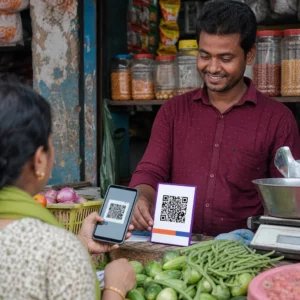
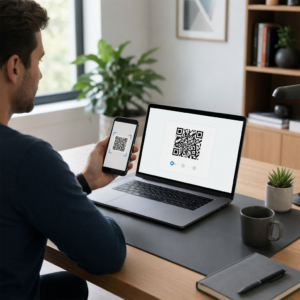
Adakah kod QR hitam-putih standard anda gagal menarik perhatian pelanggan anda? Kod generik sering tenggelam dalam persekitaran yang sibuk, menyebabkan peluang pemasaran terlepas dan kadar imbasan yang mengecewakan. Ketahui cara menggabungkan gesaan AI visual dengan piawaian reka bentuk fungsian untuk menghasilkan kod berjenama yang kelihatan berbeza dan boleh diimbas dengan boleh dipercayai setiap masa.
Mengapa Reka Bentuk Visual Mendorong Penglibatan yang Lebih Tinggi
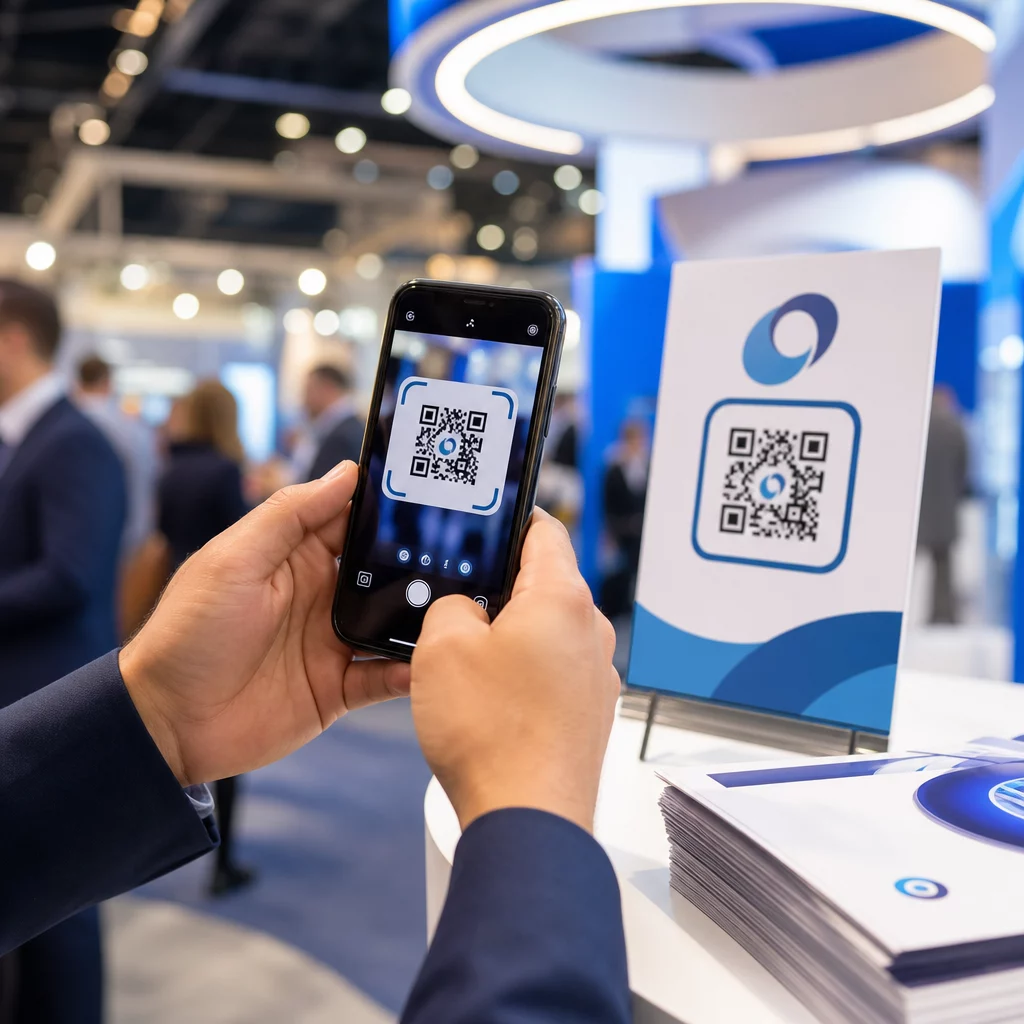
Selama bertahun-tahun, kod QR dilihat semata-mata sebagai kod bar berfungsi, tetapi estetika yang teliti secara langsung memberi kesan kepada interaksi pengguna. Kod berjenama dengan logo boleh meningkatkan kadar imbasan sebanyak 30% hingga 70% berbanding reka bentuk generik kerana pengguna mengaitkan penampilan visual yang kemas dengan kredibiliti dan keselamatan jenama. Apabila mencipta kod QR berjenama, menggunakan pembuat logo AI boleh membantu membangunkan logo yang konsisten yang sesuai secara semula jadi dengan identiti visual kod tersebut. Jika kod kelihatan seperti sebahagian sengaja daripada identiti visual anda, pengguna berasa yakin untuk menghalakan kamera telefon mereka kepadanya.
Melangkaui daya tarikan estetik asas, menggunakan kecerdasan buatan untuk menggayakan kod memberikan manfaat operasi yang konkrit. Penyelidikan menunjukkan cara AI meningkatkan pemasaran kod QR dengan mengimbangkan pengubahsuaian artistik dengan pembinaan semula corak, yang boleh meningkatkan ketepatan imbasan kira-kira 25%. Menggunakan pilihan palet yang teliti juga membuahkan hasil, kerana kontras warna kod QR warna yang sesuai dan tersuai boleh meningkatkan penglibatan pengguna sehingga 18%.
Peraturan Teknikal untuk Kod AI Boleh Imbas
Menggayakan kod QR melibatkan pengubahsuaian piksel individu dan bentuk modul, yang memperkenalkan ralat bacaan jika anda mengabaikan batasan teknikal. Pengimbas bergantung pada penanda geometri yang jelas untuk menyahkod destinasi yang terbenam. Mematuhi piawaian ISO yang diiktiraf memastikan pilihan artistik anda tidak merosakkan fungsi:
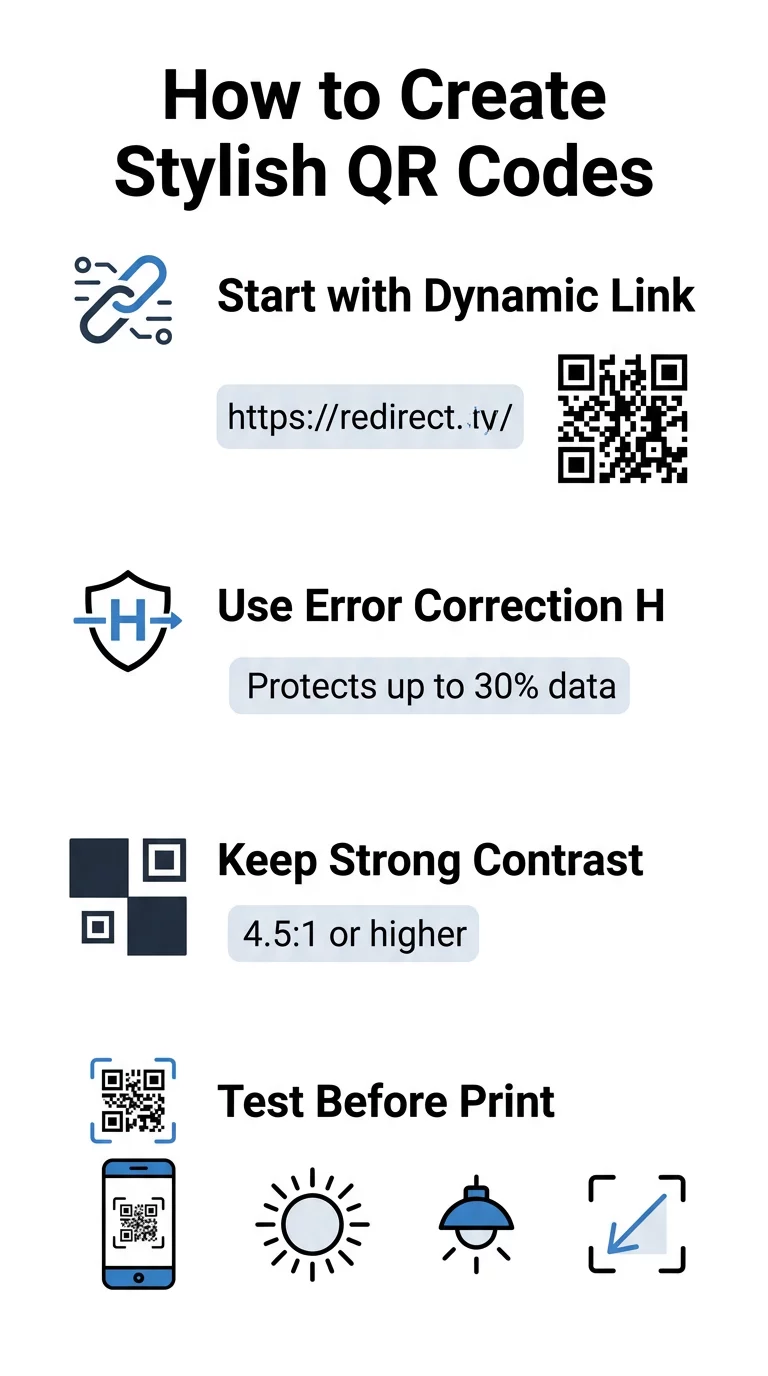
- Tetapkan pembetulan ralat kepada Tahap H: Memahami bagaimana pembetulan ralat berfungsi adalah penting untuk reka bentuk artistik. Tahap H (Tinggi) membolehkan kod memulihkan sehingga 30% data yang hilang atau kabur, menyediakan penimbal yang diperlukan untuk menggabungkan tekstur AI atau menindih logo.
- Lindungi corak pengesan: Tiga petak pengesan kedudukan di penjuru menggunakan nisbah lebar 1:1:3:1:1 yang berbeza. Pengimbas bergantung pada penanda ini untuk mengesan orientasi dari sebarang sudut, jadi ia mesti kekal jelas dan tidak terhalang.
- Kekalkan kontras warna yang kuat: Pembaca QR mengukur perbezaan pantulan cahaya antara modul gelap dan ruang cerah. Sasarkan nisbah kontras sekurang-kurangnya 4.5:1, mengekalkan corak gelap berlatarbelakang terang yang jelas sambil mengelakkan palet warna terbalik.
- Pelihara zon senyap: Sentiasa kekalkan margin tanpa halangan sekurang-kurangnya empat modul lebar pada keempat-empat sisi kod. Sempadan kosong ini mengasingkan matriks data daripada teks, karya seni, atau grafik pembungkusan berdekatan.
- Ikut formula saiz: Untuk item pegang tangan seperti risalah atau kad perniagaan, pastikan kod bersaiz sekurang-kurangnya 0.8 x 0.8 inci (2 x 2 cm). Seperti yang diserlahkan dalam kami Petua reka bentuk kod QR, anda harus menambah kira-kira 0.3 inci pada dimensi untuk setiap kaki jarak antara pengguna dan kod.
Naik Taraf Visual Jenama Anda Serta-merta Ingin menggabungkan gaya kreatif dengan prestasi imbasan yang boleh dipercayai? Gunakan penjana kod QR Pageloot dengan logo untuk menyesuaikan warna, menambah ikon jenama anda, dan mengakses alat penjejakan dinamik hari ini.
Aliran Kerja Praktikal untuk Menggabungkan AI dan Kod QR
Mencipta aset yang bergaya dan boleh dibaca mesin memerlukan pergerakan langkah demi langkah daripada data mentah kepada penjanaan artistik. Melangkau terus ke penapis imej tanpa menyediakan matriks asas selalunya mengakibatkan karya seni tidak boleh dibaca.
- Jana kod asas yang bersih: Mulakan di dalam standard penjana kod QR untuk memasukkan URL anda dan memilih pembetulan ralat Tahap H. Menjana matriks digital yang bersih ini menetapkan grid tepat yang akan digayakan oleh model AI anda.
- Hasilkan gesaan AI yang tepat: Masukkan kod asas anda ke dalam model penjanaan imej menggunakan parameter gesaan deskriptif. Nyatakan subjek yang jelas, gaya seni bina, keadaan pencahayaan, atau palet warna, dan elakkan gesaan abstrak yang menggabungkan modul gelap dan terang.
- Kekalkan penambat kritikal: Pastikan berat panduan segera seimbang supaya alat tidak mengubah tiga corak pencari penjuru atau memesongkan grid modul sehingga tidak dapat dikenali.
- Integrasikan tanda jenama berpusat: Gabungkan ikon atau tanda jenama di tengah reka bentuk, memastikan ia tidak melebihi 20% hingga 30% daripada jumlah keluasan, mengikut piawaian kod QR tersuai garis panduan.
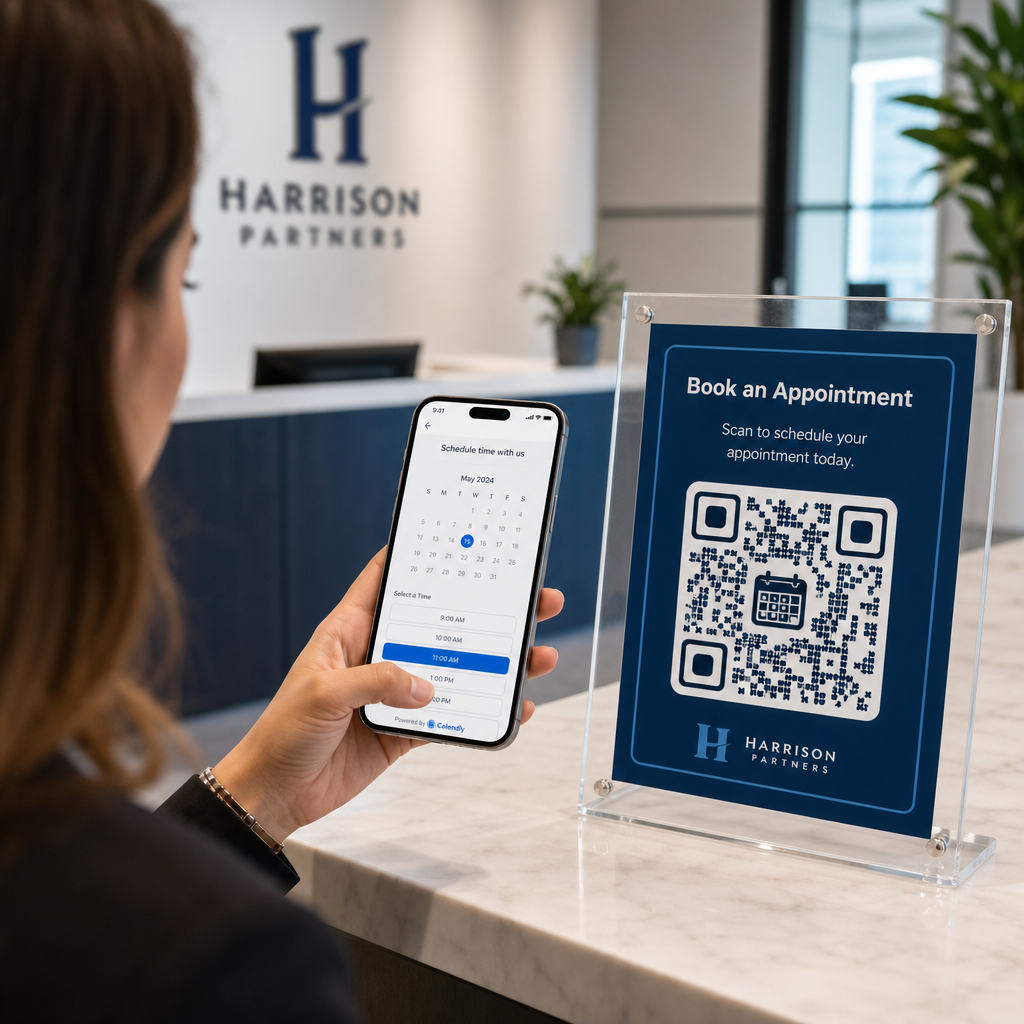
- Tambah bingkai seruan tindak luaran: Kelilingi karya seni anda yang telah siap dengan sempadan yang jelas dan frasa tindakan seperti “Imbas untuk Terokai” supaya pengguna serta-merta memahami ke mana kod itu membawa.
Mengapa Kod QR Dinamik Menyokong Visual yang Lebih Baik
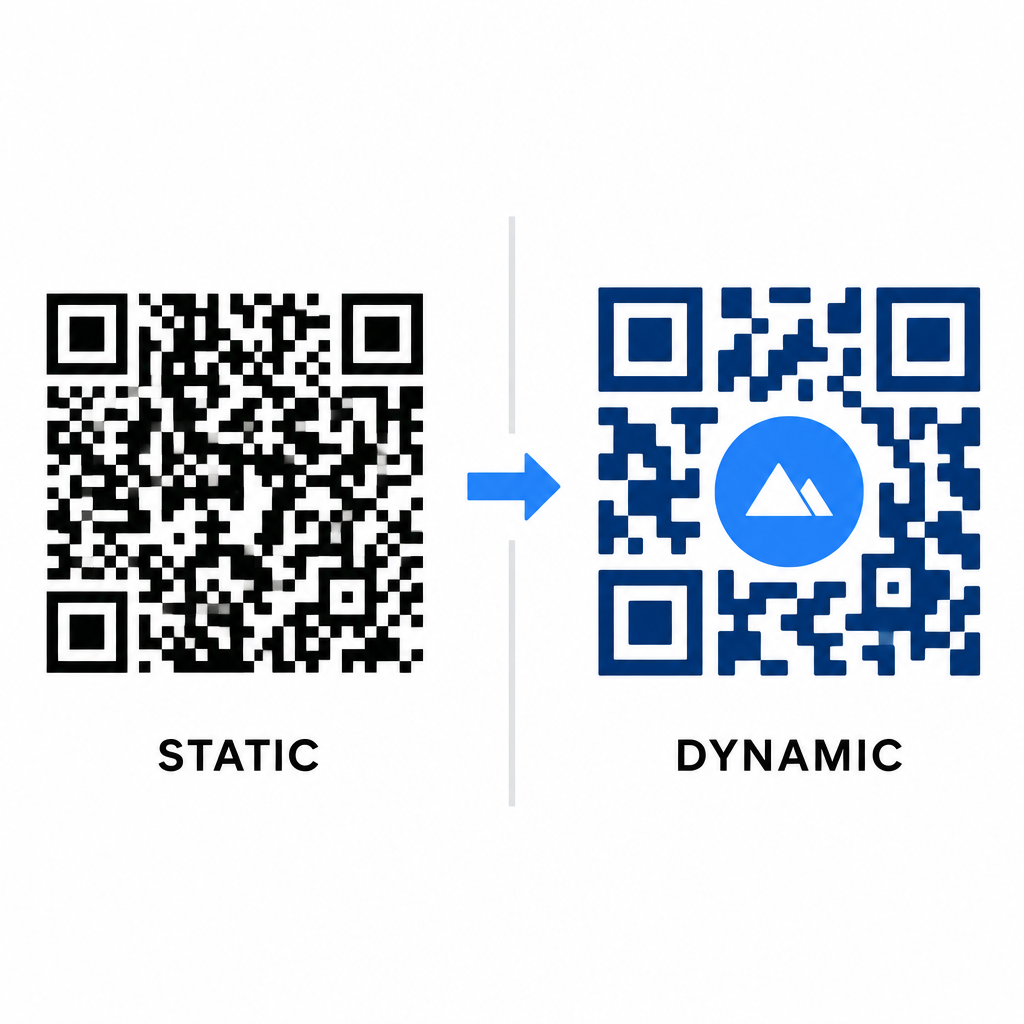
Kepadatan data secara langsung mempengaruhi sejauh mana kebebasan artistik anda. Kod QR statik mengekod keseluruhan URL destinasi ke dalam corak fizikal. Jika pautan anda panjang, penjana mesti menghasilkan matriks padat modul kecil, meninggalkan sedikit ruang untuk ilustrasi AI atau integrasi logo tanpa menyebabkan kegagalan imbasan.
Kod dinamik mengatasi masalah ini dengan menyimpan URL pengalihan pendek pada pelayan pusat. Ini menjadikan grid fizikal lapang dan modul besar, memudahkan lensa kamera membaca bentuk yang digayakan. Meneroka dunia sebenar contoh kod QR berjenama menunjukkan bahawa persediaan dinamik juga membolehkan anda mengemas kini destinasi selepas mencetak sambil mengakses sepenuhnya Ciri kod QR seperti penjejakan peranti, lokasi imbasan, dan analitik penglibatan.
Menguji dan Mengesahkan Reka Bentuk Anda
Jangan sekali-kali menghantar kod QR bergaya AI untuk dicetak tanpa mengesahkannya merentasi pelbagai perkakasan dan tetapan persekitaran. Model AI boleh memperkenalkan artifak halus yang lulus pada satu kamera premium tetapi gagal pada peranti standard.
- Uji pelbagai peranti mudah alih: Imbas kod menggunakan kedua-dua aplikasi kamera asli iOS dan Android, bersama dengan aplikasi pengimbas pihak ketiga yang lebih lama untuk mengesahkan keserasian universal.
- Nilai pelbagai keadaan pencahayaan: Semak kebolehbacaan di bawah cahaya matahari langsung yang terik, di bawah mentol pejabat dalaman, dan dalam persekitaran malap untuk memastikan bayang-bayang tidak memecahkan kontras.
- Imbas dari sudut semula jadi: Halakan peranti anda dari sudut 45 darjah dan jarak pengguna biasa dan bukannya menguji secara eksklusif imbasan rata, bersemuka.
- Sahkan bahan cetakan: Uji bukti fizikal pada stok kertas yang dirancang, kerana laminat berkilat, kadbod bertekstur, atau fabrik boleh mencipta pantulan yang memesongkan karya seni AI.
Menggunakan Seni Fungsian untuk Jenama Anda
Mengubah kod generik menjadi aset jenama yang bergaya membolehkan anda menarik perhatian pelanggan tanpa mengorbankan utiliti. Dengan bermula dengan pautan pendek dinamik, mengunci pembetulan ralat Tahap H, mengekalkan zon senyap, dan mengekalkan nisbah kontras yang ketat, anda mencipta reka bentuk yang menarik secara visual yang dapat dinyahkod dengan mudah.
Mula menyesuaikan titik sentuh digital anda hari ini menggunakan suit penjanaan dan penjejakan Pageloot’s untuk menyampaikan pengalaman yang tidak dapat dilupakan, sedia diimbas merentasi semua kempen pemasaran anda.
Soalan lazim
Anda harus mengelakkan skema warna terbalik kerana banyak penderia telefon pintar gagal menyahkod corak cahaya pada permukaan gelap. Kekalkan modul latar depan gelap yang diletakkan pada latar belakang putih atau cerah untuk menjamin pengimbasan yang konsisten.
Tahap H membolehkan kod QR memulihkan sehingga 30% daripada data yang hilang atau tersembunyi. Lebihhan terbina dalam ini menyediakan penimbal keselamatan yang diperlukan untuk menggabungkan tekstur AI atau membenamkan logo berpusat tanpa kehilangan integriti data.
Ia akan boleh diimbas dengan andal pada telefon pintar moden jika anda memastikan corak pencari sudut jelas, mengekalkan zon senyap, dan mengekalkan kontras yang kuat. Sentiasa uji karya seni anda merentasi pelbagai model telefon sebelum melancarkan kempen anda.