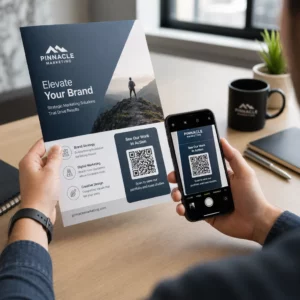
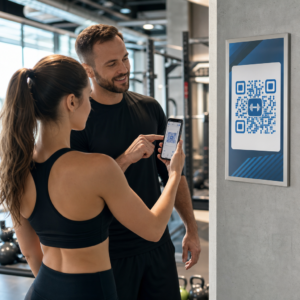
Ваші стандартні чорно-білі QR-коди не залучають ваших клієнтів? Типові коди часто губляться в активному середовищі, що призводить до втрачених маркетингових можливостей і розчаровуючих показників сканування. Дізнайтеся, як поєднати візуальні підказки ШІ з функціональними стандартами дизайну, щоб створювати брендовані коди, які виглядають унікально та надійно скануються щоразу.
Чому візуальний дизайн забезпечує вищу залученість
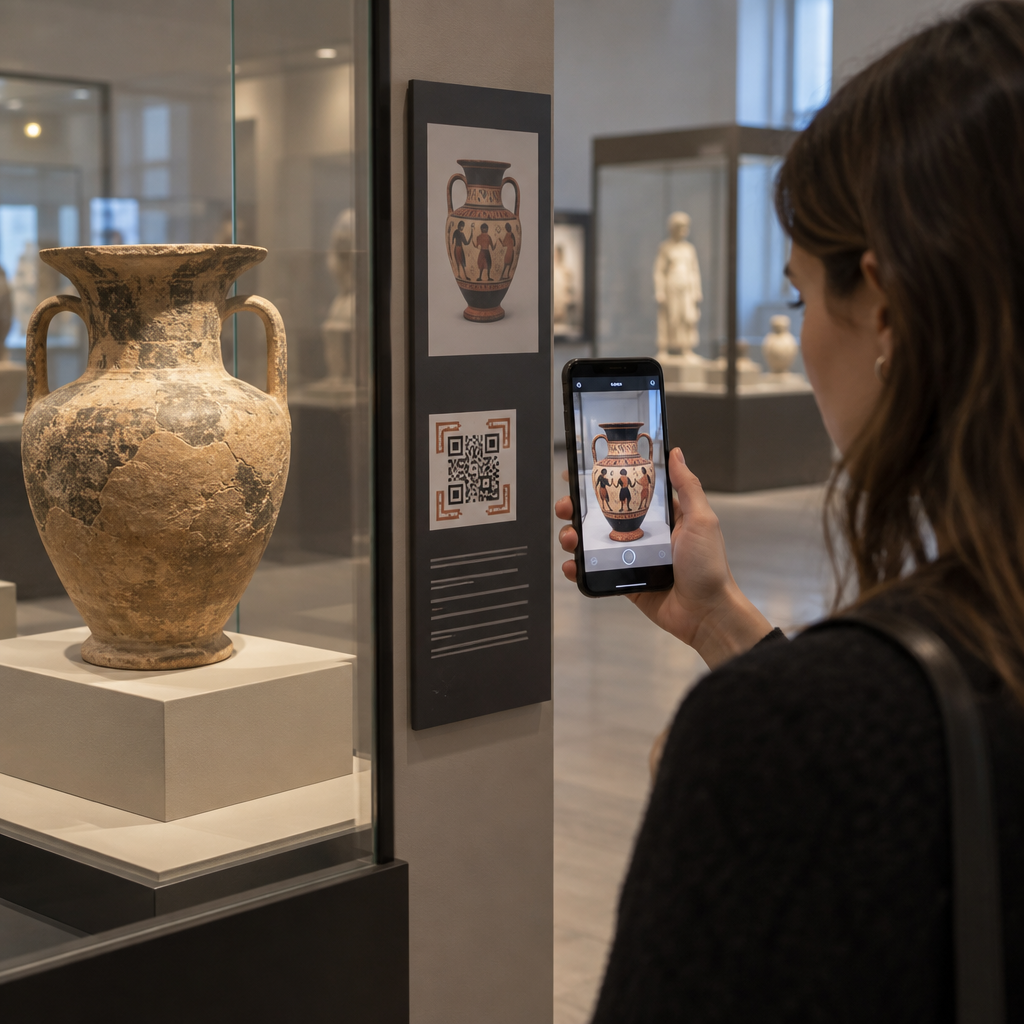
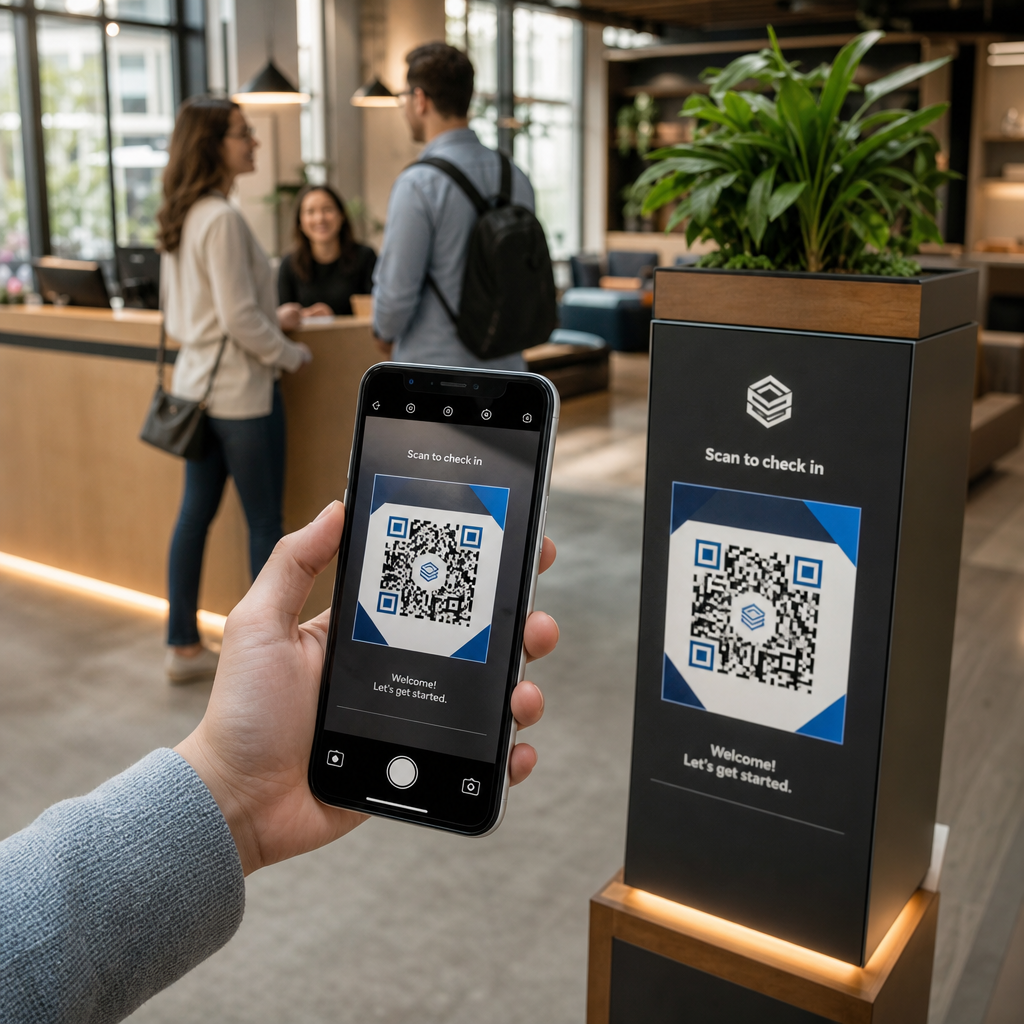
Протягом багатьох років QR-коди розглядалися виключно як функціональні штрих-коди, але продумана естетика безпосередньо впливає на взаємодію з користувачем. Брендовані коди з логотипами можуть збільшити швидкість сканування на 30–70% порівняно зі стандартними дизайнами, оскільки споживачі асоціюють візуальну досконалість із довірою та безпекою бренду. При створенні брендованого QR-коду використання ШІ-генератора логотипів може допомогти розробити послідовний логотип, який природно вписується у візуальну ідентичність коду. Якщо код виглядає як навмисна частина вашої візуальної ідентичності, користувачі відчувають впевненість, наводячи на нього камеру свого телефону.
Крім базової естетичної привабливості, використання штучного інтелекту для стилізації кодів надає конкретні операційні переваги. Дослідження показують, як ШІ покращує маркетинг QR-кодів балансуючи художні модифікації з реконструкцією шаблону, що може збільшити точність сканування приблизно на 25%. Застосування продуманого вибору палітри також окупається, оскільки правильні колірного контрасту QR-коду і спеціальні кольори можуть підвищити залученість користувачів до 18%.
Технічні правила для сканованих ШІ-кодів
Стилізація QR-коду передбачає зміну окремих пікселів і форм модулів, що спричиняє помилки зчитування, якщо ігнорувати технічні межі. Сканери залежать від чітких геометричних маркерів для декодування вбудованого призначення. Дотримання визнаних стандартів ISO гарантує, що ваші художні рішення не порушують функціональність:
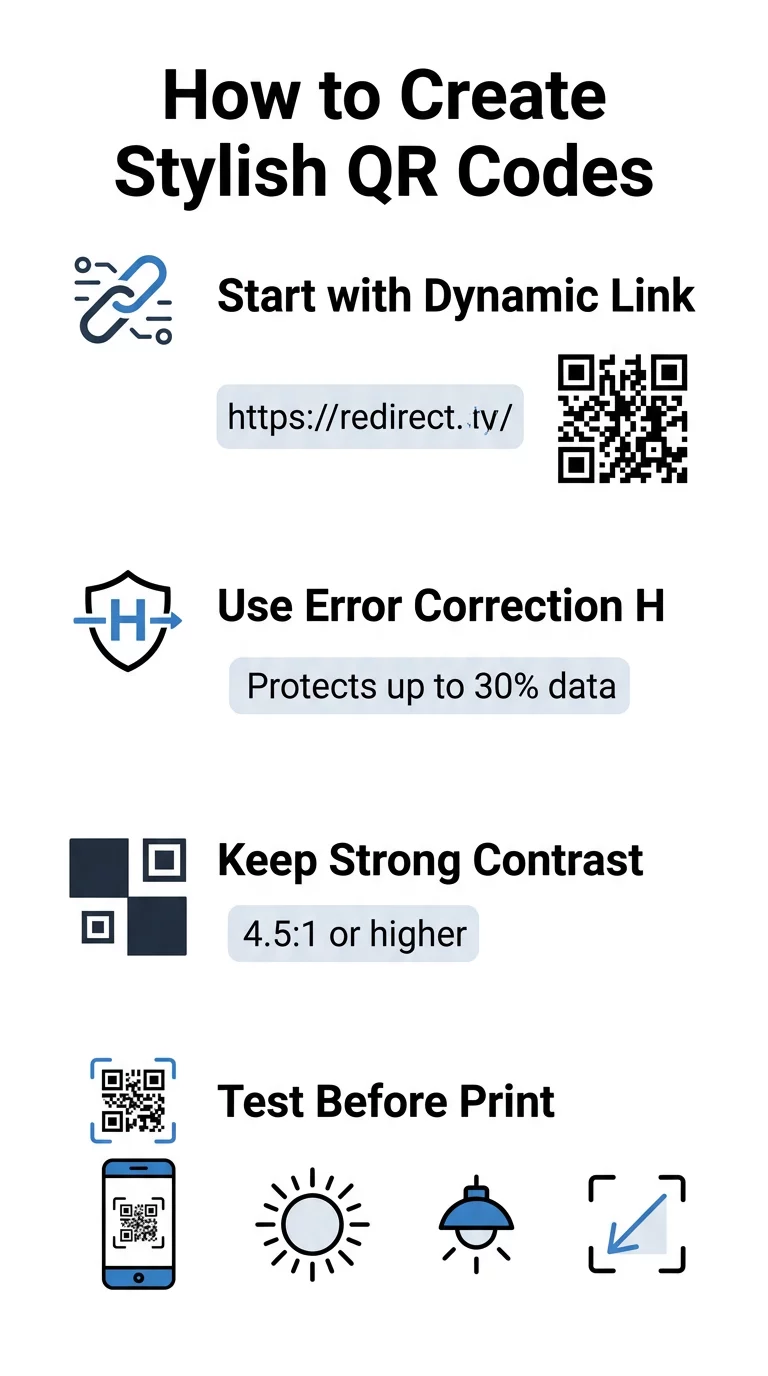
- Встановіть корекцію помилок на рівень H: Розуміння як працює корекція помилок є важливим для художніх дизайнів. Рівень H (Високий) дозволяє коду відновлювати до 30% відсутніх або прихованих даних, забезпечуючи буфер, необхідний для поєднання ШІ-текстур або накладання логотипів.
- Захистіть пошукові шаблони: Три квадрати виявлення позиції по кутах використовують чітке співвідношення ширини 1:1:3:1:1. Сканери покладаються на ці маркери для визначення орієнтації під будь-яким кутом, тому вони повинні залишатися чітко визначеними та незатемненими.
- Підтримуйте сильний колірний контраст: Зчитувачі QR вимірюють різницю у відбитті світла між темними модулями та світлими проміжками. Прагніть до контрастності щонайменше 4.5:1, зберігаючи темні візерунки на чіткому, світлому фоні, уникаючи інвертованих кольорових палітр.
- Зберігайте тиху зону: Завжди підтримуйте безперешкодний відступ щонайменше чотири модулі шириною з усіх чотирьох сторін коду. Цей порожній кордон ізолює матрицю даних від тексту, ілюстрацій або графіки упаковки, що знаходяться поруч.
- Дотримуйтесь формул розмірів: Для ручних предметів, таких як листівки або візитки, зберігайте коди розміром щонайменше 0.8 x 0.8 дюйма (2 x 2 см). Як зазначено в нашому Поради щодо дизайну QR-кодів, вам слід додавати приблизно 0.3 дюйма до розміру на кожен фут відстані між користувачем і кодом.
Миттєво оновіть візуальні елементи вашого бренду Хочете поєднати творчий підхід з надійною продуктивністю сканування? Використовуйте генератора QR-кодів Pageloot з логотипом для налаштування кольорів, додавання іконки вашого бренду та доступу до динамічних інструментів відстеження вже сьогодні.
Практичний робочий процес для поєднання ШІ та QR-кодів
Створення стильного, машинозчитуваного елемента вимагає поетапного переходу від необроблених даних до художньої генерації. Перехід безпосередньо до фільтрів зображень без підготовки базової матриці часто призводить до нечитабельного витвору мистецтва.
- Створіть чистий базовий код: Почніть у стандартному генератор QR-кодів щоб ввести вашу URL-адресу та вибрати виправлення помилок рівня H. Генерація цієї чистої цифрової матриці встановлює точну сітку, яку стилізуватиме ваша модель ШІ.
- Створюйте точні підказки для ШІ: Введіть свій базовий код у модель генерації зображень, використовуючи описові параметри підказок. Вкажіть чіткі об'єкти, архітектурні стилі, умови освітлення або кольорові палітри, і уникайте абстрактних підказок, які змішують темні та світлі модулі разом.
- Зберігайте критичні точки прив'язки: Зберігайте збалансовану вагу підказки, щоб інструмент не змінював три кутові пошукові шаблони і не спотворював сітку модулів до невпізнання.
- Інтегруйте центровані брендові знаки: Включіть іконку або брендовий знак у центр дизайну, переконавшись, що він займає не більше 20% до 30% від загальної площі, дотримуючись стандартних власний QR-код рекомендацій.
- Додайте зовнішню рамку із закликом до дії: Оточіть завершену роботу визначеною рамкою та фразою дії, наприклад, «Скануйте, щоб дослідити», щоб користувачі одразу зрозуміли, куди веде код.
Чому динамічні QR-коди підтримують кращі візуальні ефекти
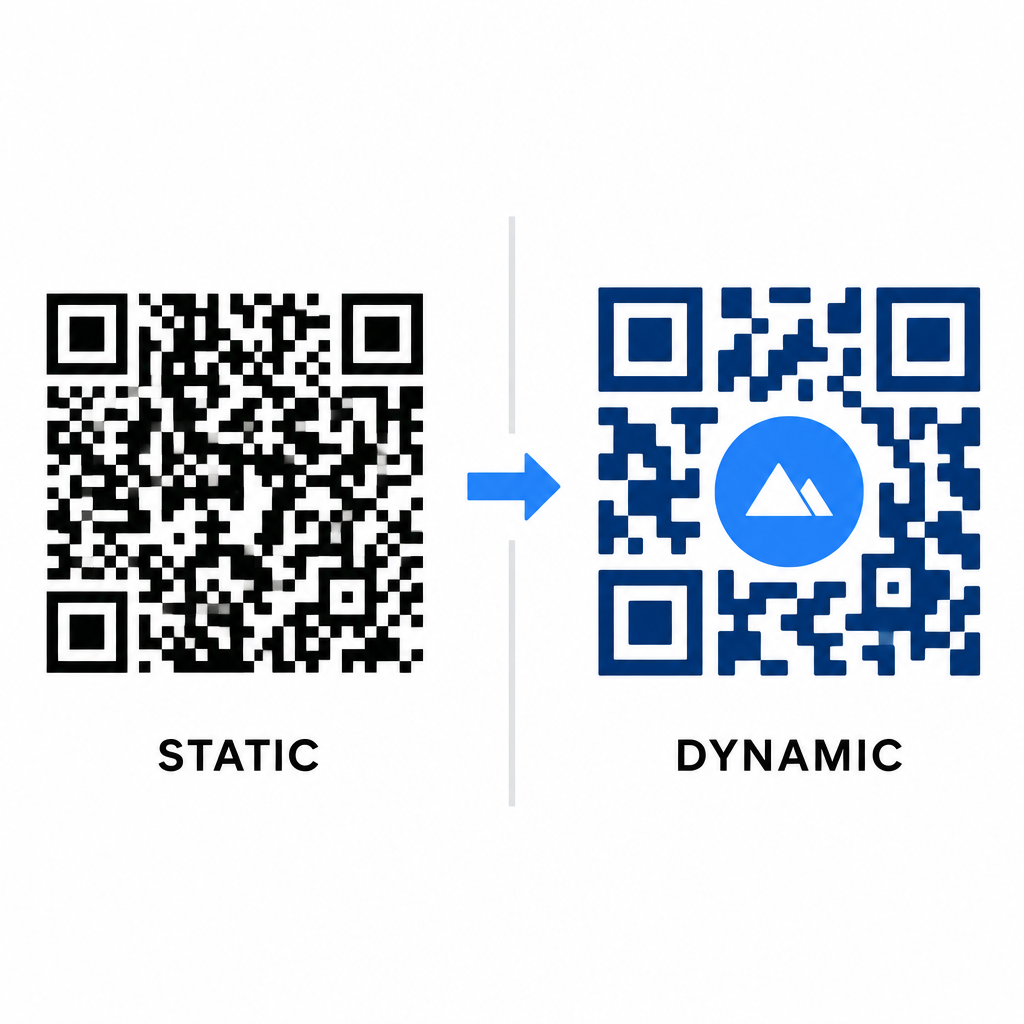
Щільність даних безпосередньо впливає на обсяг вашої художньої свободи. Статичні QR-коди кодують повну URL-адресу призначення у фізичний шаблон. Якщо ваше посилання довге, генератор повинен створити щільну матрицю крихітних модулів, залишаючи дуже мало місця для ілюстрацій ШІ або інтеграції логотипу без збоїв сканування.
Динамічні коди долають це вузьке місце, зберігаючи коротку URL-адресу перенаправлення на центральному сервері. Це зберігає фізичну сітку просторою, а модулі великими, що значно полегшує зчитування стилізованих форм об'єктивами камер. Дослідження реальних прикладів брендованих QR-кодів показує, що динамічні налаштування також дозволяють оновлювати призначення після друку, отримуючи доступ до повних Функції QR-коду таких як відстеження пристроїв, місця сканування та аналітика взаємодії.
Тестування та валідація ваших дизайнів
Ніколи не надсилайте стилізований ШІ QR-код на друк без його валідації на різноманітному обладнанні та в різних умовах. Моделі ШІ можуть вносити тонкі артефакти, які проходять на одній преміум-камері, але не працюють на стандартних пристроях.
- Тестуйте на кількох мобільних пристроях: Скануйте код за допомогою рідних додатків камери iOS та Android, а також старих сторонніх програм для сканування, щоб підтвердити універсальну сумісність.
- Оцінюйте різні умови освітлення: Перевіряйте читабельність під прямими сонячними променями, під офісними лампами в приміщенні та в умовах тьмяного освітлення, щоб тіні не порушували контраст.
- Скануйте з природних кутів: Наводьте свій пристрій під кутом 45 градусів та зі звичайних відстаней споживача, а не лише тестуйте плоскі, прямі сканування.
- Підтвердьте друковані матеріали: Протестуйте фізичні зразки на запланованому папері, оскільки глянцеві ламінати, текстурований картон або тканини можуть створювати відблиски, які спотворюють зображення, створені ШІ.
Впровадження функціонального мистецтва для вашого бренду
Перетворення типових кодів на стильні брендові активи дозволяє привертати увагу клієнтів, не жертвуючи корисністю. Починаючи з динамічних коротких посилань, блокуючи корекцію помилок рівня H, зберігаючи тиху зону та підтримуючи строгі коефіцієнти контрастності, ви створюєте візуально вражаючі дизайни, які легко декодуються.
Почніть налаштовувати ваші цифрові точки контакту вже сьогодні, використовуючи пакет Pageloot для генерації та відстеження, щоб забезпечувати незабутні, готові до сканування враження в усіх ваших маркетингових кампаніях.
Поширені запитання
Вам слід уникати інвертованих колірних схем, оскільки багато датчиків смартфонів не можуть розшифрувати світлові візерунки на темних поверхнях. Дотримуйтесь темних модулів переднього плану, розміщених на білому або світлому фоні, щоб гарантувати послідовне сканування.
Рівень H дозволяє QR-коду відновлювати до 30% втрачених або прихованих даних. Ця вбудована надмірність забезпечує буфер безпеки, необхідний для змішування ШІ-текстур або вбудовування центрованих логотипів без втрати цілісності даних.
Вони надійно скануватимуться на сучасних смартфонах, якщо ви збережете кутові пошукові візерунки чіткими, збережете тиху зону та підтримуватимете сильний контраст. Завжди тестуйте свій витвір на різних моделях телефонів перед запуском кампанії.