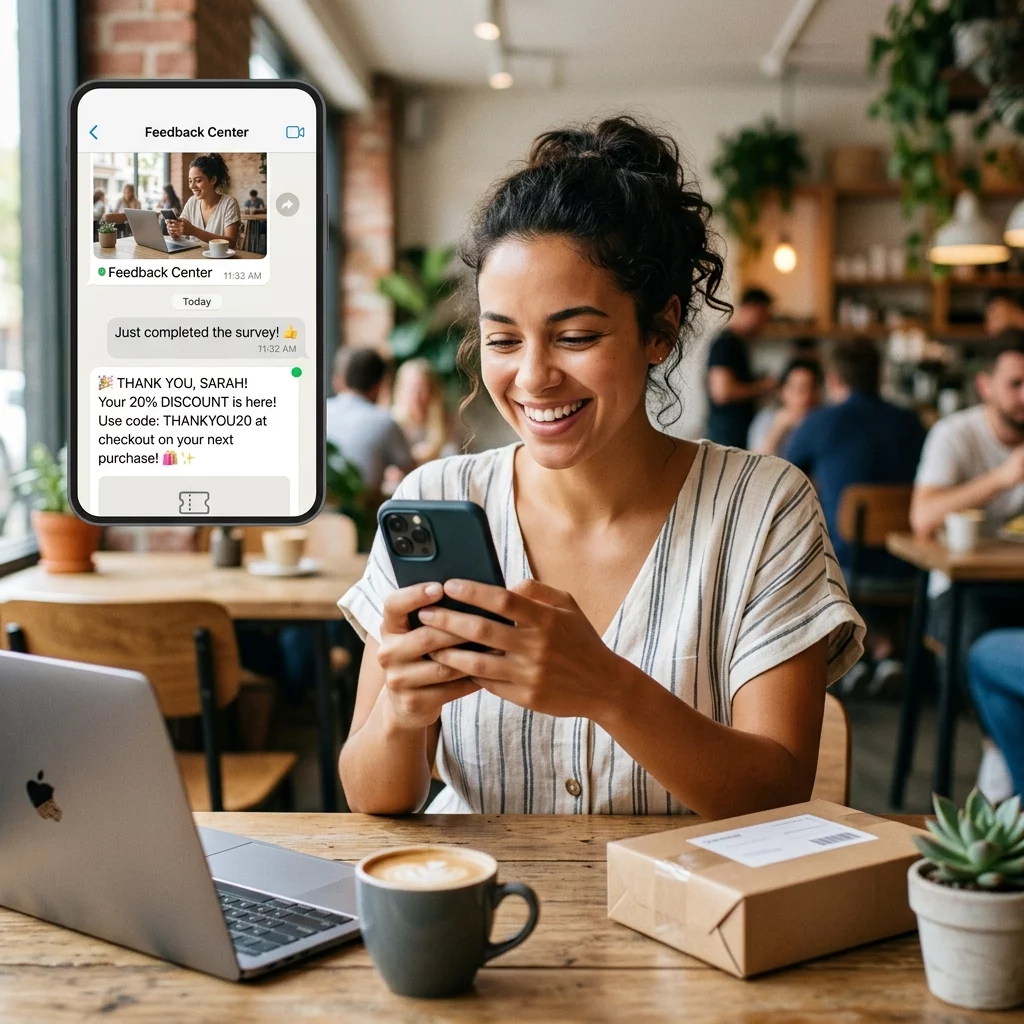
Are you struggling to convert survey participants into paying customers before they lose interest? Delaying the reward often leads to missed sales and lower brand engagement as the initial excitement fades. This guide shows you how to automate WhatsApp coupon delivery to reward customers instantly and drive immediate redemptions.
Why Instant WhatsApp Rewards Drive Higher Conversions
Traditional email follow-ups are easily buried in crowded inboxes, leading to low engagement rates. WhatsApp messages offer a powerful alternative with approximately 95% open rates, making the platform the most effective channel for time-sensitive promotions. By providing an instant incentive, you can lift survey completion rates by 30-50% while your brand remains top-of-mind.
Capitalizing on the moment of highest intent is critical for retail and e-commerce growth. Research indicates that WhatsApp coupons achieve redemption rates between 20-40%, which significantly outperforms the 5% average seen with traditional email coupons. To understand how digital delivery improves performance, you can explore the data regarding QR codes vs traditional coupons and how they impact modern retail campaigns.
Compliance and WhatsApp Opt-in Requirements
Before launching an automated workflow, you must ensure your messaging strategy aligns with Meta’s commercial policies and TCPA guidelines. Automated messaging requires prior express written consent, which means a survey submission alone does not constitute permission to send promotional content.
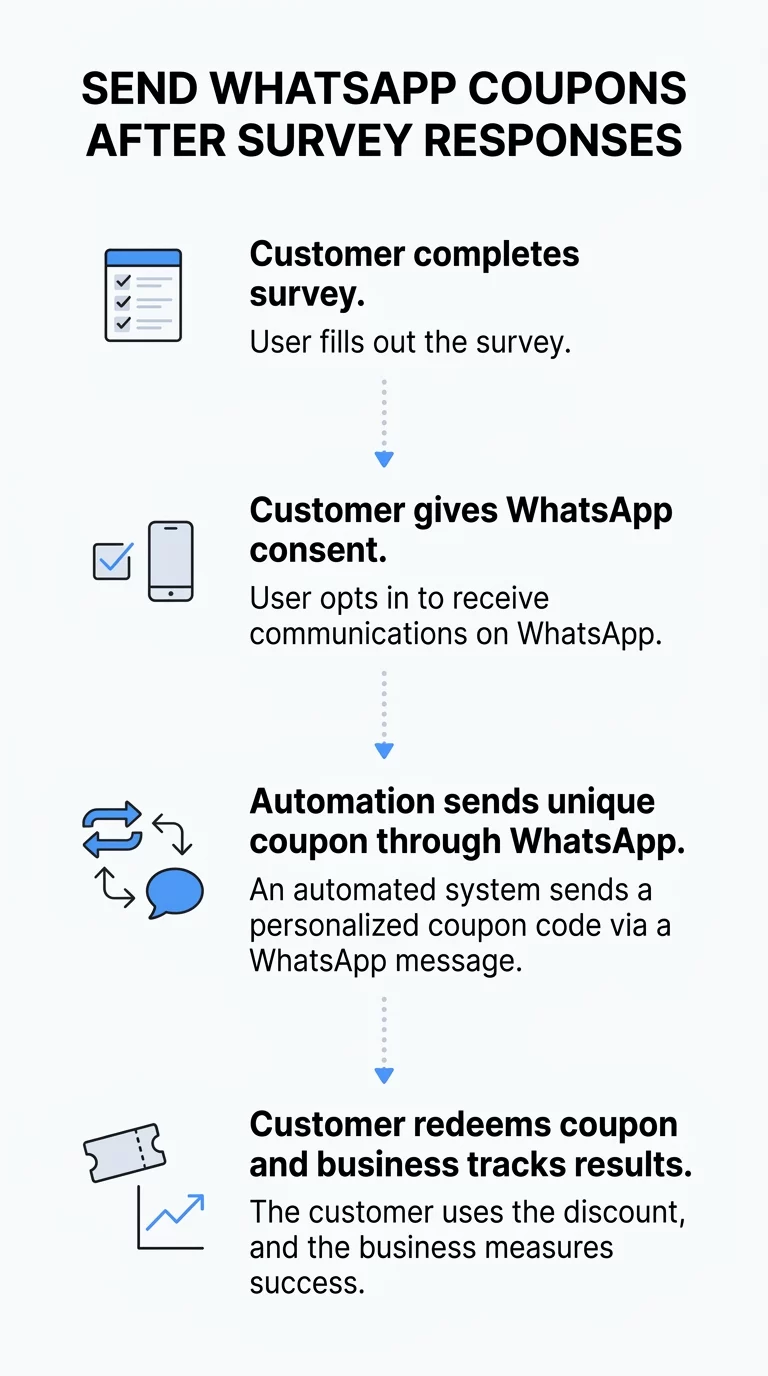
- Include a specific, unchecked checkbox in your form asking for explicit consent to receive rewards via WhatsApp.
- Log and store your consent records for at least five years to ensure audit readiness and legal compliance.
- Use pre-approved Meta message templates for promotional delivery, which allow for variables like a personalized coupon code.
- Ensure your form validates phone numbers in the E.164 format, such as +15551234567, to prevent delivery failures.
Simplify your data collection Bridge the gap between physical touchpoints and digital rewards by using our WhatsApp QR code generator or link QR code generator to direct customers straight to your opt-in survey from any print material.
Designing the Automated Workflow
Connecting a survey to WhatsApp requires an automation bridge such as Zapier, Make, or Pabbly Connect. This middleware allows data to flow seamlessly from your form provider to the WhatsApp Business API.
The process begins with creating a high-converting survey that captures essential user data. If you are using Google Workspace, a Google Form QR code generator provides a fast way to present your survey to offline customers via signage or packaging. Once the form is live, you must configure a trigger in your automation platform that activates every time a new response is submitted.
The next phase involves fetching or generating the discount code. You can program the system to pull a unique, one-time-use code from a Google Sheet or database to prevent coupon fraud. Finally, the automation sends the WhatsApp template message. This message should include a clear call-to-action and a direct link to your store to encourage immediate spending. You can also track QR code scans in real-time to monitor how many users are clicking through from their messages.
Monitoring and Optimizing Performance
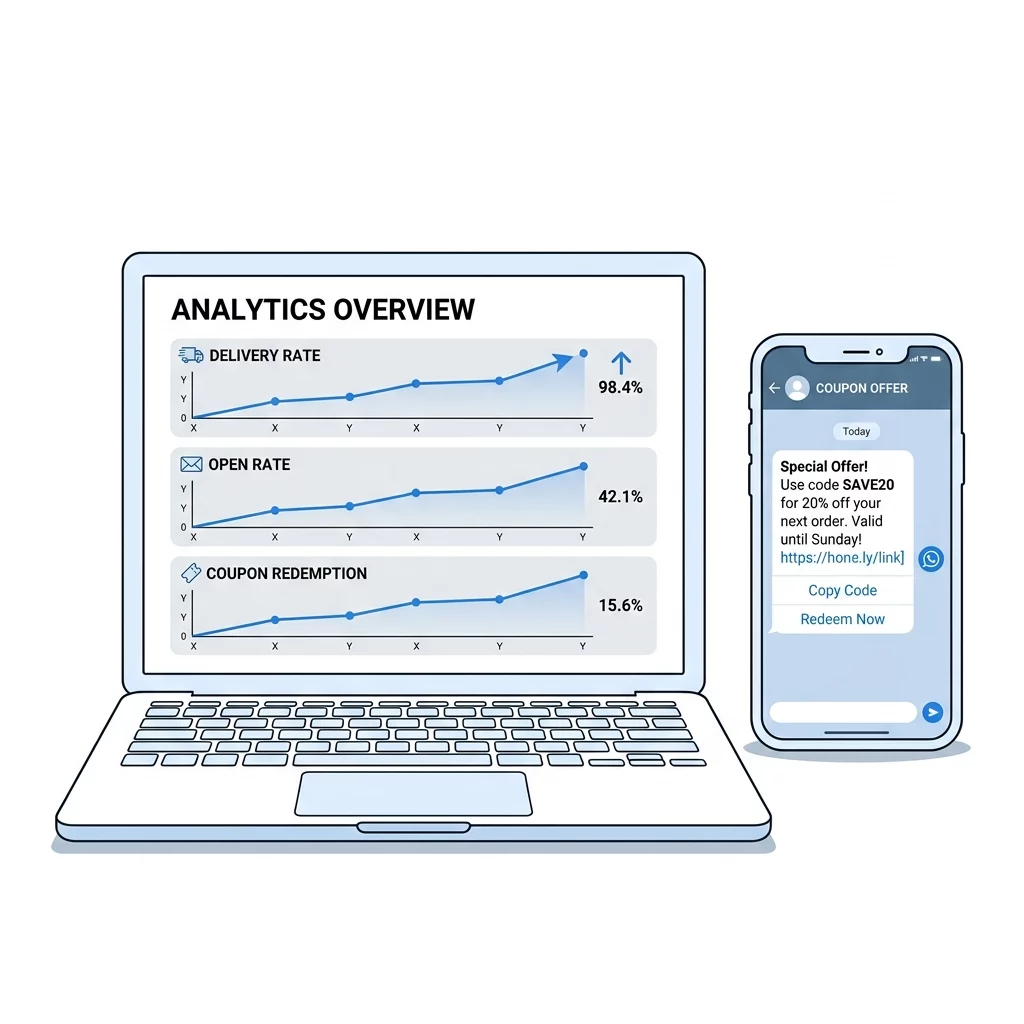
To ensure your campaign meets its potential, you should regularly evaluate your results against your initial objectives. When setting SMART goals for QR code campaigns, focus on specific metrics like delivery rates, open rates, and redemption percentages.
If you notice a drop in engagement, you can edit your QR codes to update the destination URL or adjust the survey incentive without needing to reprint physical marketing materials. This flexibility allows you to A/B test different discount values or landing pages to find what resonates best with your audience. For businesses using these tools for internal or specialized software solutions, real-time tracking provides the insights needed to refine user onboarding and adoption workflows.
Start rewarding your customers today Create a dynamic QR code generator account to launch your survey and automate your rewards with built-in tracking and total design control.
Frequently Asked Questions
Yes, you must use the WhatsApp Business API or a Business Solution Partner (BSP) to send automated messages to customers. Standard personal or business app accounts do not support the API integrations required for automated survey-triggered workflows.
You can easily distribute unique codes by linking your automation tool to a spreadsheet. The system will “lookup” the next available alphanumeric code and insert it into the message template variable before the message is delivered to the customer.
If a user is having trouble, ensure they know how to scan a QR code on WhatsApp or their native camera app. Common issues include low contrast or poor lighting, so providing clear instructions on your marketing materials can help improve the user experience.
By automating your reward delivery, you turn feedback into a transactional opportunity. Implement these workflows to ensure every survey response becomes a potential sale while maintaining full compliance with messaging regulations.