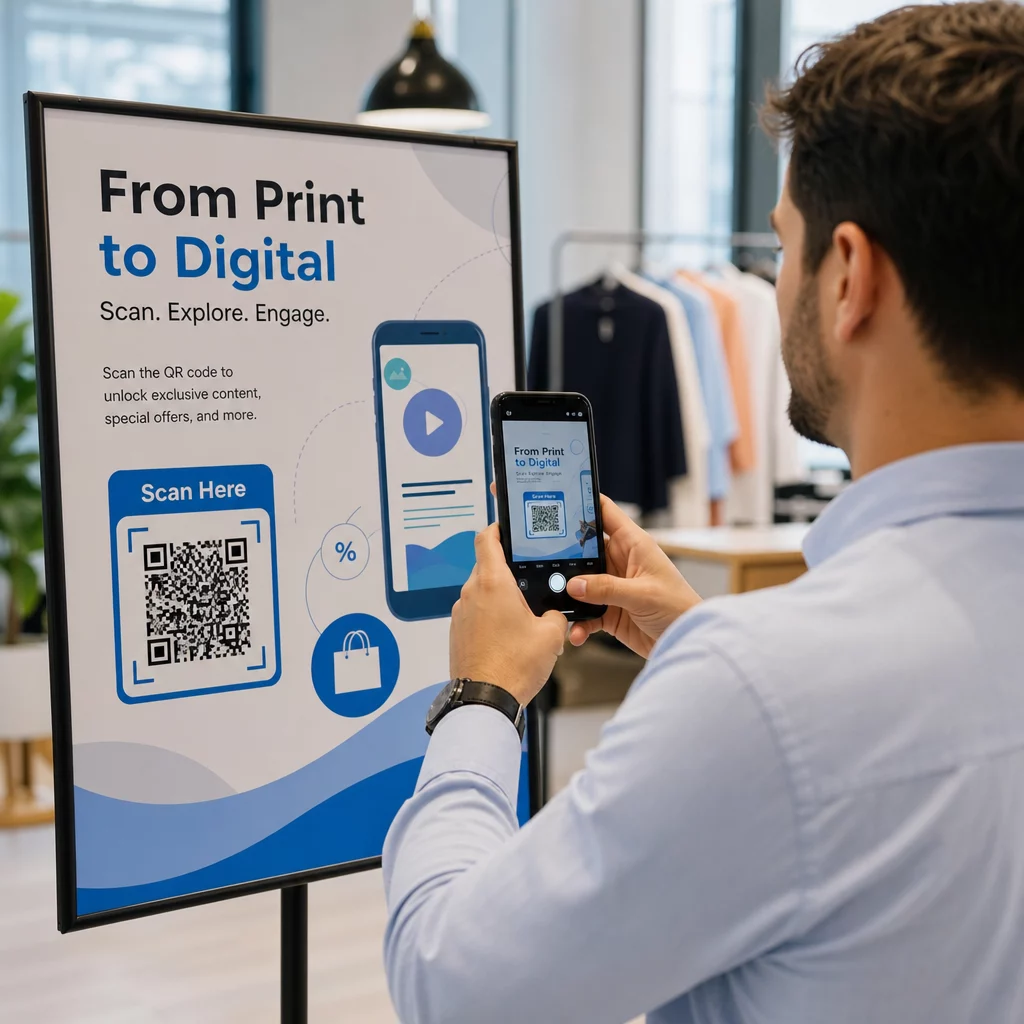
Enterprise QR code management means running every QR code your company prints from one account: who can create and edit codes, where each code points, and how many people scan it. It matters once you have hundreds of codes across teams, regions and print runs, because one wrong link on packaging or signage is expensive to fix. This guide covers what a QR code management platform should do, how to choose one, and how to set it up.
What Enterprise QR Code Management Software Does
An enterprise QR code solution replaces single-user generator tools with a shared system. The core jobs are the same in every platform:
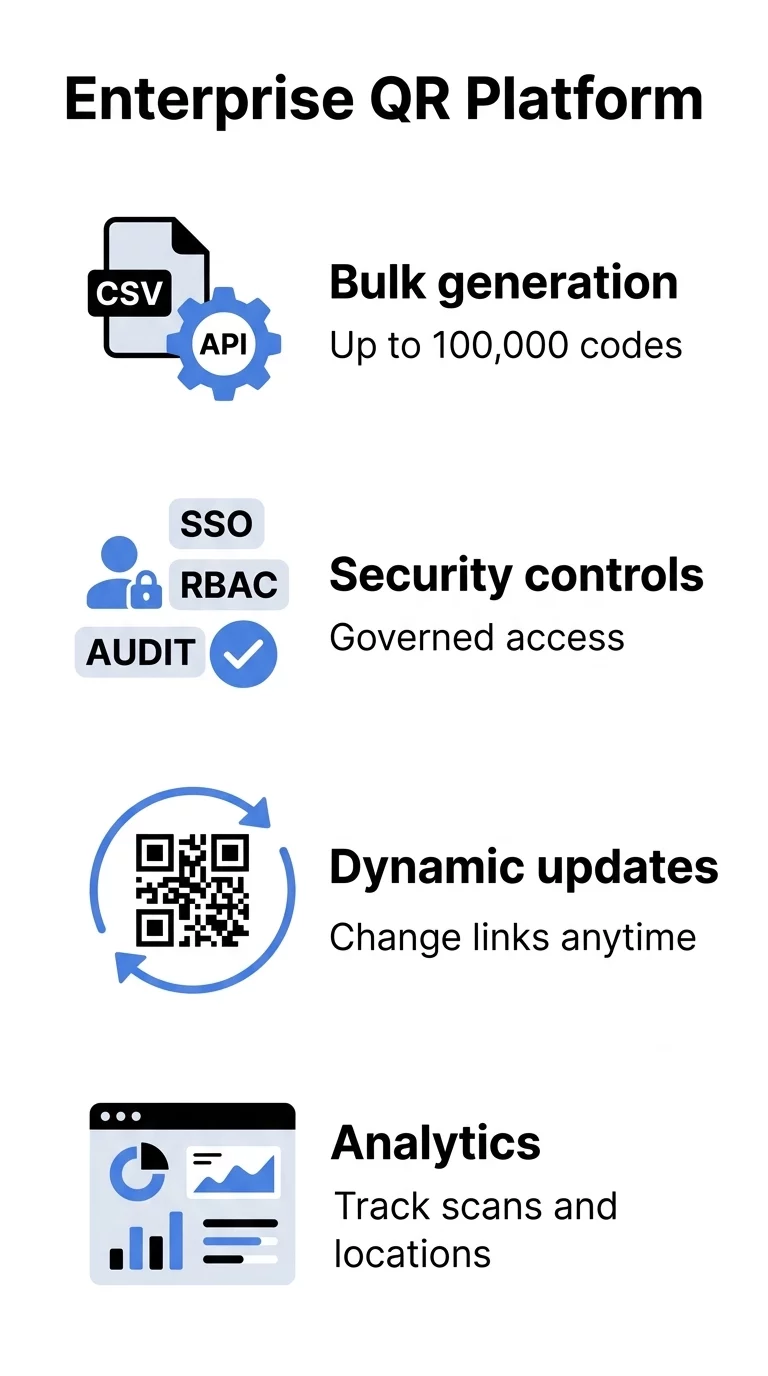
- Create codes one at a time or in bulk, with brand colors and logos.
- Organize codes by team, region, brand or campaign.
- Control access so only the right people can change a destination.
- Edit where a code points after it is printed.
- Measure scans by time, place and device.
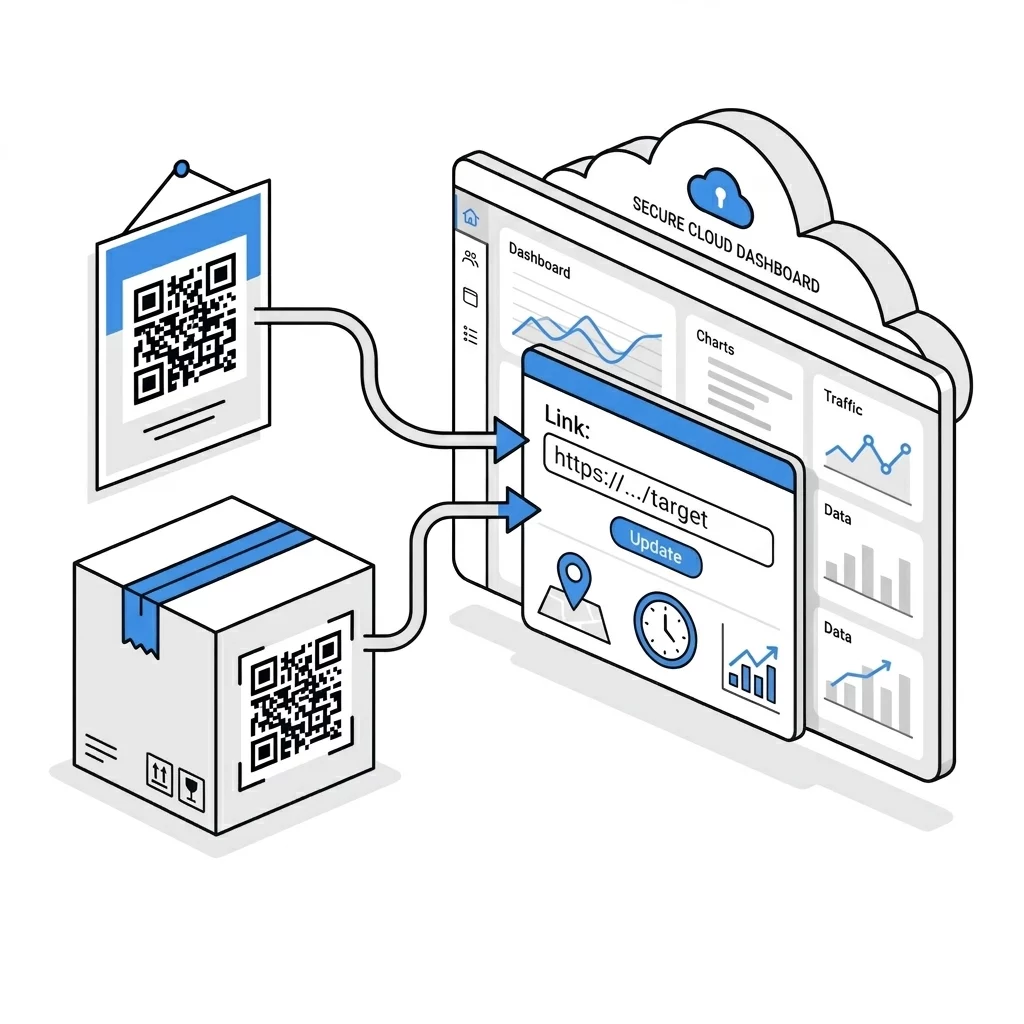
The edit and measure jobs need dynamic QR codes. A dynamic code encodes a short redirect link, so the destination can change while the printed image stays the same. A static code encodes the final address directly. It never expires and works for free, but it cannot be edited or tracked.
Centralized Governance and Access Control
Large organizations cannot afford unmonitored links or loose account credentials. A single broken QR code on retail packaging or out-of-home signage wastes the whole print run. A management platform gives you one place to see every code and one rule set for who can change it.
Implementing enterprise QR code solutions with role-based access means every user gets only the permissions they need. Typical roles are view-only, editor and administrator. To keep codes structured across regional offices, product lines or business units, teams use QR code folders to group campaigns and review results by project.
When you compare team QR code management tools, check these controls:
- Roles that separate who can create a code from who can change its destination.
- Folders or workspaces for each brand, region or client.
- Single Sign-On (SSO) through SAML or OIDC, if your IT team requires it.
- Multi-factor authentication for administrator accounts.
- An activity log that shows who changed which destination and when.
Bulk Creation and Automated API Infrastructure
Making hundreds of codes by hand causes delays and typing errors. Bulk creation fixes this for product SKUs, personalized direct mail, store locations or event badges.
Teams use automated bulk QR code tools for enterprises to upload a CSV file with one row per code. A good template has these columns: destination URL, label, folder and UTM campaign. The tool then returns print-ready files in vector formats such as SVG, EPS or PDF.
For technical teams, API integration for QR code management connects the QR platform to a CRM, ERP or marketing automation system. Developers can create codes, update destinations and pull scan events into reports without opening the dashboard.
Before you commit, ask the vendor for the exact bulk limit per upload and which API actions are included in your plan.
Automate your high-volume workflows. Use our Dynamic QR Code Generator to create, update and manage trackable codes. Dynamic codes come with a 14-day free trial, and plans are listed at pageloot.com/pricing.
Real-Time Agility: Dynamic Links and Content Updates
Printed material is a fixed cost. If a campaign URL changes, a typo passes prepress, or a promotion ends, a static code becomes a liability and the only fix is to reprint.
A dynamic code avoids this. It encodes a redirect link, so you can edit QR codes after printing and send scans to a new landing page or an updated PDF. Teams learning how to manage editable QR codes at scale can keep packaging and signage in use for years without reprinting.
Static is still the right choice in some cases. If a code points to a stable page you control and you do not need scan data, such as a permanent product manual, a static code is free and never expires. You can make one with the free QR code generator.
Advanced Analytics and Business Intelligence
To measure offline channels, you need to know which printed piece produced which scan. QR code analytics and tracking turn print placements into measurable traffic.
Going beyond total scans is covered in enterprise QR code analytics and key metrics. A management platform should report:
- Scan volume over time, to see when a campaign peaks.
- Location of scans by country and city, to check regional results.
- Device and operating system (iOS, Android, desktop), to guide landing page design.
- Results per placement, by giving each location its own code, for example one for packaging, one for print ads and one for a store display.
- UTM parameters on each destination, so offline scans appear as a named source in Google Analytics 4 or your BI tool.
Agencies that manage codes for several clients can read about Pageloot for agencies, including how to keep each client’s codes and reports separate.
How to Choose a QR Code Management Platform
Pricing and feature lists change often, so use this checklist and ask each vendor to answer it in writing. The questions are the same for every provider.
| Requirement | Question to ask the vendor |
|---|---|
| Dynamic codes | How many dynamic codes does the plan include, and what happens to them when the plan ends? |
| Bulk creation | What is the maximum number of codes per CSV upload? |
| Access control | Which roles exist, and can a role be limited to one folder? |
| Security | Is SSO available, on which plan, and is multi-factor authentication supported? |
| Analytics | Are scans broken down by city and device, and can the data be exported? |
| Branding | Can colors, logos and frames be locked so every team uses the same style? |
| Integrations | Is there an API, and which actions does it cover? |
| Support and terms | Is there a money-back period or trial to test with real codes? |
The plan-expiry question matters most. On most subscription platforms, dynamic codes stop redirecting when the plan ends, which breaks every printed code. Ask about this before you print at scale. For a broader view of providers, see our QR code generator comparisons.
How to Set Up Enterprise QR Code Management
- List your use cases. Examples: product packaging, store signage, event badges, direct mail.
- Pick a naming rule. Use one pattern for all codes, such as brand-region-campaign-placement.
- Create folders by brand or region and assign roles to each folder.
- Create one code per placement. A separate code for each printed piece is what makes results comparable.
- Add UTM parameters to every destination, using the same source and medium names across teams.
- Test every code on at least one iPhone and one Android phone before printing. Print the code at least 2 x 2 cm (about 0.8 inch) with a quiet margin around it.
- Review scans monthly and edit destinations of codes that point to expired pages.
Scaling Your Offline-to-Digital Operations
Physical touchpoints should not be an unmeasured channel. One platform for all codes gives your team a single view of performance, avoids reprints through dynamic updates, and keeps control over who can change what.
Explore our QR code management features to see how dashboards, folders and dynamic codes work together. Dynamic codes start with a 14-day free trial, and you can see plans at pageloot.com/pricing.
Frequently Asked Questions
A static QR code stores the destination directly in the image. It cannot be changed after printing, it has no scan data, and it never expires. A dynamic QR code stores a short redirect link, so you can change the destination and see scan statistics at any time without reprinting.
A QR code management system is a platform where a company creates, organizes, edits and tracks all its QR codes in one place. It adds roles, folders, bulk creation and analytics on top of a basic generator.
You upload a CSV file where each row is one code with its own destination URL, label and folder. The platform creates all codes at once and returns print-ready files. Some platforms also create codes through an API.
Yes, if the platform supports roles and folders. Put each client in a separate folder and give them view access to that folder only, so they see their scan data and nothing else.
Check that SSO through SAML or OIDC is offered on your plan, that roles can be limited to a folder, and that administrator accounts support multi-factor authentication. Ask the vendor to confirm each point in writing.
On most subscription platforms, dynamic codes stop redirecting after the plan ends. Static codes keep working because they do not depend on a service. Ask any vendor about this before printing at scale.