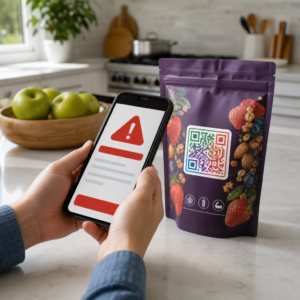
Are you losing qualified applicants because your hiring process creates too much friction? Outdated application workflows, manual data entry, and poor visibility into candidate engagement cost staffing firms time and top talent. This guide explains how QR codes solve those problems – and how to implement them in your recruitment process.
Why Candidate Tracking Falls Short Without QR Codes
Most staffing firms still rely on a patchwork of manual steps: candidates type in long URLs, fill out forms on desktop, or pick up a flyer at a job fair and never follow through. Each handoff is an opportunity for a qualified applicant to drop off.
The numbers reflect how candidates actually behave. Research from Pew Research Center found that 50% of smartphone job seekers used their phones to fill out an online job application, and around two-thirds of job applications are now submitted from mobile devices. When your application process isn’t built for mobile, you’re working against your own pipeline.
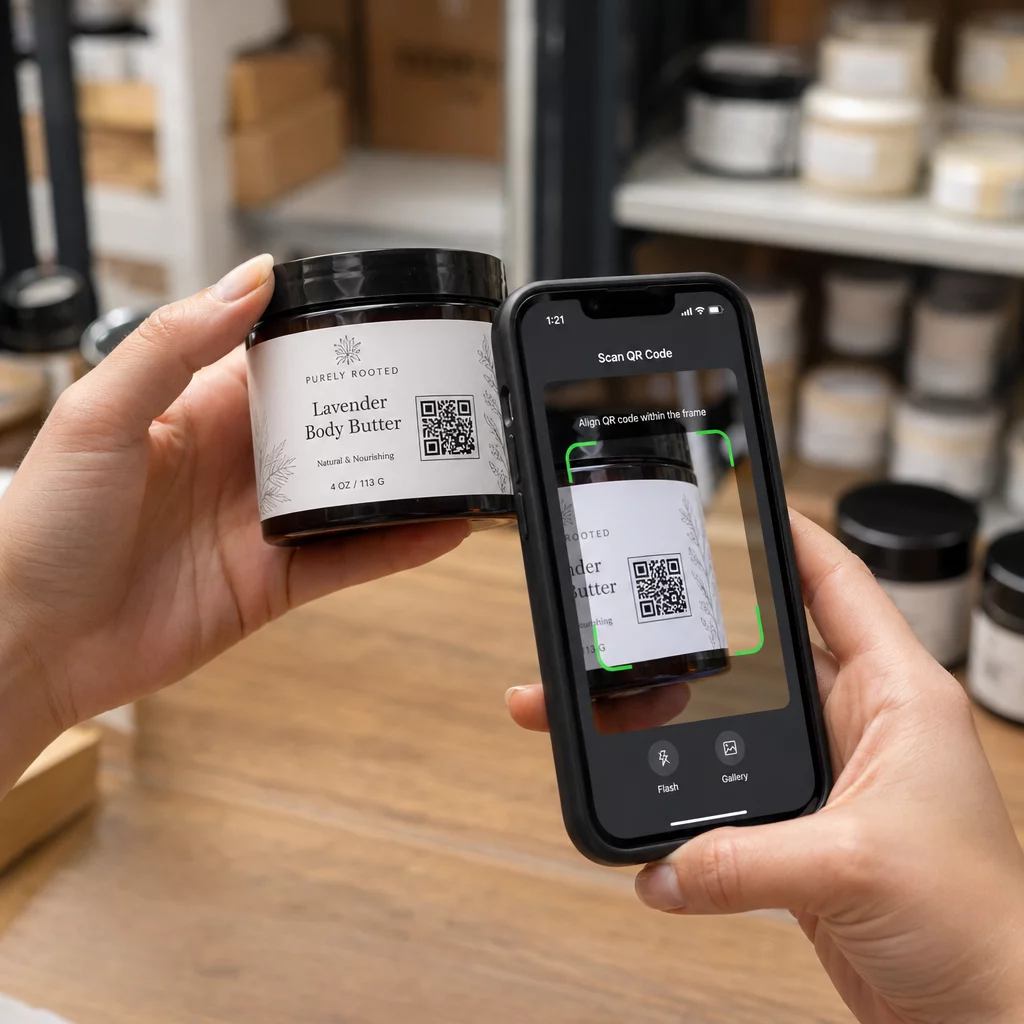
QR codes close that gap. A single scan takes a candidate from a physical touchpoint – a poster, a business card, a job fair booth – directly to an application form, job description, or scheduling link. No typing, no searching, no friction.
Where QR Codes Fit in Your Recruiting Workflow
QR codes aren’t a single-use tool. They can improve candidate interactions at every stage of the hiring funnel.
At job fairs and events. Place a QR code at your booth to direct visitors to specific job listings or collect contact information through a Google Form QR code. Every scan creates a digital record of the interaction – no business cards to lose, no spreadsheets to reconcile later. You can also simplify event check-ins using a QR code attendance system that logs arrivals automatically.
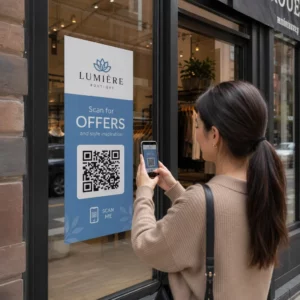
On printed materials. Flyers, posters, and brochures can reach candidates who aren’t actively job hunting. A QR code on a poster linking to a short video about your company culture or a current opening gives passive candidates a frictionless way to explore without committing to a full application immediately.
On business cards. Recruiters can include a LinkedIn QR code or a link to their current job listings so in-person conversations translate into actionable connections. Pageloot’s LinkedIn QR code generator makes it easy to create a scannable code that links directly to your profile or company page.
In digital campaigns. Email newsletters, job boards, and social media posts can all feature QR codes that send candidates to a dedicated landing page. Using dynamic QR codes here lets you track which digital channels produce the most qualified applications.
For resume submissions. Linking a QR code to a Google Form or application portal lets candidates upload their information immediately, capturing intent when engagement is highest.
Streamline Event Recruiting Need to track attendee check-ins and capture candidate data in one step? The QR Code Attendance Tracker connects directly to Google Forms so every scan is automatically logged.
How QR Code Tracking Works for Recruiters
A QR code on its own is just a shortcut. The real value comes from the data it generates. Dynamic QR codes record every scan with metrics including:
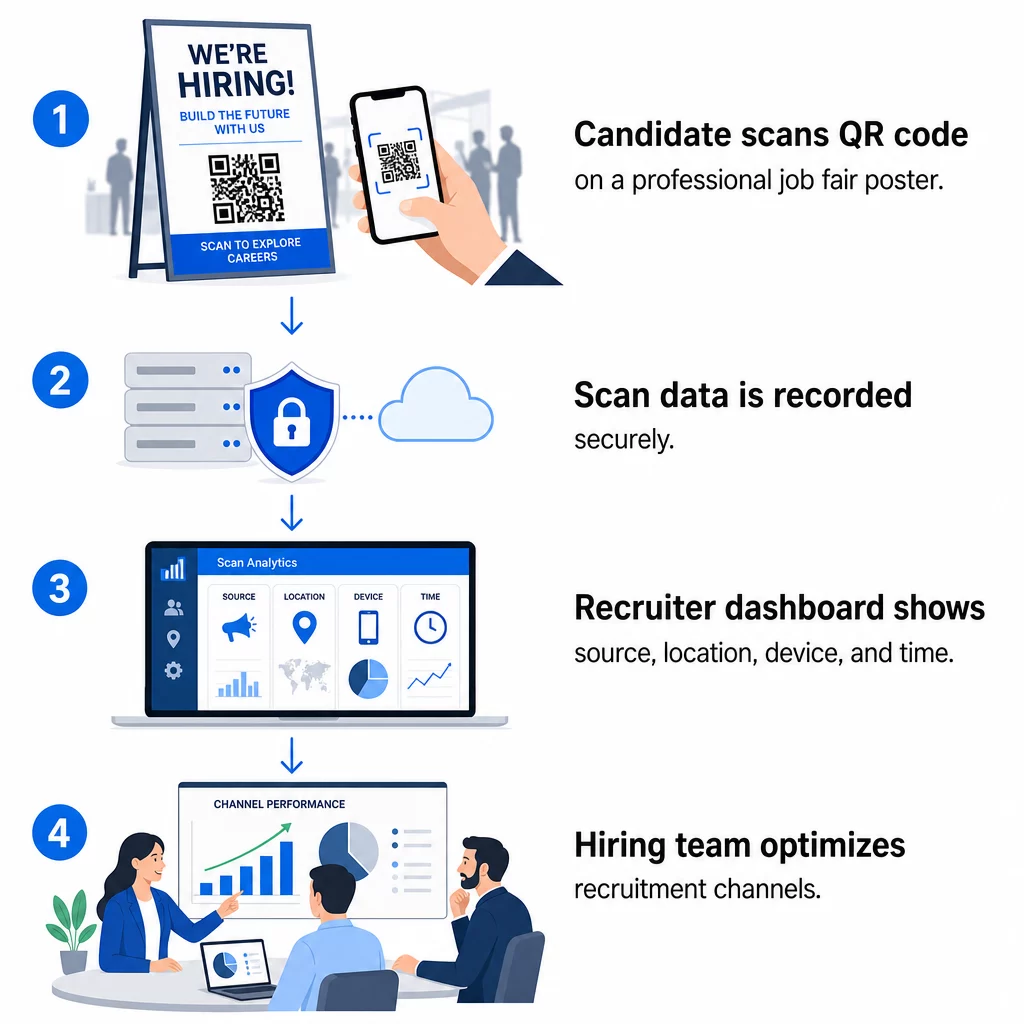
- Scan count – total and unique scans over time
- Timestamp – when candidates are most likely to engage
- Location data – which cities or regions your applications are coming from
- Device type and operating system – confirming whether your mobile application flow is actually working
This data helps you answer practical questions: Are your job fair materials generating follow-ups? Is the QR code on your poster outperforming the one in your email? Which posting locations attract candidates who complete the full application?
You can learn more about reading and acting on this data in Pageloot’s guide to tracking QR code scans and analytics.
Adding UTM Parameters for Deeper Attribution
If your team uses Google Analytics, you can append UTM parameters to the URL your QR code points to. This lets you track QR-driven traffic alongside your other channels without any manual reconciliation. A code placed at a university career fair might use `utmsource=careerfair` and `utmmedium=qrcode`, making it easy to compare that channel against LinkedIn ads or job board traffic in GA4.
Pageloot’s guide on UTM parameters for QR codes walks through naming conventions and reporting setup in detail.
Track Every Recruitment Channel Use the Dynamic QR Code Generator to create trackable, UTM-tagged codes for each recruitment touchpoint and see exactly which channels are driving qualified candidates.
Static vs. Dynamic QR Codes in Recruitment
Not every QR code needs to be dynamic, but most recruitment applications benefit from it. Here’s a practical comparison:
| Feature | Static QR Code | Dynamic QR Code |
|---|---|---|
| Destination editable after printing | No | Yes |
| Scan analytics | No | Yes |
| Works after job posting closes | No (if URL breaks) | Yes (redirect to new listing) |
| Requires subscription | No | Yes |
| Best for | Permanent reference materials | Active campaigns, job fairs, printed ads |
The main advantage of dynamic codes in recruiting is flexibility. If a position is filled before your printed materials are retired, you can redirect that QR code to a similar open role or a general application page – no reprinting required. For a detailed breakdown, see Pageloot’s comparison of static vs. dynamic QR codes.
Building Branded QR Codes That Candidates Trust
Generic black-and-white QR codes get scanned, but branded ones perform better and reinforce your employer identity. Pageloot’s QR code generator lets you embed your company logo, apply brand colors, and choose from design templates so every code looks like a deliberate part of your materials rather than an afterthought.
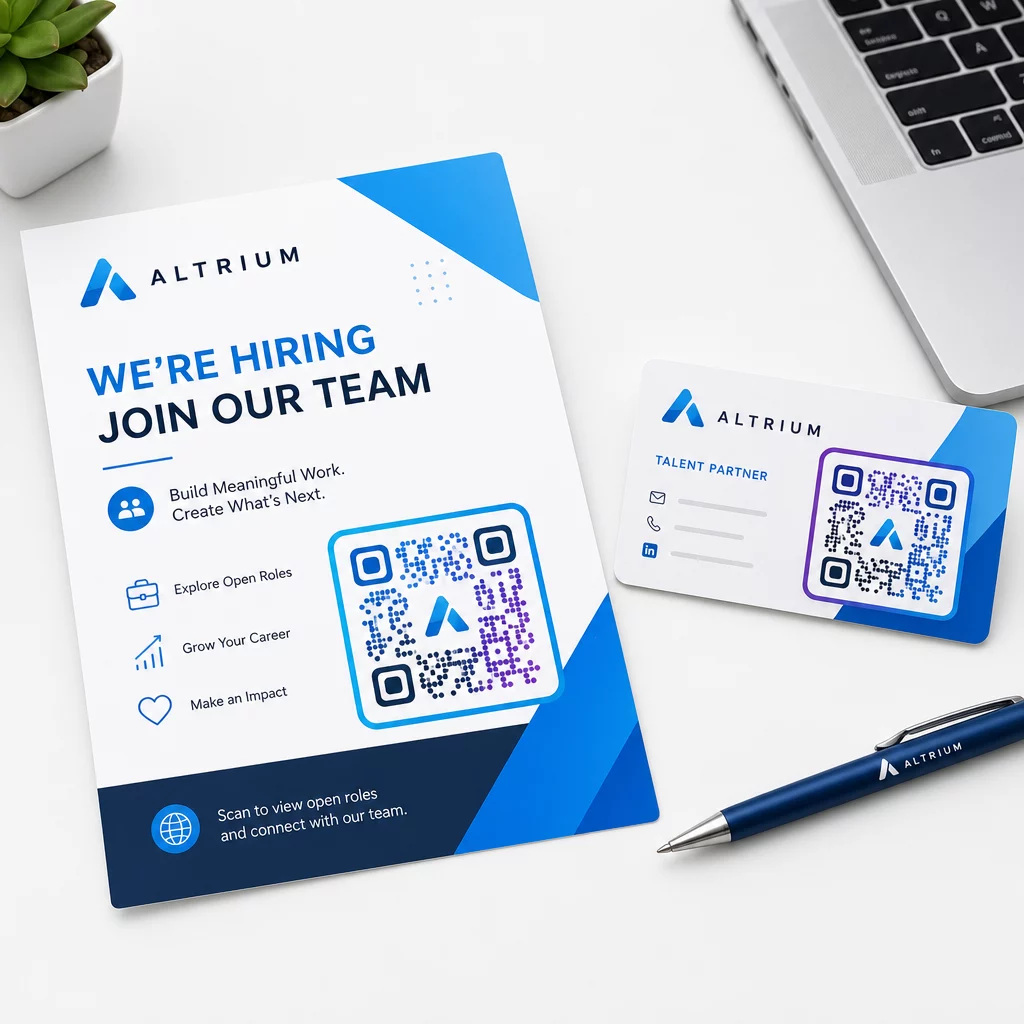
A few practical guidelines for printed recruitment materials:
- For business cards, use a minimum QR code size of 0.8 × 0.8 inches to ensure reliable scannability.
- For posters and flyers, aim for at least 1.2 × 1.2 inches, with clear white space around the code.
- Maintain a contrast ratio of at least 4:1 between the dark modules and the background.
- Print at 300 DPI to ensure the code stays sharp and scannable.
Branded, well-sized QR codes signal professionalism and encourage candidates to follow through. For more on mobile-friendly destinations after the scan, see Pageloot’s guide to mobile QR code landing page best practices.
Compliance Considerations for Candidate Data
QR codes collect data, and that data comes with responsibilities. Staffing firms in the US should be aware of a few baseline requirements when building QR-based recruiting workflows:
- EEOC recordkeeping: Federal law requires employers to retain all application records – including those submitted via QR-linked forms – for at least one year from the date the record was made. Federal contractors with 150 or more employees and contracts of at least $150,000 must retain records for two years.
- Voluntary self-identification: If your QR-linked forms collect demographic information for EEO reporting, that participation must be voluntary, kept separate from application materials, and never used in hiring decisions.
- Privacy obligations: If your platform makes privacy promises to candidates – explicitly or implicitly – you are required to honor them. Ensure any QR-linked forms and landing pages include a clear privacy notice and that candidate data is stored securely.
- ADA and algorithmic tools: If your QR workflow connects to any automated screening tools, EEOC guidance requires those tools to be evaluated for potential disparate impact on protected groups, including candidates with disabilities.
These requirements don’t complicate QR code adoption – they shape how you design the data collection on the other end of the scan.
How Pageloot Supports Recruitment Teams
Pageloot’s platform gives staffing firms the tools to create, manage, and analyze QR codes across every stage of recruiting. Trusted by more than 20,000 companies in 110 countries, the platform includes:
- A dynamic QR code generator for editable, trackable codes
- A Google Form QR code generator for instant application and screening form links
- A link QR code generator to point candidates to any job posting or landing page
- An attendance QR code tool for event check-ins and candidate logging
- A real-time analytics dashboard tracking scan count, location, device, and timing
- Full branding controls including logos, colors, and design templates
- Support for 25+ QR code types across print and digital formats
A 14-day free trial gives you access to dynamic codes, analytics, and branded customization before committing to a paid plan.
Get Started with Recruitment QR Codes Create branded, trackable codes for your next job fair, email campaign, or printed posting with the Pageloot QR Code Generator – free to try for 14 days, no credit card required.
Turning QR Data Into Smarter Hiring Decisions
The scan data your QR codes generate isn’t just a vanity metric – it’s a feedback loop for your recruitment strategy. If your event QR codes generate high scan volume but low application completions, the problem is likely the mobile experience on the other end of the scan. If your poster placements in one city outperform another, that informs where you focus your next print run.
Over time, combining QR scan analytics with your applicant tracking system data lets you build a clearer picture of which touchpoints actually convert into hires – and which are wasting budget. That’s the shift from reactive recruiting to data-driven hiring.
Frequently Asked Questions
No. Any modern smartphone with a built-in camera app can scan a QR code without downloading additional software. This removes a significant barrier to engagement, particularly at in-person events where candidates may be hesitant to install new apps.
Yes, but only if you use a dynamic QR code. Dynamic codes encode a short redirect URL that you can point to a new destination at any time from your Pageloot dashboard. If a job closes or a form link changes, you can redirect the code without reprinting a single flyer or poster.
The QR code itself collects scan-level data – timestamp, device type, operating system, and geographic location of the scan. It does not collect personal identity information unless the candidate actively submits a form after scanning. Any personal data collected through linked forms is governed by your privacy policy and applicable employment law, including EEOC recordkeeping requirements.