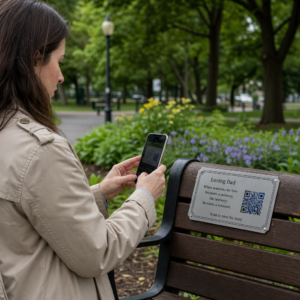
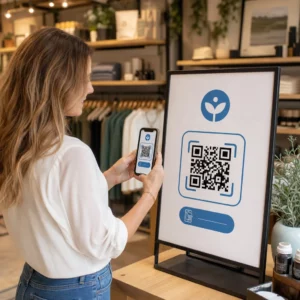
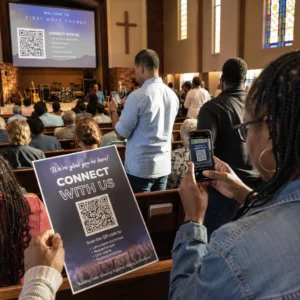
Ar prarandate kvalifikuotus kandidatus, nes jūsų įdarbinimo procesas sukuria per daug trinties? Pasenusios paraiškų teikimo darbo eigos, rankinis duomenų įvedimas ir prastas kandidatų įsitraukimo matomumas kainuoja įdarbinimo įmonėms laiką ir geriausius talentus. Šis vadovas paaiškina, kaip QR kodai išsprendžia šias problemas – ir kaip juos įdiegti jūsų įdarbinimo procese.
Kodėl kandidatų sekimas yra nepakankamas be QR kodų
Dauguma įdarbinimo įmonių vis dar remiasi rankinių veiksmų kratiniu: kandidatai įveda ilgas URL nuorodas, pildo formas kompiuteryje arba pasiima skrajutę darbo mugėje ir niekada neįvykdo toliau. Kiekvienas perdavimas yra galimybė kvalifikuotam kandidatui pasitraukti.
Skaičiai atspindi, kaip iš tikrųjų elgiasi kandidatai. „Pew Research Center“ tyrimas parodė, kad 50% išmaniųjų telefonų ieškančiųjų darbo naudojo savo telefonus internetinei darbo paraiškai užpildyti, o maždaug du trečdaliai darbo paraiškų dabar pateikiama iš mobiliųjų įrenginių. Kai jūsų paraiškų teikimo procesas nėra pritaikytas mobiliesiems, jūs dirbate prieš savo paties kandidatų srautą.
QR kodai užpildo šią spragą. Vienas nuskaitymas nukreipia kandidatą nuo fizinio sąlyčio taško – plakato, vizitinės kortelės, darbo mugės stendo – tiesiai į paraiškos formą, darbo aprašymą ar susitikimo nuorodą. Jokio rašymo, jokios paieškos, jokios trinties.
Kur QR kodai tinka jūsų įdarbinimo darbo eigoje
QR kodai nėra vienkartinio naudojimo įrankis. Jie gali pagerinti kandidatų sąveiką kiekviename įdarbinimo piltuvėlio etape.
Darbo mugėse ir renginiuose. Padėkite QR kodą savo stende, kad nukreiptumėte lankytojus į konkrečius darbo skelbimus arba surinktumėte kontaktinę informaciją per "Google" formos QR kodas. Kiekvienas nuskaitymas sukuria skaitmeninį sąveikos įrašą – jokių vizitinių kortelių, kurias galima pamesti, jokių skaičiuoklių, kurias reikėtų vėliau derinti. Taip pat galite supaprastinti renginių registraciją naudodami QR kodo lankomumo sistema kuri automatiškai registruoja atvykimus.
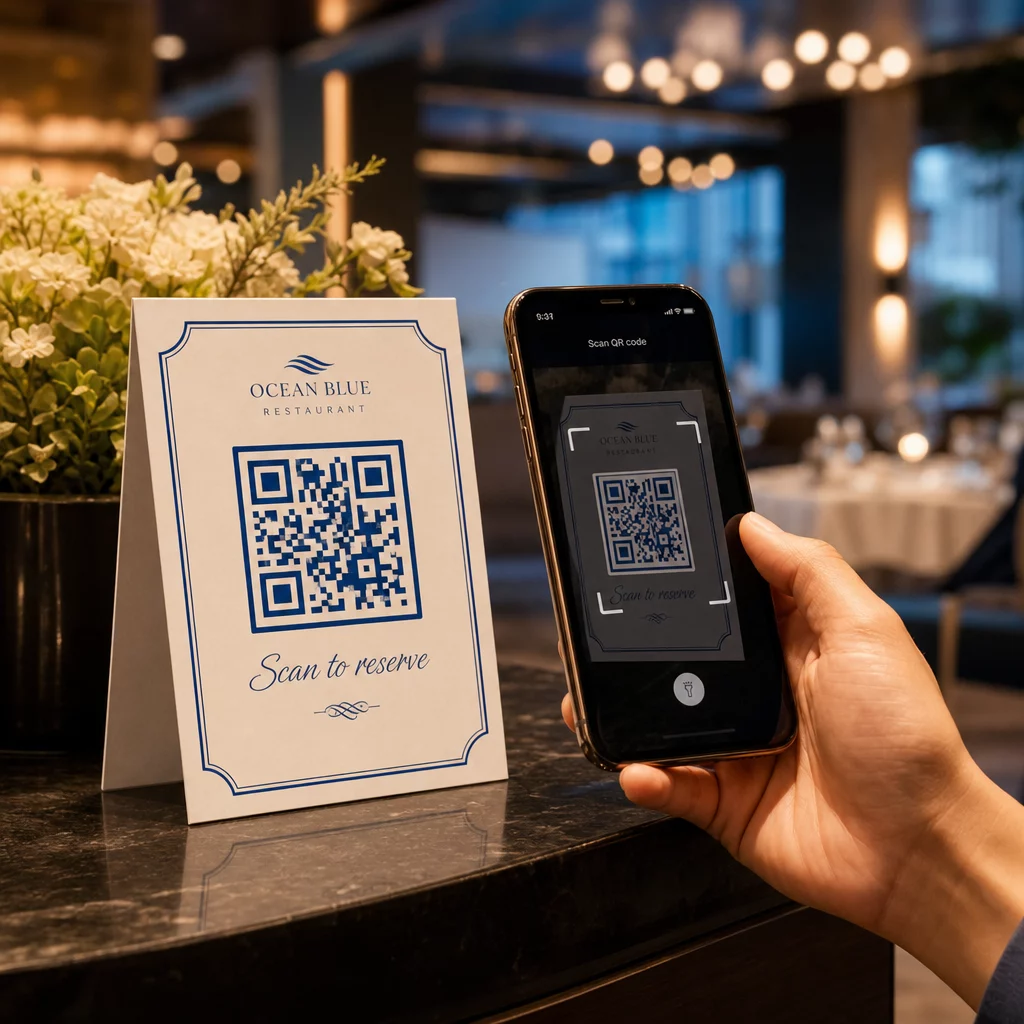
Ant spausdintų medžiagų. Skrajutės, plakatai ir brošiūros gali pasiekti kandidatus, kurie aktyviai neieško darbo. A QR kodas ant plakato susiejimas su trumpu vaizdo įrašu apie jūsų įmonės kultūrą ar dabartinę laisvą darbo vietą suteikia pasyviems kandidatams be trinties būdą tyrinėti, iš karto neįsipareigojant pateikti visos paraiškos.
Ant vizitinių kortelių. Įdarbintojai gali įtraukti "LinkedIn" QR kodas arba nuorodą į savo dabartinius darbo skelbimus, kad pokalbiai asmeniškai virstų veiksmingais ryšiais. Pageloot LinkedIn QR kodo generatorius leidžia lengvai sukurti nuskaitomą kodą, kuris tiesiogiai susieja su jūsų profiliu ar įmonės puslapiu.
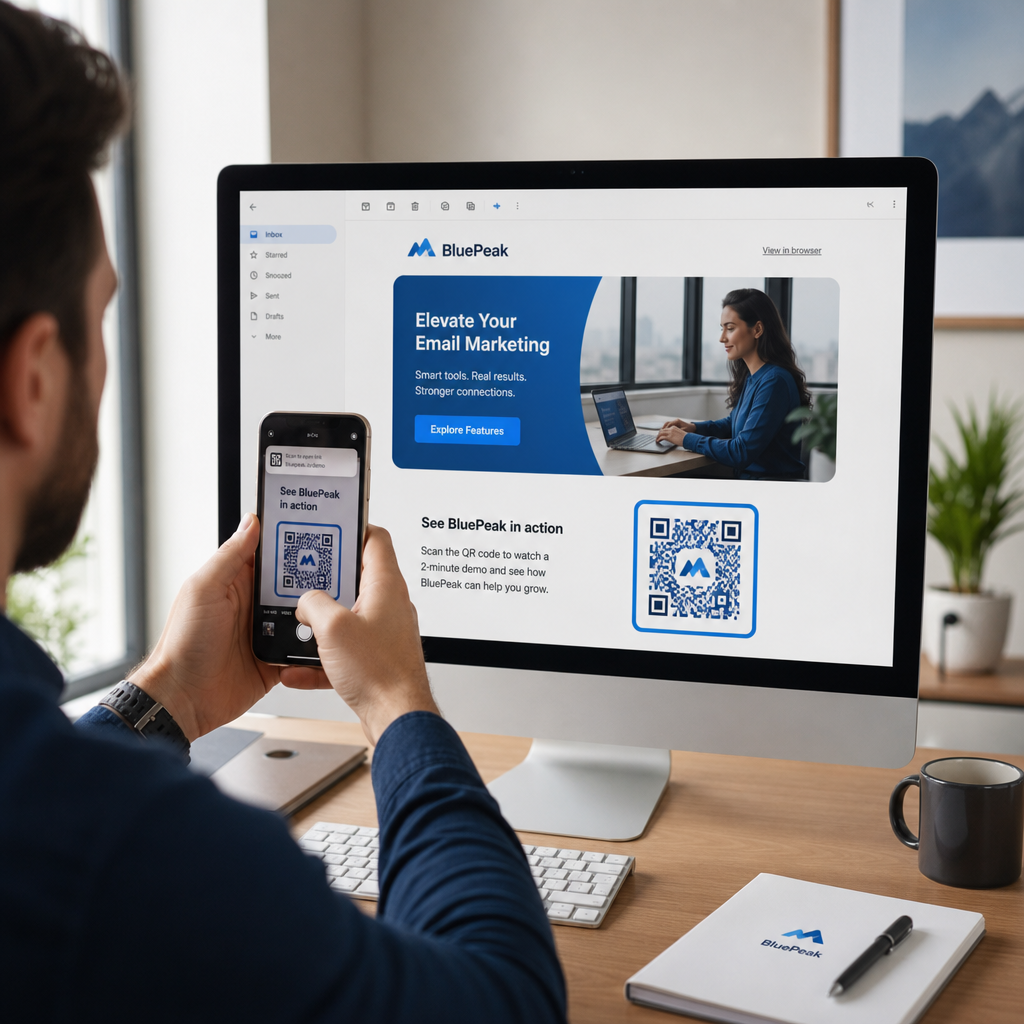
Skaitmeninėse kampanijose. El. pašto naujienlaiškiai, darbo skelbimų lentos ir socialinės žiniasklaidos įrašai gali turėti QR kodus, kurie nukreipia kandidatus į specialų nukreipimo puslapį. Naudojant dinaminiai QR kodai čia galite stebėti, kurie skaitmeniniai kanalai sugeneruoja daugiausiai kvalifikuotų paraiškų.
Gyvenimo aprašymų pateikimui. Susiejus QR kodą su „Google“ forma arba paraiškų portalu, kandidatai gali nedelsiant įkelti savo informaciją, užfiksuodami ketinimą, kai įsitraukimas yra didžiausias.
Supaprastinkite renginių įdarbinimą Reikia stebėti dalyvių registracijas ir vienu žingsniu surinkti kandidatų duomenis? QR kodo lankomumo stebėjimo priemonė tiesiogiai jungiasi prie „Google“ formų, todėl kiekvienas nuskaitymas automatiškai registruojamas.
Kaip QR kodo stebėjimas veikia įdarbintojams
Pats QR kodas yra tik nuoroda. Tikroji vertė slypi jo generuojamuose duomenyse. Dinaminiai QR kodai įrašo kiekvieną nuskaitymą su metrikos duomenimis, įskaitant:
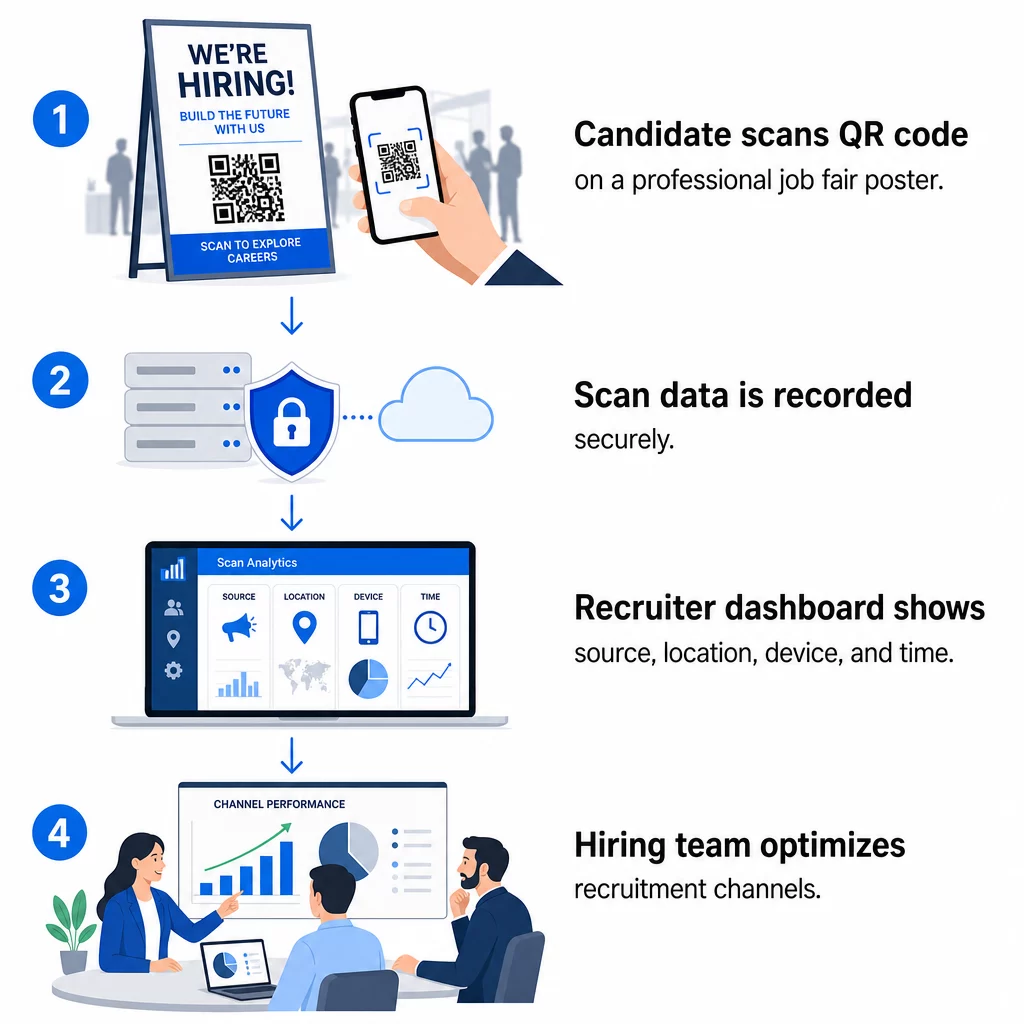
- Nuskaitymų skaičius – bendras ir unikalus nuskaitymų skaičius laikui bėgant
- Laiko žyma – kada kandidatai yra labiausiai linkę įsitraukti
- Vietos duomenys – iš kurių miestų ar regionų ateina jūsų paraiškos
- Įrenginio tipas ir operacinė sistema – patvirtinant, ar jūsų mobiliosios programėlės srautas iš tiesų veikia
Šie duomenys padeda atsakyti į praktinius klausimus: Ar jūsų darbo mugės medžiaga generuoja tolesnius veiksmus? Ar QR kodas ant jūsų plakato veikia geriau nei tas, kuris yra jūsų el. laiške? Kurios skelbimo vietos pritraukia kandidatus, kurie užpildo visą paraišką?
Daugiau apie šių duomenų skaitymą ir veiksmus galite sužinoti Pageloot vadove, skirtame QR kodų nuskaitymų ir analizės stebėjimui.
UTM parametrų pridėjimas gilesniam priskyrimui
Jei jūsų komanda naudoja „Google Analytics“, galite pridėti UTM parametrus prie URL, į kurį nukreipia jūsų QR kodas. Tai leidžia stebėti QR kodu generuojamą srautą kartu su kitais kanalais be jokio rankinio suderinimo. Kodas, patalpintas universitetinėje karjeros mugėje, gali naudoti `utm`source=careerfair` ir `utm`medium=qrcode`, todėl lengva palyginti tą kanalą su „LinkedIn“ skelbimais ar darbo skelbimų lentų srautu GA4.
Pageloot vadovas apie UTM parametrus QR kodams išsamiai apžvelgia pavadinimų suteikimo taisykles ir ataskaitų nustatymus.
Stebėkite kiekvieną įdarbinimo kanalą Naudoti Dinaminis QR kodo generatorius sukurti stebimus, UTM žymėmis pažymėtus kodus kiekvienam įdarbinimo kontaktiniam taškui ir tiksliai matyti, kurie kanalai pritraukia kvalifikuotus kandidatus.
Statiniai ir dinaminiai QR kodai įdarbinant
Ne kiekvienas QR kodas turi būti dinaminis, tačiau daugumai įdarbinimo programų tai naudinga. Štai praktinis palyginimas:
| FUNKCIJA | Statinis QR kodas | Dinaminis QR kodas |
|---|---|---|
| Paskirtis redaguojama po spausdinimo | Ne | Taip |
| Nuskaitymų analizė | Ne | Taip |
| Veikia pasibaigus darbo skelbimo galiojimui | Ne (jei URL neveikia) | Taip (nukreipia į naują skelbimą) |
| Reikalinga prenumerata | Ne | Taip |
| Geriausiai tinka | Nuolatinė informacinė medžiaga | Aktyvios kampanijos, darbo mugės, spausdinti skelbimai |
Pagrindinis dinaminių kodų privalumas įdarbinant yra lankstumas. Jei pareigos užpildomos anksčiau, nei jūsų spausdinta medžiaga yra pašalinama, galite nukreipti tą QR kodą į panašią atvirą poziciją arba bendrą paraiškos puslapį – nereikia perspausdinti. Išsamų aprašymą rasite Pageloot palyginime statinius ir dinaminius QR kodus.
Kuriame prekės ženklo QR kodus, kuriais kandidatai pasitiki
Bendriniai juodai balti QR kodai yra nuskaitomi, tačiau prekės ženklo kodai veikia geriau ir sustiprina jūsų darbdavio tapatybę. Pageloot QR kodo generatorių leidžia įterpti įmonės logotipą, pritaikyti prekės ženklo spalvas ir pasirinkti iš dizaino šablonų, kad kiekvienas kodas atrodytų kaip apgalvota jūsų medžiagos dalis, o ne atsitiktinumas.
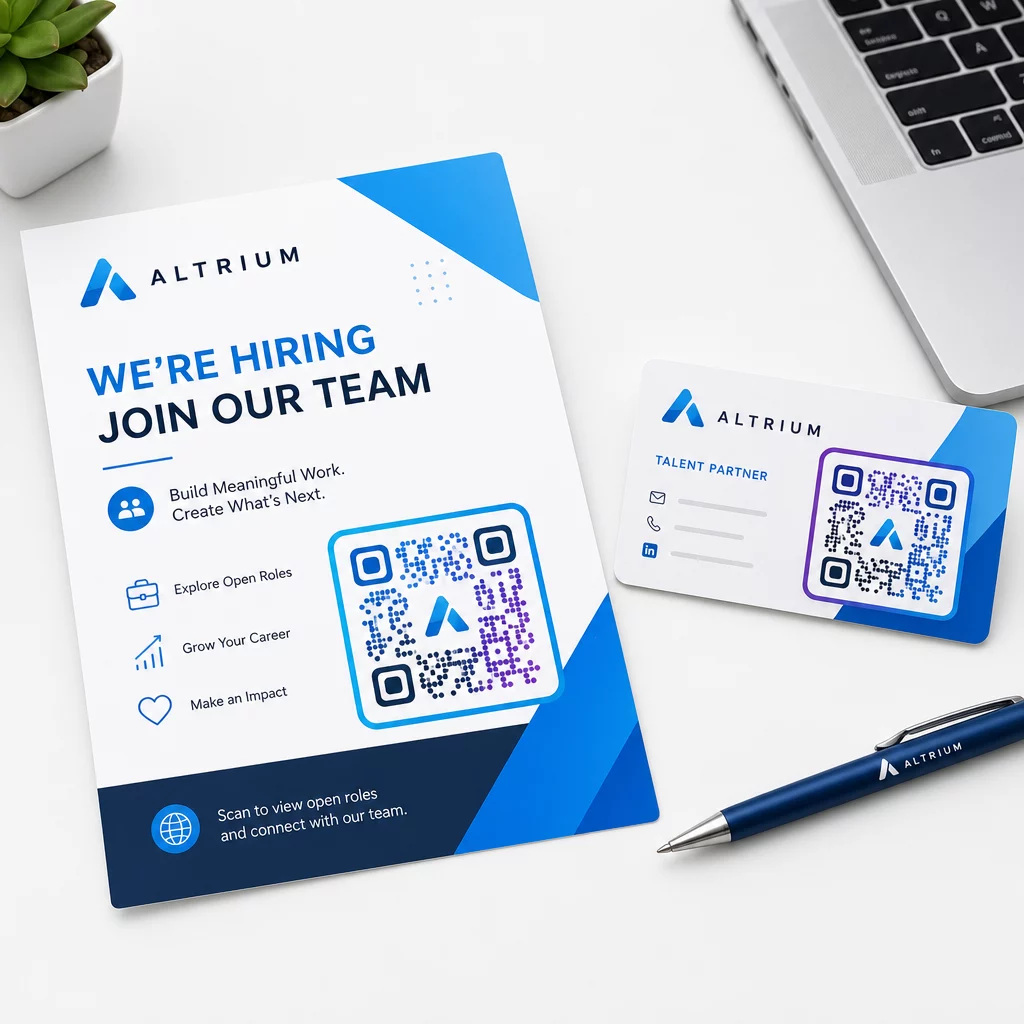
Keletas praktinių gairių spausdintoms įdarbinimo medžiagoms:
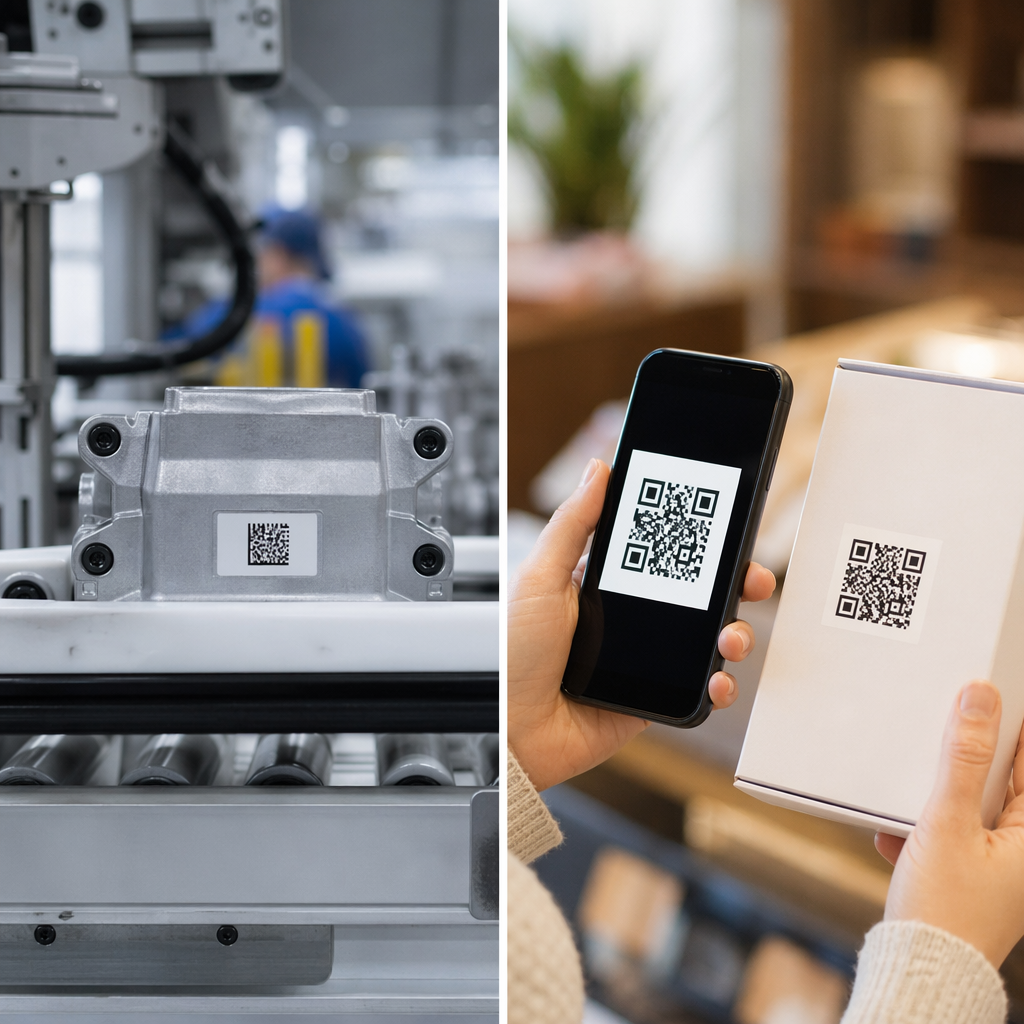
- Vizitinėms kortelėms naudokite minimalų QR kodo dydį 0.8 × 0.8 colio kad užtikrintumėte patikimą nuskaitymą.
- Plakatams ir skrajutėms siekite bent 1.2 × 1.2 colio, su aiškia balta erdve aplink kodą.
- Palaikykite bent 4:1 tarp tamsių modulių ir fono.
- Spausdinkite 300 DPI kad kodas išliktų ryškus ir nuskaitymas būtų įmanomas.
Firminiai, tinkamo dydžio QR kodai signalizuoja profesionalumą ir skatina kandidatus tęsti procesą. Daugiau apie mobiliesiems įrenginiams pritaikytas paskirties vietas po nuskaitymo rasite „Pageloot“ vadove apie geriausiomis mobiliųjų QR kodų nukreipimo puslapių praktikomis.
Kandidatų duomenų atitikties aspektai
QR kodai renka duomenis, o šie duomenys susiję su atsakomybe. Įdarbinimo įmonės JAV turėtų žinoti keletą pagrindinių reikalavimų, kurdamos QR kodais pagrįstas įdarbinimo darbo eigas:
- EEOC duomenų saugojimas: Federalinis įstatymas reikalauja, kad darbdaviai saugotų visus paraiškų įrašus – įskaitant tuos, kurie pateikti per QR kodu susietas formas – bent vienerius metus nuo įrašo sudarymo datos. Federaliniai rangovai, turintys 150 ar daugiau darbuotojų ir sutarčių, kurių vertė ne mažesnė kaip 150 000 USD, privalo saugoti įrašus dvejus metus.
- Savanoriškas savęs identifikavimas: Jei jūsų QR kodu susietos formos renka demografinę informaciją EEO ataskaitoms, toks dalyvavimas turi būti savanoriškas, laikomas atskirai nuo paraiškos medžiagos ir niekada nenaudojamas priimant sprendimus dėl įdarbinimo.
- Privatumo įsipareigojimai: Jei jūsų platforma teikia privatumo pažadus kandidatams – aiškiai ar numanomai – privalote jų laikytis. Užtikrinkite, kad visose QR kodu susietose formose ir nukreipimo puslapiuose būtų aiškus privatumo pranešimas ir kad kandidatų duomenys būtų saugomi saugiai.
- ADA ir algoritminiai įrankiai: Jei jūsų QR darbo eiga jungiasi prie automatizuotų atrankos įrankių, EEOC gairės reikalauja, kad šie įrankiai būtų įvertinti dėl galimo nevienodo poveikio saugomoms grupėms, įskaitant kandidatus su negalia.
Šie reikalavimai nekomplikuoja QR kodų diegimo – jie formuoja, kaip kuriate duomenų rinkimą kitoje nuskaitymo pusėje.
Kaip „Pageloot“ palaiko įdarbinimo komandas
„Pageloot“ platforma suteikia įdarbinimo įmonėms įrankius QR kodams kurti, valdyti ir analizuoti kiekviename įdarbinimo etape. Platforma, kuria pasitiki daugiau nei 20 000 įmonių 110 šalių, apima:
- A Dinaminis QR kodo generatorius redaguojamiems, sekamiems kodams
- A Google formos QR kodo generatorius momentinėms paraiškų ir atrankos formų nuorodoms
- A nuorodos QR kodo generatorius nukreipti kandidatus į bet kokį darbo skelbimą ar nukreipimo puslapį
- An lankomumo QR kodo įrankis renginių registracijai ir kandidatų fiksavimui
- Realaus laiko analizės prietaisų skydelis, sekantis nuskaitymų skaičių, vietą, įrenginį ir laiką
- Visos prekės ženklo kontrolės priemonės, įskaitant logotipus, spalvas ir dizaino šablonus
- Palaikymas daugiau nei 25 QR kodų tipams spausdintiniuose ir skaitmeniniuose formatuose
14 dienų nemokamas bandomasis laikotarpis suteikia prieigą prie dinaminių kodų, analizės ir firminio pritaikymo prieš įsipareigojant mokamam planui.
Pradėkite naudoti įdarbinimo QR kodus Kurkite firminius, sekamus kodus kitai darbo mugei, el. pašto kampanijai ar spausdintam skelbimui su „Pageloot“ QR kodų generatorius – nemokamai išbandyti 14 dienų, kreditinė kortelė nereikalinga.
QR duomenų pavertimas į išmanesnius įdarbinimo sprendimus
Nuskaitymo duomenys, kuriuos generuoja jūsų QR kodai, nėra tik tuščias rodiklis – tai grįžtamojo ryšio kilpa jūsų įdarbinimo strategijai. Jei jūsų renginių QR kodai generuoja didelį nuskaitymų skaičių, bet mažai užpildytų paraiškų, problema greičiausiai yra mobilioji patirtis kitoje nuskaitymo pusėje. Jei jūsų plakatų išdėstymas viename mieste yra efektyvesnis nei kitame, tai parodo, kur turėtumėte sutelkti dėmesį kitam spausdinimui.
Laikui bėgant, derinant QR nuskaitymo analizę su jūsų kandidatų sekimo sistemos duomenimis, galite susidaryti aiškesnį vaizdą, kurie sąlyčio taškai iš tikrųjų virsta įdarbinimu – ir kurie švaisto biudžetą. Tai yra perėjimas nuo reaktyvaus įdarbinimo prie duomenimis pagrįsto įdarbinimo.
Dažniausiai užduodami klausimai
Ne. Bet kuris modernus išmanusis telefonas su integruota kameros programėle gali nuskaityti QR kodą neatsisiunčiant papildomos programinės įrangos. Tai pašalina didelę kliūtį įsitraukimui, ypač gyvuose renginiuose, kur kandidatai gali nenoriai diegti naujas programėles.
Taip, bet tik tuo atveju, jei naudojate dinaminį QR kodą. Dinaminiai kodai užkoduoja trumpą nukreipimo URL, kurį galite bet kada nukreipti į naują paskirties vietą iš savo Pageloot prietaisų skydelio. Jei darbas baigiasi arba pasikeičia formos nuoroda, galite nukreipti kodą iš naujo neperspausdindami nė vieno skrajutės ar plakato.
Pats QR kodas renka nuskaitymo lygio duomenis – laiko žymę, įrenginio tipą, operacinę sistemą ir geografinę nuskaitymo vietą. Jis nerenka asmens tapatybės informacijos, nebent kandidatas aktyviai pateikia formą po nuskaitymo. Visi asmens duomenys, surinkti per susietas formas, yra reglamentuojami jūsų privatumo politikos ir taikomos darbo teisės, įskaitant EEOC duomenų saugojimo reikalavimus.