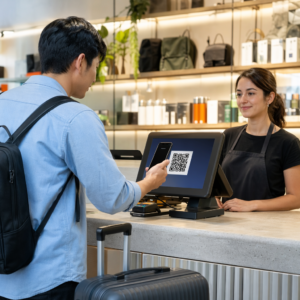
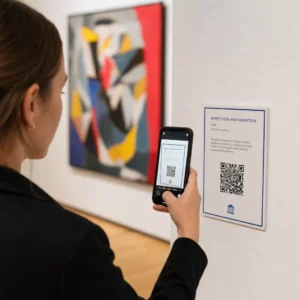
Apakah Anda kehilangan pelamar yang berkualitas karena proses perekrutan Anda menciptakan terlalu banyak gesekan? Alur kerja aplikasi yang ketinggalan zaman, entri data manual, dan visibilitas yang buruk terhadap keterlibatan kandidat merugikan perusahaan penyedia staf waktu dan talenta terbaik. Panduan ini menjelaskan bagaimana kode QR memecahkan masalah tersebut – dan cara menerapkannya dalam proses perekrutan Anda.
Mengapa Pelacakan Kandidat Kurang Efektif Tanpa Kode QR
Sebagian besar perusahaan penyedia staf masih mengandalkan serangkaian langkah manual: kandidat mengetik URL panjang, mengisi formulir di desktop, atau mengambil selebaran di pameran kerja dan tidak pernah menindaklanjutinya. Setiap serah terima adalah kesempatan bagi pelamar yang berkualitas untuk mundur.
Angka-angka mencerminkan bagaimana kandidat sebenarnya berperilaku. Penelitian dari Pew Research Center menemukan bahwa 50% pencari kerja smartphone menggunakan ponsel mereka untuk mengisi lamaran kerja online, dan sekitar dua pertiga lamaran kerja kini diajukan dari perangkat seluler. Ketika proses aplikasi Anda tidak dibangun untuk seluler, Anda bekerja melawan jalur Anda sendiri.
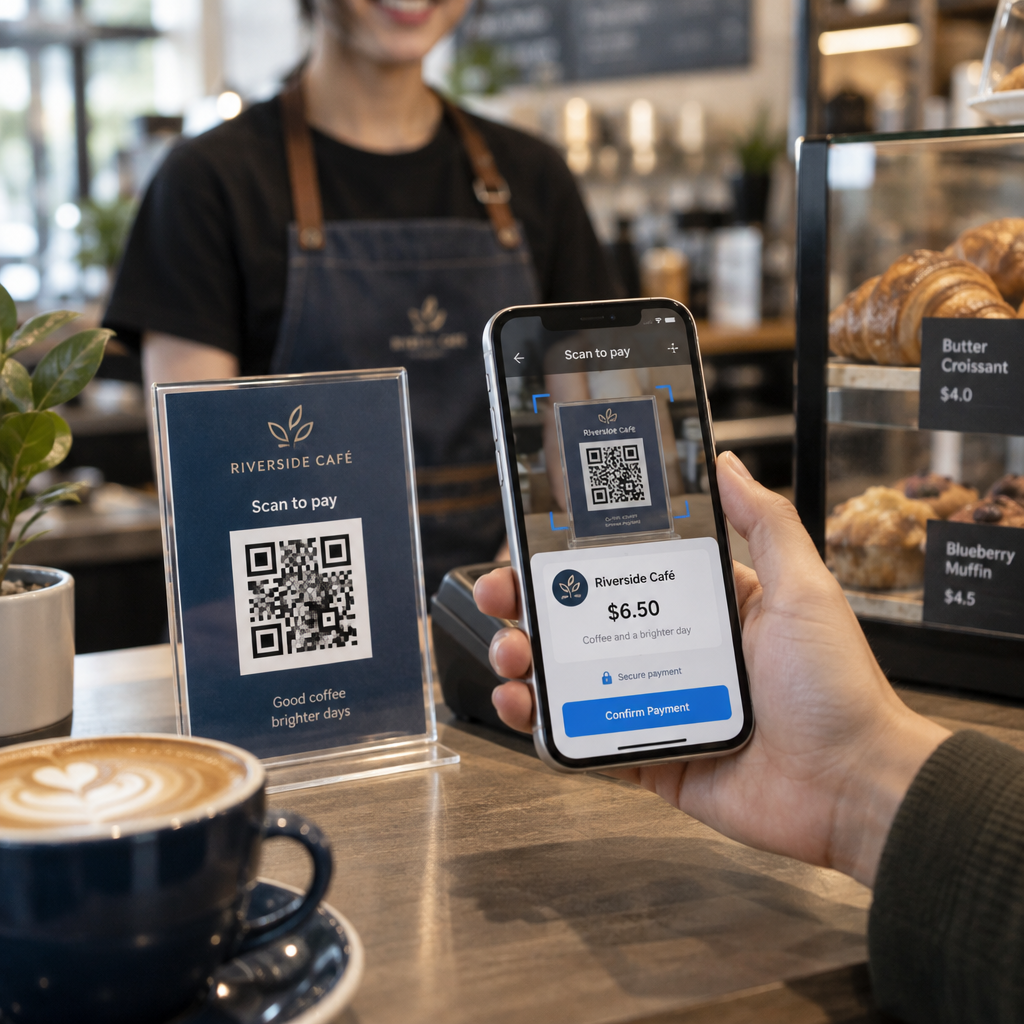
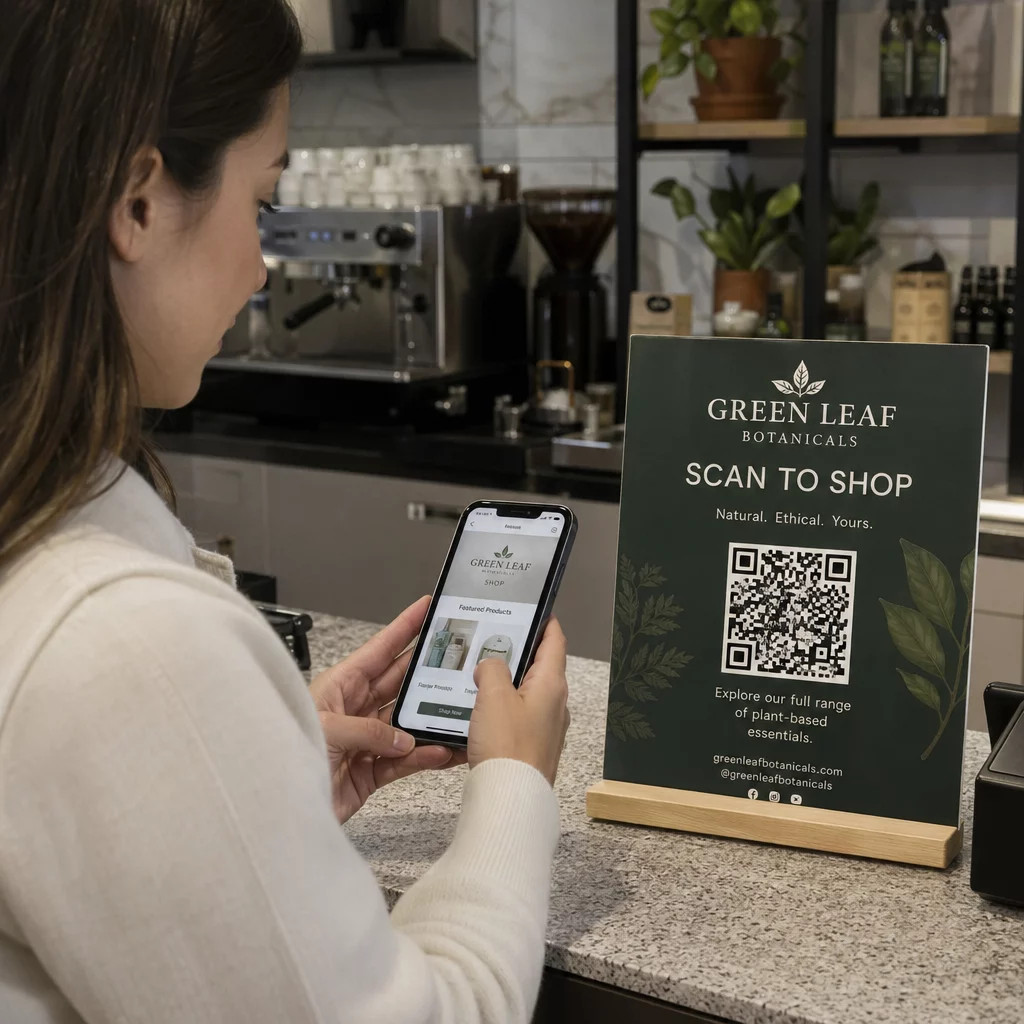
Kode QR menutup celah itu. Satu pemindaian membawa kandidat dari titik sentuh fisik – poster, kartu nama, stan pameran kerja – langsung ke formulir aplikasi, deskripsi pekerjaan, atau tautan penjadwalan. Tanpa mengetik, tanpa mencari, tanpa gesekan.
Di Mana Kode QR Cocok dalam Alur Kerja Perekrutan Anda
Kode QR bukanlah alat sekali pakai. Mereka dapat meningkatkan interaksi kandidat di setiap tahap corong perekrutan.
Di pameran kerja dan acara. Tempatkan kode QR di stan Anda untuk mengarahkan pengunjung ke daftar pekerjaan tertentu atau mengumpulkan informasi kontak melalui Kode QR Formulir Google. Setiap pemindaian menciptakan catatan digital interaksi – tidak ada kartu nama yang hilang, tidak ada spreadsheet yang perlu direkonsiliasi nanti. Anda juga dapat menyederhanakan check-in acara menggunakan sistem kehadiran kode QR yang mencatat kedatangan secara otomatis.
Pada materi cetak. Selebaran, poster, dan brosur dapat menjangkau kandidat yang tidak aktif mencari pekerjaan. Sebuah Kode QR pada poster yang menautkan ke video singkat tentang budaya perusahaan Anda atau lowongan saat ini memberikan cara tanpa gesekan bagi kandidat pasif untuk menjelajahi tanpa harus segera berkomitmen pada aplikasi penuh.
Pada kartu nama. Perekrut dapat menyertakan Kode QR LinkedIn atau tautan ke daftar pekerjaan mereka saat ini sehingga percakapan langsung dapat diterjemahkan menjadi koneksi yang dapat ditindaklanjuti. Pageloot's Generator QR Code LinkedIn memudahkan untuk membuat kode yang dapat dipindai yang terhubung langsung ke profil atau halaman perusahaan Anda.
Dalam kampanye digital. Buletin email, papan pekerjaan, dan postingan media sosial semuanya dapat menampilkan kode QR yang mengirim kandidat ke halaman arahan khusus. Menggunakan kode QR dinamis di sini memungkinkan Anda melacak saluran digital mana yang menghasilkan aplikasi paling berkualitas.
Untuk pengiriman resume. Menghubungkan kode QR ke Google Form atau portal aplikasi memungkinkan kandidat mengunggah informasi mereka segera, menangkap niat saat keterlibatan tertinggi.
Sederhanakan Perekrutan Acara Perlu melacak check-in peserta dan menangkap data kandidat dalam satu langkah? The Pelacak Kehadiran Kode QR terhubung langsung ke Google Forms sehingga setiap pemindaian dicatat secara otomatis.
Bagaimana Pelacakan Kode QR Bekerja untuk Perekrut
Kode QR itu sendiri hanyalah jalan pintas. Nilai sebenarnya berasal dari data yang dihasilkannya. Kode QR dinamis mencatat setiap pemindaian dengan metrik termasuk:
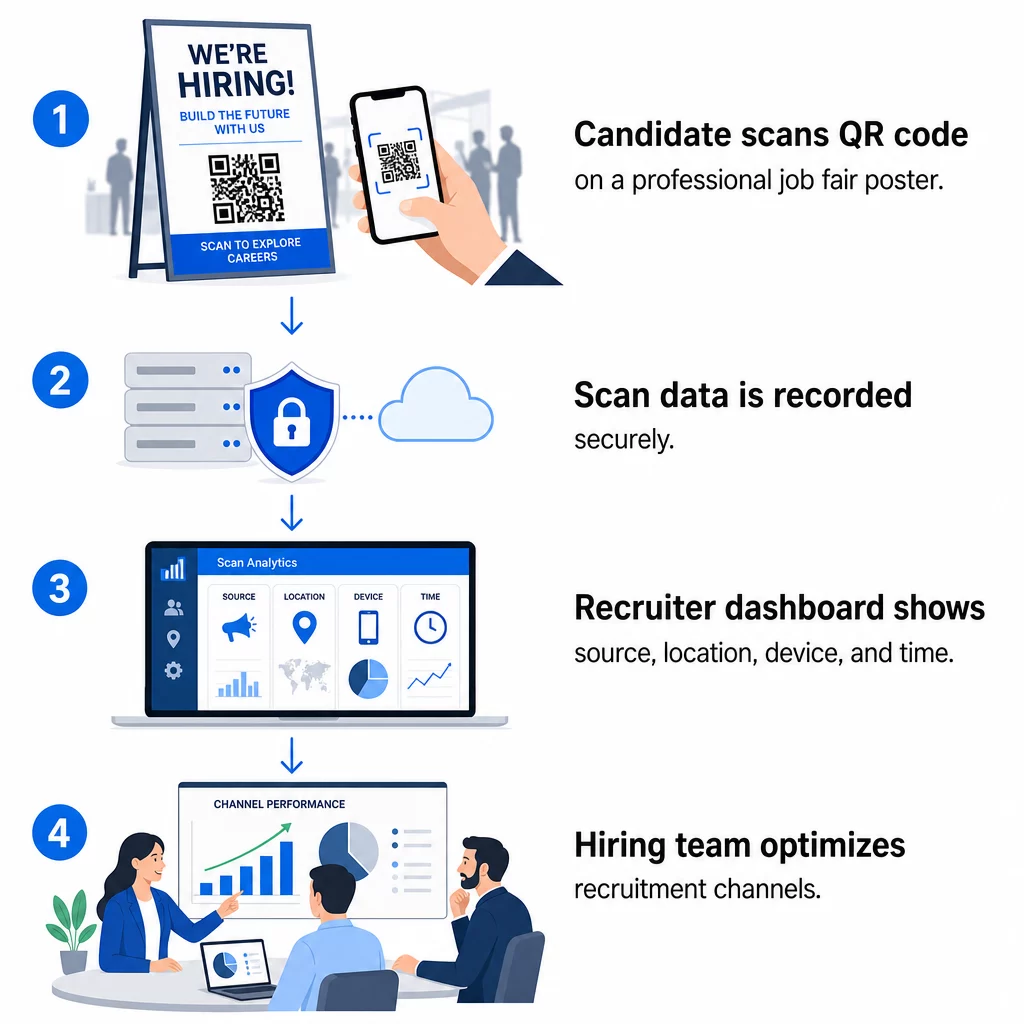
- Jumlah pemindaian – total dan pemindaian unik seiring waktu
- Stempel waktu – kapan kandidat paling mungkin untuk berinteraksi
- Data lokasi – dari kota atau wilayah mana lamaran Anda berasal
- Jenis perangkat dan sistem operasi – mengonfirmasi apakah alur aplikasi seluler Anda benar-benar berfungsi
Data ini membantu Anda menjawab pertanyaan praktis: Apakah materi pameran kerja Anda menghasilkan tindak lanjut? Apakah kode QR di poster Anda mengungguli yang ada di email Anda? Lokasi posting mana yang menarik kandidat yang menyelesaikan lamaran penuh?
Anda dapat mempelajari lebih lanjut tentang membaca dan menindaklanjuti data ini dalam panduan Pageloot untuk melacak pemindaian kode QR dan analitik.
Menambahkan Parameter UTM untuk Atribusi yang Lebih Mendalam
Jika tim Anda menggunakan Google Analytics, Anda dapat menambahkan parameter UTM ke URL yang dituju oleh kode QR Anda. Ini memungkinkan Anda melacak lalu lintas yang didorong oleh QR bersama saluran Anda yang lain tanpa rekonsiliasi manual. Kode yang ditempatkan di pameran karier universitas mungkin menggunakan `utmsource=careerfair` dan `utmmedia=qrcode`, sehingga mudah untuk membandingkan saluran tersebut dengan iklan LinkedIn atau lalu lintas papan kerja di GA4.
Panduan Pageloot tentang parameter UTM untuk kode QR menjelaskan konvensi penamaan dan pengaturan pelaporan secara rinci.
Lacak Setiap Saluran Rekrutmen Menggunakan Generator QR Code Dinamis untuk membuat kode yang dapat dilacak dan diberi tag UTM untuk setiap titik sentuh rekrutmen dan melihat dengan tepat saluran mana yang menghasilkan kandidat berkualitas.
Kode QR Statis vs. Dinamis dalam Rekrutmen
Tidak setiap kode QR harus dinamis, tetapi sebagian besar aplikasi rekrutmen mendapat manfaat darinya. Berikut adalah perbandingan praktis:
| FITUR | Kode QR Statis | Kode QR dinamis |
|---|---|---|
| Tujuan dapat diedit setelah dicetak | Tidak. | Ya. |
| Analitik pemindaian | Tidak. | Ya. |
| Berfungsi setelah lowongan pekerjaan ditutup | Tidak (jika URL rusak) | Ya (mengalihkan ke daftar baru) |
| Membutuhkan langganan | Tidak. | Ya. |
| 9. Terbaik untuk | Materi referensi permanen | Kampanye aktif, pameran kerja, iklan cetak |
Keuntungan utama kode dinamis dalam rekrutmen adalah fleksibilitas. Jika suatu posisi terisi sebelum materi cetak Anda ditarik, Anda dapat mengalihkan kode QR tersebut ke peran terbuka yang serupa atau halaman aplikasi umum – tanpa perlu mencetak ulang. Untuk rincian lebih lanjut, lihat perbandingan Pageloot tentang kode QR statis vs. dinamis.
Membangun Kode QR Bermerek yang Dipercaya Kandidat
Kode QR hitam-putih generik memang dipindai, tetapi yang bermerek berkinerja lebih baik dan memperkuat identitas perusahaan Anda. Pageloot generator kode QR memungkinkan Anda menyematkan logo perusahaan, menerapkan warna merek, dan memilih dari templat desain sehingga setiap kode terlihat seperti bagian yang disengaja dari materi Anda daripada sekadar tambahan.
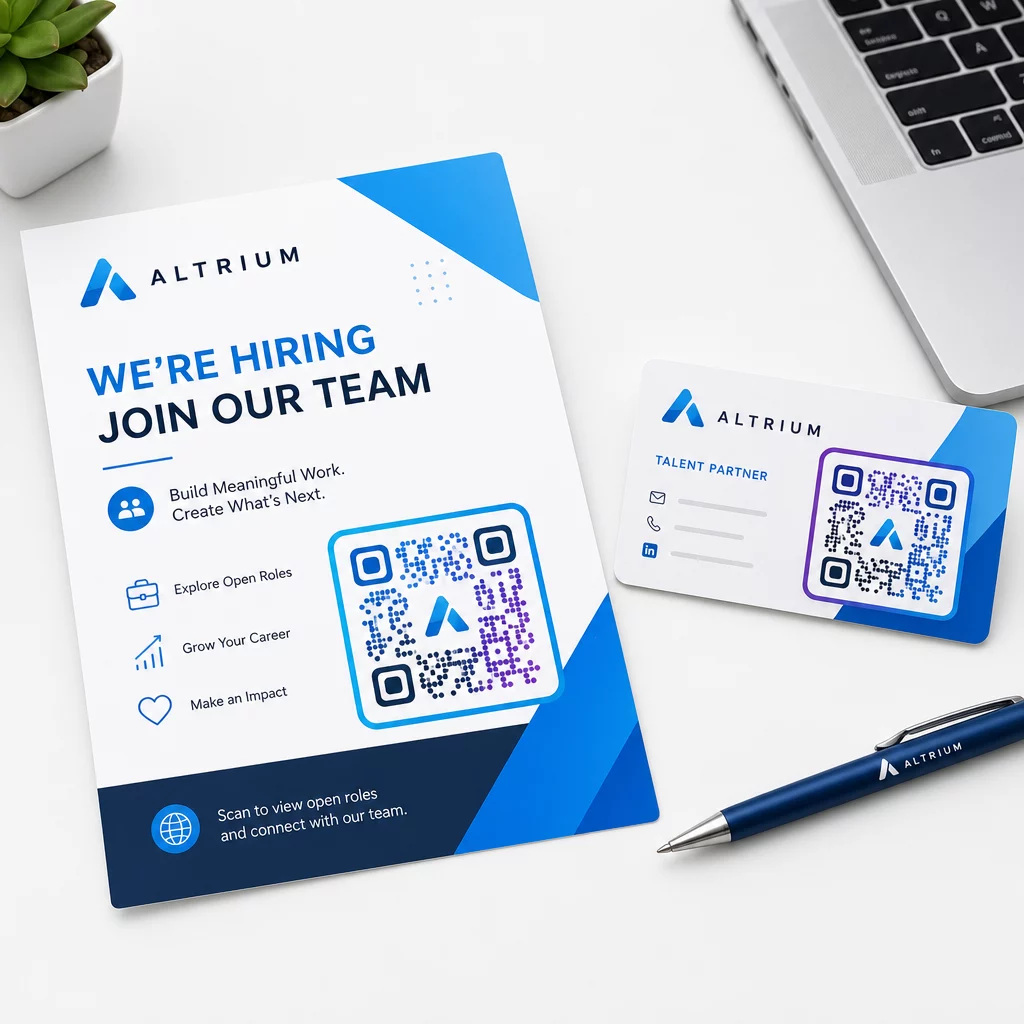
Beberapa panduan praktis untuk materi rekrutmen cetak:
- Untuk kartu nama, gunakan ukuran kode QR minimal 0,8 × 0,8 inci untuk memastikan kemampuan pindai yang andal.
- Untuk poster dan pamflet, targetkan setidaknya 1,2 × 1,2 inci, dengan ruang putih yang jelas di sekitar kode.
- Pertahankan rasio kontras setidaknya 4:1 antara modul gelap dan latar belakang.
- Cetak pada 300 DPI untuk memastikan kode tetap tajam dan dapat dipindai.
Kode QR bermerek dan berukuran tepat menandakan profesionalisme dan mendorong kandidat untuk melanjutkan. Untuk informasi lebih lanjut tentang tujuan yang ramah seluler setelah pemindaian, lihat panduan Pageloot tentang praktik terbaik halaman arahan kode QR seluler.
Pertimbangan Kepatuhan untuk Data Kandidat
Kode QR mengumpulkan data, dan data tersebut datang dengan tanggung jawab. Perusahaan perekrutan di AS harus menyadari beberapa persyaratan dasar saat membangun alur kerja perekrutan berbasis QR:
- Pencatatan EEOC: Hukum federal mewajibkan pemberi kerja untuk menyimpan semua catatan lamaran – termasuk yang diajukan melalui formulir yang terhubung dengan QR – setidaknya selama satu tahun sejak tanggal catatan dibuat. Kontraktor federal dengan 150 karyawan atau lebih dan kontrak setidaknya $150.000 harus menyimpan catatan selama dua tahun.
- Identifikasi diri secara sukarela: Jika formulir yang terhubung dengan QR Anda mengumpulkan informasi demografi untuk pelaporan EEO, partisipasi tersebut harus bersifat sukarela, disimpan terpisah dari materi lamaran, dan tidak pernah digunakan dalam keputusan perekrutan.
- Kewajiban privasi: Jika platform Anda membuat janji privasi kepada kandidat – secara eksplisit atau implisit – Anda wajib menghormatinya. Pastikan setiap formulir dan halaman arahan yang terhubung dengan QR menyertakan pemberitahuan privasi yang jelas dan bahwa data kandidat disimpan dengan aman.
- ADA dan alat algoritmik: Jika alur kerja QR Anda terhubung ke alat penyaringan otomatis apa pun, panduan EEOC mensyaratkan alat tersebut dievaluasi untuk potensi dampak yang berbeda pada kelompok yang dilindungi, termasuk kandidat dengan disabilitas.
Persyaratan ini tidak mempersulit adopsi kode QR – persyaratan ini membentuk cara Anda merancang pengumpulan data di ujung lain pemindaian.
Bagaimana Pageloot Mendukung Tim Perekrutan
Platform Pageloot memberikan alat kepada perusahaan penyedia staf untuk membuat, mengelola, dan menganalisis kode QR di setiap tahap perekrutan. Dipercaya oleh lebih dari 20.000 perusahaan di 110 negara, platform ini meliputi:
- SEBUAH Generator QR Code Dinamis untuk kode yang dapat diedit dan dilacak
- SEBUAH Ubah Link Google Form ke QR Code untuk tautan formulir aplikasi dan penyaringan instan
- SEBUAH pembuat kode QR tautan untuk mengarahkan kandidat ke postingan pekerjaan atau halaman arahan mana pun
- Sebuah alat kode QR kehadiran untuk check-in acara dan pencatatan kandidat
- Dasbor analitik waktu nyata yang melacak jumlah pemindaian, lokasi, perangkat, dan waktu
- Kontrol branding penuh termasuk logo, warna, dan templat desain
- Dukungan untuk 25+ jenis kode QR di seluruh format cetak dan digital
Uji coba gratis 14 hari memberi Anda akses ke kode dinamis, analitik, dan penyesuaian bermerek sebelum berkomitmen pada paket berbayar.
Mulai dengan Kode QR Rekrutmen Buat kode bermerek yang dapat dilacak untuk pameran kerja berikutnya, kampanye email, atau postingan cetak dengan Pembuat Kode QR Pageloot – gratis untuk dicoba selama 14 hari, tidak memerlukan kartu kredit.
Mengubah Data QR Menjadi Keputusan Perekrutan yang Lebih Cerdas
Data pemindaian yang dihasilkan kode QR Anda bukan hanya metrik kesombongan – ini adalah umpan balik untuk strategi rekrutmen Anda. Jika kode QR acara Anda menghasilkan volume pemindaian yang tinggi tetapi penyelesaian aplikasi rendah, masalahnya kemungkinan adalah pengalaman seluler di ujung pemindaian lainnya. Jika penempatan poster Anda di satu kota mengungguli kota lain, itu memberi tahu Anda di mana Anda harus memfokuskan pencetakan berikutnya.
Seiring waktu, menggabungkan analitik pemindaian QR dengan data sistem pelacakan pelamar Anda memungkinkan Anda membangun gambaran yang lebih jelas tentang titik kontak mana yang benar-benar menghasilkan perekrutan – dan mana yang membuang-buang anggaran. Itulah pergeseran dari rekrutmen reaktif ke perekrutan berbasis data.
Pertanyaan yang sering diajukan
Tidak. Ponsel pintar modern apa pun dengan aplikasi kamera bawaan dapat memindai kode QR tanpa mengunduh perangkat lunak tambahan. Ini menghilangkan hambatan signifikan untuk keterlibatan, terutama pada acara tatap muka di mana kandidat mungkin enggan menginstal aplikasi baru.
Ya, tetapi hanya jika Anda menggunakan kode QR dinamis. Kode dinamis menyandikan URL pengalihan singkat yang dapat Anda arahkan ke tujuan baru kapan saja dari dasbor Pageloot Anda. Jika suatu pekerjaan ditutup atau tautan formulir berubah, Anda dapat mengalihkan kode tanpa mencetak ulang satu pun selebaran atau poster.
Kode QR itu sendiri mengumpulkan data tingkat pemindaian – stempel waktu, jenis perangkat, sistem operasi, dan lokasi geografis pemindaian. Ini tidak mengumpulkan informasi identitas pribadi kecuali kandidat secara aktif mengirimkan formulir setelah memindai. Setiap data pribadi yang dikumpulkan melalui formulir yang terhubung diatur oleh kebijakan privasi Anda dan undang-undang ketenagakerjaan yang berlaku, termasuk persyaratan pencatatan EEOC.