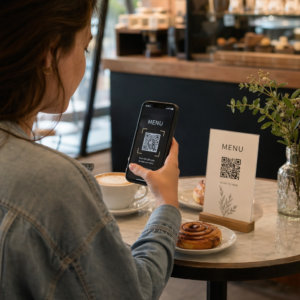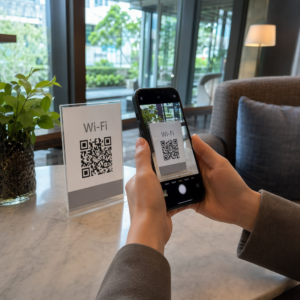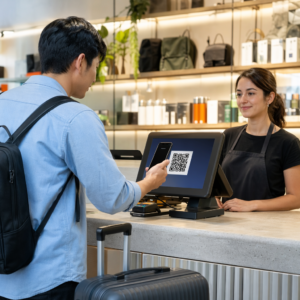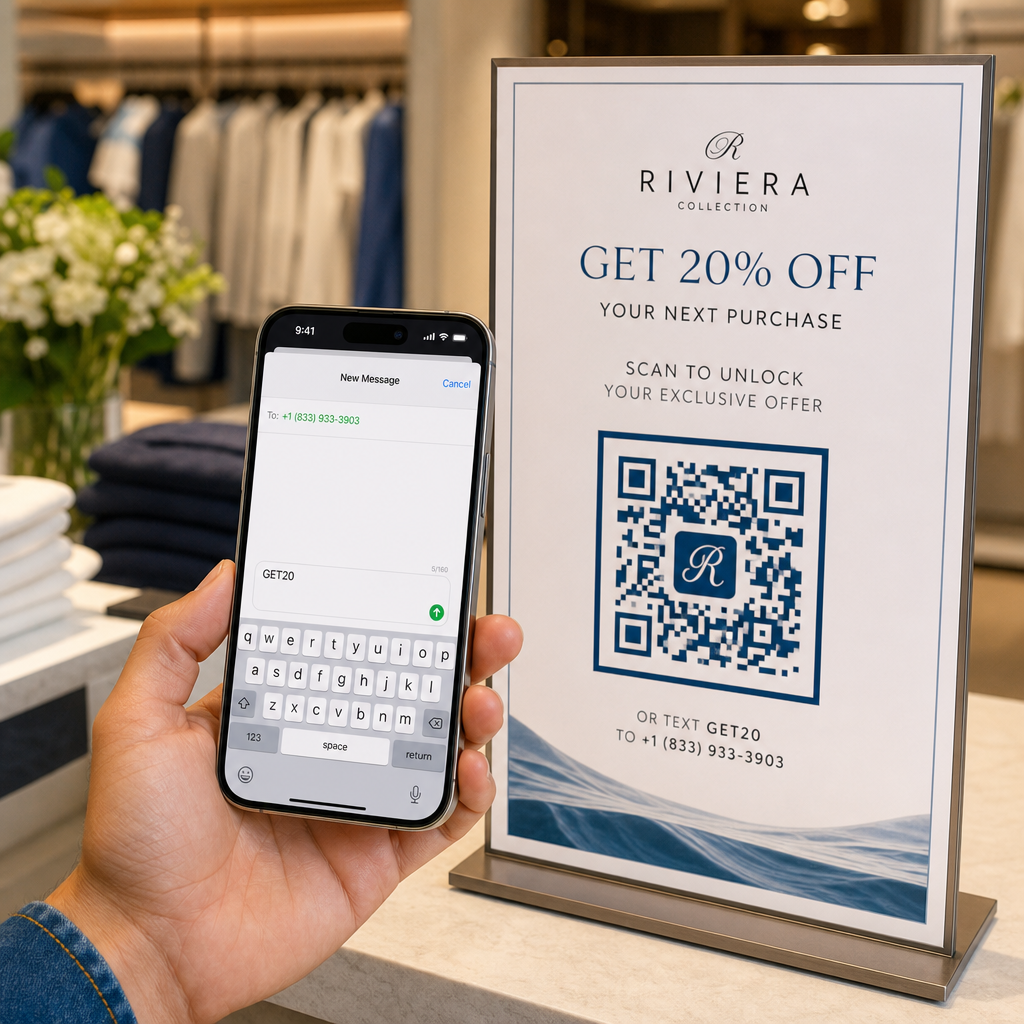
Are you losing mobile leads because manually typing a phone number and keyword creates friction for your customers? Forcing users to copy down contact details lowers conversion rates across print signage, packaging, and digital displays. Generating a custom SMS QR code instantly opens a prefilled text message on a smartphone so your audience can connect in seconds.
How SMS QR Codes Work on Mobile Devices
SMS QR codes rely on the standard `sms:` Uniform Resource Identifier (URI) protocol. When a customer scans your code using their smartphone camera or a web-based QR code scanner, the phone’s operating system recognizes the protocol and immediately opens the native messaging app.
The scan populates two specific fields automatically:
- Recipient phone number: The designated destination number, formatted with international country codes.
- Prefilled message body: A preset text string (such as “START” or “SEND INFO”) ready in the draft window.
For user security and privacy, scanning the code does not automatically dispatch the text message. The user must manually tap the send button inside their messaging application to transmit the SMS. This extra step ensures transparency while removing the hassle of manually typing phone numbers or message keywords.
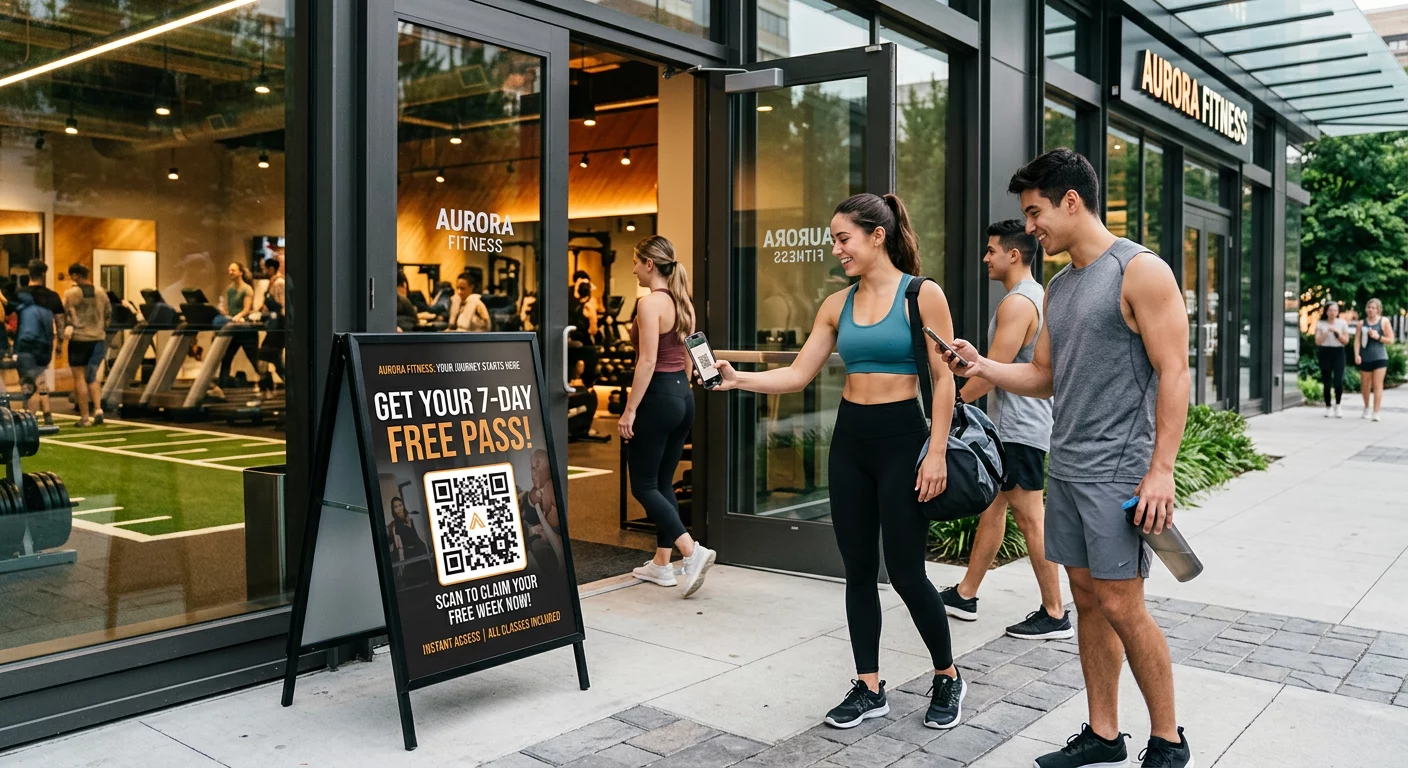
Businesses frequently deploy prefilled text QR codes for lead generation, customer support requests, contest entries, and post-call follow-ups in multi-channel telemarketing campaigns.
Steps to Create a Prefilled SMS QR Code
Building a customized SMS QR code requires no software installation or technical experience. Follow this straightforward process to build and export your text message code:
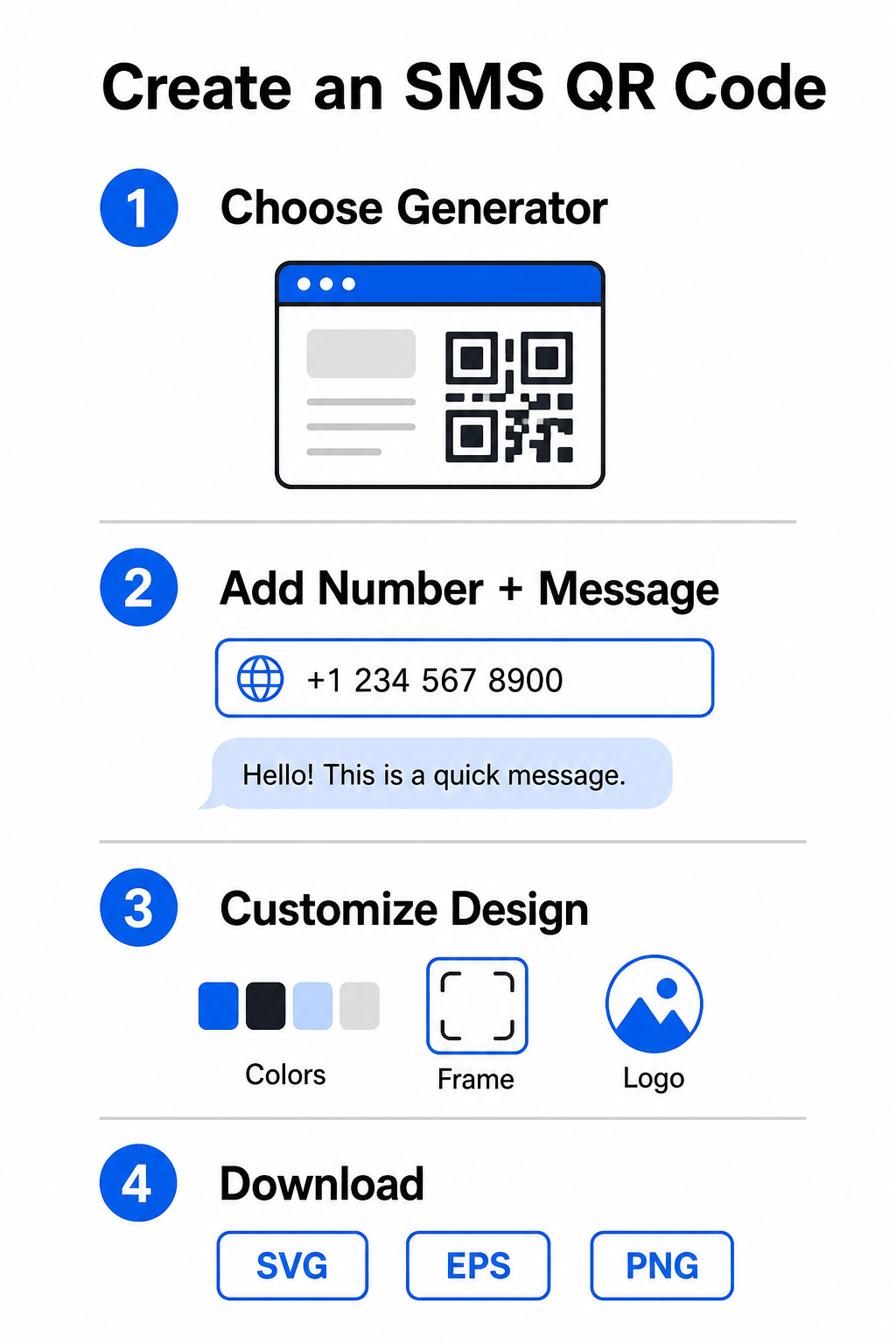
- Select an SMS generator: Open an online QR code generator or a specialized text QR code generator.
- Input contact details: Enter the destination phone number using international format (for example, `+14155552671` for US numbers) without spaces, dashes, or parentheses, then add your prefilled text message.
- Customize visual elements: Align the design with your brand identity by selecting custom colors, adding a frame, and embedding your logo with a QR code generator with logo.
- Download high-resolution files: Export your completed image in vector formats such as SVG or EPS for commercial printing, or PNG for online placement.
Start Capturing SMS Leads Instantly Ready to eliminate friction from your mobile communication channels? Use the Pageloot QR Code Generator to create customized, print-ready SMS QR codes for your business today.
Design Best Practices for High Scannability
A poorly designed QR code causes scanning failures and frustrates potential leads. Follow these core design parameters to maintain reliable performance across all mobile devices:
| Design Factor | Recommended Specification | Purpose |
|---|---|---|
| Minimum Size | At least 0.8 x 0.8 inches (2 x 2 cm) | Ensures mobile camera sensors can resolve data modules at close range. |
| Scanning Ratio | 10:1 distance-to-size ratio | Maintains scannability; a 2-inch code works from up to 20 inches away. |
| Color Contrast | Dark foreground on a light background | Provides reflectivity differences so camera sensors decode data reliably. |
| Quiet Zone | Clear margin equal to 4 module widths | Separates the code pattern from background graphics and physical borders. |
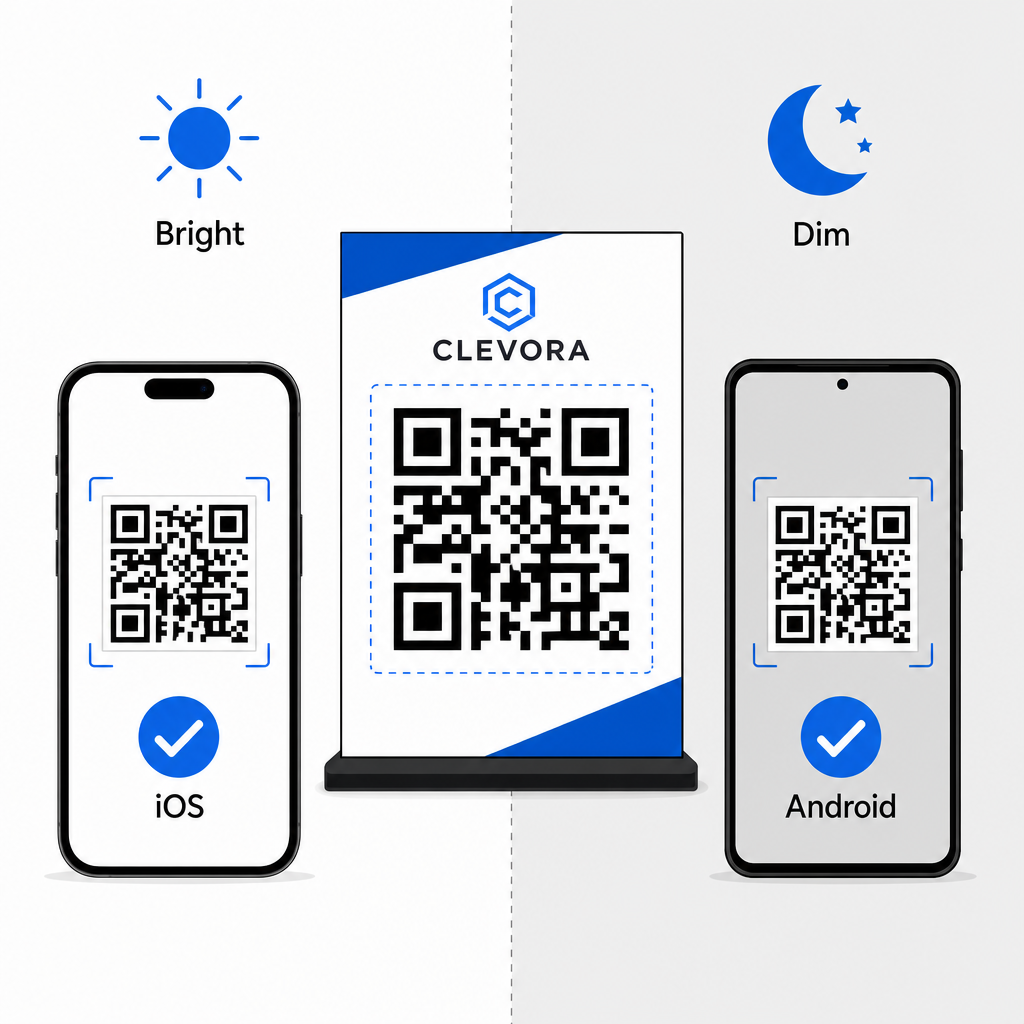
Always verify your physical or digital display before launching a campaign. Scan your code using multiple iOS and Android devices under varying light conditions to confirm quick decoding. You can read more about device testing in our guide on how to scan QR codes on smartphones. For broader campaign execution, explore our guides on strategic QR code placement in marketing and overall best practices for QR code readability.
SMS Compliance and Legal Requirements
When using SMS QR codes for marketing or audience outreach in the United States, your campaigns must comply with Telecommunications Consumer Protection Act (TCPA) regulations.
While scanning a QR code and sending a prefilled message indicates direct user intent, automated promotional messaging requires explicit written consent beforehand. Protect your brand by implementing these compliance measures:
- Provide clear disclosures: Place explicit text near the code explaining what happens when a user scans and sends the message (for example, “Scan to join our VIP club and receive weekly text discounts”).
- Include mandatory terms: Add required regulatory notices near the image, such as “Message and data rates may apply.”
- Send required opt-in details: Ensure your automated initial text response confirms your business name, message frequency, customer support contacts, and opt-out instructions (such as “Reply STOP to cancel”).
Streamline Your Mobile Outreach
Integrating prefilled SMS QR codes into your marketing touchpoints eliminates typing errors, speeds up user action, and improves lead conversion rates across both print and digital media. By combining clear call-to-action messaging, proper visual formatting, and regulatory compliance, you make it effortless for customers to start a conversation with your business. Design your custom SMS QR code today to start capturing higher-intent mobile leads.
Frequently Asked Questions
No. Scanning populates the destination phone number and draft body text inside the user’s native messaging app, but the user must manually tap send to dispatch the message.
Enter the phone number using full international format starting with a plus sign and country code (such as +1 for North America) without spaces, dashes, or brackets.
Static SMS QR codes encode the recipient number and message text directly into the graphic pattern, making them uneditable after printing. To change destination content dynamically, consider linking users to an updated web landing page.