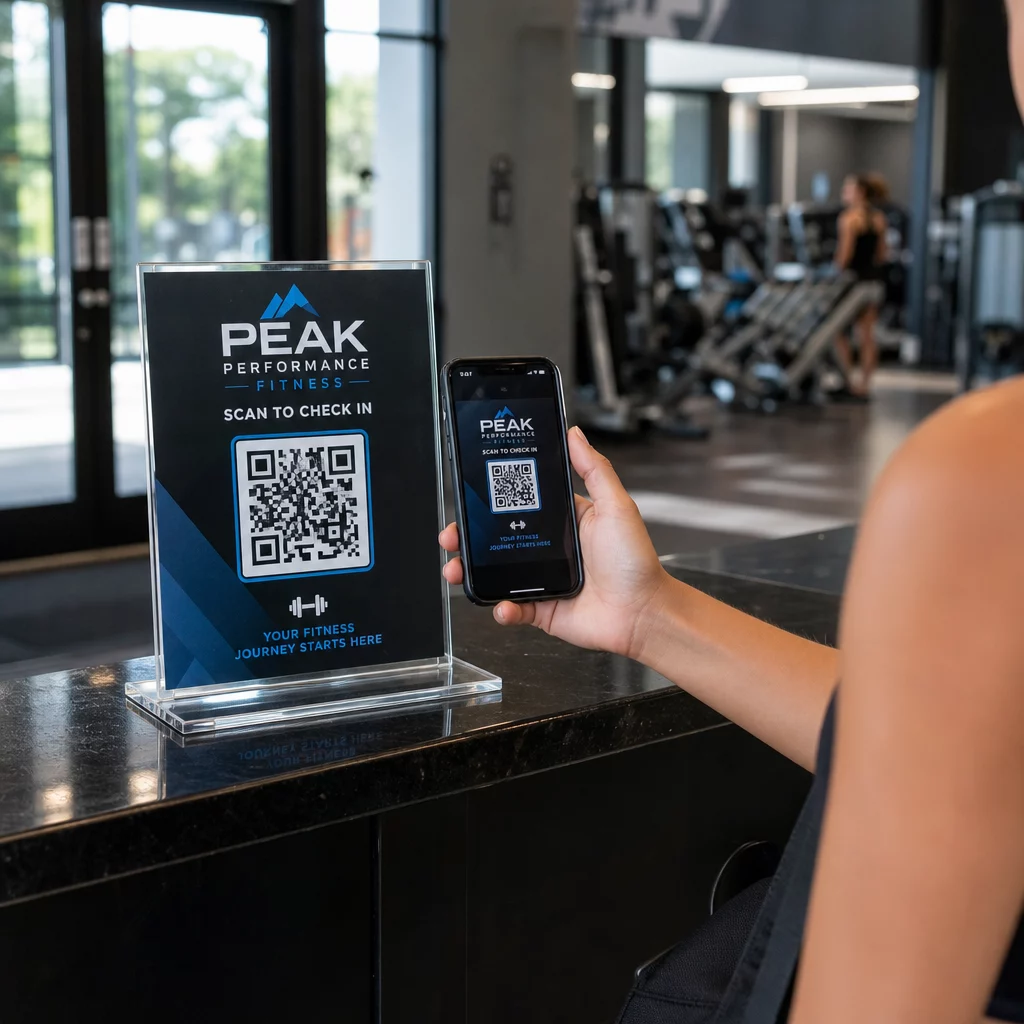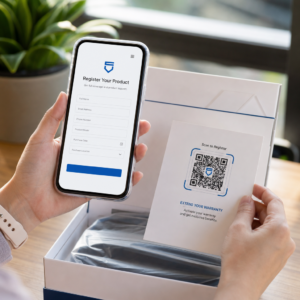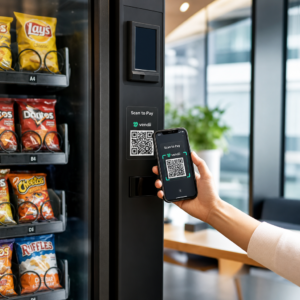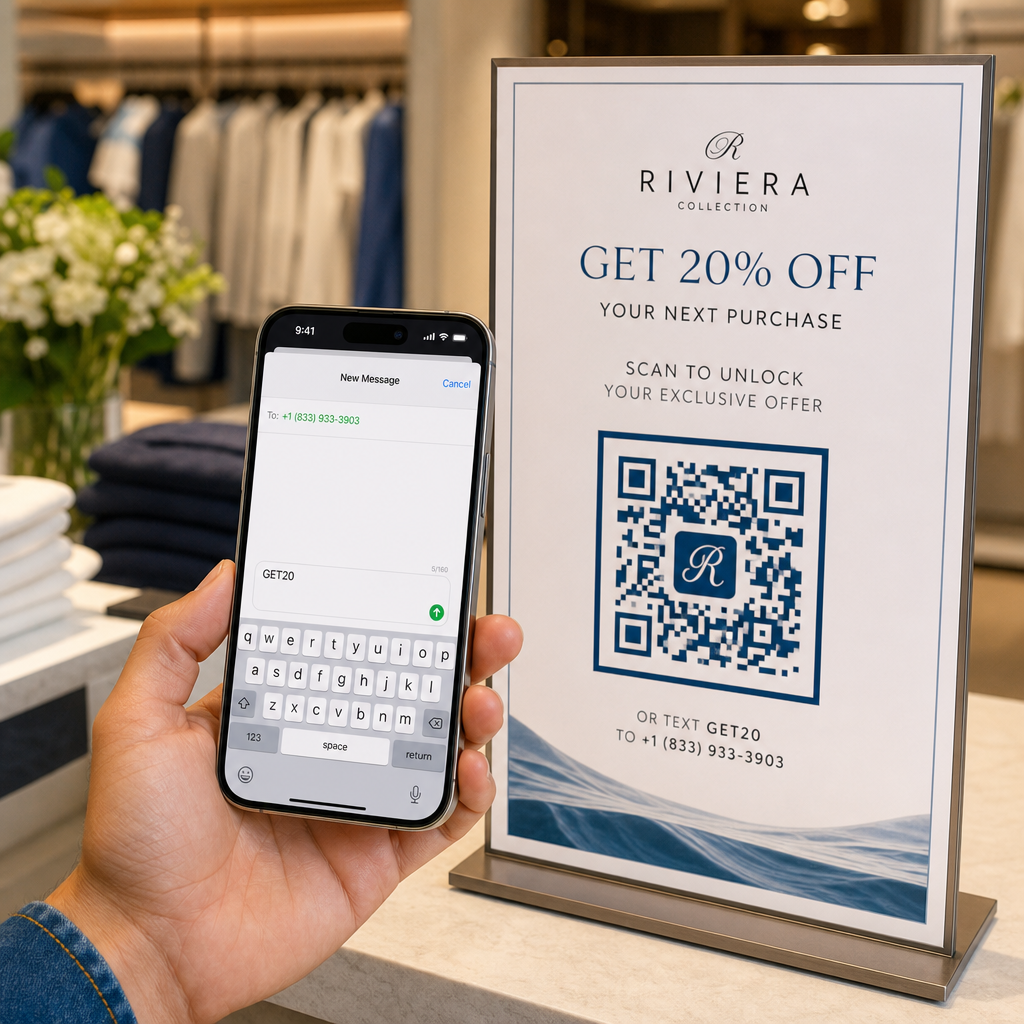
Vai zaudējat mobilos potenciālos pirkumus, jo tālruņa numura un atslēgvārda manuāla ievadīšana rada neērtības jūsu klientiem? Lietotāju piespiešana pierakstīt kontaktinformāciju samazina konversijas rādītājus drukātajās reklāmās, iepakojumos un digitālajos displejos. Ģenerējot pielāgotu SMS QR kodu, viedtālrunī uzreiz tiek atvērta iepriekš aizpildīta īsziņa, lai jūsu auditorija varētu sazināties dažu sekunžu laikā.
Kā SMS QR kodi darbojas mobilajās ierīcēs
SMS QR kodi balstās uz standarta `sms:` vienotā resursu identifikatora (URI) protokolu. Kad klients skenē jūsu kodu, izmantojot viedtālruņa kameru vai tīmekļa bāzētu Skenēt QR kodu tiešsaistē, tālruņa operētājsistēma atpazīst protokolu un nekavējoties atver vietējo ziņojumapmaiņas lietotni.
Skenēšana automātiski aizpilda divus specifiskus laukus:
- Saņēmēja tālruņa numurs: Norādītais galamērķa numurs, formatēts ar starptautiskajiem valstu kodiem.
- Iepriekš aizpildīts ziņojuma teksts: Iepriekš iestatīta teksta virkne (piemēram, “START” vai “SEND INFO”), kas gatava melnrakstu logā.
Lietotāju drošības un privātuma nolūkā koda skenēšana automātiski nenosūta īsziņu. Lietotājam ir manuāli jānospiež sūtīšanas poga ziņojumapmaiņas lietotnē, lai nosūtītu SMS. Šis papildu solis nodrošina pārredzamību, vienlaikus novēršot nepieciešamību manuāli ievadīt tālruņa numurus vai ziņojuma atslēgvārdus.
Uzņēmumi bieži izmanto iepriekš aizpildītus teksta QR kodus potenciālo pirkumu ģenerēšanai, klientu atbalsta pieprasījumiem, konkursu pieteikumiem un pēczvanu darbībām daudzkanālu telemārketinga kampaņās.
Soļi, lai izveidotu iepriekš aizpildītu SMS QR kodu
Pielāgota SMS QR koda izveide neprasa programmatūras instalēšanu vai tehnisko pieredzi. Sekojiet šim vienkāršajam procesam, lai izveidotu un eksportētu savu īsziņas kodu:
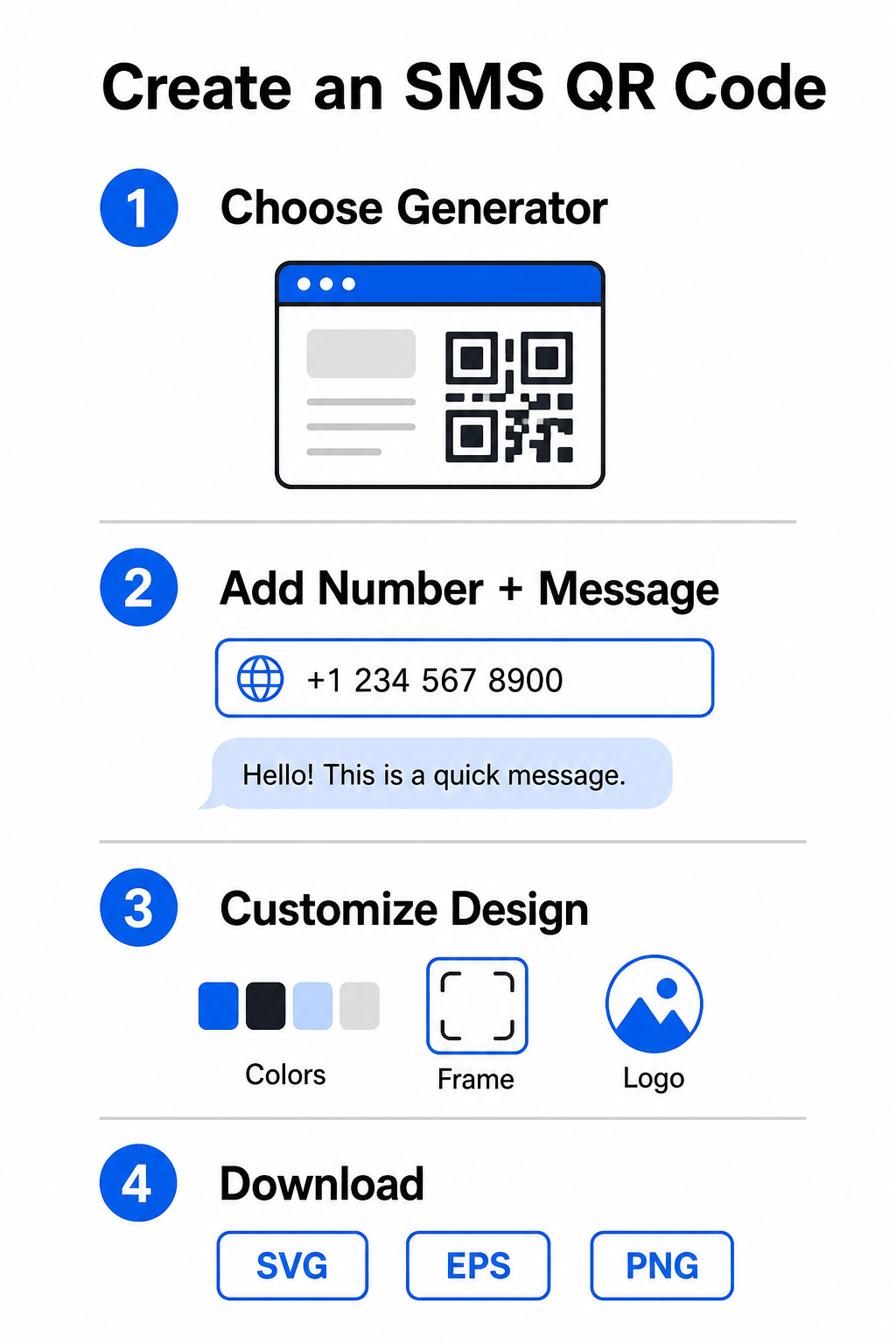
- Izvēlieties SMS ģeneratoru: Atveriet tiešsaistes QR kodu ģenerators vai specializētu Izveidot QR kodu no teksta.
- Ievadiet kontaktinformāciju: Ievadiet galamērķa tālruņa numuru starptautiskā formātā (piemēram, `+14155552671` ASV numuriem) bez atstarpēm, defisēm vai iekavām, pēc tam pievienojiet savu iepriekš aizpildīto īsziņu.
- Pielāgojiet vizuālos elementus: Saskaņojiet dizainu ar savu zīmola identitāti, izvēloties pielāgotas krāsas, pievienojot rāmi un iegulstot savu logotipu ar QR koda ģenerators ar logotipu.
- Lejupielādēt augstas izšķirtspējas failus: Eksportējiet pabeigto attēlu vektoru formātos, piemēram, SVG vai EPS komerciālai drukāšanai, vai PNG tiešsaistes izvietošanai.
Sāciet tūlītēji iegūt SMS potenciālos klientus Gatavs likvidēt šķēršļus jūsu mobilās komunikācijas kanālos? Izmantojiet Pageloot QR kodu ģenerators lai jau šodien izveidotu pielāgotus, drukāšanai gatavus SMS QR kodus savam biznesam.
Labākā dizaina prakse augstai skenējamībai
Slikti izveidots QR kods izraisa skenēšanas kļūmes un frustrē potenciālos klientus. Ievērojiet šos galvenos dizaina parametrus, lai nodrošinātu uzticamu veiktspēju visās mobilajās ierīcēs:
| Dizaina faktors | Ieteicamās specifikācijas | Mērķis |
|---|---|---|
| Minimālais izmērs | Vismaz 0,8 x 0,8 collas (2 x 2 cm) | Nodrošina, ka mobilo kameru sensori var nolasīt datu moduļus tuvā diapazonā. |
| Skenēšanas attiecība | 10:1 attāluma un izmēra attiecība | Uztur skenējamību; 2 collu kods darbojas no līdz pat 20 collu attāluma. |
| Krāsu kontrasts | Tumšs priekšplāns uz gaiša fona | Nodrošina atšķirības atstarojumā, lai kameru sensori droši atšifrētu datus. |
| Klusā zona | Skaidra mala, kas vienāda ar 4 moduļu platumiem | Atdala koda rakstu no fona grafikas un fiziskajām apmalēm. |
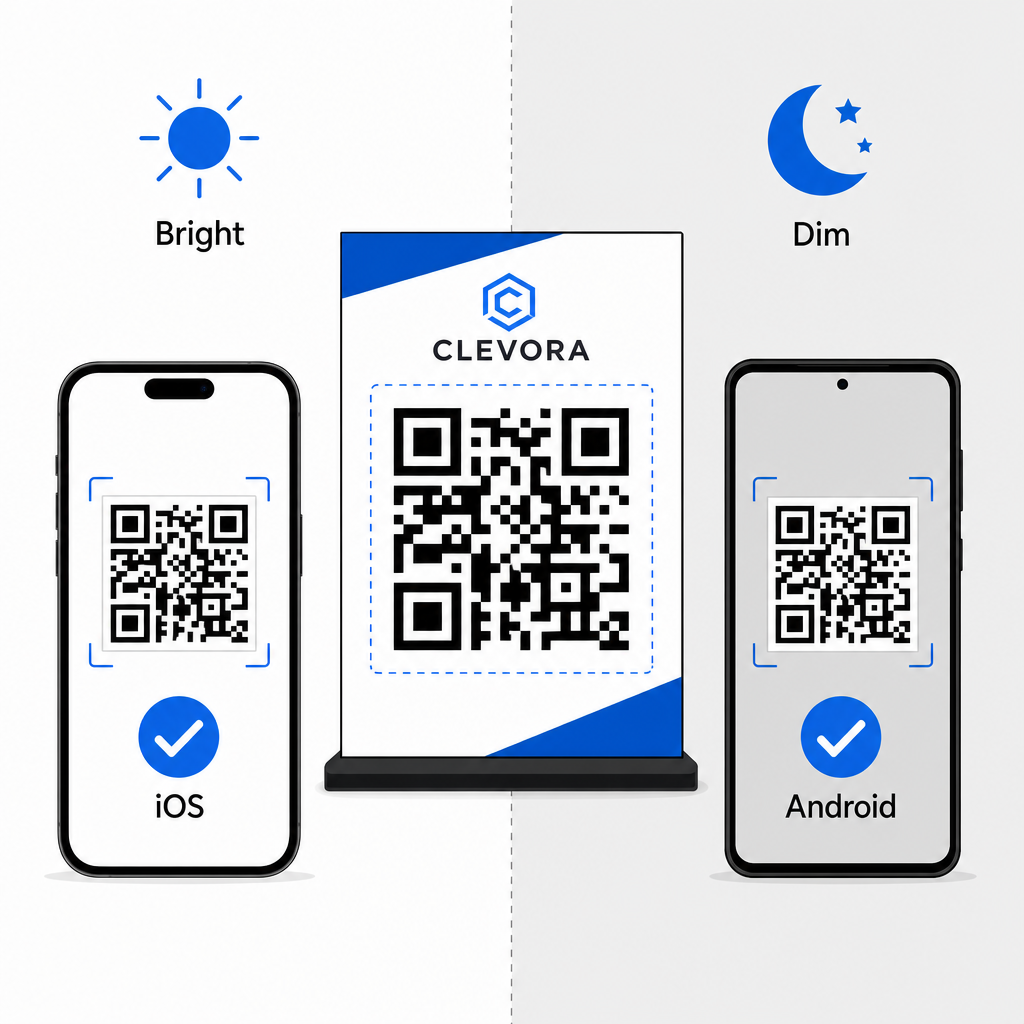
Pirms kampaņas uzsākšanas vienmēr pārbaudiet savu fizisko vai digitālo displeju. Skenējiet savu kodu, izmantojot vairākas iOS un Android ierīces dažādos apgaismojuma apstākļos, lai pārliecinātos par ātru atšifrēšanu. Vairāk par ierīču testēšanu varat lasīt mūsu ceļvedī par kā skenēt QR kodus viedtālruņos. Plašākai kampaņas izpildei izpētiet mūsu ceļvežus par stratēģisku QR kodu izvietošana mārketingā un vispārēju labāko praksi QR kodu lasāmībā.
SMS atbilstība un juridiskās prasības
Izmantojot SMS QR kodus mārketingam vai auditorijas sasniegšanai Amerikas Savienotajās Valstīs, jūsu kampaņām jāatbilst Telekomunikāciju patērētāju aizsardzības likuma (TCPA) noteikumiem.
Lai gan QR koda skenēšana un iepriekš aizpildīta ziņojuma nosūtīšana norāda uz tiešu lietotāja nolūku, automatizētai reklāmas ziņojumapmaiņai iepriekš nepieciešama skaidra rakstiska piekrišana. Aizsargājiet savu zīmolu, ieverojot šos atbilstības pasākumus:
- Nodrošiniet skaidru informāciju: Novietojiet skaidru tekstu blakus kodam, kas izskaidro, kas notiek, kad lietotājs to skenē un nosūta ziņojumu (piemēram, “Skenējiet, lai pievienotos mūsu VIP klubam un saņemtu iknedēļas teksta atlaides”).
- Iekļaujiet obligātos noteikumus: Pievienojiet nepieciešamās normatīvās atrunas blakus attēlam, piemēram, “Var tikt piemērota maksa par ziņojumiem un datu pārraidi.”
- Nosūtiet nepieciešamo pieteikšanās informāciju: Pārliecinieties, ka jūsu automātiskā sākotnējā teksta atbilde apstiprina jūsu uzņēmuma nosaukumu, ziņojumu biežumu, klientu atbalsta kontaktus un atteikšanās norādījumus (piemēram, “Atbildiet STOP, lai atceltu”).
Vienkāršojiet savu mobilo komunikāciju
Prefilled SMS QR kodu integrēšana jūsu mārketinga saskares punktos novērš rakstīšanas kļūdas, paātrina lietotāju darbības un uzlabo potenciālo klientu piesaistes rādītājus gan drukātajos, gan digitālajos medijos. Apvienojot skaidrus aicinājumus uz darbību, pareizu vizuālo formatējumu un normatīvo aktu ievērošanu, jūs atvieglojat klientiem sarunas uzsākšanu ar jūsu uzņēmumu. Izveidojiet savu pielāgoto SMS QR kodu jau šodien, lai sāktu piesaistīt augstākas nolūka mobilos potenciālos klientus.
Biežāk uzdotie jautājumi
Nē. Skenēšana aizpilda galamērķa tālruņa numuru un melnraksta tekstu lietotāja vietējā ziņojumapmaiņas lietotnē, taču lietotājam ir manuāli jānospiež “sūtīt”, lai nosūtītu ziņojumu.
Ievadiet tālruņa numuru pilnā starptautiskā formātā, sākot ar plusa zīmi un valsts kodu (piemēram, +1 Ziemeļamerikai) bez atstarpēm, defisēm vai iekavām.
Statiski SMS QR kodi iešifrē saņēmēja numuru un ziņas tekstu tieši grafiskajā zīmējumā, padarot tos neizmaināmus pēc izdrukāšanas. Lai dinamiski mainītu galamērķa saturu, apsveriet iespēju novirzīt lietotājus uz atjauninātu tīmekļa galveno lapu.