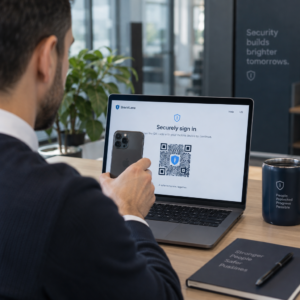
Are you struggling to manage temporary access for visitors without compromising your facility’s security? Traditional keys and static badges are easily shared or duplicated, creating significant vulnerabilities for your organization. This guide explains how dynamic QR codes provide time-limited, trackable, and revocable credentials to streamline your security operations.
Why Dynamic Architecture Outperforms Static Credentials
The primary difference between dynamic vs. static QR codes lies in how they handle data. Static codes contain fixed, unchangeable information directly in the pattern, making them vulnerable to indefinite reuse if a user takes a screenshot. In contrast, dynamic codes function as a “digital key” that points to a server-side short URL. This allows you to edit the QR code destination or revoke access instantly without needing to replace the physical image or reprint a badge.
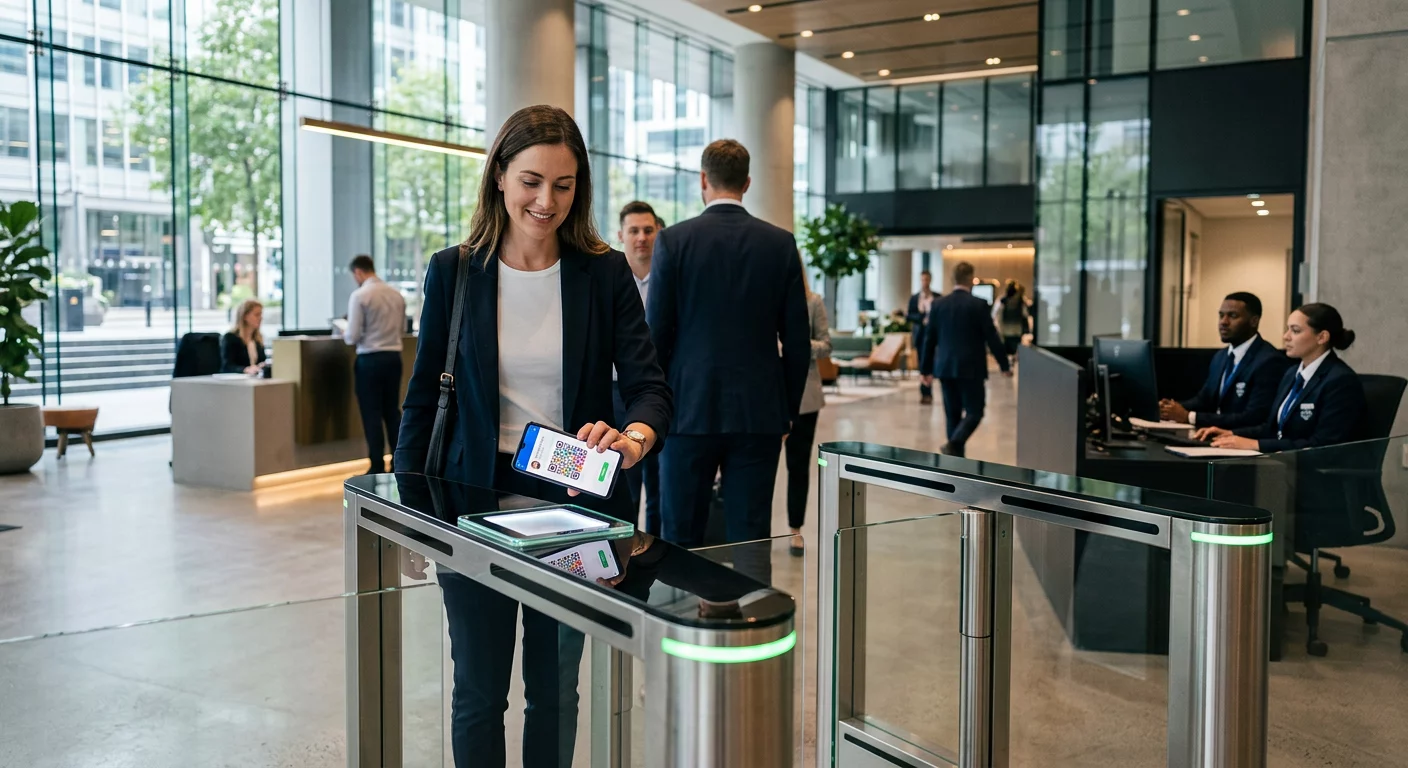
In an access control environment, this server-side connection enables real-time validation. When a user scans their code at a turnstile or kiosk, the system checks the backend to ensure the credential is still active and assigned to the correct individual. This architecture supports advanced features like time-to-live (TTL) limits and one-time-use tokens, ensuring that a pass issued for a 10:00 AM meeting cannot be reused later that afternoon.
Core Security Protocols for Access Credentials
To maintain a high security posture, you must implement several layers of defense within your QR system. Using a professional platform ensures that these technical standards are met automatically, protecting your physical and digital assets from unauthorized entry.
- Implement Robust Encryption: Always ensure your encryption secures QR code data by using standards like AES-256, which is the same level of protection trusted by banks and government agencies. This prevents attackers from intercepting and decoding the tokens.
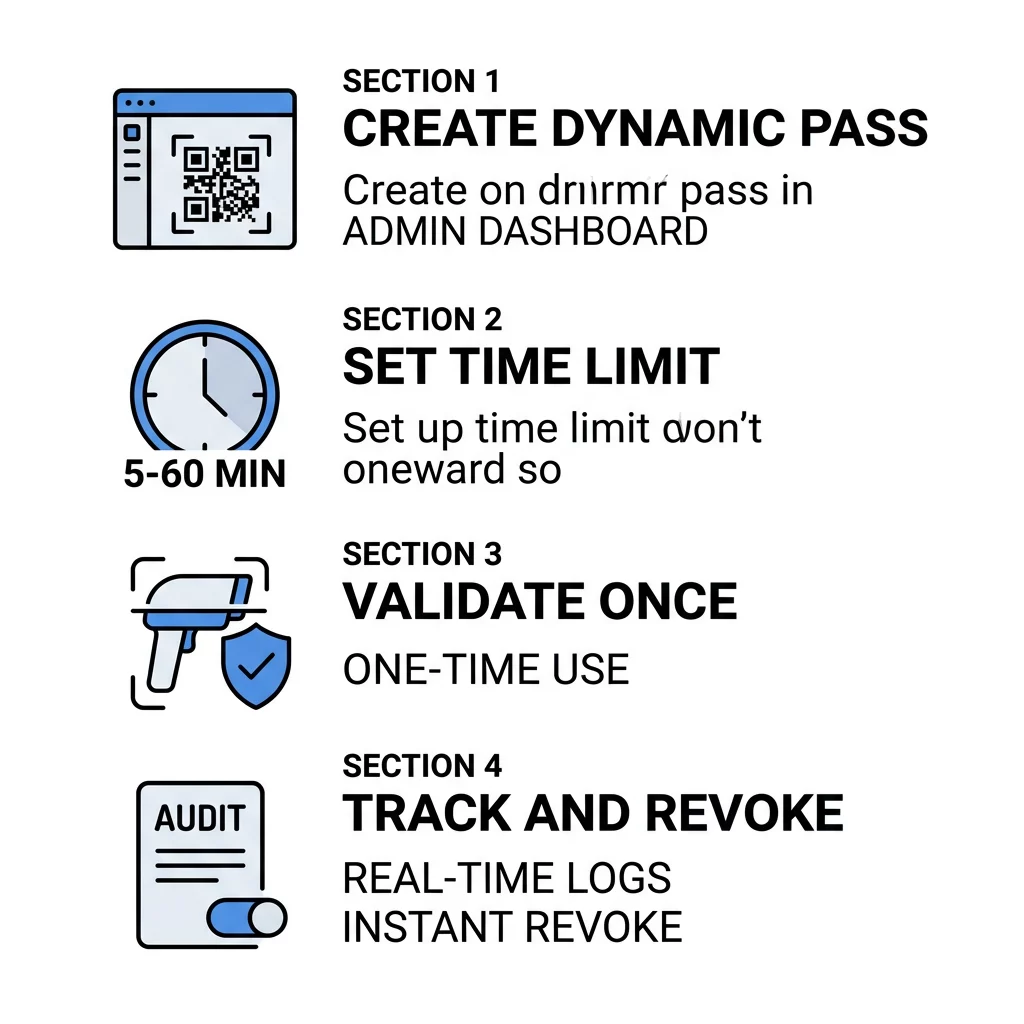
- Enforce Short Expiration Windows: Set your credentials to expire after a specific timeframe. For most setups within a modern visitor management system, a window of 5 to 60 minutes is standard, while high-security employee logins may require codes that rotate every 30 seconds.
- Utilize One-Time-Use Validation: Configure your system to mark a code as “used” the moment it is scanned. This effectively neutralizes replay attacks and prevents users from forwarding their access passes to unauthorized colleagues.
- Bind Identity to Devices: Deliver codes via secure channels like mobile wallets or a dedicated company app. This links the credential to a specific smartphone, making it significantly harder for a user to share their entry rights with others.
Upgrade your security today. Use our dynamic QR code generator to create time-sensitive, trackable access passes that you can update or revoke in real time.
Managing Permissions with Role-Based Access Control
Managing a large volume of access codes requires a structured administrative approach. By utilizing enterprise role-based access, you can define exactly who in your organization has the authority to generate, edit, or revoke credentials. This prevents internal security breaches by ensuring that a front-desk receptionist can issue visitor passes but cannot alter the security settings of executive zones.
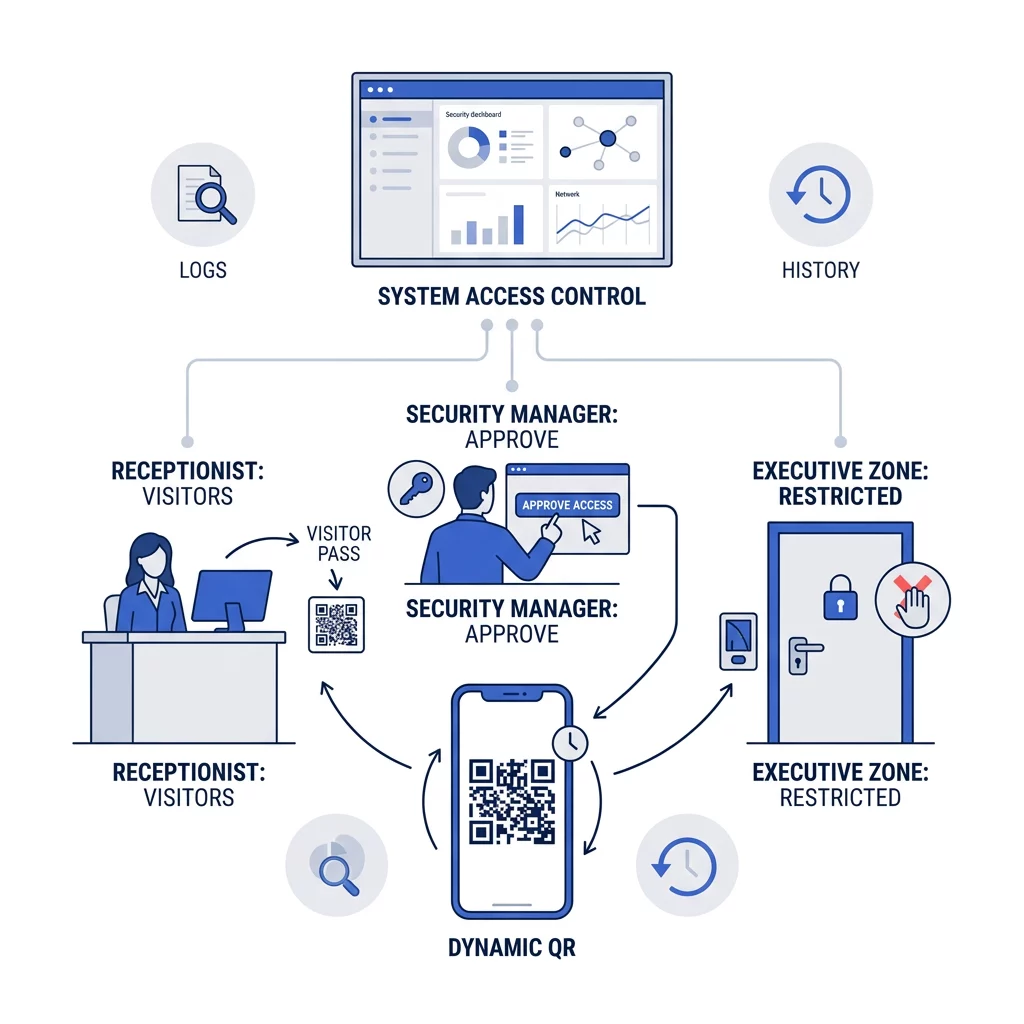
Beyond permission management, these enterprise systems provide detailed audit trails. Every scan is logged with the timestamp, location, and device type, which is critical for first-party data collection and compliance with regulations like GDPR or CCPA. These logs allow security teams to monitor scan patterns and flag suspicious activity, such as multiple failed entry attempts or scans from unauthorized geographic locations.
Best Practices for Real-World Implementation
The versatility of dynamic codes allows them to be integrated into various business workflows. For example, Salesforce QR authentication can be used to add a physical verification layer to digital CRM logins, ensuring that only users with the correct mobile device can access sensitive client data.
In high-traffic environments like stadiums or corporate summits, secure QR code tickets prevent fraud and overcrowding. These systems often use rolling time codes that change every minute, making static screenshots useless at the gate. To maintain professional trust, you should use a link-to-QR-code generator that allows for custom branding. Adding your company logo and brand colors helps users verify that the code is a legitimate corporate credential, which is a key part of secure QR code generation and defense against “quishing” or QR phishing attacks.
When deploying your system, ensure your hardware is up to the task. While most modern smartphones can act as readers, high-volume entry points benefit from a dedicated QR code scanner that is integrated with your physical security infrastructure. These devices can process scans faster and operate reliably in varied lighting conditions, ensuring a seamless experience for authorized personnel.
FAQ
For standard visitors or contractors, a 15-to-30-minute window is usually sufficient for them to arrive and scan into the building. For multi-factor authentication during a login session, the code should rotate every 30 to 60 seconds to prevent replay attacks.
No, you do not always need expensive proprietary hardware. While industrial turnstiles are common for permanent installations, any tablet or smartphone equipped with a camera and a secure scanning app can serve as a validation point for your access system.
Most dynamic systems require a connection to verify tokens against a central server in real time. However, some advanced systems use “signed tokens” that can be verified offline via a public key, though this offers less real-time control than a fully online system. Dynamic QR codes provide a sophisticated, scalable alternative to traditional physical keys. By combining short-term expiration, bank-level encryption, and detailed analytics, you can protect your facility while streamlining the entry process for employees and guests. To begin securing your facility, explore the advanced customization and tracking features available through the Pageloot dashboard.