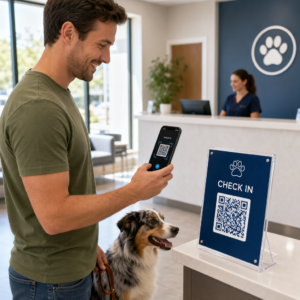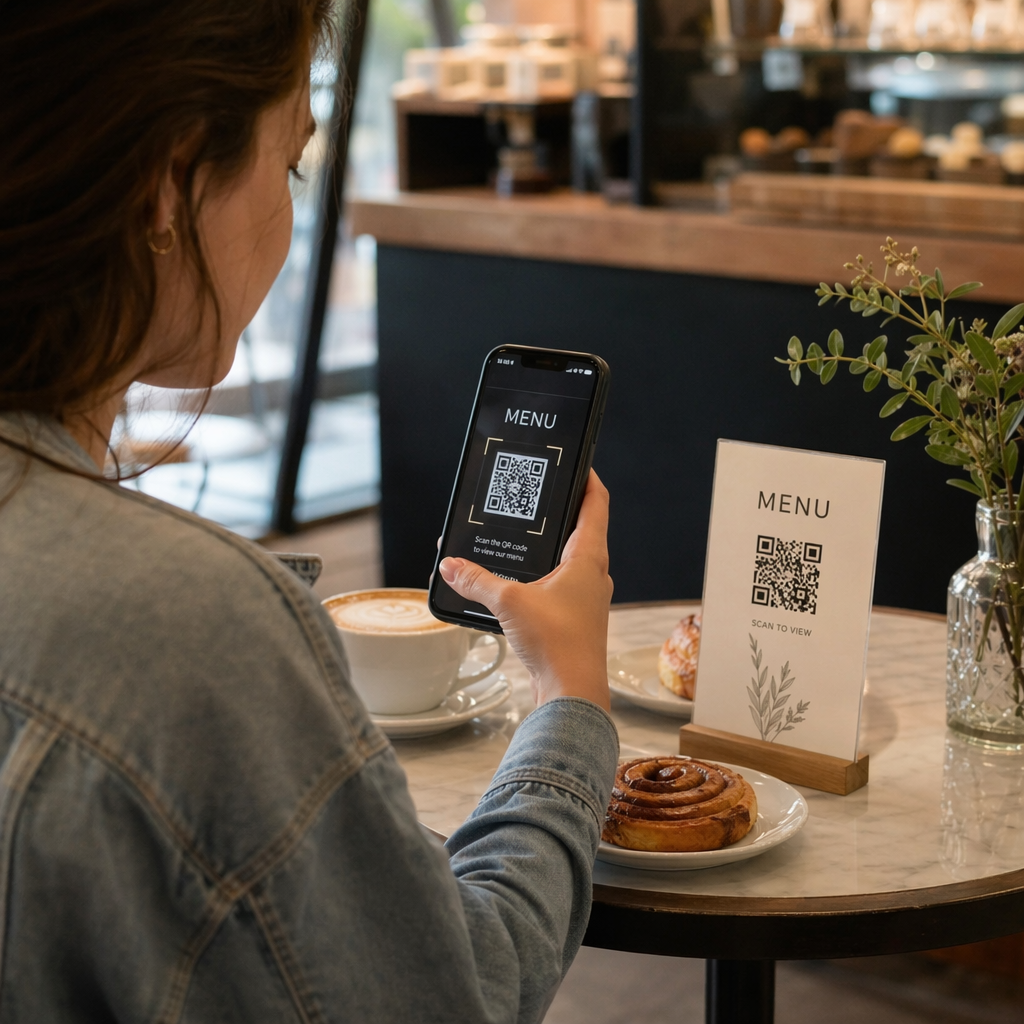
Are you tired of reprinting paper menus every time a price changes or a seasonal item sells out? Physical menus are costly to maintain and often become a bottleneck for fast service. Using a digital menu QR code allows you to update offerings in real time while providing a contactless experience for your guests.
Why Digital Menus Are Essential for Modern Cafes
Transitioning to digital menus helps you eliminate the constant cycle of printing and laminating paper. Because research suggests that approximately 92% of diners are comfortable using this technology, implementing a QR code for your restaurant is a low-friction way to modernize your service. Digital systems allow you to adjust your daily specials or remove out-of-stock items instantly, ensuring your customers always have accurate information.
Beyond simple menu viewing, these tools provide valuable data through a centralized analytics dashboard. You can see exactly which times of day your menu is scanned most frequently, helping you optimize staffing and inventory. This turns a simple piece of paper into a measurable digital touchpoint that helps your business grow by tracking real-time engagement.
Selecting the Right QR Code Format for Your Menu
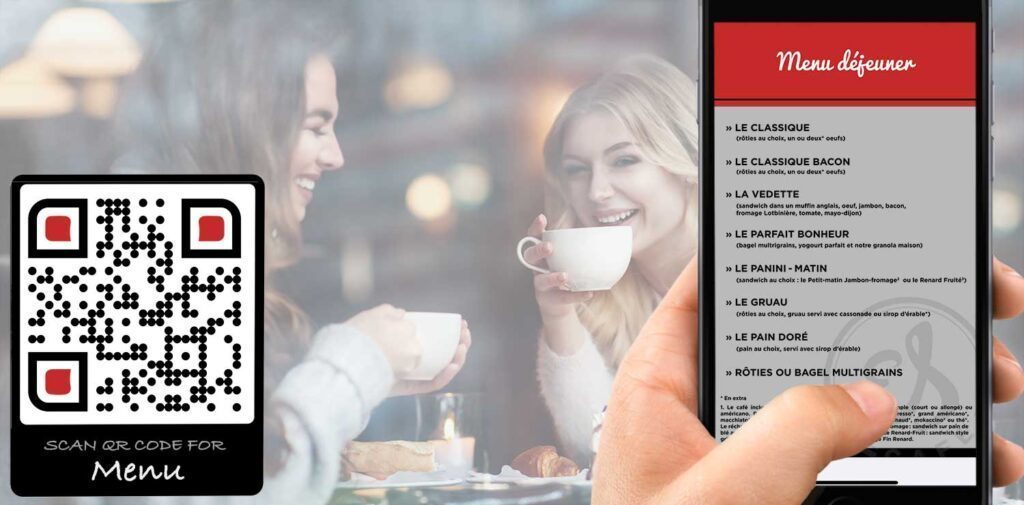
The best format for your digital menu depends on your current technical setup and how often your content changes. Many owners prefer a PDF QR code generator because it allows them to upload an existing high-quality design directly. This is ideal if you already have a professionally designed menu that you want customers to view as a document on their mobile devices.
Alternatively, you can link to a live website or a dedicated landing page using a link QR code generator. This approach is often more mobile-friendly as it allows for responsive layouts that adjust to any screen size. For more complex operations, you can even integrate these codes into a full ordering system, allowing guests to place orders and pay directly from their tables.
Customizing Your QR Code to Match Your Brand
A standard black-and-white code often feels clinical and out of place in a cozy cafe environment. You can use a QR code generator with logo to incorporate your brand colors and place your cafe’s icon in the center of the code. Branded codes are more eye-catching and build trust with customers, as they can clearly see the code belongs to your business.
When customizing, keep color contrast in mind to ensure reliable scanning. Darker colors absorb light while lighter colors reflect it, so maintaining a high contrast between the code pattern and the background is vital for the scanner to read the data correctly. You should also consider adding a clear frame with a short phrase, such as “Scan to View Menu,” to provide a call-to-action that encourages guest interaction.
Brand Your Digital Menu Want a QR code that matches your cafe’s aesthetic? Use the QR Code Generator with Logo to add your brand colors and icons today.
Best Practices for Printing and Placement
For a seamless customer experience, you must consider the physical size and placement of your codes. According to the QR code size guide, a reliable minimum print size is 1.2 x 1.2 inches. You should follow the 10:1 sizing rule, which means the code should be at least 1 inch wide for every 10 inches of distance between the customer and the code.
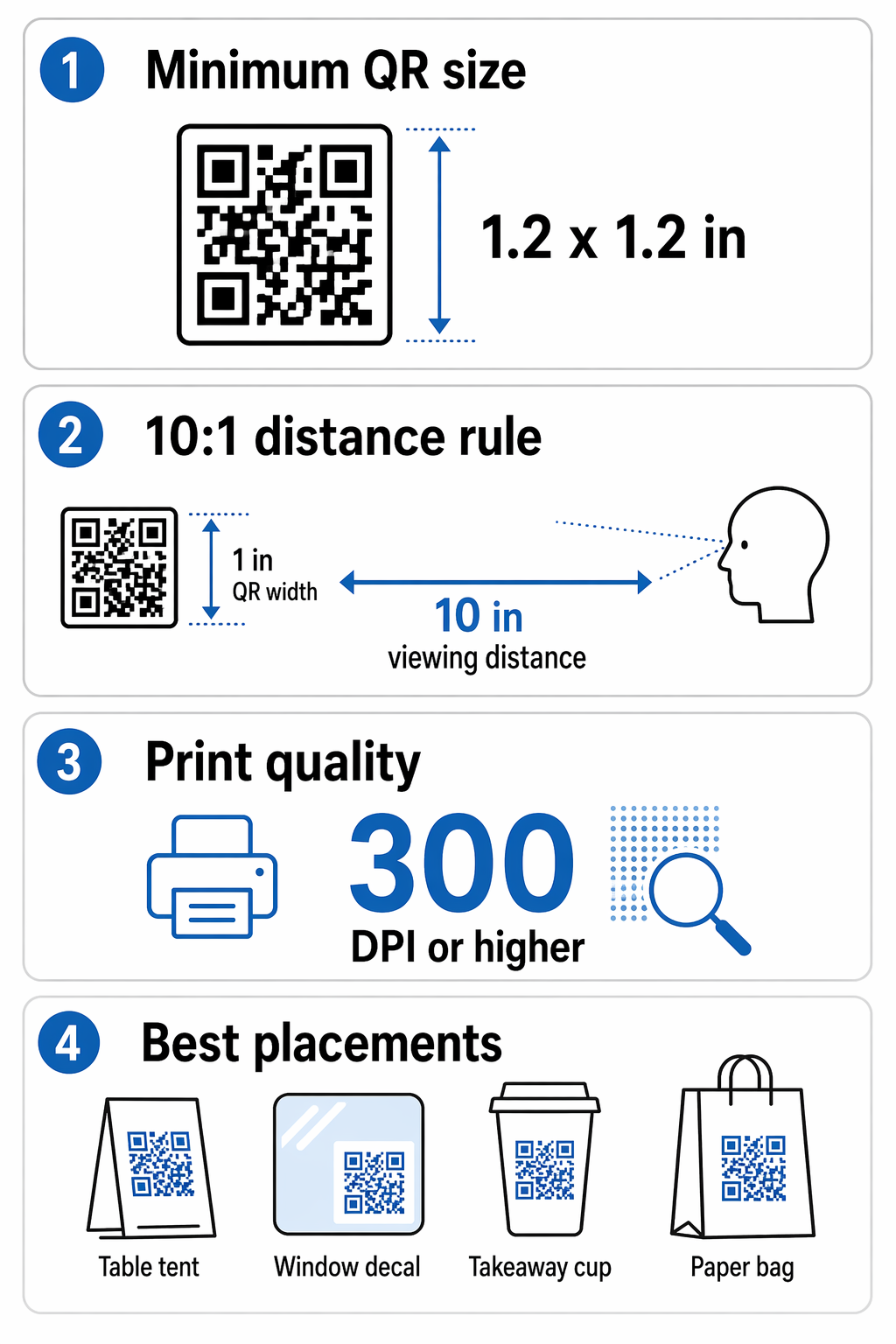
When preparing your files for print, ensure they are saved at 300 DPI or higher to avoid pixelation. Low-resolution prints can lead to scanning failures, especially on smaller items like table tents or business cards. For more technical details on choosing the right file formats like SVG or EPS for high-quality results, refer to the guide on QR codes in print media.
Effective placement is just as important as the code itself. Consider these common locations for maximum visibility:
- Table tents or stickers placed directly on dining tables for easy access.
- Window decals near the entrance for customers to browse while waiting in line.
- High-quality prints on takeaway packaging or coffee cup sleeves.
- Clear signage on paper bags or stamp cards to drive repeat visits.
- Placement between 3.5 to 4.5 feet from the floor on walls to improve accessibility.
Managing Your Menu with Dynamic QR Codes
One of the biggest advantages of using professional tools is the ability to use dynamic QR codes. Unlike static codes, dynamic versions allow you to change the destination URL or the uploaded PDF without ever needing to reprint the physical code. This is particularly useful for seasonal rotations, price adjustments, or changing a lunch menu to a dinner menu automatically.
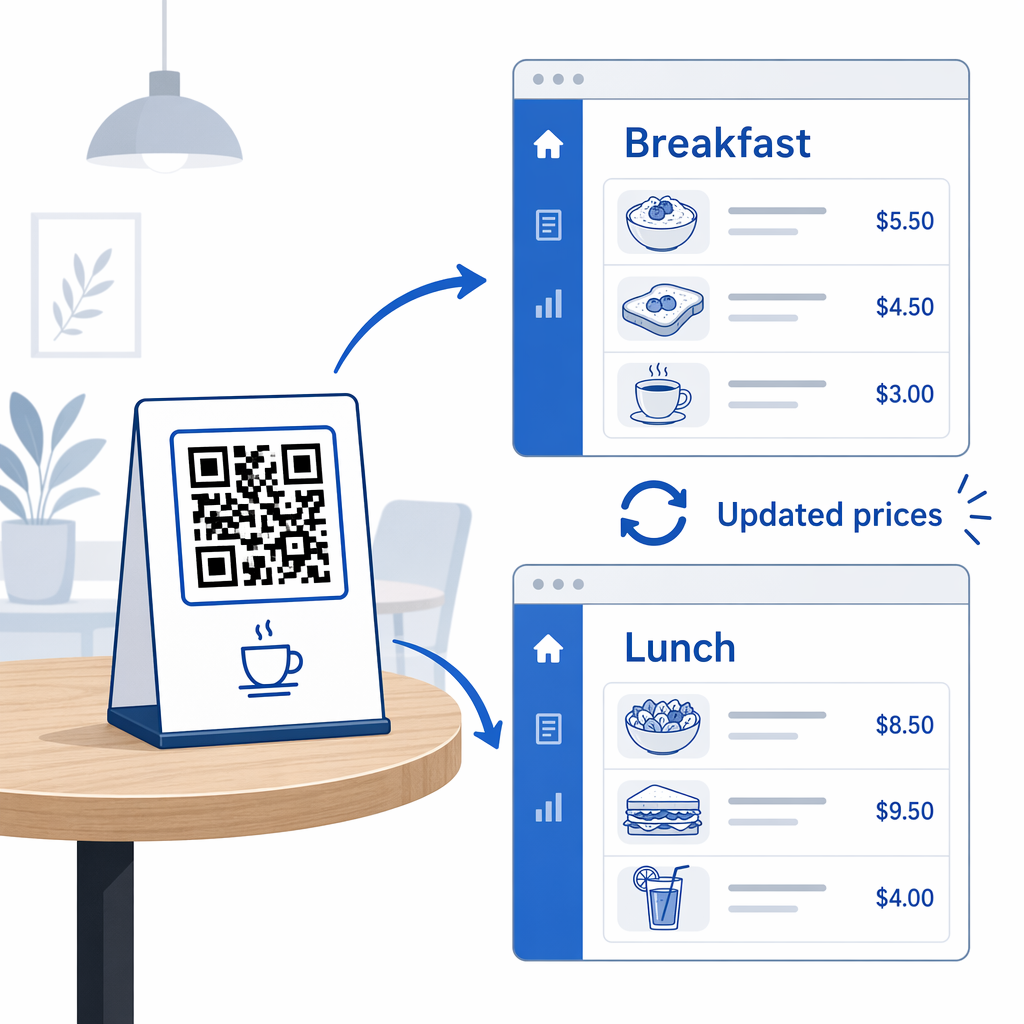
You can follow a step-by-step guide to creating a QR code menu to set up your first dynamic campaign. This flexibility ensures your marketing materials never become obsolete. If you change your menu structure next year, you simply update the link in your dashboard, and the existing codes on your tables will automatically point to the new content.
Frequently Asked Questions
Yes. By using a dynamic QR code, you can update the linked PDF or website URL at any time through your dashboard without changing the printed code on your tables.
For standard table distances, a size of at least 1.2 x 1.2 inches (3 x 3 cm) is recommended to ensure every smartphone camera can scan it quickly and easily.
No. Most modern smartphones have native QR code scanning built directly into the camera app, making it a frictionless experience for your customers.
Start improving your cafe’s efficiency today by replacing outdated paper menus with a flexible digital solution. Using dynamic codes and real-time analytics allows you to understand your customers better while reducing overhead costs. Visit the QR code generator to create your first branded menu code and start your 14-day free trial.