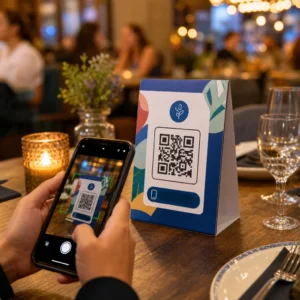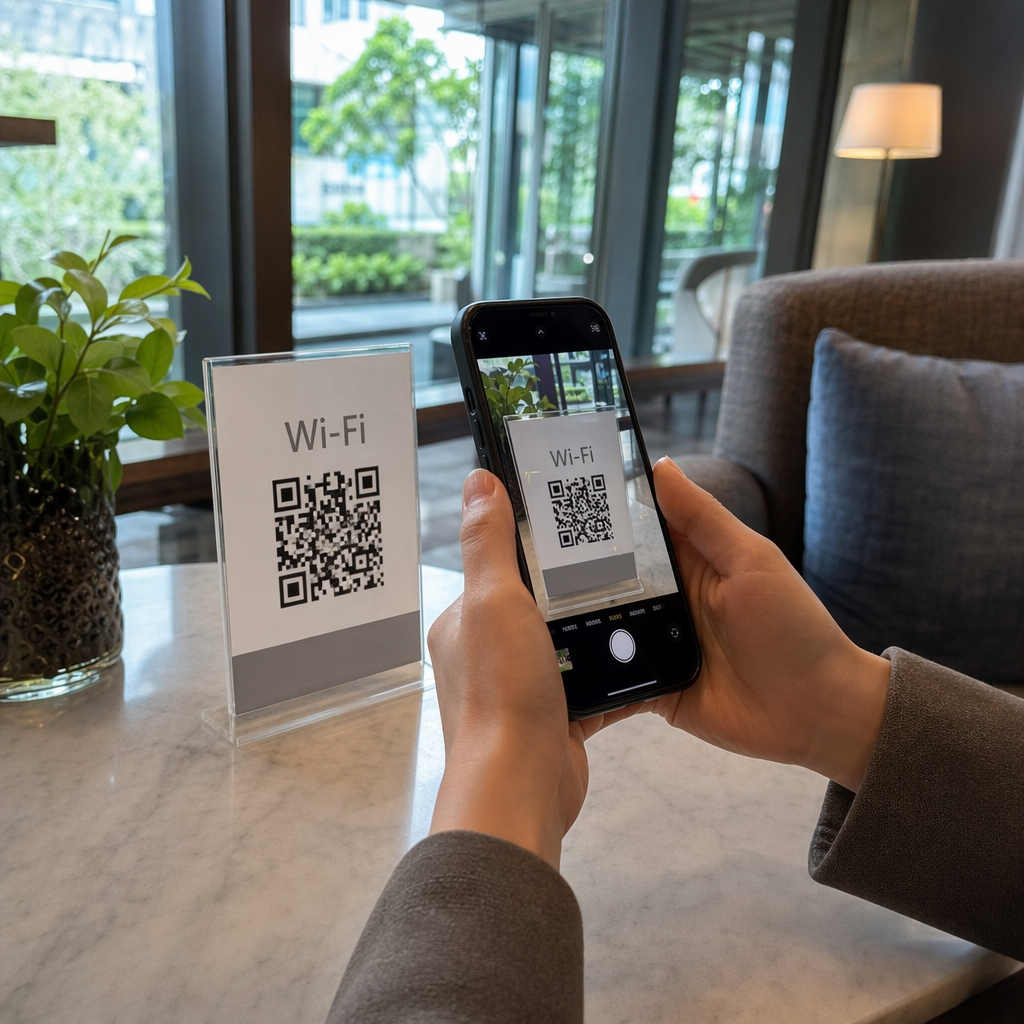
Are your customers tired of typing long, complex passwords to join your network? Manually entering credentials often leads to typos, frustration, and unnecessary interruptions for your staff. Creating a Wi-Fi QR code allows guests to connect instantly with a single scan.
What is a Wi-Fi QR Code?
A Wi-Fi QR code is a specialized scannable image that encodes your network name (SSID), password, and security protocol into a format that smartphones can read instantly. Instead of a user searching for the correct network and carefully entering a case-sensitive password, the camera decodes the information and connects the device automatically. This technology uses a specific data format – typically structured as `WIFI:T:[Security];S:[SSID];P:[Password];H:[Hidden];;` – which is recognized by all modern mobile operating systems.
The primary advantage is speed and accuracy. While a manual entry can take 30 seconds or more and is prone to errors, scanning a QR code takes approximately two seconds. This eliminates the common confusion between similar characters, such as the number “0” and the letter “O,” ensuring a first-try success rate of nearly 99%. For businesses in the hospitality sector, this tool transforms the guest experience from a point of friction into a seamless service.
Creating Wi-Fi QR Codes on Android and iPhone
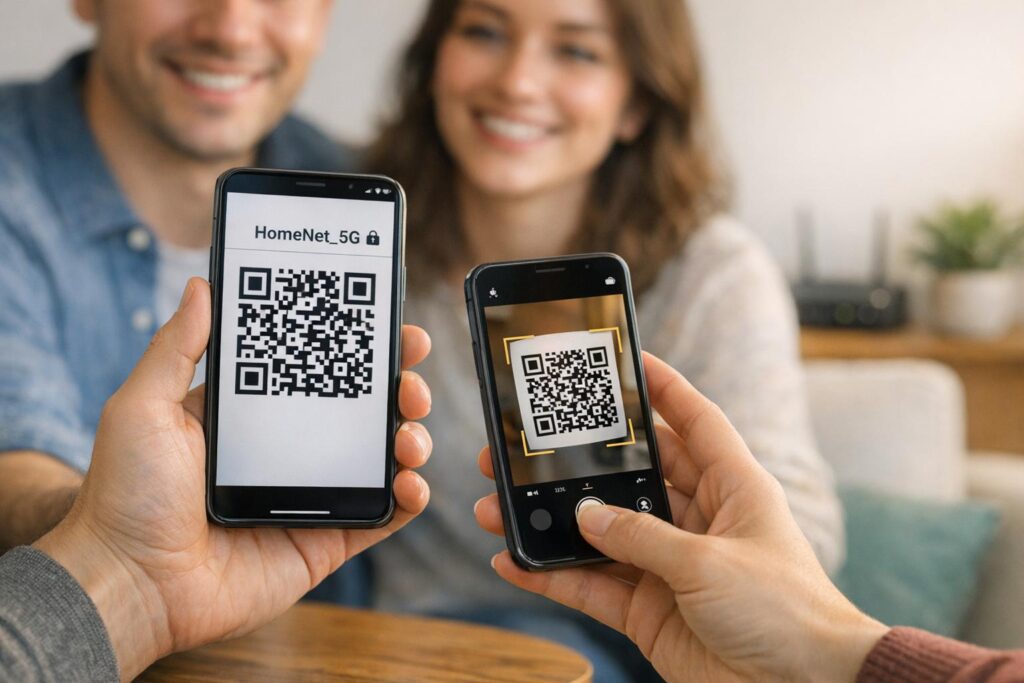
Most modern smartphones include built-in tools to generate and share network credentials, though the specific path depends on your operating system. These tools are excellent for quick, peer-to-peer sharing between individuals.
- On Android 10 or later, you can generate a code by navigating to Settings, selecting Network & Internet, and tapping on your active connection. By selecting the “Share” option and verifying your identity with a PIN or biometric scan, your phone will display a standardized QR code that others can scan.
- For iPhone users on iOS 18 or later, the Passwords app serves as the central hub for sharing. Within the Wi-Fi section of the app, you can select your network and tap “Show Network QR Code” to generate a scannable image.
- Users on older iOS versions can achieve similar results through the Shortcuts app. By adding the “QR Your Wi-Fi” shortcut from the Gallery, you can input your SSID and password to generate a code that can be saved directly to your Photos library.
Designing a Professional QR Code for Your Business
While built-in mobile tools are useful for personal use, businesses often require more robust features, such as custom branding and high-resolution files for printing. Using a dedicated WiFi QR Code Generator allows you to create unlimited codes that look professional and align with your brand identity.
- Enter your network details, including the SSID (name), the password, and the security type, which is usually WPA/WPA2 for most modern routers.
- Customize the design by adding your company logo to the center of the code, which helps signal to guests that the network is legitimate and safe.
- Adjust the visual elements by selecting custom colors and frames that match your business signage or menus.
- Download the final file in vector formats like SVG or EPS to ensure the code remains sharp when printed on large materials like posters or window decals.
Simplify Guest Access Instantly Ready to provide a frictionless internet experience for your visitors? Use our free WiFi QR Code Generator to create unlimited, scannable network credentials today.
Best Practices for Scannability and Design
For a QR code to be effective, it must be easily recognizable by various camera hardware under different lighting conditions. Following established QR code readability standards is the best way to ensure your guests don’t struggle to connect.
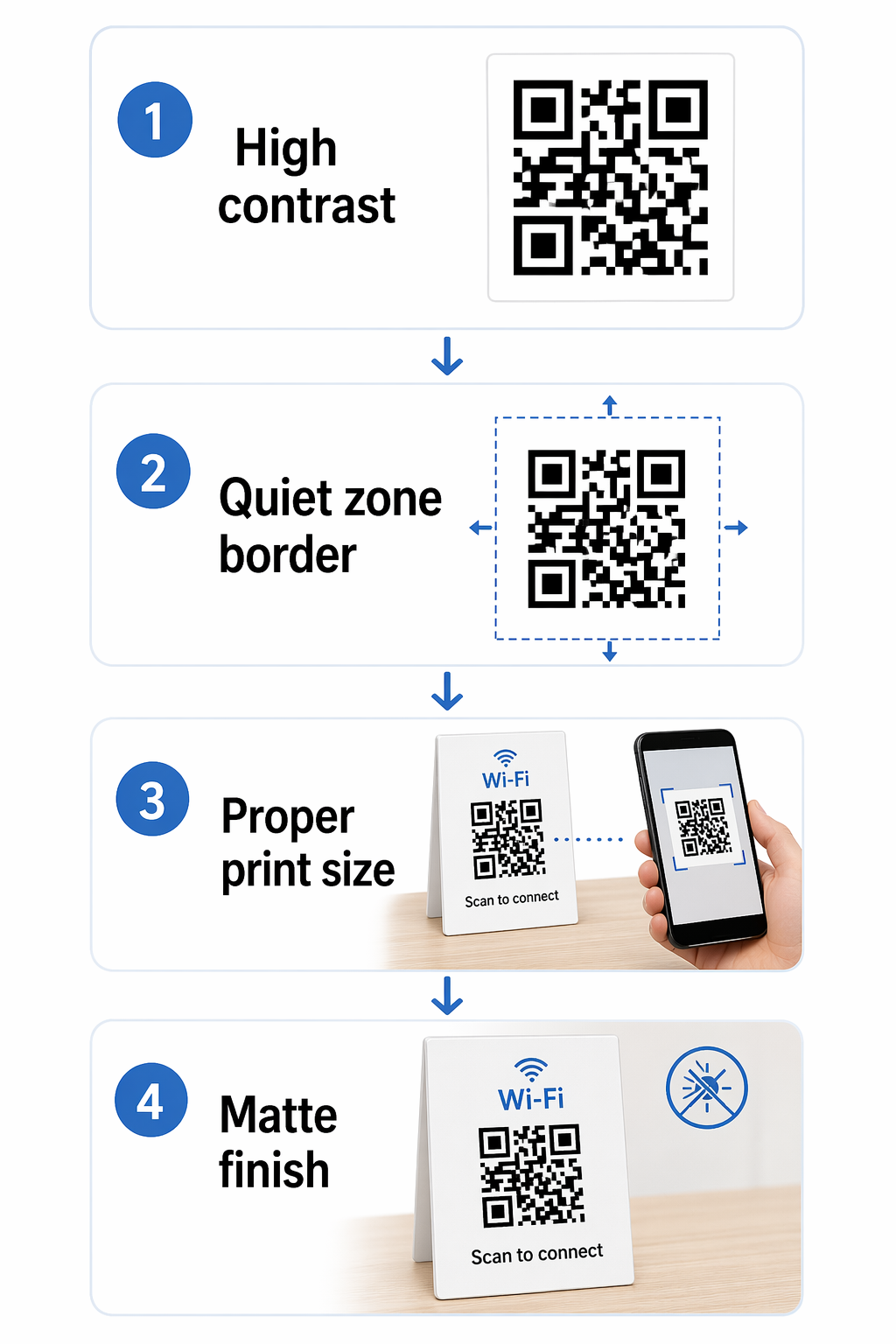
- Maintain a high contrast ratio between the QR code pattern and its background. The most reliable designs use a dark pattern on a light background, aiming for a contrast ratio of at least 4.5:1. You can learn more about picking the right pairings in our guide to color contrast best practices.
- Respect the “quiet zone,” which is the empty border surrounding the QR code. This space helps the scanner distinguish the code from surrounding text or graphics on a menu or poster.
- Size the code appropriately for the scanning distance. For close-range scanning on a table tent or business card, the code should be at least 0.8 x 0.8 inches.
- Use high-quality print materials with a matte finish to prevent glare, which can reflect light into the camera lens and block the scanner from reading the data.
Security Considerations for Public Wi-Fi
Providing easy access to the internet should not come at the cost of your business’s digital security. When you how to use a QR code to connect to Wi-Fi, it is best to point guests toward a dedicated guest network rather than your primary administrative network. This isolation ensures that visitors can browse the web without having access to your point-of-sale systems, internal files, or private hardware.
Security-conscious businesses should also follow secure QR code generation habits. While Wi-Fi QR codes are usually static because network credentials rarely change, you can use static vs. dynamic QR codes to your advantage. Static codes are free and permanent, making them perfect for Wi-Fi. However, if you ever change your password, you will need to generate and print a new static code.
How to Scan and Connect
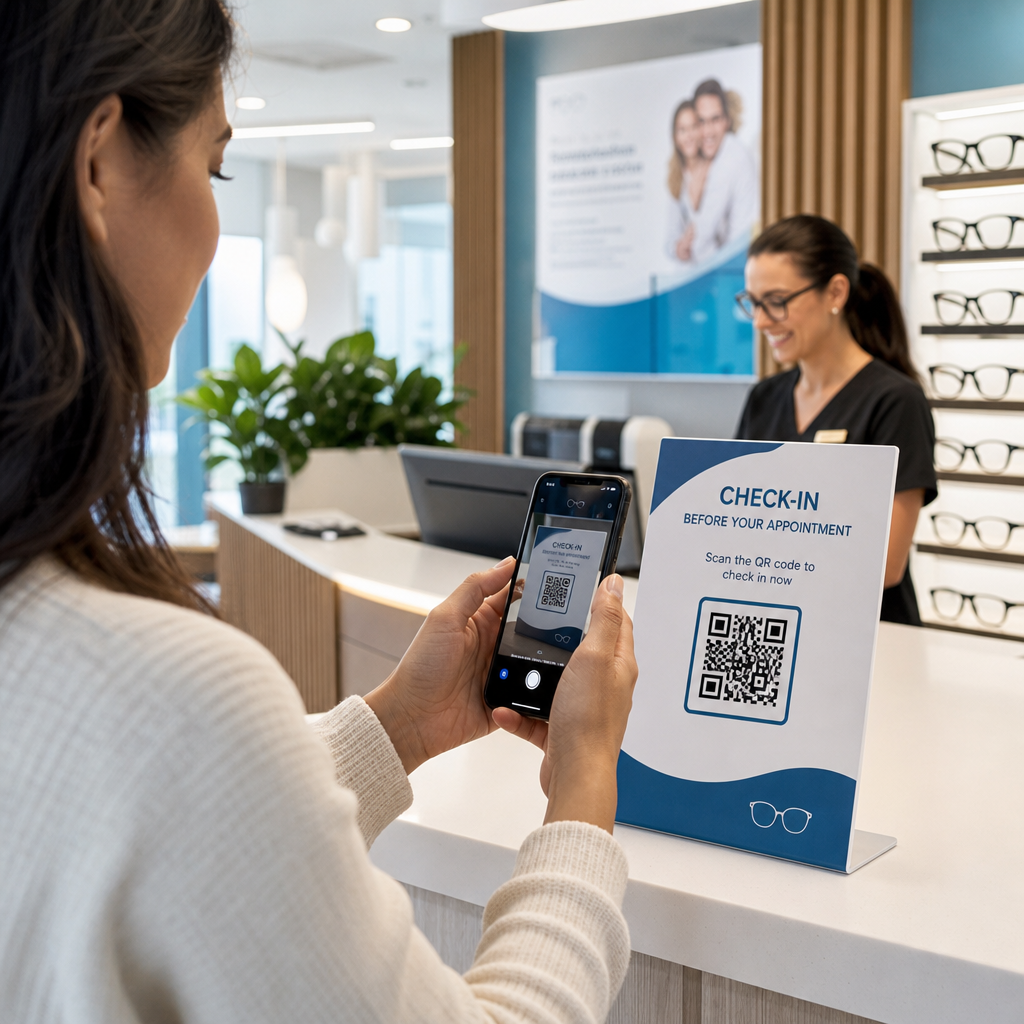
Guests can join your network in seconds using the native tools already on their devices. Most modern smartphones do not require a separate app to read these codes.
- Open the default Camera app on an iPhone or Android device and point it at the QR code. A notification banner will appear with the name of the network.
- Tap the banner or the “Join” button to confirm the connection. The device will handle the authentication automatically in the background.
- On older Android devices that may not have native camera support, users can use Google Lens to identify the code and trigger the connection prompt.
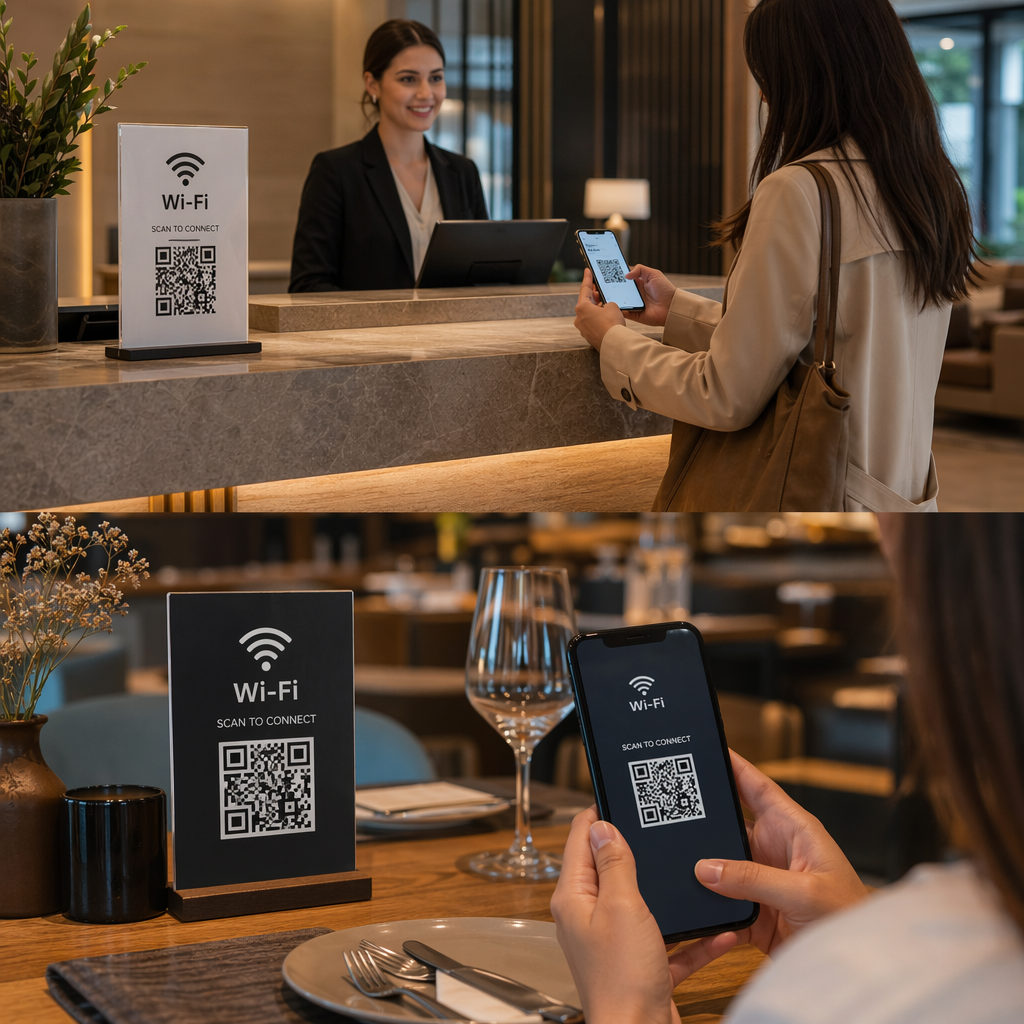
By placing these codes in high-visibility areas like reception desks, restaurant tables, or guest rooms, you provide an immediate value-add that improves customer satisfaction and modernization.
Frequently Asked Questions
Yes, it is generally safe as the code simply automates the entry of your password. To maximize security, you should only share QR codes for a dedicated guest network rather than your main business network.
Yes. When using a generator, you must specifically check the “Hidden” option and provide the correct SSID and password. The generated code will contain a flag that tells the smartphone to look for the hidden network.
Static Wi-Fi QR codes do not have an expiration date. They will continue to work as long as your network name and password remain the same as the data encoded in the image.