Are you unsure whether the QR code on that parking meter is legitimate or a scam? Fake parking QR codes are an active and growing threat, with fraudsters placing counterfeit stickers directly over official signage to steal payment details. This guide explains exactly how genuine QR code parking systems work – and how drivers and parking operators can tell the difference.
How QR Code Parking Payment Systems Work
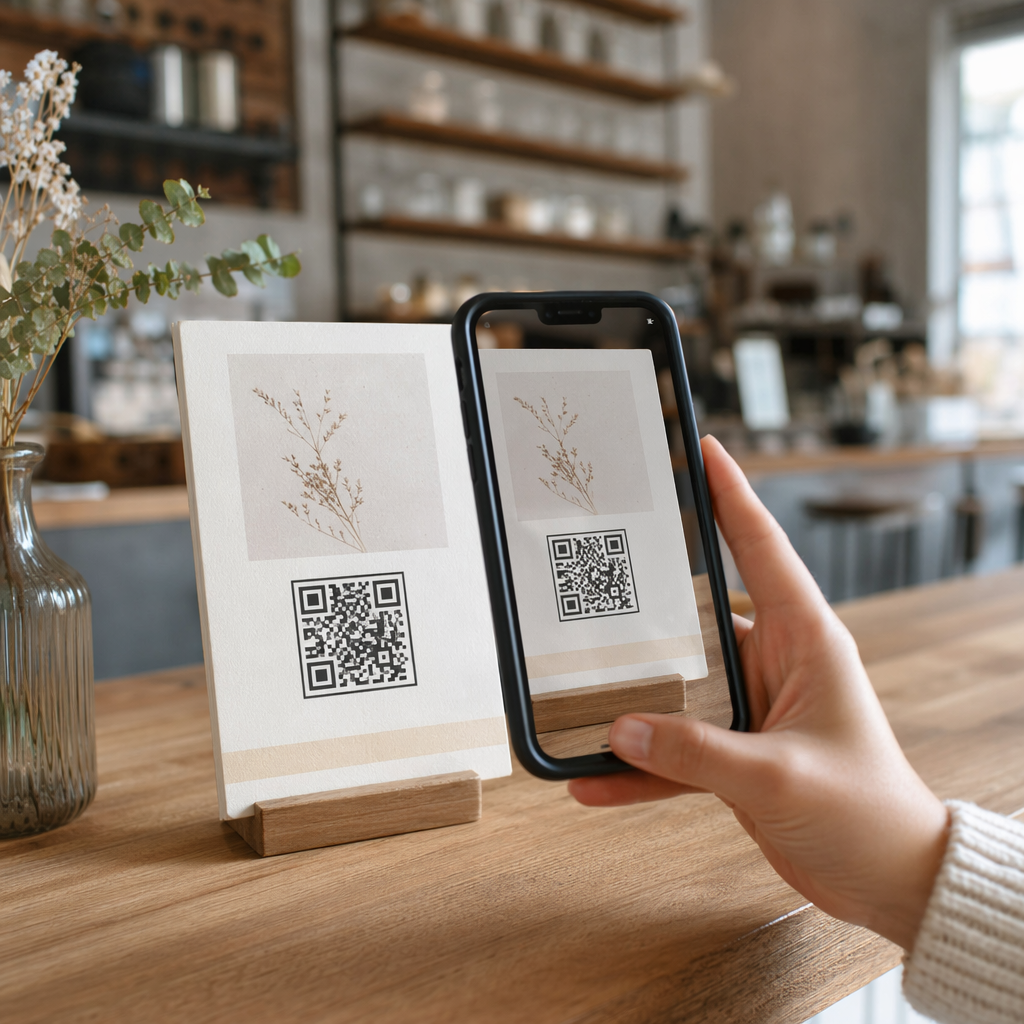
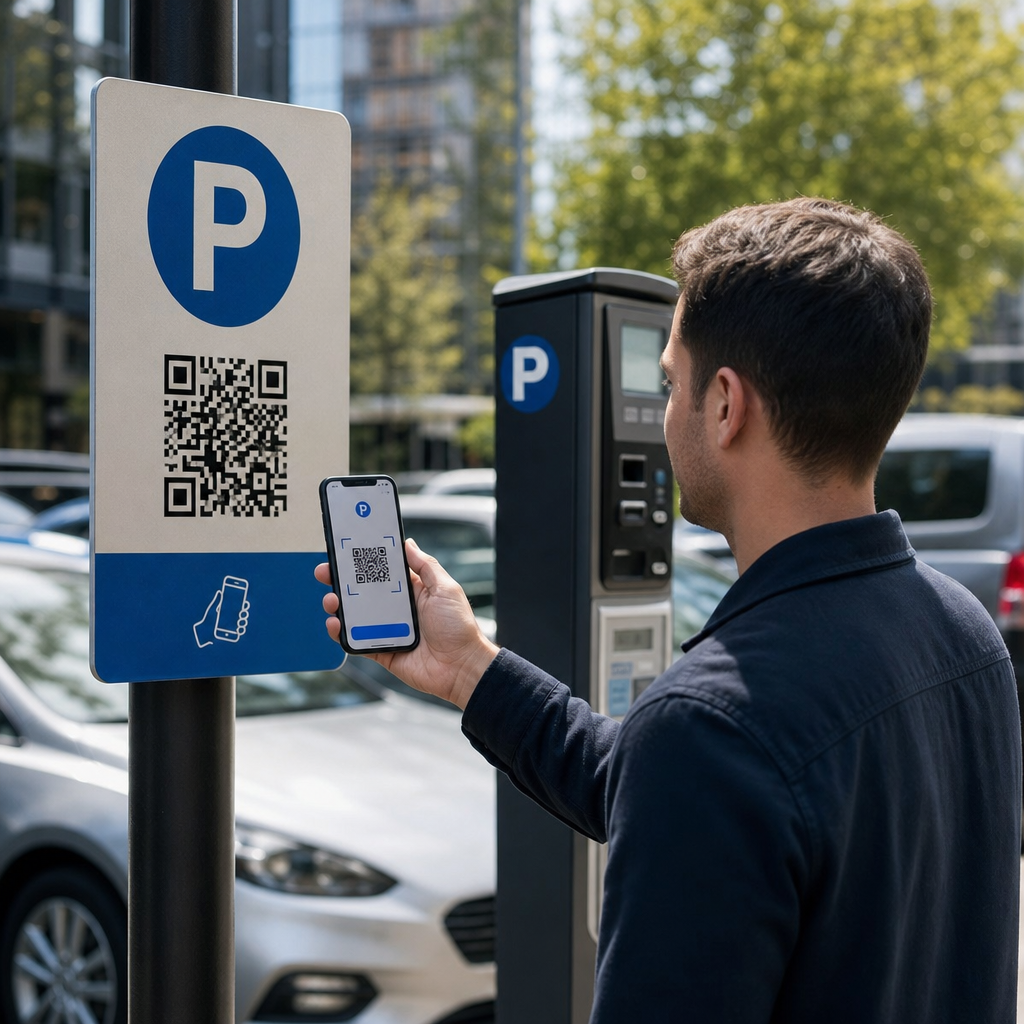
Legitimate QR code parking systems follow a straightforward scan-to-pay workflow. When you arrive at a parking facility, you’ll find a QR code displayed on signage at the kiosk, rate board, elevator lobby, stairwell, or building exit. Understanding each step helps you recognize when something is off.
You start by scanning the code using your smartphone’s built-in camera or a dedicated QR code scanner. No app download is required – the code opens a mobile-optimized payment page directly in your browser. From there, you enter your license plate number so the system can associate your vehicle with the parking session and enable enforcement verification. You then select your parking duration – hourly, daily, weekly, or monthly – and complete payment using a credit or debit card, Apple Pay, Google Pay, Samsung Pay, or another accepted method. The entire transaction is cashless and contactless. For ungated lots, the parking management system updates automatically upon confirmation, so enforcement can verify your session by plate rather than a physical ticket.
One important practical note: because the payment page is online, you need reliable cellular or Wi-Fi connectivity at the point of payment. If your signal is weak, move to an area with better coverage before scanning.
Why Operators Use QR Codes for Parking
QR-based parking removes traditional friction points for both drivers and facility managers. For drivers, there are no tickets to keep track of, no queues at a pay station, and no need to return to your car before leaving a facility – you can pay from your phone anywhere in the building. For operators, QR codes reduce hardware dependency and allow a complete parking transaction to happen on the customer’s phone via a standard browser.
Parking operators that implement these systems can also track payment confirmation in real time and flag unpaid sessions without requiring physical ticket checks at exit gates. The result is a leaner operation that scales without adding expensive hardware at every payment point.
The Real Threat: Fake QR Code Stickers
The convenience of QR parking payments has attracted a specific type of fraud. Scammers physically place fake QR code stickers over legitimate parking signage. When an unsuspecting driver scans the fake code, they are redirected to a spoofed payment page that looks like the real thing – but exists only to capture card details.
The FTC has explicitly warned about this tactic, noting that fraudulent codes can send users to spoofed websites or even install malware on their devices. A well-documented case in Austin, Texas, saw 29 fake QR codes placed on city parking meters, leading to stolen credit card details and unauthorized purchases. In the UK, drivers in York lost up to £400 each after scanning fake QR stickers on council car park signage that mimicked the legitimate PayByPhone service – a case detailed in the QR code parking scam warning for UK motorists.
These incidents are not failures of QR payment technology itself. They are the result of physical signage tampering and brand impersonation, and they are entirely preventable with the right precautions on both sides of the transaction.
How to Verify a Parking QR Code Before You Scan
Both drivers and parking operators can take concrete steps to avoid falling victim to fake QR codes.
For drivers:
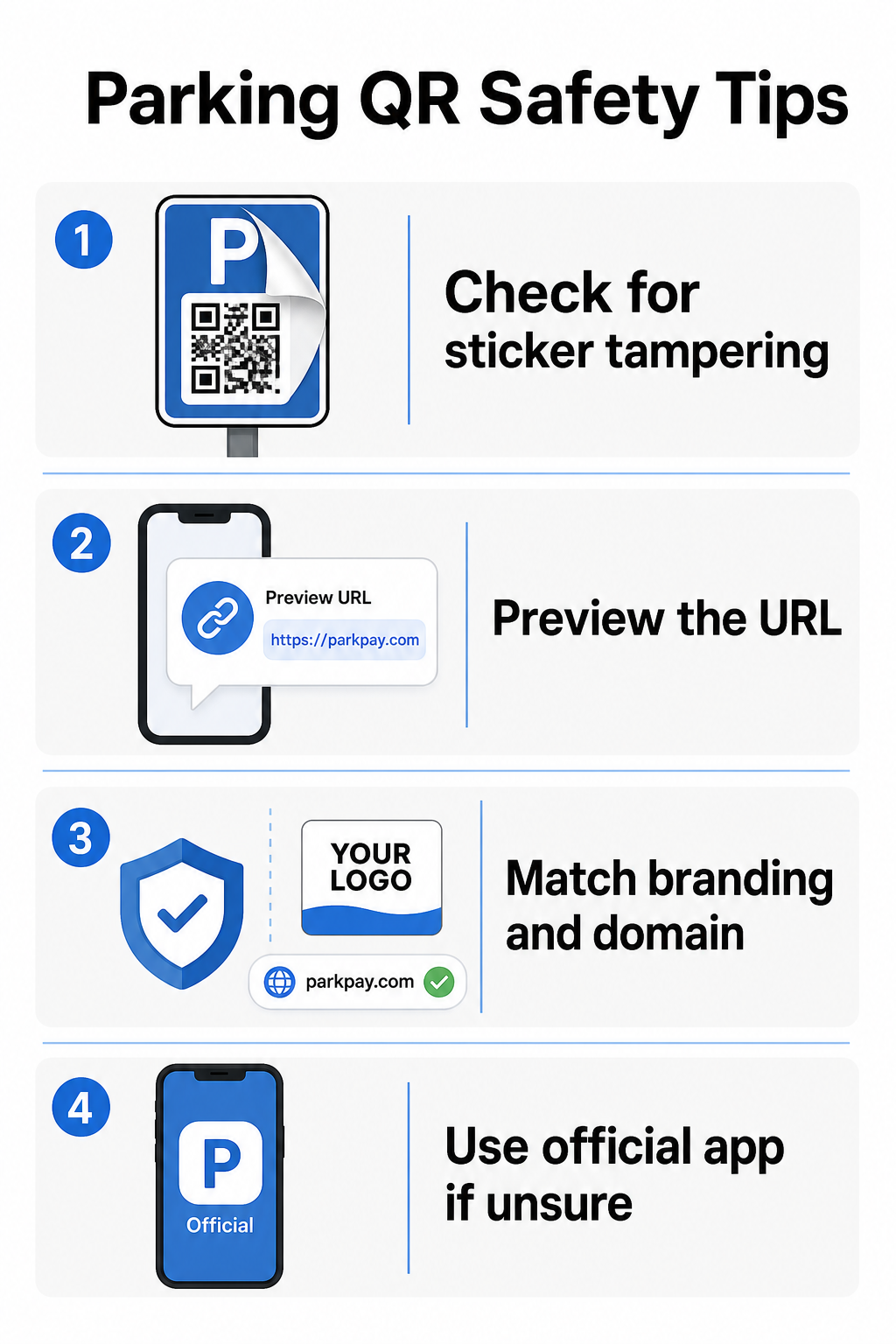
- Look for stickers placed over existing signage. Legitimate codes are typically printed directly on official signage, not applied as aftermarket decals. A sticker sitting on top of another surface is a red flag.
- Preview the URL before tapping through. Most smartphones allow you to press and hold a QR code to preview the destination link. Check for misspellings, switched letters, or unfamiliar domains – these are signs of a spoofed site.
- Verify the branding on the payment page. The page that opens should match the operator’s known brand. If logos, colors, or domain names look off, do not proceed.
- Use the official app or an alternative payment method if in doubt. City and municipal parking authorities typically list official payment apps on their signage. If a QR code looks suspicious, pay through the official app or contact the parking operator directly.
- Do not scan QR codes sent in unexpected emails or text messages urging you to act immediately – legitimate parking operators don’t send unsolicited payment requests.
- Keep your phone’s operating system updated and use strong passwords with multi-factor authentication on your accounts to limit potential damage if you do land on a malicious page.
For parking operators:
- Use tamper-evident signage materials that make it visually obvious if a sticker has been applied on top of official codes.
- Conduct regular physical inspections of all QR code signage throughout your facility.
- Use branded QR codes with your logo and color scheme printed directly into the code design, making counterfeiting significantly harder.
- If a fraudulent code is discovered, remove it immediately, document the incident with photos, notify your payment partners, and advise affected parkers to dispute charges with their bank or card issuer.
Setting Up QR Code Payments for a Parking Business
If you operate a parking facility and want to implement a legitimate QR-based payment system, the process starts with a payment URL – such as a link to your payment portal, PayPal checkout page, or Stripe-hosted payment form – and a reliable QR code generator.
Create a Branded Payment QR Code Paste your payment URL into the PayPal QR Code Generator to create a customized, downloadable code with your logo and brand colors – making it harder to counterfeit and easier for drivers to trust.
Using a Link QR Code Generator lets you encode any payment page URL into a scannable code. For ongoing operations, dynamic QR codes offer a significant advantage: you can update the destination URL at any time without reprinting signage. If your payment provider changes, your checkout URL updates, or a code is compromised, you simply redirect the existing code to the new destination from your dashboard.
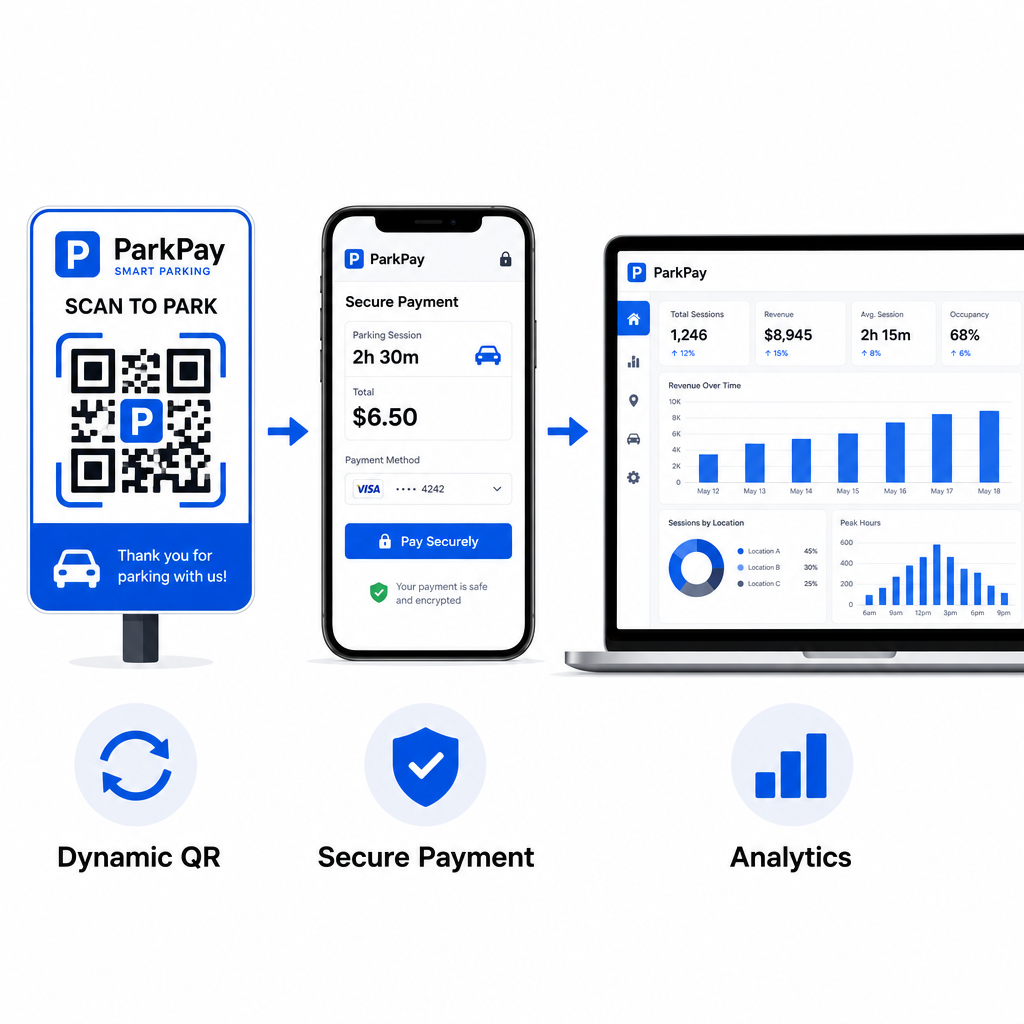
Dynamic codes also give you access to real-time scan analytics – scan counts, timestamps, locations, and device types – so you can monitor for unusual activity. A sudden spike in scans from unexpected locations, for example, could indicate that a code has been copied and distributed fraudulently. You can read more about how QR code payments work across different business contexts to see how the same principles apply beyond parking.
Track Every Scan in Real Time Use Pageloot’s QR Code Generator to create dynamic parking payment codes with full scan analytics. Monitor performance, detect anomalies, and update destinations instantly – all from one dashboard.
For businesses exploring QR codes across multiple use cases beyond parking, the Pageloot industry solutions page covers applications across retail, hospitality, events, and more.
What Makes a Parking QR Code Secure
Legitimate parking QR code payment systems layer several protections that scammers cannot easily replicate:
| Security Feature | What It Does |
|---|---|
| Branded QR design | Logo and colors embedded in the code make counterfeiting visually obvious |
| SSL-encrypted destination | Payment page uses HTTPS, protecting data in transit |
| Dynamic redirects | Operator can deactivate or redirect a compromised code instantly |
| Scan monitoring | Unusual scan patterns trigger alerts before widespread fraud occurs |
| Tamper-evident signage | Physical materials show obvious signs of interference |
For a deeper look at how these layers work together, the guides on QR code payment security and speed and managing QR code risks in payments cover the technical and operational details in full.
Protecting Your Business from QR Code Fraud
Beyond parking, QR code fraud is a growing concern across industries. The same principles apply everywhere: branded codes, dynamic destinations, regular audits, and educating the people who interact with your codes. For a full breakdown of defensive strategies, see the guide on how to protect your business from QR code scams and the overview of QR code privacy risks and how to avoid them.
QR code parking payments are genuinely convenient and secure when implemented correctly – the risk lies in tampering, not in the technology itself. Whether you’re a driver confirming a code before scanning or an operator building out a contactless payment system, the steps above give you a clear framework for staying safe. If you’re ready to deploy a branded, trackable payment QR code for your facility, the PayPal QR Code Generator is a practical starting point.
Frequently Asked Questions
Look for stickers placed over existing signage, which is a common sign of tampering. Before tapping through, press and hold the QR code with your smartphone to preview the URL – check for misspellings or unfamiliar domain names. The payment page that opens should match the operator’s known branding. If anything looks off, pay using the official parking app listed on the signage or contact the facility directly.
No. Most QR-based parking payment systems open a mobile-optimized payment page directly in your phone’s browser when you scan the code. You do need an active cellular or Wi-Fi connection to complete the transaction, since the payment page is online.
Remove the fraudulent signage immediately and document the incident with photos. Notify your internal team and payment processing partners. Advise any potentially affected parkers to contact their bank or card issuer to dispute unauthorized charges. Going forward, use tamper-evident signage materials, conduct regular inspections, and consider switching to dynamic QR codes so that any compromised code can be deactivated and redirected instantly from your management dashboard.