Weet u niet zeker of de QR-code op die parkeermeter legitiem is of een scam? Valse parkeer-QR-codes zijn een actieve en groeiende bedreiging, waarbij fraudeurs namaakstickers direct over officiële bewegwijzering plaatsen om betaalgegevens te stelen. Deze gids legt precies uit hoe echte QR-code parkeersystemen werken – en hoe bestuurders en parkeerbeheerders het verschil kunnen zien.
Hoe QR-code parkeerbetaalsystemen werken
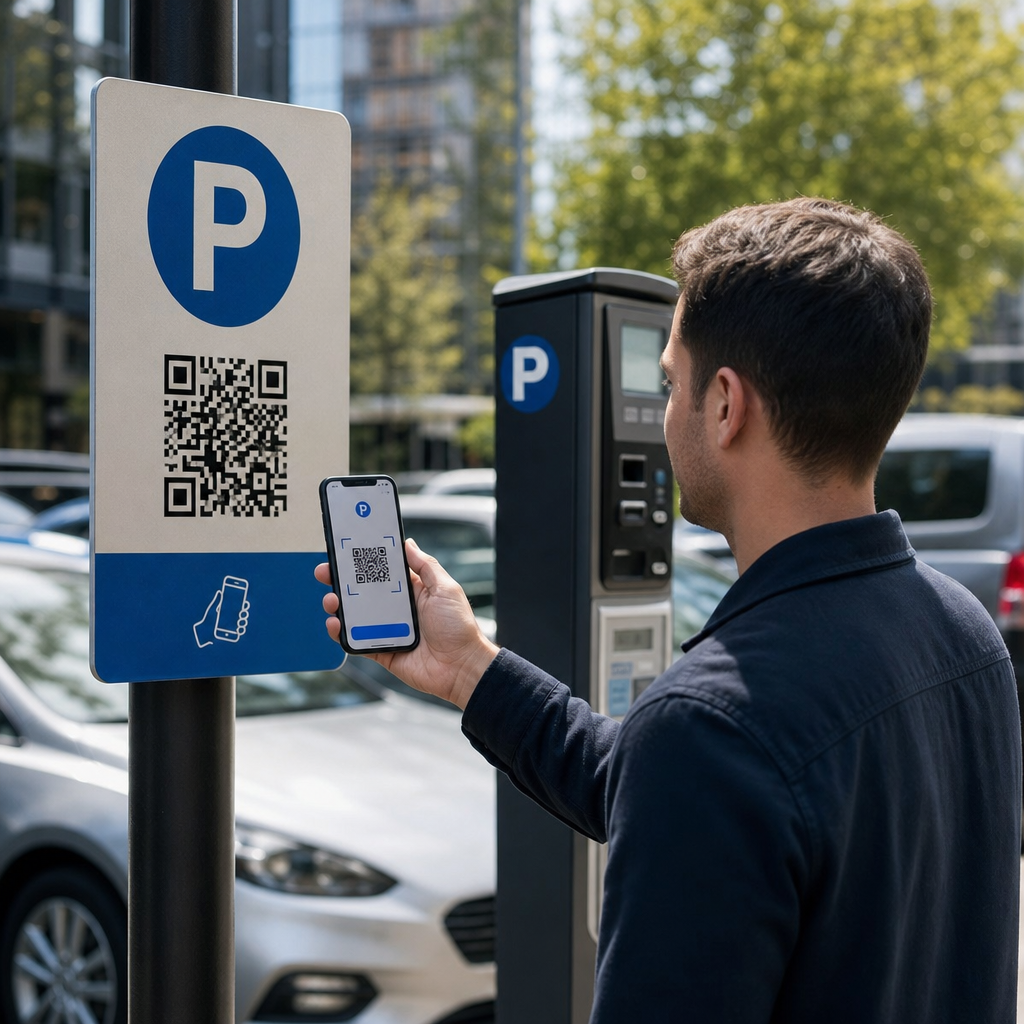
Legitieme QR-code parkeersystemen volgen een eenvoudig scan-en-betaal-workflow. Wanneer u aankomt bij een parkeerfaciliteit, vindt u een QR-code weergegeven op de bewegwijzering bij de kiosk, tarievenbord, liftlobby, trappenhuis of gebouwuitgang. Het begrijpen van elke stap helpt u te herkennen wanneer er iets niet klopt.
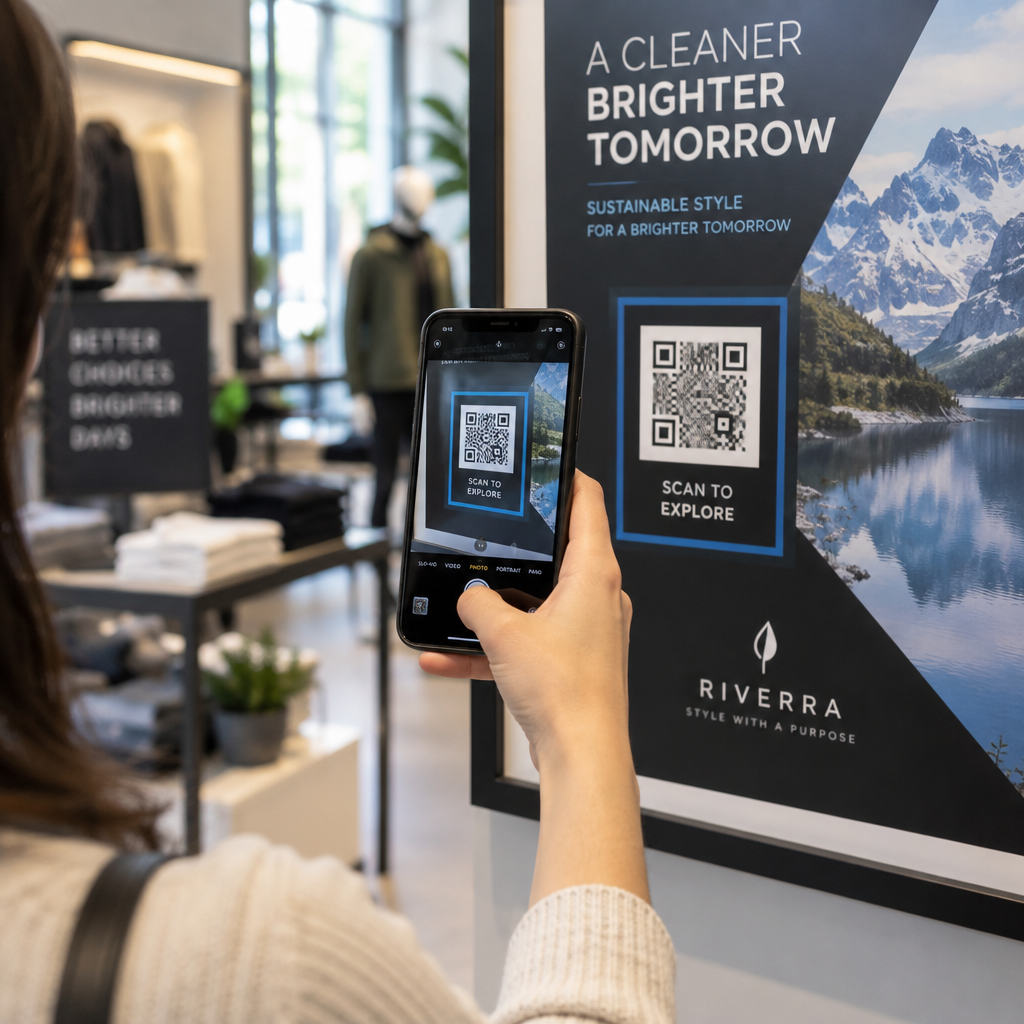
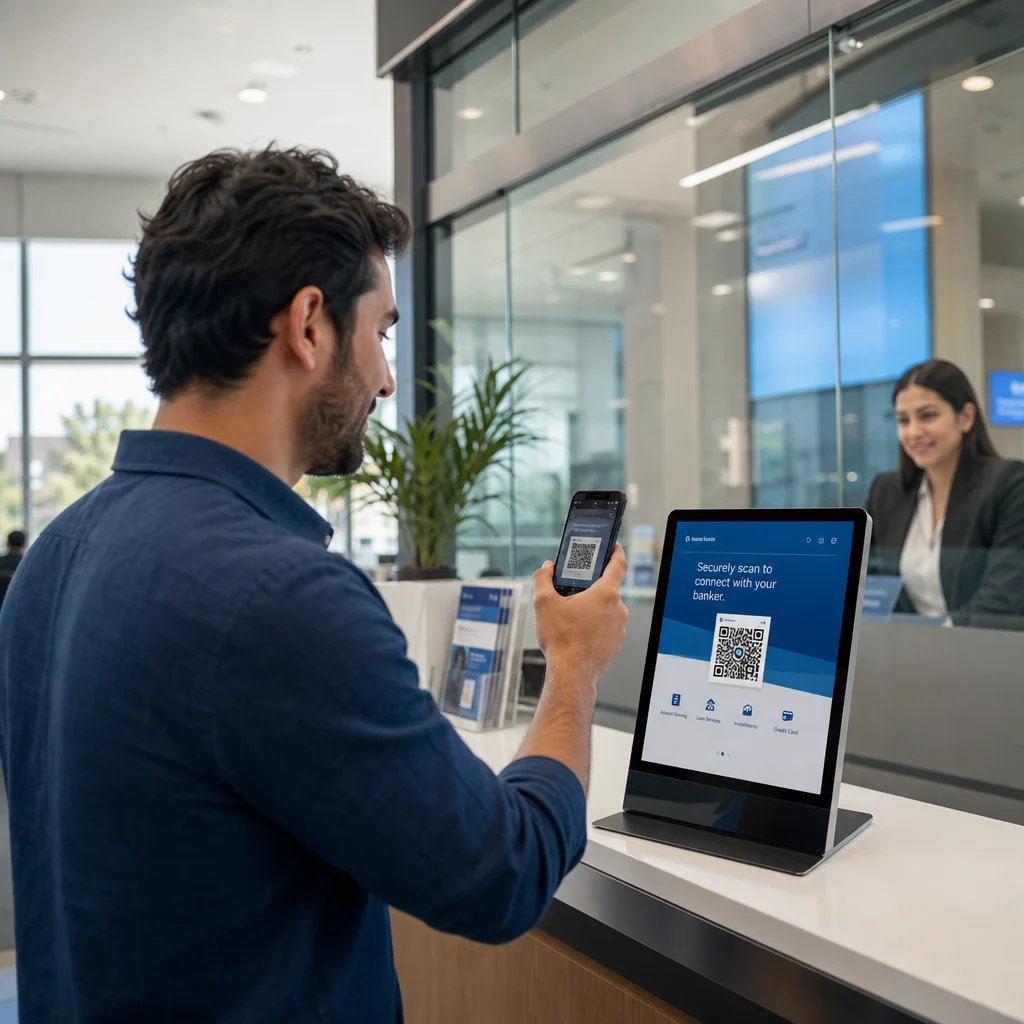
U begint met het scannen van de code met de ingebouwde camera van uw smartphone of een speciale QR-code scanner. Er is geen app-download vereist – de code opent een voor mobiel geoptimaliseerde betaalpagina direct in uw browser. Vanaf daar voert u uw kenteken in, zodat het systeem uw voertuig kan koppelen aan de parkeersessie en handhavingsverificatie mogelijk maakt. U selecteert vervolgens uw parkeerduur – per uur, dagelijks, wekelijks of maandelijks – en voltooit de betaling met een creditcard of betaalpas, Apple Pay, Google Pay, Samsung Pay, of een andere geaccepteerde methode. De gehele transactie is contantloos en contactloos. Voor onafgesloten terreinen wordt het parkeerbeheersysteem automatisch bijgewerkt na bevestiging, zodat handhaving uw sessie kan verifiëren aan de hand van het kenteken in plaats van een fysiek ticket.
Een belangrijke praktische opmerking: omdat de betaalpagina online is, heeft u betrouwbare mobiele of Wi-Fi-connectiviteit nodig op het moment van betaling. Als uw signaal zwak is, verplaats u dan naar een gebied met betere dekking voordat u scant.
Waarom beheerders QR-codes gebruiken voor parkeren
QR-gebaseerd parkeren verwijdert traditionele knelpunten voor zowel bestuurders als facility managers. Voor bestuurders zijn er geen tickets om bij te houden, geen wachtrijen bij een betaalautomaat, en geen noodzaak om terug te keren naar uw auto voordat u een faciliteit verlaat – u kunt vanaf uw telefoon overal in het gebouw betalen. Voor beheerders verminderen QR-codes de afhankelijkheid van hardware en maken ze het mogelijk dat een complete parkeertransactie plaatsvindt op de telefoon van de klant via een standaardbrowser.
Parkeerbeheerders die deze systemen implementeren, kunnen ook de betalingsbevestiging in realtime volgen en onbetaalde sessies markeren zonder fysieke ticketcontroles bij uitgangspoorten te vereisen. Het resultaat is een slankere operatie die schaalbaar is zonder dure hardware toe te voegen bij elk betaalpunt.
De echte bedreiging: valse QR-codestickers
Het gemak van QR-parkeerbetalingen heeft een specifiek type fraude aangetrokken. Oplichters plaatsen fysiek valse QR-codestickers over legitieme parkeerbewegwijzering. Wanneer een nietsvermoedende bestuurder de valse code scant, wordt deze omgeleid naar een nagemaakte betaalpagina die eruitziet als de echte – maar alleen bestaat om kaartgegevens vast te leggen.
De FTC heeft expliciet gewaarschuwd voor deze tactiek, en merkte op dat frauduleuze codes gebruikers naar nagemaakte websites kunnen sturen of zelfs malware op hun apparaten kunnen installeren. Een goed gedocumenteerde zaak in Austin, Texas, zag 29 valse QR-codes geplaatst op stadsparkeermeters, wat leidde tot gestolen creditcardgegevens en ongeautoriseerde aankopen. In het VK verloren bestuurders in York elk tot £400 na het scannen van valse QR-stickers op de bewegwijzering van gemeentelijke parkeergarages die de legitieme PayByPhone-service nabootsten – een geval dat gedetailleerd wordt beschreven in de Waarschuwing voor QR-code parkeerfraude voor Britse automobilisten.
Deze incidenten zijn geen falen van de QR-betaaltechnologie zelf. Ze zijn het resultaat van fysieke manipulatie van bewegwijzering en merkimpersonatie, en ze zijn volledig te voorkomen met de juiste voorzorgsmaatregelen aan beide zijden van de transactie.
Hoe u een parkeer-QR-code verifieert voordat u scant
Zowel bestuurders als parkeerbeheerders kunnen concrete stappen ondernemen om te voorkomen dat ze slachtoffer worden van valse QR-codes.
Voor bestuurders:
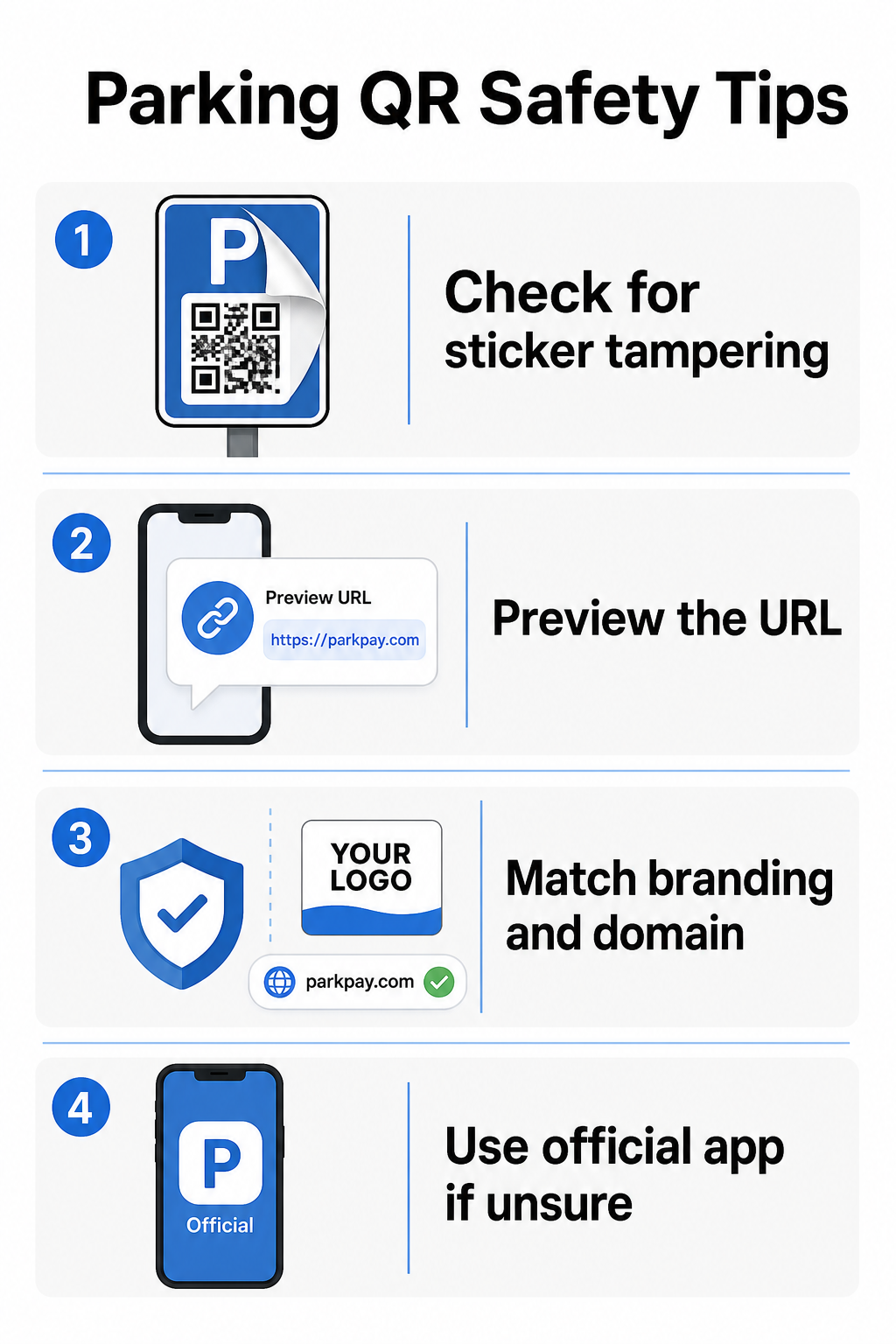
- Let op stickers die over bestaande bewegwijzering zijn geplaatst. Legitieme codes worden doorgaans direct op officiële bewegwijzering gedrukt, niet aangebracht als aftermarket stickers. Een sticker die bovenop een ander oppervlak zit, is een rode vlag.
- Bekijk de URL voordat u doorklikt. De meeste smartphones stellen u in staat om een QR-code ingedrukt te houden om de bestemmingslink te bekijken. Controleer op spelfouten, verwisselde letters of onbekende domeinen – dit zijn tekenen van een nagemaakte site.
- Controleer de branding op de betaalpagina. De pagina die opent, moet overeenkomen met het bekende merk van de beheerder. Als logo's, kleuren of domeinnamen er vreemd uitzien, ga dan niet verder.
- Gebruik de officiële app of een alternatieve betaalmethode bij twijfel. Stedelijke en gemeentelijke parkeerautoriteiten vermelden doorgaans officiële betaalapps op hun bewegwijzering. Als een QR-code er verdacht uitziet, betaal dan via de officiële app of neem rechtstreeks contact op met de parkeerexploitant.
- Scan geen QR-codes die in onverwachte e-mails of sms-berichten zijn verzonden die u aansporen om onmiddellijk te handelen – legitieme parkeerexploitanten sturen geen ongevraagde betaalverzoeken.
- Houd het besturingssysteem van uw telefoon up-to-date en gebruik sterke wachtwoorden met multi-factor authenticatie op uw accounts om potentiële schade te beperken als u toch op een kwaadaardige pagina terechtkomt.
Voor parkeerexploitanten:
- Gebruik fraudebestendige bewegwijzeringsmaterialen die het visueel duidelijk maken of een sticker bovenop officiële codes is aangebracht.
- Voer regelmatige fysieke inspecties uit van alle QR-code bewegwijzering in uw faciliteit.
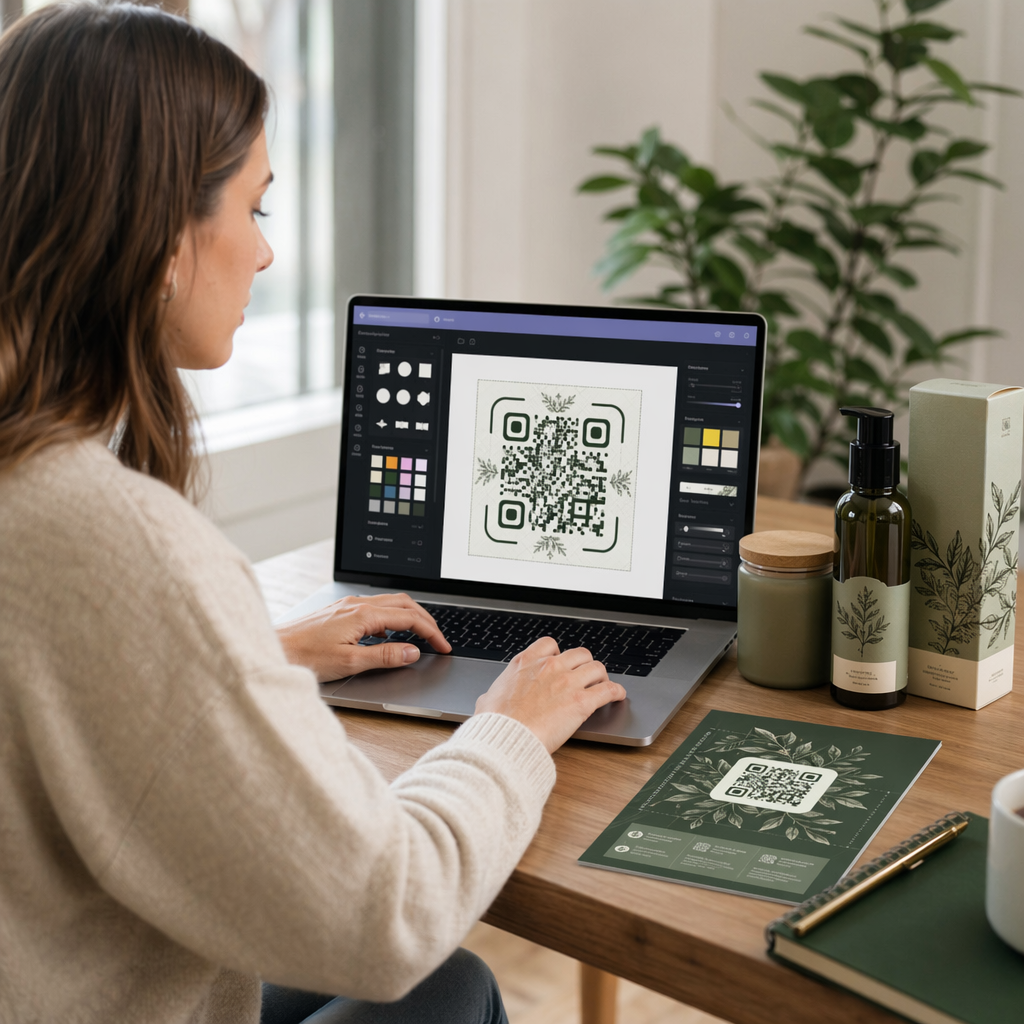
- Gebruik branded QR-codes met uw logo en kleurenschema direct in het codeontwerp gedrukt, waardoor namaak aanzienlijk moeilijker wordt.
- Als een frauduleuze code wordt ontdekt, verwijder deze dan onmiddellijk, documenteer het incident met foto's, informeer uw betaalpartners en adviseer getroffen parkeerders om de kosten te betwisten bij hun bank of kaartuitgever.
QR-code betalingen instellen voor een parkeerbedrijf
Als u een parkeerfaciliteit exploiteert en een legitiem QR-gebaseerd betaalsysteem wilt implementeren, begint het proces met een betaal-URL – zoals een link naar uw betaalportaal, PayPal afrekenpagina of een door Stripe gehost betaalformulier – en een betrouwbare QR-codegenerator.
Maak een QR-code voor merkbetalingen Plak uw betaal-URL in de PayPal QR code maken om een aangepaste, downloadbare code te maken met uw logo en merkkleuren – waardoor het moeilijker wordt om na te maken en gemakkelijker voor bestuurders om te vertrouwen.
Een Link QR-codegenerator kunt u elke betaalpagina-URL coderen in een scanbare code. Voor doorlopende operaties, dynamische QR-codes bieden een aanzienlijk voordeel: u kunt de bestemmings-URL op elk moment bijwerken zonder de bewegwijzering opnieuw af te drukken. Als uw betaalprovider verandert, uw afreken-URL wordt bijgewerkt of een code is gecompromitteerd, leidt u de bestaande code eenvoudigweg om naar de nieuwe bestemming vanuit uw dashboard.
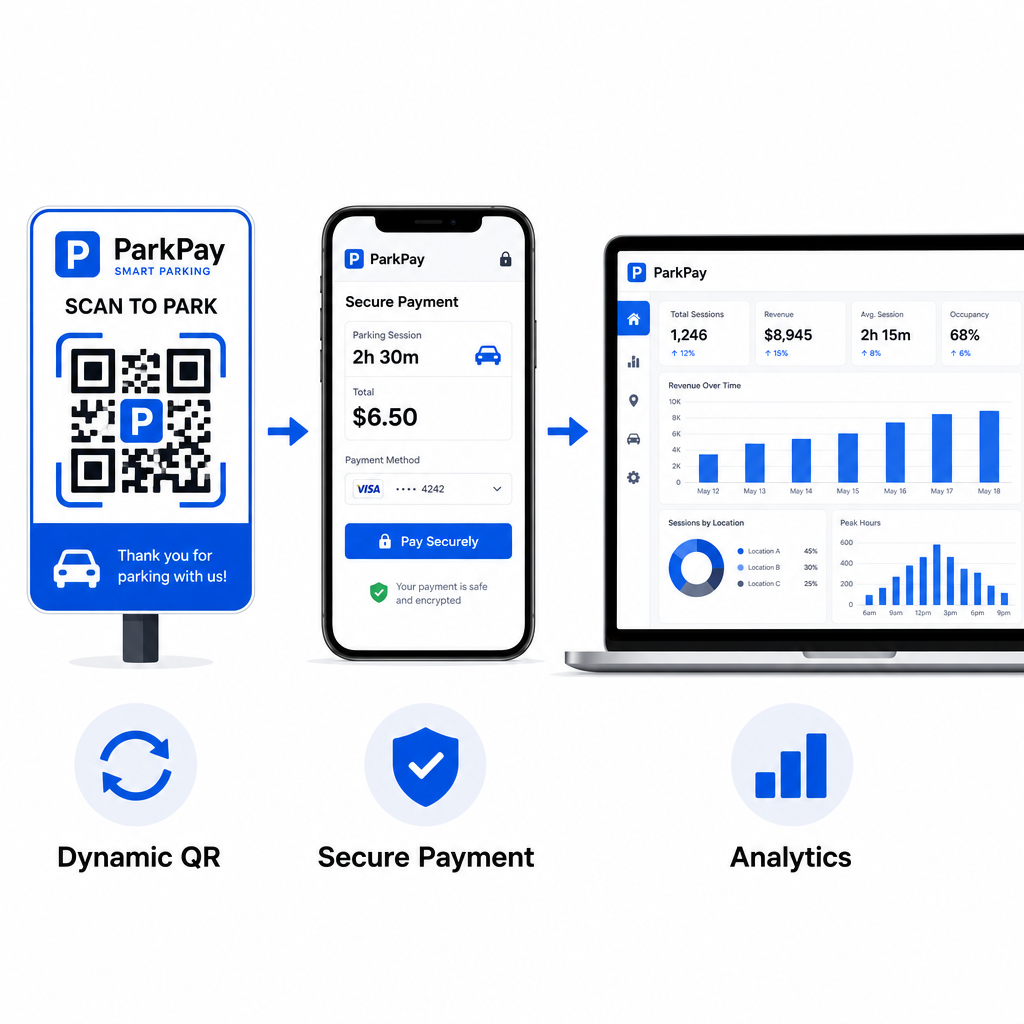
Dynamische codes geven u ook toegang tot real-time scananalyses – scan tellingen, tijdstempels, locaties en apparaattypen – zodat u ongebruikelijke activiteit kunt monitoren. Een plotselinge piek in scans vanaf onverwachte locaties, bijvoorbeeld, zou kunnen duiden op het frauduleus kopiëren en verspreiden van een code. U kunt meer lezen over hoe QR-code betalingen werken in verschillende zakelijke contexten om te zien hoe dezelfde principes buiten parkeren van toepassing zijn.
Volg Elke Scan in Realtime Gebruik Pageloot's QR-codegenerator om dynamische parkeerbetaalcodes te maken met volledige scananalyses. Monitor prestaties, detecteer afwijkingen en update bestemmingen direct – alles vanuit één dashboard.
Voor bedrijven die QR-codes verkennen voor meerdere gebruiksscenario's buiten parkeren, de Pageloot brancheoplossingen pagina behandelt toepassingen in retail, horeca, evenementen en meer.
Wat maakt een parkeer-QR-code veilig
Legitieme parkeer-QR-code betaalsystemen leggen verschillende beschermingslagen aan die oplichters niet gemakkelijk kunnen repliceren:
| Beveiligingsfunctie | Wat het doet |
|---|---|
| QR-ontwerp met merknaam | Logo en kleuren ingebed in de code maken namaak visueel duidelijk |
| SSL-versleutelde bestemming | Betaalpagina gebruikt HTTPS, ter bescherming van gegevens tijdens verzending |
| Dynamische omleidingen | Exploitant kan een gecompromitteerde code direct deactiveren of omleiden |
| Scanbewaking | Ongebruikelijke scanpatronen activeren waarschuwingen voordat wijdverspreide fraude optreedt |
| Fraudebestendige bewegwijzering | Fysieke materialen vertonen duidelijke tekenen van manipulatie |
Voor een diepere blik op hoe deze lagen samenwerken, de gidsen over QR-code betaalveiligheid en snelheid en het beheren van QR-coderisico's bij betalingen behandelen de technische en operationele details volledig.
Uw bedrijf beschermen tegen QR-codefraude
Buiten parkeren is QR-codefraude een groeiende zorg in alle sectoren. Dezelfde principes gelden overal: merkcodes, dynamische bestemmingen, regelmatige audits en het opleiden van de mensen die met uw codes omgaan. Voor een volledige uiteenzetting van verdedigingsstrategieën, zie de gids over Je bedrijf beschermen tegen QR-code scams en het overzicht van privacyrisico's van QR-codes en hoe u deze kunt vermijden.
QR-code parkeerbetalingen zijn echt handig en veilig wanneer correct geïmplementeerd – het risico ligt in manipulatie, niet in de technologie zelf. Of u nu een bestuurder bent die een code bevestigt voordat u scant of een exploitant die een contactloos betaalsysteem opbouwt, de bovenstaande stappen geven u een duidelijk kader om veilig te blijven. Als u klaar bent om een merkgebonden, traceerbare betaal-QR-code voor uw faciliteit te implementeren, de PayPal QR code maken is een praktisch startpunt.
Veelgestelde vragen
Let op stickers die over bestaande bewegwijzering zijn geplakt, wat een veelvoorkomend teken van manipulatie is. Voordat u doorklikt, houd de QR-code ingedrukt met uw smartphone om de URL te bekijken – controleer op spelfouten of onbekende domeinnamen. De betaalpagina die opent, moet overeenkomen met de bekende huisstijl van de exploitant. Als er iets niet klopt, betaal dan via de officiële parkeerapp die op de bewegwijzering staat vermeld of neem rechtstreeks contact op met de faciliteit.
Nee. De meeste QR-gebaseerde parkeerbetaalsystemen openen een voor mobiel geoptimaliseerde betaalpagina rechtstreeks in de browser van uw telefoon wanneer u de code scant. U heeft wel een actieve mobiele of Wi-Fi-verbinding nodig om de transactie te voltooien, aangezien de betaalpagina online is.
Verwijder de frauduleuze bewegwijzering onmiddellijk en documenteer het incident met foto's. Breng uw interne team en betalingsverwerkingspartners op de hoogte. Adviseer alle potentieel getroffen parkeerders om contact op te nemen met hun bank of kaartuitgever om ongeautoriseerde kosten te betwisten. Gebruik voortaan fraudebestendige bewegwijzeringsmaterialen, voer regelmatige inspecties uit en overweeg over te schakelen op dynamische QR-codes, zodat elke gecompromitteerde code onmiddellijk kan worden gedeactiveerd en omgeleid vanuit uw managementdashboard.