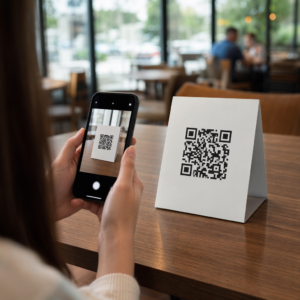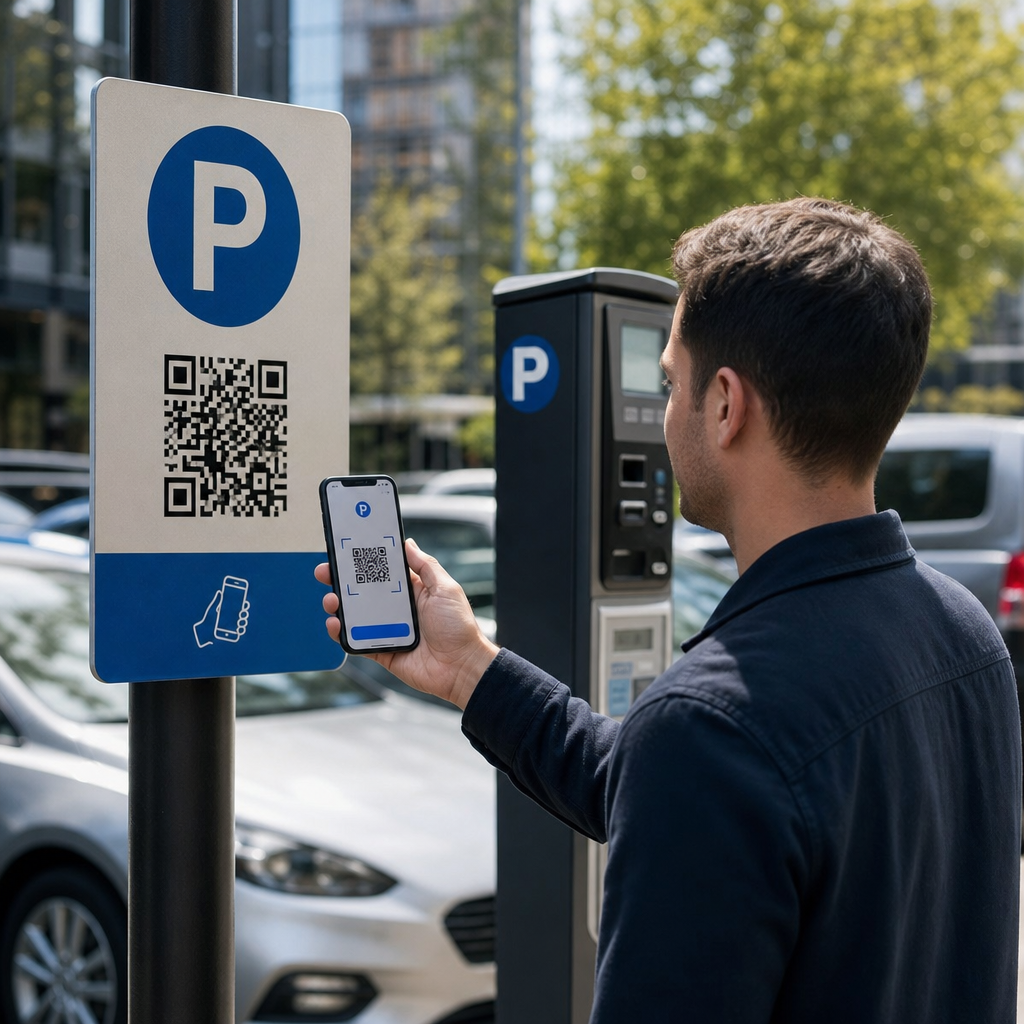
Sind Sie unsicher, ob der QR-Code auf diesem Parkautomaten legitim oder ein Betrug ist? Gefälschte Park-QR-Codes sind eine aktive und wachsende Bedrohung, wobei Betrüger gefälschte Aufkleber direkt über offizielle Beschilderungen anbringen, um Zahlungsdaten zu stehlen. Dieser Leitfaden erklärt genau, wie echte QR-Code-Parksysteme funktionieren – und wie Fahrer und Parkplatzbetreiber den Unterschied erkennen können.
Wie QR-Code-Parkzahlungssysteme funktionieren
Legitime QR-Code-Parksysteme folgen einem einfachen Scan-to-Pay-Workflow. Wenn Sie an einer Parkeinrichtung ankommen, finden Sie einen QR-Code auf der Beschilderung am Kiosk, der Preistafel, in der Aufzugslobby, im Treppenhaus oder am Gebäudeausgang. Jeden Schritt zu verstehen hilft Ihnen zu erkennen, wenn etwas nicht stimmt.
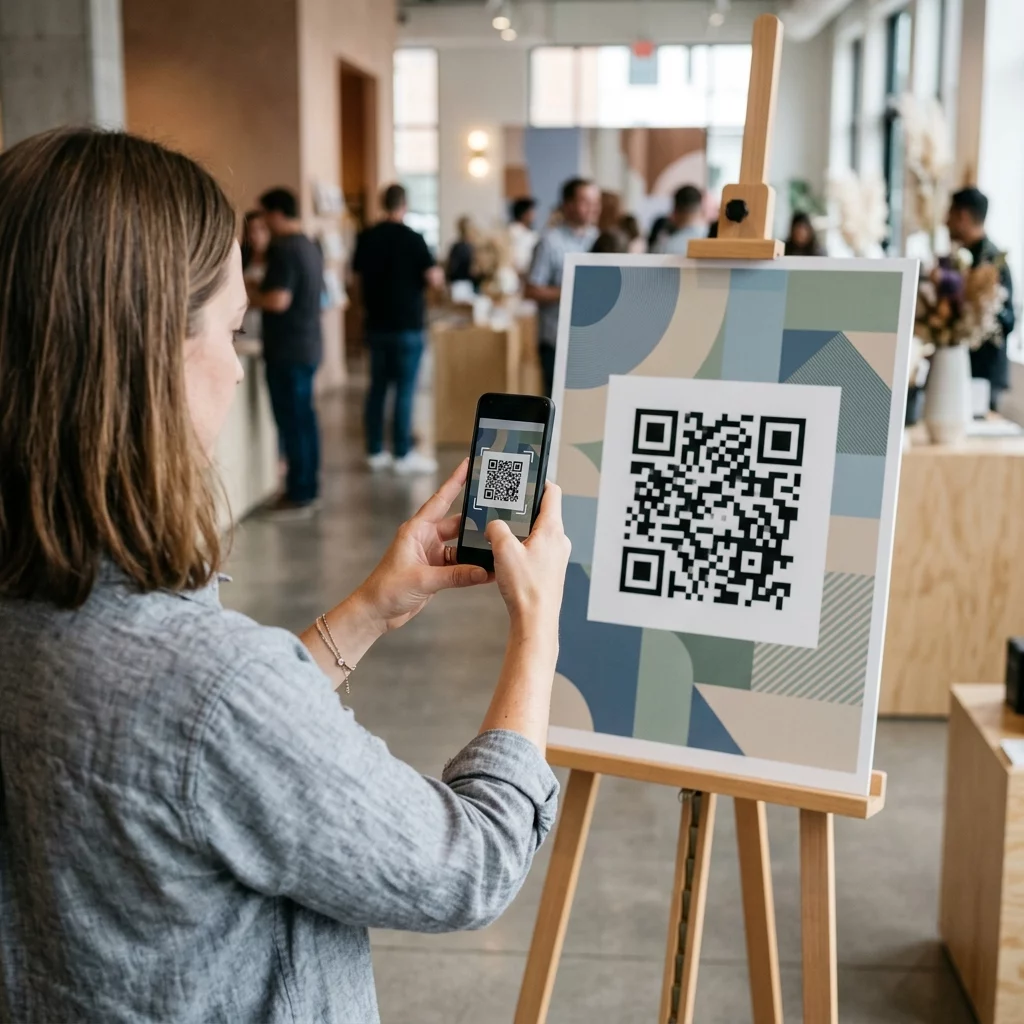
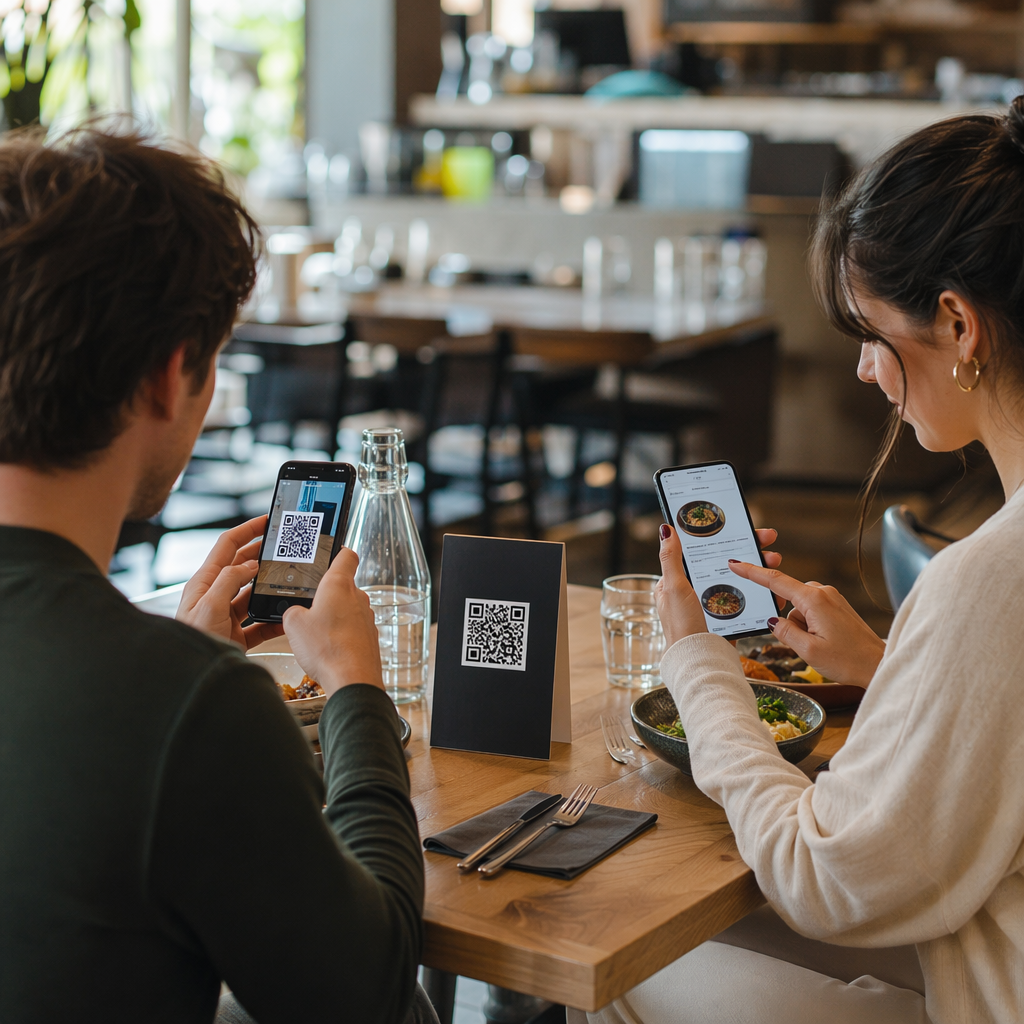
Sie beginnen, indem Sie den Code mit der integrierten Kamera Ihres Smartphones oder einer speziellen QR-Code Scanner. Es ist kein App-Download erforderlich – der Code öffnet eine mobil-optimierte Zahlungsseite direkt in Ihrem Browser. Von dort geben Sie Ihr Kennzeichen ein, damit das System Ihr Fahrzeug mit der Parksitzung verknüpfen und die Überprüfung durchsetzen kann. Anschließend wählen Sie Ihre Parkdauer – stündlich, täglich, wöchentlich oder monatlich – und schließen die Zahlung mit einer Kredit- oder Debitkarte, Apple Pay, Google Pay, Samsung Pay oder einer anderen akzeptierten Methode ab. Die gesamte Transaktion ist bargeldlos und kontaktlos. Für unbeschrankte Parkplätze aktualisiert sich das Parkmanagementsystem automatisch nach Bestätigung, sodass die Durchsetzung Ihre Sitzung anhand des Kennzeichens und nicht anhand eines physischen Tickets überprüfen kann.
Ein wichtiger praktischer Hinweis: Da die Zahlungsseite online ist, benötigen Sie am Zahlungsort eine zuverlässige Mobilfunk- oder Wi-Fi-Verbindung. Wenn Ihr Signal schwach ist, begeben Sie sich vor dem Scannen in einen Bereich mit besserer Abdeckung.
Warum Betreiber QR-Codes für das Parken verwenden
QR-basiertes Parken beseitigt traditionelle Reibungspunkte sowohl für Fahrer als auch für Facility Manager. Für Fahrer gibt es keine Tickets, die man im Auge behalten muss, keine Warteschlangen an einer Zahlungsstation und keine Notwendigkeit, vor dem Verlassen einer Einrichtung zum Auto zurückzukehren – Sie können von Ihrem Telefon aus überall im Gebäude bezahlen. Für Betreiber reduzieren QR-Codes die Hardwareabhängigkeit und ermöglichen eine vollständige Parktransaktion auf dem Telefon des Kunden über einen Standardbrowser.
Parkplatzbetreiber, die diese Systeme implementieren, können auch die Zahlungsbestätigung in Echtzeit verfolgen und unbezahlte Sitzungen kennzeichnen, ohne physische Ticketkontrollen an den Ausfahrtsschranken zu benötigen. Das Ergebnis ist ein schlankerer Betrieb, der skaliert, ohne teure Hardware an jedem Zahlungspunkt hinzuzufügen.
Die wahre Bedrohung: Gefälschte QR-Code-Aufkleber
Die Bequemlichkeit von QR-Parkzahlungen hat eine bestimmte Art von Betrug angezogen. Betrüger platzieren physisch gefälschte QR-Code-Aufkleber über legitime Parkbeschilderungen. Wenn ein ahnungsloser Fahrer den gefälschten Code scannt, wird er auf eine gefälschte Zahlungsseite umgeleitet, die wie das Original aussieht – aber nur dazu dient, Kartendaten zu erfassen.
Die FTC hat explizit vor dieser Taktik gewarnt und darauf hingewiesen, dass betrügerische Codes Benutzer auf gefälschte Websites leiten oder sogar Malware auf ihren Geräten installieren können. Ein gut dokumentierter Fall in Austin, Texas, zeigte 29 gefälschte QR-Codes auf städtischen Parkautomaten, was zu gestohlenen Kreditkartendaten und unautorisierten Käufen führte. Im Vereinigten Königreich verloren Fahrer in York jeweils bis zu 400 £, nachdem sie gefälschte QR-Aufkleber auf der Beschilderung von Stadtparkplätzen gescannt hatten, die den legitimen PayByPhone-Dienst nachahmten – ein Fall, der in der QR-Code-Parkbetrugswarnung für britische Autofahrer.
Diese Vorfälle sind keine Fehler der QR-Zahlungstechnologie selbst. Sie sind das Ergebnis physischer Beschilderungsmanipulation und Markenimitation und mit den richtigen Vorsichtsmaßnahmen auf beiden Seiten der Transaktion vollständig vermeidbar.
So überprüfen Sie einen Park-QR-Code vor dem Scannen
Sowohl Fahrer als auch Parkplatzbetreiber können konkrete Schritte unternehmen, um nicht Opfer gefälschter QR-Codes zu werden.
Für Fahrer:
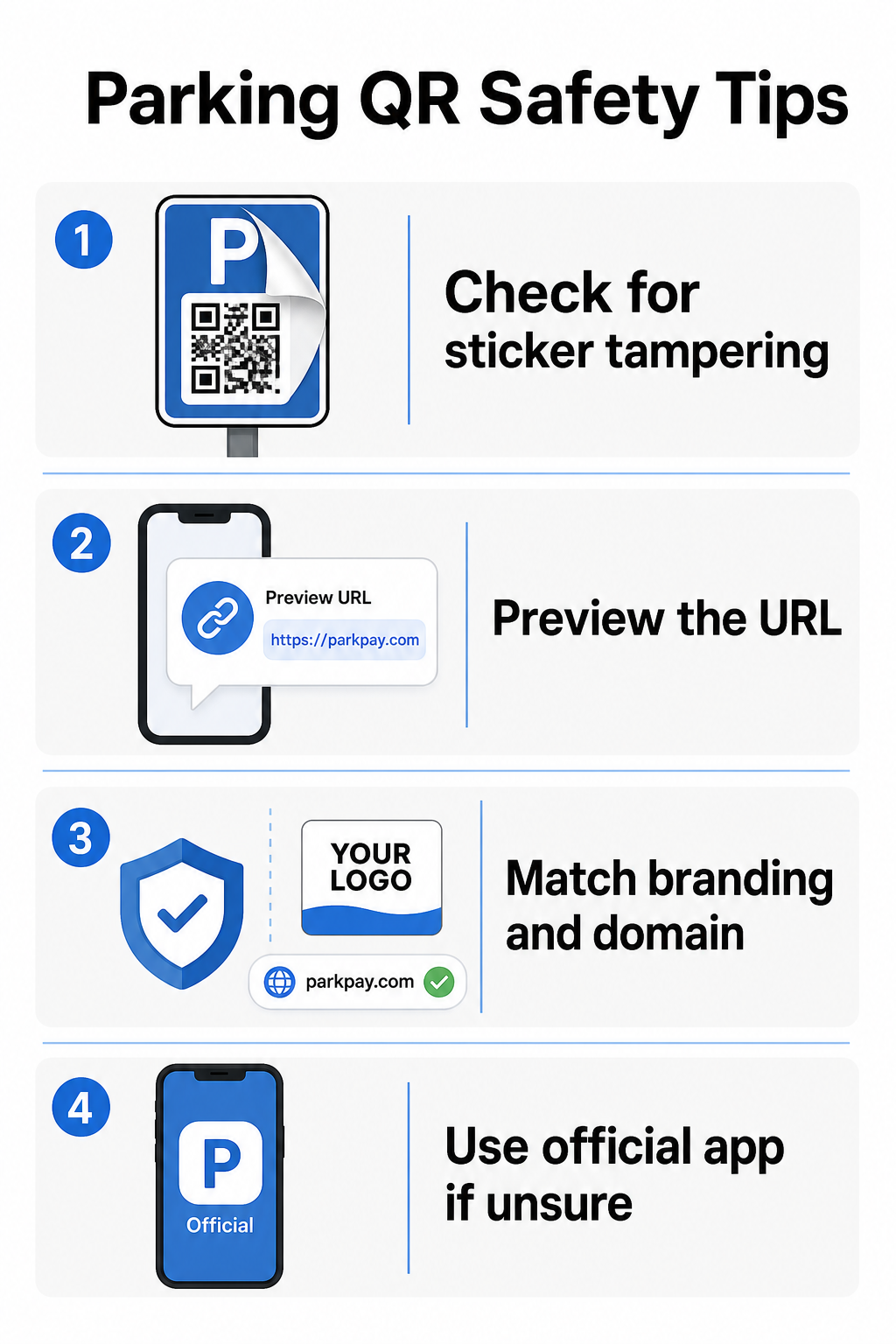
- Achten Sie auf Aufkleber, die über bestehende Beschilderungen geklebt wurden. Legitime Codes sind typischerweise direkt auf offiziellen Beschilderungen gedruckt, nicht als nachträgliche Aufkleber angebracht. Ein Aufkleber, der auf einer anderen Oberfläche sitzt, ist ein Warnsignal.
- Vorschau der URL vor dem Antippen. Die meisten Smartphones ermöglichen es Ihnen, einen QR-Code gedrückt zu halten, um den Ziellink in der Vorschau anzuzeigen. Achten Sie auf Rechtschreibfehler, vertauschte Buchstaben oder unbekannte Domains – dies sind Anzeichen einer gefälschten Website.
- Überprüfen Sie das Branding auf der Zahlungsseite. Die sich öffnende Seite sollte der bekannten Marke des Betreibers entsprechen. Wenn Logos, Farben oder Domainnamen nicht stimmen, fahren Sie nicht fort.
- Verwenden Sie bei Zweifeln die offizielle App oder eine alternative Zahlungsmethode. Städtische und kommunale Parkbehörden listen typischerweise offizielle Zahlungs-Apps auf ihrer Beschilderung auf. Wenn ein QR-Code verdächtig aussieht, zahlen Sie über die offizielle App oder kontaktieren Sie den Parkplatzbetreiber direkt.
- Scannen Sie keine QR-Codes, die in unerwarteten E-Mails oder Textnachrichten gesendet werden die Sie zum sofortigen Handeln auffordern – seriöse Parkplatzbetreiber senden keine unaufgeforderten Zahlungsaufforderungen.
- Halten Sie das Betriebssystem Ihres Telefons auf dem neuesten Stand und verwenden Sie starke Passwörter mit Multi-Faktor-Authentifizierung für Ihre Konten, um potenzielle Schäden zu begrenzen, falls Sie auf einer bösartigen Seite landen.
Für Parkplatzbetreiber:
- Verwenden Sie . manipulationssichere Beschilderungsmaterialien die es visuell offensichtlich machen, wenn ein Aufkleber über offizielle Codes geklebt wurde.
- Führen Sie regelmäßige physische Inspektionen aller QR-Code-Beschilderungen in Ihrer gesamten Einrichtung durch.
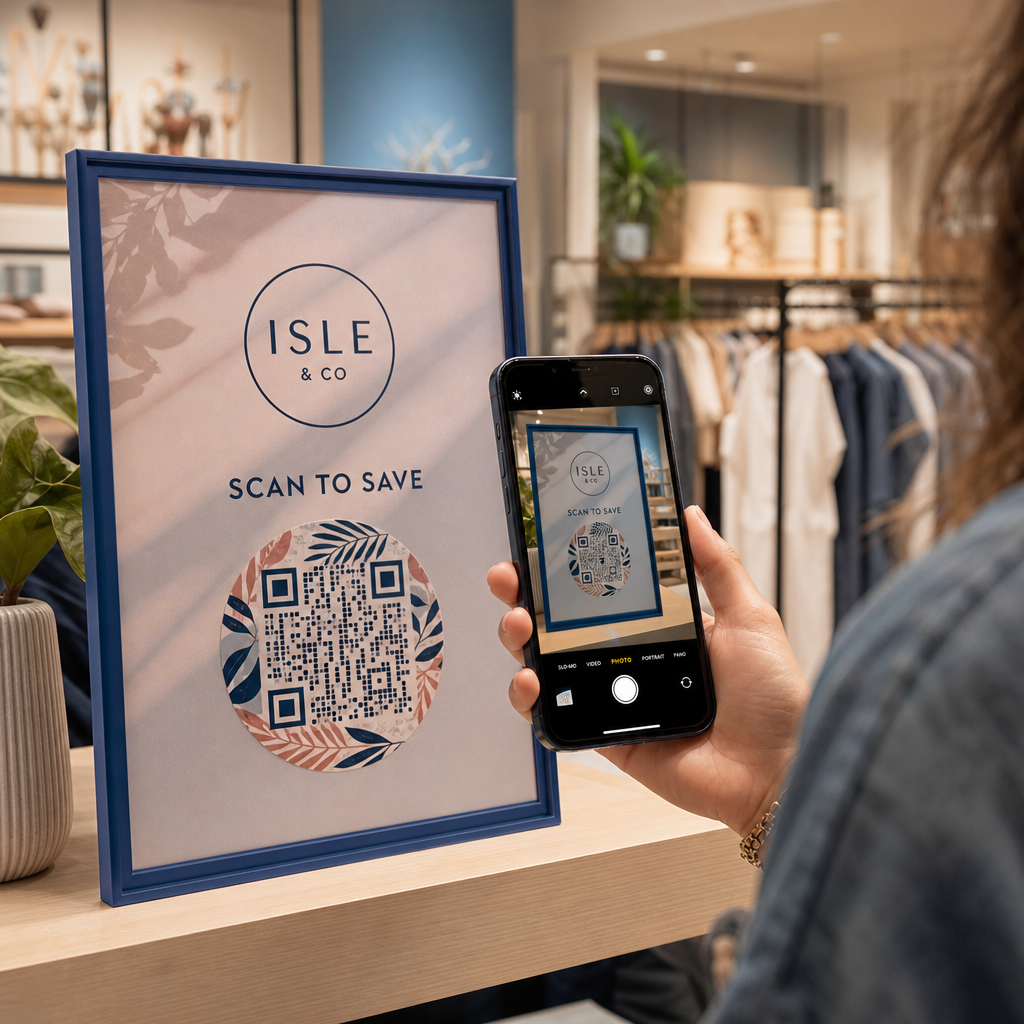
- Verwenden Sie . gebrandeten QR-Codes mit Ihrem Logo und Farbschema direkt in das Code-Design gedruckt, was das Fälschen erheblich erschwert.
- Wenn ein betrügerischer Code entdeckt wird, entfernen Sie ihn sofort, dokumentieren Sie den Vorfall mit Fotos, benachrichtigen Sie Ihre Zahlungspartner und raten Sie betroffenen Parkern, die Gebühren bei ihrer Bank oder ihrem Kartenherausgeber anzufechten.
Einrichtung von QR-Code-Zahlungen für ein Parkgeschäft
Wenn Sie eine Parkeinrichtung betreiben und ein seriöses QR-basiertes Zahlungssystem implementieren möchten, beginnt der Prozess mit einer Zahlungs-URL – wie einem Link zu Ihrem Zahlungsportal, einer PayPal-Kassenseite oder einem von Stripe gehosteten Zahlungsformular – und einem zuverlässigen QR-Code-Generator.
Erstellen Sie einen gebrandeten Zahlungs-QR-Code Fügen Sie Ihre Zahlungs-URL in den PayPal QR-Code Generator ein, um einen angepassten, herunterladbaren Code mit Ihrem Logo und Ihren Markenfarben zu erstellen – was das Fälschen erschwert und es Fahrern leichter macht, ihm zu vertrauen.
Mit einer Link QR-Code-Generator ermöglicht es Ihnen, jede Zahlungsseiten-URL in einen scannbaren Code zu kodieren. Für laufende Operationen, dynamische QR-Codes bieten einen erheblichen Vorteil: Sie können die Ziel-URL jederzeit aktualisieren, ohne die Beschilderung neu drucken zu müssen. Wenn sich Ihr Zahlungsanbieter ändert, Ihre Checkout-URL aktualisiert wird oder ein Code kompromittiert wird, leiten Sie den bestehenden Code einfach von Ihrem Dashboard aus zum neuen Ziel um.
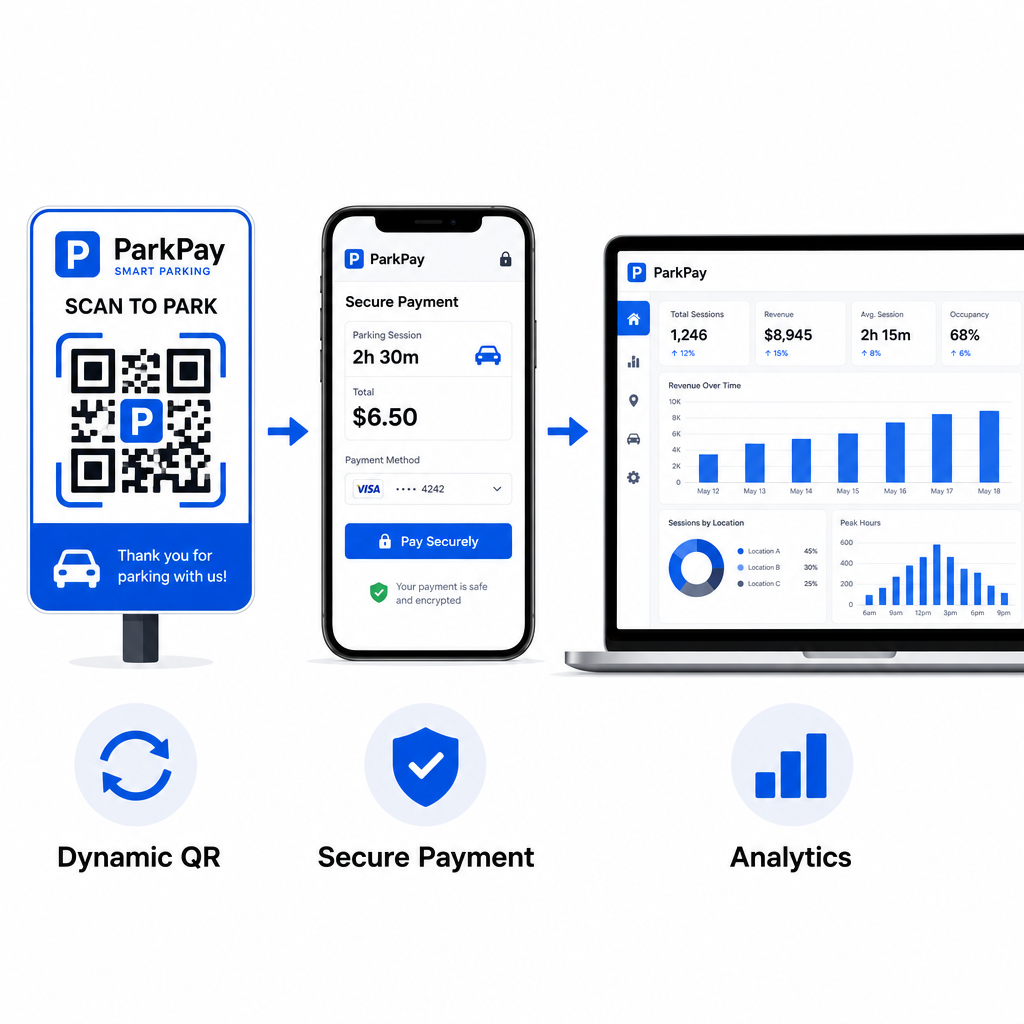
Dynamische Codes geben Ihnen auch Zugang zu Echtzeit-Scan-Analysen – Scan-Zählungen, Zeitstempel, Standorte und Gerätetypen – damit Sie ungewöhnliche Aktivitäten überwachen können. Ein plötzlicher Anstieg der Scans von unerwarteten Standorten, zum Beispiel, könnte darauf hindeuten, dass ein Code kopiert und betrügerisch verbreitet wurde. Sie können mehr darüber lesen, wie QR-Code-Zahlungen in verschiedenen Geschäftskontexten funktionieren um zu sehen, wie die gleichen Prinzipien über das Parken hinaus gelten.
Jeden Scan in Echtzeit verfolgen Nutzen Sie Pageloots QR-Code-Generator um dynamische Parkzahlungs-Codes mit vollständigen Scan-Analysen zu erstellen. Überwachen Sie die Leistung, erkennen Sie Anomalien und aktualisieren Sie Ziele sofort – alles von einem Dashboard aus.
Für Unternehmen, die QR-Codes in mehreren Anwendungsfällen über das Parken hinaus erkunden, deckt die Pageloot Branchenlösungen-Seite Anwendungen in den Bereichen Einzelhandel, Gastgewerbe, Veranstaltungen und mehr ab.
Was einen Park-QR-Code sicher macht
Seriöse Park-QR-Code-Zahlungssysteme schichten mehrere Schutzmaßnahmen, die Betrüger nicht leicht nachahmen können:
| Sicherheitsmerkmal | Was er bewirkt |
|---|---|
| Gebrandetes QR-Design | Im Code eingebettetes Logo und Farben machen Fälschungen visuell offensichtlich |
| SSL-verschlüsseltes Ziel | Zahlungsseite verwendet HTTPS, schützt Daten während der Übertragung |
| Dynamische Weiterleitungen | Betreiber kann einen kompromittierten Code sofort deaktivieren oder umleiten |
| Scan-Überwachung | Ungewöhnliche Scan-Muster lösen Warnungen aus, bevor weit verbreiteter Betrug auftritt |
| Manipulationssichere Beschilderung | Physische Materialien zeigen offensichtliche Anzeichen von Manipulation |
Für einen tieferen Einblick, wie diese Schichten zusammenwirken, decken die Anleitungen zu QR-Code-Zahlungssicherheit und -geschwindigkeit und Verwaltung von QR-Code-Risiken bei Zahlungen die technischen und operativen Details vollständig ab.
Ihr Unternehmen vor QR-Code-Betrug schützen
Über das Parken hinaus ist QR-Code-Betrug ein wachsendes Problem in allen Branchen. Die gleichen Prinzipien gelten überall: gebrandete Codes, dynamische Ziele, regelmäßige Audits und die Aufklärung der Personen, die mit Ihren Codes interagieren. Für eine vollständige Aufschlüsselung der Verteidigungsstrategien siehe die Anleitung zu QR-Code-Betrug. QR-Code-Betrug erkennen und das Unternehmen schützen und die Übersicht über QR-Code-Datenschutzrisiken und wie man sie vermeidet.
QR-Code-Parkzahlungen sind wirklich bequem und sicher, wenn sie korrekt implementiert werden – das Risiko liegt in der Manipulation, nicht in der Technologie selbst. Ob Sie ein Fahrer sind, der einen Code vor dem Scannen bestätigt, oder ein Betreiber, der ein kontaktloses Zahlungssystem aufbaut, die oben genannten Schritte geben Ihnen einen klaren Rahmen, um sicher zu bleiben. Wenn Sie bereit sind, einen gebrandeten, verfolgbaren Zahlungs-QR-Code für Ihre Einrichtung einzusetzen, ist der PayPal QR-Code Generator QR-Code-Zahlungsgenerator ein praktischer Ausgangspunkt.
Häufig gestellte Fragen
Achten Sie auf Aufkleber, die über bestehende Beschilderung geklebt wurden, was ein häufiges Zeichen von Manipulation ist. Bevor Sie darauf tippen, drücken und halten Sie den QR-Code mit Ihrem Smartphone, um die URL in der Vorschau anzuzeigen – prüfen Sie auf Rechtschreibfehler oder unbekannte Domainnamen. Die Zahlungsseite, die sich öffnet, sollte dem bekannten Branding des Betreibers entsprechen. Wenn etwas verdächtig aussieht, zahlen Sie über die offizielle Park-App, die auf der Beschilderung aufgeführt ist, oder kontaktieren Sie die Einrichtung direkt.
Nein. Die meisten QR-basierten Parkzahlungssysteme öffnen eine mobil-optimierte Zahlungsseite direkt im Browser Ihres Telefons, wenn Sie den Code scannen. Sie benötigen eine aktive Mobilfunk- oder Wi-Fi-Verbindung, um die Transaktion abzuschließen, da die Zahlungsseite online ist.
Entfernen Sie die betrügerische Beschilderung sofort und dokumentieren Sie den Vorfall mit Fotos. Benachrichtigen Sie Ihr internes Team und Ihre Zahlungsabwicklungspartner. Raten Sie allen potenziell betroffenen Parkern, sich an ihre Bank oder ihren Kartenaussteller zu wenden, um unautorisierte Abbuchungen anzufechten. Zukünftig verwenden Sie manipulationssichere Beschilderungsmaterialien, führen regelmäßige Inspektionen durch und erwägen den Wechsel zu dynamischen QR-Codes, damit jeder kompromittierte Code sofort von Ihrem Management-Dashboard aus deaktiviert und umgeleitet werden kann.