Вы не уверены, является ли QR-код на этом паркомате подлинным или мошенническим? Поддельные QR-коды для парковки представляют собой активную и растущую угрозу: мошенники размещают фальшивые наклейки прямо поверх официальных указателей, чтобы украсть платежные данные. Это руководство объясняет, как именно работают подлинные системы оплаты парковки по QR-коду, и как водители и операторы парковок могут отличить их.
Как работают системы оплаты парковки по QR-коду
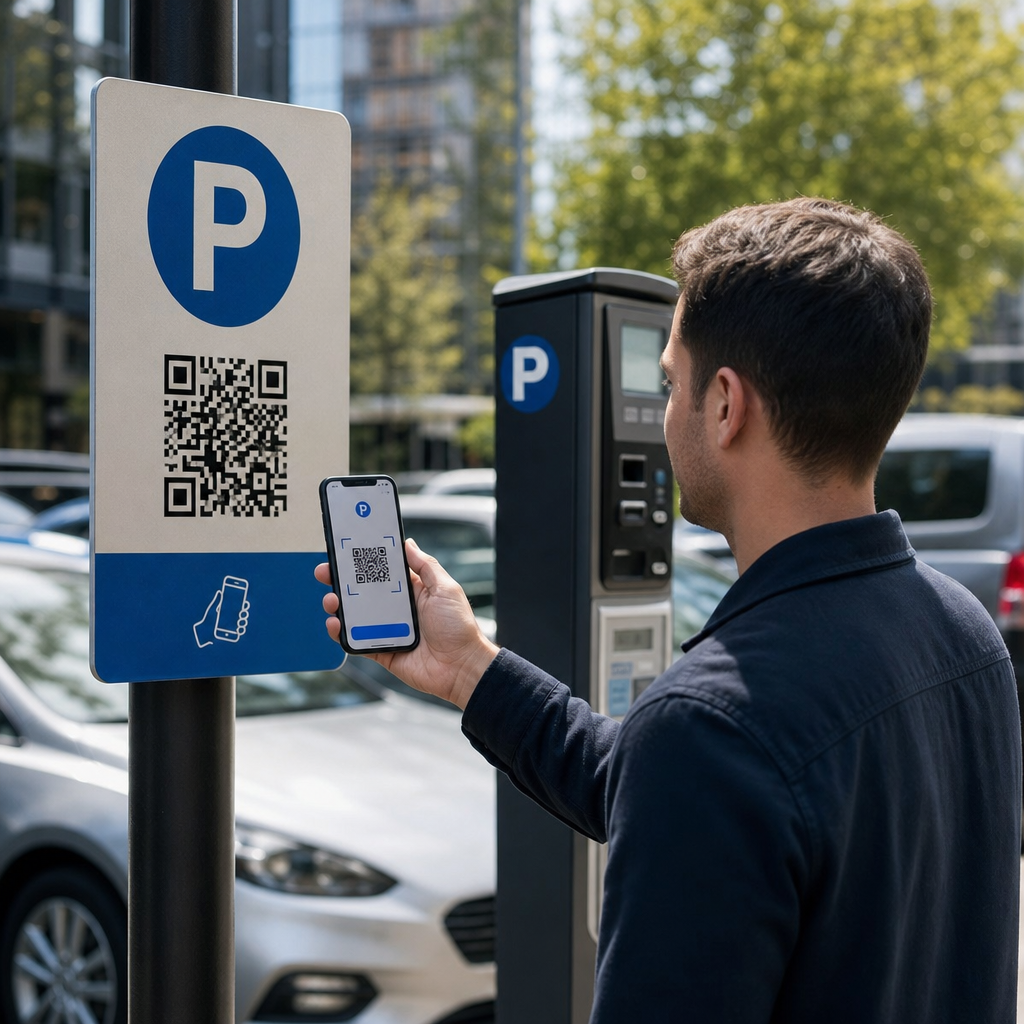
Легитимные системы оплаты парковки по QR-коду используют простой рабочий процесс «сканируй и плати». Когда вы прибываете на парковку, вы найдете QR-код, отображаемый на вывеске у киоска, на табло тарифов, в вестибюле лифта, на лестничной клетке или у выхода из здания. Понимание каждого шага поможет вам распознать, когда что-то не так.
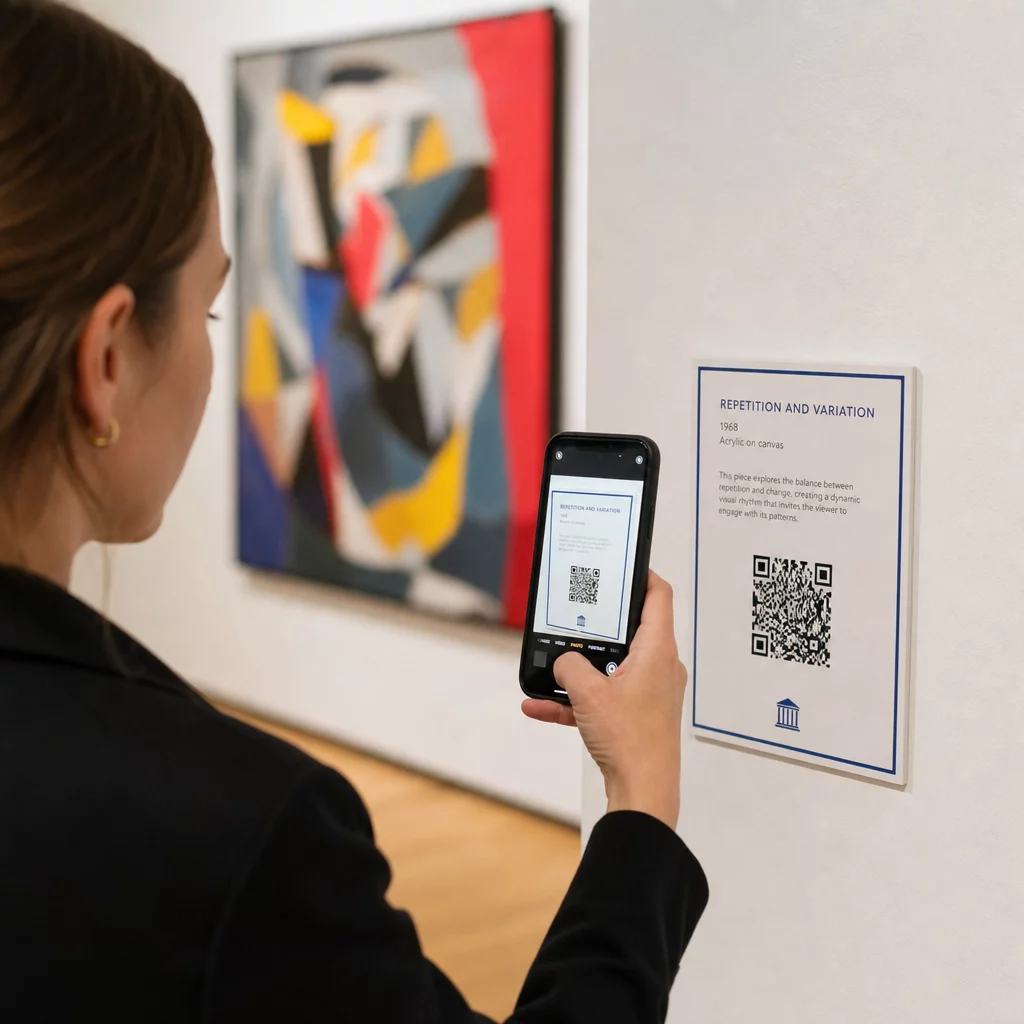
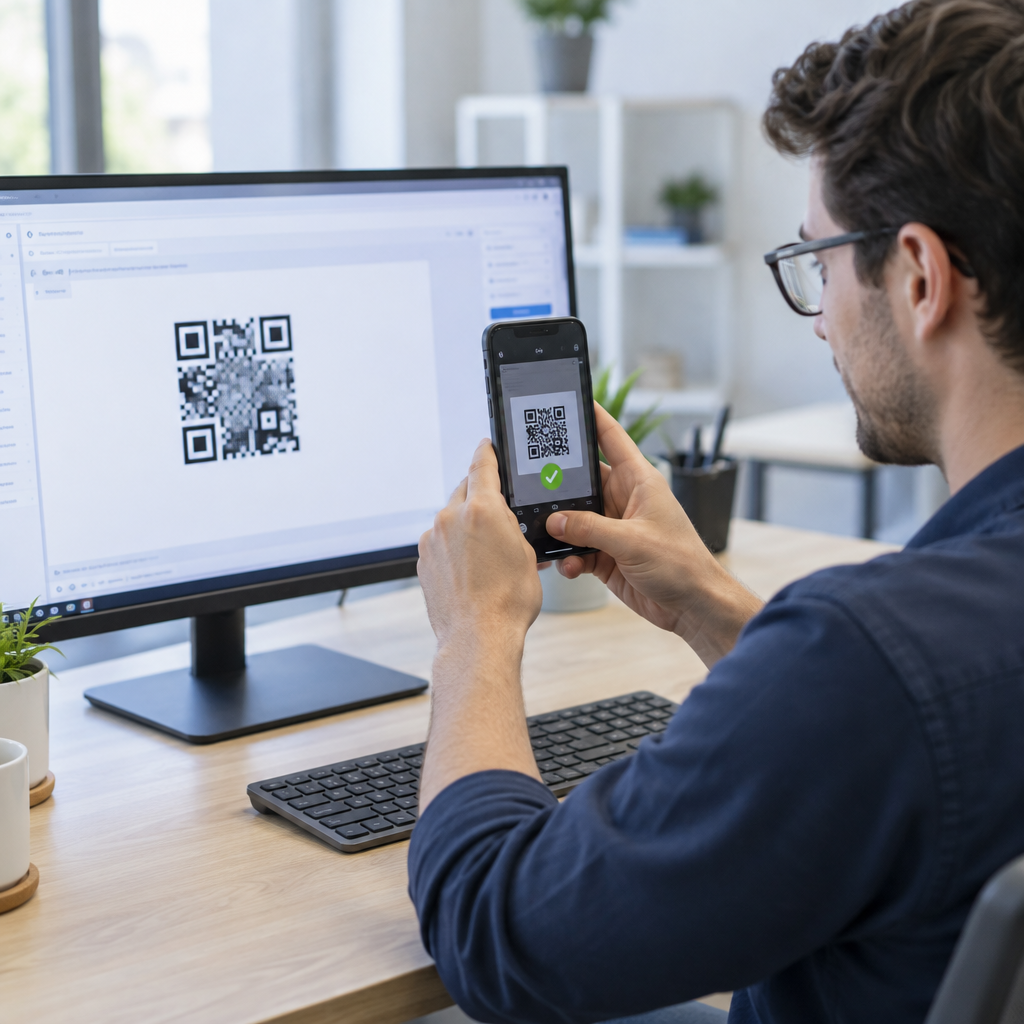
Вы начинаете со сканирования кода с помощью встроенной камеры вашего смартфона или специального Сканер QR кода. Загрузка приложения не требуется – код открывает мобильную платежную страницу прямо в вашем браузере. Оттуда вы вводите номер своего номерного знака, чтобы система могла связать ваш автомобиль с парковочной сессией и обеспечить проверку соблюдения правил. Затем вы выбираете продолжительность парковки – почасовую, ежедневную, еженедельную или ежемесячную – и завершаете оплату с помощью кредитной или дебетовой карты, Apple Pay, Google Pay, Samsung Pay или другого принятого метода. Вся транзакция безналична и бесконтактна. Для неогражденных парковок система управления парковкой автоматически обновляется после подтверждения, поэтому контроль может проверить вашу сессию по номерному знаку, а не по физическому билету.
Одно важное практическое замечание: поскольку страница оплаты находится в сети, вам необходимо надежное сотовое или Wi-Fi соединение в точке оплаты. Если ваш сигнал слабый, переместитесь в зону с лучшим покрытием перед сканированием.
Почему операторы используют QR-коды для парковки
Парковка на основе QR-кодов устраняет традиционные проблемы как для водителей, так и для управляющих объектами. Для водителей нет необходимости отслеживать билеты, стоять в очередях у платежного терминала и возвращаться к машине перед выездом с объекта – вы можете оплатить со своего телефона в любом месте здания. Для операторов QR-коды снижают зависимость от оборудования и позволяют совершать полную парковочную транзакцию на телефоне клиента через стандартный браузер.
Операторы парковок, внедряющие эти системы, также могут отслеживать подтверждение оплаты в реальном времени и отмечать неоплаченные сессии без необходимости физической проверки билетов на выездных воротах. Результатом является более экономичная операция, которая масштабируется без добавления дорогостоящего оборудования в каждой точке оплаты.
Реальная угроза: поддельные наклейки с QR-кодами
Удобство оплаты парковки по QR-коду привлекло особый вид мошенничества. Мошенники физически размещают поддельные наклейки с QR-кодами поверх законных парковочных указателей. Когда ничего не подозревающий водитель сканирует поддельный код, его перенаправляют на поддельную платежную страницу, которая выглядит как настоящая, но существует только для сбора данных карты.
FTC прямо предупредила об этой тактике, отметив, что мошеннические коды могут отправлять пользователей на поддельные веб-сайты или даже устанавливать вредоносное ПО на их устройства. Хорошо задокументированный случай в Остине, штат Техас, показал, что 29 поддельных QR-кодов были размещены на городских паркоматах, что привело к краже данных кредитных карт и несанкционированным покупкам. В Великобритании водители в Йорке потеряли до 400 фунтов стерлингов каждый после сканирования поддельных QR-наклеек на указателях муниципальных парковок, которые имитировали законный сервис PayByPhone – случай, подробно описанный в Предупреждение о мошенничестве с QR-кодами для парковки для британских автомобилистов.
Эти инциденты не являются сбоями самой технологии QR-платежей. Они являются результатом физического вмешательства в вывески и выдачи себя за бренд, и их можно полностью предотвратить при соблюдении правильных мер предосторожности обеими сторонами транзакции.
Как проверить QR-код парковки перед сканированием
Как водители, так и операторы парковок могут предпринять конкретные шаги, чтобы не стать жертвами поддельных QR-кодов.
Для водителей:
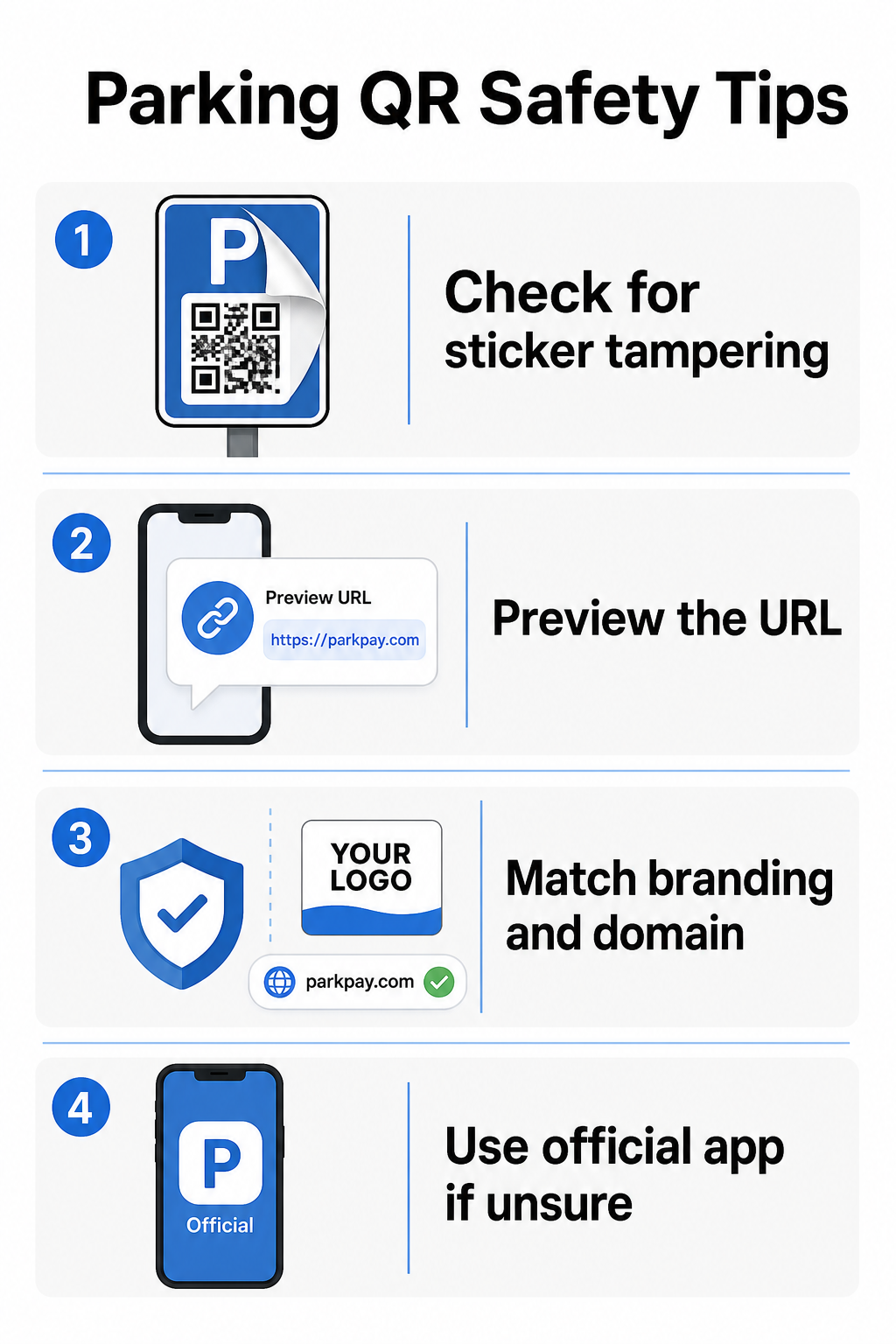
- Ищите наклейки, размещенные поверх существующих указателей. Подлинные коды обычно печатаются непосредственно на официальных указателях, а не наносятся в виде наклеек после продажи. Наклейка, расположенная поверх другой поверхности, является тревожным знаком.
- Предварительно просмотрите URL-адрес, прежде чем переходить по нему. Большинство смартфонов позволяют нажать и удерживать QR-код, чтобы предварительно просмотреть ссылку назначения. Проверьте наличие опечаток, переставленных букв или незнакомых доменов – это признаки поддельного сайта.
- Проверьте брендинг на странице оплаты. Открывшаяся страница должна соответствовать известному бренду оператора. Если логотипы, цвета или доменные имена выглядят подозрительно, не продолжайте.
- Используйте официальное приложение или альтернативный способ оплаты, если сомневаетесь. Городские и муниципальные парковочные службы обычно указывают официальные приложения для оплаты на своих вывесках. Если QR-код выглядит подозрительно, оплатите через официальное приложение или свяжитесь с оператором парковки напрямую.
- Не сканируйте QR-коды, отправленные в неожиданных электронных письмах или текстовых сообщениях призывающие вас действовать немедленно – законные операторы парковки не отправляют незапрошенные запросы на оплату.
- Обновляйте операционную систему вашего телефона и используйте надежные пароли с многофакторной аутентификацией на своих учетных записях, чтобы ограничить потенциальный ущерб, если вы все же попадете на вредоносную страницу.
Для операторов парковки:
- Используйте материалы для вывесок с защитой от вскрытия которые делают визуально очевидным, если на официальные коды была наклеена наклейка.
- Проводите регулярные физические проверки всех вывесок с QR-кодами на всей территории вашего объекта.
- Используйте фирменных QR-кодов с вашим логотипом и цветовой схемой, напечатанными непосредственно в дизайне кода, что значительно затрудняет подделку.
- Если обнаружен мошеннический код, немедленно удалите его, задокументируйте инцидент фотографиями, уведомите своих платежных партнеров и посоветуйте пострадавшим водителям оспаривать списания в своем банке или у эмитента карты.
Настройка QR-платежей для парковочного бизнеса
Если вы управляете парковкой и хотите внедрить законную систему QR-платежей, процесс начинается с URL-адреса платежа – например, ссылки на ваш платежный портал, страницу оформления заказа PayPal или форму оплаты, размещенную на Stripe – и надежного генератора QR-кодов.
Создайте брендированный QR-код для оплаты Вставьте URL-адрес вашего платежа в Создать QR код для оплаты PayPal чтобы создать настраиваемый, загружаемый код с вашим логотипом и фирменными цветами, что затрудняет подделку и облегчает доверие водителей.
Использование Генератор QR-кодов для ссылок позволяет закодировать любой URL-адрес платежной страницы в сканируемый код. Для текущих операций, динамические QR-коды предлагают значительное преимущество: вы можете обновить целевой URL-адрес в любое время без перепечатки вывесок. Если ваш платежный провайдер меняется, ваш URL-адрес оформления заказа обновляется или код скомпрометирован, вы просто перенаправляете существующий код на новый адрес из вашей панели управления.
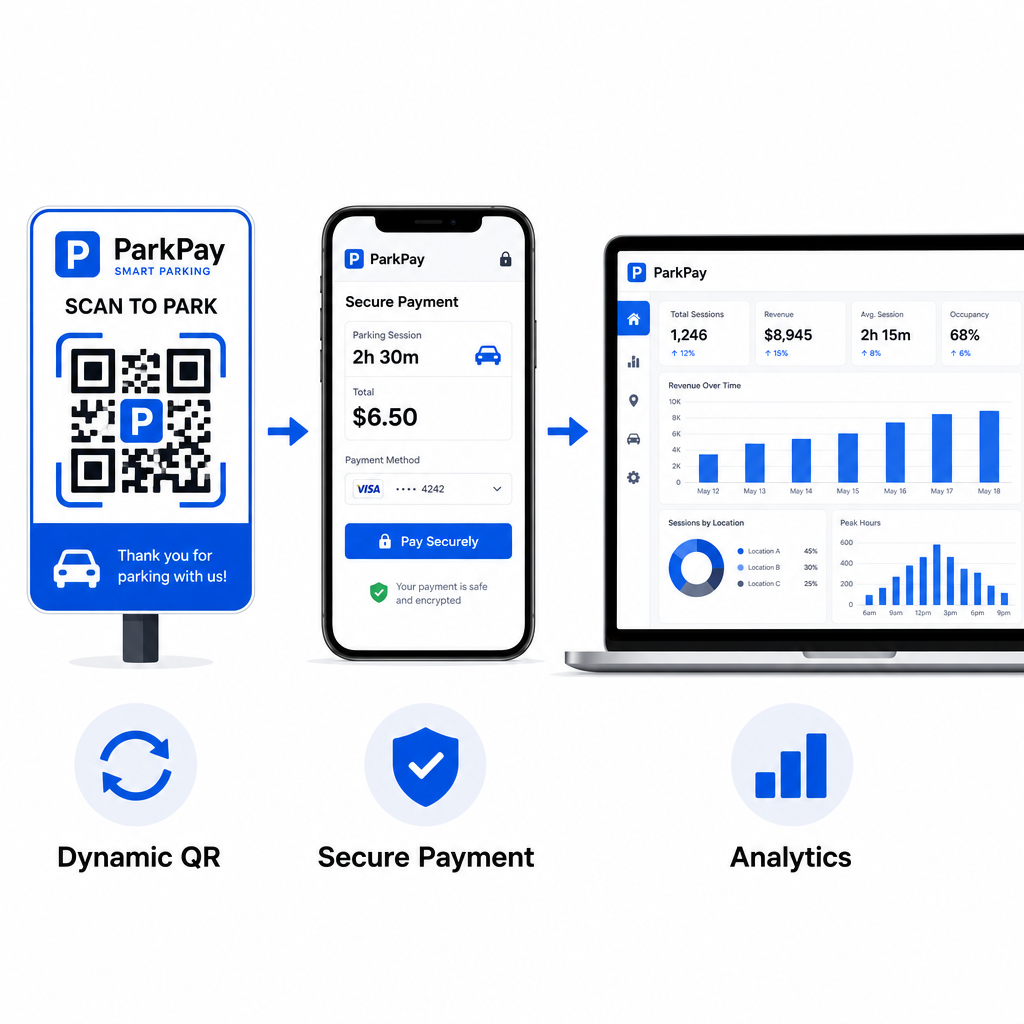
Динамические коды также предоставляют вам доступ к аналитике сканирований в реальном времени – количество сканирований, временные метки, местоположения и типы устройств – чтобы вы могли отслеживать необычную активность. Внезапный всплеск сканирований из неожиданных мест, например, может указывать на то, что код был скопирован и распространен мошенническим путем. Вы можете узнать больше о том, как QR-платежи работают в различных бизнес-контекстах чтобы увидеть, как те же принципы применяются за пределами парковки.
Отслеживайте каждое сканирование в реальном времени Используйте Pageloot’s Генератор QR-кодов для создания динамических кодов оплаты парковки с полной аналитикой сканирований. Отслеживайте производительность, выявляйте аномалии и мгновенно обновляйте целевые адреса – все с одной панели управления.
Для компаний, изучающих QR-коды для различных сценариев использования, помимо парковки, страница отраслевых решений Pageloot охватывает приложения в розничной торговле, гостиничном бизнесе, мероприятиях и многом другом.
Что делает парковочный QR-код безопасным
Законные системы оплаты парковки с помощью QR-кодов накладывают несколько уровней защиты, которые мошенники не могут легко воспроизвести:
| Функция безопасности | Что она делает |
|---|---|
| Брендированный дизайн QR-кода | Логотип и цвета, встроенные в код, делают подделку визуально очевидной |
| SSL-зашифрованный адрес назначения | Страница оплаты использует HTTPS, защищая данные при передаче |
| Динамические перенаправления | Оператор может мгновенно деактивировать или перенаправить скомпрометированный код |
| Мониторинг сканирований | Необычные шаблоны сканирования вызывают оповещения до того, как произойдет широкомасштабное мошенничество |
| Вывески с защитой от вскрытия | Физические материалы показывают явные признаки вмешательства |
Для более глубокого изучения того, как эти уровни работают вместе, руководства по безопасности и скорости QR-платежей и управлению рисками QR-кодов в платежах полностью охватывают технические и операционные детали.
Защита вашего бизнеса от мошенничества с QR-кодами
Помимо парковки, мошенничество с QR-кодами является растущей проблемой во всех отраслях. Те же принципы применимы везде: брендированные коды, динамические целевые адреса, регулярные аудиты и обучение людей, которые взаимодействуют с вашими кодами. Для полного обзора защитных стратегий см. руководство по как защитить свой бизнес от мошенничества с QR-кодами и обзор рисков конфиденциальности QR-кодов и способов их избежать.
QR-платежи за парковку действительно удобны и безопасны при правильной реализации – риск заключается во вмешательстве, а не в самой технологии. Независимо от того, являетесь ли вы водителем, подтверждающим код перед сканированием, или оператором, создающим систему бесконтактных платежей, вышеуказанные шаги дают вам четкую основу для обеспечения безопасности. Если вы готовы развернуть брендированный, отслеживаемый QR-код для оплаты на вашем объекте, то Создать QR код для оплаты PayPal является практической отправной точкой.
Часто задаваемые вопросы
Ищите наклейки, наклеенные поверх существующих вывесок, что является частым признаком взлома. Прежде чем нажимать, нажмите и удерживайте QR-код своим смартфоном, чтобы просмотреть URL-адрес – проверьте на наличие опечаток или незнакомых доменных имен. Открывшаяся страница оплаты должна соответствовать известному бренду оператора. Если что-то выглядит подозрительно, оплатите с помощью официального приложения для парковки, указанного на вывеске, или свяжитесь с объектом напрямую.
Нет. Большинство систем оплаты парковки на основе QR-кодов открывают мобильную оптимизированную страницу оплаты непосредственно в браузере вашего телефона, когда вы сканируете код. Вам необходимо активное сотовое или Wi-Fi соединение для завершения транзакции, поскольку страница оплаты находится в сети.
Удалите мошеннические вывески немедленно и задокументируйте инцидент фотографиями. Уведомите свою внутреннюю команду и партнеров по обработке платежей. Посоветуйте всем потенциально пострадавшим парковщикам связаться со своим банком или эмитентом карты, чтобы оспорить несанкционированные списания. В дальнейшем используйте материалы для вывесок, защищенные от вскрытия, проводите регулярные проверки и рассмотрите возможность перехода на динамические QR-коды, чтобы любой скомпрометированный код мог быть немедленно деактивирован и перенаправлен с вашей панели управления.