> 산업 > QR Codes for Parking: How They Work and How to Stay Safe
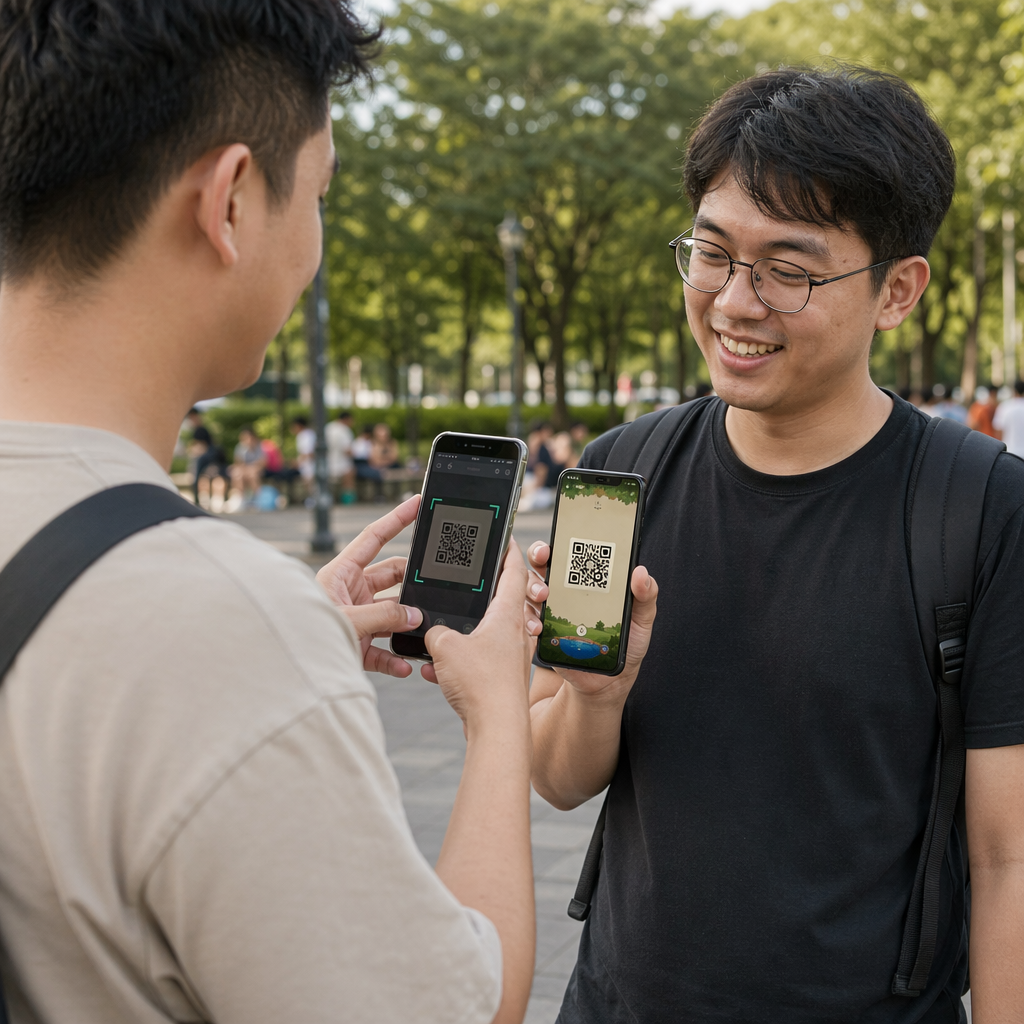
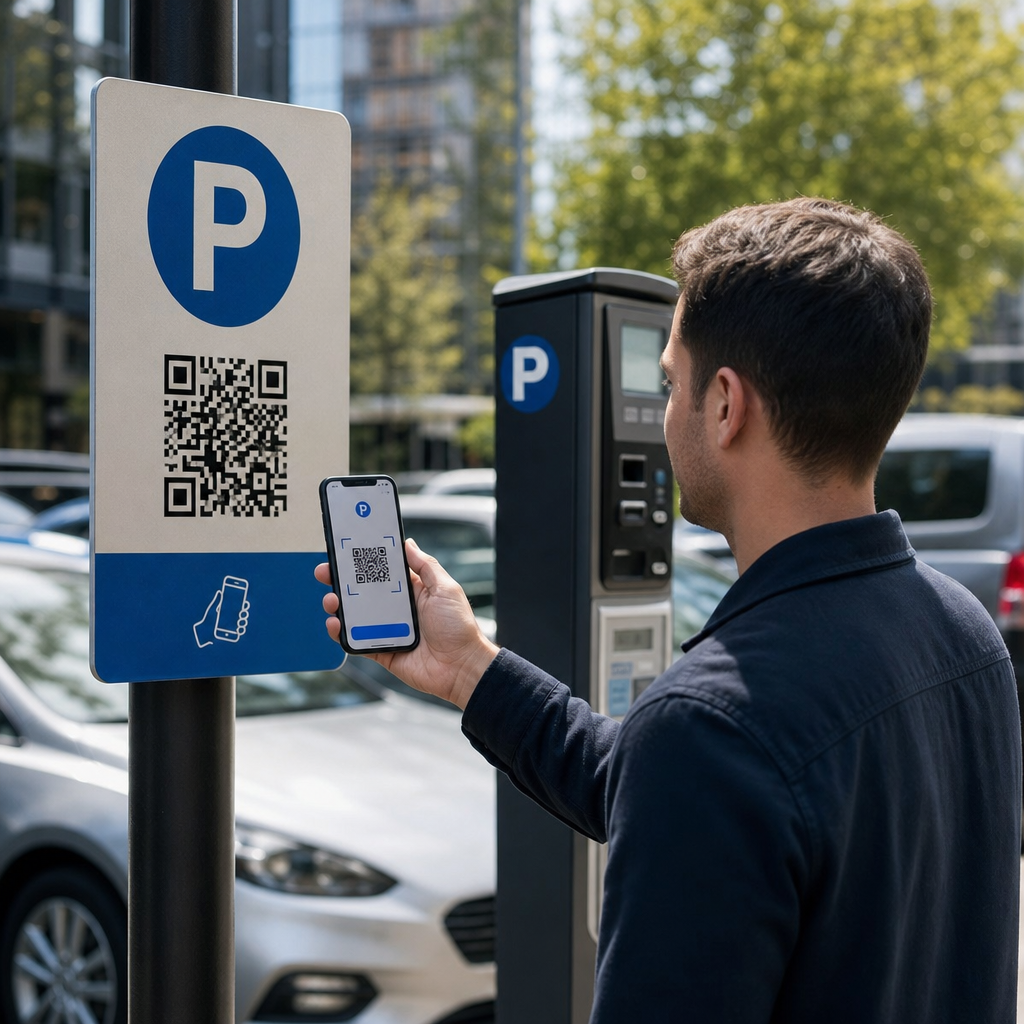
Scanning parking QR code

QR Codes for Parking: How They Work and How to Stay Safe

Learn how QR code parking systems work and how to spot fake stickers. This guide covers scan-to-pay security, URL verification, and setup tips for operators.
Updated on 7월 2, 2026
목차

Are you unsure whether the QR code on that parking meter is legitimate or a scam? Fake parking QR codes are an active and growing threat, with fraudsters placing counterfeit stickers directly over official signage to steal payment details. This guide explains exactly how genuine QR code parking systems work – and how drivers and parking operators can tell the difference.

How QR Code Parking Payment Systems Work

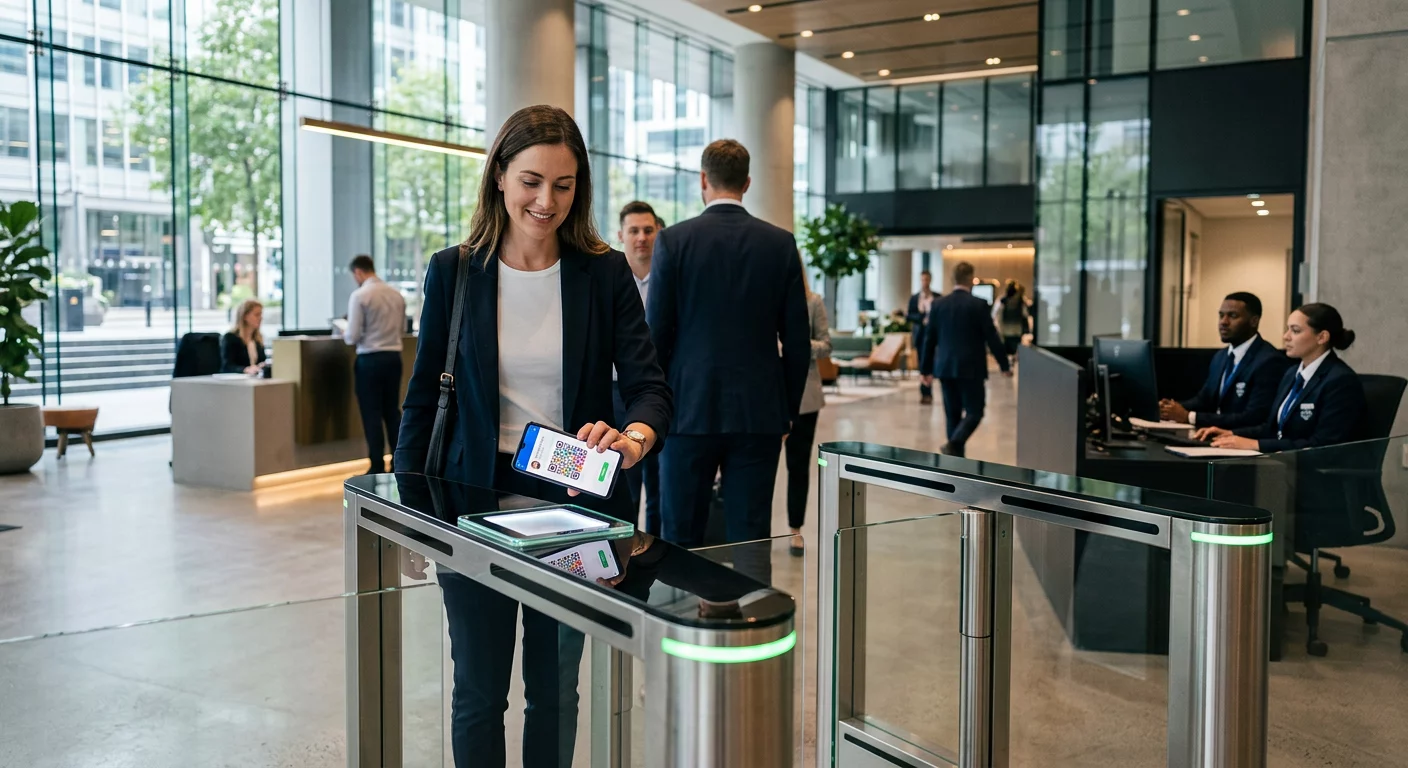
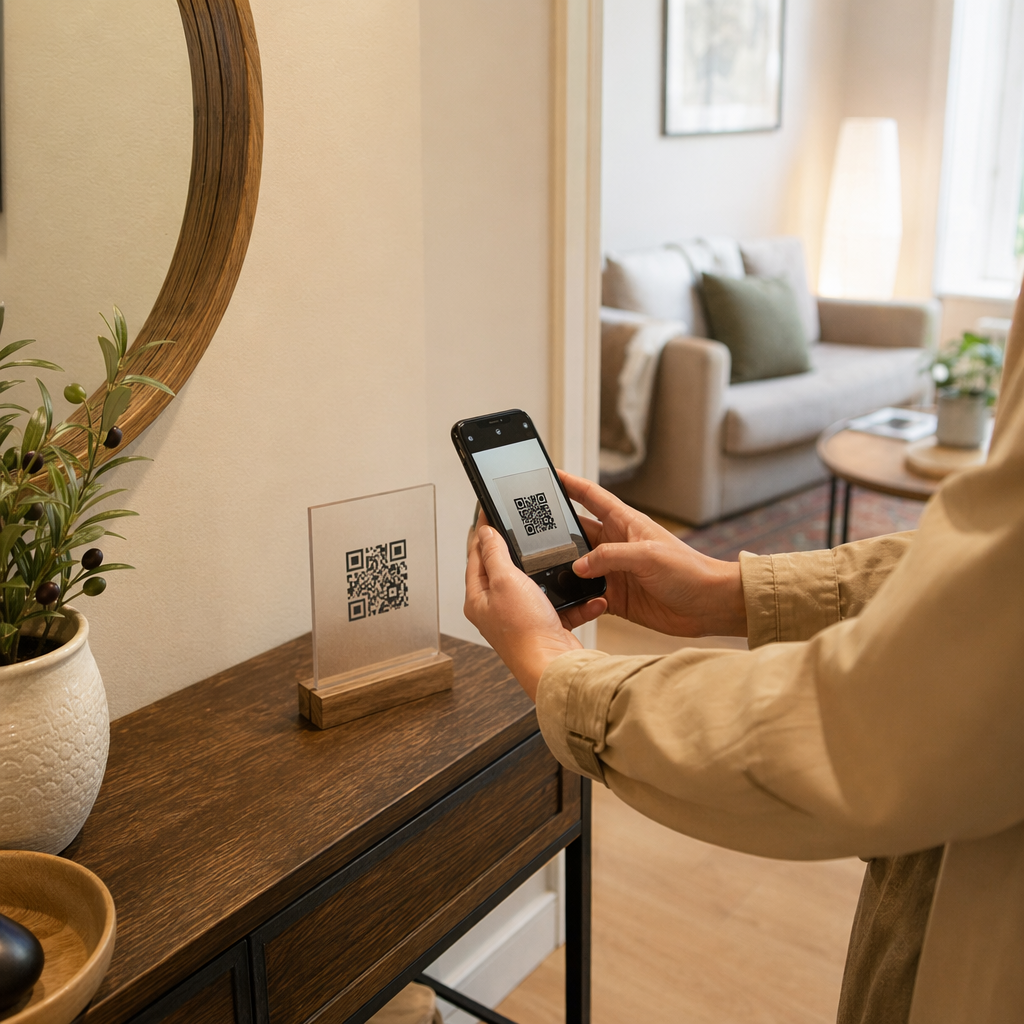
Legitimate QR code parking systems follow a straightforward scan-to-pay workflow. When you arrive at a parking facility, you’ll find a QR code displayed on signage at the kiosk, rate board, elevator lobby, stairwell, or building exit. Understanding each step helps you recognize when something is off.

You start by scanning the code using your smartphone’s built-in camera or a dedicated QR 코드 스캐너. No app download is required – the code opens a mobile-optimized payment page directly in your browser. From there, you enter your license plate number so the system can associate your vehicle with the parking session and enable enforcement verification. You then select your parking duration – hourly, daily, weekly, or monthly – and complete payment using a credit or debit card, Apple Pay, Google Pay, Samsung Pay, or another accepted method. The entire transaction is cashless and contactless. For ungated lots, the parking management system updates automatically upon confirmation, so enforcement can verify your session by plate rather than a physical ticket.

One important practical note: because the payment page is online, you need reliable cellular or Wi-Fi connectivity at the point of payment. If your signal is weak, move to an area with better coverage before scanning.

Why Operators Use QR Codes for Parking

QR-based parking removes traditional friction points for both drivers and facility managers. For drivers, there are no tickets to keep track of, no queues at a pay station, and no need to return to your car before leaving a facility – you can pay from your phone anywhere in the building. For operators, QR codes reduce hardware dependency and allow a complete parking transaction to happen on the customer’s phone via a standard browser.

Parking operators that implement these systems can also track payment confirmation in real time and flag unpaid sessions without requiring physical ticket checks at exit gates. The result is a leaner operation that scales without adding expensive hardware at every payment point.

The Real Threat: Fake QR Code Stickers

The convenience of QR parking payments has attracted a specific type of fraud. Scammers physically place fake QR code stickers over legitimate parking signage. When an unsuspecting driver scans the fake code, they are redirected to a spoofed payment page that looks like the real thing – but exists only to capture card details.

The FTC has explicitly warned about this tactic, noting that fraudulent codes can send users to spoofed websites or even install malware on their devices. A well-documented case in Austin, Texas, saw 29 fake QR codes placed on city parking meters, leading to stolen credit card details and unauthorized purchases. In the UK, drivers in York lost up to £400 each after scanning fake QR stickers on council car park signage that mimicked the legitimate PayByPhone service – a case detailed in the QR code parking scam warning for UK motorists.

These incidents are not failures of QR payment technology itself. They are the result of physical signage tampering and brand impersonation, and they are entirely preventable with the right precautions on both sides of the transaction.

How to Verify a Parking QR Code Before You Scan

Both drivers and parking operators can take concrete steps to avoid falling victim to fake QR codes.

For drivers:

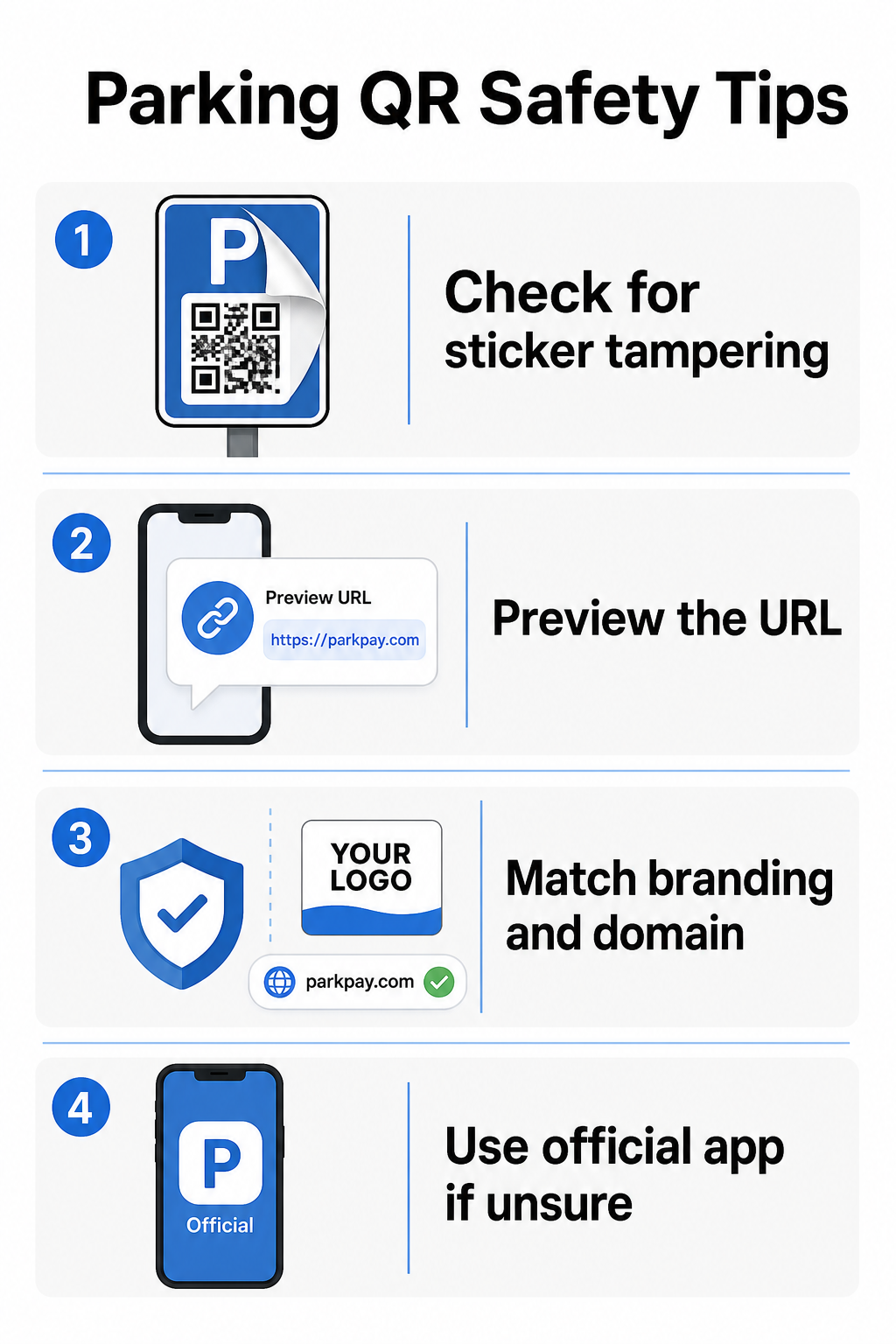
  • Look for stickers placed over existing signage. Legitimate codes are typically printed directly on official signage, not applied as aftermarket decals. A sticker sitting on top of another surface is a red flag.
  • Preview the URL before tapping through. Most smartphones allow you to press and hold a QR code to preview the destination link. Check for misspellings, switched letters, or unfamiliar domains – these are signs of a spoofed site.
  • Verify the branding on the payment page. The page that opens should match the operator’s known brand. If logos, colors, or domain names look off, do not proceed.
  • Use the official app or an alternative payment method if in doubt. City and municipal parking authorities typically list official payment apps on their signage. If a QR code looks suspicious, pay through the official app or contact the parking operator directly.
  • Do not scan QR codes sent in unexpected emails or text messages urging you to act immediately – legitimate parking operators don’t send unsolicited payment requests.
  • Keep your phone’s operating system updated and use strong passwords with multi-factor authentication on your accounts to limit potential damage if you do land on a malicious page.
Parking QR safety tips

For parking operators:

  • 사용하다 tamper-evident signage materials that make it visually obvious if a sticker has been applied on top of official codes.
  • Conduct regular physical inspections of all QR code signage throughout your facility.
  • 사용하다 브랜드 QR 코드 with your logo and color scheme printed directly into the code design, making counterfeiting significantly harder.
  • If a fraudulent code is discovered, remove it immediately, document the incident with photos, notify your payment partners, and advise affected parkers to dispute charges with their bank or card issuer.

Setting Up QR Code Payments for a Parking Business

If you operate a parking facility and want to implement a legitimate QR-based payment system, the process starts with a payment URL – such as a link to your payment portal, PayPal checkout page, or Stripe-hosted payment form – and a reliable QR code generator.

Create a Branded Payment QR Code Paste your payment URL into the PayPal QR 코드 생성기 to create a customized, downloadable code with your logo and brand colors – making it harder to counterfeit and easier for drivers to trust.

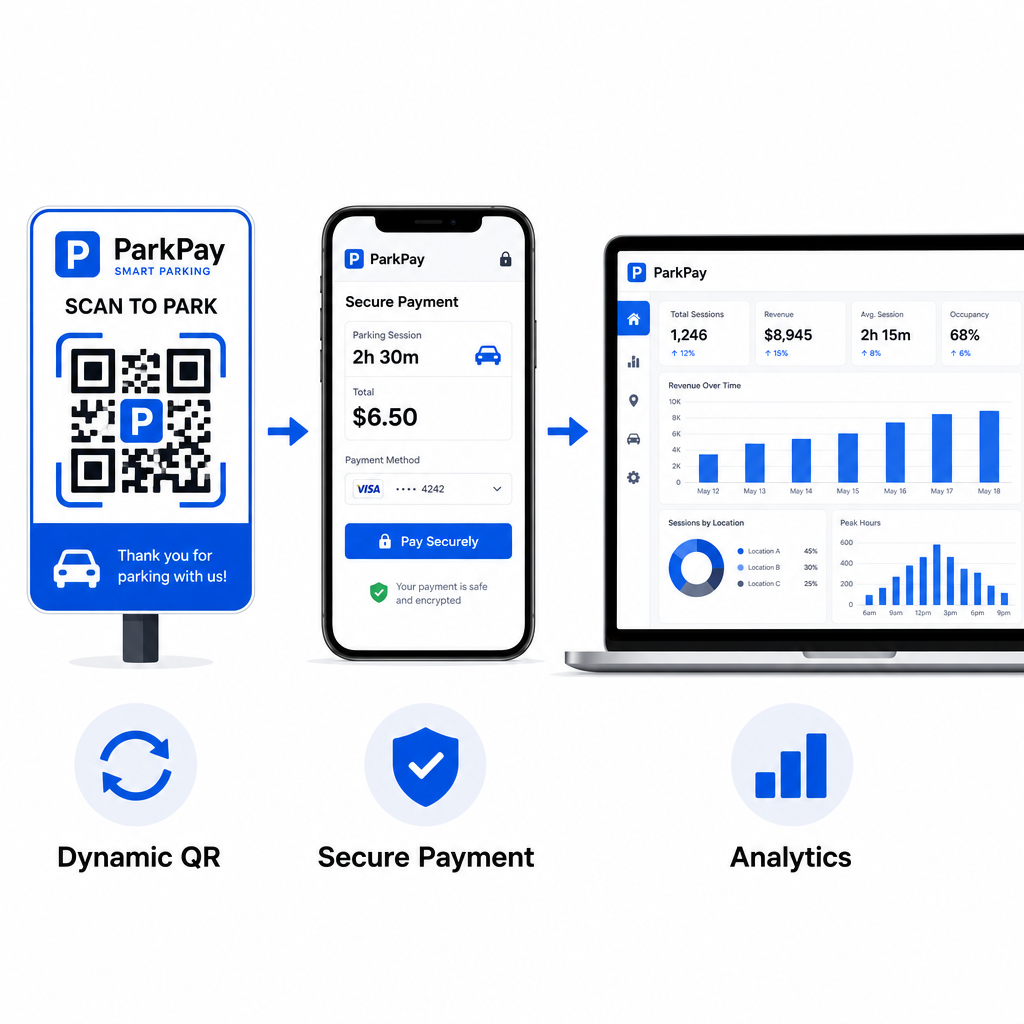
를 사용하여 링크 QR 코드 생성기 lets you encode any payment page URL into a scannable code. For ongoing operations, 동적 QR 코드 offer a significant advantage: you can update the destination URL at any time without reprinting signage. If your payment provider changes, your checkout URL updates, or a code is compromised, you simply redirect the existing code to the new destination from your dashboard.

Dynamic parking QR system

Dynamic codes also give you access to real-time scan analytics – scan counts, timestamps, locations, and device types – so you can monitor for unusual activity. A sudden spike in scans from unexpected locations, for example, could indicate that a code has been copied and distributed fraudulently. You can read more about how QR code payments work across different business contexts to see how the same principles apply beyond parking.

모든 스캔을 실시간으로 추적 Pageloot의 QR 코드 생성기 to create dynamic parking payment codes with full scan analytics. Monitor performance, detect anomalies, and update destinations instantly – all from one dashboard.

For businesses exploring QR codes across multiple use cases beyond parking, the Pageloot industry solutions page covers applications across retail, hospitality, events, and more.

What Makes a Parking QR Code Secure

Legitimate parking QR code payment systems layer several protections that scammers cannot easily replicate:

보안 기능 What It Does
브랜드 QR 디자인 Logo and colors embedded in the code make counterfeiting visually obvious
SSL-encrypted destination Payment page uses HTTPS, protecting data in transit
Dynamic redirects Operator can deactivate or redirect a compromised code instantly
Scan monitoring Unusual scan patterns trigger alerts before widespread fraud occurs
Tamper-evident signage Physical materials show obvious signs of interference

For a deeper look at how these layers work together, the guides on QR code payment security and speedmanaging QR code risks in payments cover the technical and operational details in full.

Protecting Your Business from QR Code Fraud

Beyond parking, QR code fraud is a growing concern across industries. The same principles apply everywhere: branded codes, dynamic destinations, regular audits, and educating the people who interact with your codes. For a full breakdown of defensive strategies, see the guide on how to protect your business from QR code scams and the overview of QR 코드 개인 정보 보호 위험 및 피하는 방법.

QR code parking payments are genuinely convenient and secure when implemented correctly – the risk lies in tampering, not in the technology itself. Whether you’re a driver confirming a code before scanning or an operator building out a contactless payment system, the steps above give you a clear framework for staying safe. If you’re ready to deploy a branded, trackable payment QR code for your facility, the PayPal QR 코드 생성기 is a practical starting point.

자주 묻는 질문

How can I tell if a parking QR code is fake?

Look for stickers placed over existing signage, which is a common sign of tampering. Before tapping through, press and hold the QR code with your smartphone to preview the URL – check for misspellings or unfamiliar domain names. The payment page that opens should match the operator’s known branding. If anything looks off, pay using the official parking app listed on the signage or contact the facility directly.

Do I need to download an app to pay for parking with a QR code?

No. Most QR-based parking payment systems open a mobile-optimized payment page directly in your phone’s browser when you scan the code. You do need an active cellular or Wi-Fi connection to complete the transaction, since the payment page is online.

What should parking operators do if a fake QR code is found at their facility?

Remove the fraudulent signage immediately and document the incident with photos. Notify your internal team and payment processing partners. Advise any potentially affected parkers to contact their bank or card issuer to dispute unauthorized charges. Going forward, use tamper-evident signage materials, conduct regular inspections, and consider switching to dynamic QR codes so that any compromised code can be deactivated and redirected instantly from your management dashboard.

작성자 정보

시임 코스타비는 페이지루트의 콘텐츠 책임자입니다. 그는 페이지루트의 혁신적인 QR 코드 생성 서비스에 대한 글을 쓰고 있습니다. 5년 이상 QR 코드 분야에서 쌓아온 깊이 있는 전문 지식을 바탕으로, 시임은 이 분야의 전문가로 인정받고 있습니다. 그는 QR 기술을 활용하여 디지털 상호작용을 간소화하고 향상시키는 데 크게 기여하고 있습니다.

범주
에 대해 자세히 알아보기

온라인으로 QR 코드를 생성해야하는 경우 QR 코드 만들기 무료로 여기!
Pageloot는 #1 Go-To 솔루션 QR 코드를 만들고 스캔합니다.

BL-0297

블로그 세대

20,000개 이상의 브랜드로부터 신뢰를 받아 더 많은 매출, 리뷰, 팔로워를 확보했습니다.

클라이언트 로고
최고 브랜드의 신뢰
5 중 4.8 평가

4.86 / 5 별점

휴고 로랑
휴고 로랑
레스토랑 주인
가장 쉽고 안정적인 QR 코드 생성기. PDF 파일을 즉시 업로드할 수 있습니다. 이제 레스토랑 메뉴가 디지털화되었습니다.
루카스 얀센
루카스 얀센
부동산 개발사
이것은 훌륭한 도구이며 QR 코드를 사용하면 원하는 곳으로 이동할 수 있습니다. 우리는 위치 QR 코드만 사용하지만 유용한 기능이 너무 많습니다.
엠마 모레티
엠마 모레티
소매 제품
사용하기 쉽고 빠릅니다. 그것은 훌륭하게 작동하고 완벽한 이미지를 생성하므로 직원들이 내 vCard를 다운로드할 수 있습니다.
휴고 로랑
휴고 로랑
레스토랑 주인
가장 쉽고 안정적인 QR 코드 생성기. PDF 파일을 즉시 업로드할 수 있습니다. 이제 레스토랑 메뉴가 디지털화되었습니다.
루카스 얀센
루카스 얀센
부동산 개발사
이것은 훌륭한 도구이며 QR 코드를 사용하면 원하는 곳으로 이동할 수 있습니다. 우리는 위치 QR 코드만 사용하지만 유용한 기능이 너무 많습니다.
엠마 모레티
엠마 모레티
소매 제품
사용하기 쉽고 빠릅니다. 그것은 훌륭하게 작동하고 완벽한 이미지를 생성하므로 직원들이 내 vCard를 다운로드할 수 있습니다.
더 많은 QR 코드보기
무엇이든 디지털 경험으로 전환하세요 3분 이내에.

14일 무료 체험.

신용카드는 필요 없습니다.

첫 구매 시 30% 할인

코드를 사용하세요:

MP3 파일 공유

PDF QR 코드를 생성하려면 가입하세요

필요한 모든 것을 업로드하고 표시합니다.

  • 오디오 파일
  • 팟캐스트
  • 음악

가입 시 14일 무료 체험.
체험 기간 후 QR 코드 만료.

오디오 mp3 QR 코드를 생성하려면 가입하세요

프레임으로 더 많은 스캔 확보

QR 코드에 더 많은 프레임을 추가하려면 가입하세요

클릭 유도 문안 프레임은 고객이 QR 코드와 쉽게 상호 작용할 수 있도록 도와줍니다. 사용해 보세요!

가입 시 14일 무료 체험.
체험 기간 후 QR 코드 만료.

QR 코드에 더 많은 프레임을 추가하려면 가입하세요

도형으로 더 많은 스타일 추가

더 많은 도형을 만들려면 가입하세요

QR 코드는 정사각형일 필요가 없습니다. 브랜드 이미지에 맞게 전환해 보세요.

가입 시 14일 무료 체험.
체험 기간 후 QR 코드 만료.

더 많은 도형을 만들려면 가입하세요

QR 코드에 로고 추가

QR 코드에 로고를 추가하려면 가입하세요

로고와 브랜드를 추가하여 QR 코드를 돋보이게 만드세요.

가입 시 14일 무료 체험.
체험 기간 후 QR 코드 만료.

QR 코드에 로고를 추가하려면 가입하세요

스마트 앱 스토어 리디렉션

앱 스토어 QR 코드를 생성하려면 가입하세요

스마트 앱 스토어 QR 코드에 앱 링크를 추가하세요. 사용자는 장치에 따라 리디렉션됩니다.

가입 시 14일 무료 체험.
체험 기간 후 QR 코드 만료.

앱 스토어 QR 코드를 생성하려면 가입하세요

QR 코드에 이미지 업로드

이미지 QR 코드를 생성하려면 가입하세요

이미지를 쉽게 공유하세요. 몇 초 안에 동적으로 이미지를 변경하십시오.

가입 시 14일 무료 체험.
체험 기간 후 QR 코드 만료.

이미지 QR 코드를 생성하려면 가입하세요

PDF 파일 공유

PDF QR 코드를 생성하려면 가입하세요

필요한 모든 것을 업로드하고 표시합니다.

  • 메뉴 및 가격표
  • 명령
  • 모든 문서

가입 시 14일 무료 체험.
체험 기간 후 QR 코드 만료.

PDF QR 코드를 생성하려면 가입하세요

인쇄 없이 나중에 편집

다시 인쇄하지 않고 QR 코드를 편집하려면 가입하세요

동적 QR 코드를 사용하면 새 QR 코드를 인쇄하지 않고도 QR 코드의 내용을 변경할 수 있습니다.

가입 시 14일 무료 체험.
체험 기간 후 QR 코드 만료.

다시 인쇄하지 않고 QR 코드를 편집하려면 가입하세요

언제? 어디서? QR 코드 스캔 추적

QR 코드를 추적하려면 가입하세요

어떤 QR 코드가 가장 많이 스캔되고 무엇이 고객을 가장 흥분시키는지 알아보십시오.

가입 시 14일 무료 체험.
체험 기간 후 QR 코드 만료.

QR 코드를 추적하려면 가입하세요

인쇄 준비 파일 제공

PDF 및 SVG와 같은 벡터 QR 코드를 생성하려면 가입하세요.

.EPS, .PDF, .SVG

HD 해상도로 QR 코드를 다운로드하고 싶으신가요? 인쇄할 준비가 된 벡터 또는 픽셀 형식을 가져옵니다.

가입 시 14일 무료 체험.
체험 기간 후 QR 코드 만료.

PDF 및 SVG와 같은 벡터 QR 코드를 생성하려면 가입하세요.

기다리세요. 귀하의 QR 코드는 로드 중... 로드 중...

나만의 것으로 만들기

나중을 위해 QR 코드를 저장하려면 가입하세요.

다양한 색상, 로고 및 클릭 유도문안 프레임으로 멋진 QR 코드를 만들어 더 많은 스캔을 받으세요.

가입 시 14일 무료 체험.
체험 기간 후 QR 코드 만료.

나중을 위해 QR 코드를 저장하려면 가입하세요.