Are your guests still waiting in line to check in, fumbling with paper maps, or calling the front desk for the WiFi password? These friction points add up quickly – and travelers notice. This guide breaks down the practical ways QR codes remove those barriers across hotels, airports, and destinations, and what that means for both guests and operators.
Why QR Codes Fit Naturally Into Travel
Travel is inherently mobile. People navigate unfamiliar environments with smartphones already in hand, making QR codes – small, scannable squares that link a physical touchpoint to digital content – a logical fit for the industry.
The numbers reflect this shift. According to a Cornell University research recap, 73% of travelers want to use their mobile device to manage their hotel experience, including check-in, check-out, food ordering, and payments. That same study found 73% of travelers are more likely to stay at a hotel that offers self-service technology to minimize contact with staff.
For hospitality professionals, that is a clear signal. QR codes are not a gimmick – they are infrastructure that meets guests where they already are.
Contactless Check-In and Check-Out
Few moments in travel are more frustrating than arriving after a long journey and waiting in a lobby queue. QR codes solve this by moving the check-in process to the guest’s phone before they even walk through the door.
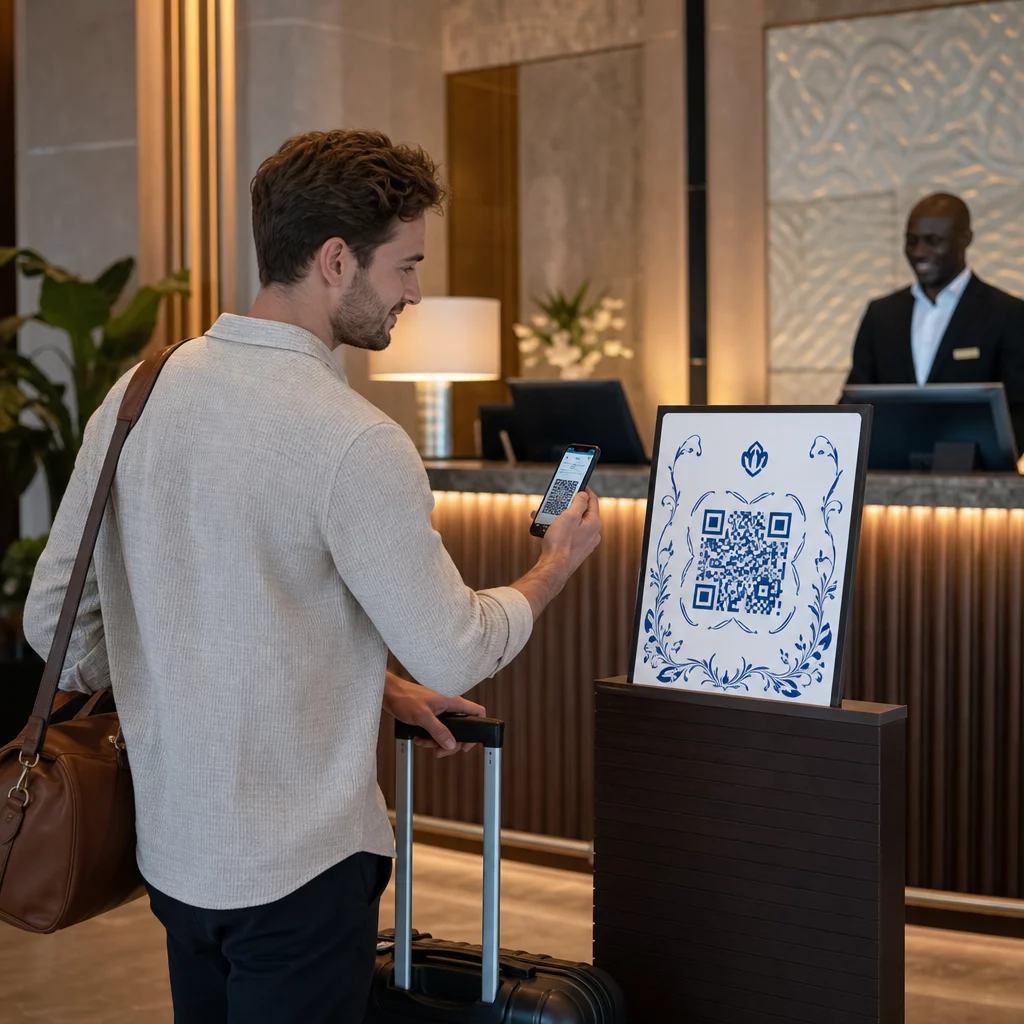
When a hotel places a QR code on entrance signage, a confirmation email, or a window display, guests can scan on arrival to access a digital check-in form, confirm their reservation, and receive room information – bypassing the front desk entirely. The same logic applies to check-out: a quick scan from the room settles the bill without requiring a trip downstairs.
Research from Opinion Research Corp. found that 76% of hotel guests said being able to check in before arriving would reduce frustration, and 41% said they would be more likely to select a hotel that offers this option. Meanwhile, 39% of travelers in a 2022 global study said they want a fully contactless experience for all basic hotel transactions.
For hotels already exploring this, our QR codes for hotels and resorts page covers the operational setup in more detail.
Ready to Streamline Guest Check-In? Use Pageloot’s PDF QR Code Generator to create digital welcome packets and check-in forms that guests can access with a single scan from your entrance signage or booking confirmation.
Instant WiFi Access Without the Password Hunt
Asking guests to manually type a long WiFi password – or call the front desk for it – is a small but unnecessary friction point. A WiFi QR code eliminates this entirely.
When a guest scans a code placed on the nightstand card, the TV unit, or the room welcome folder, their device connects automatically. No password entry. No front desk call. No searching through a printed in-room directory.
This works for any venue with guest WiFi: hotels, airport lounges, vacation rentals, tour buses, or visitor centers. The underlying technology encodes your network credentials directly into the QR code, so the connection happens in the background.
Pageloot’s WiFi QR code generator supports multiple encryption types – WPA/WPA2, WEP, or open networks – so you can match your existing network setup without any technical workarounds.
Digital Menus for Restaurants and In-Room Dining
Paper menus have a logistical problem in hospitality: they go out of date, get damaged, require reprinting when prices change, and create hygiene concerns. QR code menus address all of these at once.
Guests scan a code on the table, nightstand, or room service card to open a digital menu on their own device. The menu can include photos, allergen information, descriptions, and even direct ordering capabilities – features that are difficult to fit on a printed card.
For hotels specifically, QR code menus placed on nightstands or desk areas let guests browse room service options and submit orders without picking up the phone. As noted in our in-room QR codes guide, hotels using QR codes for dining services have seen an increase in average order value compared to traditional phone-based systems – likely because a visual, browsable menu makes it easier for guests to discover full offerings.
Because the underlying QR code is dynamic – meaning the destination URL can be updated without reprinting – operators can change seasonal menus, update pricing, or swap out unavailable items instantly. For a closer look at which QR code formats work best in dining contexts, see our guide to QR code types for restaurant menus.
Create a Digital Menu for Your Property The Menu QR Code Generator lets you upload an existing PDF menu or build one from scratch, customize the design to match your brand, and update content at any time – no reprinting required.
Digital Guest Directories and In-Room Information
The thick binder sitting in the hotel room – listing spa hours, pool rules, restaurant times, local taxi numbers, and checkout procedures – is a familiar but outdated format. Most guests ignore it. QR codes replace it with something guests will actually use.
A single QR code placed in the room can link to a mobile-optimized page containing everything that binder once held: amenity information, service request instructions, concierge recommendations, and local attraction details. The content stays current because a dynamic QR code lets you update the destination page any time, without touching the physical code.
This applies beyond hotel rooms. Visitor centers, cruise ship cabins, vacation rentals, and resort common areas all benefit from giving guests a single scan point for property information.
For a deeper look at hotel-specific applications, see the hotels and resorts industry page.
Maps, Directions, and Destination Navigation
One of the most practical applications of QR codes in tourism is location navigation. A traveler standing at a trailhead, a museum entrance, or a bus stop often needs directions – and a printed sign cannot provide turn-by-turn routing.
A Google Maps QR code solves this. When scanned, it opens a pinned location or pre-built route directly in the user’s maps app, ready for navigation. Tourism operators and destination marketers can place these codes at:
- Hotel lobbies and concierge desks – linking to curated walking tours, food trails, or neighborhood guides
- Bus stops and transportation hubs – helping visitors navigate unfamiliar transit systems
- Trailheads and parks – providing route maps and safety information without printed materials
- Landmark signage – giving visitors instant context about what they are looking at
Our Google Maps QR code generator lets you create a scannable location code in a few steps: find the location in Google Maps, copy the link, paste it into the generator, customize the design, and download for print or digital use.
For airports, the same principle applies to terminal navigation. Our airlines and airports page covers how QR codes guide passengers to gates, lounges, and services with turn-by-turn instructions triggered from a single scan.
Help Travelers Find Their Way Create a location QR code with the Google Maps QR Code Generator and place it anywhere guests need directions – from hotel lobbies to destination signage.
Interactive Destination Guides and Landmark Information
Static signage at landmarks and attractions delivers the same information to every visitor, regardless of language, interest level, or how much time they have. QR codes make that information dynamic.
By placing a QR code at a monument, museum exhibit, or point of interest, destination managers can link visitors to rich content: written histories, audio guides, video walkthroughs, maps, related attractions, and time-sensitive information like current opening hours or upcoming events. The content can be updated whenever needed without changing the physical signage.
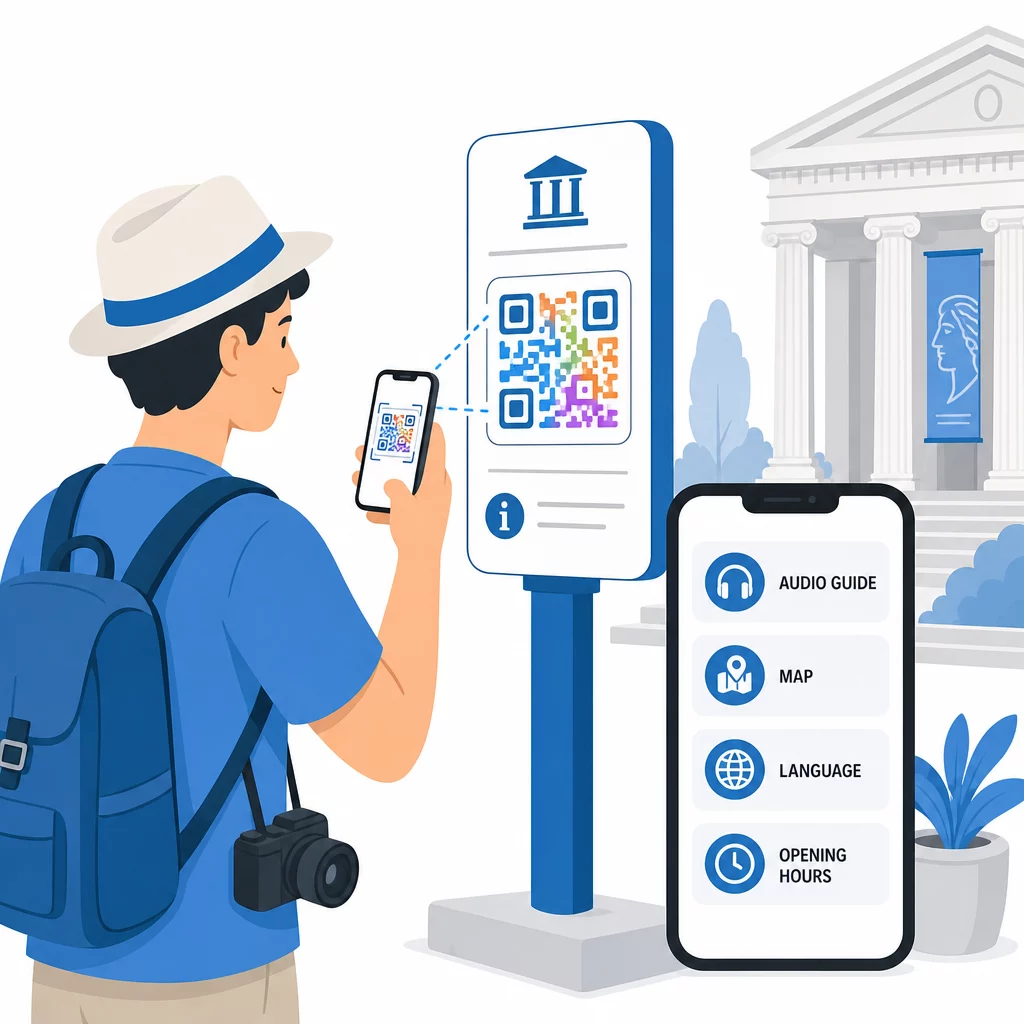
This approach also supports multilingual access. Rather than printing guides in multiple languages, a single QR code can link to a page that serves content based on the visitor’s device language settings – making destinations more accessible to international travelers without additional printing costs.
From a sustainability standpoint, QR codes reduce reliance on printed brochures and maps. Travelers get the information they need; destinations reduce paper waste. Our tourism industry page outlines how this plays out across maps, guides, and booking flows.
Boarding Passes, Tickets, and Event Entry
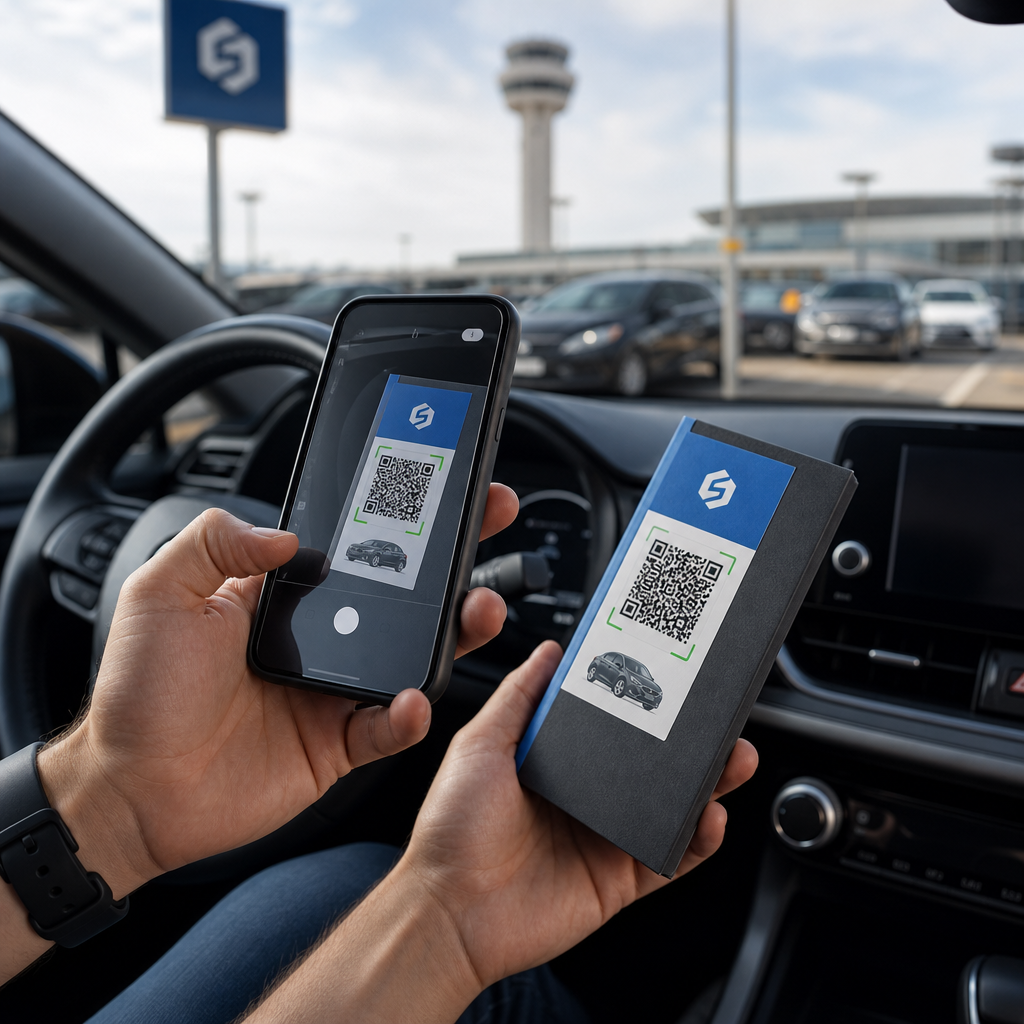
QR codes have become the standard format for digital boarding passes, event tickets, and attraction entry. A traveler saves a QR-coded boarding pass to their phone, presents it at the gate, and boards – no paper required.
The same logic extends across the travel experience: museum entry, concert tickets, tour confirmations, and transit passes all work on the same principle. A single scan verifies identity or reservation, logs the interaction, and grants access.
For airlines and airports, this has operational implications beyond convenience. Our airlines and airports overview explains how QR codes support baggage tracking under IATA Resolution 753, terminal wayfinding, and passenger flow management.
For hotels running events or managing group bookings, a PDF QR code can deliver confirmation documents, itineraries, and access credentials directly to guests’ devices. See how the PDF QR code generator supports this kind of document delivery.
Tracking Engagement Across All Touchpoints
One advantage that QR codes provide over printed materials is measurability. Every scan generates data: when it happened, where, on what device, and how often. For travel and hospitality operators, this turns physical touchpoints into a source of actionable insight.
You can learn which in-room QR codes guests actually use, which destination guides get the most attention, and which check-in instructions cause drop-off. Dynamic QR codes – where the destination URL can be updated after printing – combine this flexibility with built-in analytics, so you can iterate on content without replacing signage.
This is particularly useful for destination marketing organizations and hotel groups managing codes across multiple properties. A centralized dashboard lets you monitor performance across locations and identify where the guest experience needs improvement.
For more on how QR code engagement varies by industry and use case, see our QR code scanning trends breakdown.
Where to Go From Here
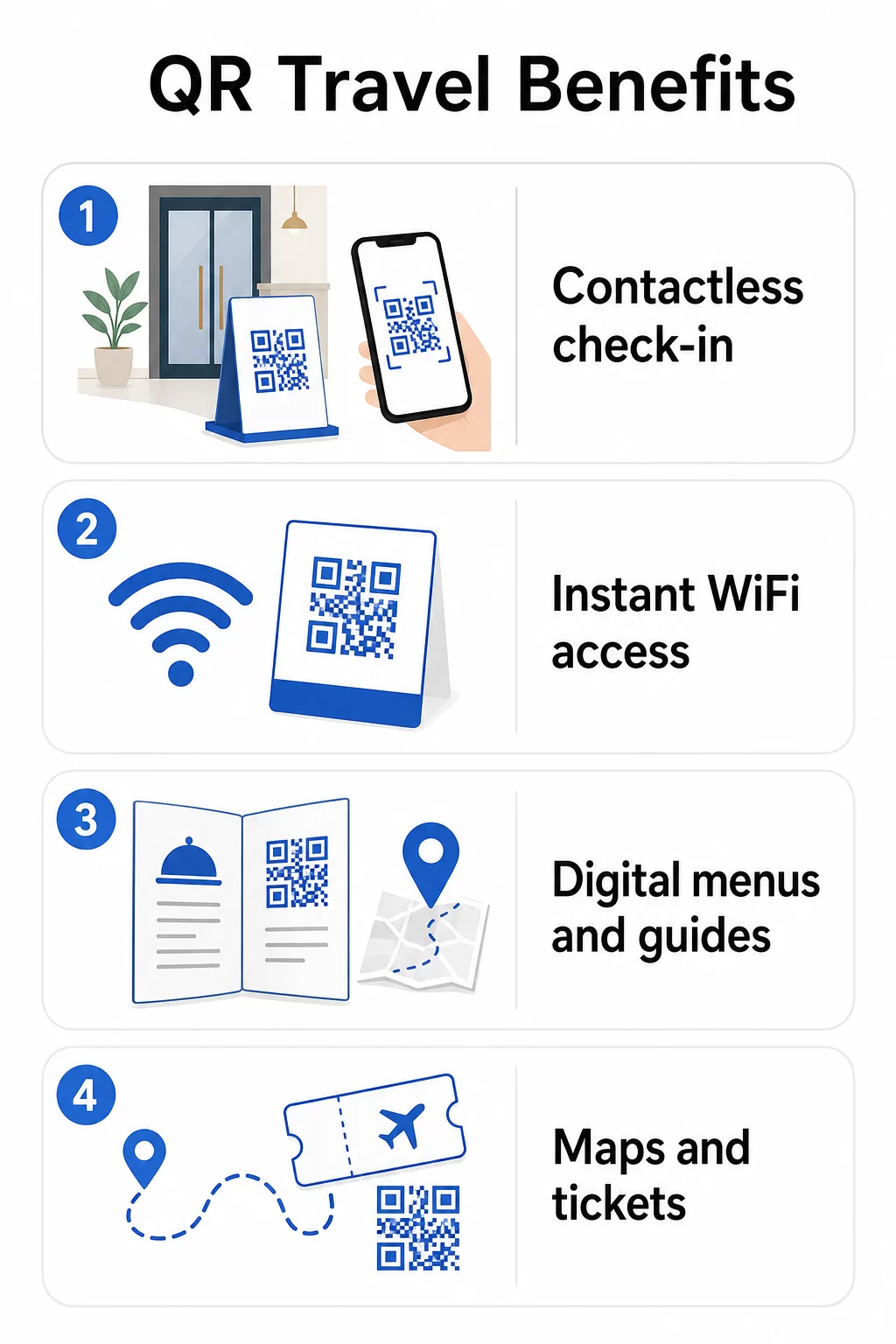
QR codes do not transform travel on their own – but they remove specific, well-documented friction points that frustrate guests and create operational overhead. Contactless check-in, instant WiFi access, digital menus, navigable maps, multilingual guides, and paperless tickets each address a real problem with a practical solution.
The key is placement and content. A QR code is only useful if it is where guests expect it and links to something genuinely helpful. Start with the highest-friction touchpoints in your guest journey – the check-in queue, the WiFi password request, the room service call – and replace them with a single scan.
Pageloot’s QR code solutions for hospitality cover the full range of use cases, from hotel rooms to tourism destinations, with tools for creating, customizing, and tracking codes across your property.
Start Improving Your Guest Experience Explore Pageloot’s hotel QR code tools to create dynamic, branded codes for check-in, menus, WiFi, and local guides – and track guest engagement from a single dashboard.
Frequently Asked Questions
The most practical types for hotels are WiFi QR codes (for instant network access), menu QR codes (for in-room dining and restaurant menus), PDF QR codes (for digital welcome packets, service guides, and local maps), and Google Maps QR codes (for directing guests to nearby attractions). Dynamic versions of each allow you to update the linked content without reprinting the physical code.
No. Modern smartphones – both iOS and Android – can scan QR codes directly through the built-in camera app. Guests simply point their camera at the code and tap the notification that appears. No separate app download is needed, which removes a common adoption barrier for older or less tech-savvy travelers.
A static QR code links to a fixed destination that cannot be changed after creation. A dynamic QR code lets you update the linked content at any time – even after the code is printed – and tracks scan data like location, device type, and time. For travel and hospitality, this means you can update room service menus, swap out seasonal guides, or change event details without replacing signage or reprinting materials.