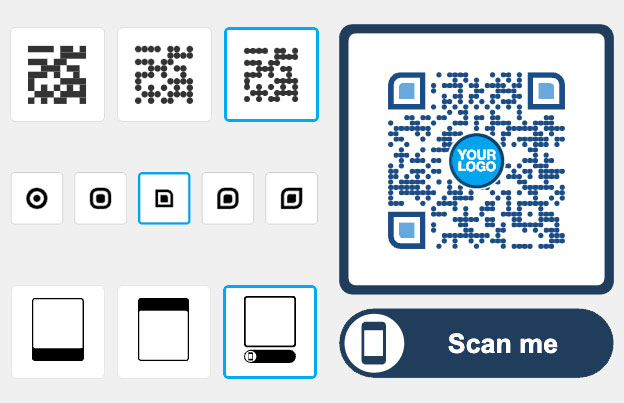
QR code for hotels
A hotel QR code is a printed or on-screen code that opens a page on the guest’s phone: the Wi-Fi connection, a room service menu, a spa price list, a local guide or your Google review page. Guests scan it with the phone camera. They don’t install an app.

Trusted by 190+ hotels in 23 countries


Where to use a QR code in a hotel
Put a code where a guest has a question or a wait. Each of these spots uses a code you can make with a Pageloot generator page.
Free PDF playbook
The QR code playbook for hotels
20 pages. Check-in, room information, room service, bookings and guest feedback, with examples you can copy.
We will email you the playbook and a few tips on using QR codes. You can unsubscribe at any time.

In the room
Put a Wi-Fi QR code on the desk or key card holder, so guests join your network without typing the password. Add a menu QR code for room service. A code does not open the room door; keep your key system as it is.

Lobby and front desk
Show a code on the front desk or a lobby screen that opens your local guide, shuttle times or event calendar. Guests read it on their own phone, and you update the page when something changes instead of reprinting posters.

Info cards
Replace the printed folder with a small card that links to a PDF with house rules, check-out time and breakfast hours. The guest always opens the latest version.

Spa, bar and restaurant menus
Put a menu QR code on spa treatment cards, the pool bar and restaurant tables. Guests browse prices on their phone, and you can change a price or a dish without printing again.
Take a look
at a real case
Our clients have seen a really positive impact
The customer experience has improved, resulting in increased loyalty and satisfaction. I recommend to try creating a few QR codes to see if it works for your clients.
We increased client sales by 20-30%
Sharing QR scan statistics to clients is quick and easy
We can edit QR codes without reprinting
Camila Guerrero
Designer, G Estudio
Which QR codes should a hotel use?
Most hotels need four types. Start with the one that answers the question your front desk hears most.
- Link
Send guests to your online booking page, an online check-in form, your loyalty program or a page about the spa. Use a link QR code. Your booking or check-in system stays the same. The code only opens the page.
- Google review
Ask guests for a review at the right moment, for example on the check-out card or the receipt. A Google review QR code opens your review form directly, so guests don’t search for your hotel first.
- Wi-Fi
Guests join your network by scanning, without typing a long password. Current iPhone and Android cameras support this. Use a Wi-Fi QR code and change the card when you change the password.
Share house rules, check-in and check-out instructions, a city map or the spa menu as a PDF QR code. Guests open it on their phone at any time, and a dynamic code lets you replace the file later.

For hotels, B&Bs and short-term rentals
"Pageloot QR codes let our guests check in, request room service, and explore amenities—all from their phones. It’s transformed our guest experience."
Clyde Bennett
Front Office Manager, Grandway Hotel
Static or dynamic QR code for a hotel?
A static code is enough for something that never changes, such as a Wi-Fi card with a fixed password. Static codes never expire and have no scan limit.
Choose a dynamic code for anything that changes: menus, local guides, offers, event pages and review links. With a dynamic code you change the destination in your Pageloot account and the printed code keeps working, so you don’t reprint cards. You also see scan stats (when, where and on what device), which shows which spot guests really use. You can try it with a free 14-day trial. Plans have a 30-day money-back guarantee. See plans and pricing.
 Digital menus

 Social media
 Lead generation
 More reviewsGuest check-insDigital menus
Benefits
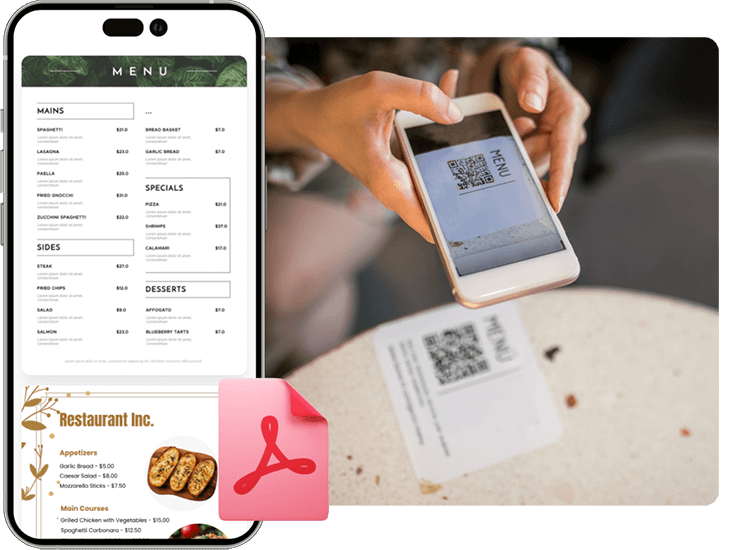
Share PDF flies
Create a QR code for easy access to digial menus or product manuals for restaurants, cafes, or any business. Visitors can scan to view items conveniently from their smartphone.
 Social media
Benefits
Social media growth
Grow your audience with QR codes and marketing for social media. Connect users to profiles with one scan.
 Lead generation
Benefits
Get more leads
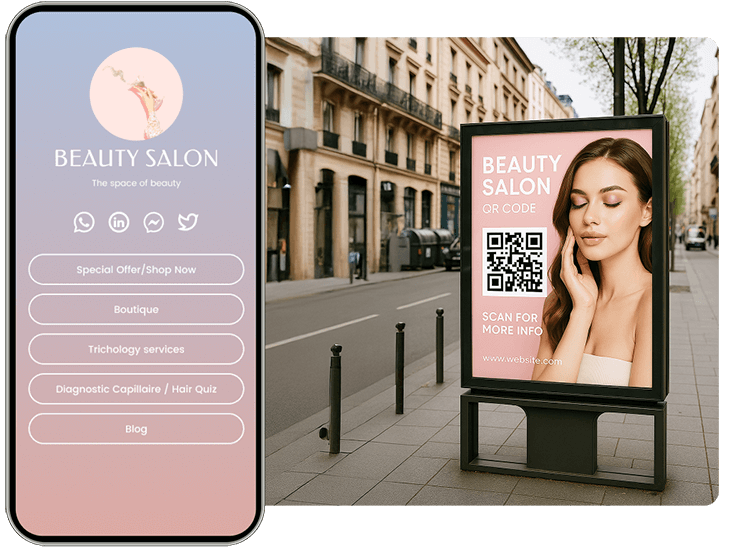
Collect customer emails and survey responses with a QR code marketing on forms. Help your clients grow their lists easily.
 More reviews
Benefits
Get more reviews
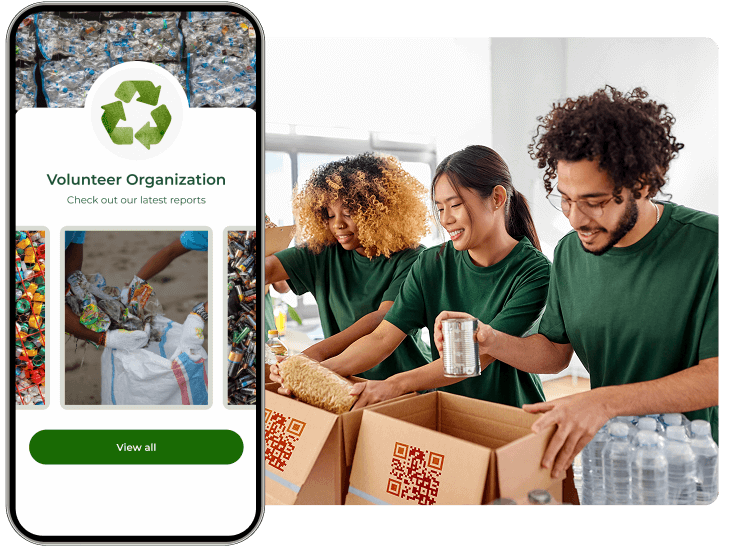
Boost your credibility with a marketing QR code for Google or Tripadvisor reviews. Encourage feedback to build trust.
 Guest check-ins
Benefits
Attendance tracking
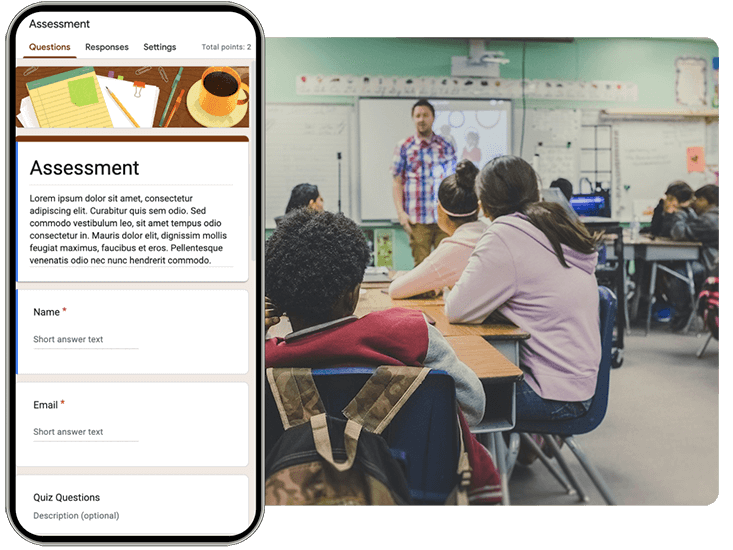
Track attendance instantly — let employees, guests, or students check in with a single scan, no app or hardware needed.
Hear from our hospitality clients
See how they are using Pageloot to turn QR codes into real growth.









Frequently asked questions

Choose what the code should open: a link, a menu, a PDF, your Google review page or your Wi-Fi. Open the matching generator page on Pageloot, enter the link or details, add your logo and colors, and download the code. Print it on a card, table tent or sign.
A QR code can send guests to your online check-in or pre-arrival form. Pageloot does not do the check-in itself. Your booking or hotel software handles that, and the code opens its link. Use a dynamic code if the link might change.
Put them where guests wait or have questions: the room desk, the key card holder, the front desk, the lobby, the pool bar, the spa and the restaurant. Add a short line next to each code, such as “Scan for the room service menu”.
Yes. A Wi-Fi QR code lets guests join your network by scanning it with the phone camera. They don’t type the password. Create a new code and replace the card whenever you change the network name or password.
Print it at least 2 x 2 cm (0.8 in) for cards held in the hand, and larger for signs seen from a distance. Use a dark code on a light background and keep a white border around it.
Check four things. The code needs enough contrast and size. The glossy cover or a screen reflection can block the camera. The link behind the code must still work. A logo or design that covers too much of the code can also stop it. Test with two phones before you print.
Not for a fixed Wi-Fi card. Yes for menus, local guides, offers and review links, because you can change the destination later without reprinting. Dynamic codes also show scan stats. They need a Pageloot account, and you can start with a free 14-day trial.
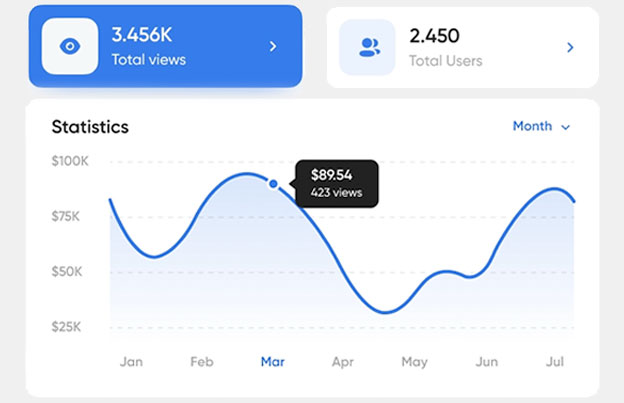
Yes, with a dynamic code. The Pageloot app shows when, where and on what device people scanned, so you can compare the room card with the lobby sign. Static codes do not have scan stats.
IP-27
Make every stay easier
Start with one code, such as Wi-Fi or the room service menu. Create it in a few minutes and put it where guests ask the most questions.