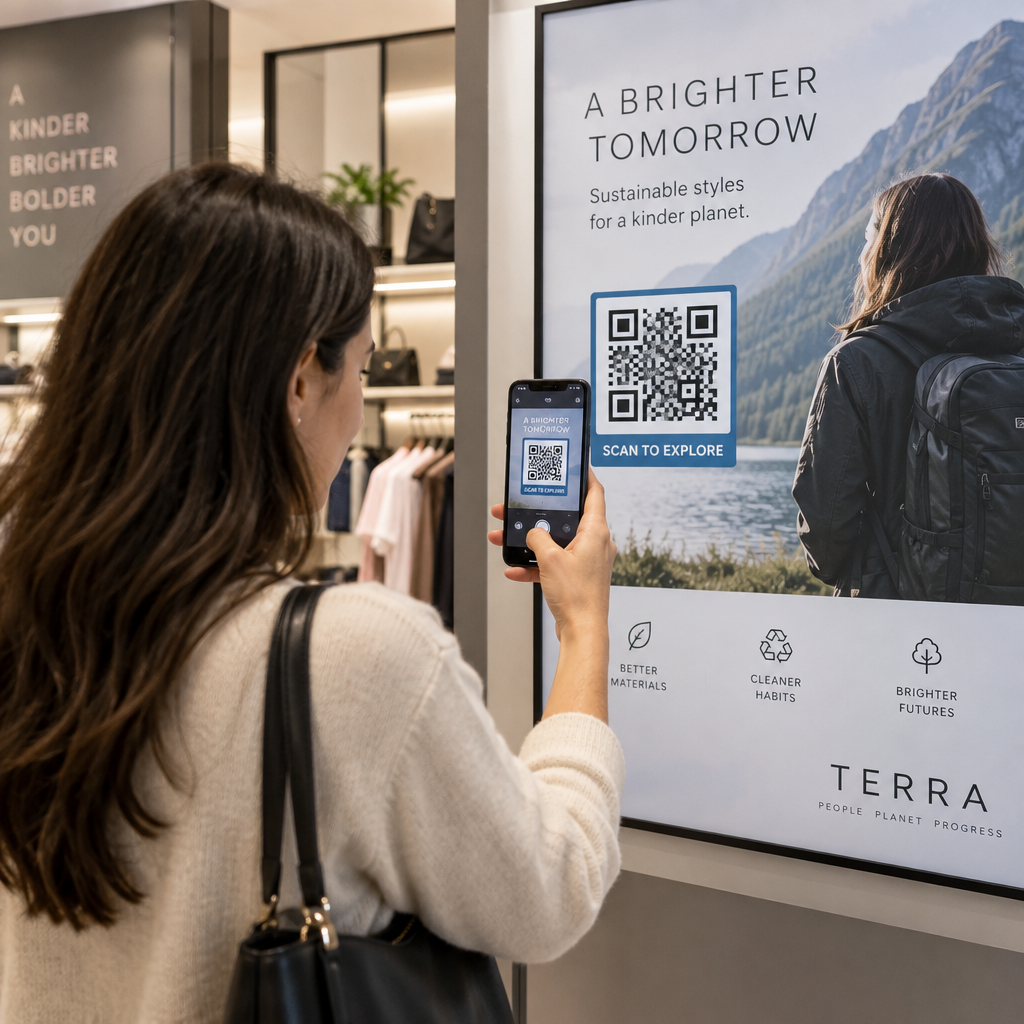
Are you struggling to get customers to engage with your Spotify playlists or podcasts through physical marketing materials? Manually typing long URLs is a significant barrier that often leads to lost engagement and frustrated users. You can bridge this gap by using scannable codes that instantly connect your audience to your audio content from any printed surface.
Understanding Spotify Codes and Standard QR Codes
While they serve a similar purpose, there is a distinct difference between “Spotify Codes” and standard QR codes. Spotify Codes are proprietary visual tags that look like a soundwave, consisting of vertical bars of varying heights. These are unique to the music platform and can only be scanned using the search tool within the Spotify app.
Standard QR codes use a universal 2D matrix that any smartphone camera or third-party scanning app can recognize. This makes them significantly more versatile for business use, as they do not require the user to have the Spotify app open beforehand. By using a link QR code generator, you can create a bridge that directs users to a song, album, or artist profile regardless of the scanning tool they prefer.
Because standard QR codes follow global QR code usability best practices, they offer better reliability across different environments. They provide a seamless way to share content on business cards, posters, and product packaging where accessibility is a priority.
How to Generate a Spotify QR Code
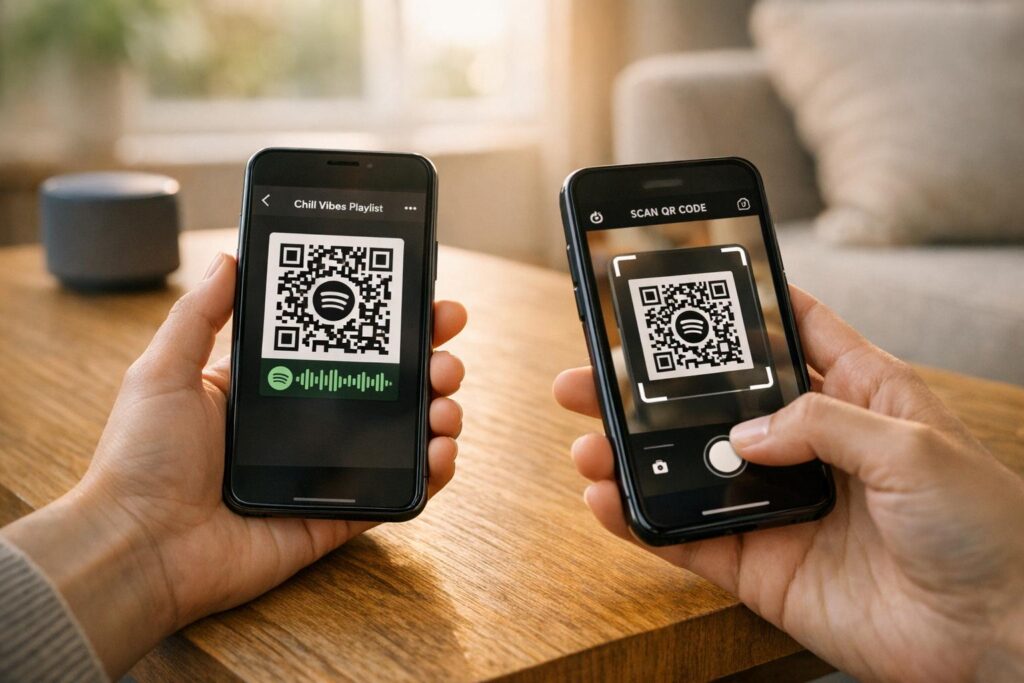
Creating a scannable entry point for your music or podcast is a straightforward process that begins within the Spotify interface. You first need to locate the specific content you wish to share, such as a playlist or a single track. By accessing the “Share” menu and selecting the option to copy the link or URI, you obtain the digital address necessary for the code.
Once you have the link, you can use a Spotify QR code generator to convert that URL into a visual symbol. This tool encodes the destination data into a square grid that scanners can interpret instantly. It is essential to test the generated image with your own device before finalizing any designs to ensure the redirection works exactly as intended.
When preparing your files for distribution, consider the final medium. For digital displays, a standard PNG file is often sufficient. However, for physical materials, downloading your code in vector formats like SVG or PDF ensures the image remains sharp and scannable at any scale.
Design and Customization for Better Engagement
A plain black-and-white grid often fails to catch the eye in a crowded marketing environment. Customizing your code with brand colors and logos can significantly increase scan rates by building trust and visual interest. Many businesses add a Spotify logo to the center of the code to signal clearly that the link leads to music or audio content.
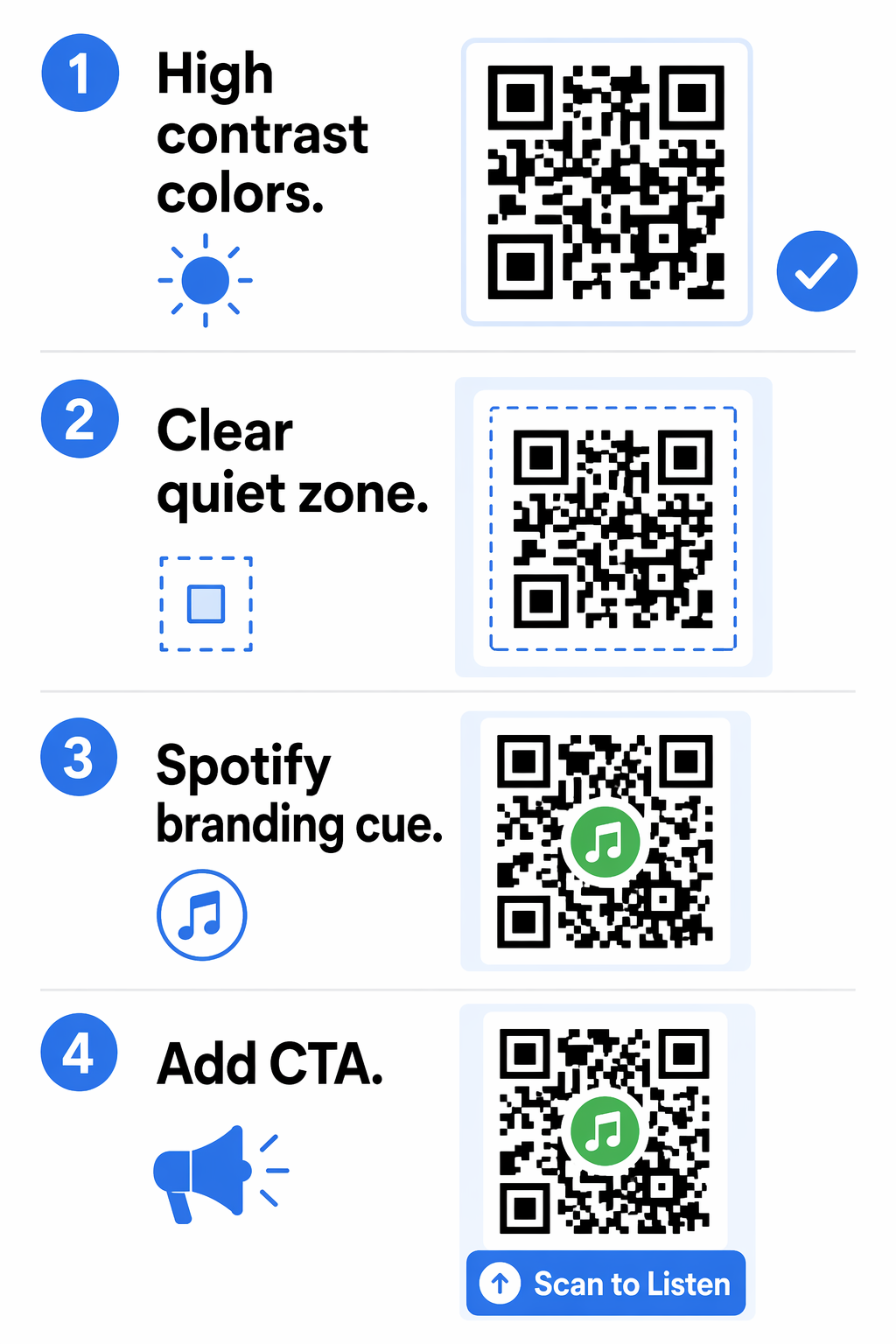
To maintain high performance, you must follow best practices for QR code readability. This includes maintaining a high contrast ratio between the foreground and background – ideally dark patterns on a light surface. You should also ensure a “quiet zone” or empty border exists around the code to help scanners distinguish the pattern from surrounding graphics.
Adding a clear call-to-action (CTA) frame can further guide users. Phrases like “Scan to Listen” or “Follow our Playlist” provide the necessary context that encourages interaction. Think of the design as a visual invitation rather than just a technical requirement.
Static vs. Dynamic Spotify QR Codes
When creating your codes, you must choose between static and dynamic formats. Static codes encode the destination URL directly into the pattern, meaning the link is permanent and cannot be changed once the code is generated. This is suitable for one-time links that will never need updating.
In contrast, dynamic codes utilize a short redirect URL, which allows you to change the destination content at any time without reprinting your materials. If you use a QR code generator to create dynamic links, you can update a seasonal playlist or a promotional track even after the codes have been distributed on hundreds of posters.
Beyond flexibility, dynamic codes provide valuable analytics. You can track real-time data such as scan counts, geographic locations, and the types of devices used by your audience. This insight allows marketers to measure the success of their campaigns and adjust their strategies based on actual user behavior.
Monitor Your Campaign in Real-Time Want to see exactly where and when your customers are scanning your materials? Use the Dynamic QR Code Generator to create trackable codes and access a full performance dashboard today.
Practical Applications for Businesses
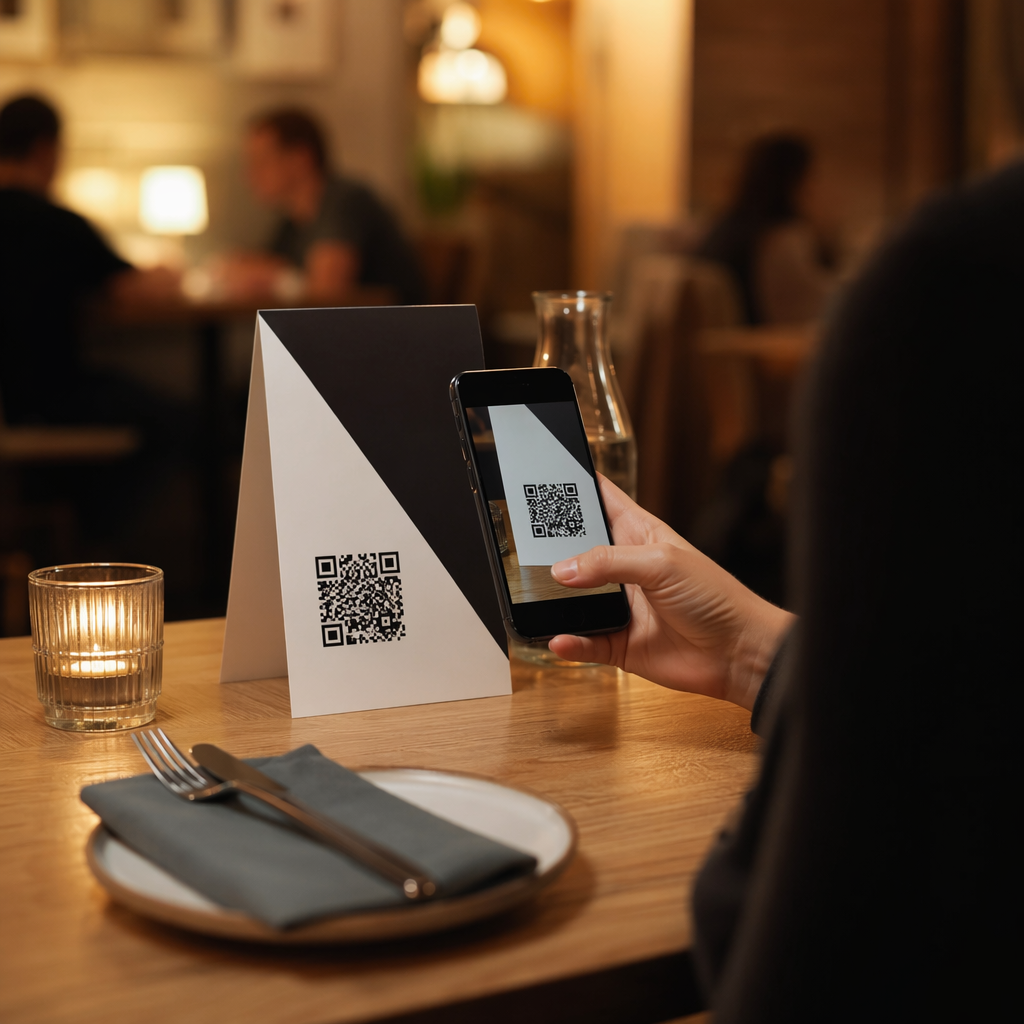
Integrating audio content into physical touchpoints creates a multi-sensory experience for your customers. In a retail or hospitality setting, placing codes on table tents or menus allows guests to follow a curated brand playlist, extending the atmosphere of the establishment into their personal devices.
Event organizers frequently use QR codes on posters to promote artists or provide links to event-specific podcasts. This eliminates the need for attendees to search manually for performers, providing instant gratification. For physical products, printing a code on a beverage can or clothing tag can turn a static item into an interactive portal for exclusive audio content.
When implementing these codes in the real world, remember that size matters. Following the guidelines for QR code sizing for different print materials ensures that a code on a distant poster is just as scannable as one on a business card. Testing your designs in various lighting conditions and distances will help guarantee a smooth experience for every user.
Frequently Asked Questions
Standard QR codes can be scanned with any smartphone camera or scanning app. However, proprietary Spotify “soundwave” codes can only be scanned through the search function within the Spotify app itself.
You can only change the destination if you use a dynamic QR code. Static codes are permanent, but dynamic codes allow you to update the link through an online dashboard without changing the printed image.
Common issues include low color contrast, missing quiet zones, or the code being printed too small for the scanning distance. Ensure you use dark colors on a light background and maintain a clear border around the code.